 GeceStudio


Blender LOD System
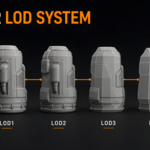
Create optimized Level of Detail (LOD) setups directly inside Blender, quickly and automatically, without wasting time on repetitive manual work.
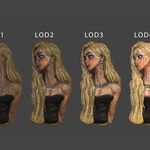
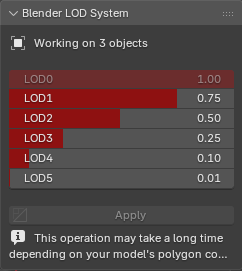
Blender LOD System is a production-ready LOD generation and management tool designed to simplify scene optimization. Select a mesh, define the reduction ratios for six detail levels, and click Apply. The add-on automatically generates, organizes, and connects the complete LOD system.
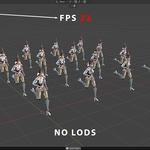
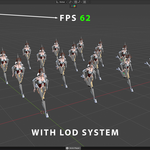
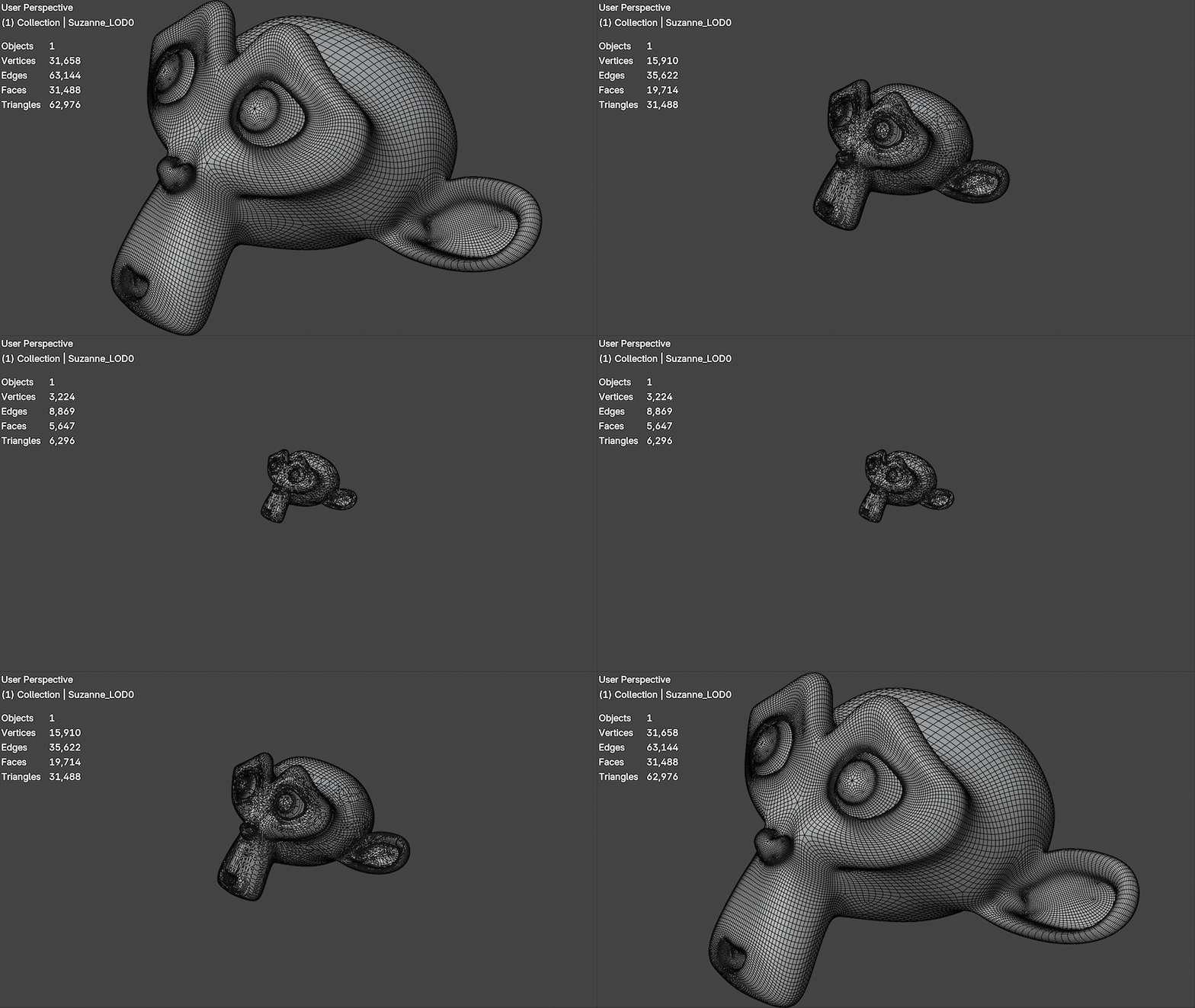
Once the setup is complete, the system monitors the 3D viewport position and dynamically selects the appropriate detail level based on the object’s distance. Nearby objects retain their full detail, while distant objects use progressively optimized geometry.
Key Features
-
Automatically generates six levels:
LOD0throughLOD5 - Customizable polygon reduction ratio for each LOD level
- Non-destructive workflow for the original selected object
- Automatically applies Decimate processing to generated levels
- Automatically creates consistent object and mesh names
- Organizes generated LOD objects inside a dedicated collection
- Automatically configures all required Geometry Nodes connections
- Distance-based LOD switching in the Blender viewport
- Built-in hysteresis system to prevent rapid switching near distance thresholds
- Automatically tracks the active 3D viewport position
- No camera assignment or Target Empty required
- Displays the number of objects currently managed by the system
- Supports multiple independent LOD-enabled objects in the same scene
- Clean and simple interface with a one-click Apply workflow
Simple Workflow
- Select a mesh object.
- Adjust the six LOD ratios.
- Click the Apply button.
- The complete LOD hierarchy and Geometry Nodes setup are generated automatically.
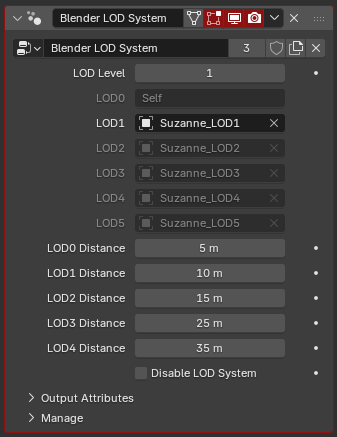
- You don't have to use the automatic LOD generation panel. If you prefer, you can create your own LODs manually. All you need to do is add the Geometry Nodes modifier. The add-on automatically detects it and configures the distance settings for you.
Blender LOD System automatically handles object duplication, mesh reduction, naming, organization, visibility settings, parenting, and node configuration. This allows you to focus on building your scene instead of dealing with technical setup.
Ideal For
- Game-ready asset preparation
- Large environment scenes
- Real-time projects
- Complex scenes containing many high-poly objects
- Artists who need a fast and consistent LOD production workflow
Spend less time creating LODs manually and keep demanding Blender scenes easier to manage. Blender LOD System makes LOD generation and management fast, consistent, and automatic.
Limitations
When another object is defined inside Geometry Nodes using an Object Info node, the geometry is regenerated every time the referenced object moves, even if the node is not connected. This is a limitation of Geometry Nodes. As a result, you may experience brief stutters when transitioning between LODs.
To test this limitation, add a Geometry Nodes modifier to a very high-poly object (for example, a 1-million-triangle mesh). Then, use an Object Info node to import a Plane object. Now, whenever you move the Plane object, you will experience a delay in the scene. Whether or not the node is connected does not matter.
Every movement made to an object referenced in the Geometry Nodes tree is processed every frame. This causes the high-poly geometry to be regenerated on every frame.