Real Windows & Doors — Parametric Windows for Blender
 francesac.design
Install
- Download real_windows-1.2.0.zip (do not unzip it).
- In Blender 4.5 LTS or newer: Edit › Preferences › Add-ons › the arrow at the top right › Install from Disk, then pick the .zip.
- The panel is in the 3D Viewport › N sidebar › «Windows».
First window
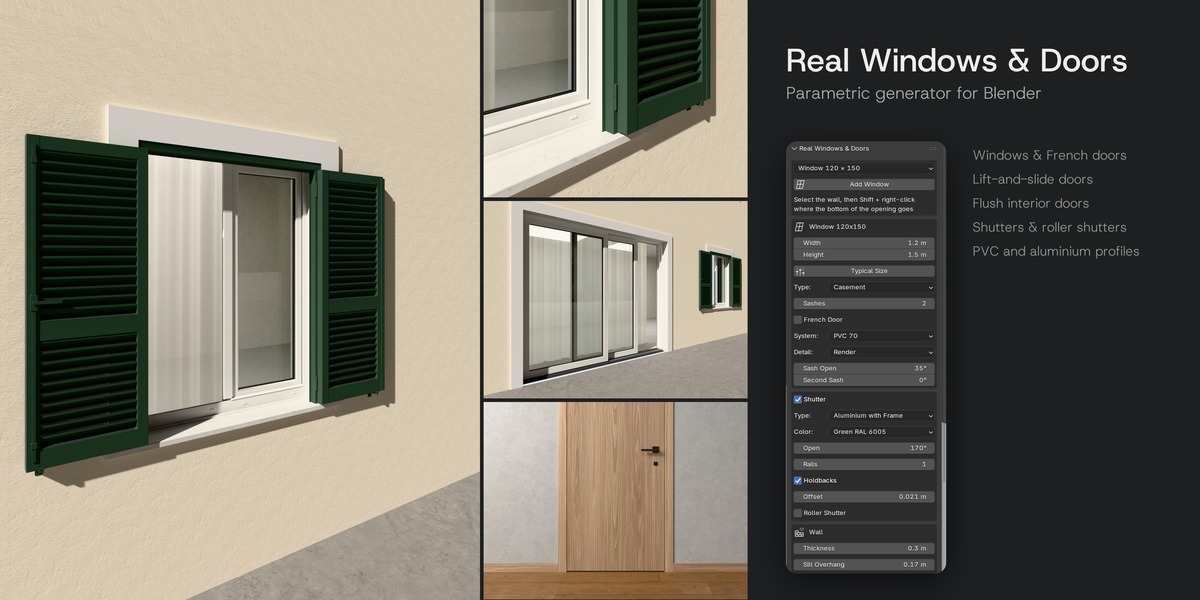
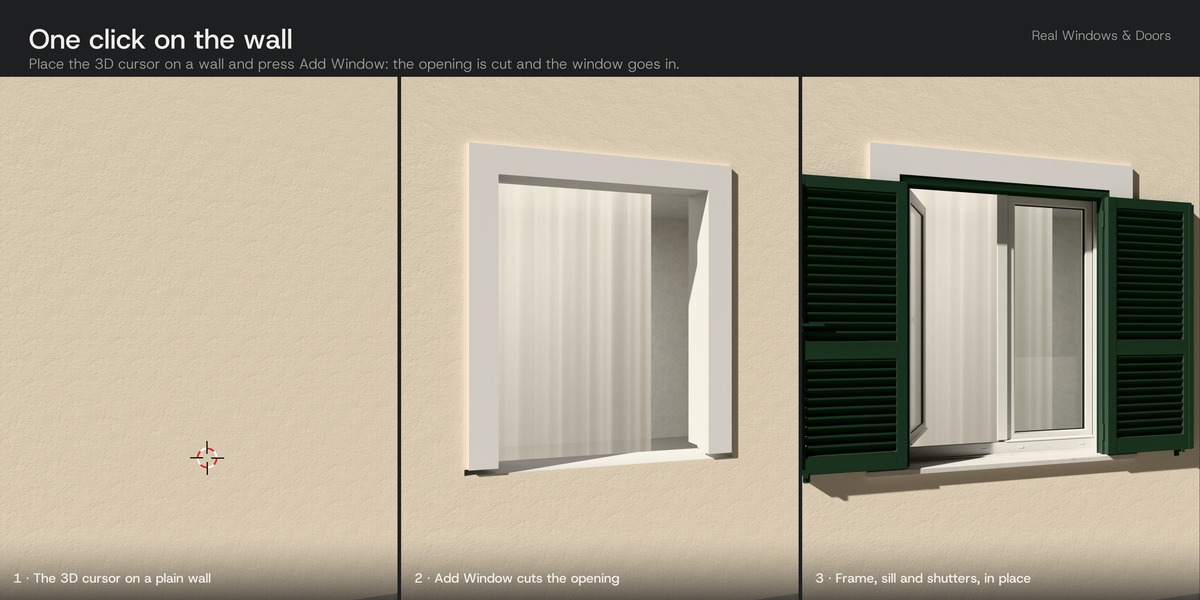
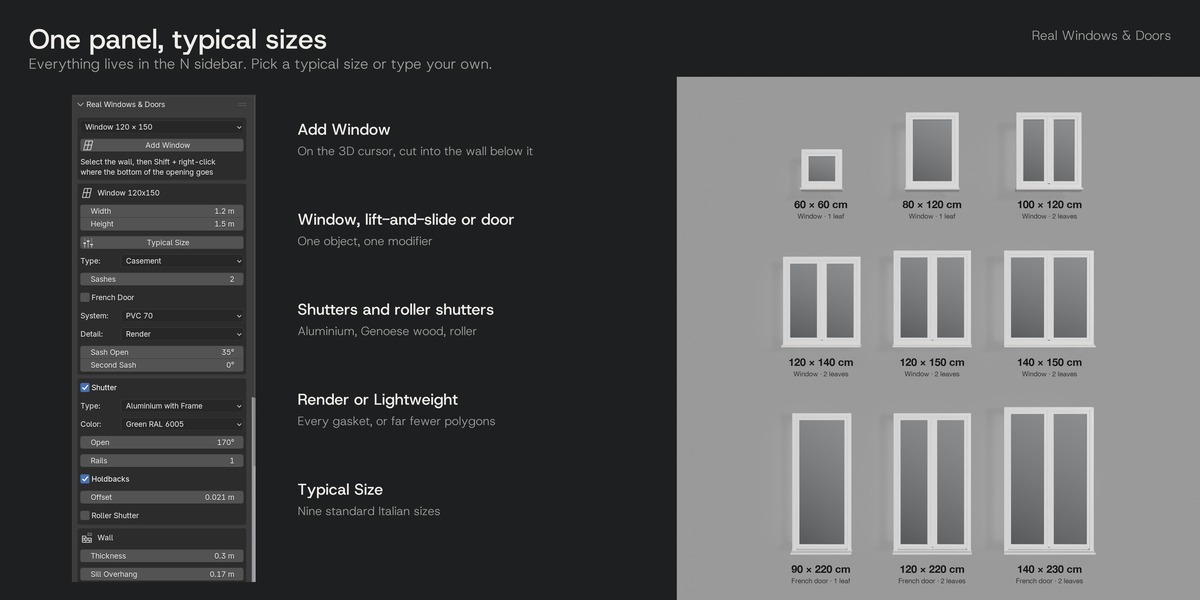
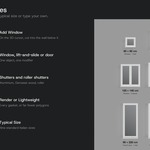
- Select a wall (any mesh with thickness), pick a type and a size in the panel, then click on the wall: the opening is cut for you.
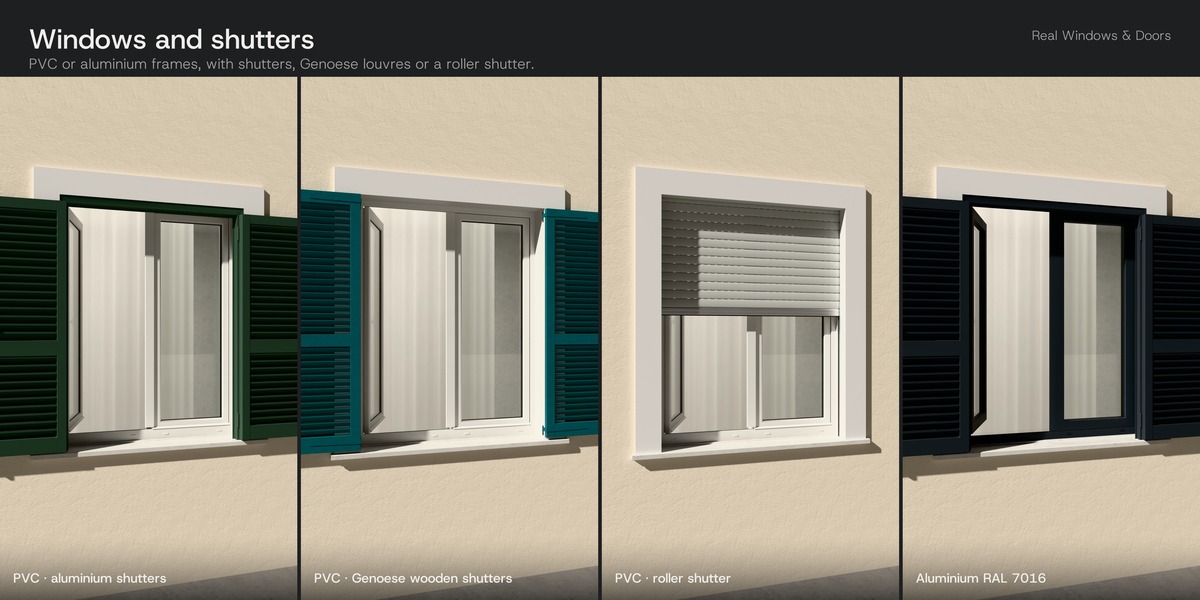
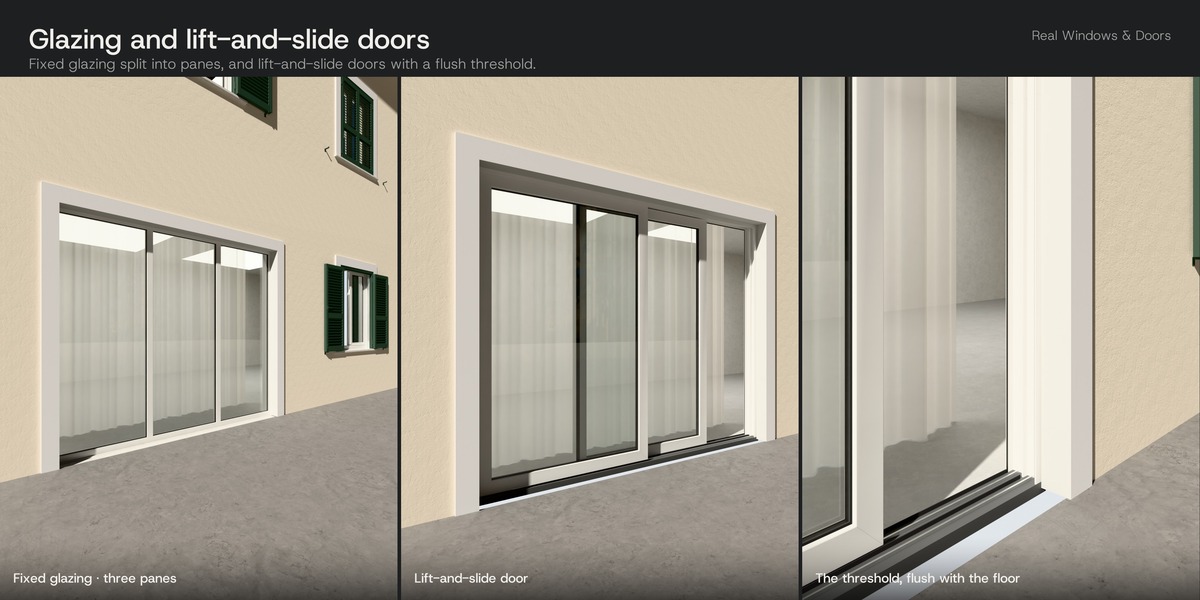
- Change size, type, shutters and how far each sash is open at any time from the same panel.
- Make Real for Export turns the windows into plain meshes for FBX, glTF, OBJ or a game engine.
The full illustrated user guide (13 pages, PDF) is included in the downloads, together with a video tutorial.
Updates
Install the new zip the same way: it takes the place of the old one.
Have questions about this product?
Login to message
| Blender Extension Compatible | Yes |
| Published | 2 days ago |
| Blender Version | 4.5 - 5.1 |
| Extension Type | Add-on |
| Render Engine Used | Cycles |
| License | GPL |
Discover more products like this
parametric Interior ArchViz architecture geometry nodes building windows shutters facade doors