 EZACT
EZACT 


RealCity: Procedural Building Generator - Complete Documentation
Introduction
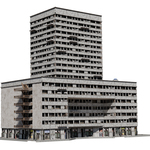
RealCity: Procedural Building Generator is a powerful Blender add-on designed to streamline the creation of highly detailed, customizable architectural structures. Whether you're designing urban environments, historical districts, or modern skylines, RealCity combines flexibility with performance optimization to enhance your workflow.
New Update
More room for art direction. Less time rebuilding. Explore architectural looks, work with an optimization-focused setup, and bring your own modular kit into your procedural city-building workflow.
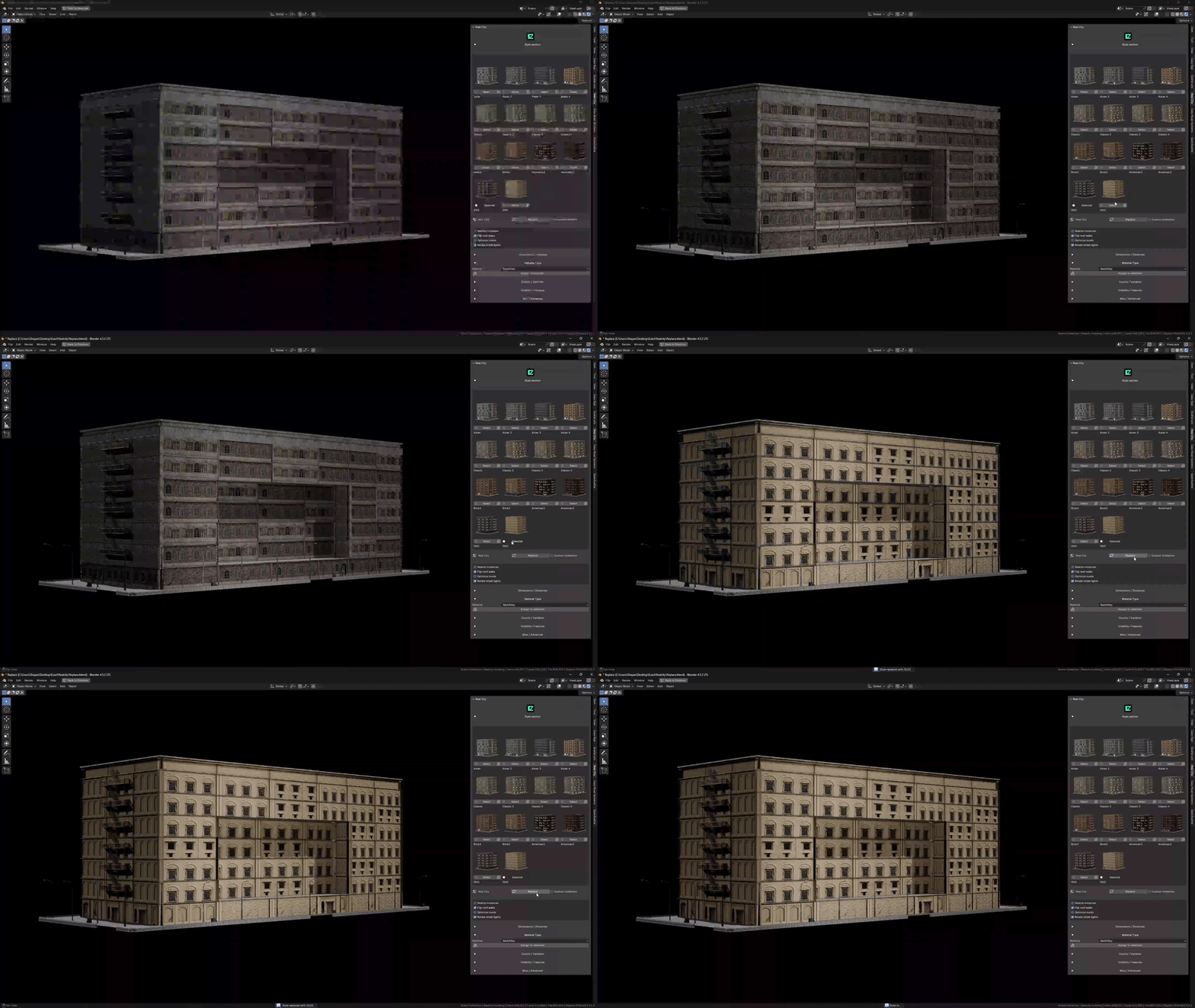
01 / Replace - New Look, Same Building
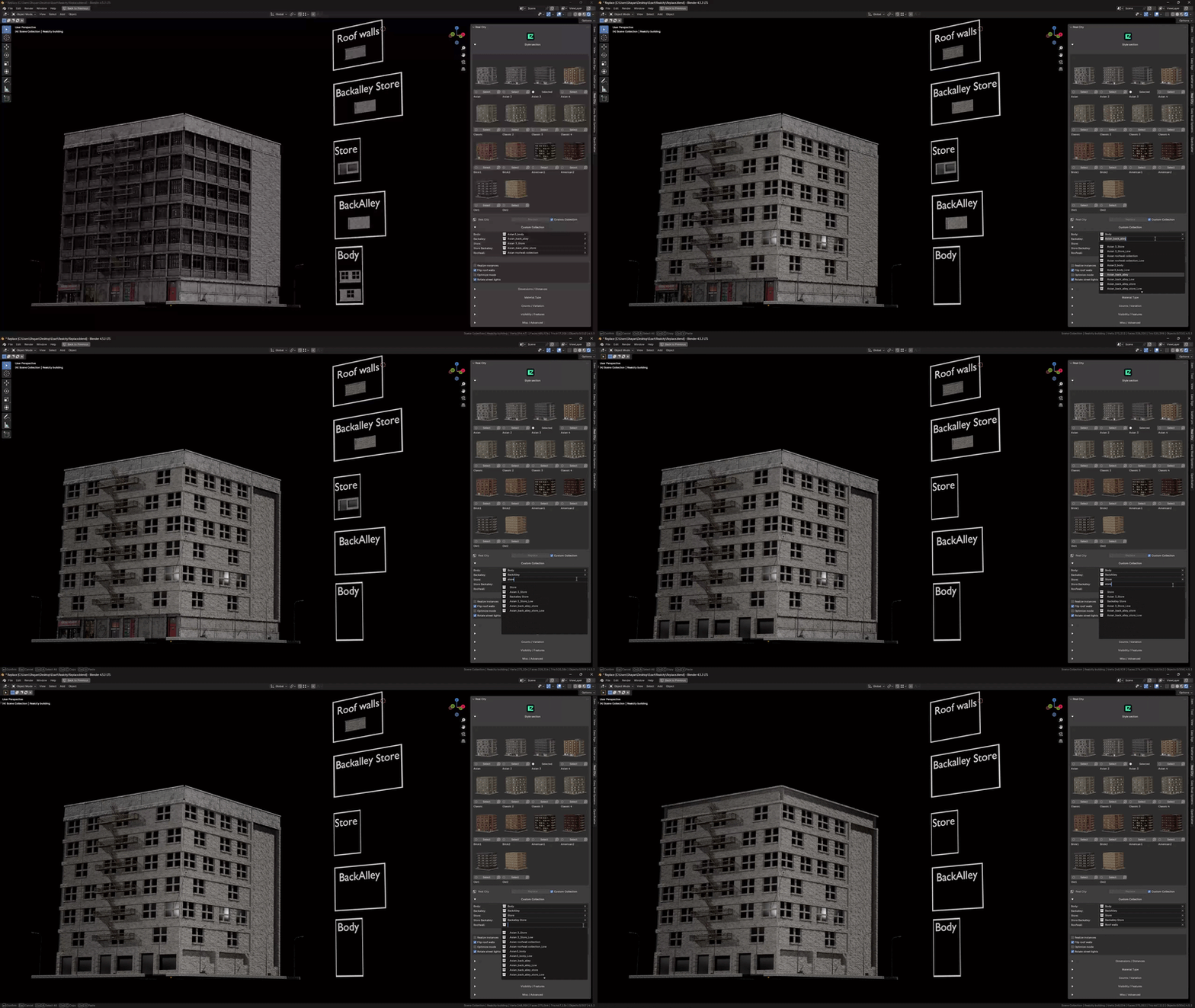
Dial in the architectural language of your shot without starting another building from scratch. Replace applies the selected style to your active RealCity building, updating its preset asset collections, style-specific settings, and material assignments on the existing object. Audition different facade treatments in context and find the look that fits your environment's mood.
Try it: Select a generated RealCity building, choose a style from the thumbnails, then click Replace. The button takes the place of Generate when a RealCity building is active. Custom Collection must be off; in custom mode, collection changes update live instead.
02 / Optimize Mode - A Working Mode for Scene Building
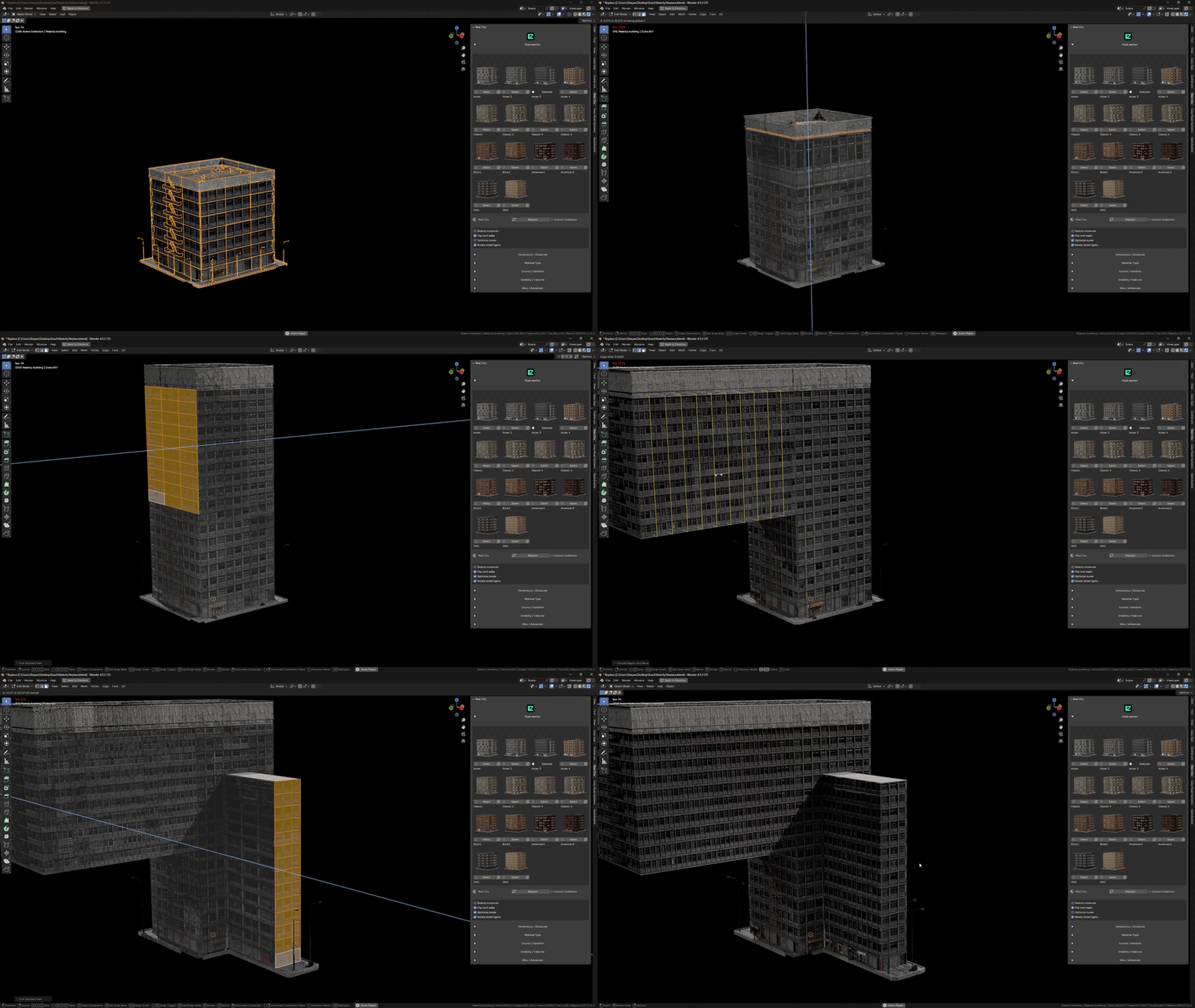
Keep layout and composition at the center of your workflow. Optimize mode gives you a dedicated optimization toggle in the procedural setup, so you can evaluate your city block while placing buildings, framing cameras, and refining your set dressing. It updates the Geometry Nodes setup and refreshes preset collection assignments, selecting _Low collection variants for supported building components rather than treating every asset as a blanket decimation pass.
Try it: With a RealCity building active, toggle Optimize mode in the panel and compare the result in your shot. Switch it off to review the standard setup before your final render. The visual and performance impact depends on the assets and node setup; this is a manual workflow control, not automatic camera-distance LOD.
03 / Custom Collection - Your Modular Kit, Your Visual Identity
Take your city beyond the built-in presets. Feed your own asset collections into the building generator and art-direct a kitbashed streetscape with your project's visual identity. Assign modular pieces to Body, Backalley, Store, Store Backalley, and Roofwall to shape the facade, street-level storefronts, rear elevations, and roofline with your own kit.
Try it: Enable Custom Collection and expand its section. For a new building, assign all five collections to unlock Generate. On an active RealCity building, changing a collection updates its Geometry Nodes inputs live, so you can iterate on your modular combinations without clicking Replace.
Kit-prep tip: Check your modules' scale, origins, and orientation against a working RealCity kit before building out the full set.
1. Installation Guide
To install RealCity:
-
Download the add-on file from Blender Market.
-
Open Blender and navigate to:
Edit → Preferences → Add-ons. -
Click "Install..." and select the downloaded
RealCity_Addon.zipfile. -
Enable the add-on by checking the box next to:
3D View: RealCity - Procedural Building Generator. -
The RealCity tab will appear in the 3D Viewport's N-panel (press
Nto toggle).
2. Quick Start Workflow
Step-by-Step Usage
-
Open the RealCity Panel:
-
Press
Nin the 3D Viewport → Navigate to the RealCity tab.
-
-
Select a Style:
-
Choose from 5 architectural styles (Asian, Old, Classic, American, Brick) using thumbnail previews.
-
-
Generate a Building:
-
Click "Generate" to create a base structure with pre-applied modifiers and materials.
-
-
Customize:
-
Adjust parameters (e.g., facade details, lighting, props) in real-time within the UI panel.
-
-
Export:
-
Bake textures and export to formats like FBX or glTF for external use.
-
3. Architectural Styles
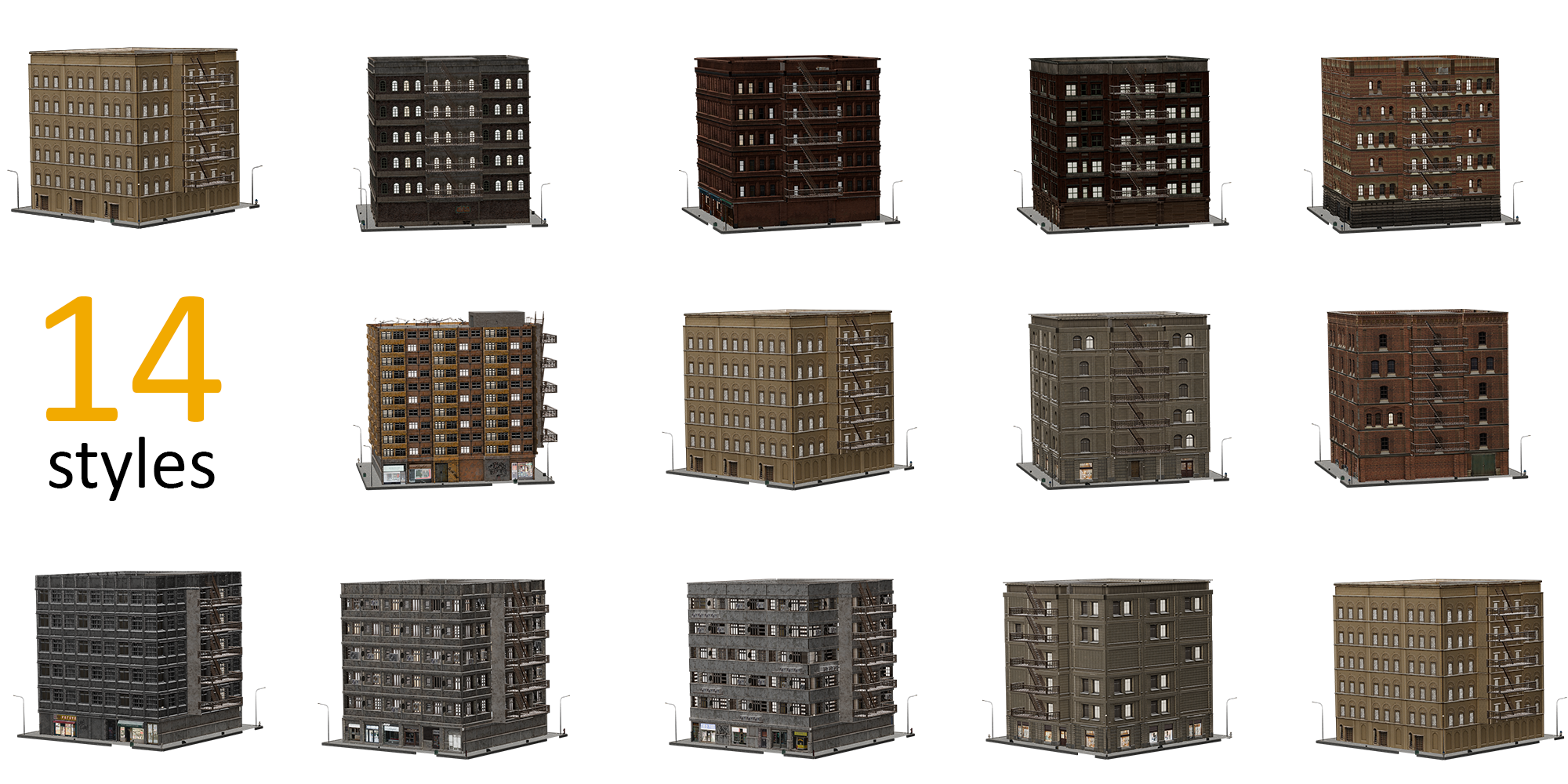
RealCity includes five meticulously designed styles:
-
Asian Style: Curved roofs, intricate details.
-
Old Style: Weathered surfaces, historical charm.
-
Classic Style: Symmetrical facades, elegant proportions.
-
American Style: Glass skyscrapers, modern aesthetics.
-
Brick Style: Industrial textures, urban durability.
4. Key Features
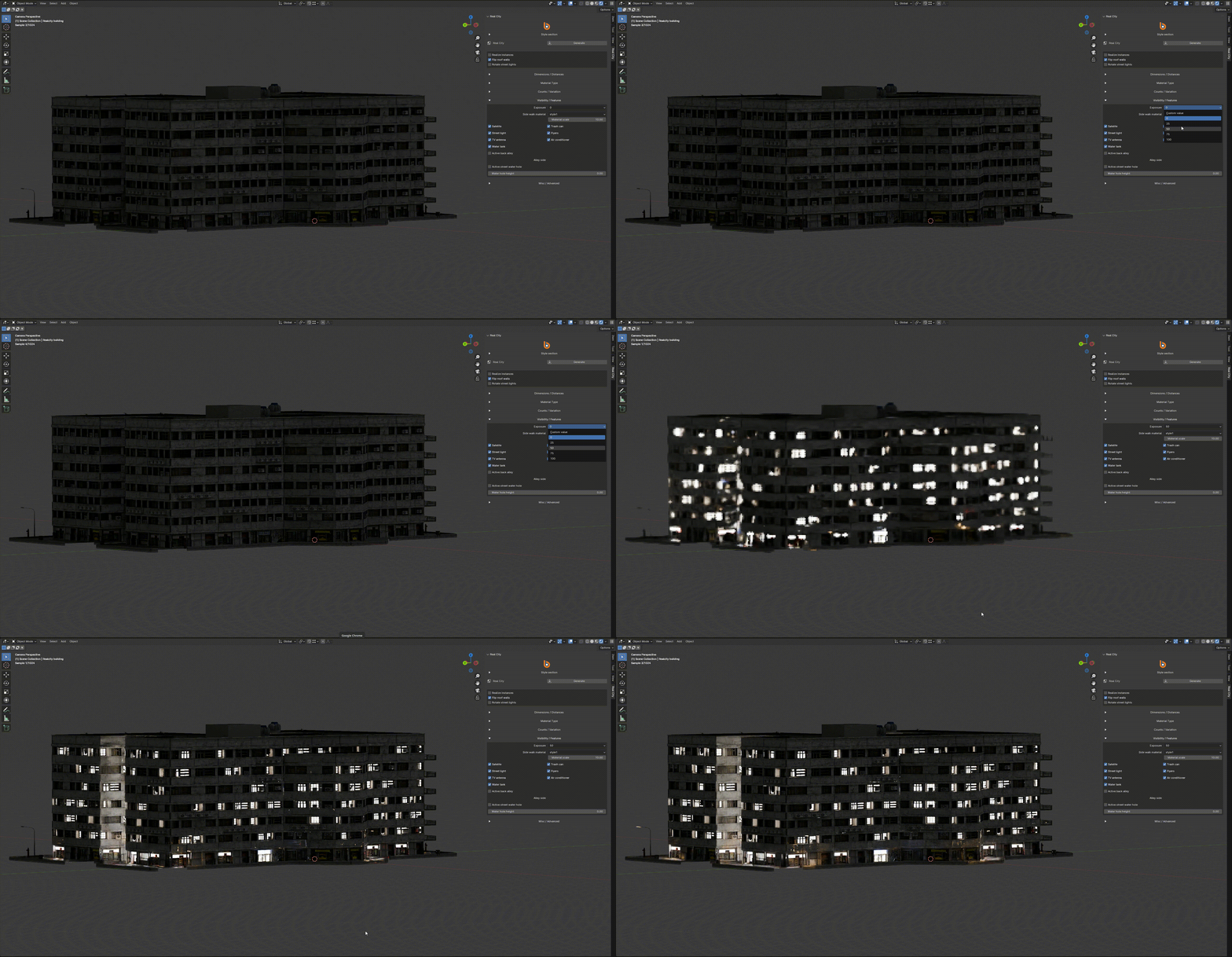
Night Mode
Adjust lighting for nighttime scenes:
-
Predefined intensity levels (25%, 50%, 75%, 100%).
-
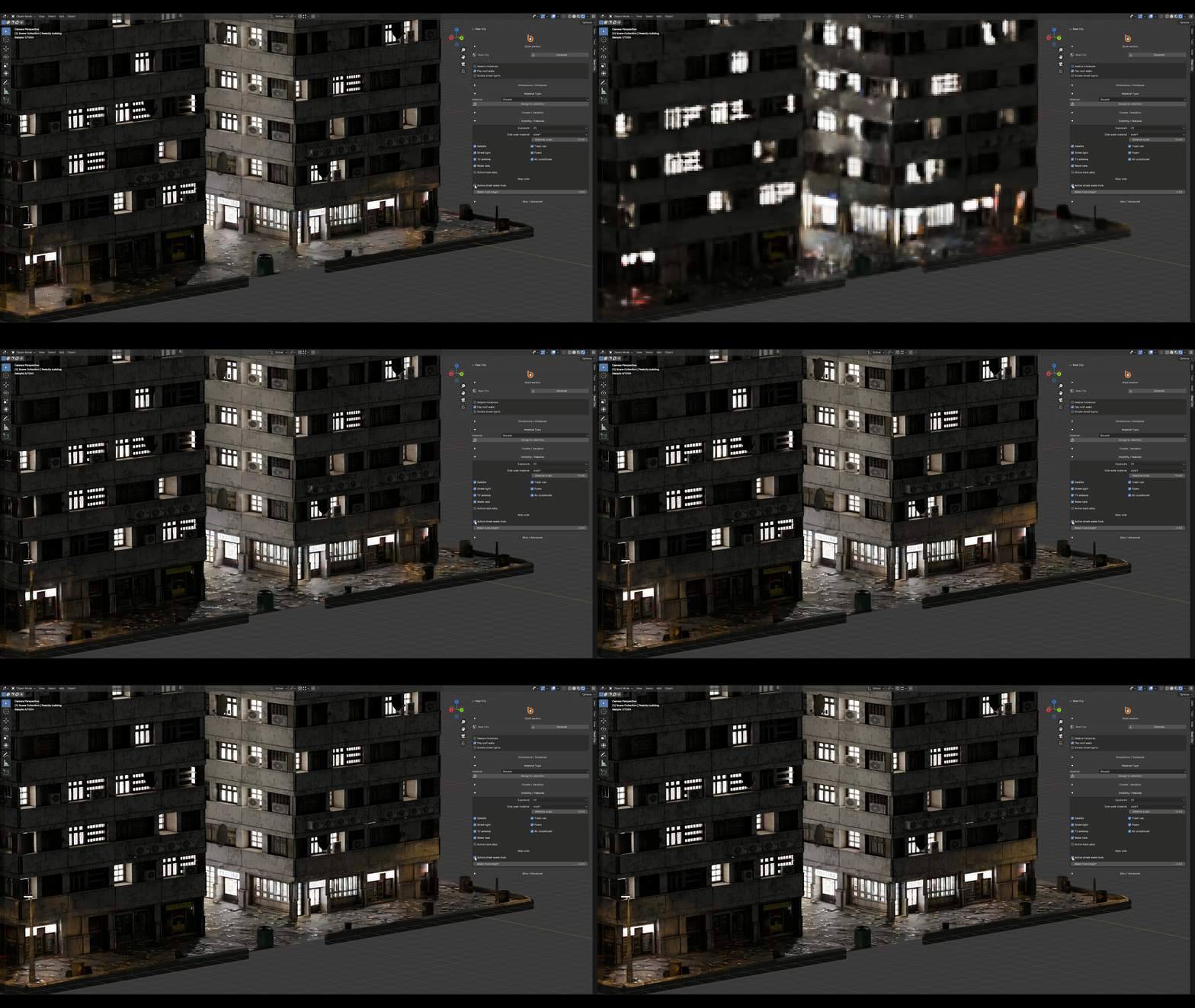
Sidewalk & Environment Controls
-
Water puddles: Adjust size and distribution.
-
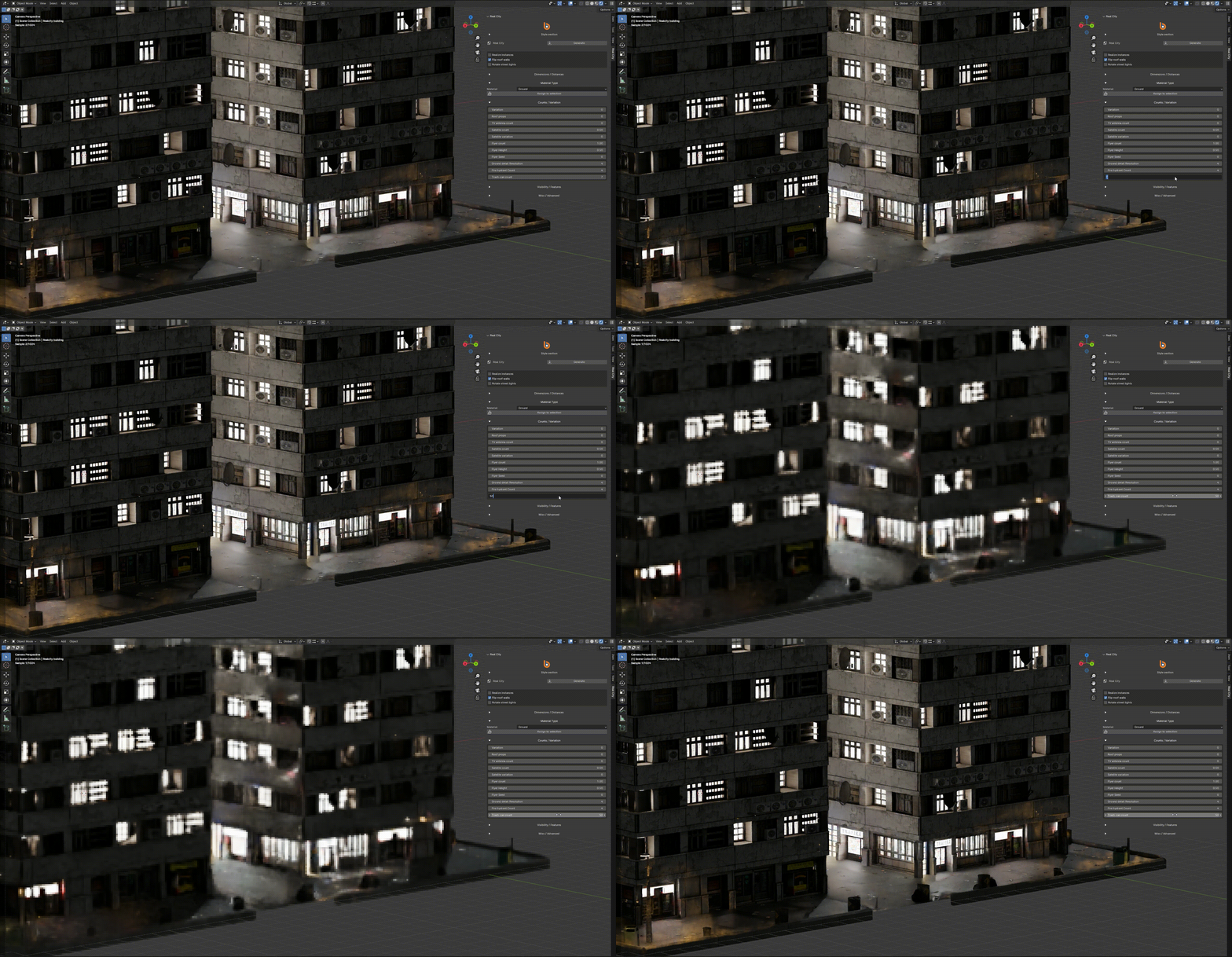
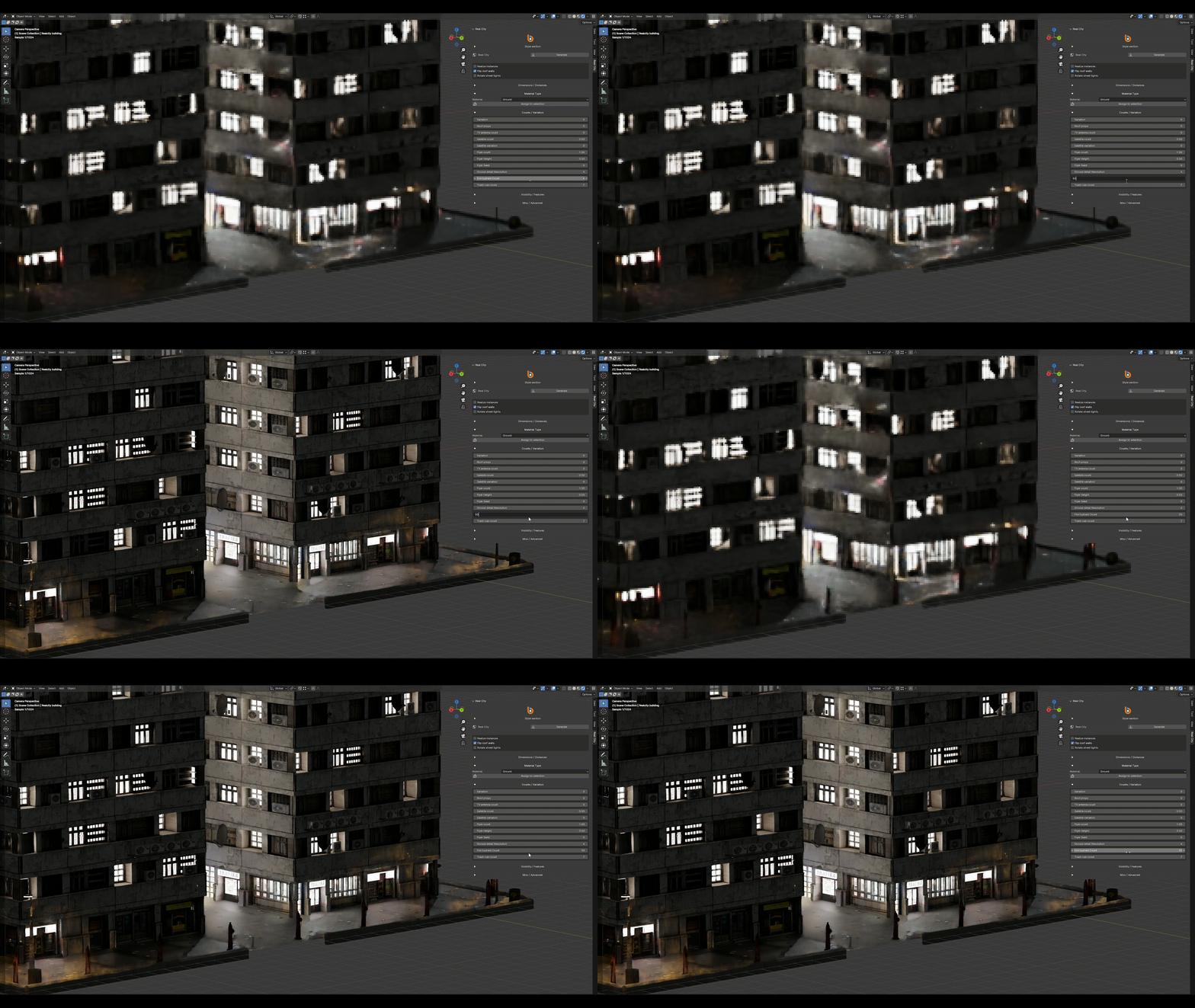
Street props: Trash cans, fire hydrants, and lamps with placement controls.
-
Flyers and debris: Scatter promotional flyers with randomization options.

Roof Customization
-
Props: Add antennas, satellites, and ventilation units.
-
Material scaling: Adjust texture resolution for performance.
Shop and Alley Configuration
-
Back alley mode: Replace shop fronts with blank walls along X or Y axes.

5. Performance Optimization
RealCity is engineered for minimal VRAM/CPU overhead:
-
Smart Asset Loading: Only loads data for the selected style, reducing memory footprint.
-
Automatic Instancing: Reuses elements (e.g., windows, props) to cut memory usage by up to 70%.
-
Efficient Geometry: Optimized meshes without sacrificing detail.
-
Texture Handling: Compressed textures and on-demand loading prevent VRAM bloat.
Optimization Tips
-
Use Blender's Simplify settings to cap texture resolution.
-
Purge unused data regularly during workflow.
-
Render in passes for complex scenes to optimize resource usage.
Checkout other products made by this add-on: