 PIP Lab
What it is
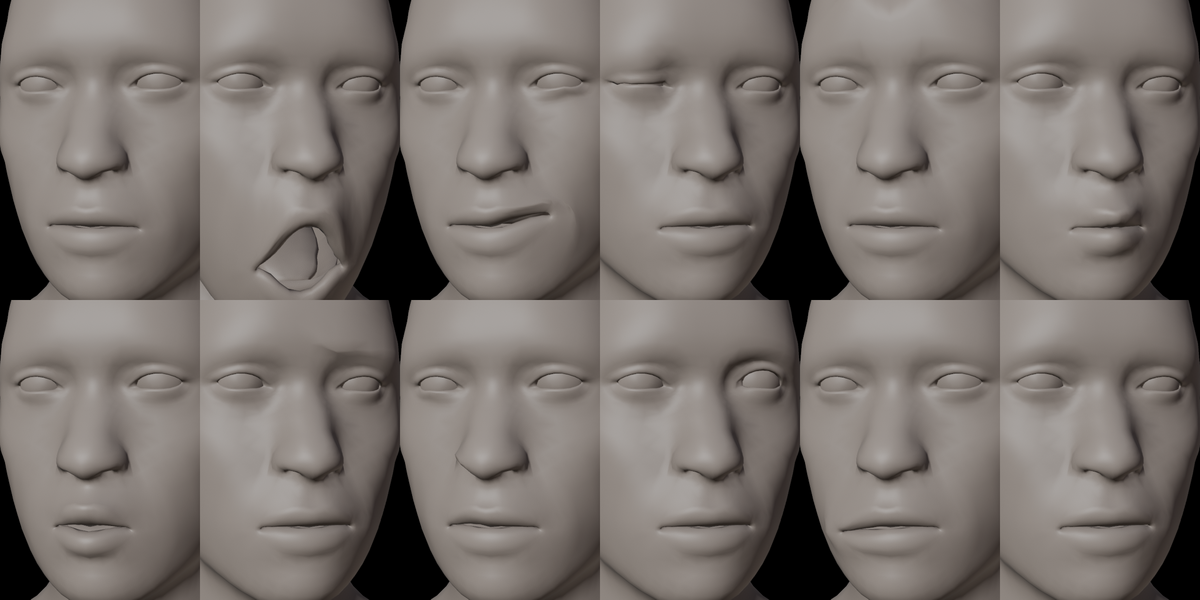
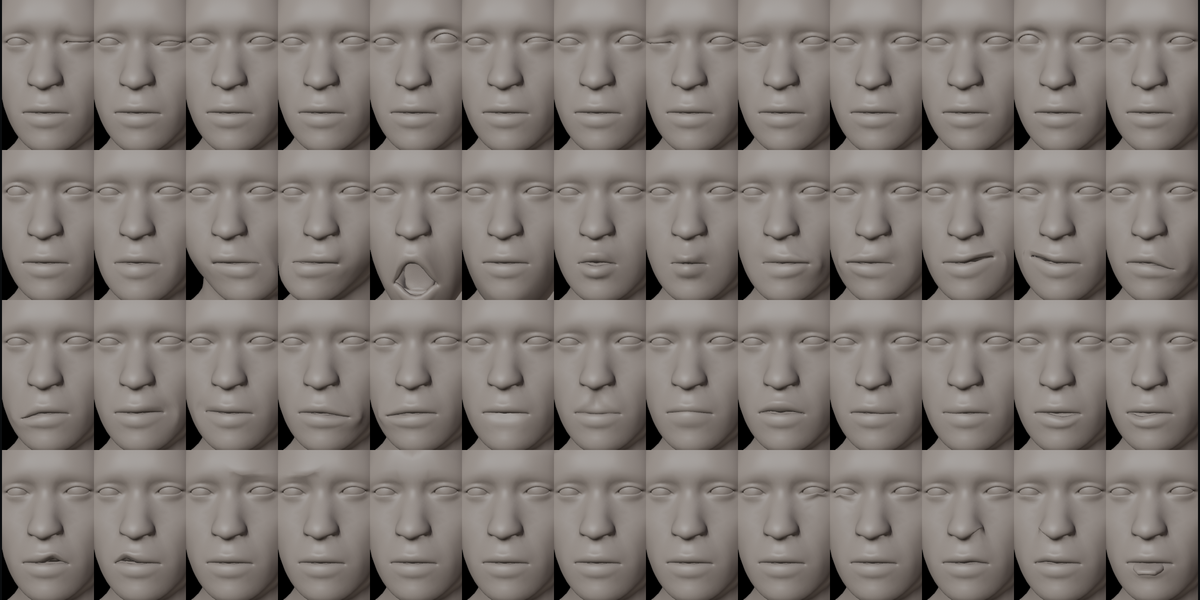
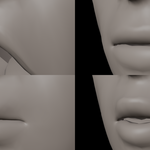
RealFace Rig is a Blender add-on that builds a facial rig for realistic human characters and bakes the complete set of 52 Apple ARKit expressions as shape keys, named exactly as ARKit expects.
What it does
- Detects the head, eyeballs, teeth and tongue of your character.
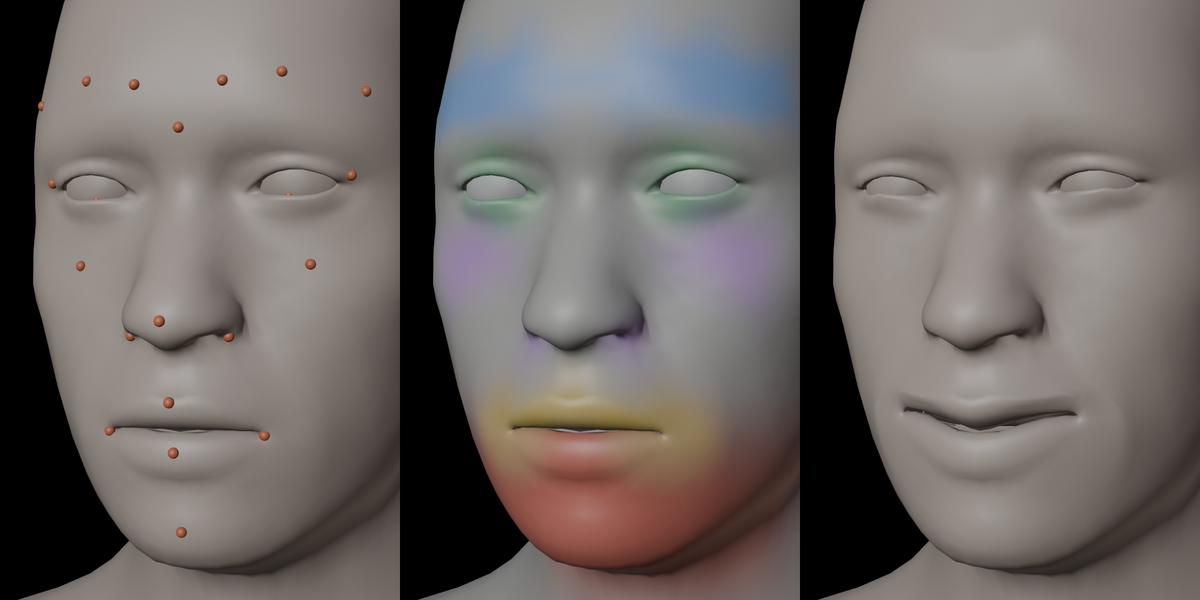
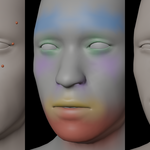
- Places 28 facial guide points automatically (mouth corners, lips, eyelids, brows, jaw, nose…). You can move any of them, mirror left to right and snap them back to the skin.
- Generates a facial rig and smooth skin weights from those guides.
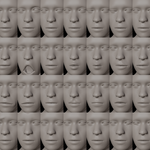
- Bakes all 52 ARKit shape keys on the head, eyeballs, lower teeth and tongue in a few seconds.
- Exports an Unreal-ready FBX in one click: the 52 shapes arrive in Unreal Engine as morph targets with their exact ARKit names (tested in Unreal Engine 5.8).
- Removes every helper (guides, rig, vertex groups) when you are done. Only clean shape keys remain.
What makes it different
- Built for realistic heads only, so every expression is tuned for human anatomy.
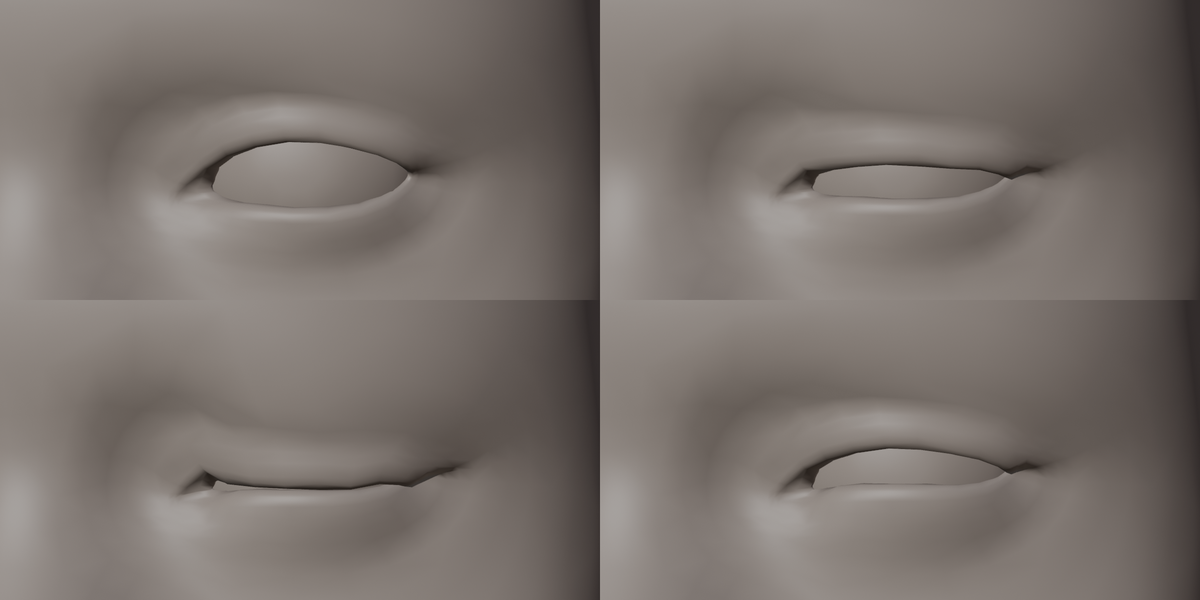
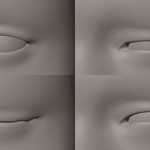
- Eyelid solver: blinks close along one clean line across the whole eye, with no creasing, even on heads whose eye area is a closed mesh. The eye opening is found optically, not from topology.
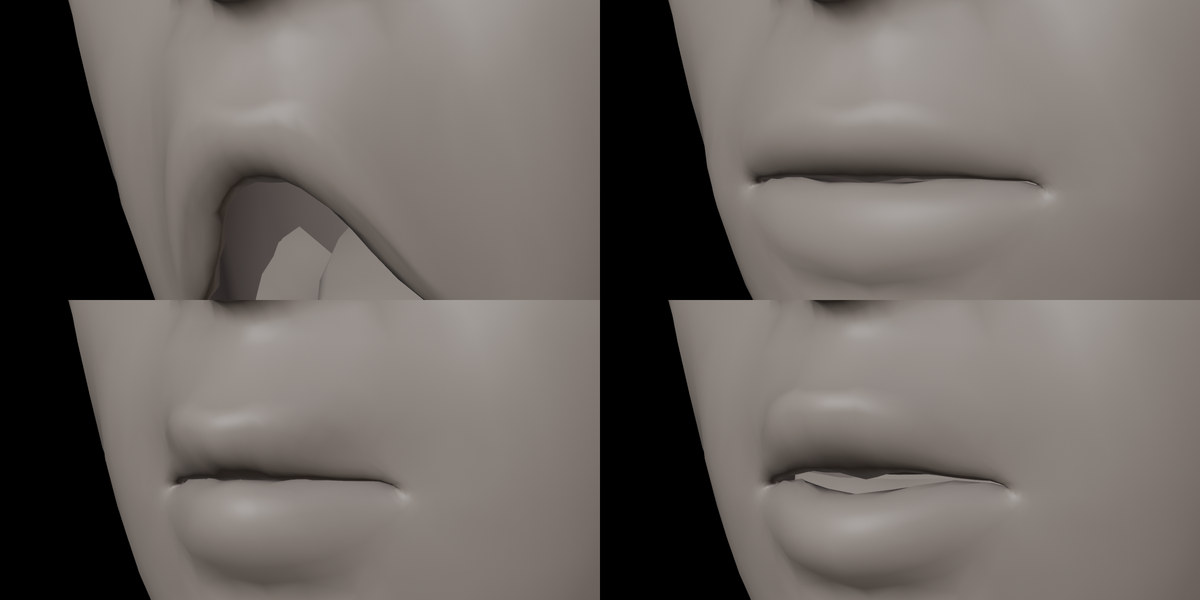
- mouthClose that works: sealed lips on top of jawOpen without tearing at the mouth corners.
- Safe on production files: body rigs, subdivision and other modifiers are switched off during baking and restored afterwards; unapplied object transforms are supported.
- Works with DAZ Genesis 9: both eyes in one object, or teeth, gums and tongue in one object? Auto-Detect splits them for you (tested with Genesis 9 exported from DAZ Studio 6 as FBX).
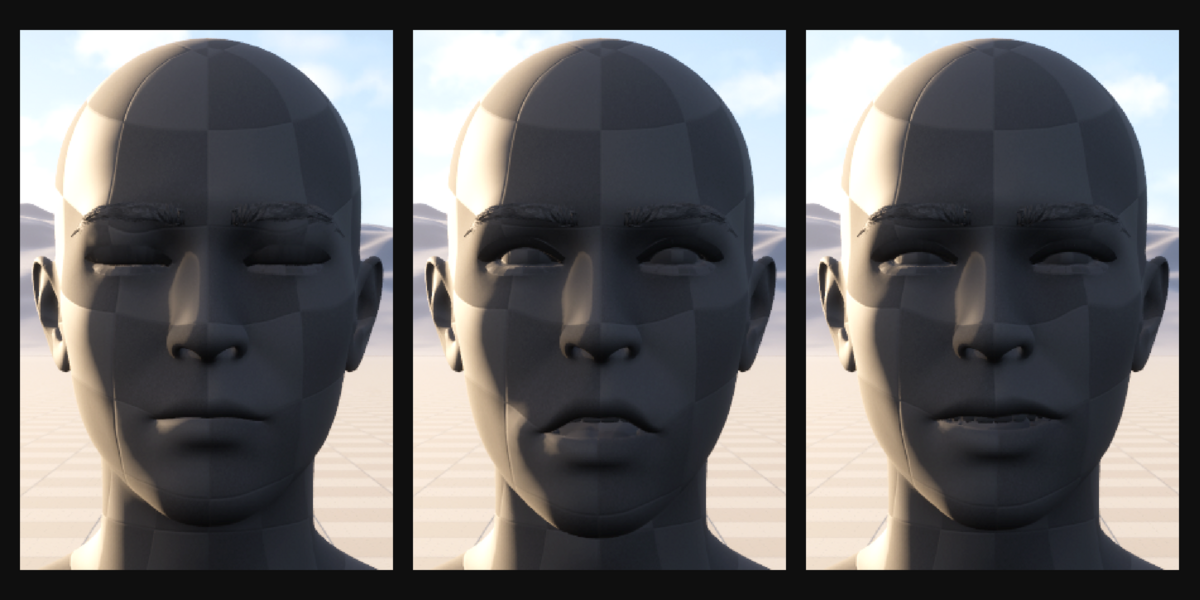
- Eyelashes and eyebrows follow: separate eyelash, eyebrow and tear objects on the face get all the expressions too, so lashes close with the lids and brow cards move with the brows.
- One-click Unreal export: a pre-export check, then one FBX skeletal mesh with all 52 ARKit morph targets. Part names are handled for you (Unreal would otherwise rename "tongueOut" on a mesh called "Tongue").
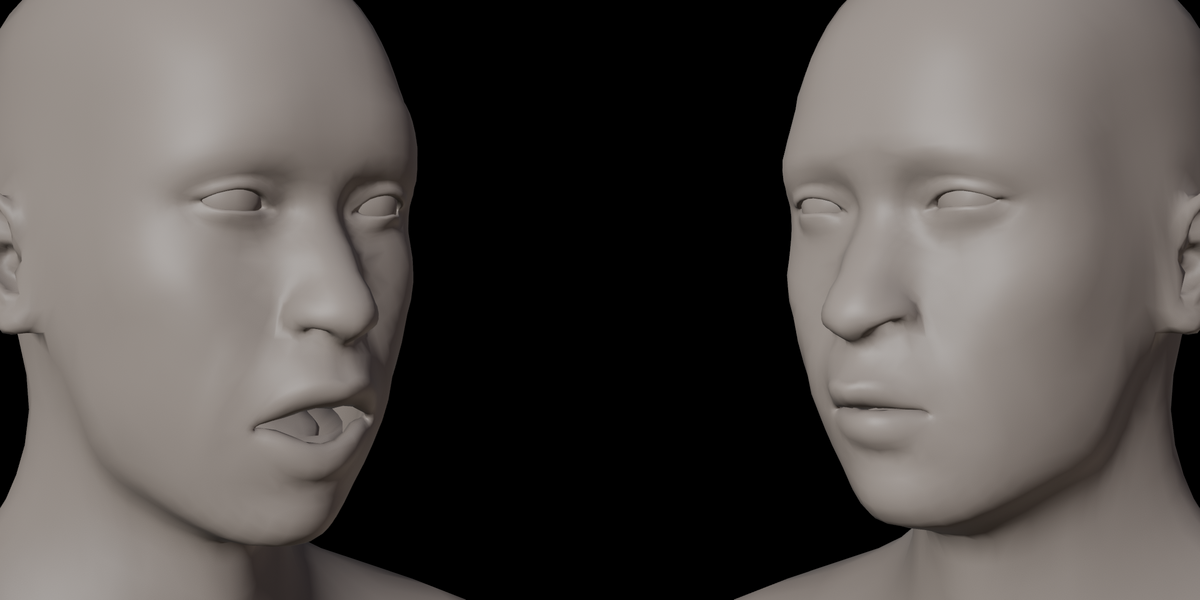
- Live Link Face ready: tested with an iPhone and the Live Link Face app in Unreal Engine 5.8. The 52 morph targets follow the performer in real time through a standard Live Link Pose node.
- Expression preview: pick any expression and drag one slider; head, eyes, teeth, tongue and eyelashes move together.
- Runs fully offline. No account, no internet, no external services.
Included
- RealFace Rig add-on (Blender extension, GPL-3.0-or-later, full source code)
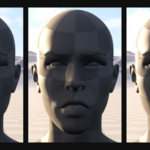
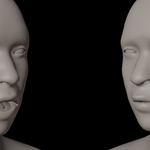
- Sample realistic head (CC0) to try the workflow immediately
Requirements
- Blender 4.2 or newer (tested on Blender 5.2 LTS)
- A realistic humanoid head facing -Y (Blender front view)
- Eyeballs as two objects, or one object holding both eyes (split automatically)
- Teeth and tongue as separate objects, or one mouth object with teeth/tongue bones (split automatically). Without a tongue, tongueOut is skipped
Installation
- Download
realface_rig-x.y.z.zip. Do not unzip it. - In Blender open Edit › Preferences › Get Extensions.
- Click the arrow menu in the top-right corner and choose Install from Disk…
- Select the zip file. The add-on is enabled automatically.
- In the 3D Viewport press N and open the RealFace tab.
Sample head generated with MPFB / MakeHuman (CC0).