Realistic Glass Shader 2 - Caustics & Dispersion
 Vertex Wizards


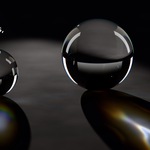
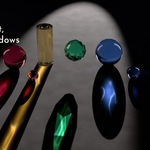
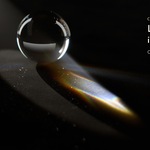
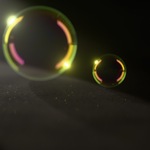
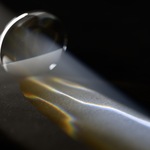
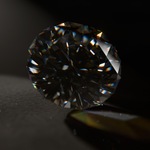
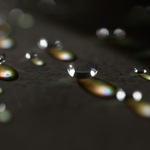
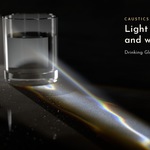
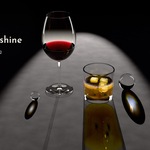


Realistic Glass Shader 2
Glass as one shader node group, with bright, controllable caustics, rainbow colors, dispersion, absorption by thickness, frosted and milk glass, thin glass and thin film. In Blender the node group is called "Realistic Glass V2". 18 ready glass materials come with it. No add-on needed. Blender 4.2 LTS to 5.3.
Made for Cycles. EEVEE works, but without bright or colored caustics and without dispersion, see Cycles or EEVEE.
Cycles or EEVEE
All product images and videos are rendered in Cycles. EEVEE gives you good-looking glass in real time, but the light effects that make this shader special need Cycles.
- Refraction, reflection, roughness, frost: Cycles yes. EEVEE yes, in screen space (see EEVEE)
- Color, milk glass, thin glass: Cycles yes. EEVEE yes
- Absorption (deeper color where it is thicker): Cycles yes. EEVEE no, one color where you look straight through
- Thin film (soap bubbles, coatings): Cycles yes. EEVEE only with Thin Glass, approximated
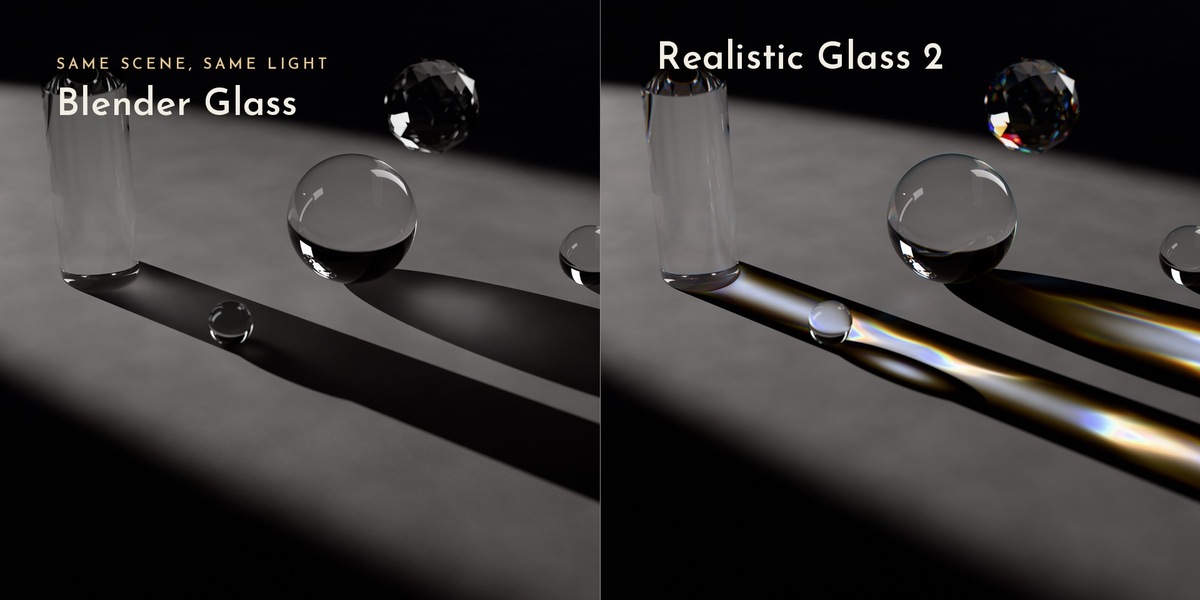
- Caustics (light bundled into bright spots): Cycles yes. EEVEE no, only a lighter grey area in the shadow
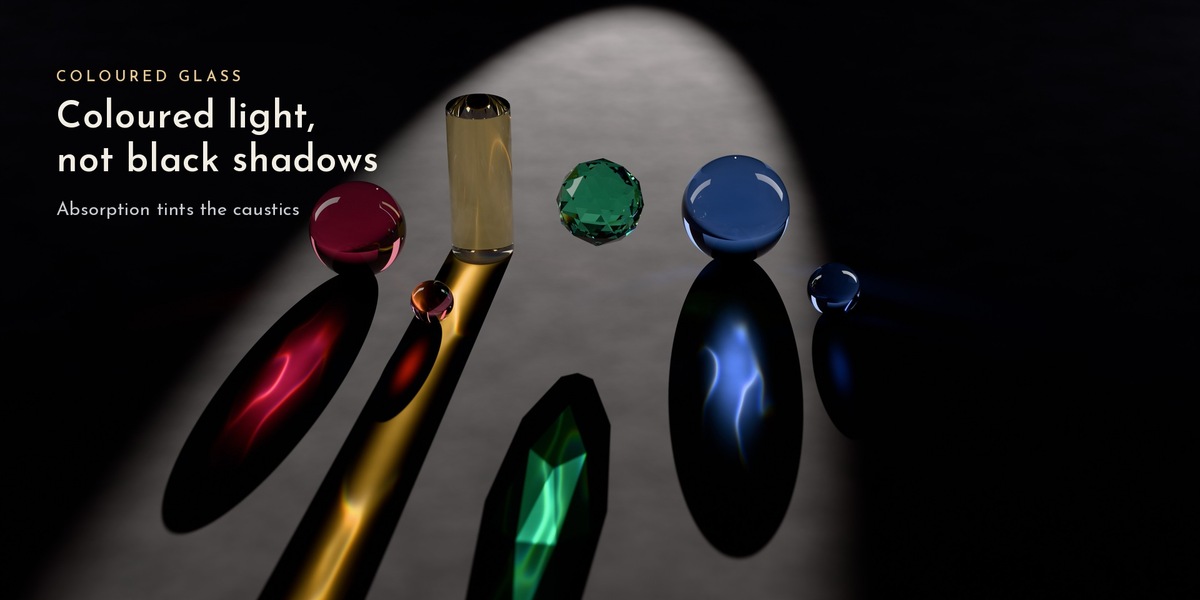
- Colored light (Color Fringe, Caustic Tint, light through colored glass): Cycles yes. EEVEE no, shadows are always grey
- Dispersion (rainbow colors in the glass): Cycles yes. EEVEE no
- Real Caustics: Cycles yes. EEVEE no
- Gem sparkle: Cycles yes. EEVEE very weak
In EEVEE, scenes in daylight on a light floor (like the Glass Scene in the demo) come closest to Cycles. Dark scenes that live from the caustics (like the showcase scenes) lose most of their look. If the caustics or the colored light are the reason you want this shader, render in Cycles.
Files
- Realistic Glass/: the asset library folder (add this one in the Preferences, see Setup): Realistic Glass V2.blend with the node group and the 18 preset materials, and blender_assets.cats.txt with the catalog "Realistic Glass" (keep it next to the .blend)
- Realistic Glass Demo/: Realistic Glass Demo.blend with showcase scenes, glass scene and preset overview, plus the environment light of the demo (Poly Haven, CC0)
- Legacy/: Realistic Glass V1 (Blender 3.2 to 4.1).blend, version 1 for older Blender versions
- READ ME.txt: this documentation
Setup (once, about 1 minute)
- Put the folder "Realistic Glass" somewhere permanent (not in Downloads). Keep the demo outside of it.
- Add that folder as an asset library: click "+" and pick the folder.
Blender 4.2 to 5.1: Edit > Preferences > File Paths > Asset Libraries
Blender 5.2 and newer: Edit > Preferences > Asset Libraries - Set the Import Method of that library:
Blender 4.x: "Append (Reuse Data)" (already the default).
Blender 5.x: "Append". Blender 5 sets new libraries to "Pack": then the presets arrive linked and their values cannot be changed. With "Append" every preset you drag in brings its own copy of the node group (Realistic Glass V2.001, .002 ...). That is normal and does not change the look. - Done. Open the Asset Browser, pick the library and drag a material onto your object.
Without the asset library: File > Append > Realistic Glass V2.blend > Material > pick the presets you need in one go (each separate append brings its own copy of the node group, named .001, .002 ...).
Quick start
- Drag a preset onto your object. Hollow presets (for drinking glasses, bottles, vases, jars): Drinking Glass, Green Bottle, Amber Bottle, Frosted Glass, Milk Glass. Thin presets (single surface): Window Glass, Soap Bubble. All others are for solid pieces: balls, figures, gems, blocks, drops.
- Light the scene with a sun, spot or area light that casts sharp shadows. The caustics appear inside the shadow of the glass. A plain HDRI gives only soft caustics.
- Render with Cycles.
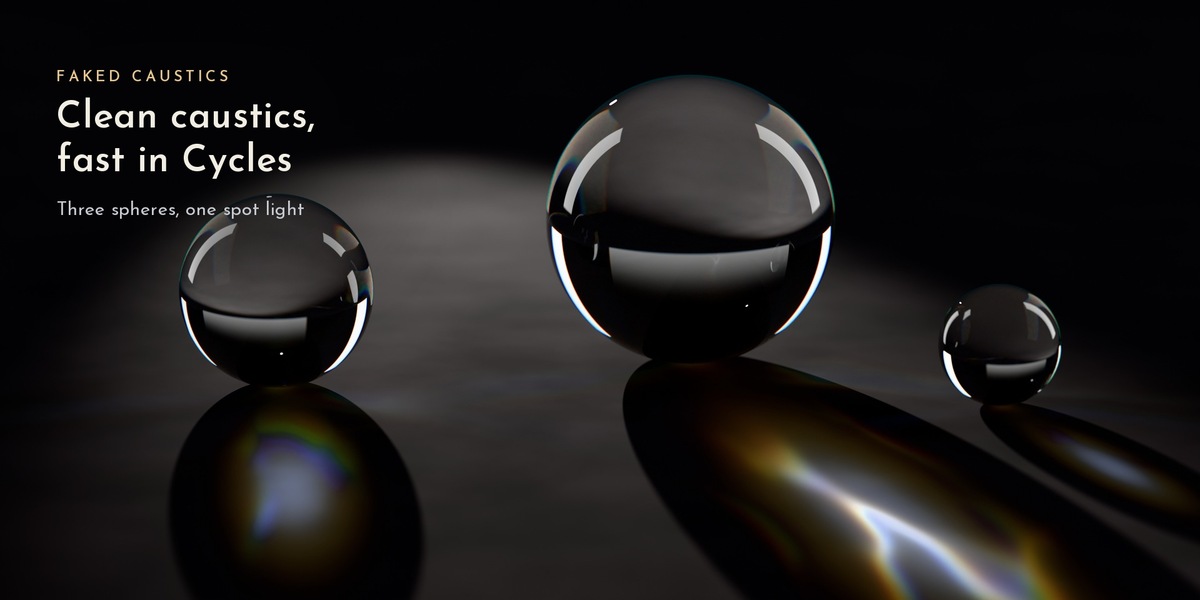
The caustics are faked inside the material: they are clean, fast and work on any floor or wall, but they do not know the real shape of your object. Focus is the setting that tells the shader the shape.
Presets
- Clear Glass: clear solid glass: paperweights, sculptures, balls
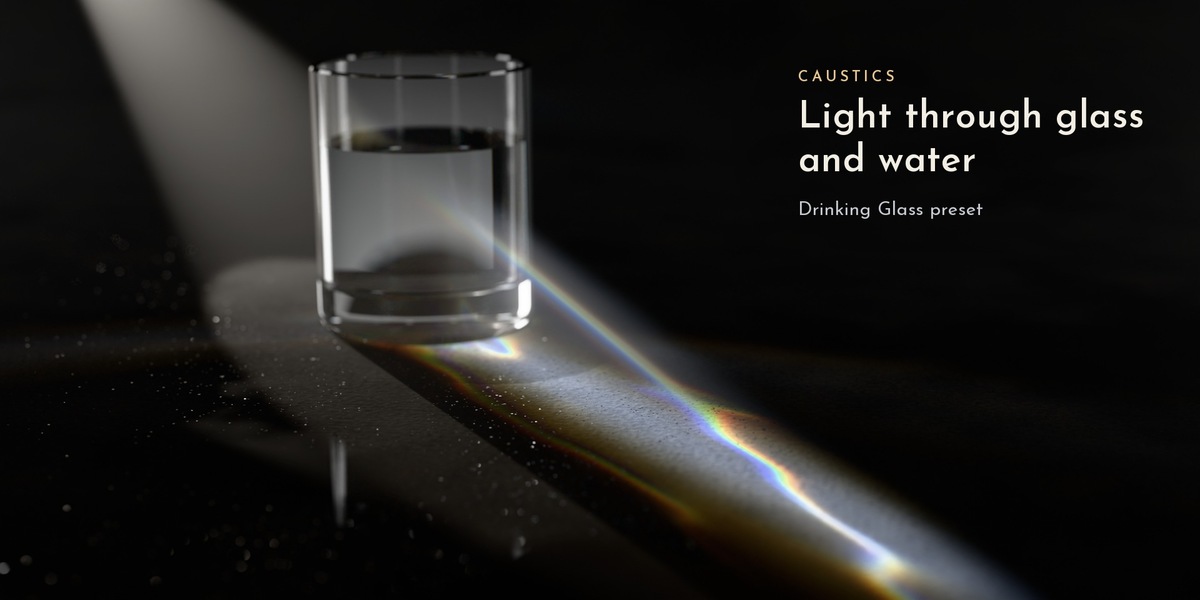
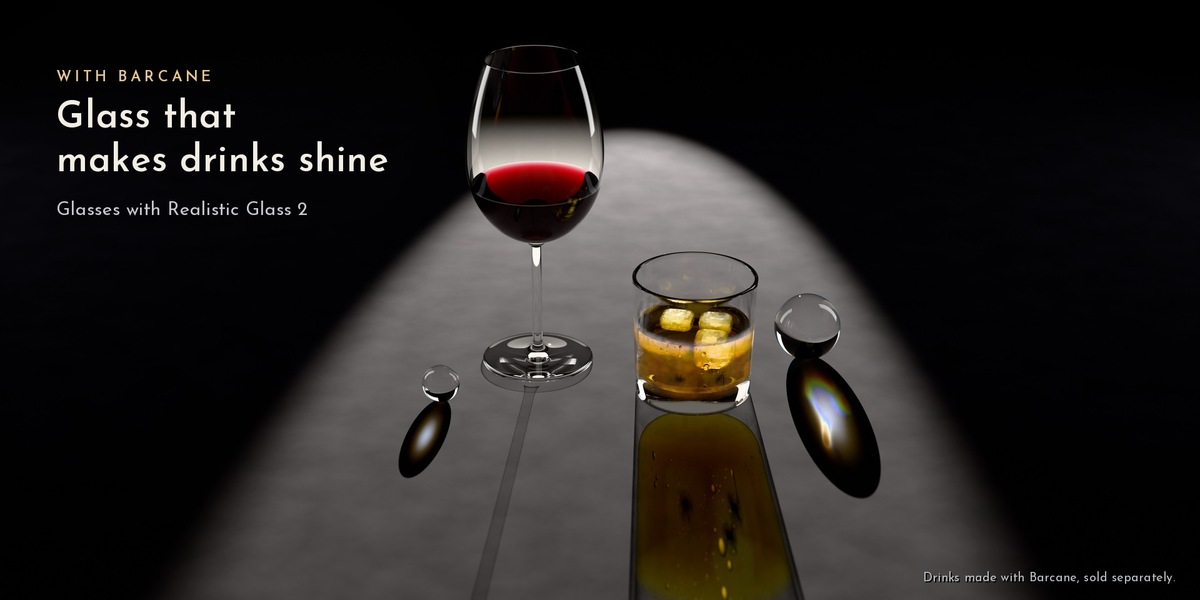
- Drinking Glass: clear hollow glassware: tumblers, vases, jars
- Window Glass: window panes made of a single plane
- Green Bottle: green bottle glass (hollow)
- Amber Bottle: brown bottle glass (hollow)
- Cobalt Glass: deep blue glass for solid pieces
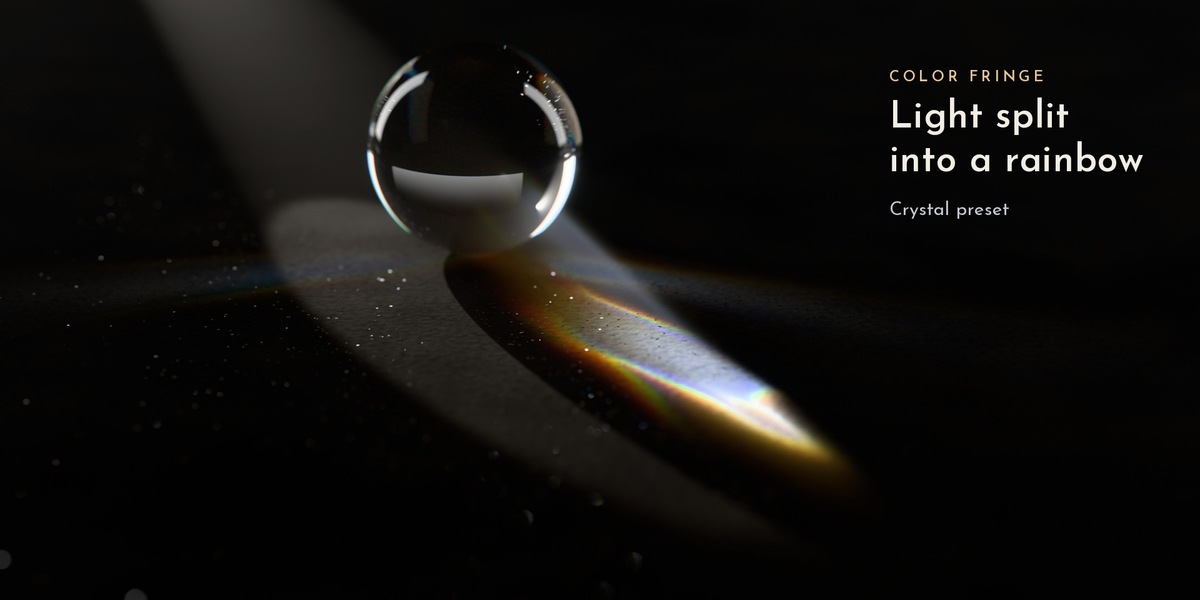
- Crystal: lead crystal with strong sparkle and rainbow colors
- Frosted Glass: frosted or satin glass with a soft blur (hollow)
- Milk Glass: white translucent milk or opal glass (hollow)
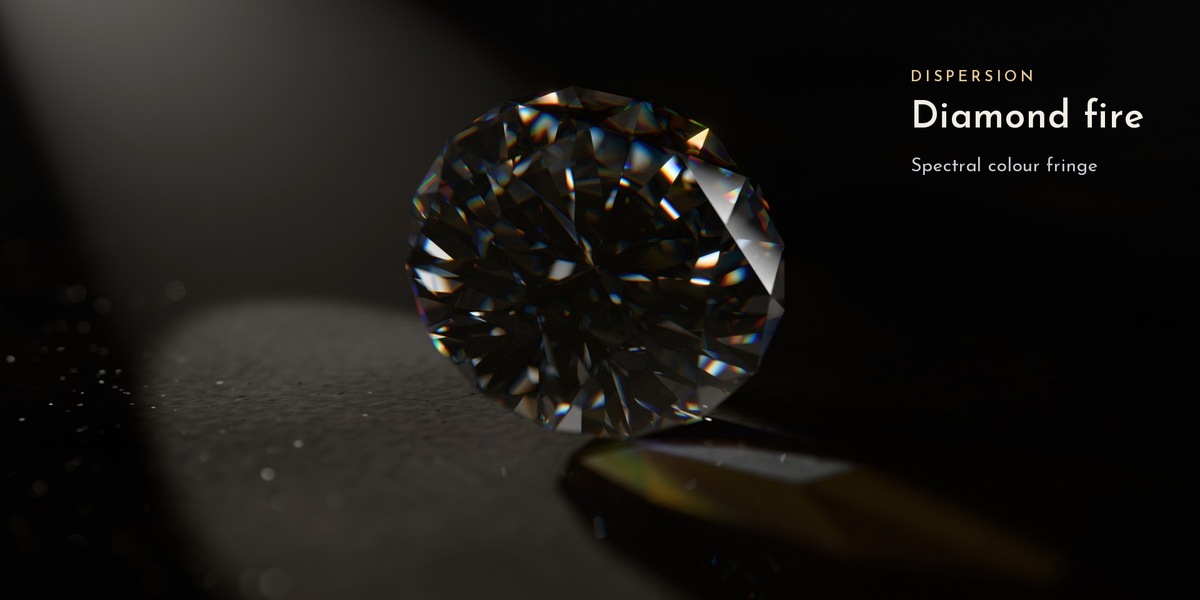
- Diamond: diamond with high refraction and strong fire
- Ruby: red gemstone
- Sapphire: blue gemstone
- Emerald: green gemstone
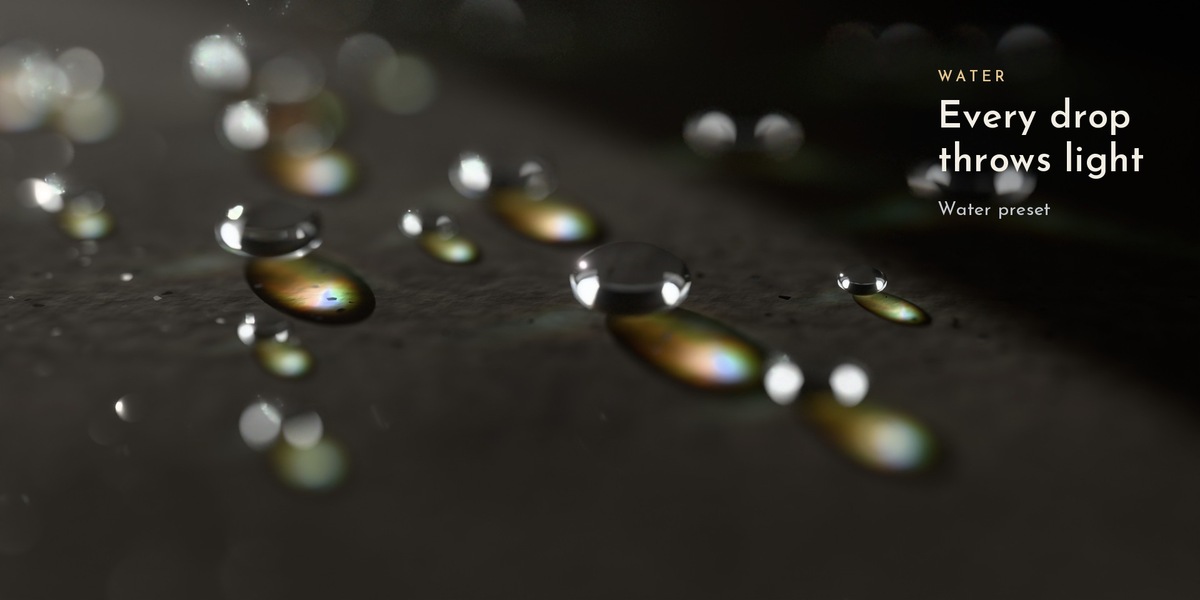
- Water: clear water: drops, puddles, solid water shapes
- Ice: clear ice with a light frost
- Amber Resin: warm amber or cast resin
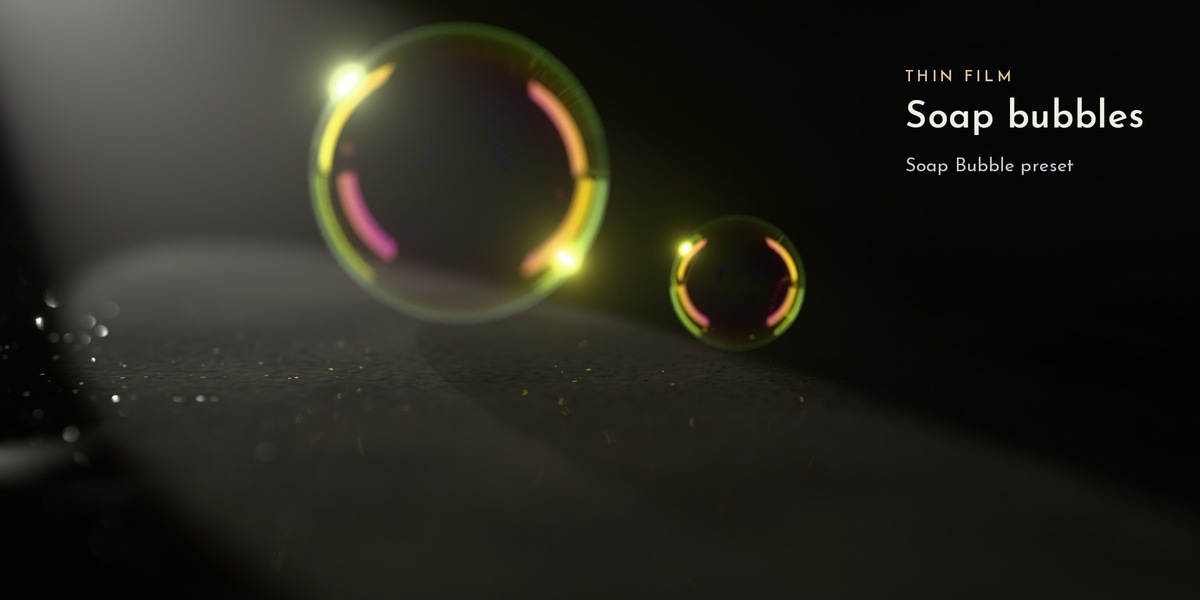
- Soap Bubble: soap bubble with rainbow film, on a single sphere surface
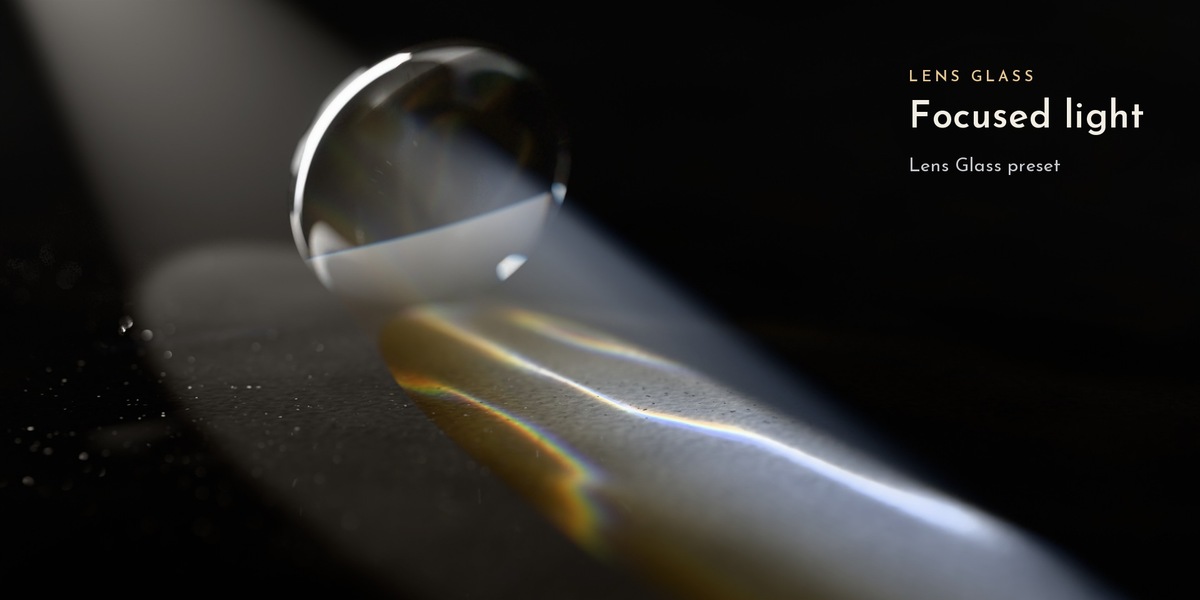
- Lens Glass: optical glass for lenses and magnifiers with a strong focus
Every preset is a normal material with the node group inside. Change any value afterwards.
Settings
- Color: surface tint. For colored glass use Absorption instead, it looks more real.
- IOR: index of refraction. Window and bottle glass 1.5, crystal 1.55 to 1.6, water 1.33, ice 1.31, diamond 2.42.
- Roughness: microscopic roughness of the surface, 0 is polished glass.
- Normal: optional normal or bump map (the socket at the bottom of the node).
Absorption panel
- Absorption Color: the color light takes on after travelling Absorption Distance through the glass. Thick parts get darker and more saturated. White means no absorption.
- Absorption Distance: thickness in meters at which light has exactly the Absorption Color. Bottle walls about 0.006, solid figures 0.02 to 0.05.
Dispersion panel
- Dispersion: splits light into rainbow colors. 0.2 is normal glass, 0.25 at IOR 2.42 a real diamond, cut stones look livelier at 0.4 to 0.6. 0 gives the least noise; the hollow presets use 0 because thin walls hardly split colors.
Caustics panel
- Caustics: brightness of the caustics. 1 is physically plausible, 0 gives the dark shadow of Blender's own glass.
- Focus: how tightly the light is bundled into bright spots and lines. 0 for hollow glassware and panes, 15 to 25 for solid shapes, 40 and more for glass balls and lenses.
- Focus Distance: light needs some distance behind the glass to bundle. 0.005 (5 mm) matches glass standing on a table. Raise it for very large objects.
- Color Fringe: rainbow edges in the caustics like a prism. 0.3 is real glass, 1 and more gives clear rainbow bands. 0 renders a little faster.
- Caustic Tint: extra color for the caustics only.
- Pattern: fine curved light lines inside the caustics, like real glass that is never perfectly even. The lines take light from the rest, so the caustic can get a little darker or brighter depending on the object. 0 gives smooth light.
- Pattern Scale: size of the light lines (1 to 1000). Higher values give more and finer lines.
- Real Caustics: keeps some of Blender's own caustics from indirect light. 0 is clean and fast.
Frost panel
- Frost: frosted or satin glass. Blurs the refraction and softens the caustics.
- Milky: milk or opal glass. The glass turns white and translucent, its shadow gets softer.
Thin Film panel
- Thin Film Thickness: iridescent coating in nanometers, like soap bubbles or coated lenses. 0 is off.
- Thin Film IOR: index of refraction of the coating.
Thin Glass panel
- Thin Glass: for glass modeled as a single surface without thickness: window panes, light bulbs, soap bubbles. Light passes straight through.
Your own material
- Shader Editor: drag "Realistic Glass V2" from the Asset Browser (node group in the catalog "Realistic Glass"), or File > Append > Realistic Glass V2.blend > NodeTree > Realistic Glass V2 and then Add > Group > Realistic Glass V2.
- Connect "Shader" to the Surface of the Material Output and set that output's Target to Cycles.
- For EEVEE: add a second Material Output, set its Target to EEVEE and connect "EEVEE" to it. In Material Properties > Settings turn on Raytraced Transmission and Transparent Shadows (Render Method: Dithered). For hollow glass also see the EEVEE notes below.
The presets are already set up like this. Starting from a preset and changing it is the quickest way.
Cycles tips
- Light Paths (Render Properties > Light Paths > Max Bounces): Transmission 12 or more, Transparent 16 or more. With too few, glass seen through other glass turns black. The demo uses 16 and 32.
- The caustics come from the shadow of the glass, so they work with every light that casts shadows and on every material that receives light.
- Scale matters: Absorption Distance and Focus Distance are in meters. Model in real size or adjust them.
- Objects need correct face normals (Overlays > Face Orientation: blue = outside) and real thickness, except with Thin Glass.
- A very small, strong sun gives tiny, extremely bright highlights on smooth glass, as in real sunlight. If they sparkle in the render, use a sun angle of 1 to 3 degrees, more samples, the denoiser or Light Paths > Clamping.
EEVEE
- Turn on Raytracing (Render Properties > Raytracing). The presets already use Raytraced Transmission and Transparent Shadows (Material Properties > Settings).
- EEVEE refracts in screen space: what is hidden behind the glass from the camera's view cannot show up in it, and looking straight down onto glass shows the environment instead of the floor.
- EEVEE can only darken shadows, never brighten them. The caustics become a shadow that is lighter where the light would bundle and dark at the rim, never brighter than the floor without the glass. Shadows are grey, not colored, so Color Fringe, Caustic Tint and colored glass do not color the light.
- Hollow glassware: the hollow presets have a value node of 0.003 (3 mm) at the Thickness of the EEVEE Material Output and Material Properties > Settings > Thickness set to Slab. Copy that for your own hollow glass, otherwise EEVEE refracts as if the glass were solid. The thin presets use a value of 0.
- Dispersion and Real Caustics have no effect, and absorption shows the Absorption Color where the view goes straight through (it does not depend on Absorption Distance). Gem sparkle is much weaker than in Cycles. Thin film works in EEVEE only with Thin Glass (an approximation).
- Glass looks dark in EEVEE when there is little around it to refract. Add a Sphere light probe at the glass and hide the glass object from it (Object Properties > Visibility > Light Probes > Sphere off). The showcase scenes in the demo file are set up this way.
Demo file
Realistic Glass Demo.blend opens with "Showcase Ball". The four showcase scenes ("Showcase Ball", "Showcase Column", "Showcase Glass", "Showcase Gem") show the presets Crystal, Amber Resin, Drinking Glass and Diamond, unchanged, on a dark stone floor: a hard spot light from behind, light haze, rim lights and a soft glow from the compositor. Look through the camera (Numpad 0) and switch the viewport to Rendered, or render with F12. Drag any other preset onto the object to compare. The showcase scenes also open in EEVEE (Render Properties > Render Engine), but they are made for Cycles: in EEVEE they are much darker, because their light comes from the caustics, and the floor is plain matte.
Scene "Glass Scene": a glass ball, drinking glass, bottle, window, gem and a cobalt figure on a light floor in sunlight (cameras: Camera, Camera Ball, Camera Bottle Gem, Camera Monkey). Scene "Preset Overview": all 18 presets on suitable shapes. All scenes render with the denoiser on.
Updating from version 1
Version 2 has its own node group name ("Realistic Glass V2"). Appending it into a scene with version 1 ("Realistic Glass") changes nothing in your existing materials. Version 1 for Blender 3.2 to 4.1 is in the Legacy folder.
Compatibility
Blender 4.2 LTS to 5.3 (tested 4.2, 4.3, 4.4, 4.5, 5.0, 5.1, 5.2, 5.3). Made for Cycles (CPU and GPU), EEVEE with the limits above. The file is saved in Blender 4.2, newer versions open it without changes.
Credits
Realistic Glass Shader 2 by Vertex Wizards (Colin Behrens). Built procedurally in Blender; all renders made in Blender Cycles. Version 1 in the Legacy folder by Colin Behrens and Gleb Alexandrov. The environment light of the demo and of the Legacy file is the HDRI "Kloofendal 48d Partly Cloudy (Pure Sky)" from Poly Haven (polyhaven.com, CC0).
Changelog
- 5.0: Realistic Glass Shader 2: new node group made for Cycles, with an EEVEE output, caustics with focus and rainbow colors, absorption by thickness, frost, milk glass, thin glass, thin film, 18 presets in the Asset Browser.
- 4.0 and older: Realistic Glass (version 1), still included in the Legacy folder.
Have questions about this product?
Login to message
| Sales | 1600+ |
| Rating | 8 ratings |
| Dev Fund Contributor | |
| Published | almost 8 years ago |
| Blender Version | 4.2 - 5.3 |
| Render Engine Used | Cycles, Eevee |
| License | Royalty Free |
Discover more products like this
photorealistic Shader dispersion refraction Material caustics procedural Water Glass Crystal diamond product-visualization