 Vertex Wizards


Updated for Blender 4.2 – 5.x!
Art-directable caustics, dispersion and volume absorption in one single material. No custom Blender build, no add-on, no special render setup: just append it and hit render.
Have you ever tried to create some realistic looking glass renders in Blender?
If you compare the results you get with the default glass shader with reference images, you will probably notice that something is missing: the colorful light patterns real glass throws onto the ground.
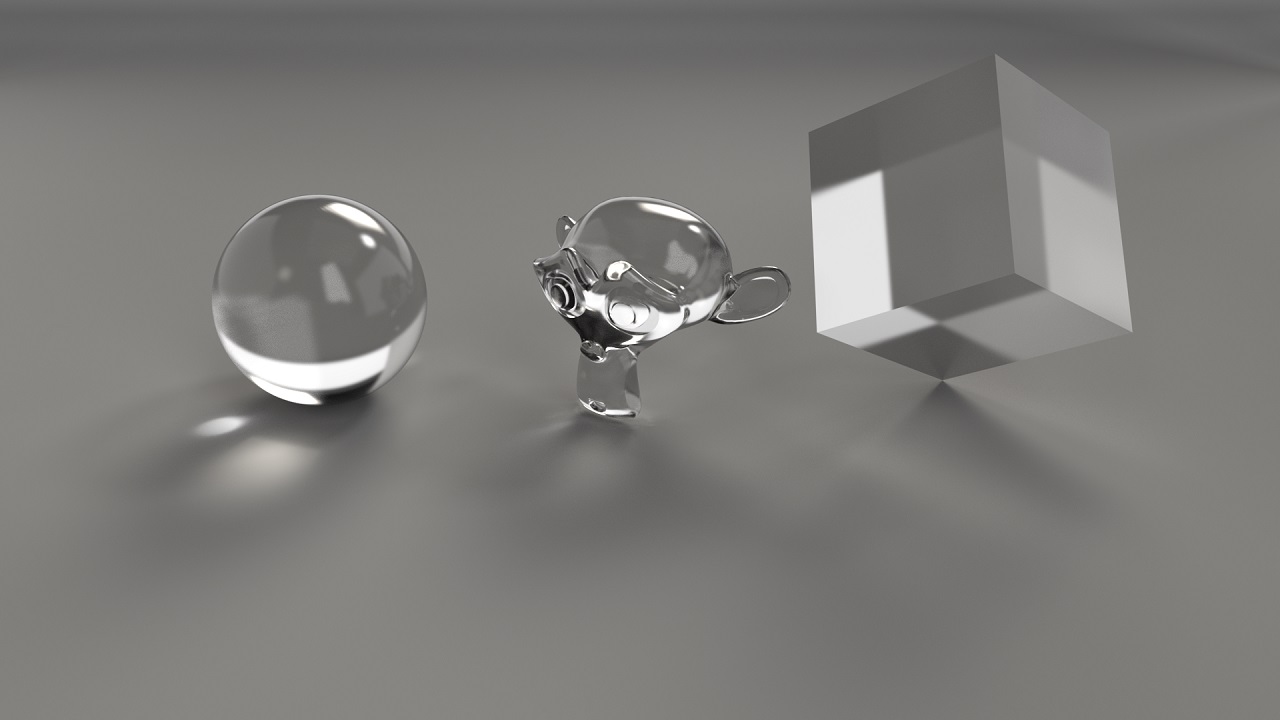
Why? Because caustics are one of the hardest things for a path tracer like Cycles. Physically correct caustics take ages to clean up, end up full of fireflies or need a special setup. Newer Blender versions add dispersion to the glass itself, but the rainbow caustics on the ground are still the tricky part.
But! Here is the solution:
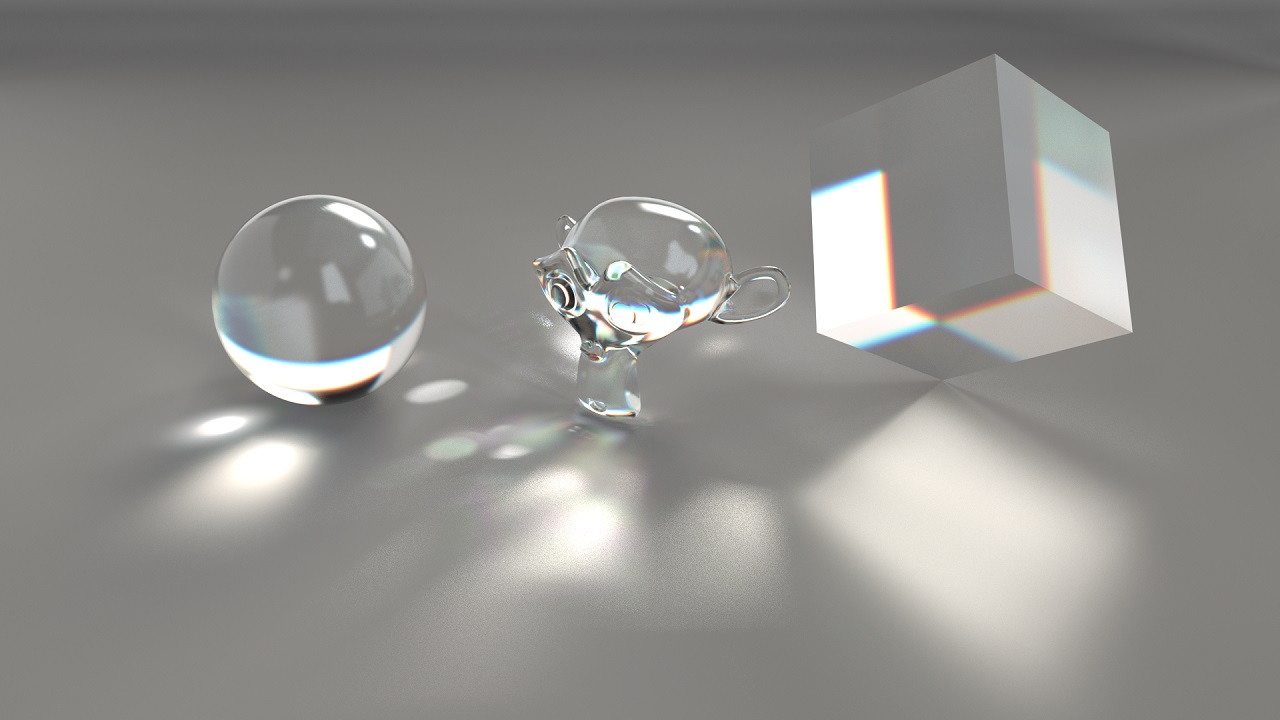
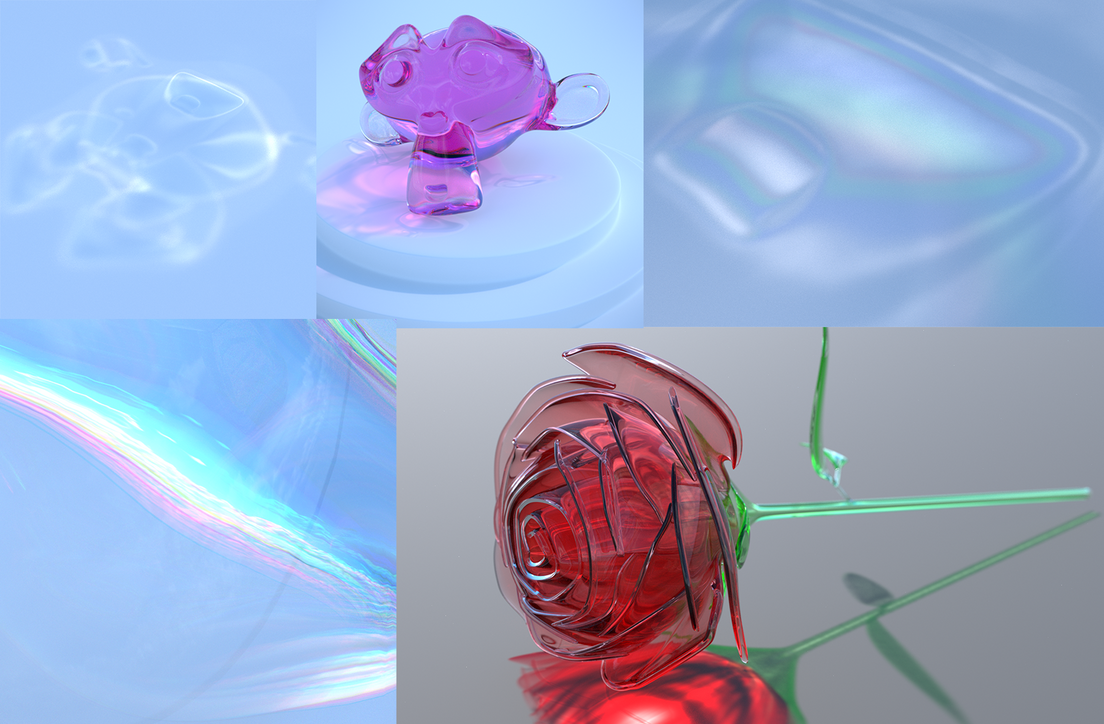
With our Realistic Glass Shader you have full control over all parameters you could possibly need for awesome looking renders of diamonds, water or glass. The caustics are faked, and that is exactly the point: they render fast, stay clean and look exactly the way you want them to. It is a regular material, so your .blend files stay portable – no extra software is needed to render them. But who cares about physics as long as the results look good?
Tip: You can turn off the reflective and refractive caustics under Light Paths in your render settings to reduce fireflies. The shader does not need them because it fakes the caustics.
Is this shader for you?
- You want glass with colorful caustics in product shots, still lifes or archviz renders without waiting for them to converge.
- You want to art-direct your caustics: amount, pattern, tint and colors.
- You share .blend files or render on a farm and can't rely on a custom Blender build.
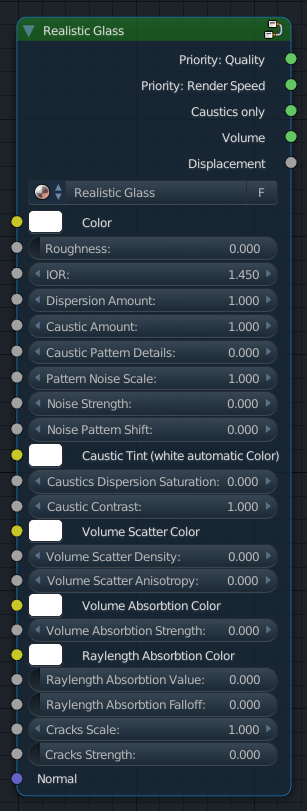
Main Features:
-
Dispersion
- Separates the light into its primary colors.
-
Caustic Amount
- Customize the amount of caustics you want in your scene.
-
Caustic Pattern & Noise
- For more variation and details in your caustics adjust these values.
-
Caustic Tint
- Color your caustics independent of the glass's color
- If you leave it white (#FFFFFF) the caustics will automatically be generated
-
Caustics Dispersion Saturation
- Have you ever seen these rainbow like lights on the ground when the sun is shining through your windows? With this slider you can choose how many colors are refracted on the ground.
- Have you ever seen these rainbow like lights on the ground when the sun is shining through your windows? With this slider you can choose how many colors are refracted on the ground.
-
Volume Scatter Color
- Choose which color should be scattered as the light passes through the glass.
-
Volume Scatter Anisotropy
- The anisotropy affects the direction in which the light is scattered.
-
Volume Absorption
- Choose which color should be absorbed as the light passes through the glass.
- Choose which color should be absorbed as the light passes through the glass.
-
Raylength Absorption
- A non volumetric absorption method for faster rendering; compared to volume absorption the caustic colors are less detailed.
-
Cracks
- This feature is still being tested and developed; works for some objects.
-
Render Speed
- You can choose if you either want to go for quality or render speed by using different outputs.
-
Caustics Only
- If you only want the caustics to be rendered, select this output.
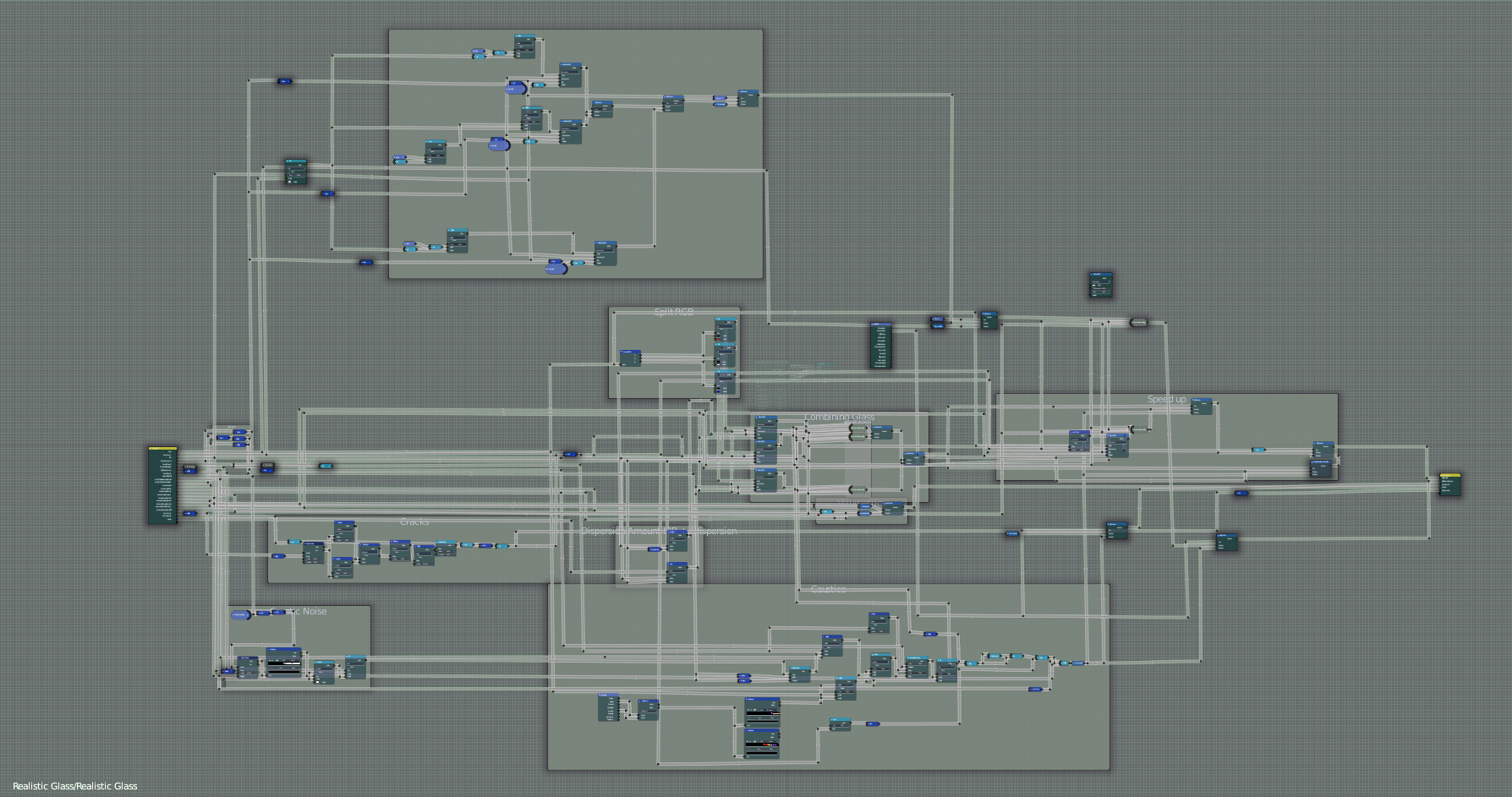
The shader is composed of many nodes as you can see below; still it computes very fast!
If you buy this shader you will get a .blend file with a test scene, in which the shader is included.
You can install the shader by doing the following steps:
- Go to File > Append
- Locate where you saved the .blend file
- Open the Material folder
- Select Realistic Glass
- Click on Append
You should now have the shader in your scene.
Tip: Save the .blend file in one of your asset libraries and mark the material as an asset. That way you can drag it into any project from the Asset Browser.
The Shader was developed by Colin Behrens with the help of Gleb Alexandrov, if you have any questions feel free to message me.
Update:
1.1
I ungrouped all node groups that were used in the Realistic Glass Shader so that you do not have any other group than the Realistic Glass Shader in your scene when you append from the file.
1.2
The official 2.8 support is here. Tested with Blender 2.80. I added the 2.8 version as a separate file so that 2.79 users can still access the old one.
As the default setting I turned the dispersion strength down to 0.
2.0 February 2020
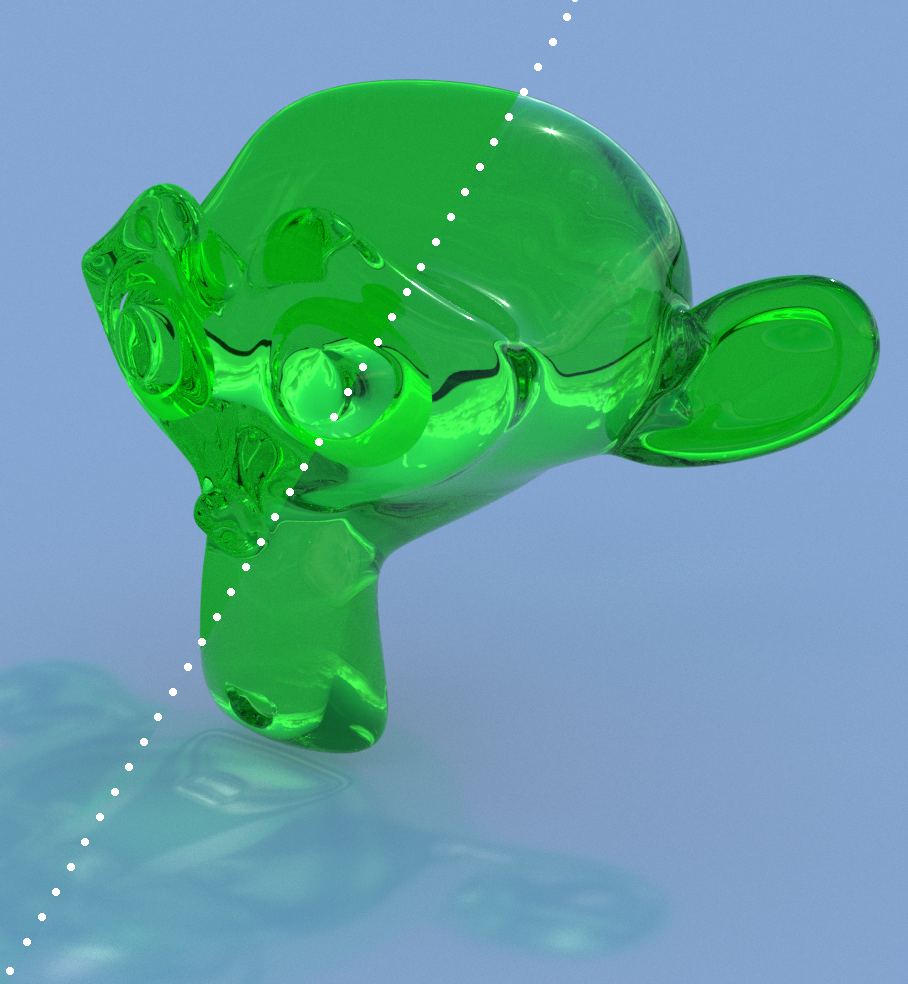
Thanks to David Still who noticed a missing feature, I implemented a "Reflection" value. It works with the latest 2.8 Version of the shader (V2 included in the downloads) and really gives much better reflections
A short comparison between the new feature turned on and off:
2.x 2021
Bug fixes.
3.0 July 2022
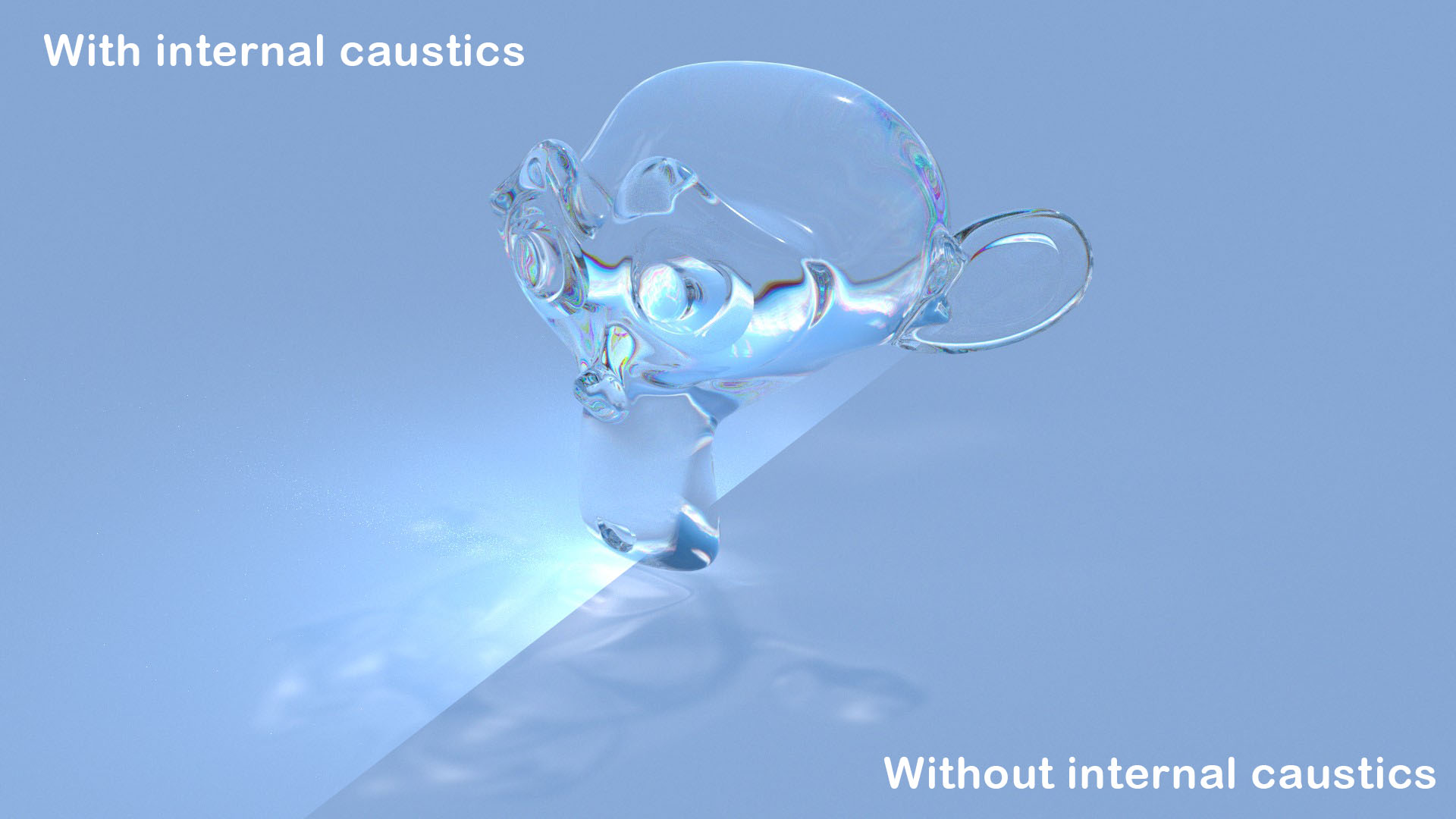
New feature to control the influence of internal caustics and support for the new caustics of Blender 3.2+.
3.2.x January 2023
Removed some old left overs to increase performance and avoid confusion.
4.0 November 2026
Tested and updated for Blender 4.2 – 5.2. New CC0 HDRI in the test scene and softer default caustic settings.
Discover our other products: