Realistic Interior and Security Doors - 10 Models High and Low
 francesac.design
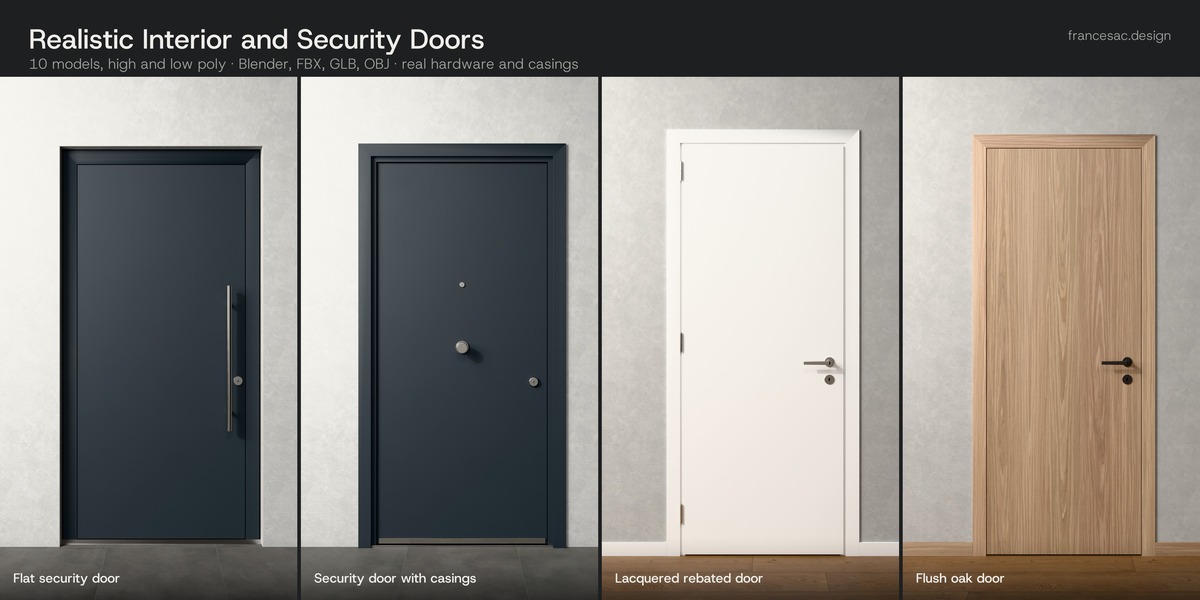
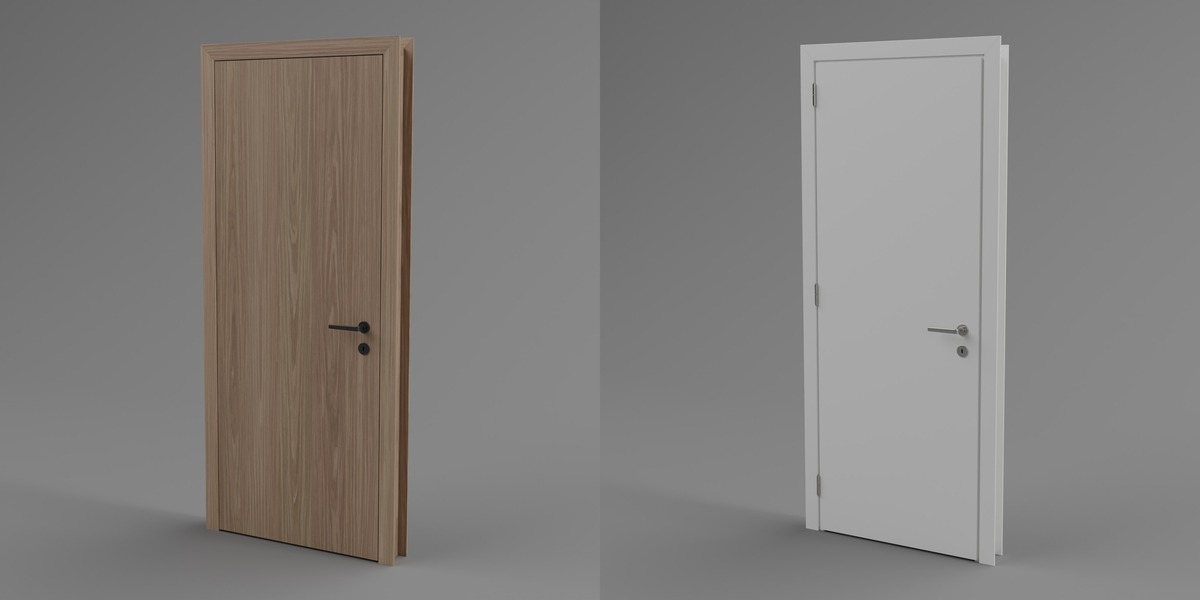
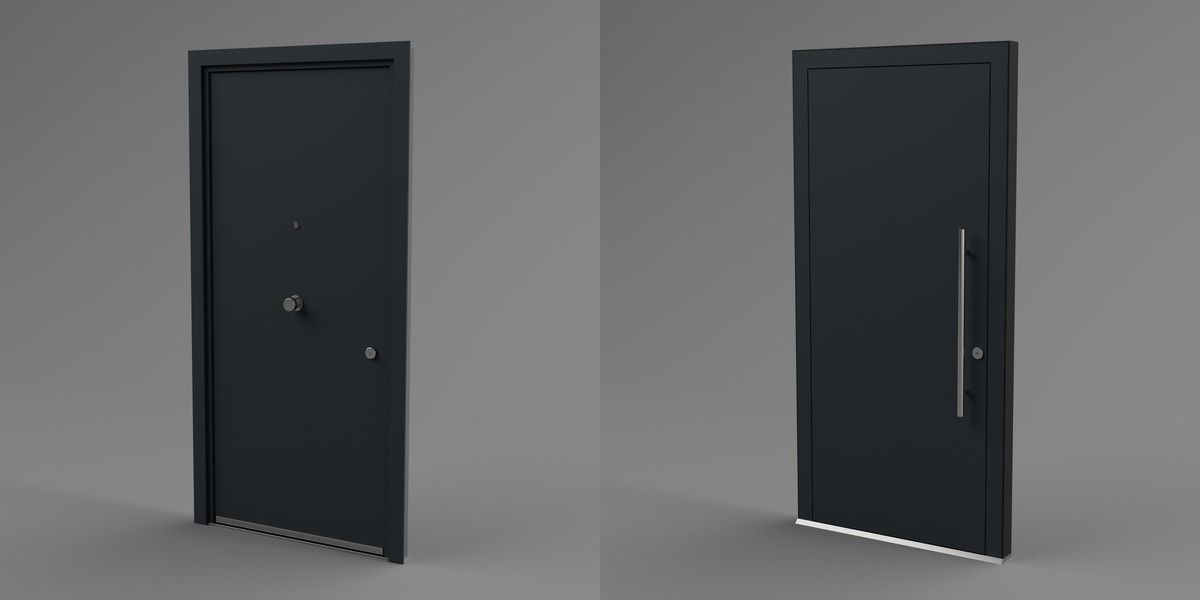
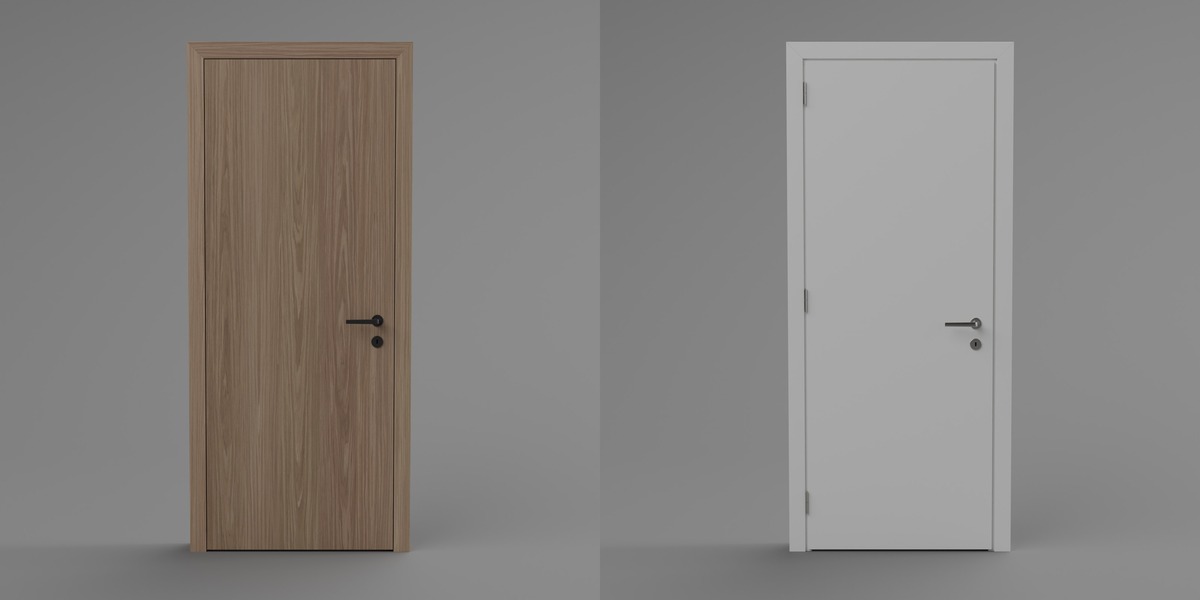
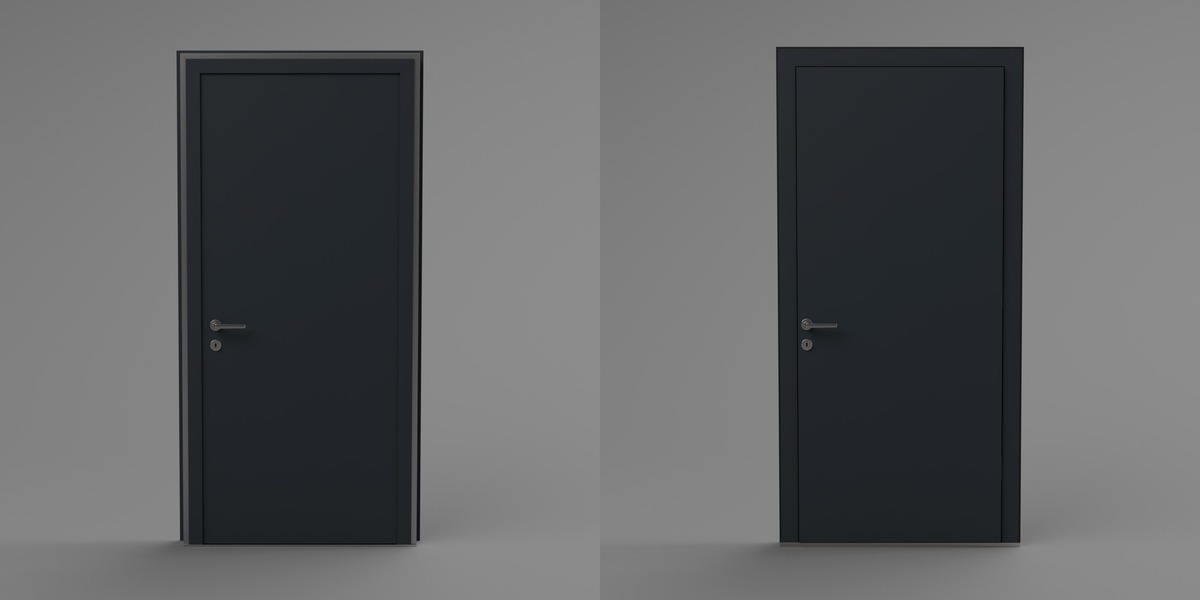
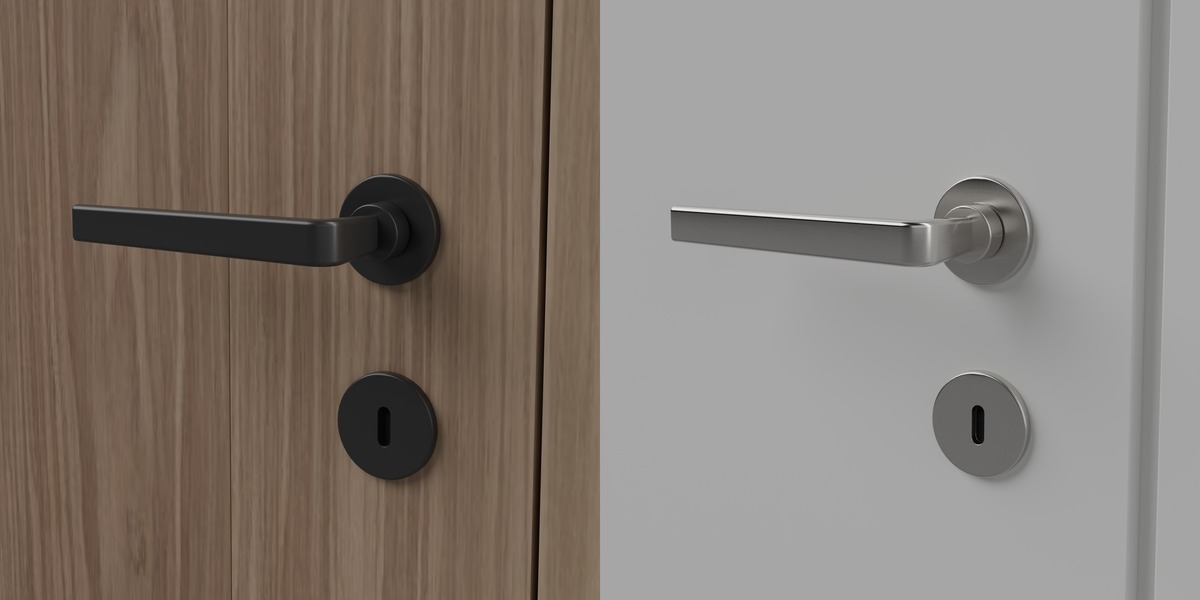
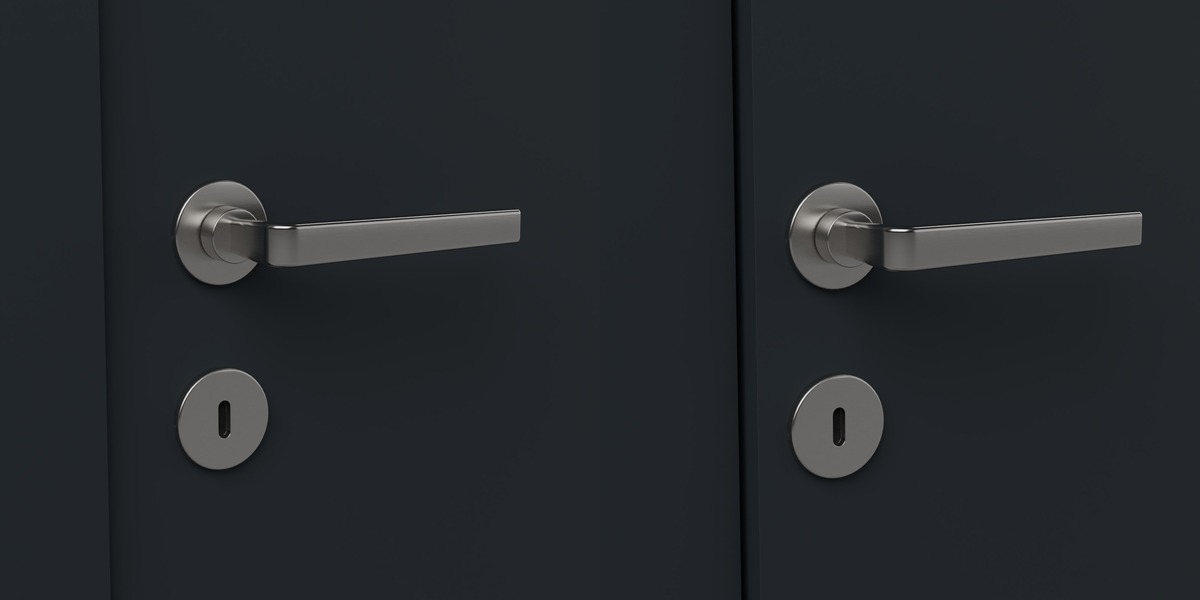
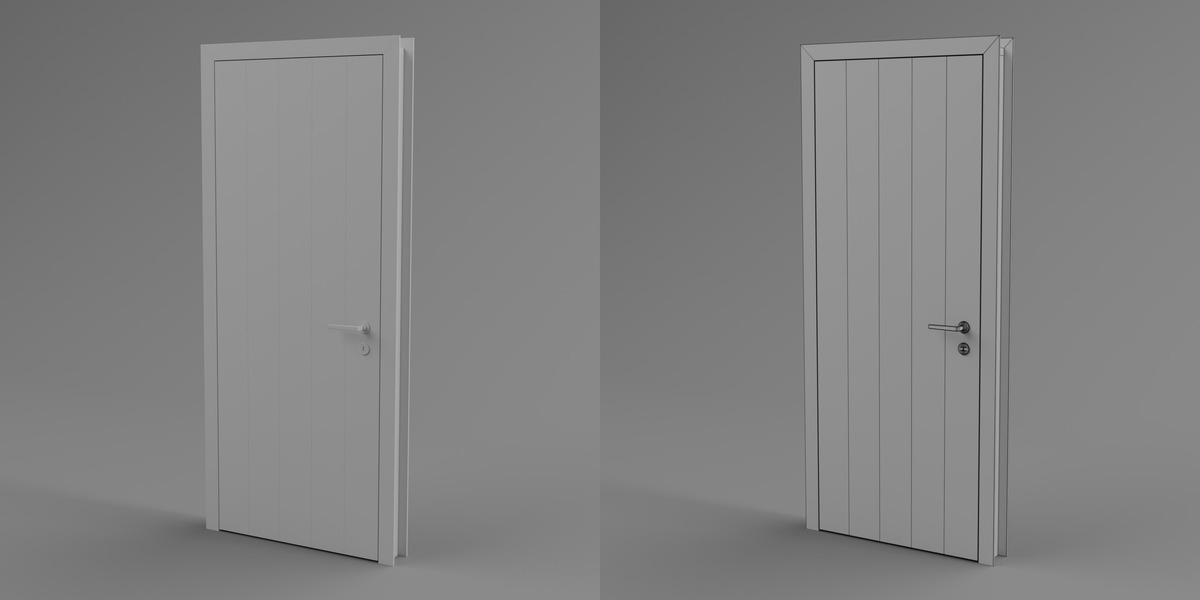
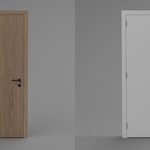
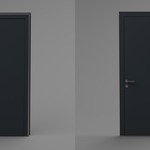
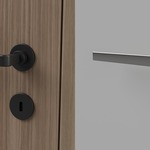
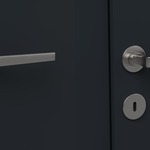
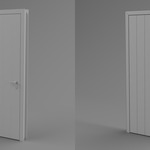
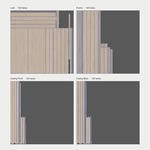
What you get
- .blend (Blender 5.1, Cycles): one file per model, procedural materials, real scale.
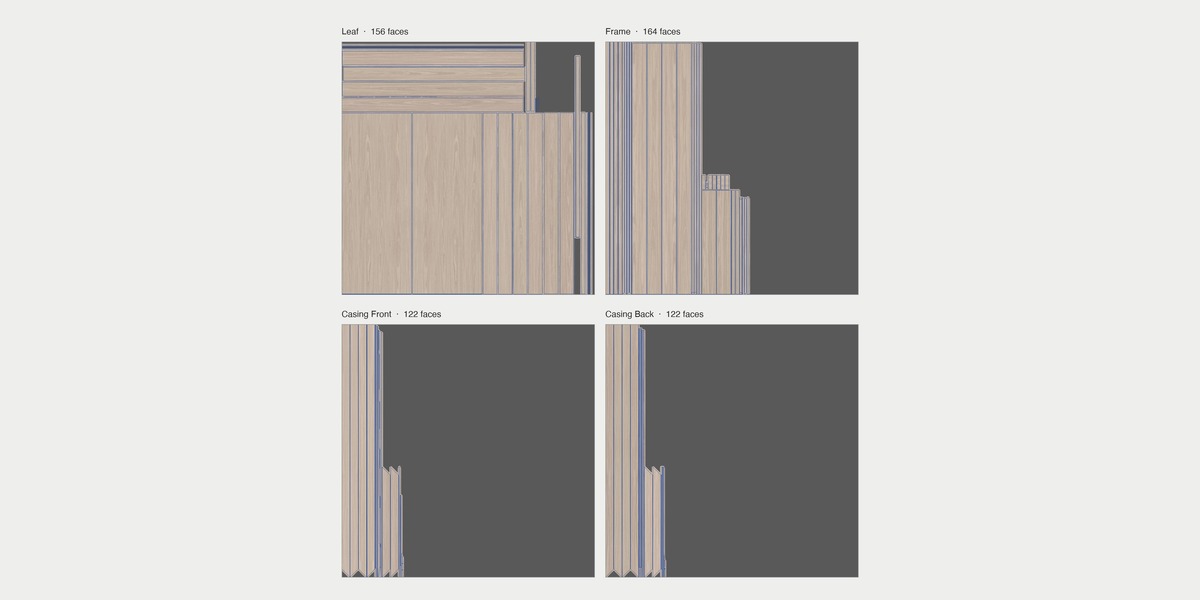
- FBX (mm), OBJ+MTL and GLB (metres): one file per model, PBR materials, UVs on every part; oak baked into 2K/1K JPEG maps in a textures folder.
- Every model in two versions: High for close-ups, Low for scenes seen from further away (20 files per format).
- Clean English part names (Frame, Leaf, Casing_Front, Casing_Back, Hinges, Handle_Front, Handle_Back, Lock, Threshold, Subframe, Seal, Peephole).
How to use
- Blender: unzip and open the .blend of the model you need, or append it into your scene (File › Append).
- Other software: import the FBX, OBJ or GLB file of the model you need; keep the textures folder next to the FBX and OBJ files.
- Origin at floor level, centred on the opening, front face towards -Y: the same setup as our window kits, so doors and windows line up.
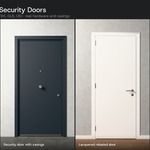
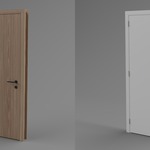
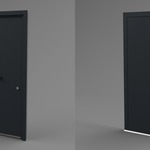
Sizes (nominal leaf width x height, cm): interior 70, 80, 90 x 210 · security 80, 90 x 210.
Have questions about this product?
Login to message
| Published | 2 days ago |
| Blender Version | 5.1 |
| Render Engine Used | Cycles |
| Misc Data | Uvs-Unwrapped, Low-High-Resolution, Normal-Mapped, Textured |
| License | Royalty Free |
Discover more products like this
entrance-door door handle oak-door security door realistic white door architecture interior door door ArchViz