 Space Store
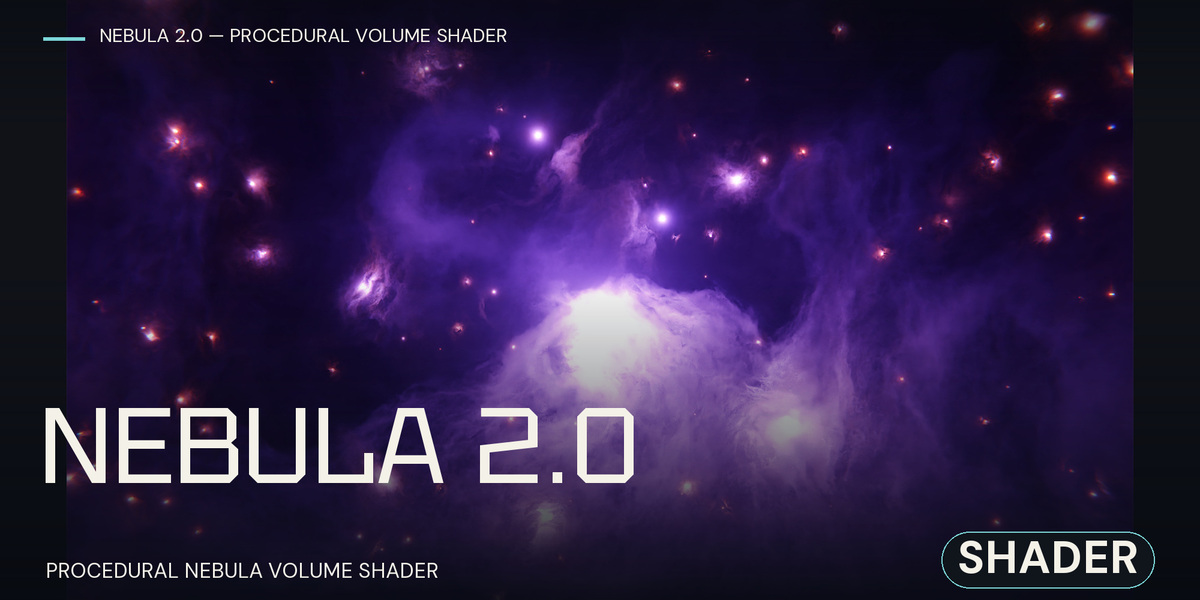
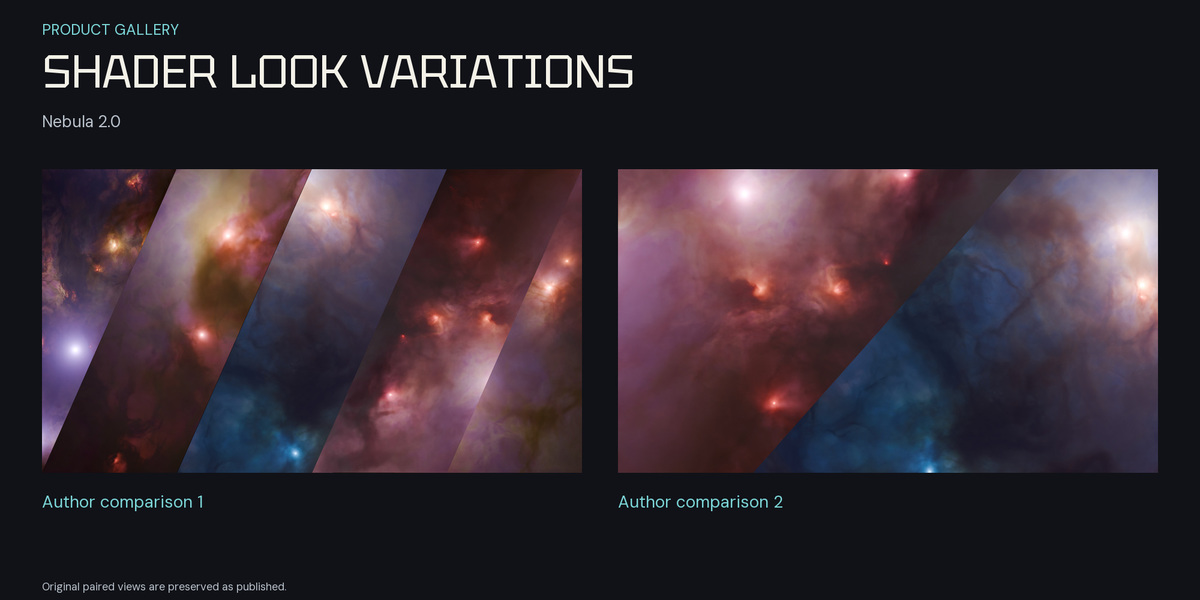
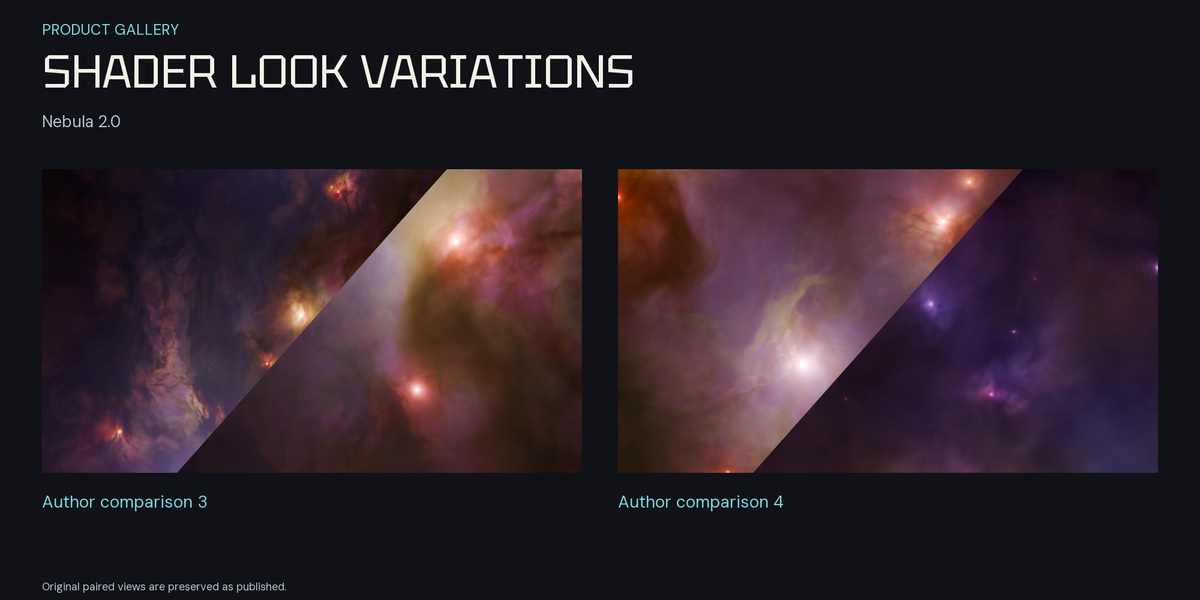
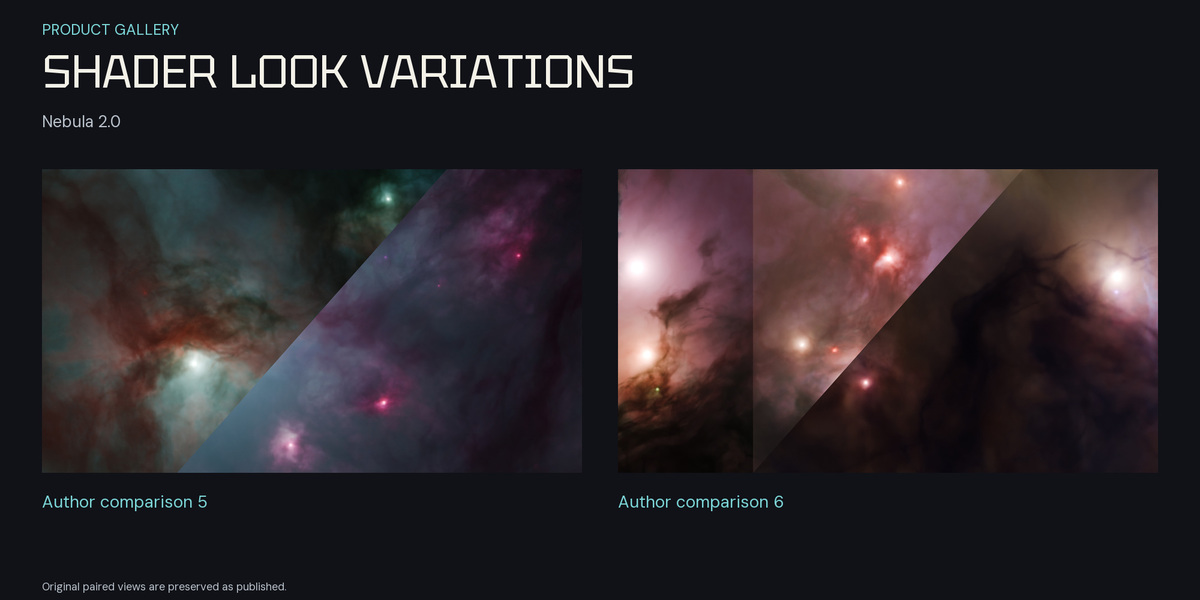
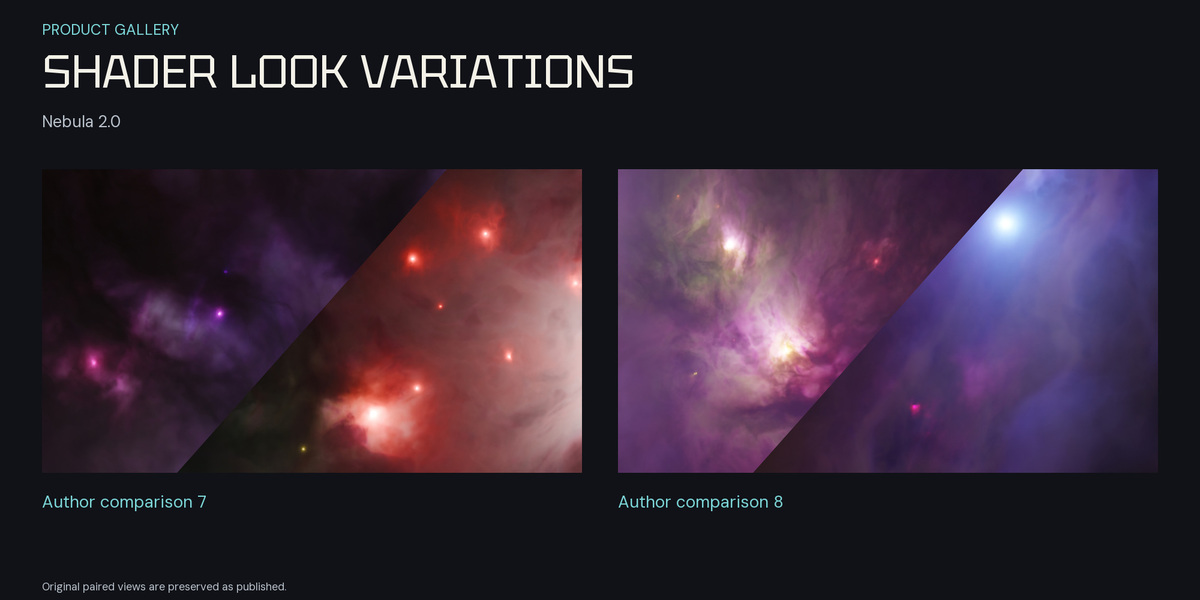
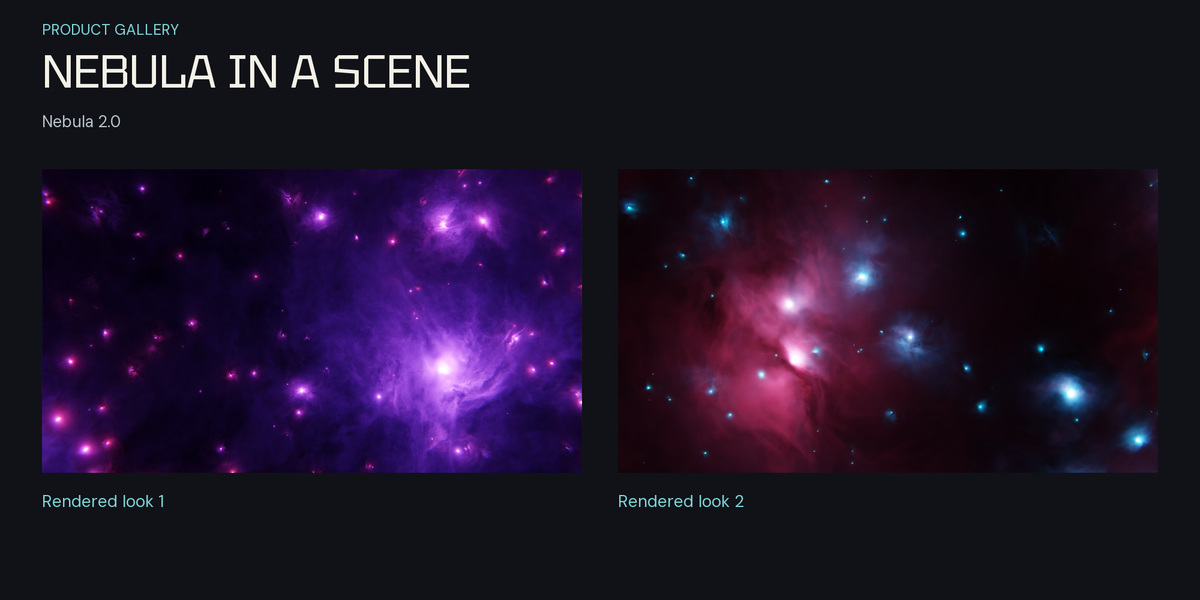
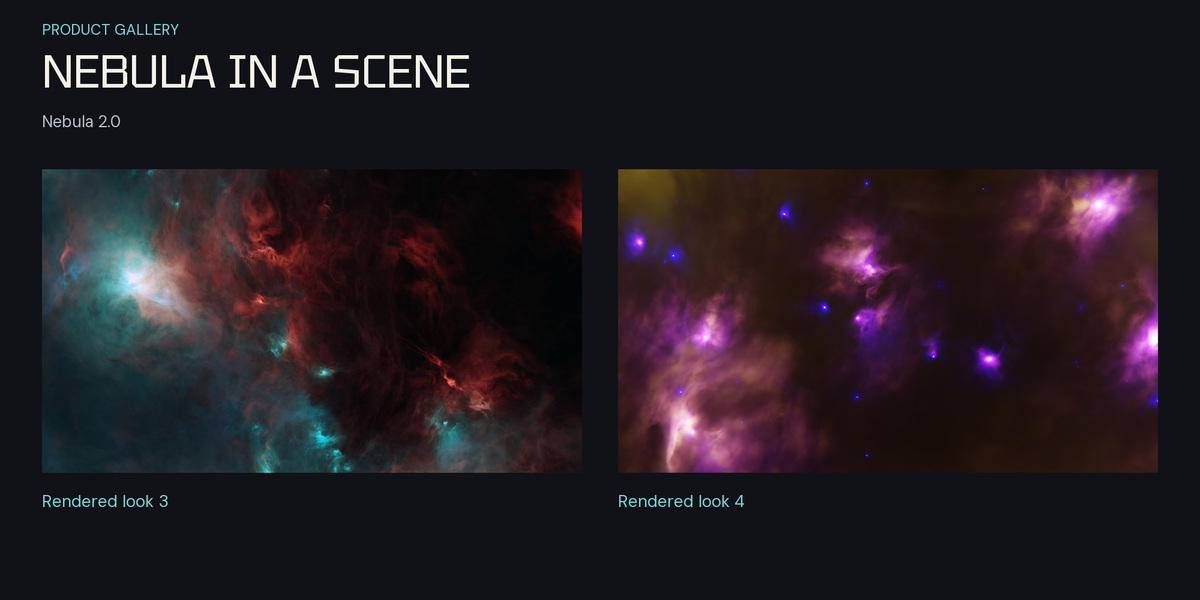
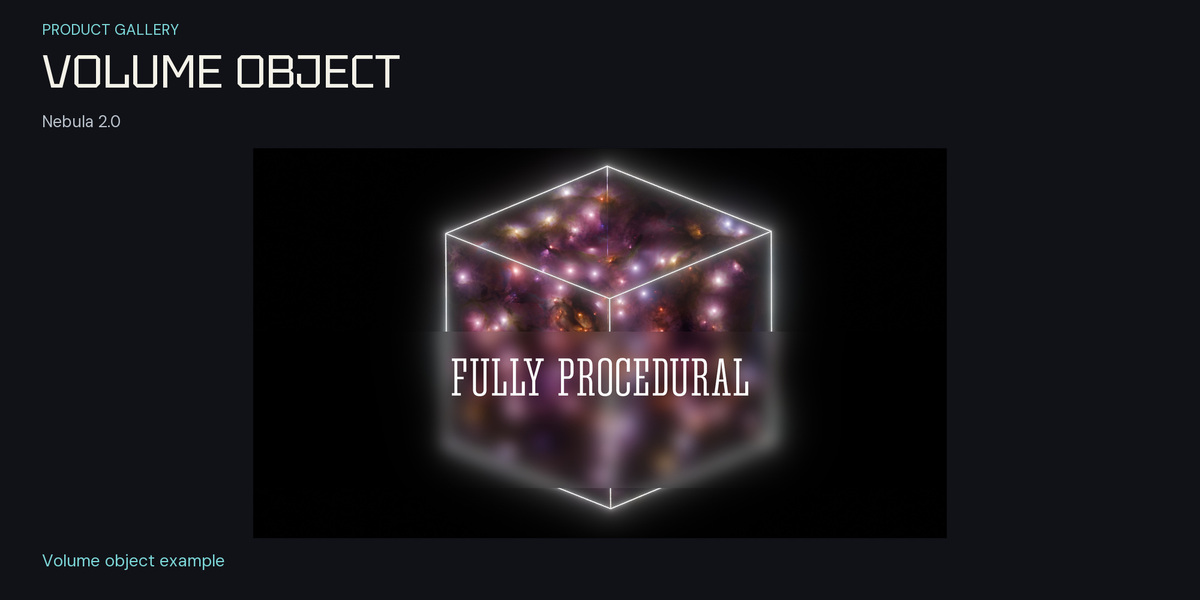
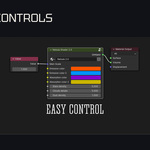
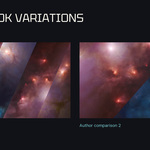
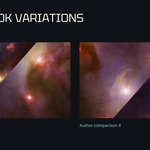
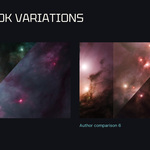
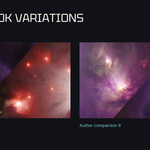
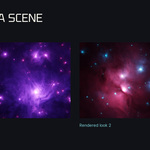
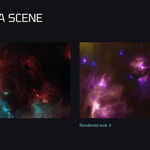
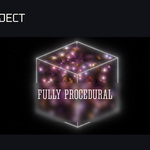
Create layered nebula clouds and luminous space detail in Blender. Work with an editable procedural volume material for cinematic nebula compositions, cosmic environments and look development.
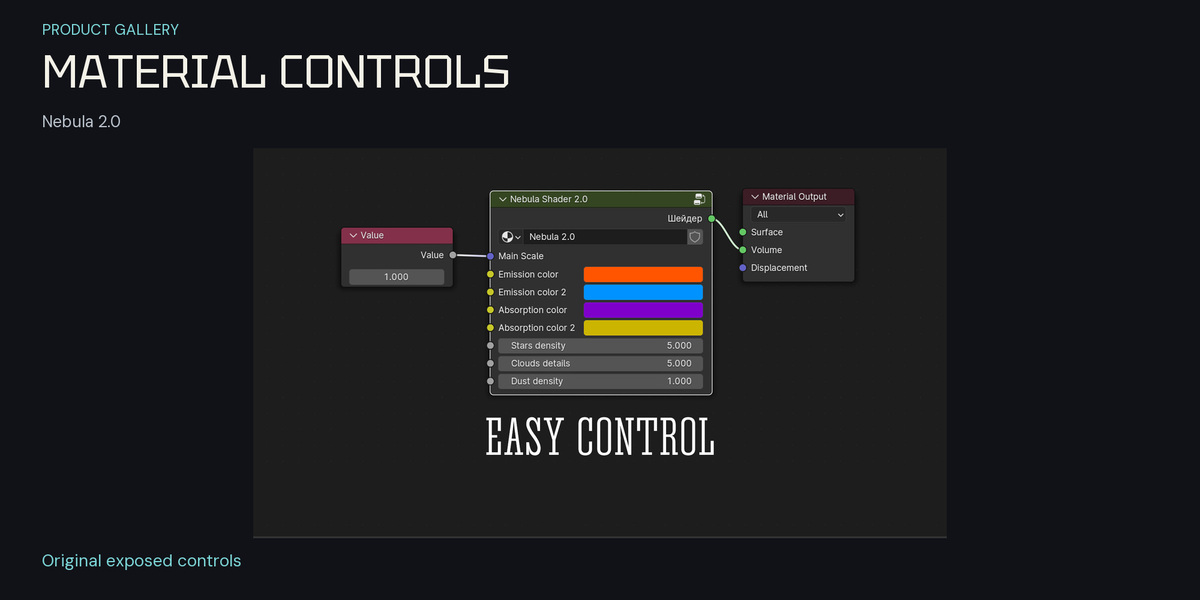
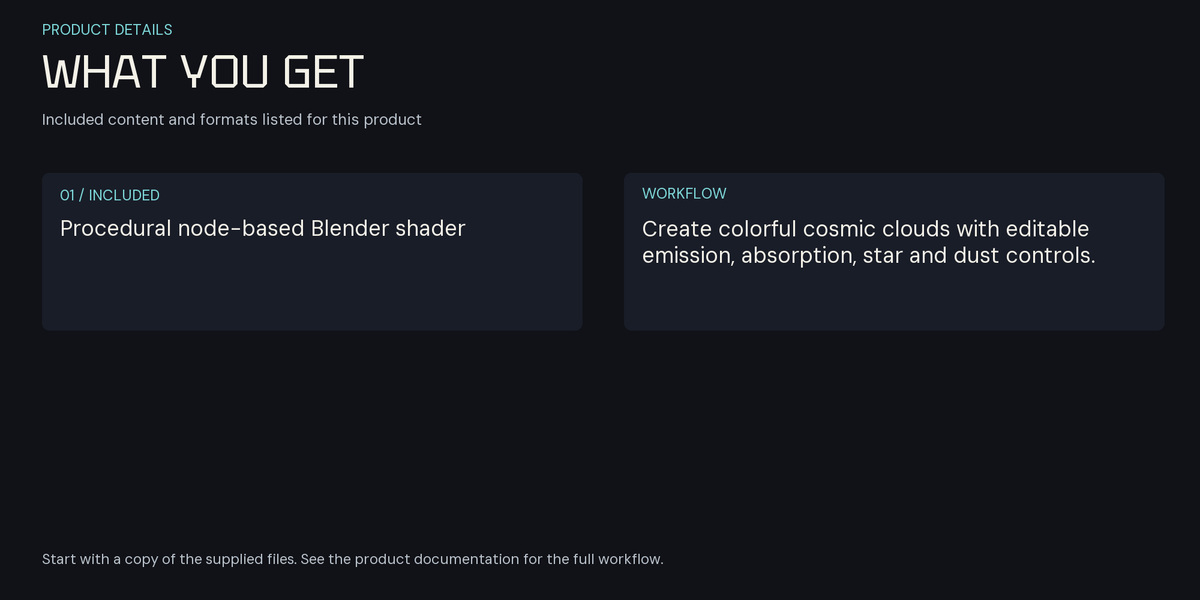
Shape and color controls
- Adjust the global scale and cloud detail
- Develop the palette with emission and absorption colors
- Balance dust density and star detail
- Reuse the supplied material and volume-object setup in Cycles
Included files
- Advanced Nebula Shader 2.0.blend — the Advanced 2.0 material and object setup
- Nebula Shader.blend — the original material version, retained for reference and existing projects
The files contain material and object setups without a camera. Preview them in Rendered viewport shading, or add and position your own camera for a camera render.
Using the material
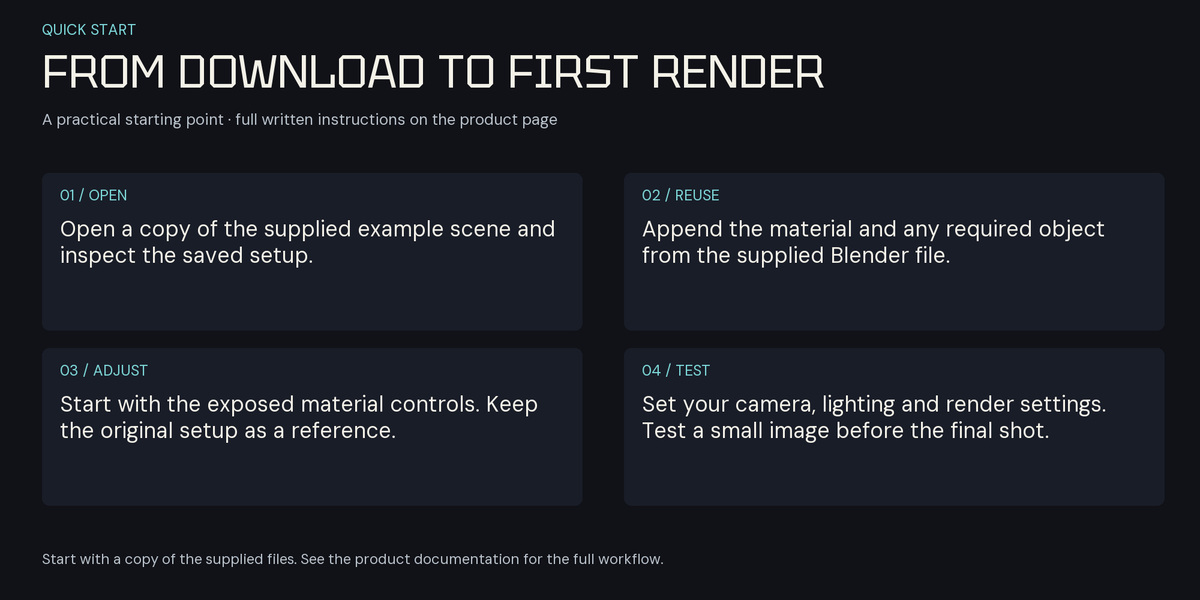
Start with the Advanced 2.0 file. For an existing project, append the required object or collection with its material, preserving the original container, object scale and coordinates. Adjust linked controls in the Shader Editor and check the destination scene settings.
Compatibility and rendering
Both current downloadable files were checked in Blender 5.2.3 LTS with Cycles, including fresh material appends and small test renders. Use preview renders to tune volume settings, sampling, exposure and denoising for your composition. Render cost depends on the material, scene and hardware.
License
New purchases use the Superhive Standard Royalty Free license. Use the assets in personal and commercial rendered work; do not resell or redistribute the source assets. Previously granted licenses and applicable third-party terms remain valid.