Nebula Whirl — Static VDB Nebula for Blender
 Space Store
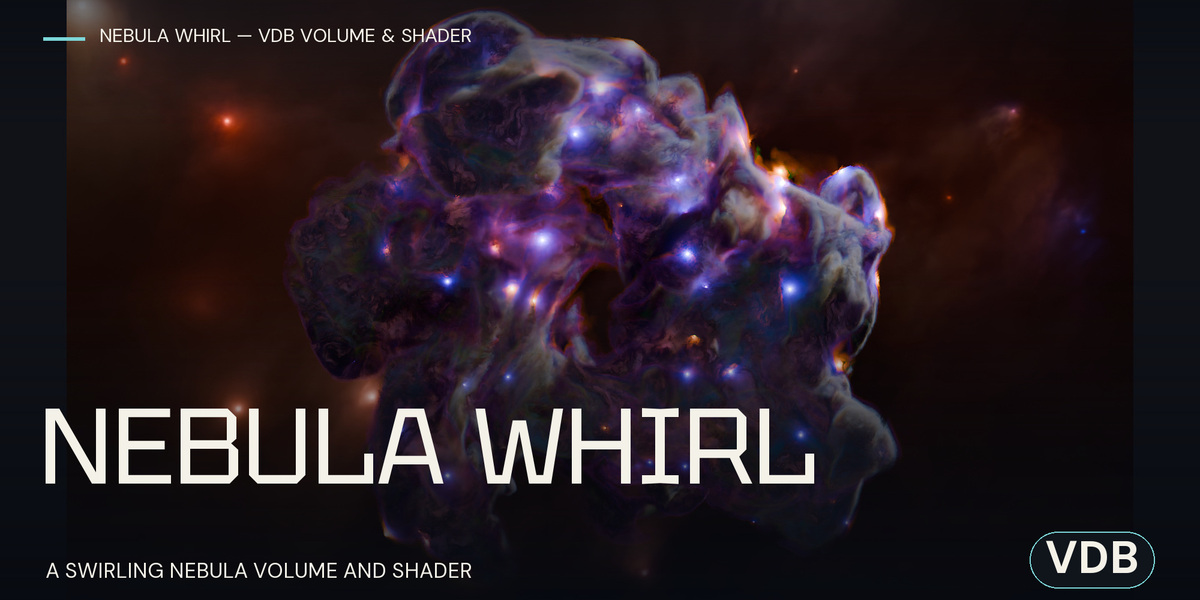
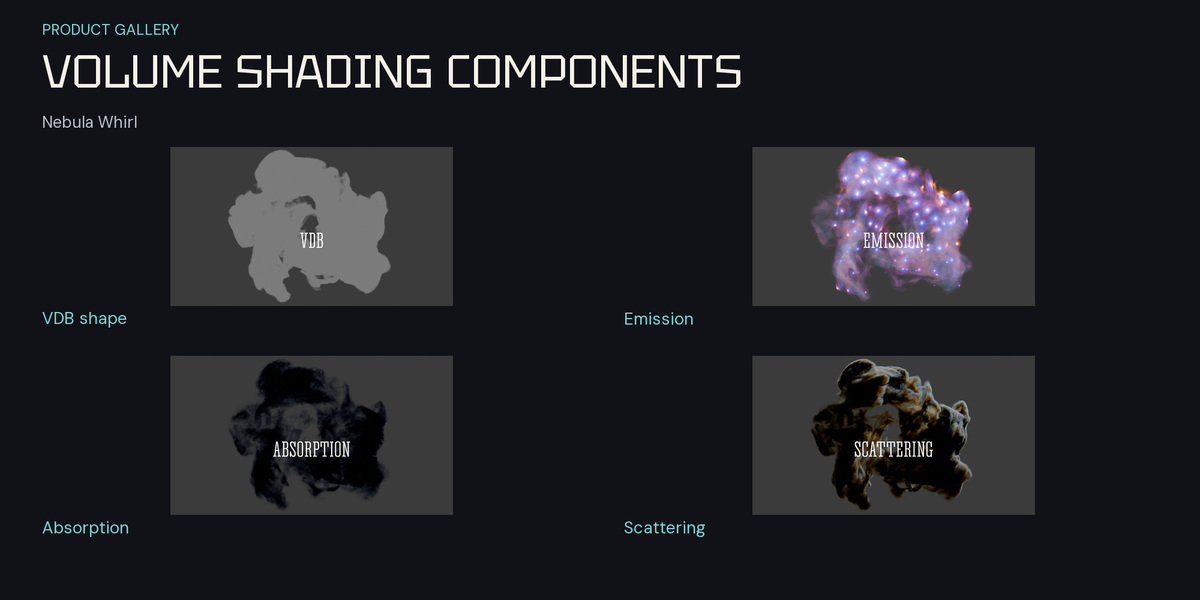
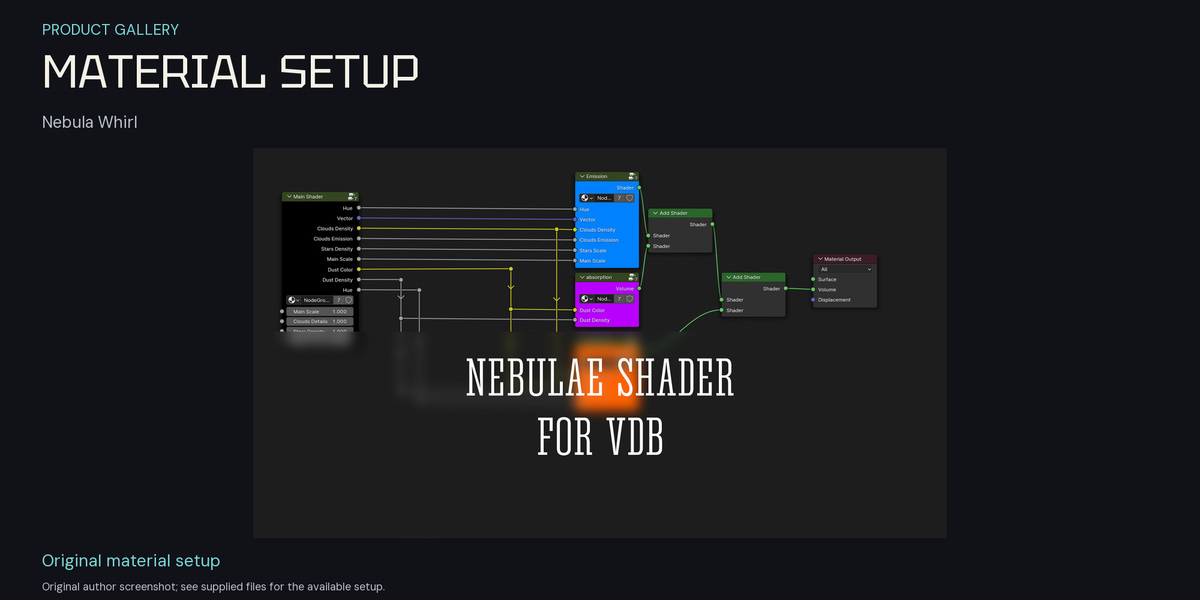
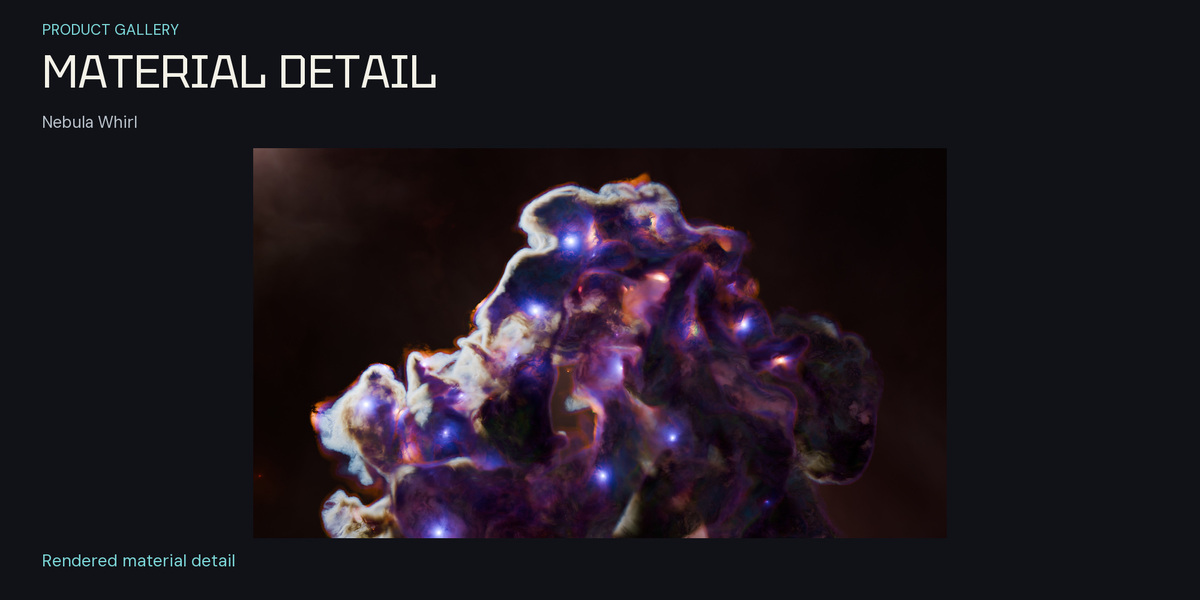
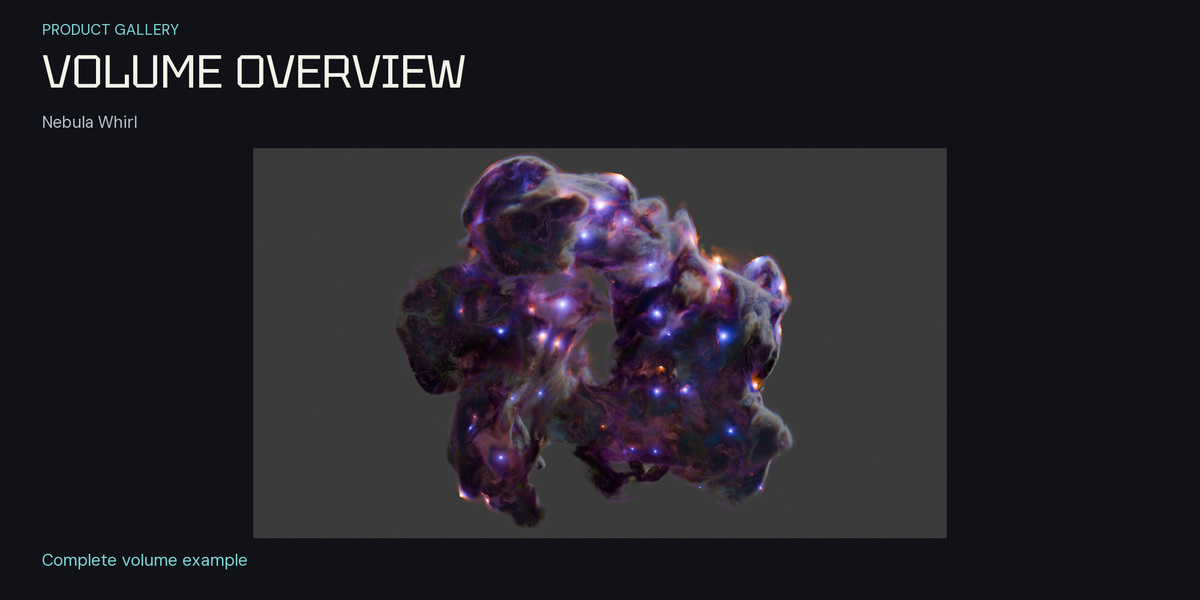
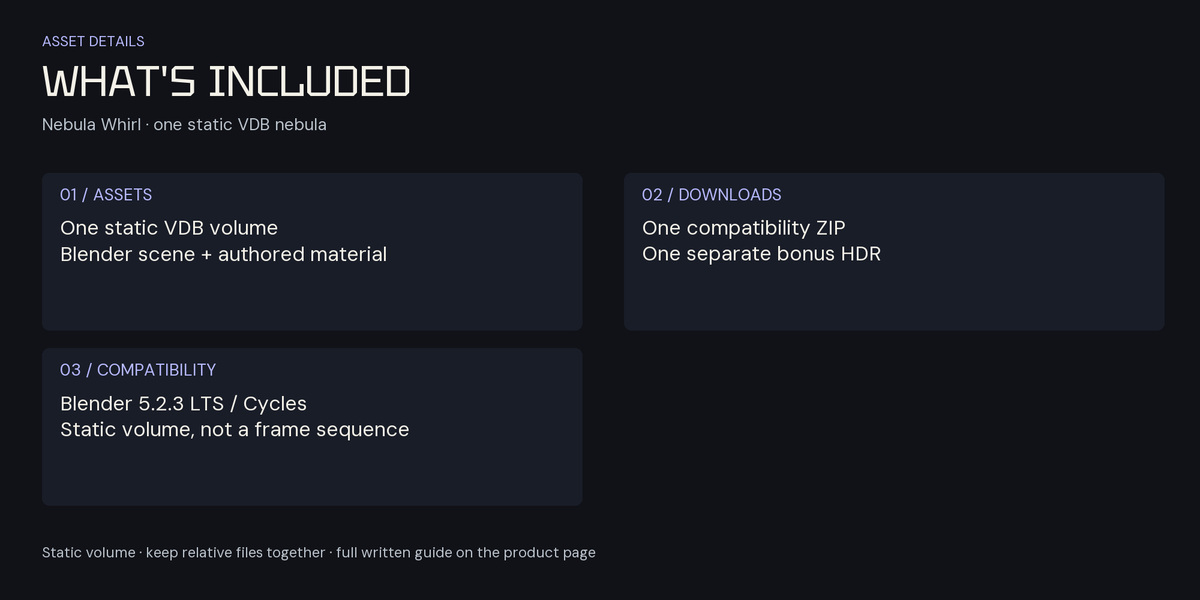
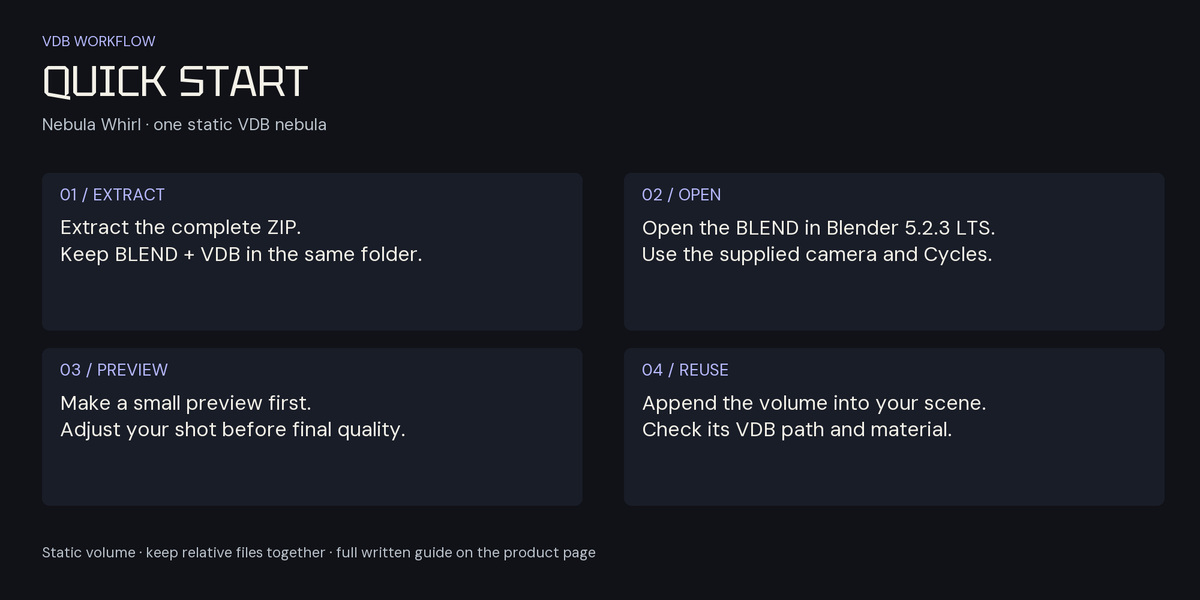
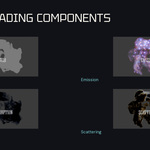
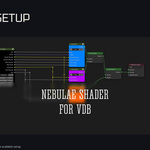
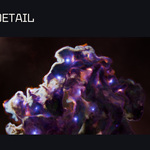
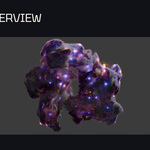
Download and open
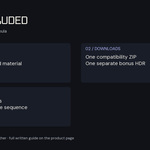
- Download the compatibility ZIP and the separate bonus HDR. Keep a backup of your downloads.
- Extract the complete ZIP into a normal project folder. Keep
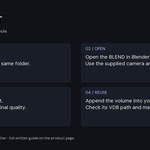
VDB Nebulae Whirl.blendandVDB Nebulae Whirl.vdbtogether; do not open the BLEND inside the archive. - Open the BLEND in Blender 5.2.3 LTS. Use Cycles. The supplied camera and material are already present.
- Make a small preview before setting a production resolution and sample count. Keep the original download unchanged and save scene edits to a new file.
Reuse the volume
In your destination project, use File → Append, browse the supplied BLEND, open Object and append the volume object. Keep the VDB beside the source BLEND while appending. Verify its data path and material in the destination scene. Appending the object does not automatically copy the source scene's camera, World, compositor or render settings.
If the volume is missing
Select the volume and inspect its data file path. The supplied scene uses //VDB Nebulae Whirl.vdb, relative to the BLEND. Check that the VDB has been extracted beside it. If you moved the object into another project, relink the VDB from Volume Data Properties. Confirm that its grids load without errors. This file was checked with these grids: density, flames, fuel, temperature.
Shape and animation
This file contains one static volume, not a frame sequence. Material edits change its appearance; they do not add a time-varying simulation. Transform the object or animate a camera if that suits your shot. Keep the original VDB file unchanged.
Bonus HDR
The separate download Realistic Dusty Nebula 8k.hdr is a static Radiance HDR image at 7680 × 4320 pixels. Load it into your own background or World setup and check framing, projection and exposure. Seamless 360° coverage is not promised. The scene also retains its existing packed image dependency.
Performance and compatibility
Start with a low-resolution Cycles preview, then raise quality for your final shot. Volume step settings, samples, framing and memory affect render cost. The portable scene and grid loading were checked in Blender 5.2.3 LTS; an additional 128 × 72, two-sample CPU opening preview was made. This does not establish a production render-time benchmark. Other Blender versions and render engines remain unverified.
Versions and license
Choose the Blender 5.2.3 compatibility release for portable VDB paths. Original files remain in Legacy. New purchases use the Superhive Standard Royalty Free license; earlier grants and applicable third-party terms remain valid.
Have questions about this product?
Login to message
| Dev Fund Contributor | |
| Published | almost 3 years ago |
| Blender Version | 5.2 |
| Render Engine Used | Cycles |
| License | Royalty Free |