 FrancescoMilanese


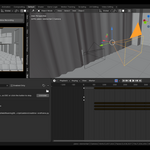
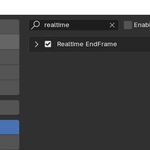
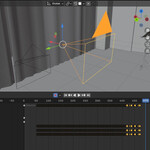
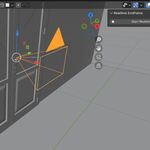
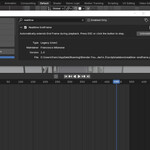
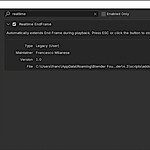
This add-on automatically extends the timeline while animation playback is running.
It is shown as a tab in the Sidebar of the 3D Viewport (the N panel). Made & tested with Blender 4.3.
Click on the "Start Recording" button in the add-on panel to have the animation play. When the current frame is close to the end frame, the add-on will automatically push the end frame forward.
When you're done, simply press ESC or click again on the button: the playback stops, the final frame is set, and your timeline is trimmed exactly where it needs to be.
Ideal for recording keyframes in real-time (e.g., using Auto Keying), it keeps the playback going indefinitely by pushing the End Frame forward.
non-destructive: doesn't change your Auto Keying settings or previously set keyframes;
no setup needed: works instantly out of the box;
perfect for archviz animations (I developed it to use it with the Walk mode and the Auto Keying, so I don't have to "guess" the End Frame in advance).
I'm going to publish a videotutorial on my youtube channel on May 30th (2025), so subscribe to my channel and turn on the notifications! ;)
