Rebuilt
 Difffuse Studio

What kinds of models can I use, and what happens to my original?
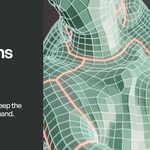
Rebuilt works with high-poly meshes such as sculpts, photogrammetry scans and detailed hard-surface models. It processes a copy, so your original stays intact and you can try different settings on the same asset.
Can I run the whole process automatically or work one step at a time?
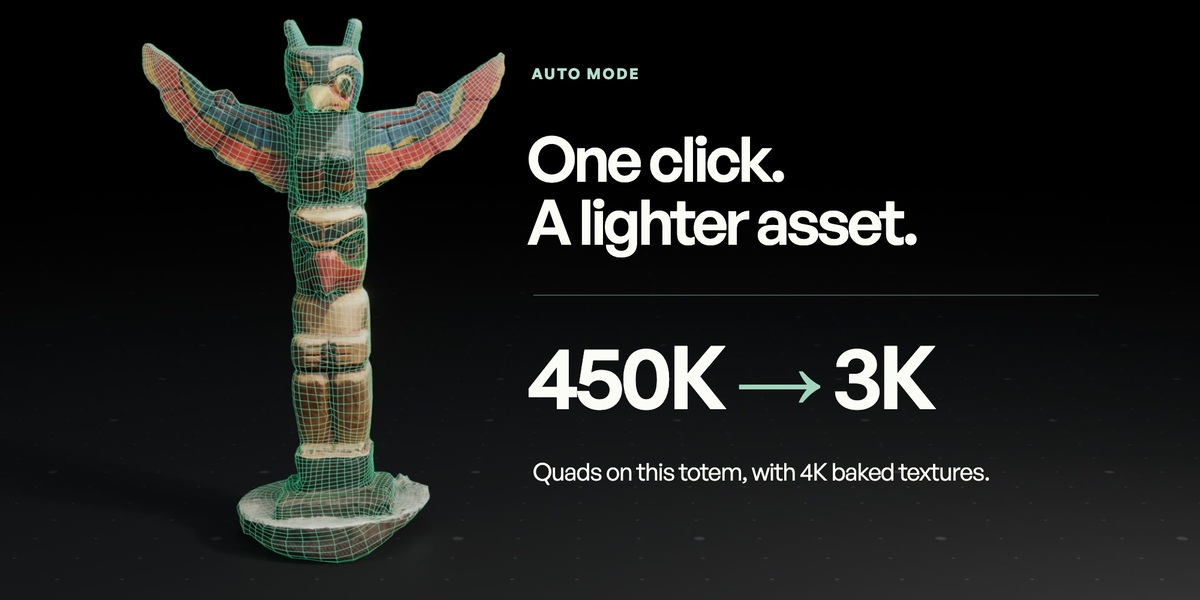
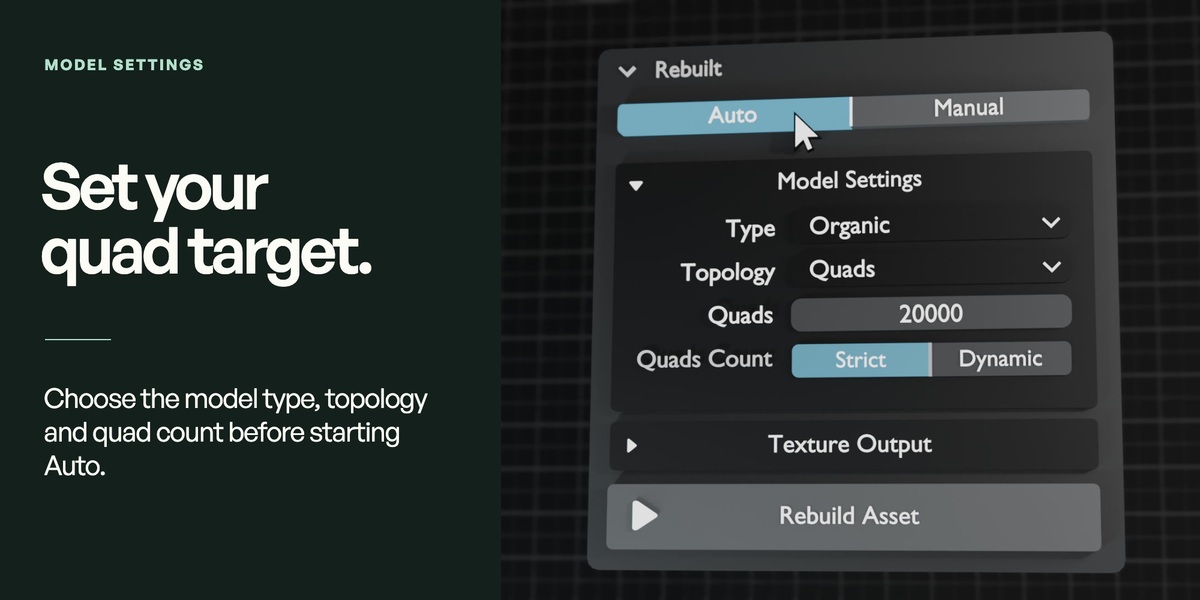
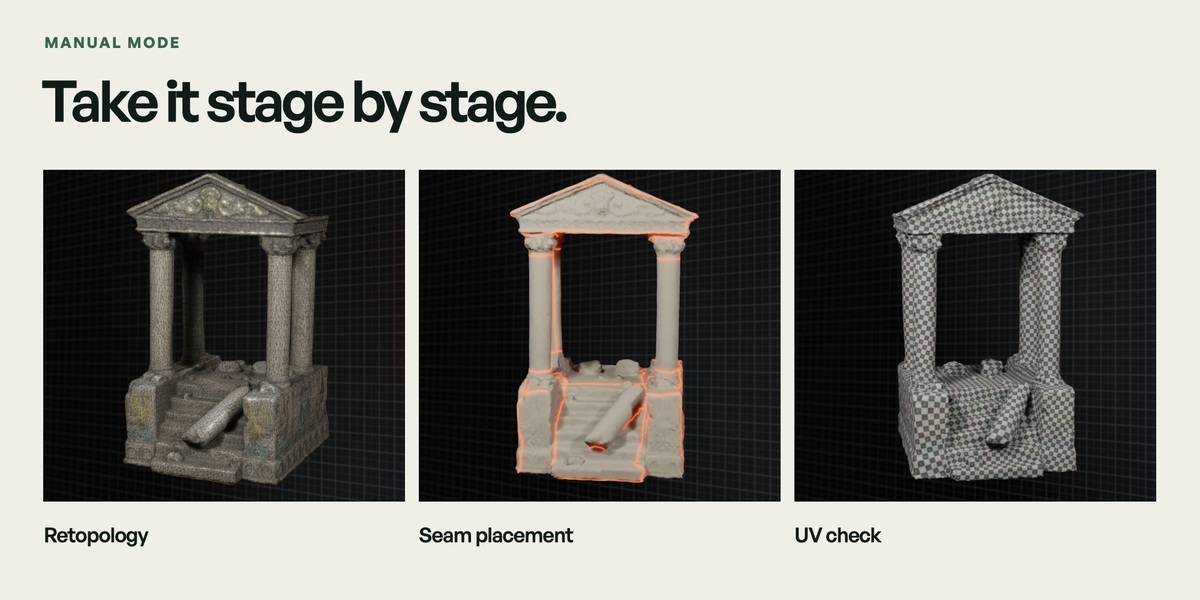
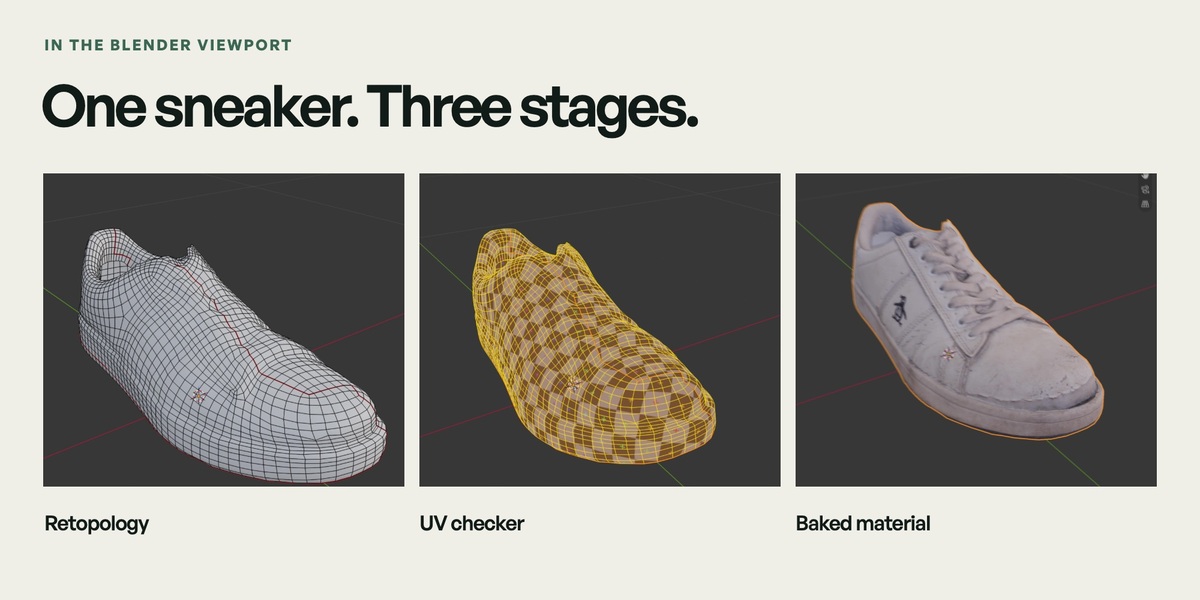
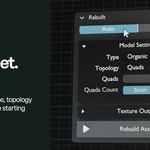
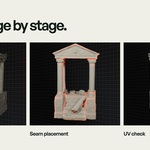
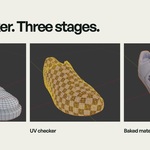
Both. In Auto mode, choose a polygon target and texture resolution, then click Rebuild Asset. In Manual mode, you can inspect the topology, adjust the seams and review the UV layout before baking.
Can I use my own seams or UV layout?
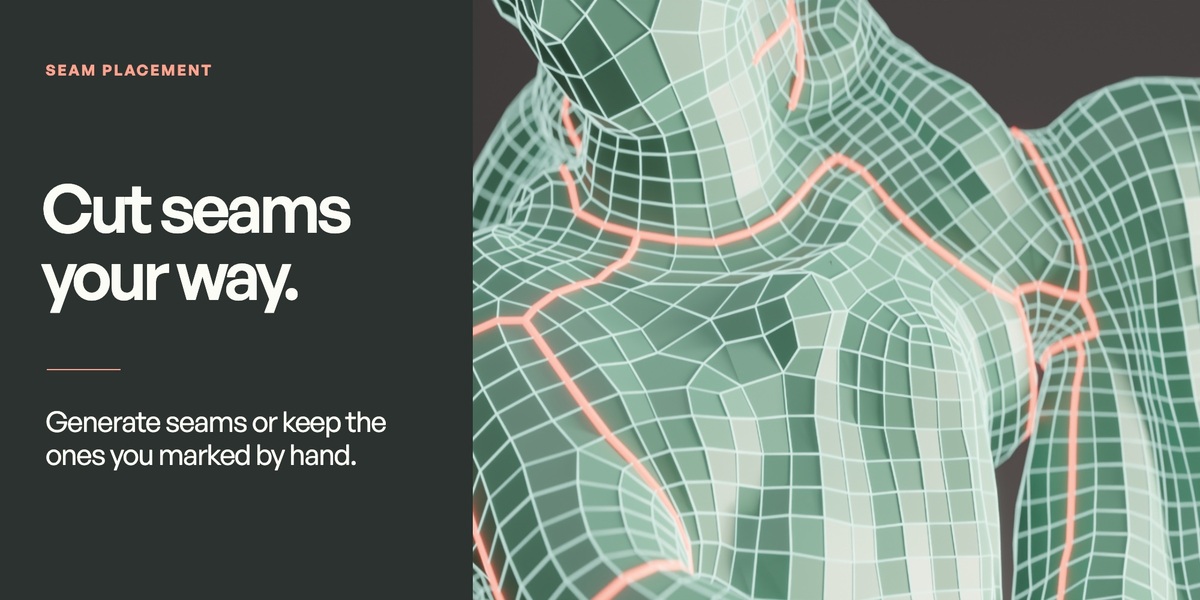
Yes. In Manual mode, you can mark seams on the low-poly mesh and let Rebuilt generate the remaining cuts. If you’ve already unwrapped that mesh, choose Use Existing UVs to keep your layout and continue to baking.
Which texture maps can I bake?
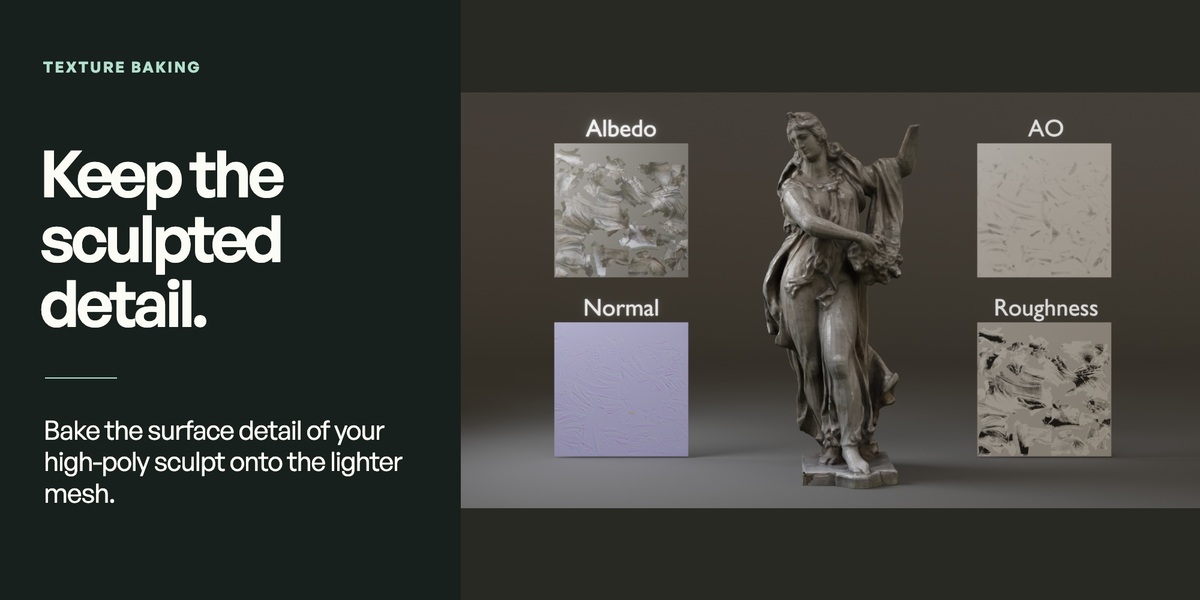
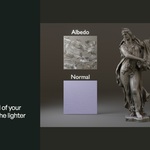
The starting set includes Normal, Base Color and Ambient Occlusion. Rebuilt also supports maps such as Roughness, Metallic, Opacity and Emission, depending on your source material. A normal map lets you carry fine details, such as sculpted grooves, onto the lighter mesh.
Which Blender versions and operating systems does Rebuilt support?
Rebuilt 1.0 supports Blender 5.2.x on Windows x64, macOS with Apple Silicon and Linux x64. Choose the ZIP for your platform and install it in Blender under Preferences → Get Extensions → Install from Disk.
 Included
Includes 12 months of
- Support from Difffuse Studio
- Product updates
Extend this product’s Support Period +12 months: 25% of product price
Have questions before purchasing?
Login to message
| Blender Extension Compatible | Yes |
| Sales | 20+ |
| Dev Fund Contributor | |
| Published | 1 day ago |
| Blender Version | 5.2 |
| Extension Type | Add-on |
| License | GPL |