Reference Image Addon (Pureref Alternative)
 Redmoon Studio


RedMoon VFX Blender Add-on: Documentation
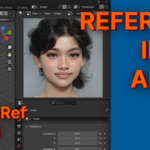
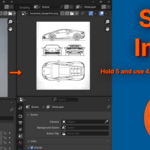
This guide provides the setup and usage instructions for the RedMoon VFX Blender Add-on, designed to streamline your workflow by allowing quick toggling between the Outliner and Image Editor.
Activation Process
To initialize the add-on functionality after launching Blender:
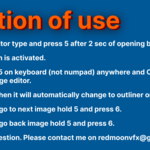
Launch Blender and wait at least 2 seconds for the interface to fully load.
Hover your mouse cursor over the Editor Type icon (the small icon at the top-left of any editor window).
Press 5 on your keyboard (the number row, not the numpad).
The add-on is now activated for your current session.
Navigation Shortcuts
Once activated, use the following keyboard commands to control your interface. Note: Use the main keyboard number row; these shortcuts do not work on the Numpad.
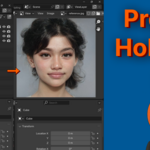
Toggle View: Press or hold 5 anywhere to change the Outliner into the Image Editor.
Automatic Revert: If you hold 5, the window will automatically change back to the Outliner as soon as you release the key.
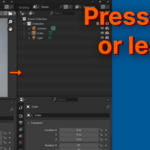
Next Image: While holding 5, press 6 to cycle to the next image in your project.
Previous Image: While holding 5, press 6 again to cycle back to the previous image.
Support & Contact
If you have questions or encounter issues during setup, please reach out to the developer:
Email: [email protected]
Have questions about this product?
Login to message
| Blender Extension Compatible | Yes |
| Published | 12 months ago |
| Blender Version | 4.0 - 4.5 |
| Extension Type | Add-on |
| License | GPL |