 Tesselune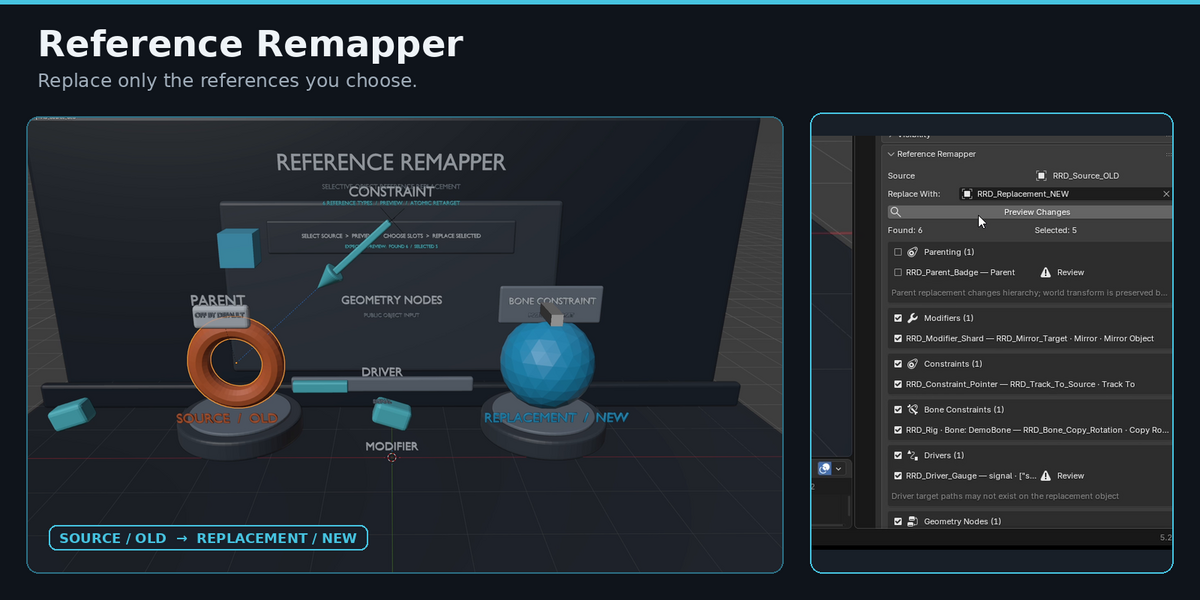
Replace Object References Without Remapping Everything
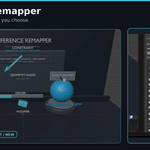
Reference Remapper lets you find references to one object, preview exactly what will change, and selectively retarget only the references you choose to another object.
Instead of globally replacing every user of an object, you can review Parenting, Modifiers, Constraints, Drivers, Geometry Nodes inputs, and more before making the change.
It fits directly into Blender's Object Properties workflow and leaves the source object itself intact.
Why Reference Remapper Exists
Blender can remap datablock users globally, but sometimes you do not want every reference to move to the same replacement.
A single object may be used by a Boolean modifier, a constraint, a driver, a parent relationship, and a Geometry Nodes input at the same time.
Reference Remapper gives you a preview of those references first, so you can decide which ones should move to the new object and which ones should stay where they are.
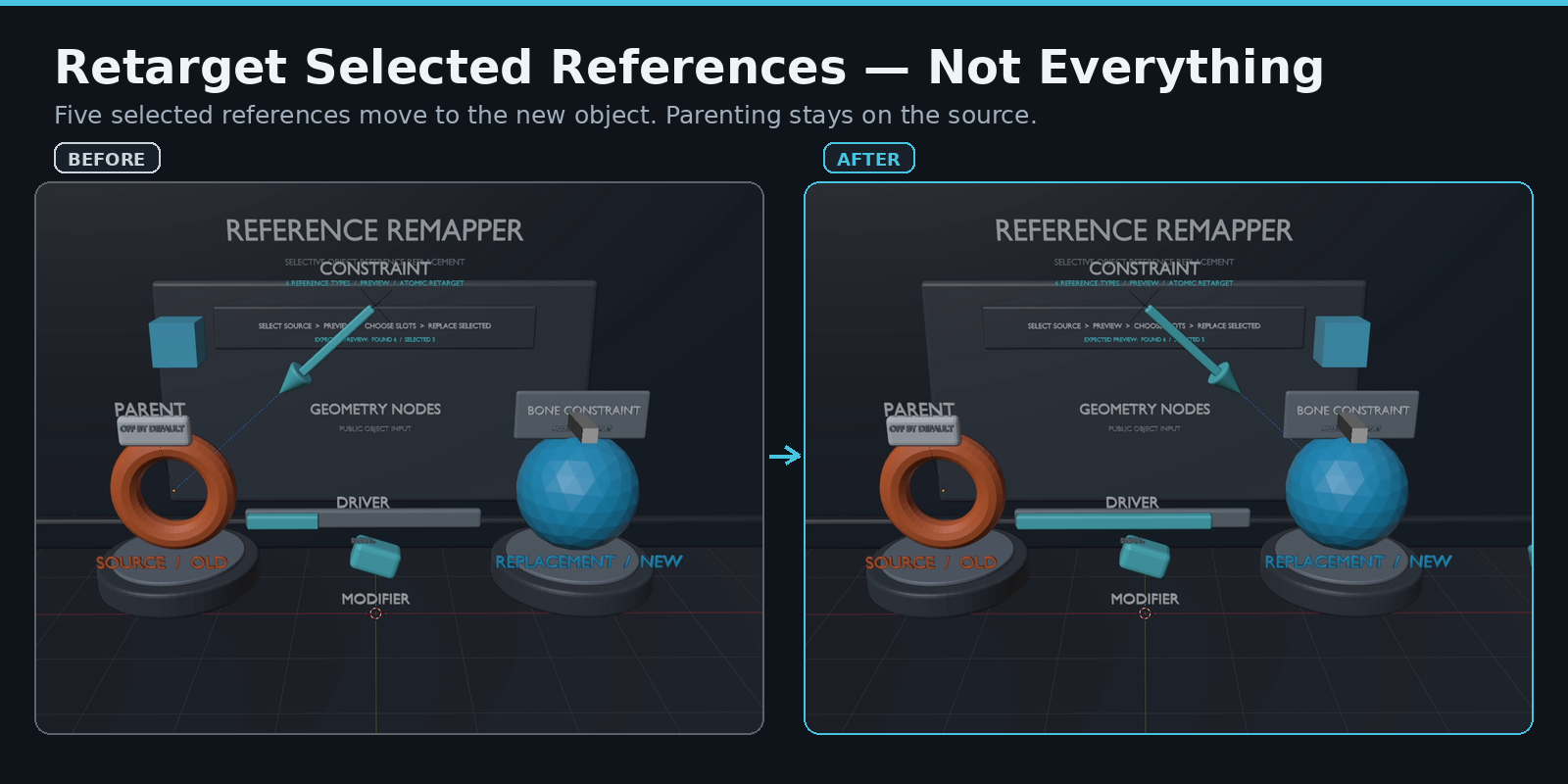
The source object is not deleted. Only the selected reference targets are changed.
See Supported References in One Preview
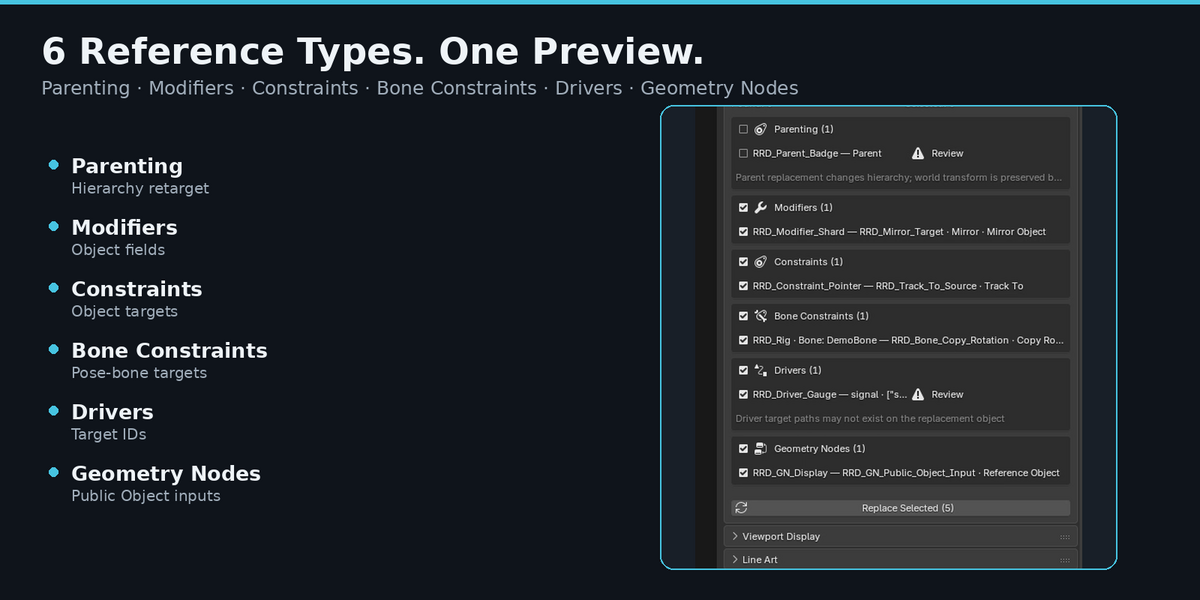
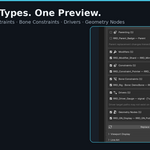
Reference Remapper scans the selected source object and groups supported references by type.
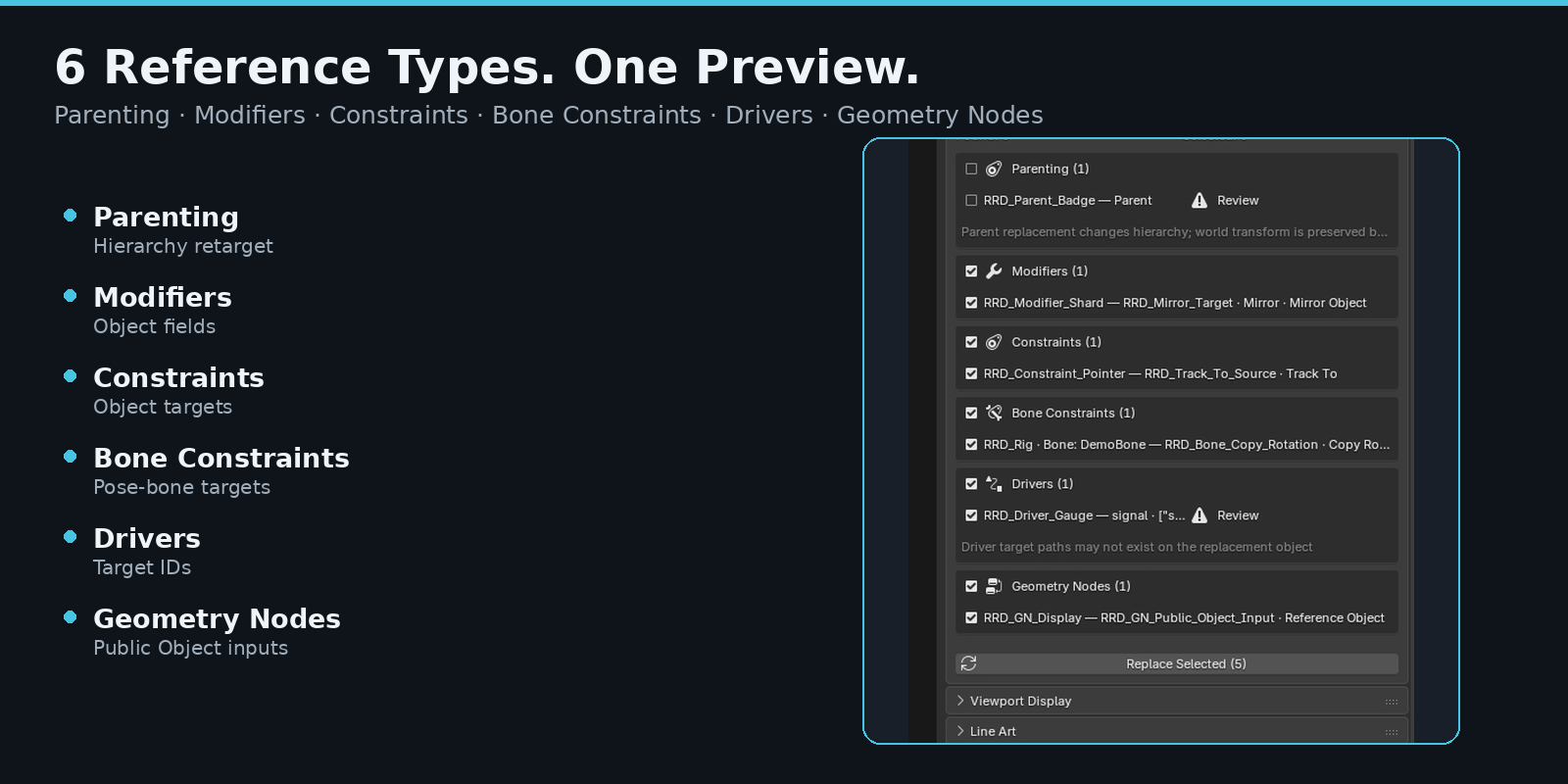
V1 supports:
- Parenting
- Modifiers
- Object Constraints
- Pose Bone Constraints
- Driver targets
- Geometry Nodes Modifier public Object inputs
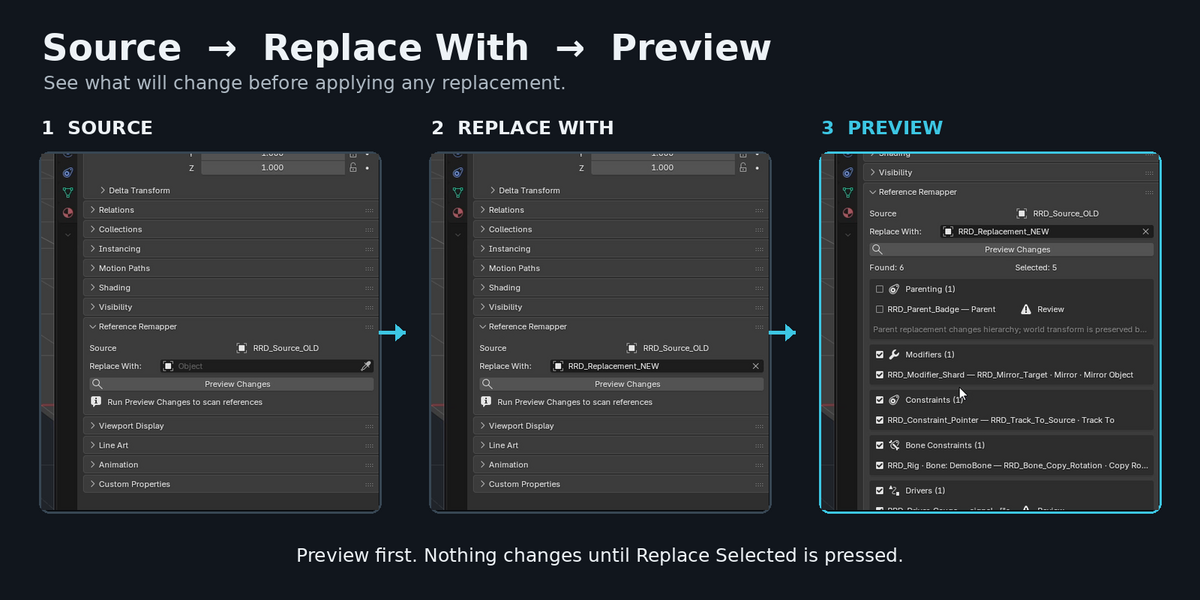
The Preview shows how many supported references were found and how many are currently selected for replacement.
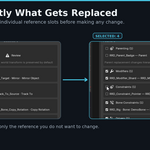
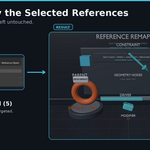
Choose Exactly What Changes
You are not limited to an all-or-nothing replacement.
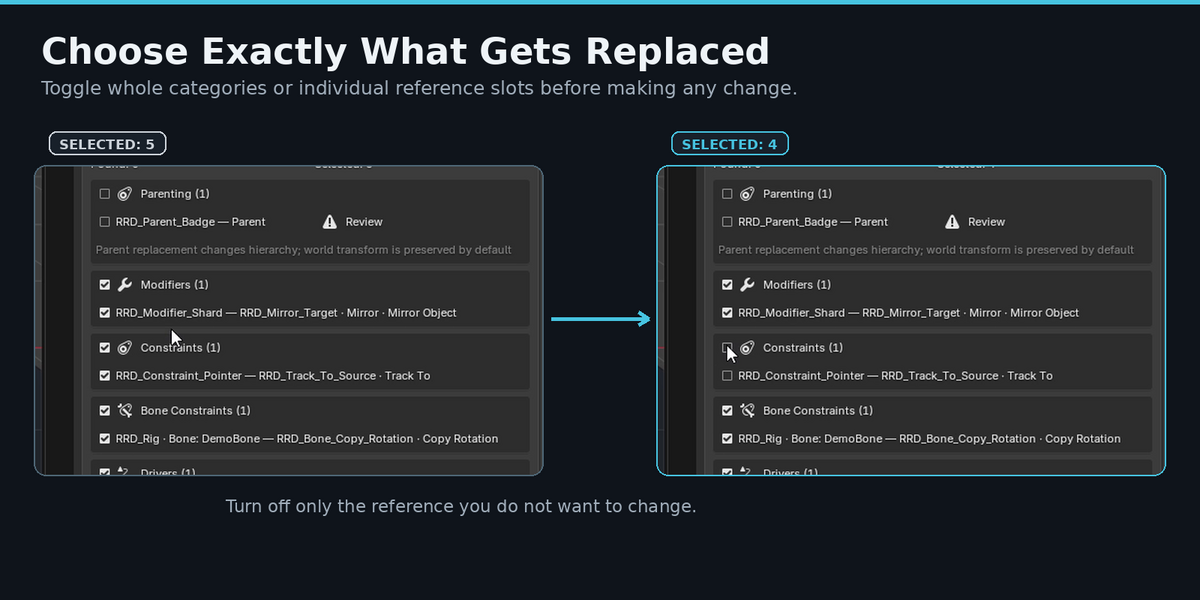
Whole categories can be enabled or disabled, and individual reference slots can be toggled independently.
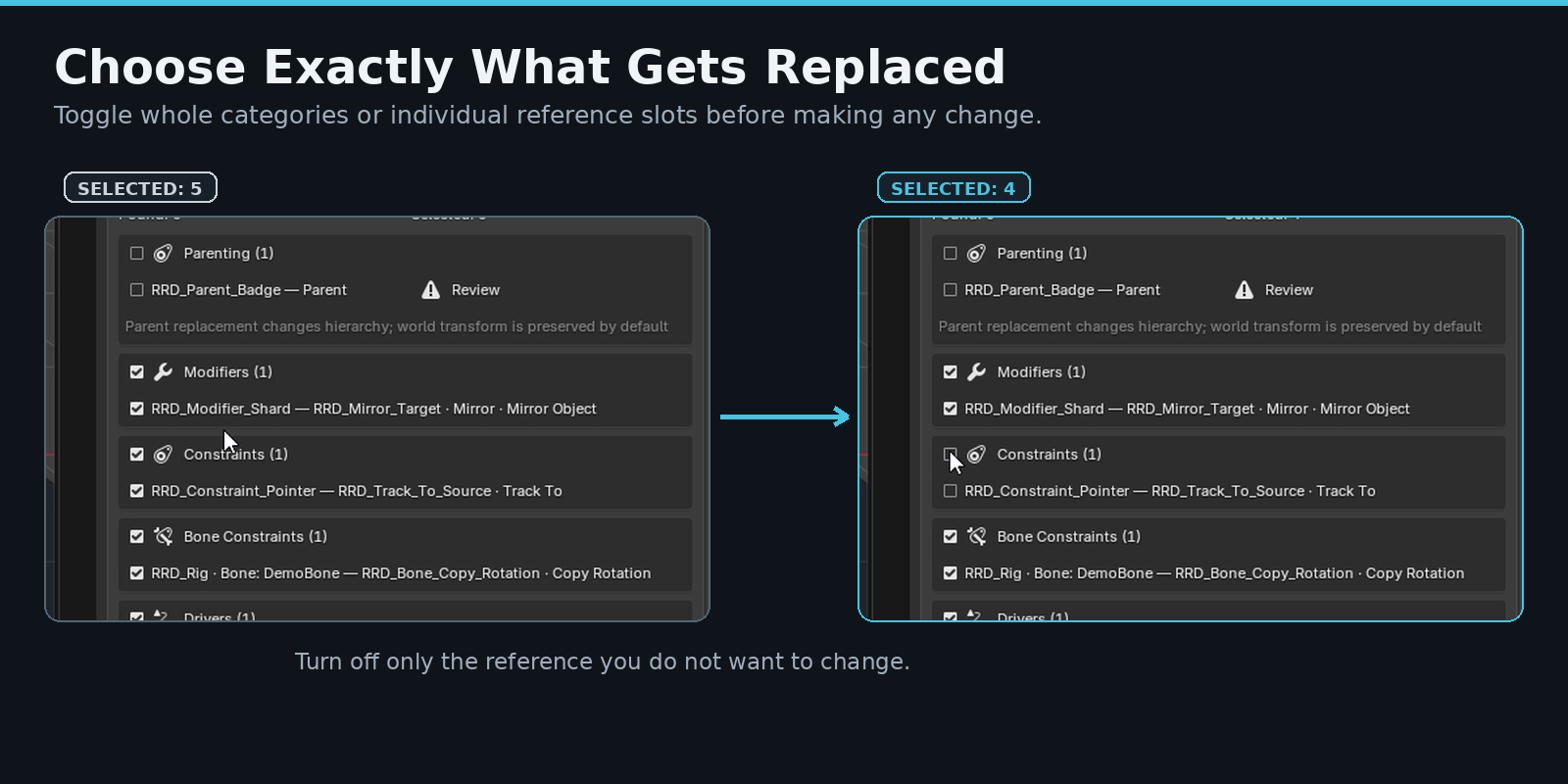
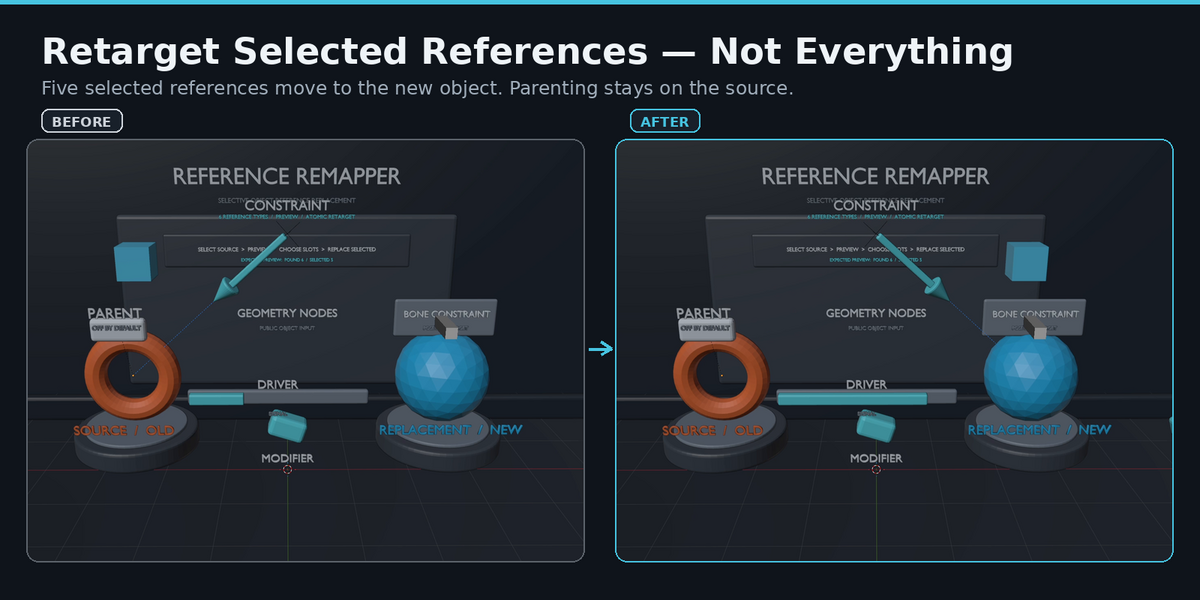
This makes it possible to leave one relationship pointing to the original object while moving other references to the replacement.
For example, you can replace Modifier and Constraint targets while leaving Parenting untouched.
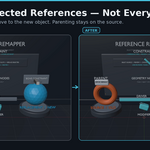
Replace Only the References You Select
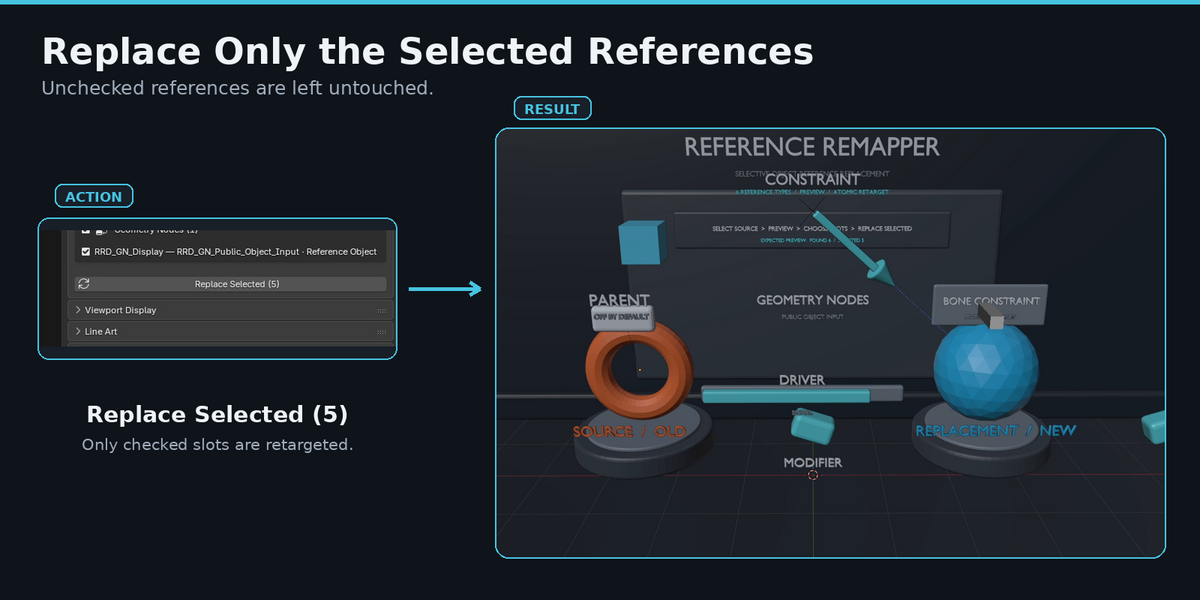
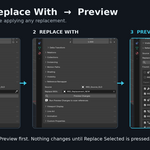
Once the Preview looks correct, use Replace Selected to retarget only the checked references.
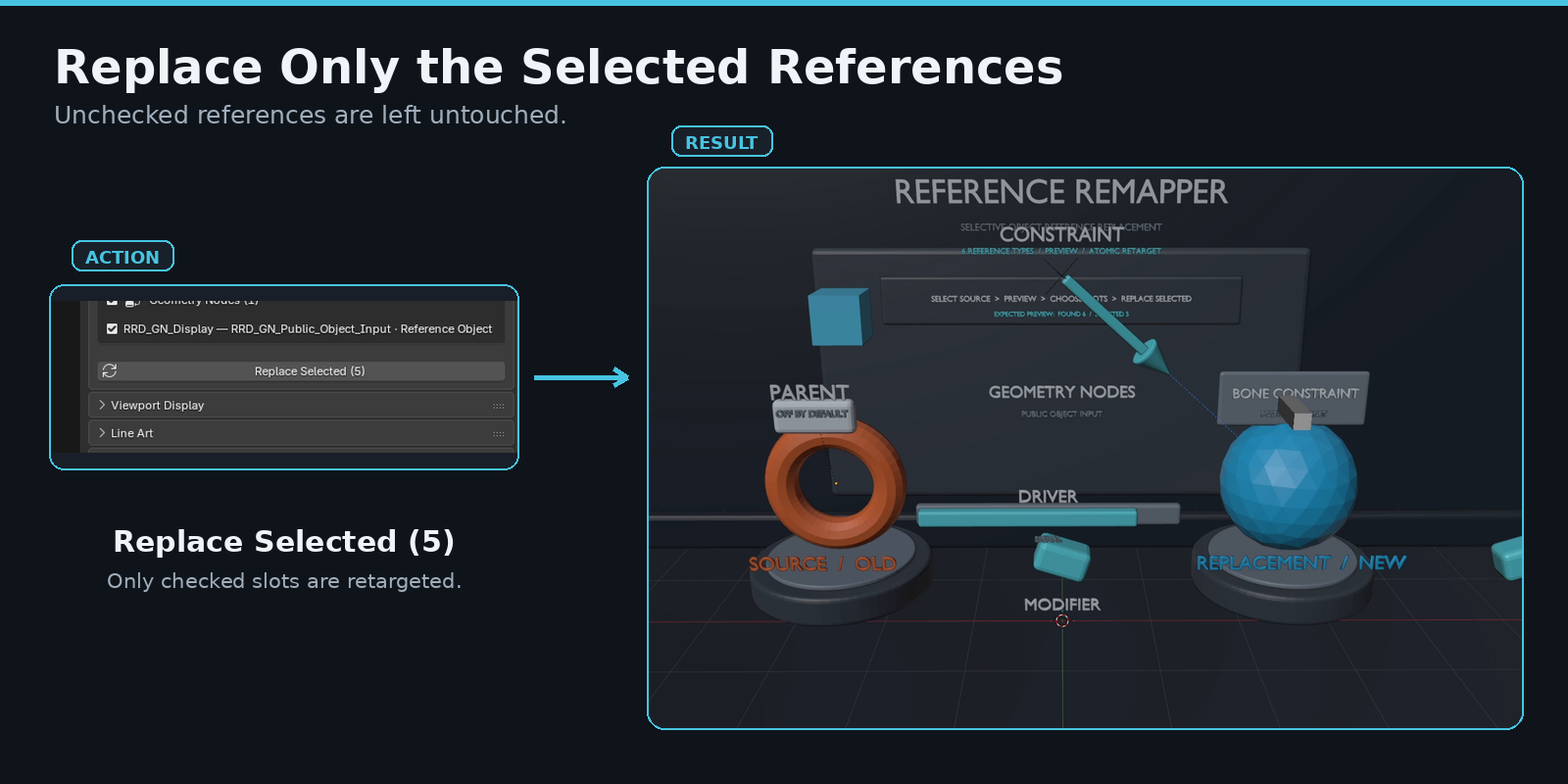
Unchecked references remain unchanged.
Reference Remapper performs a fresh scan before applying the change, so a Preview that no longer matches the current scene is not silently applied.
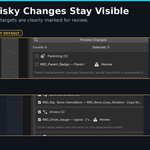
Review Potentially Risky Changes Before Applying
Not every reference has the same consequences.
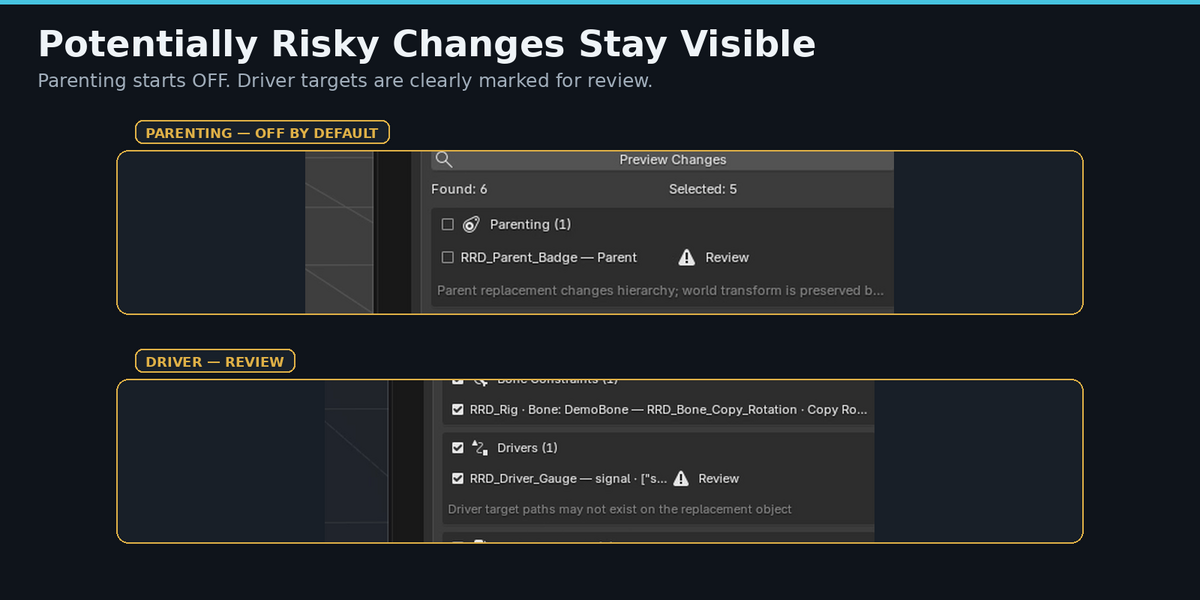
Parenting can change object hierarchy, while Driver targets may depend on properties or data paths that do not exist on the replacement object.
Reference Remapper keeps these cases visible instead of hiding them.
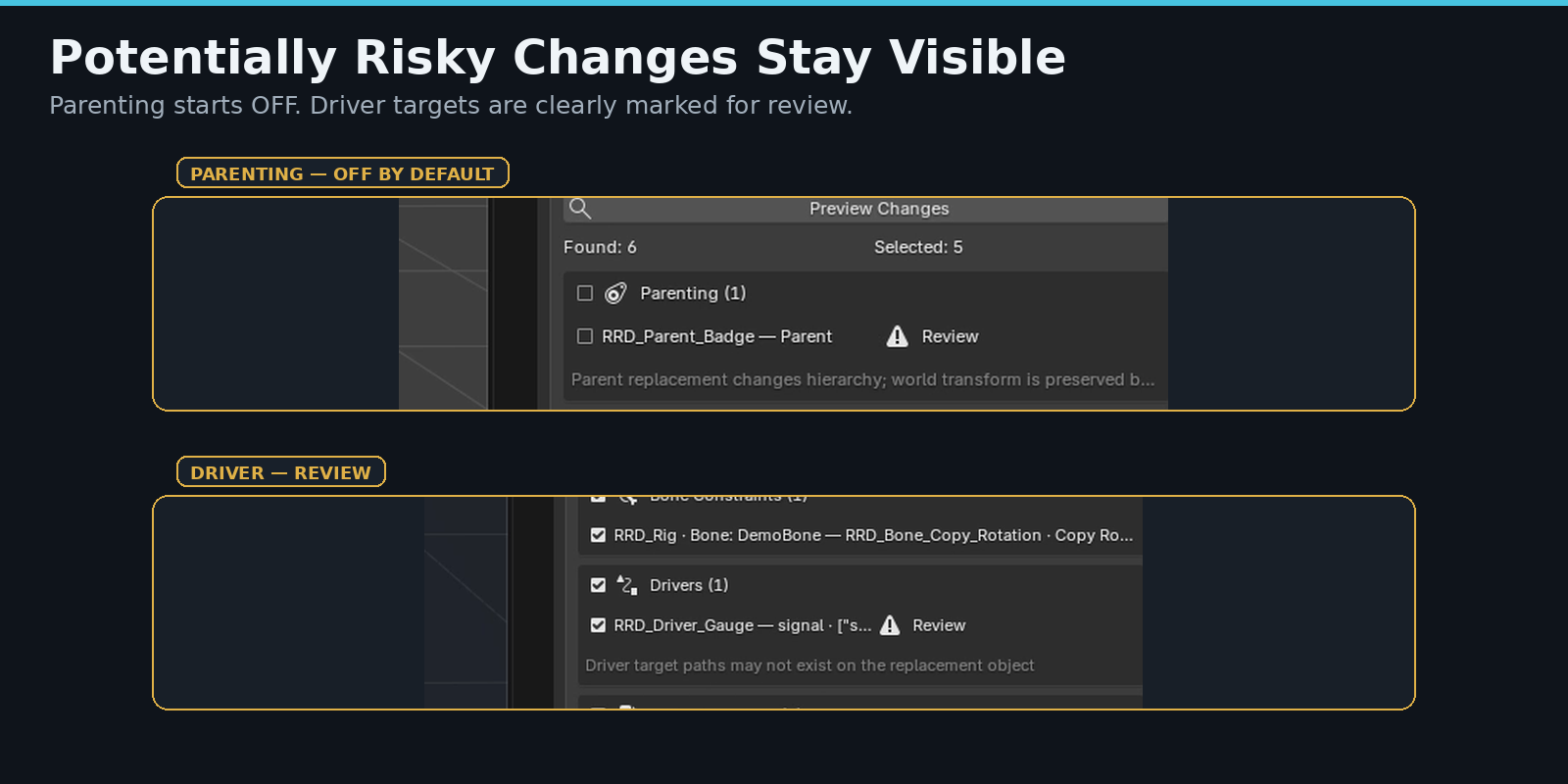
- Parenting starts deselected by default.
- Review states highlight references that deserve extra attention.
- Read-only or unsupported changes are blocked rather than forced.
- Parent replacement preserves world transform by default.
Safe to Try, Easy to Undo
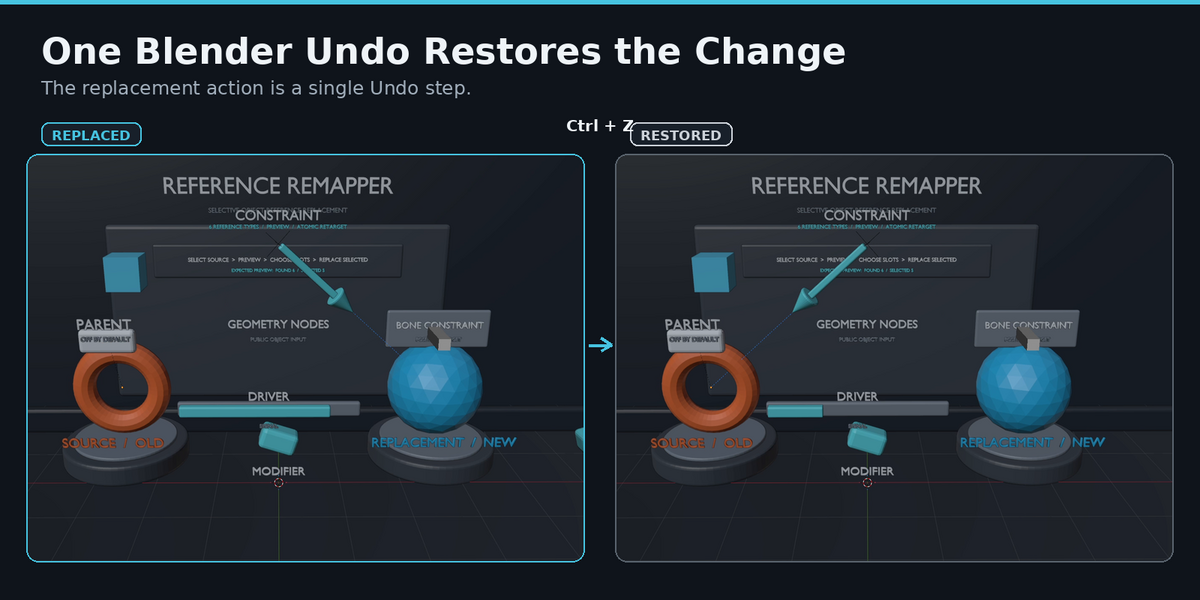
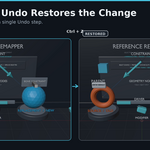
A completed replacement is treated as a single Blender Undo step.
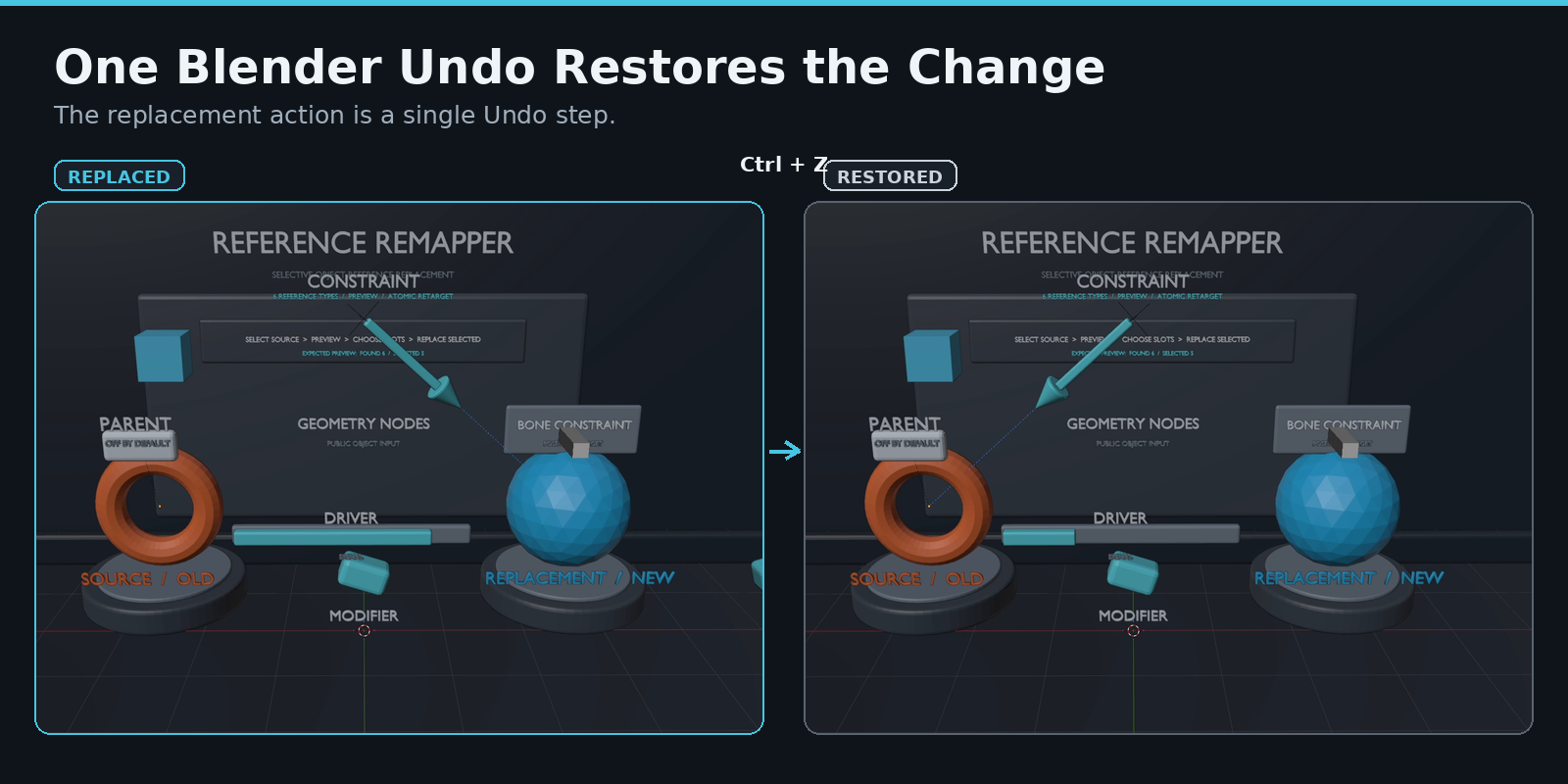
If the result is not what you expected, one standard Ctrl+Z restores the previous reference state.
The replacement process is also applied atomically: if a selected mutation cannot complete safely, the transaction is rolled back instead of intentionally leaving a partial replacement.
Typical Workflow
1. Select the object whose references you want to replace.
2. Choose the Replace With object.
3. Click Preview Changes.
4. Review the detected reference categories and individual slots.
5. Enable only the references you want to retarget.
6. Click Replace Selected.
The original source object remains in the scene unless you choose to manage it separately.
Works With Blender's Existing Reference System
Reference Remapper does not create a separate reference system.
It edits the existing Blender references used by Modifiers, Constraints, Drivers, Parenting, and supported Geometry Nodes inputs.
That means the result remains ordinary Blender data after the replacement is complete.
Who It Is For
Reference Remapper is useful for:
- Artists replacing temporary or outdated helper objects
- Technical artists managing scenes with many object dependencies
- Users working with Boolean, Armature, Lattice, or other object-based modifiers
- Rigging and animation workflows that rely on Constraints or Driver targets
- Geometry Nodes setups that expose Object inputs
- Anyone who needs more control than a global remap
Compatibility
Runtime tested with:
- Blender 4.5.13 LTS
- Blender 5.0.1
- Blender 5.1.2
- Blender 5.2.1 LTS
Reference Remapper 1.0.0 is designed for the Blender 4.5–5.2 API range represented by these tested versions.
V1 Scope and Limitations
Reference Remapper 1.0 focuses on Object → Object reference replacement.
The following are not included in V1:
- References inside the Geometry Nodes node tree itself, such as internal Object Info nodes
- Collection reference remapping
- Material remapping
- Action remapping
- Automatic Make Local
- Automatic Library Override creation
- Automatic deletion of the source object
Geometry Nodes support applies to public Object inputs on the Geometry Nodes Modifier.
Linked/read-only owners are not modified directly.
A Focused Tool for Selective Retargeting
Reference Remapper is intended for one specific job:
Find where an object is referenced, choose exactly which references should change, and retarget them safely to another object.