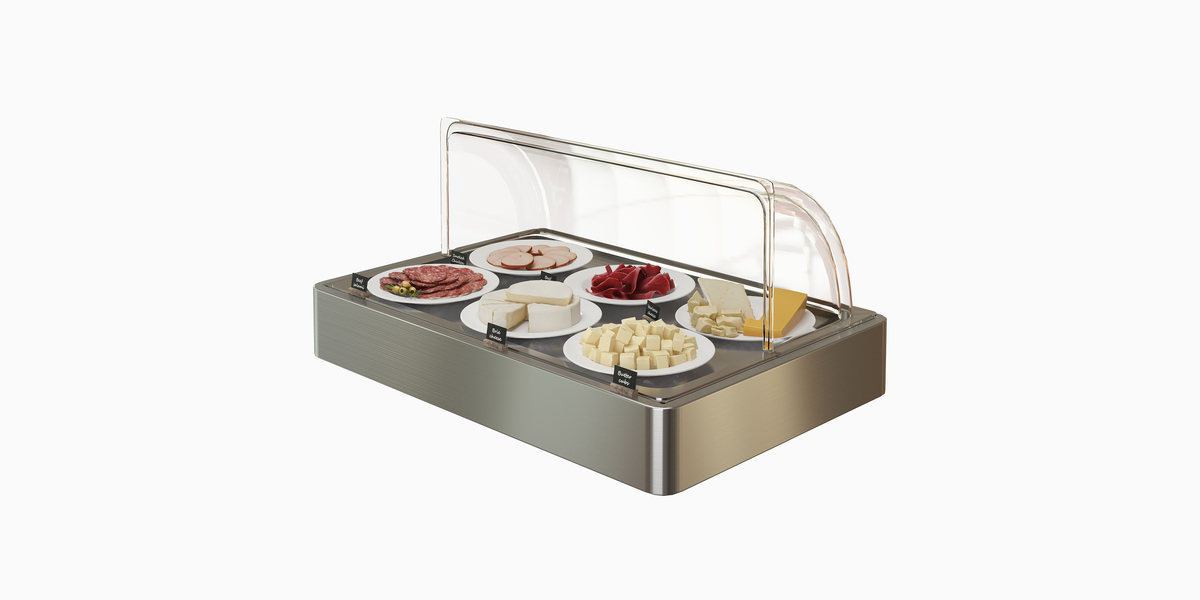
Refrigerated Buffet Display With Cold Cuts And Cheese
 Roa studio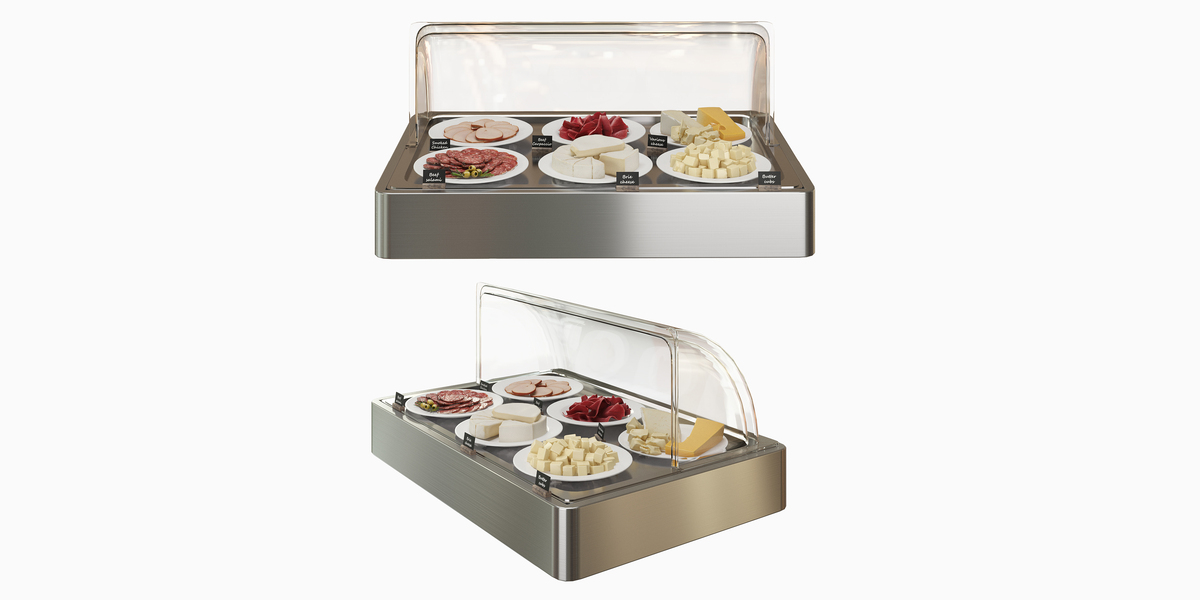
How to Use
-
Importing into Your Scene:
Open your Blender project.
Go to File > Append...
Navigate to the provided
.blendfile and open the Collection folder.Select
Refrigerated_Buffet_Displayand click Append.
-
File Structure & Organization:
-
All elements are organized into neat Collections:
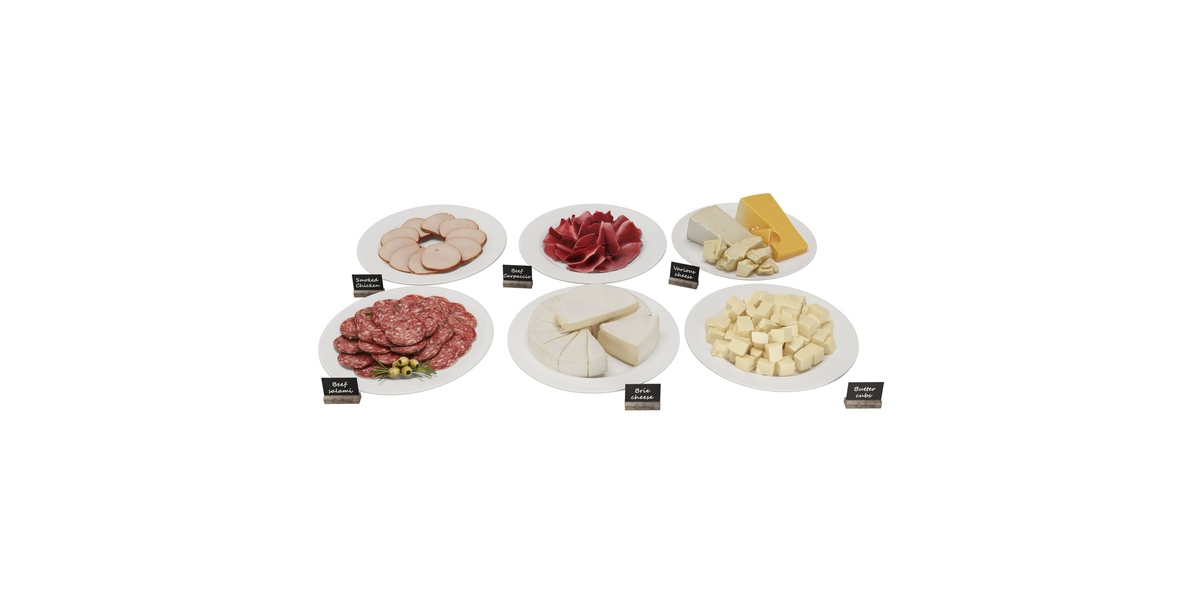
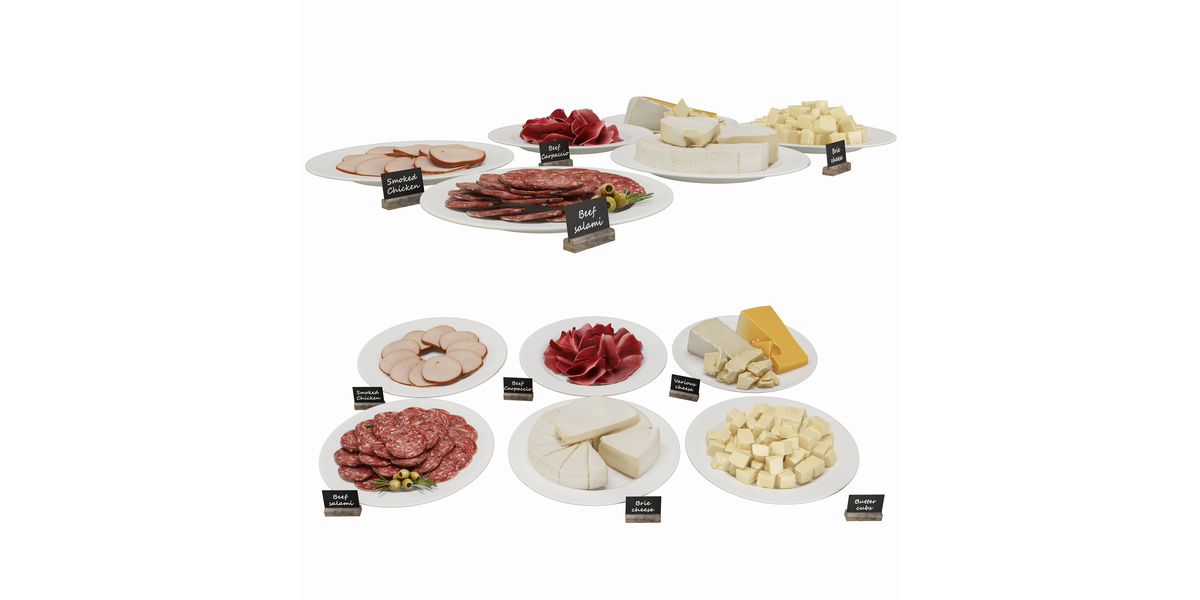
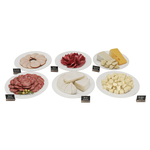
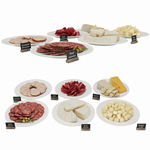
Display_Base(Chassis, glass cover, hinges)Food_Plates(Plates with meats, cheeses, and butter)Labels(Mini blackboard signs)
All materials are full PBR and linked to standard Principled BSDF nodes.
-
-
Textures:
All textures are packed directly into the
.blendfile.An additional external
Textures/folder is also included in the download package for custom pipeline management.
-
Render Setup:
Fully compatible with both Cycles and EEVEE.
Real-world scale (Centimeters) for accurate lighting and DOF behavior out of the box.
Have questions about this product?
Login to message
| Published | 2 days ago |
| Blender Version | 3.5 - 5.2 |
| Render Engine Used | Cycles |
| Misc Data | Uvs-Unwrapped, Normal-Mapped, Textured |
| License | Royalty Free |
