 ZEG
Installation
In Blender open Edit, Preferences, Get Extensions, then use Install from Disk and pick the license_plate_generator zip.
Usage
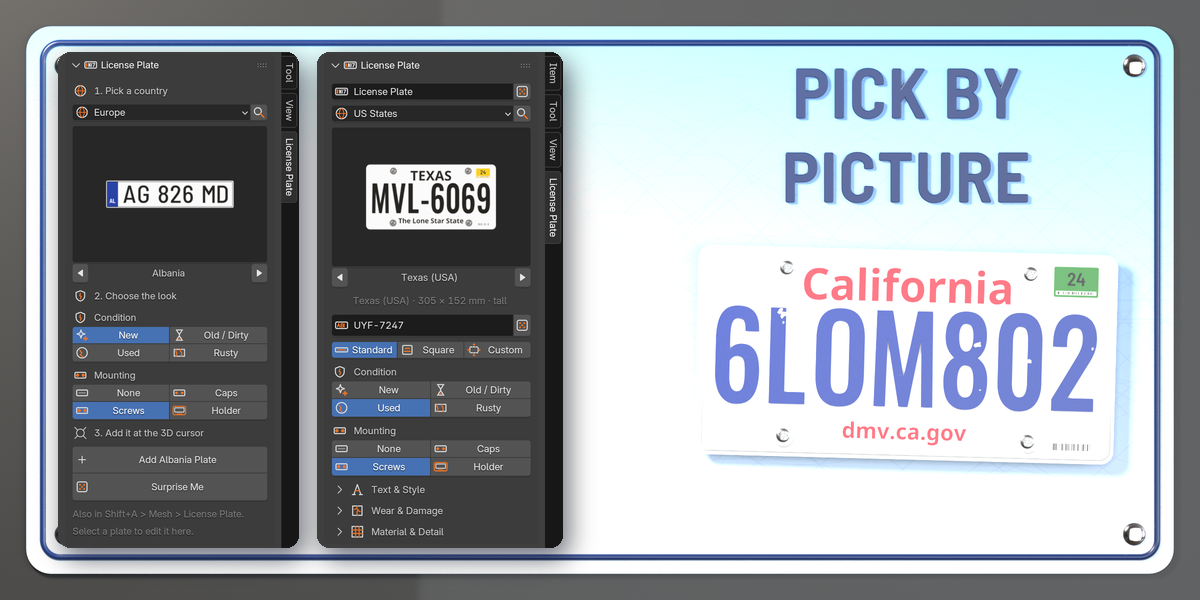
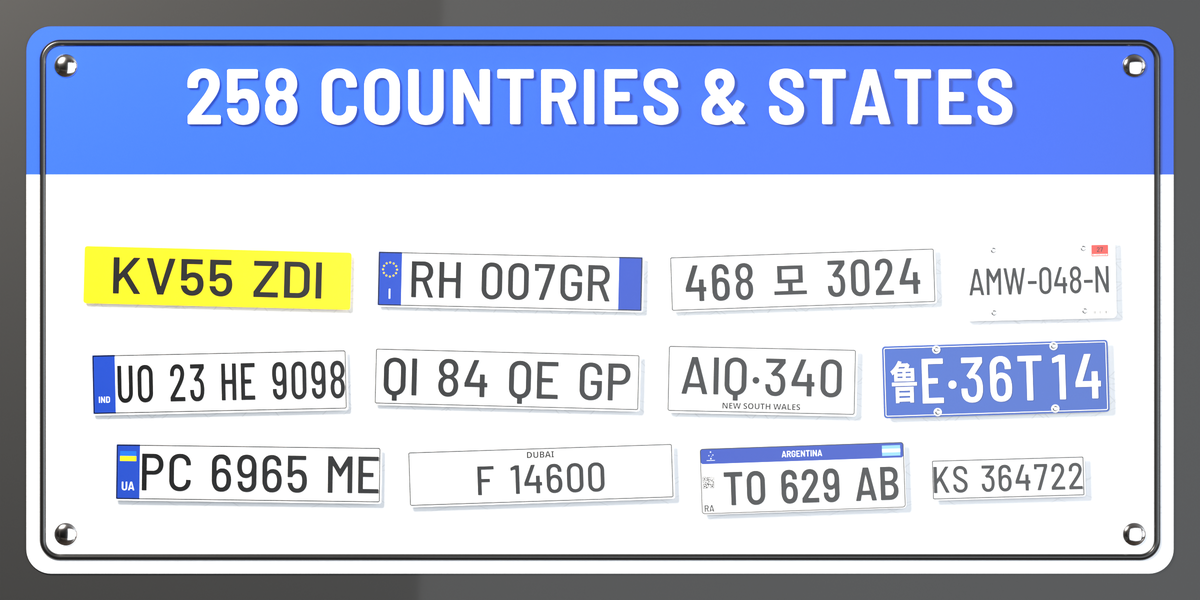
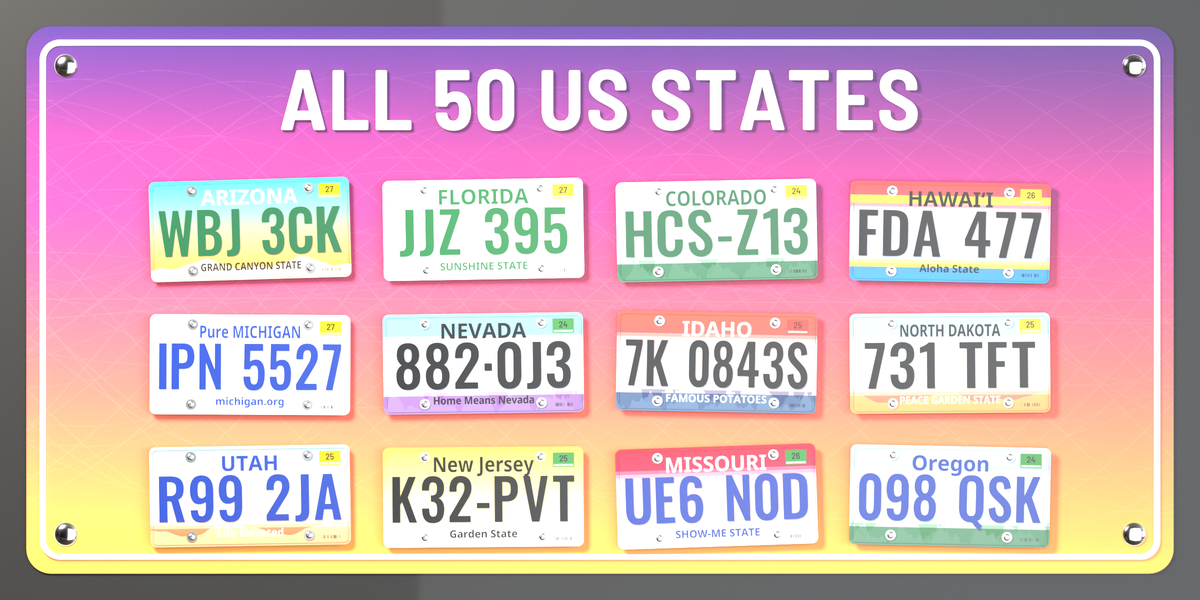
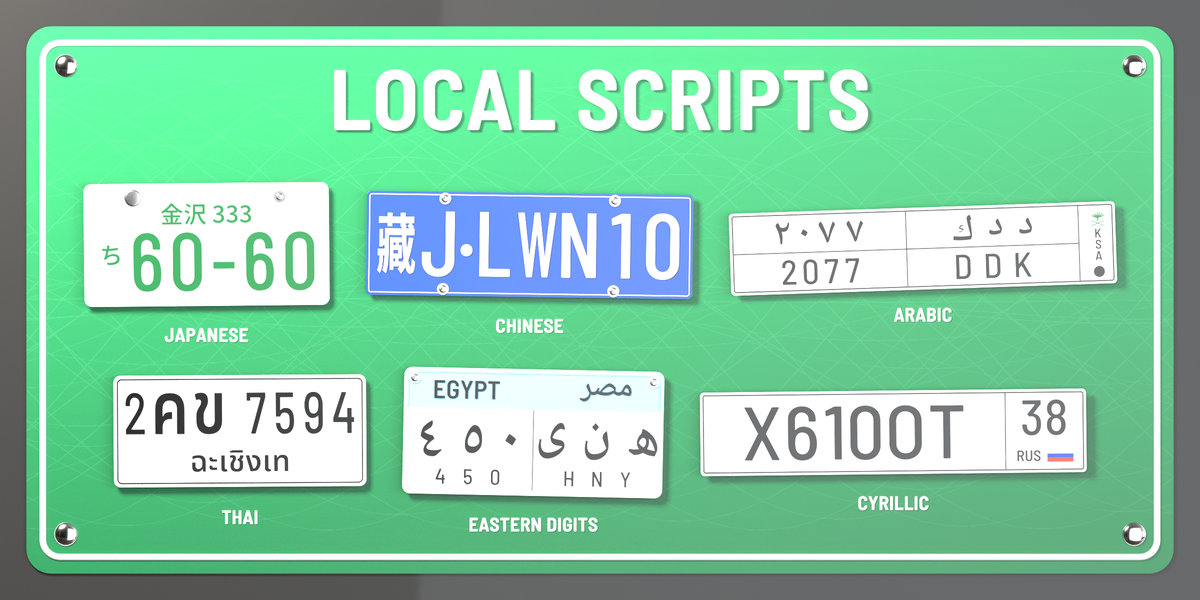
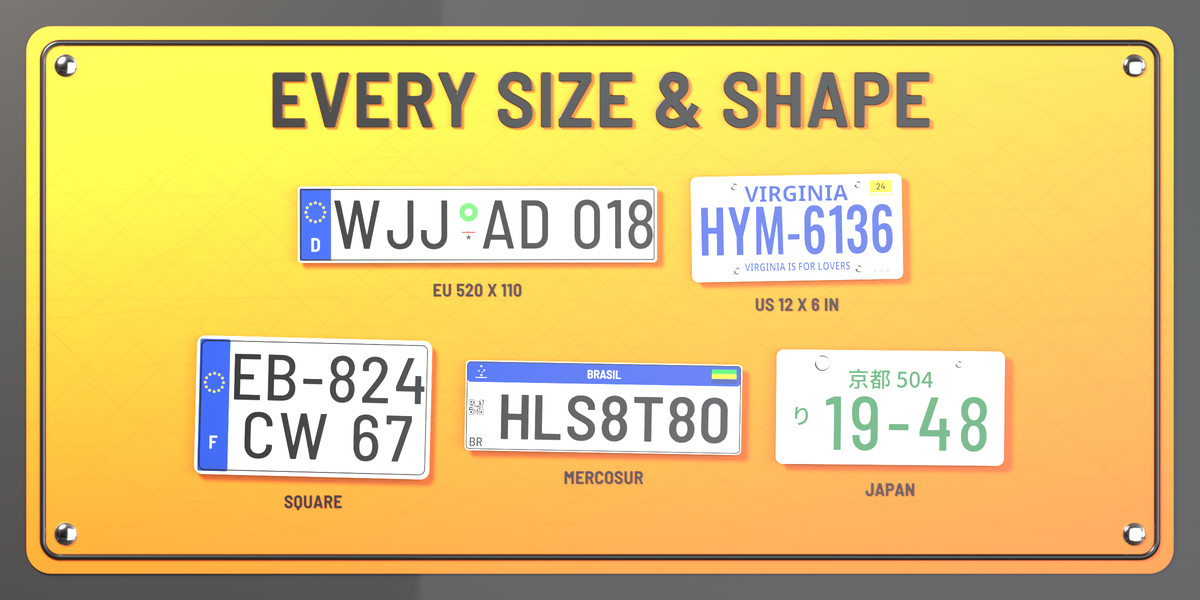
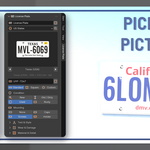
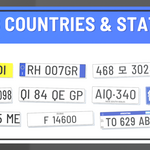
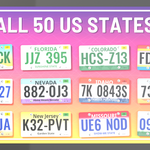
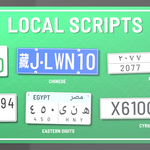
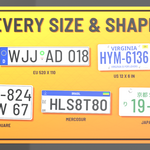
- Open the License Plate tab in the 3D viewport sidebar (N). With no plate selected, pick a region, then click the plate picture to open the gallery of countries, or step through them with the arrows. The magnifier searches every country and US state by name.
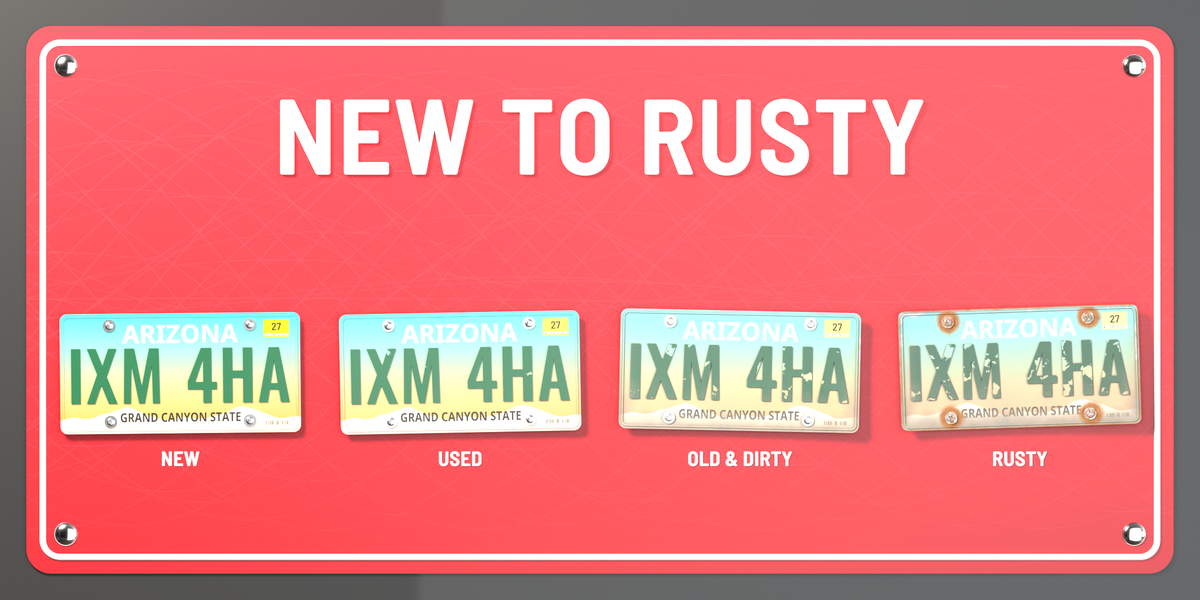
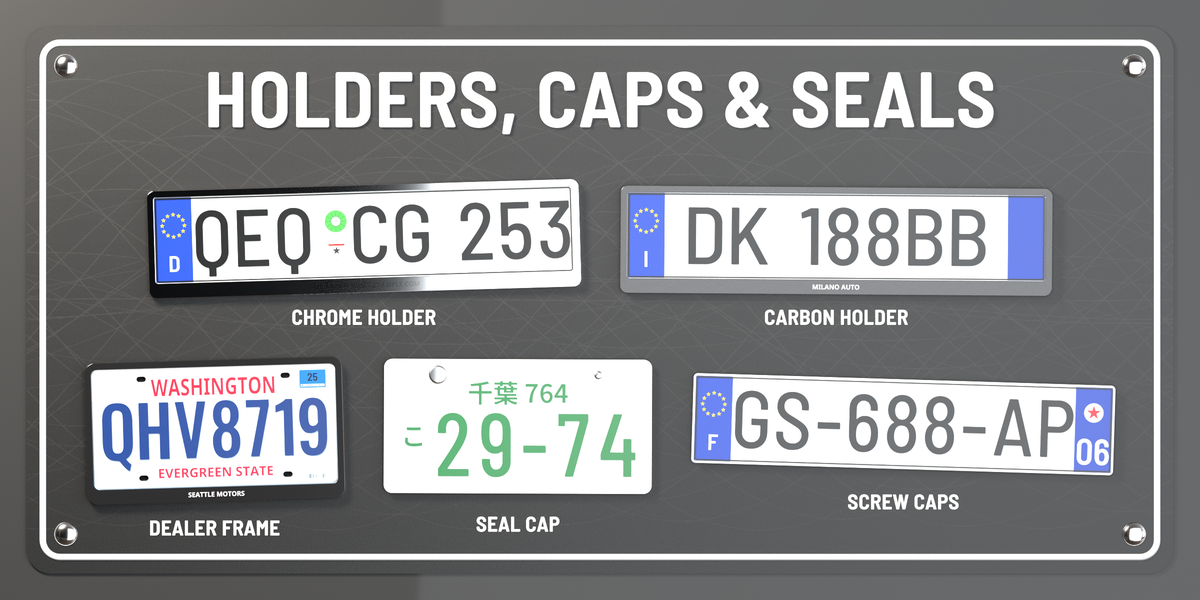
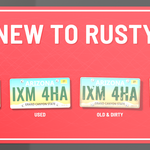
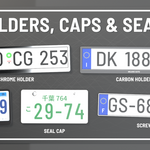
- Choose a condition and a mounting, then click Add. Shift+A, Mesh, License Plate adds one too. Surprise Me makes a random plate.
- Select a plate to edit it. Type a registration, or roll a new one in the country's real format with the dice button. Size, condition and mounting sit on the first screen. Text & Style, Wear & Damage and Material & Detail hold the rest.
The condition sliders change only the material, so dragging them is instant.
Have questions about this product?
Login to message
| Blender Extension Compatible | Yes |
| Published | about 11 hours ago |
| Blender Version | 4.2 - 5.2 |
| Extension Type | Add-on |
| Render Engine Used | Cycles, Eevee |
| License | GPL |

Discover more products like this
registration procedural automotive car vehicle Game asset license plate props number plate Generator decal embossed