Rego Scan - 3MF Scanner - Photogrammetry to Full-Colour and Multicolor 3D Prints
 TastyVoxels
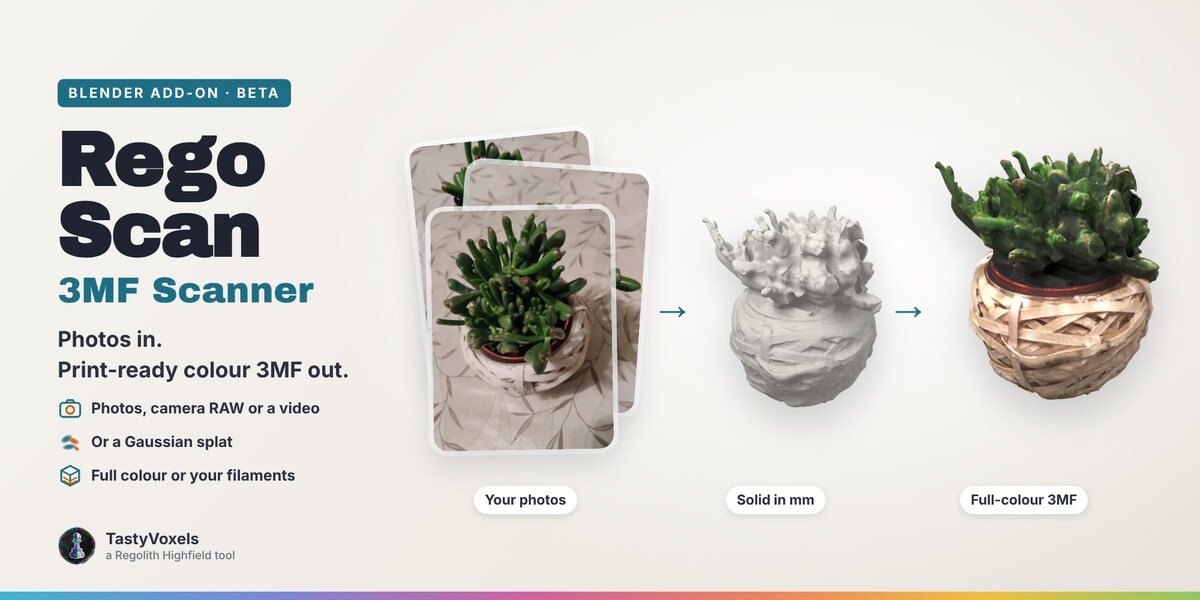
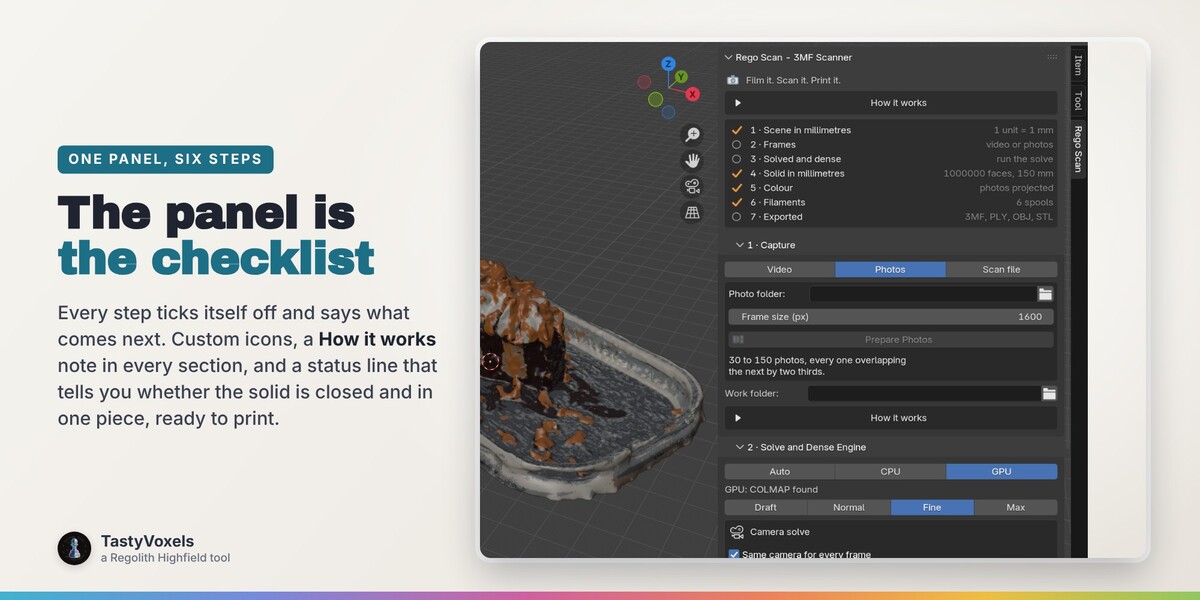
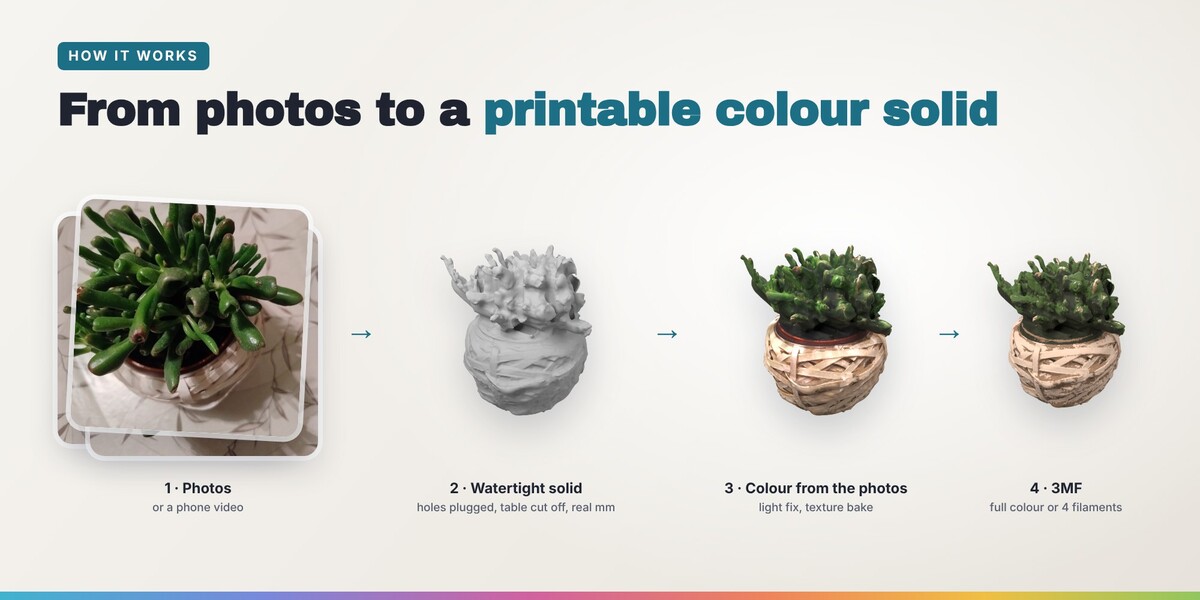
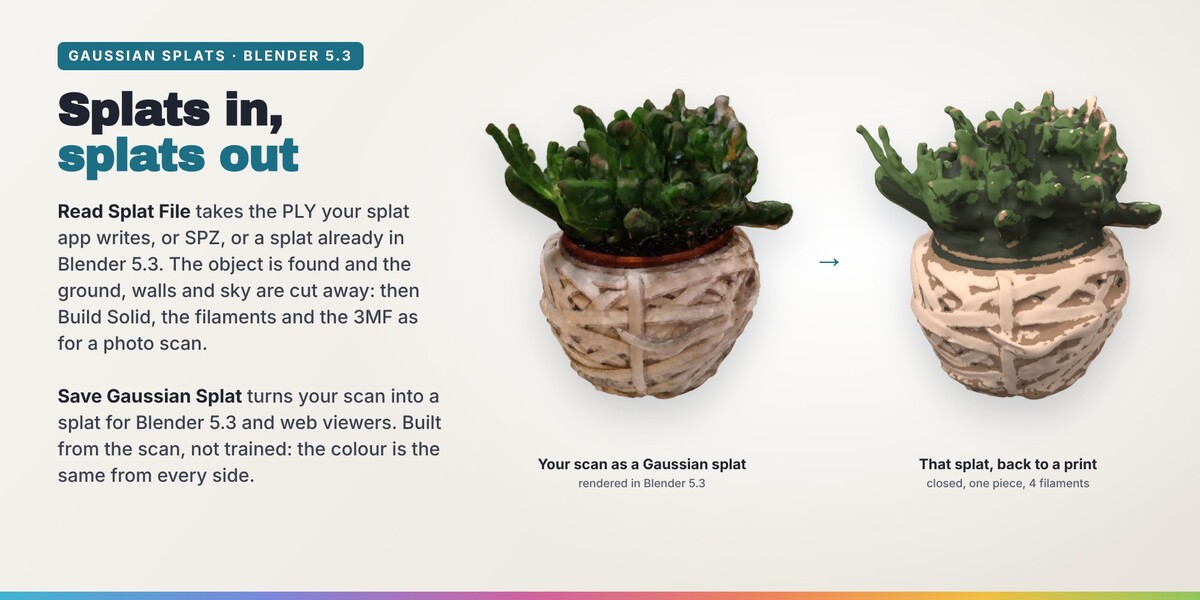
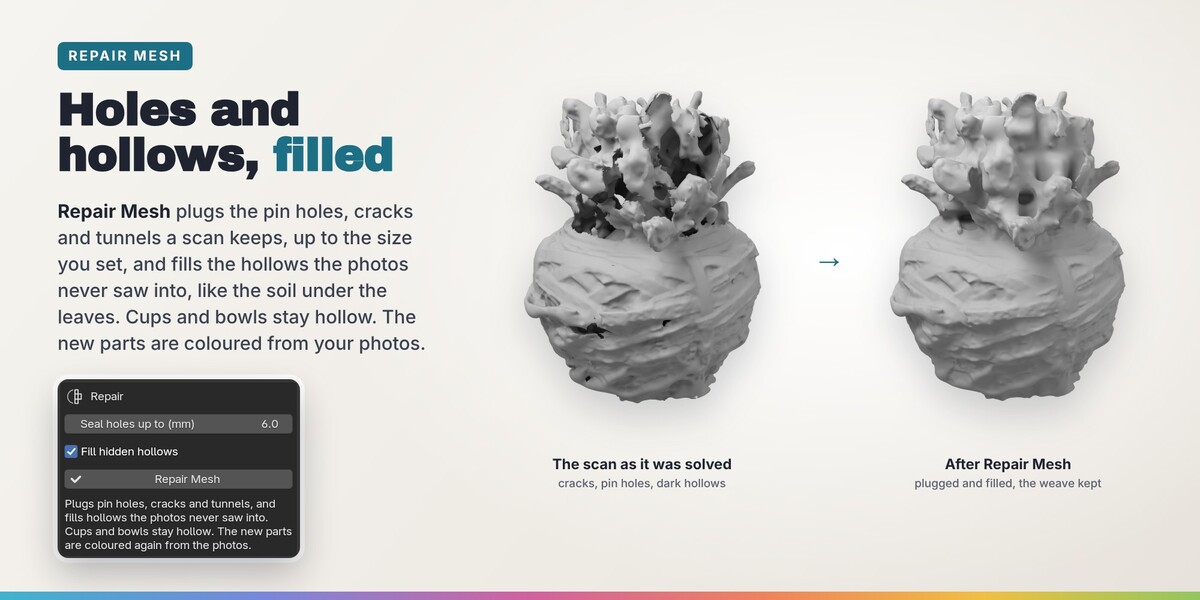

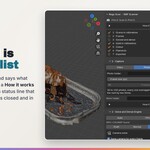

The full guide is the README inside the download (the panel follows the same six steps). Short version:
- Capture: pick the photo folder or the video, Prepare Photos / Extract Frames.
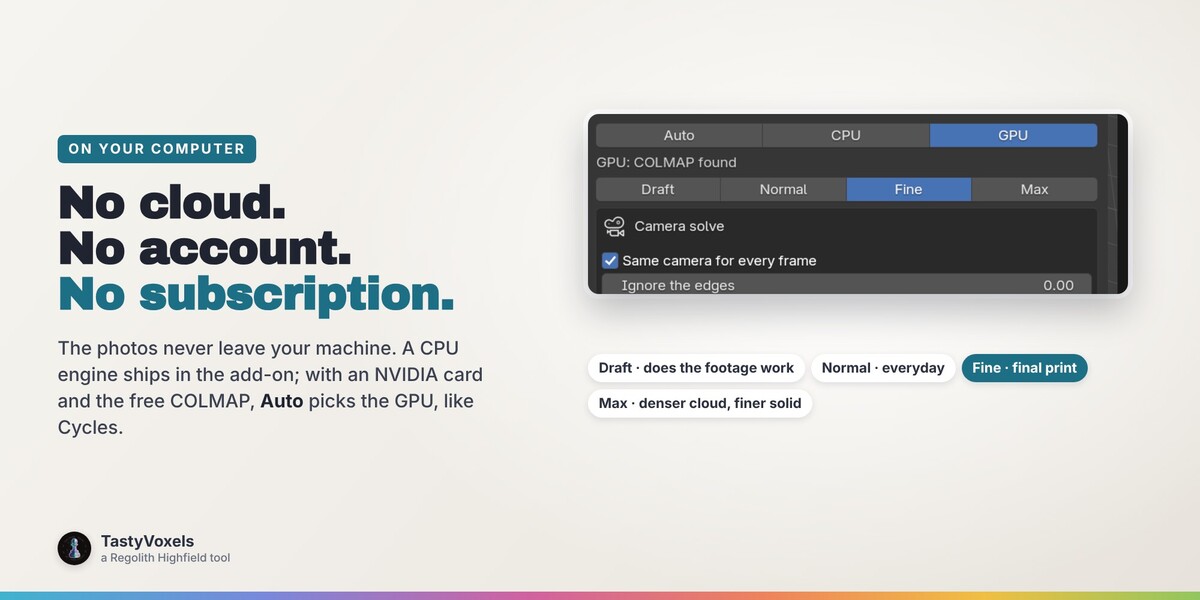
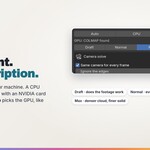
- Solve and dense engine: pick the device (Auto, CPU, GPU) and the quality, Solve Cameras, Run Dense Engine, or Scan Everything for steps 1 to 4 in one go.
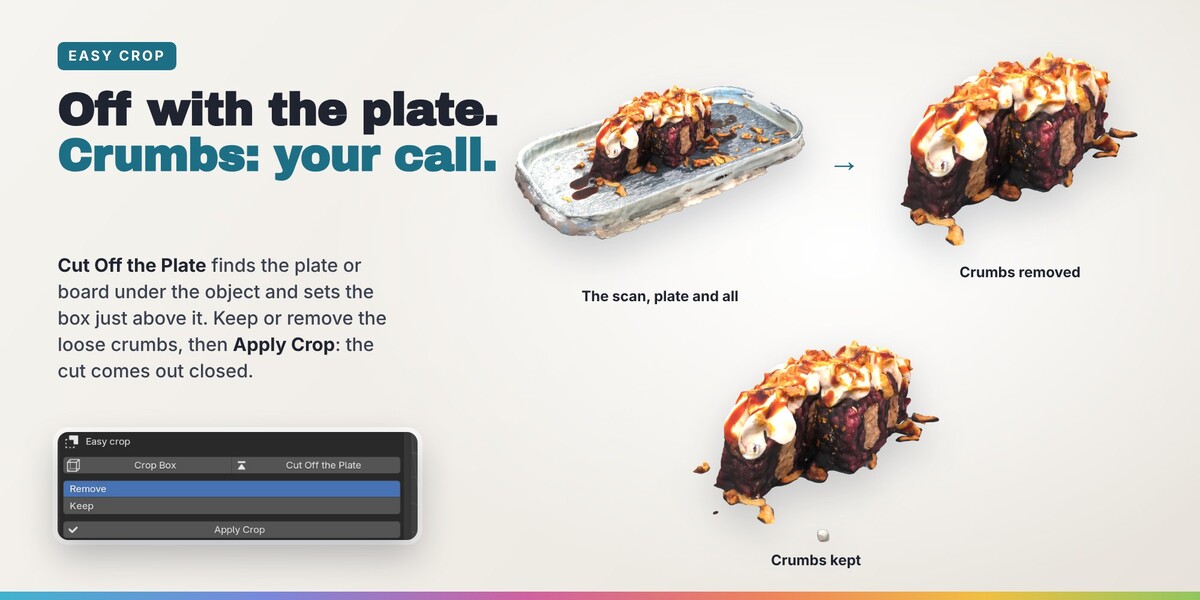
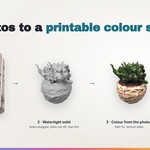
- Solid and size: Build Solid, type the longest side in millimetres; Easy crop to remove the plate.
- Colour and light: Project Photos, light fix, Bake Texture for UV printing.
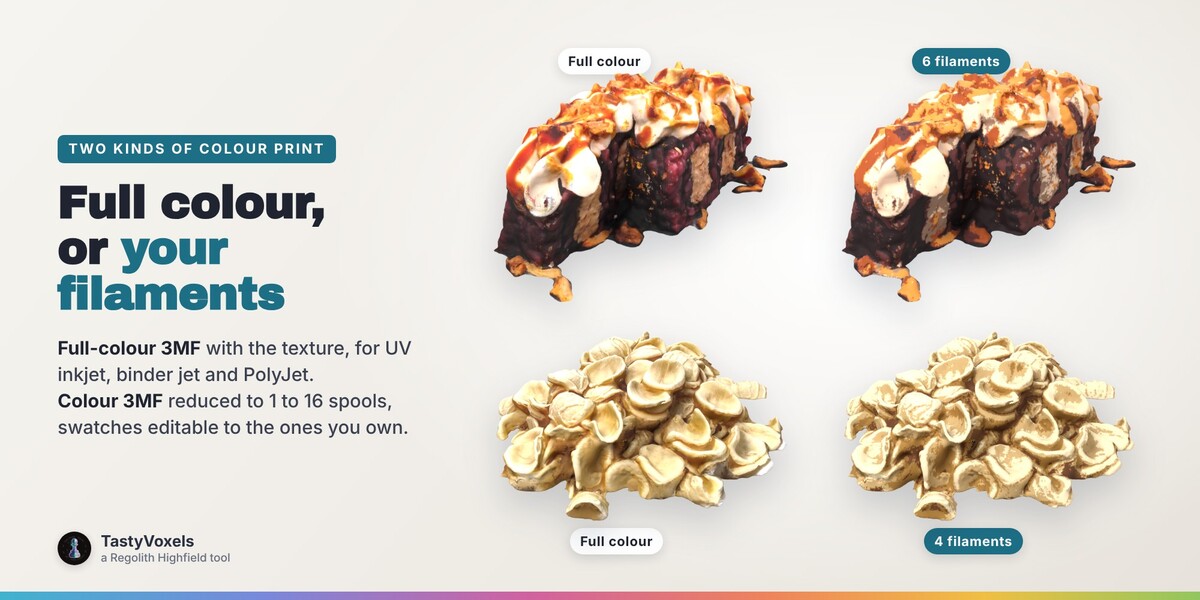
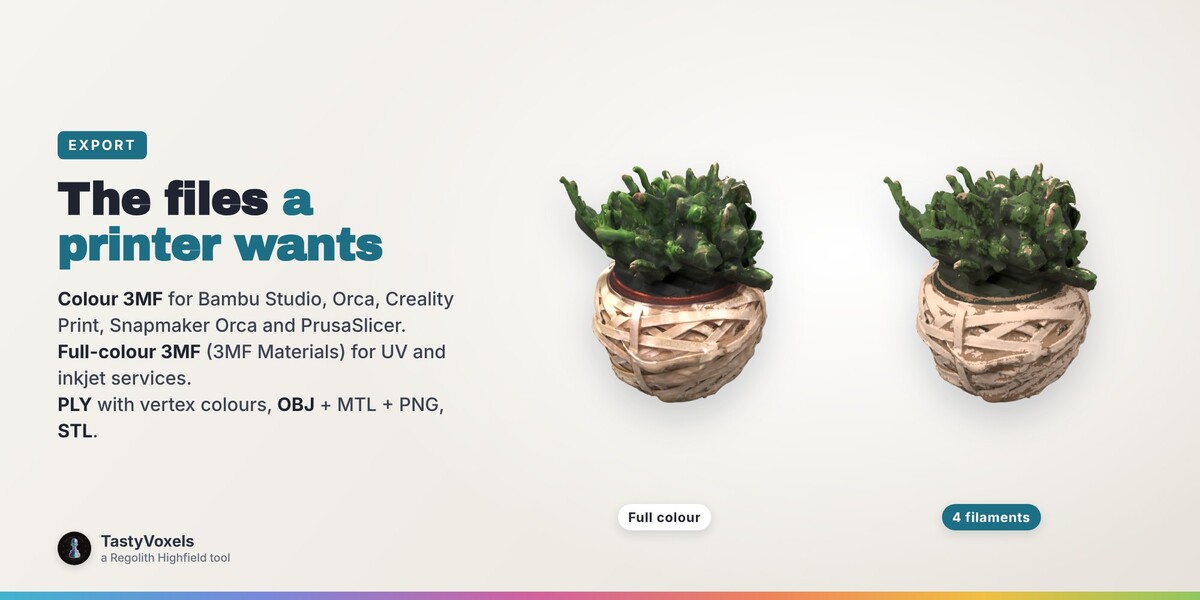
- Filaments: Reduce to Filaments, edit the swatches, Re-assign.
- Export: colour 3MF, full-colour 3MF, PLY, OBJ, STL.
Requirements: Blender 4.2 LTS or newer; Windows x64, macOS Apple Silicon or Linux x64 (download the zip for your system and install it with Edit > Preferences > Get Extensions > Install from Disk). An NVIDIA card with COLMAP is optional.
Have questions about this product?
Login to message
| Blender Extension Compatible | Yes |
| Downloads | 1 |
| Dev Fund Contributor | |
| Published | about 13 hours ago |
| Blender Version | 4.2 - 5.3 |
| Extension Type | Add-on |
| License | GPL |
Discover more products like this
AMS uv printing full color 3d printing 3d-scanning 3d printing 3MF multicolor scan to print photo scan Gaussian Splat photogrammetry