Remap Materials Blender Addon
 Plasma Hive
Welcome and I hope that you enjoy using the Remap Materials Blender Addon!
This addon was written for Blender 4.3, but I have tested it working on Blender 3.0.
To start using the Remap Materials addon, first you must open up an Outliner with the Blend File display mode selected.
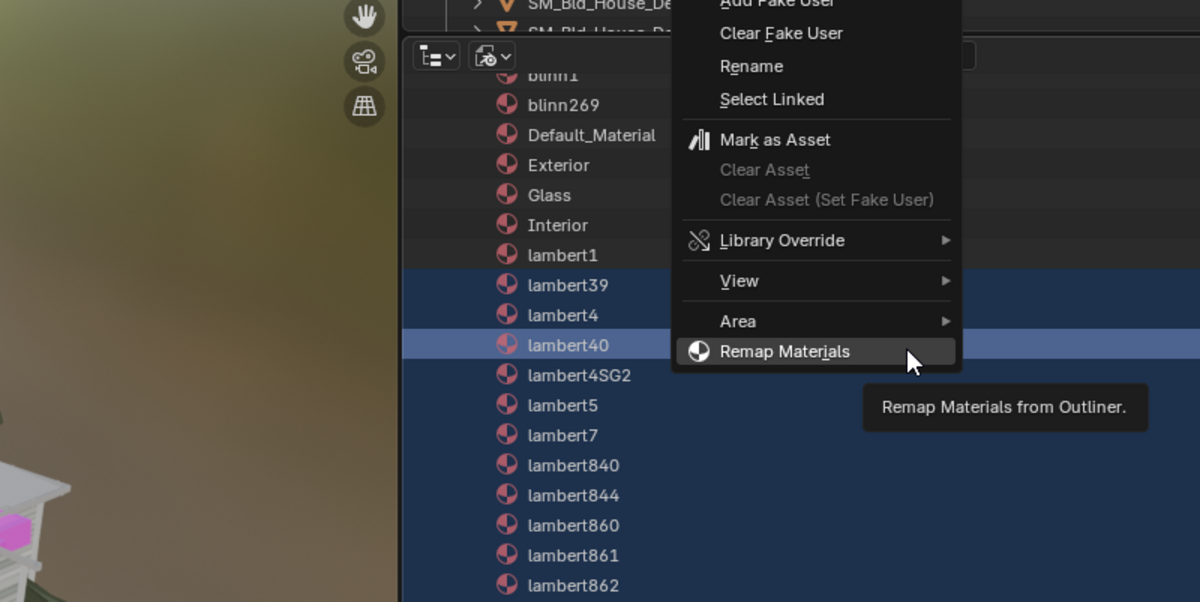
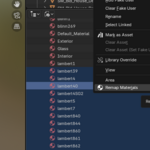
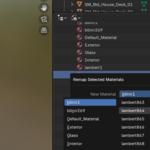
With the Blend File displayed, expand the materials and select which materials you would like to remap. Then right click and select the option to Remap Materials.
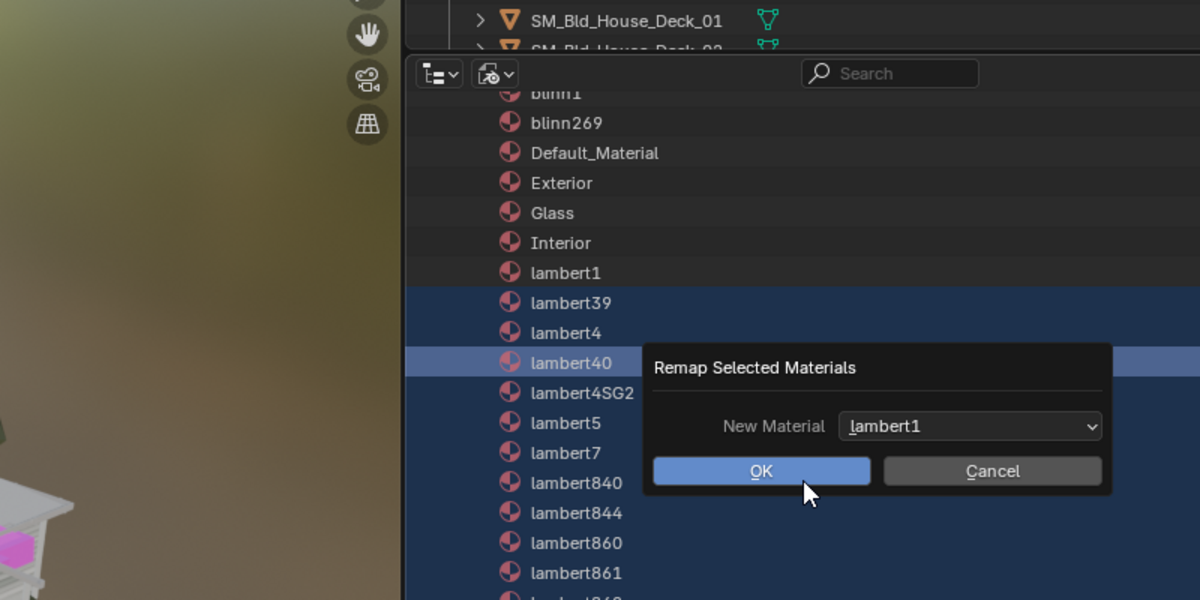
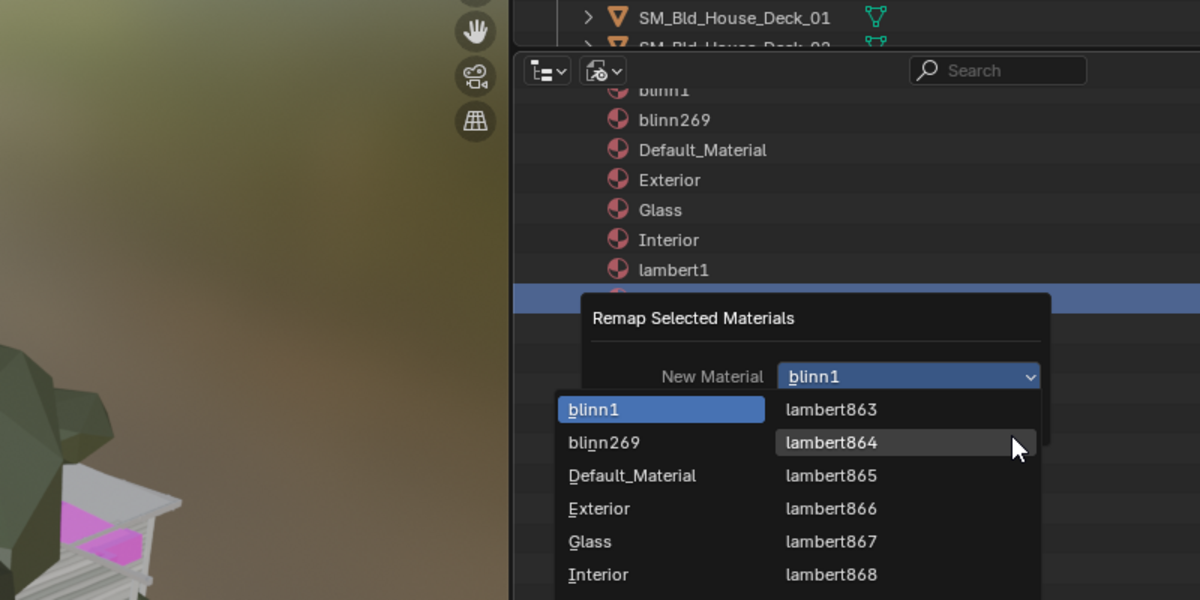
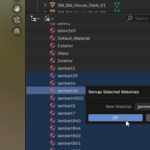
After clicking on Remap Materials, a popup will open with a dropdown to select a material. Select a material here that you want to remap the selected materials to.
Select ok and the remap will happen. You should now see that any object that had one of the selected materials will now instead have the selected material.
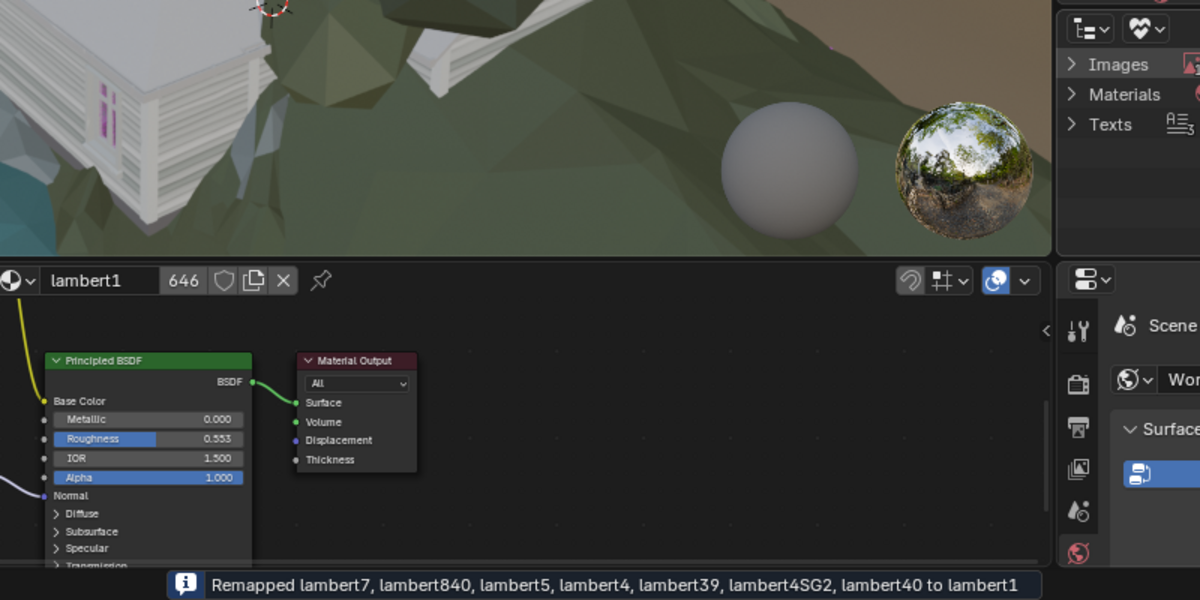
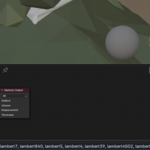
You will see a report of what materials were remapped as well as the selection you made.
-
$2
-
$5
Please consider this option if you want to support me making additional blender addons and other cool software!
Have questions about this product?
Login to message

Discover more products like this
Blender tool addon Remap Materials Blender Addon remap 3D material