 Reneraki
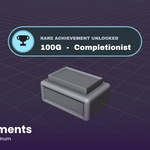
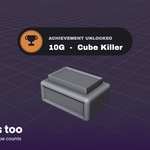
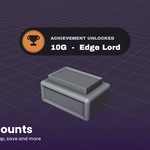
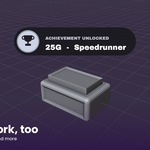
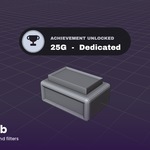
Install
- Download the zip. Don't unzip it.
- In Blender go to Edit > Preferences > Get Extensions, click the arrow in the top right and choose Install from Disk.
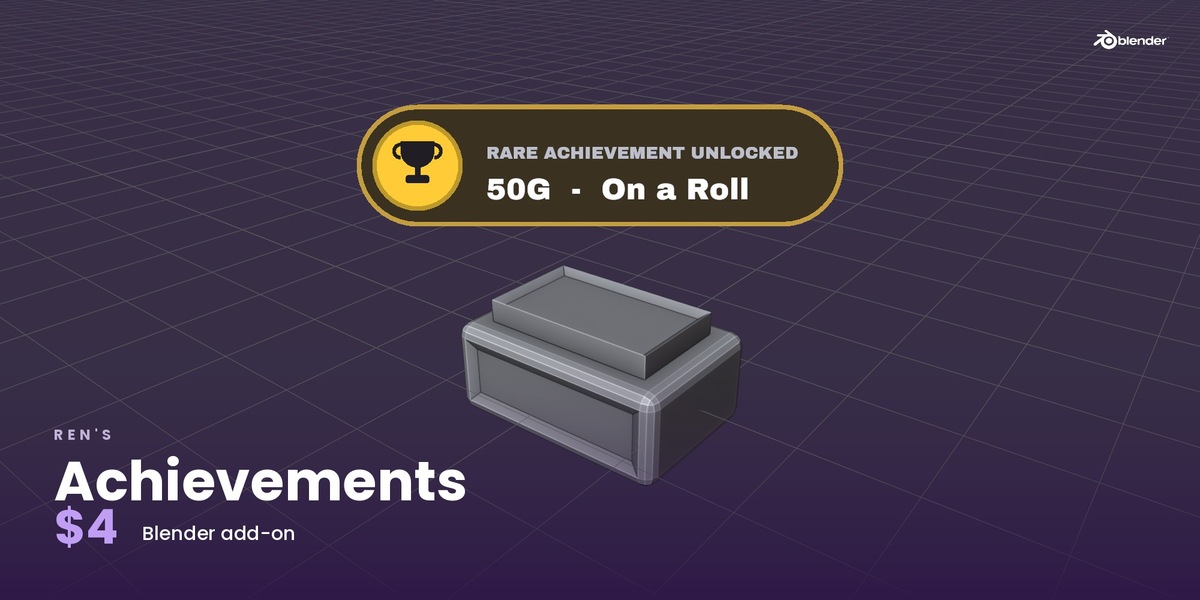
- Pick the zip. Start modelling and your first achievement unlocks after one edit.
Where to find it
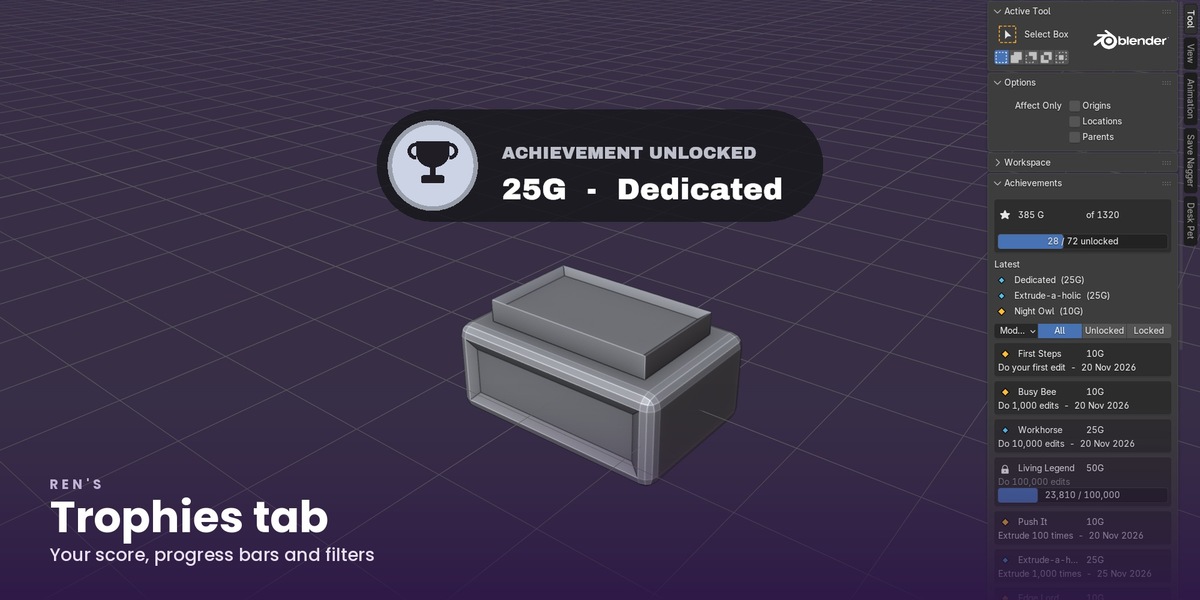
Press N in the 3D viewport and open the Trophies tab.
The Trophies tab
- Score: your total points and how many achievements you've unlocked.
- Latest: your last three unlocks.
- Category and All / Unlocked / Locked: filter the list.
- Locked achievements with a count show a progress bar, like 37 / 100.
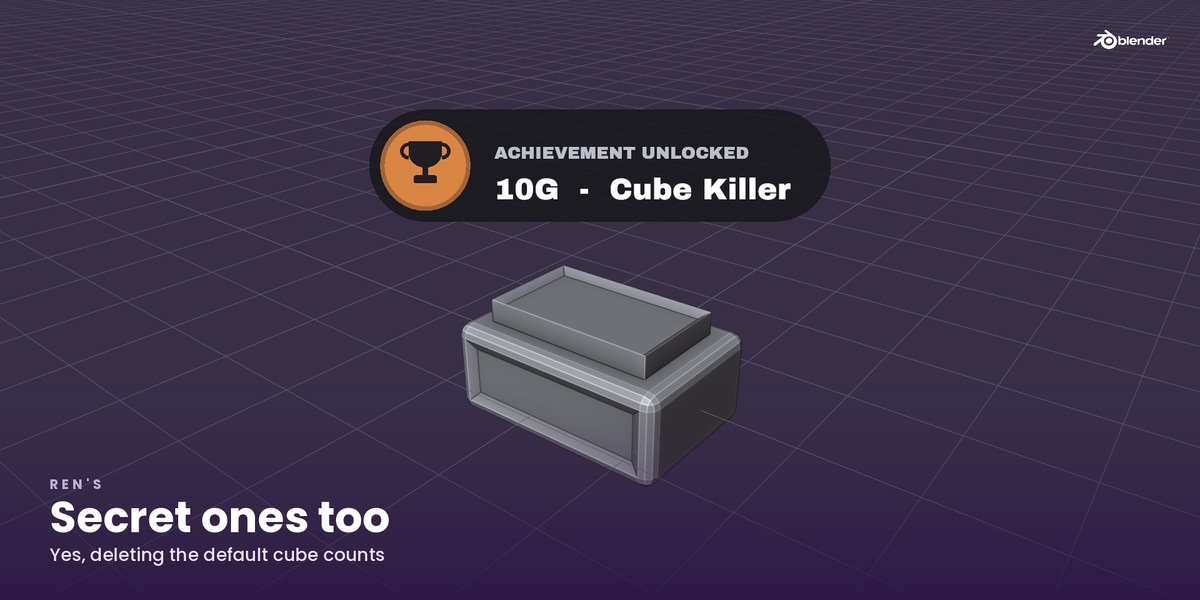
- Secret achievements show ??? until you unlock them.
Settings
- Achievements On: turn it off any time. Nothing is lost.
- Pop-up Position: top or bottom.
- Pop-up Size
- Sound and Volume
- Show Secret Achievements: spoilers!
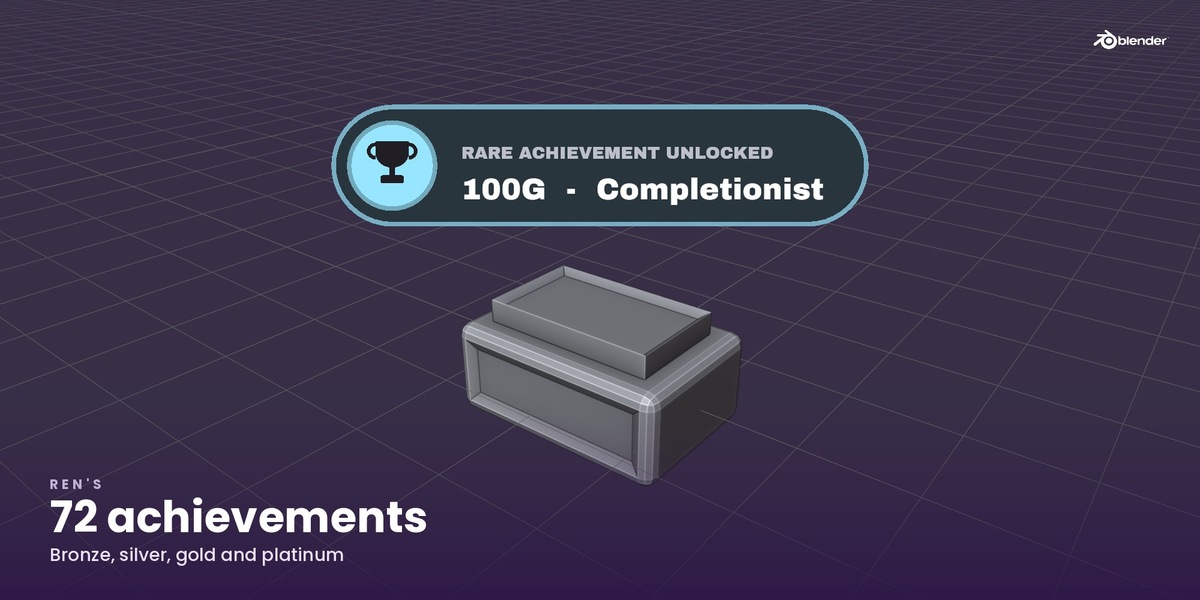
- Test Pop-up: see what each tier looks like.
- Reset All Progress: start again from zero.
Navigating the view and selecting don't count as edits, so you can't farm points by spinning the camera.
Have questions about this product?
Login to message
| Blender Extension Compatible | Yes |
| Published | about 21 hours ago |
| Blender Version | 4.5 - 5.3 |
| Extension Type | Add-on |
| License | GPL |
Discover more products like this
gamification Achievements stats motivation interface xbox trophies cosmetic fun productivity ui Game