 Reneraki
Install
- Download the zip. Don't unzip it.
- In Blender go to Edit > Preferences > Get Extensions, click the arrow in the top right and choose Install from Disk.
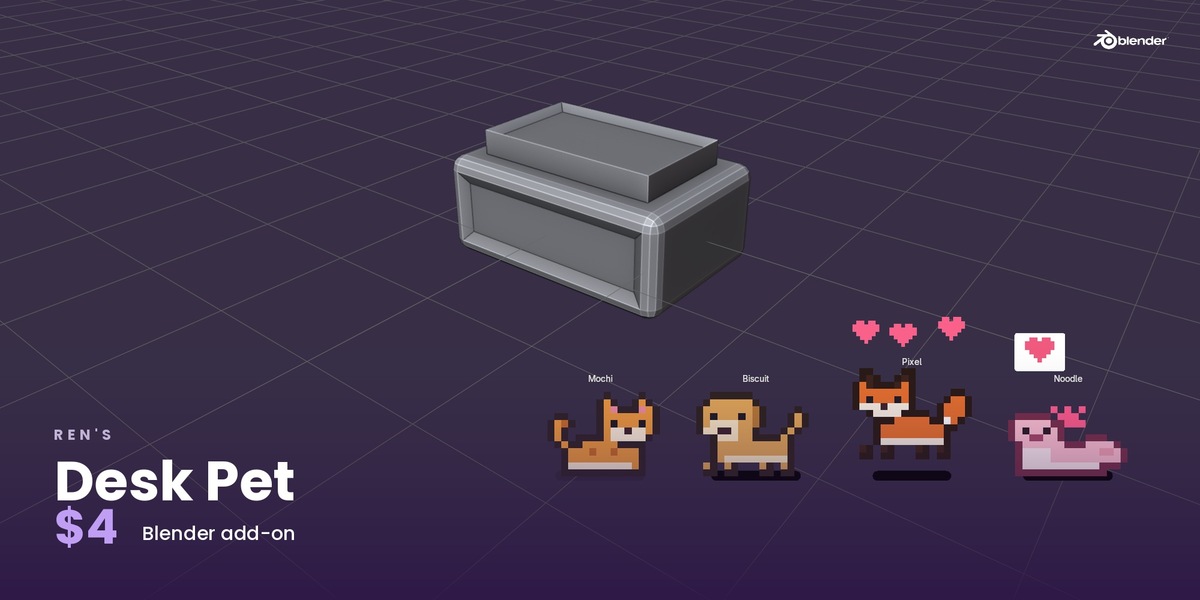
- Pick the zip. Your first pet appears at the bottom of the 3D viewport straight away.
Where to find it
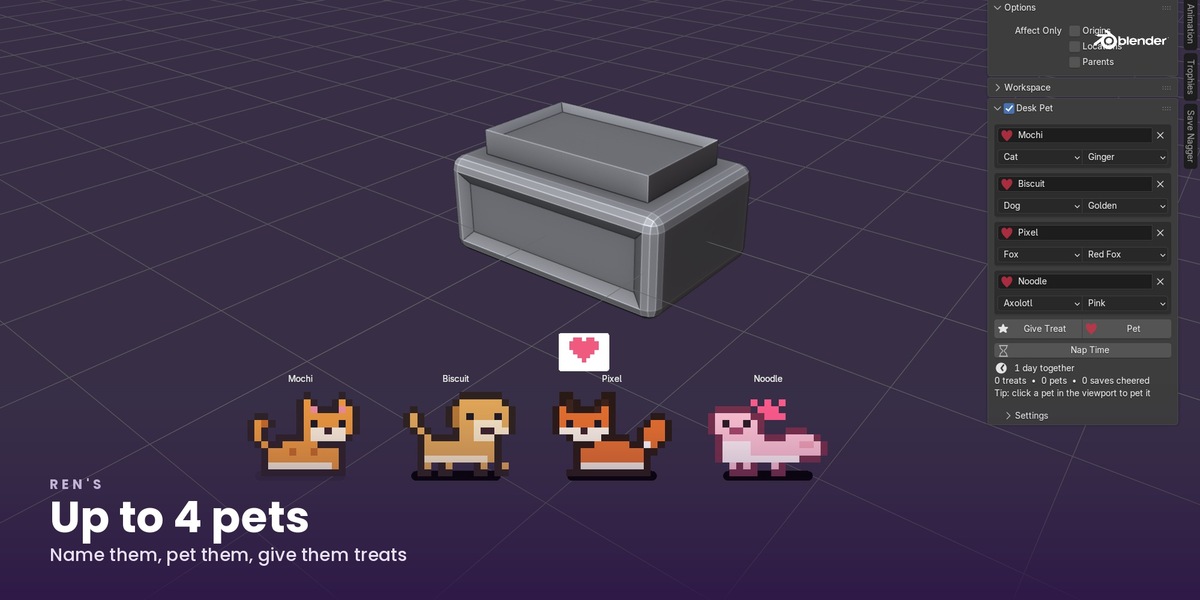
Press N in the 3D viewport and open the Desk Pet tab.
Your pets
- Name, Animal and Colour: change them for each pet.
- Adopt a Pet: adds another pet (up to 4).
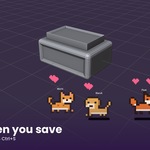
- X: says goodbye to a pet. You always keep at least one; untick the checkbox in the panel header to hide them all.
Playing with them
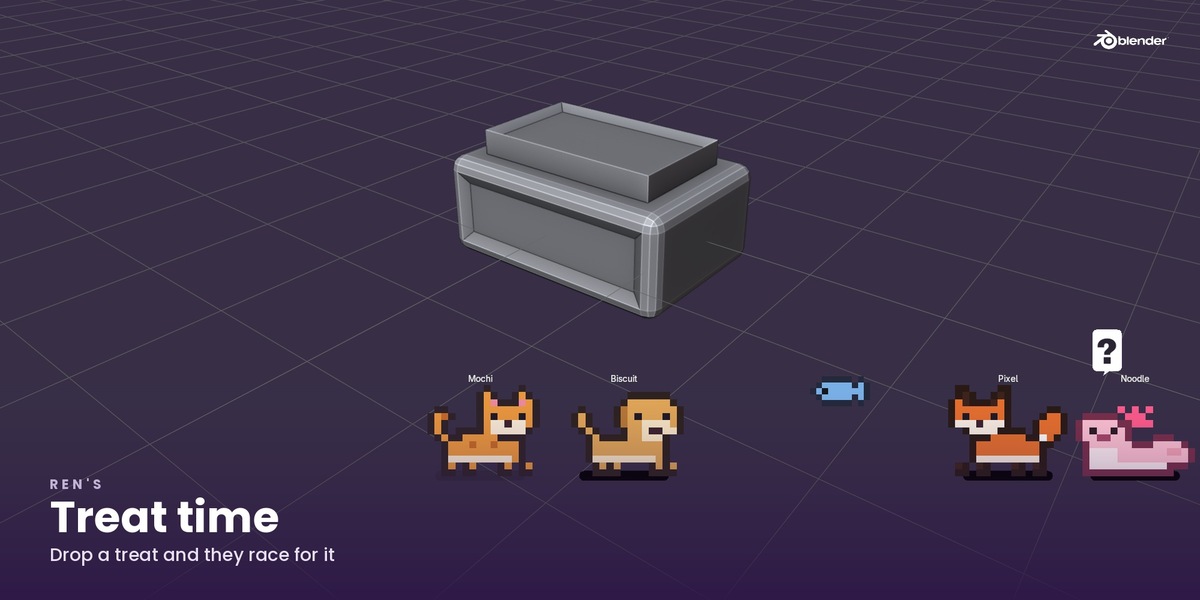
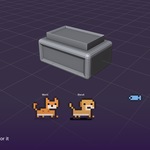
- Give Treat: drops a treat from the sky. Each animal has a favourite.
- Pet: gives every pet some love. You can also click a pet right in the viewport.
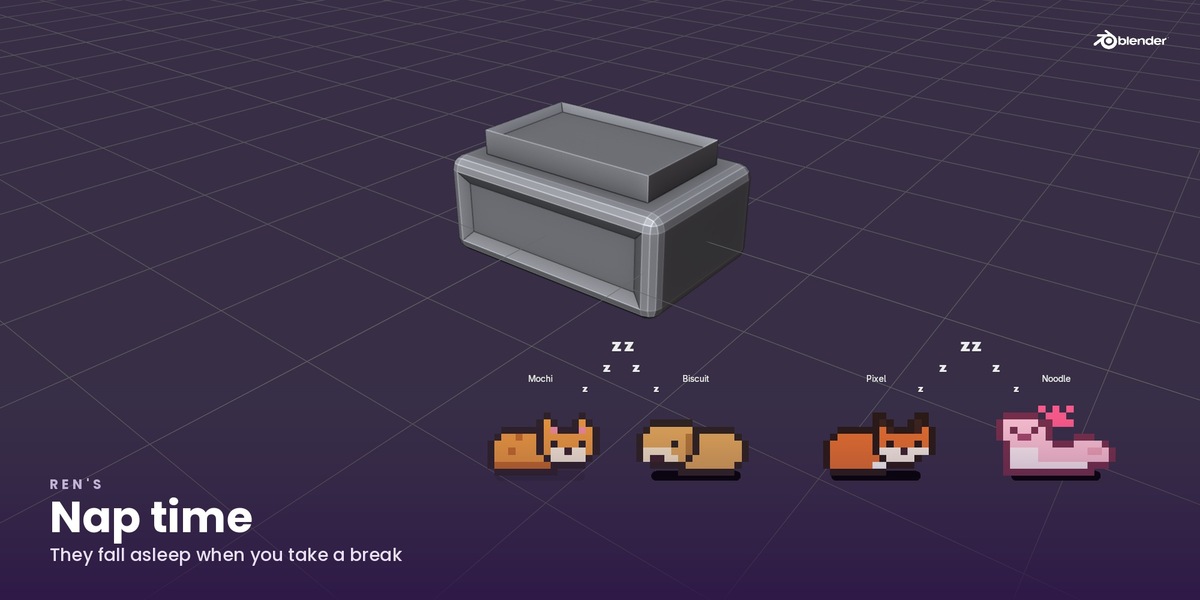
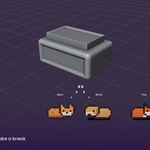
- Nap Time: sends them to sleep. They wake up when you start working again.
Settings
- Size: how big the pets are.
- Walk Speed
- Nap After: how many seconds without doing anything before they fall asleep.
- Ground Height: lift the pets up from the bottom of the viewport.
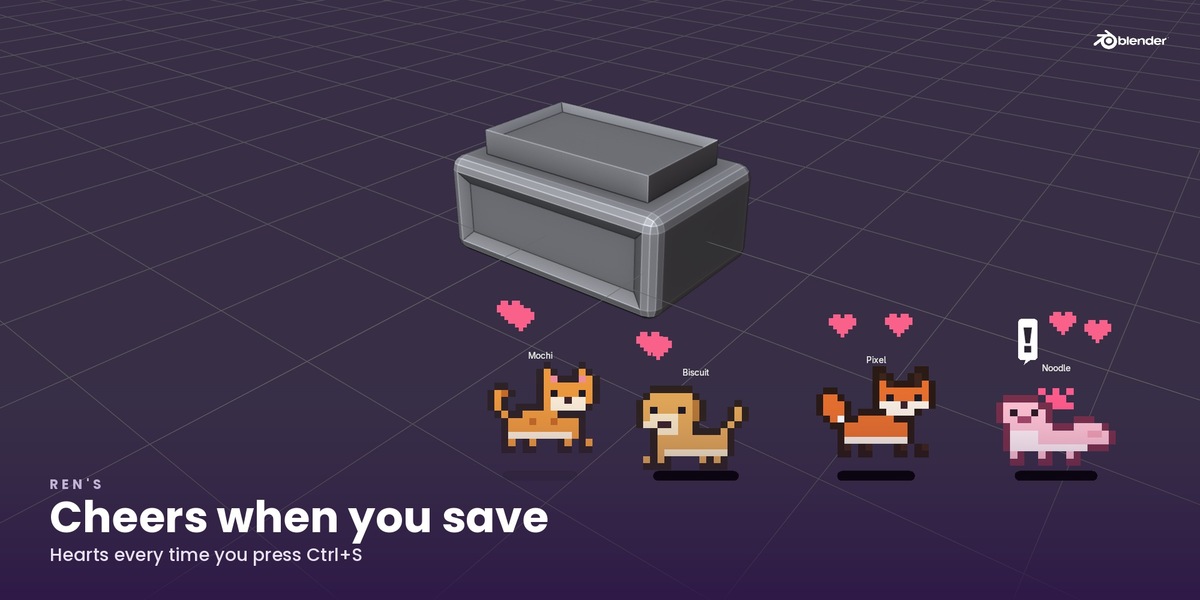
- Chase My Cursor, Cheer When I Save, Show Names
- Sounds and Volume
Pets live in your biggest 3D viewport. Clicking a pet needs viewport gizmos turned on.
Have questions about this product?
Login to message
| Blender Extension Compatible | Yes |
| Published | about 21 hours ago |
| Blender Version | 4.5 - 5.3 |
| Extension Type | Add-on |
| License | GPL |