 Reneraki
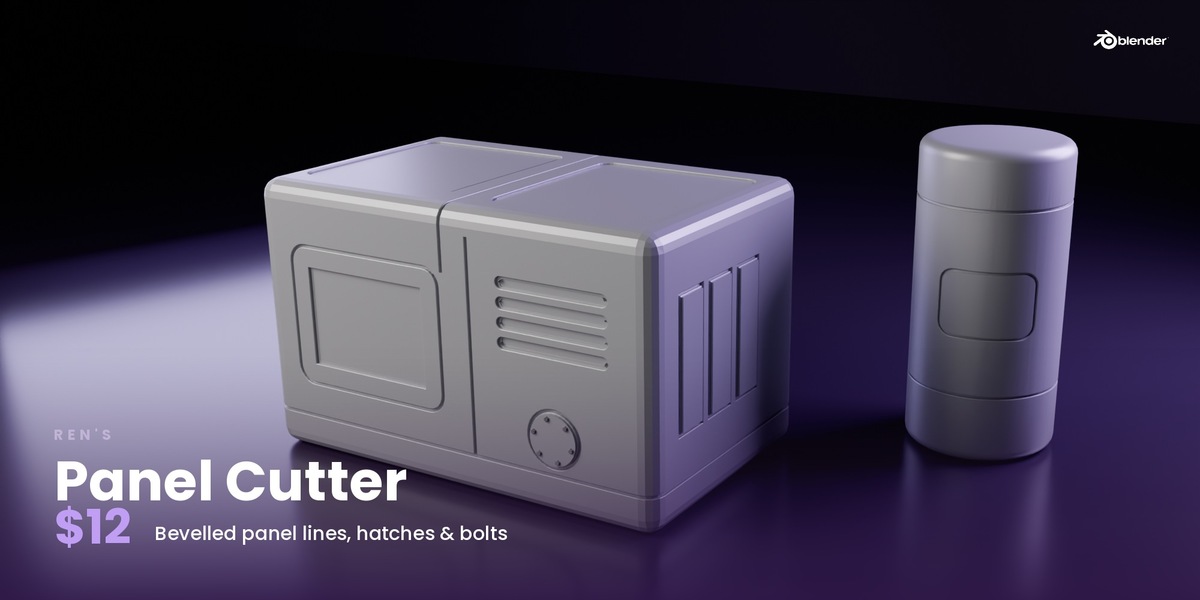


Getting started
Install the zip in Edit > Preferences > Get Extensions > Install from Disk. Select a mesh, open the N panel and go to the Panel Cutter tab.
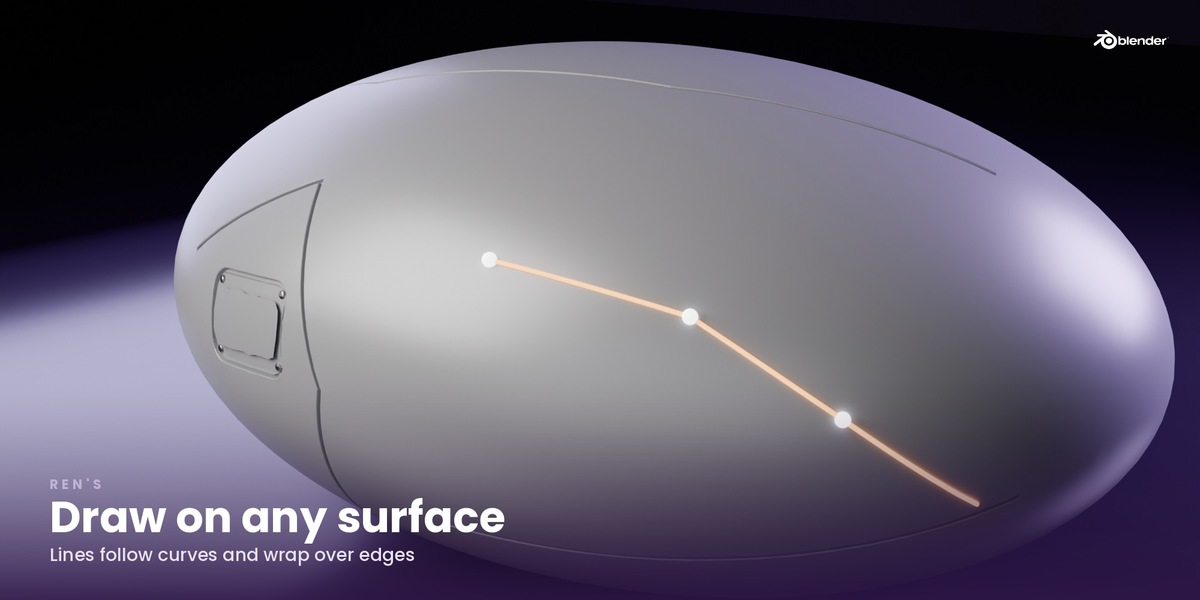
Draw tool
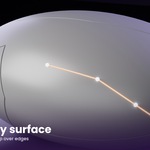
Click on the surface to place points. The line follows the surface as you go.
- Enter / Space finish the line
- C close the shape
- Ctrl snap
- Backspace undo last point
- Esc exit
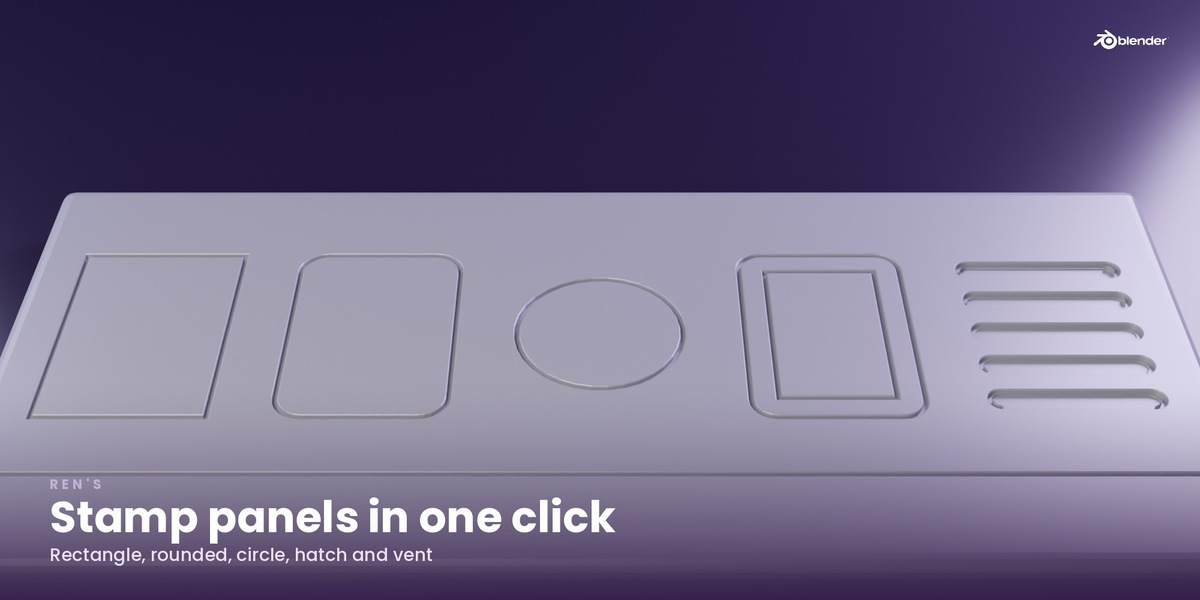
Stamps
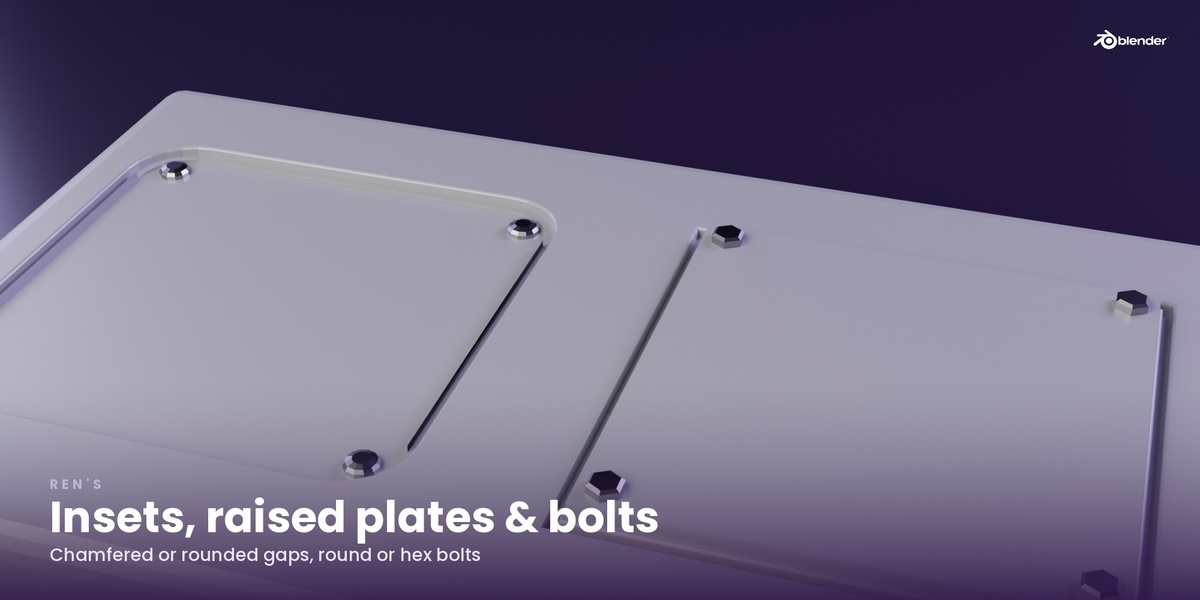
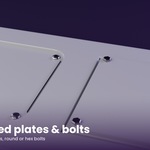
Pick a stamp (panels, hatches, vents, bolts, plates and more) and click to place it. Ctrl + Wheel or R rotates it. Each stamp can be repeated in a row along X or Y with a set gap.
Editing
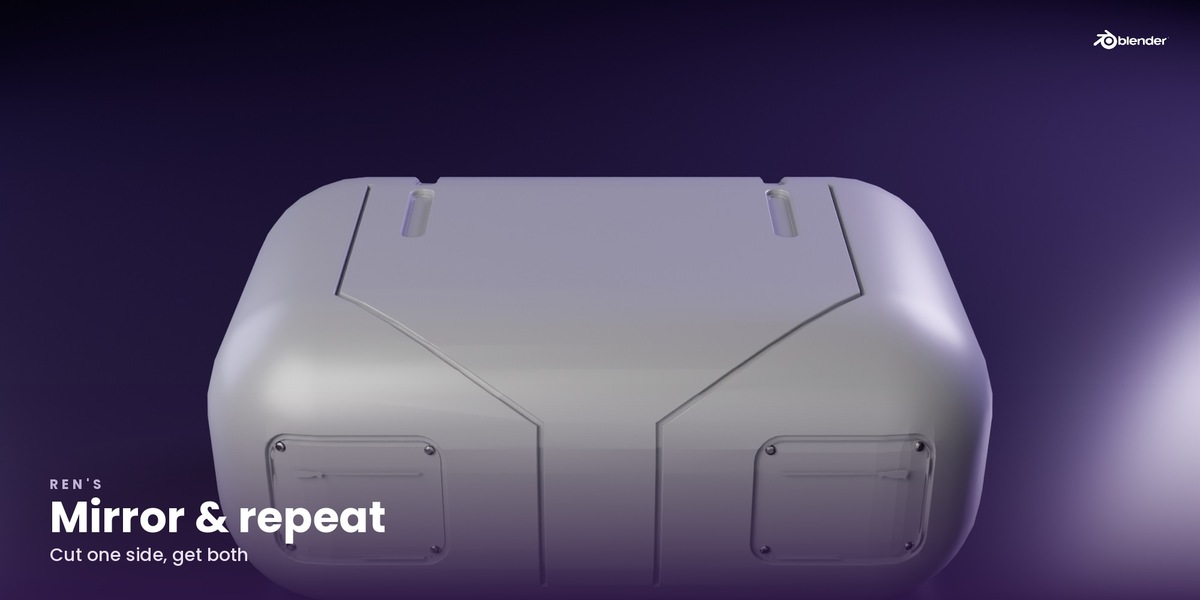
Every cut stays editable. Select it in the list to change width, depth, profile (chamfer or round), inset or raised, or to move, duplicate or delete it. Mirror X/Y/Z copies cuts to the other side.
Presets
One click presets (sci-fi, spaceship, mech and others) set width, depth and profile for you.
Solver
Clean (default) gives the best shading on any mesh. Fast is quicker but only works well on watertight meshes. While you drag a slider you see a quick wireframe preview, and the real cut updates when you stop.
Apply and Bake
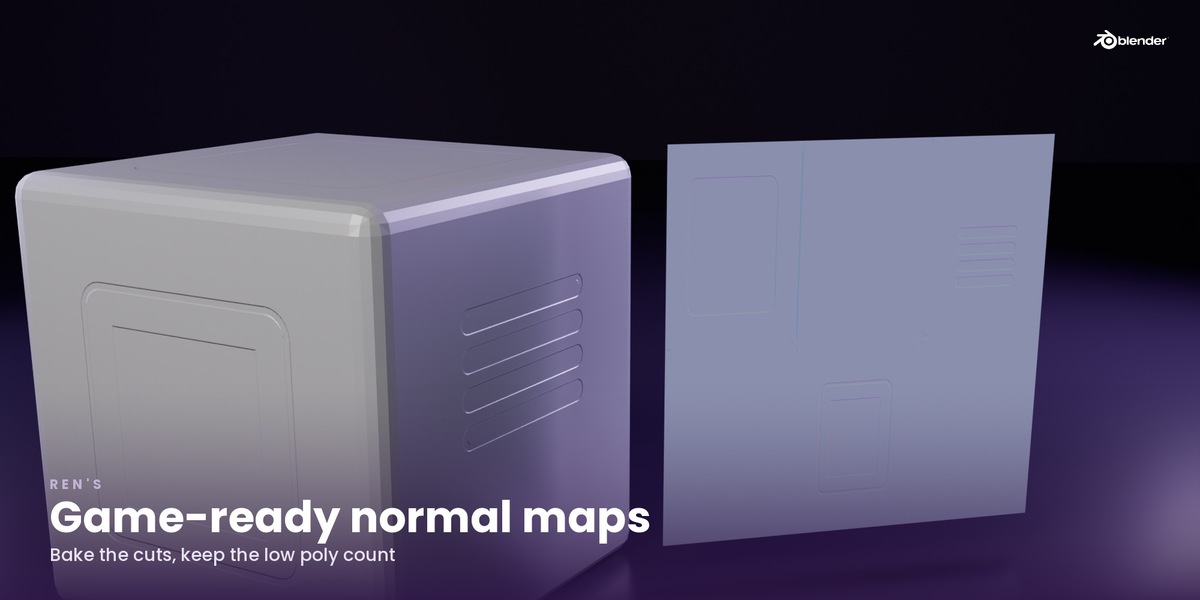
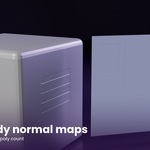
Apply makes the cuts real geometry. Bake renders the details to a normal map (Cycles) on a low poly copy, and makes UVs for you if the mesh has none.
Have questions about this product?
Login to message
| Published | about 4 hours ago |
| Blender Version | 4.5 - 5.3 |
| Extension Type | N/A |
| License | GPL |
Discover more products like this
boolean bolts sci fi Spaceship modeling panel lines normal map bake hard surface vents game ready mech