 Reneraki
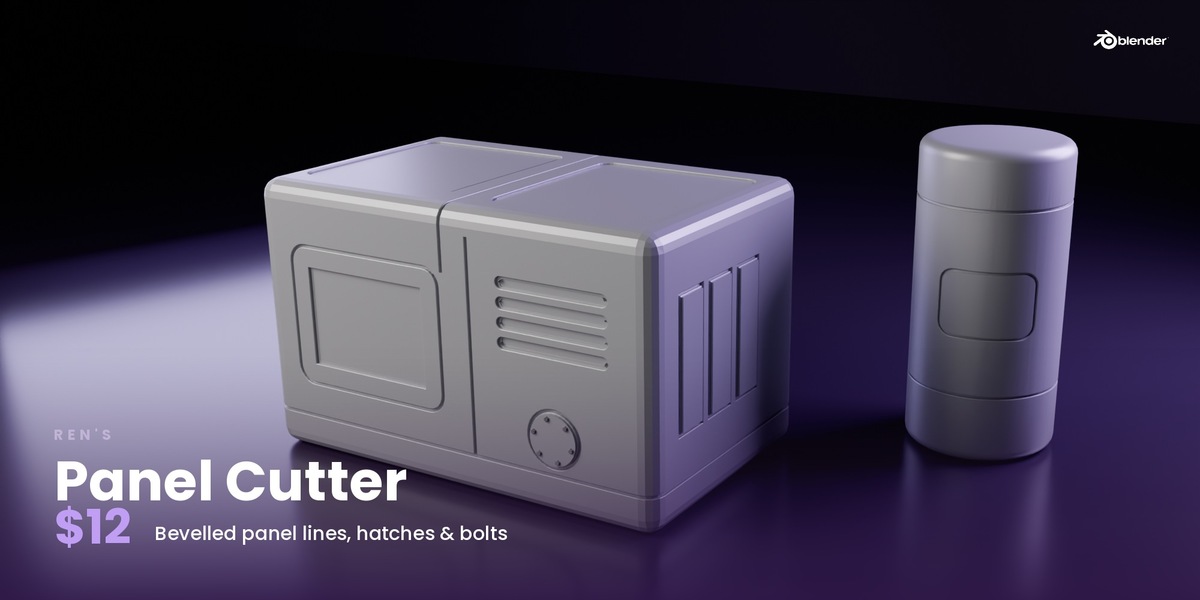
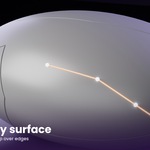

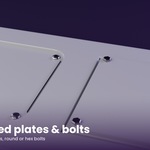

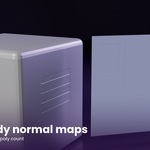
Panel Cutter adds clean panel lines to hard-surface models in a few clicks. You draw on the model or stamp shapes, and the gaps come out with proper bevelled edges. Nothing is final until you press Apply, so you can change any cut later.
Draw and stamp
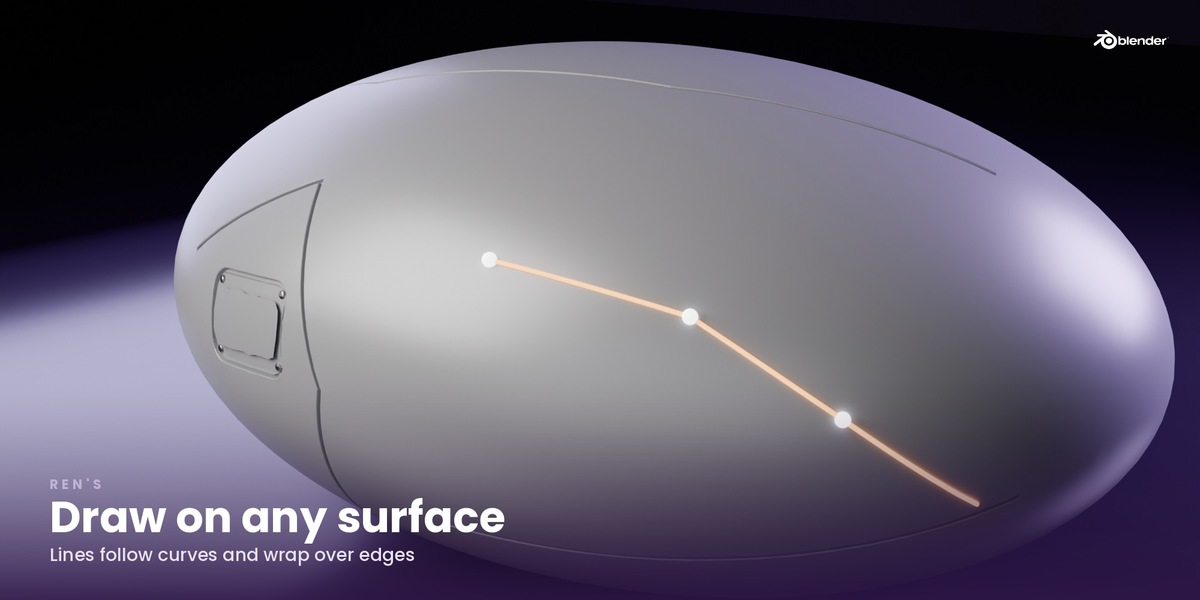
- Click points on the model to draw panel lines. Lines follow curves and wrap over edges.
- Hold Ctrl to snap to 45° and 90°. Click the first point to close a loop.
- Turn selected edges into panel lines in Edit Mode.
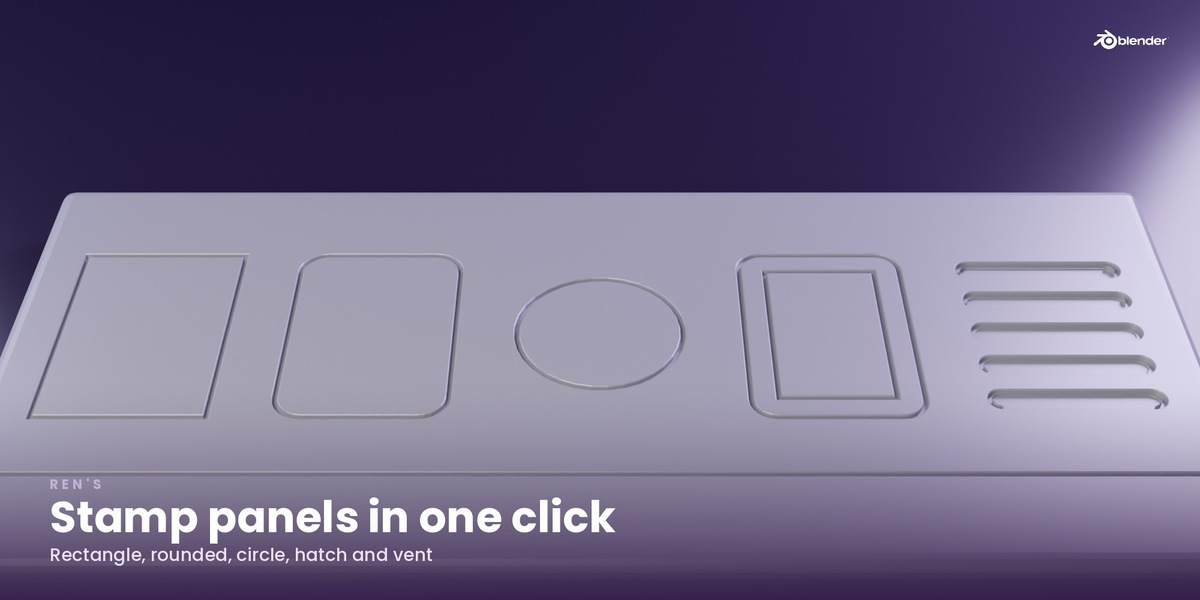
- Stamp panels in one click: rectangle, rounded, circle, hatch and vent. Rotate them while placing.
Panel details
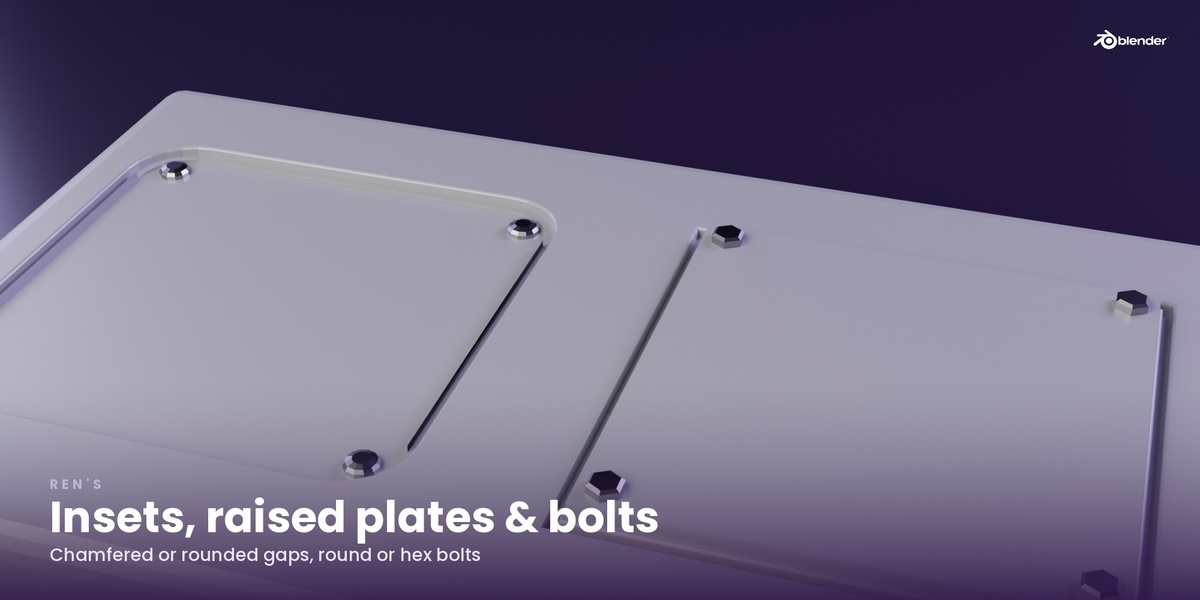
- Gap width and depth, with a chamfered or rounded edge.
- Inset panels that sink in, or raised plates that stick out.
- Round or hex bolts in the corners.
- Repeat a panel into a row. Good for vents and plating.
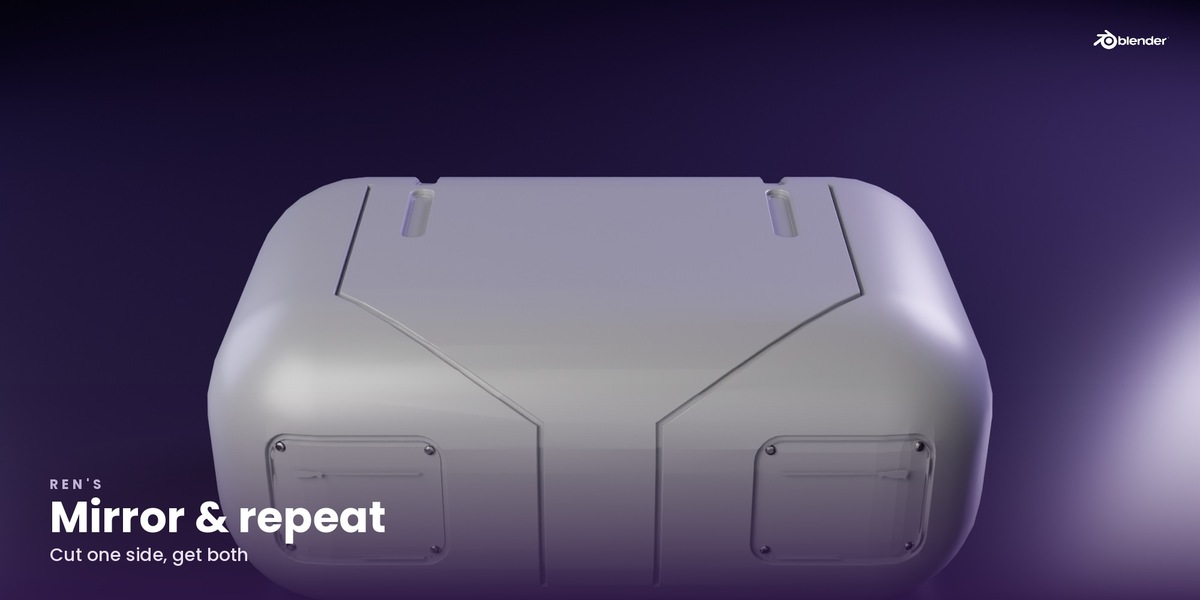
- Mirror X, Y and Z: cut one side, get both.
- Move or duplicate any panel after placing it.
Stays editable
- Every cut is in a list. Hide, delete or change it any time.
- While you drag a slider you see a quick wireframe. The clean cut follows a moment later.
- Presets for Sci-fi, Car, Mech and Spaceship. They scale to your model's size.
- Apply turns everything into real geometry when you're done.
Game-ready
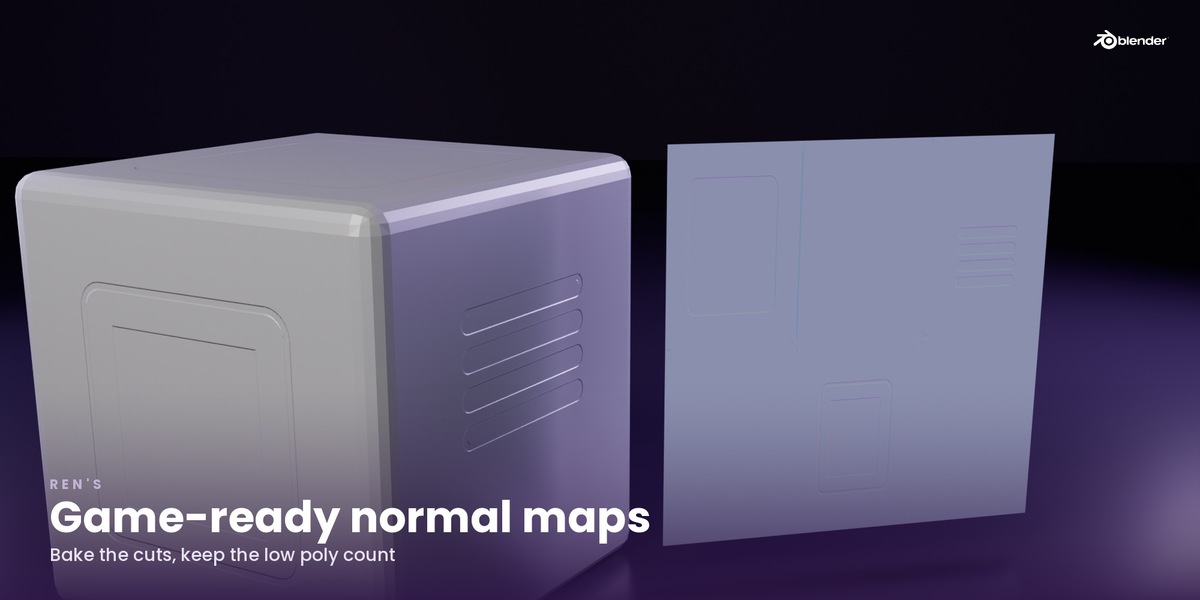
- Bake the cuts into a normal map (512 px to 4K) and keep the low poly count.
- Unwraps the model for you if it has no UVs, and plugs the map into your material.
Works on flat and curved models, including smooth-shaded ones.
Where to find it: 3D View → N panel → Panel Cutter tab
Blender: 4.5 and newer