 Reneraki

Getting started
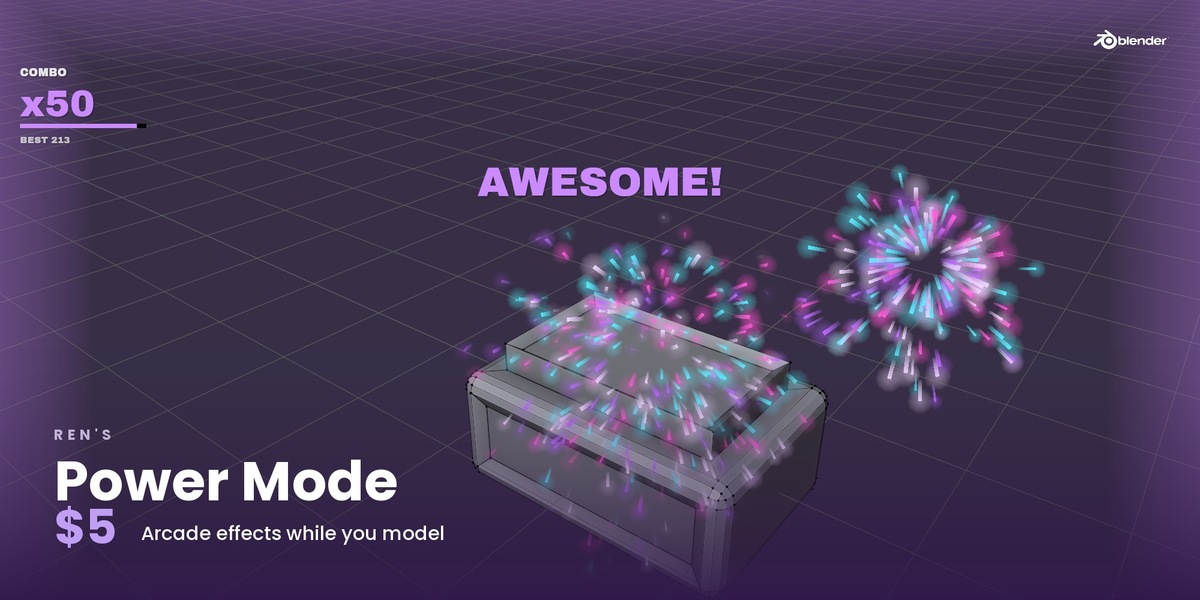
Install the zip in Edit > Preferences > Get Extensions > Install from Disk. Power Mode turns on straight away. Extrude, bevel or move something and the sparks start.
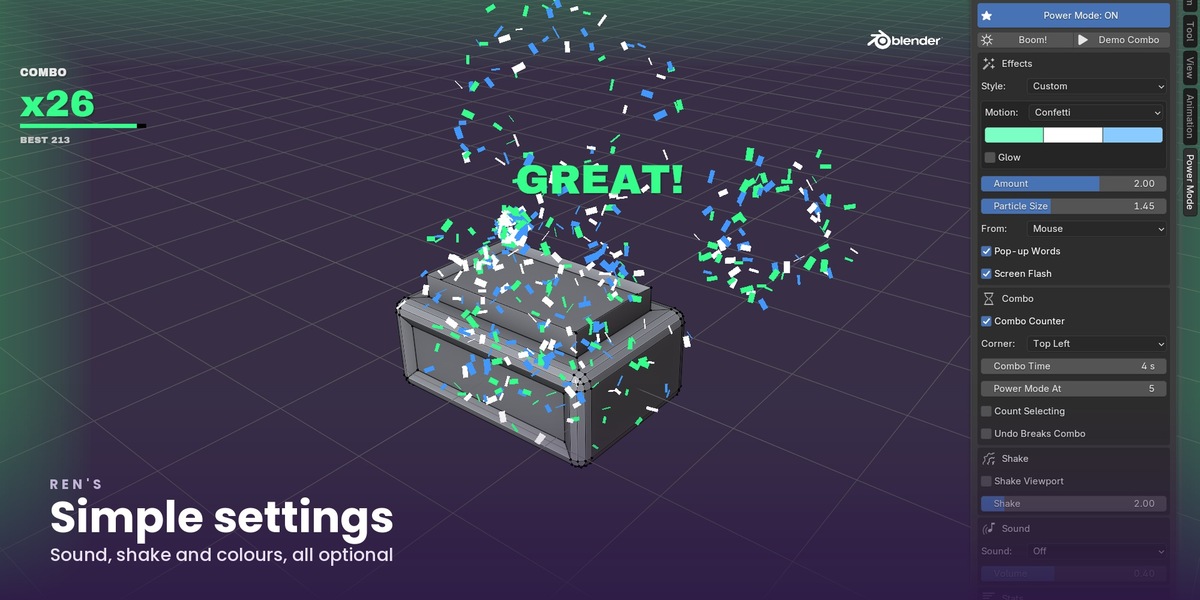
The star button in the 3D viewport header turns it on and off. All settings are in the N panel > Power Mode tab.
What counts as an action
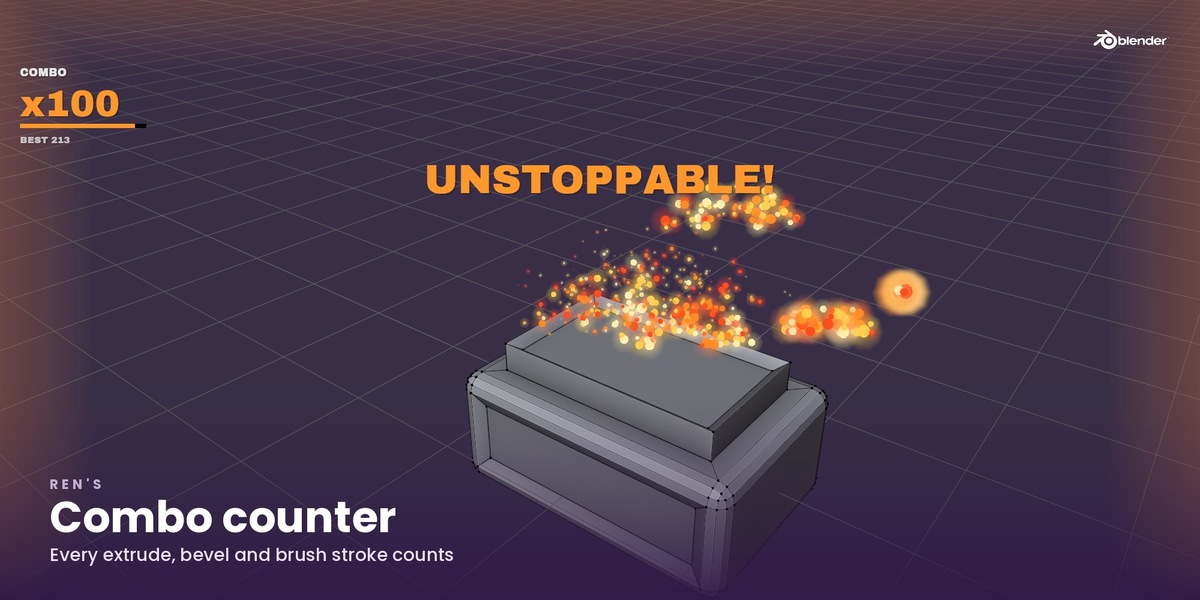
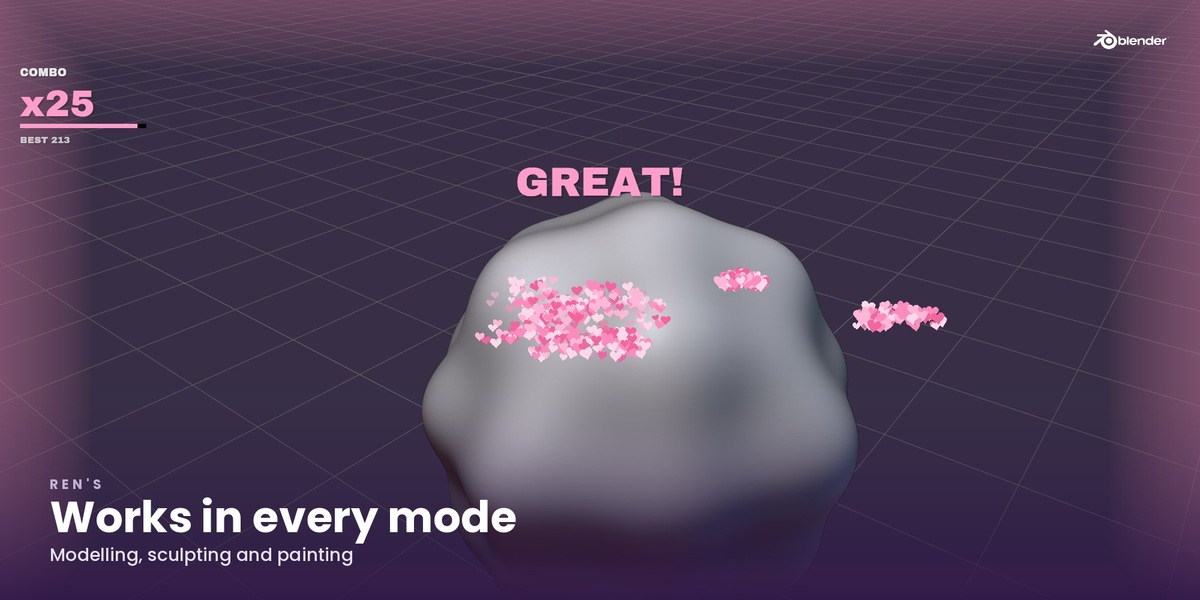
Modelling, sculpting, painting, adding modifiers and other edits. Selecting, moving the view and switching modes don't count. You can turn on Count Selecting if you want clicks to count too.
Buttons
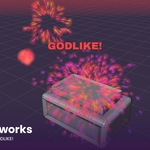
- Boom! sets off one big burst so you can preview a style.
- Demo Combo plays a fake 60 hit combo. Handy for recording clips.
Settings
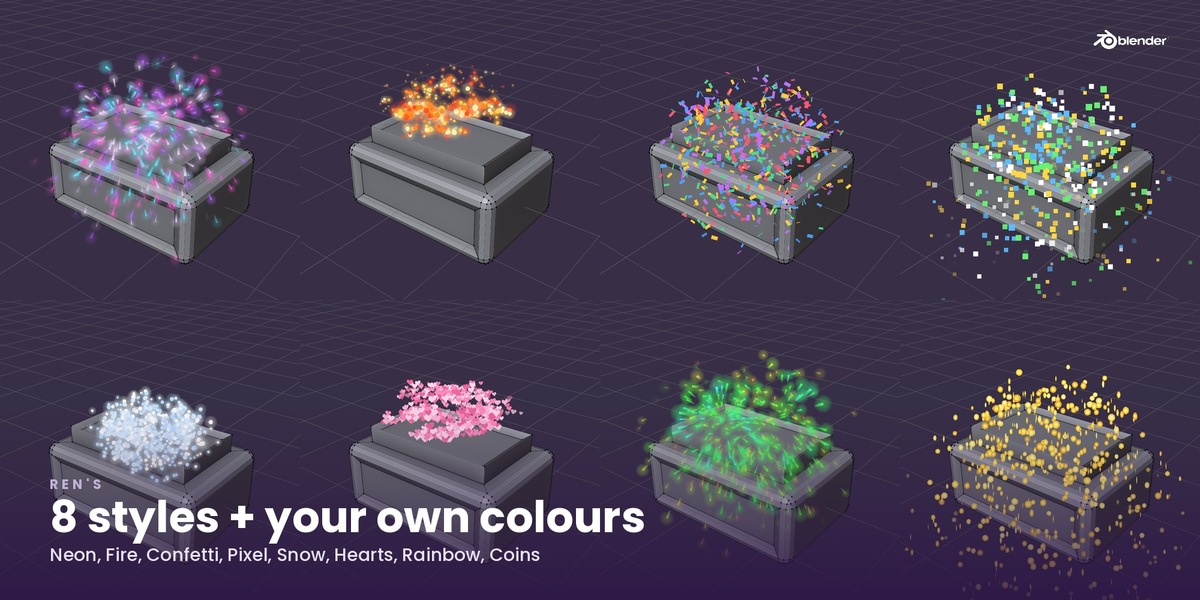
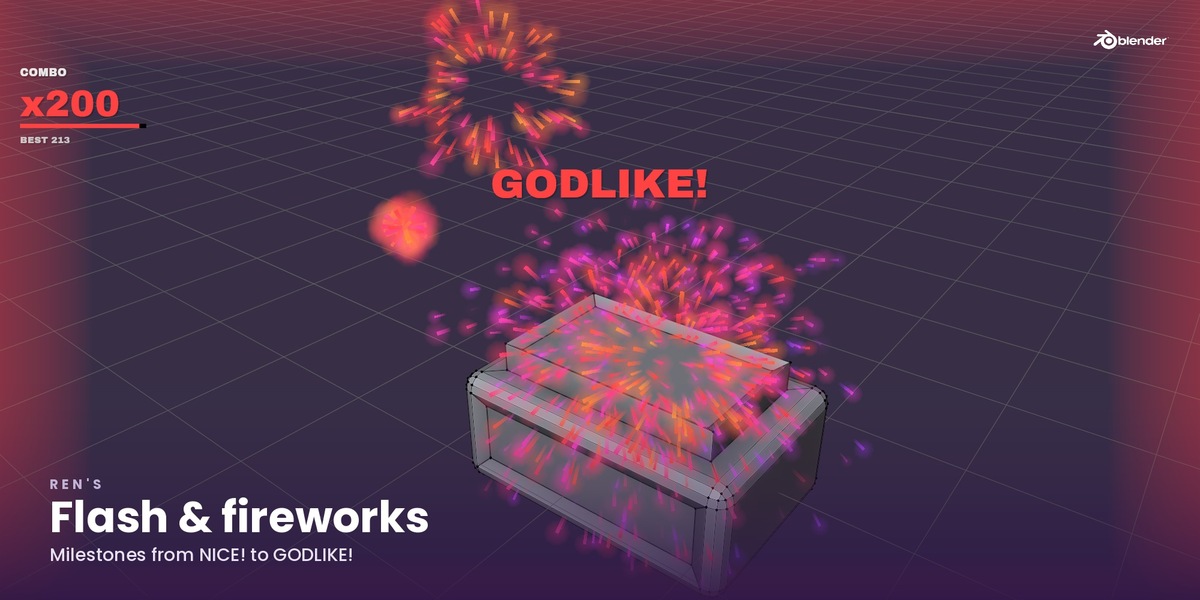
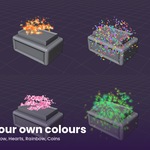
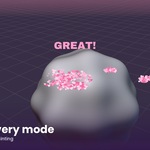
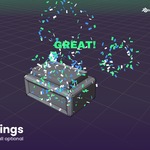
- Effects: style (Neon, Fire, Confetti, Pixel, Snow, Hearts, Rainbow, Coins or Custom), amount, particle size, where bursts come from (mouse, selection or viewport centre), pop-up words and screen flash.
- Custom style: pick 3 colours, the motion of another style, and glow on or off.
- Combo: counter on/off and corner, combo time (how long you have before it ends), when Power Mode starts (default combo 5), and whether undo breaks your combo.
- Shake: viewport shake on/off and strength. The view always goes back to where it was.
- Sound: Arcade, Soft, Retro or Off, and volume.
- Stats: your best combo and total actions, with a reset button.
- Other: header button on/off and 30 or 60 FPS.
Have questions about this product?
Login to message
| Blender Extension Compatible | Yes |
| Published | 1 day ago |
| Blender Version | 4.5 - 5.3 |
| Extension Type | Add-on |
| License | GPL |