 Reneraki

Install
- Download the zip. Don't unzip it.
- In Blender go to Edit > Preferences > Get Extensions, click the arrow in the top right and choose Install from Disk.
- Pick the zip. That's it.
Where to find it
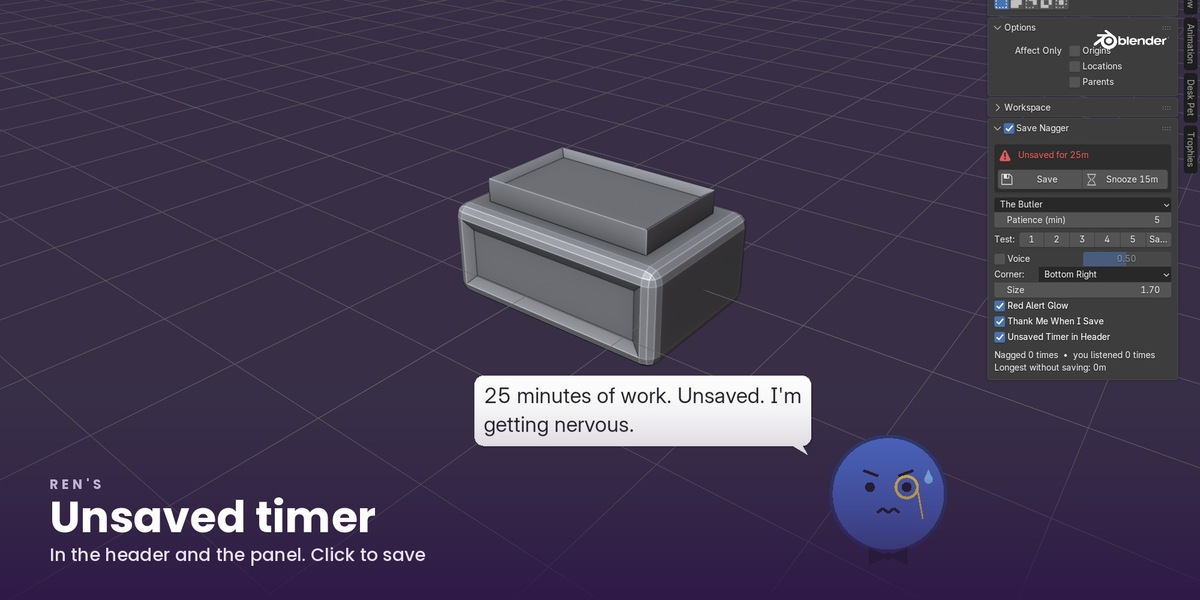
Press N in the 3D viewport and open the Save Nagger tab.
How it works
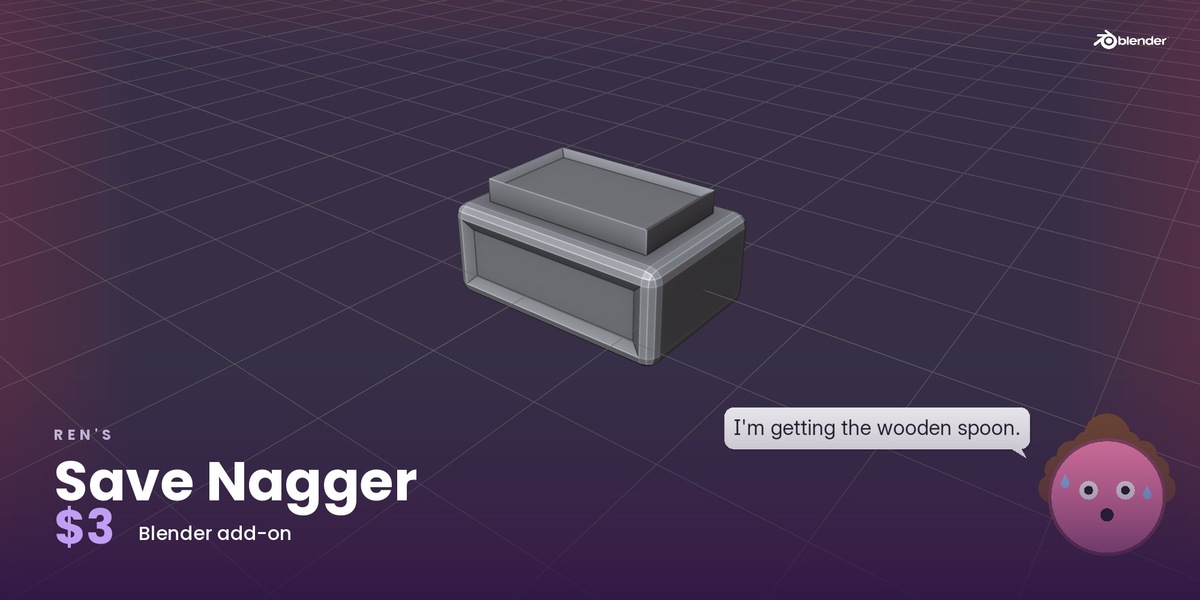
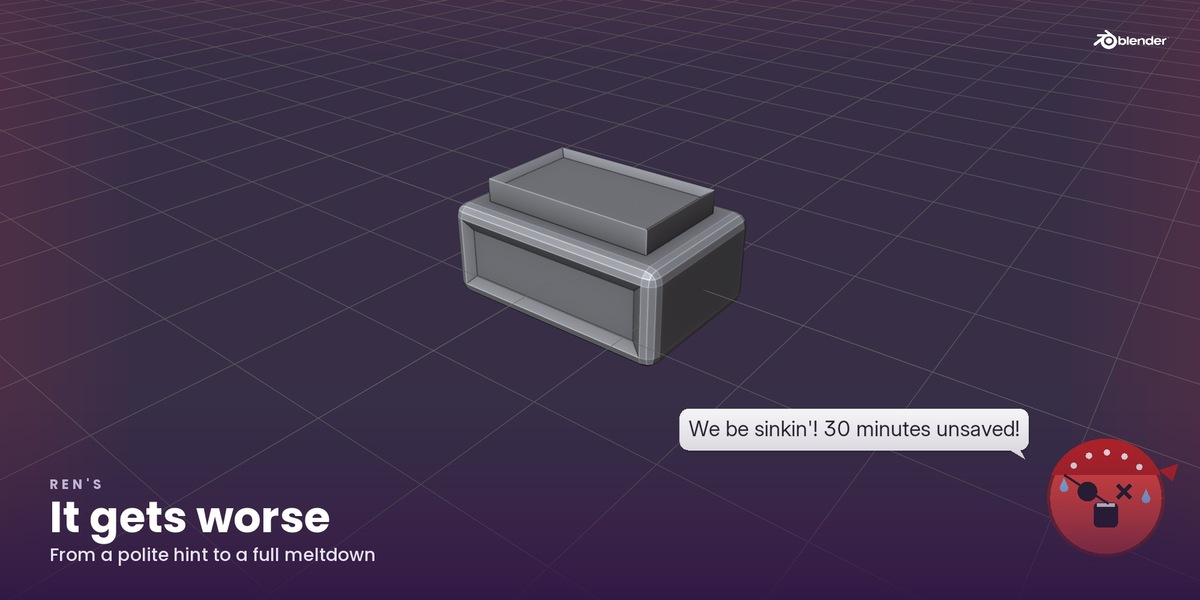
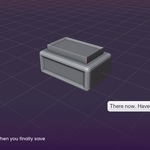
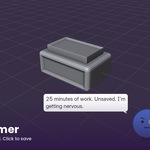
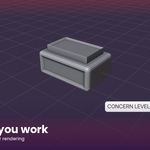
The clock starts when your file gets its first unsaved change. The first reminder comes after your Patience time (5 minutes by default). After that it comes back at 2x, 3x, 4.5x and 6x that time, getting more desperate each time, then keeps going at full panic. Saving resets everything.
The panel
- Unsaved for ...: how long since your last save.
- Save: saves the file (asks for a name if it doesn't have one yet).
- Snooze 15m: no reminders for 15 minutes.
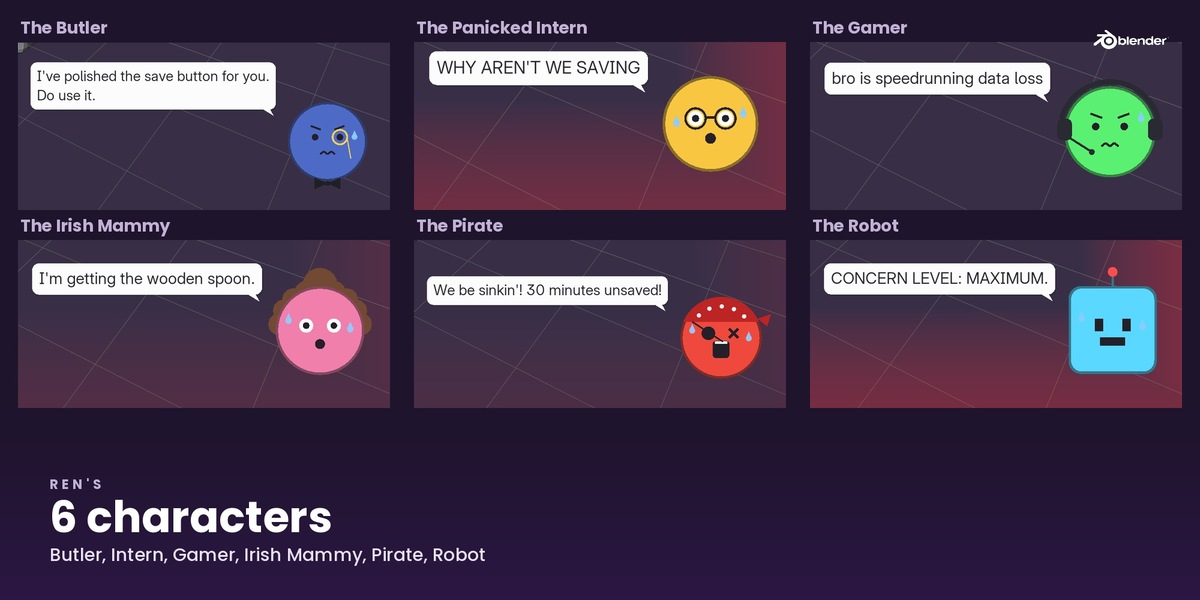
- Who Nags You: pick a character.
- Patience (min): minutes before the first reminder.
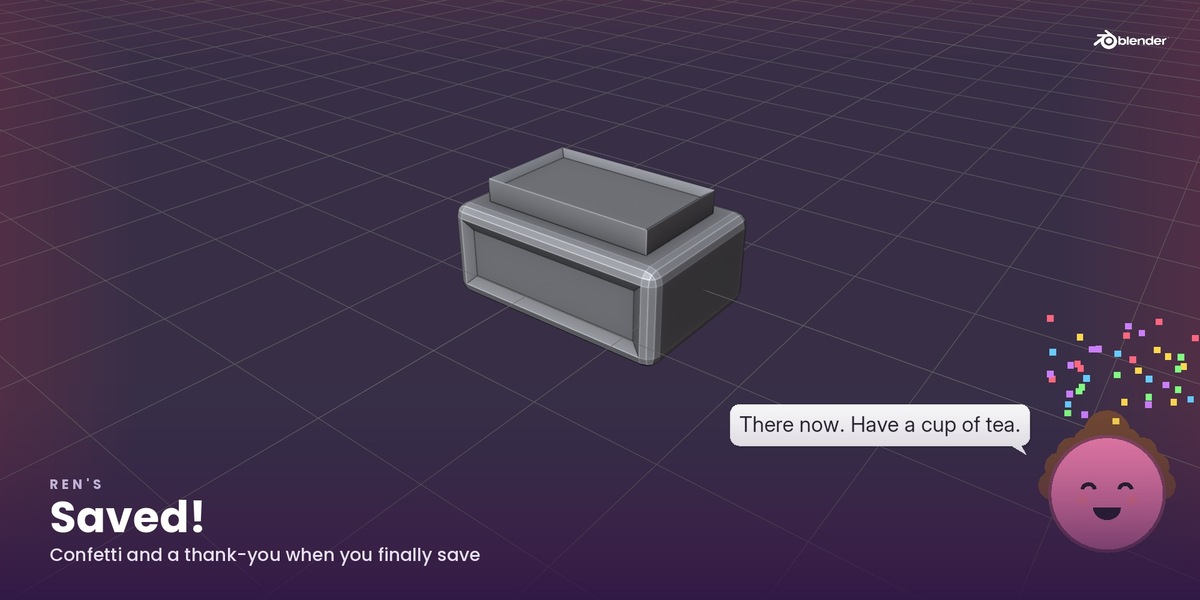
- Test 1 to 5 and Saved: hear what your character says at each level.
Settings
- Voice and Volume
- Corner: bottom right or bottom left.
- Size
- Red Alert Glow
- Thank Me When I Save
- Unsaved Timer in Header
Have questions about this product?
Login to message
| Blender Extension Compatible | Yes |
| Published | about 21 hours ago |
| Blender Version | 4.5 - 5.3 |
| Extension Type | Add-on |
| License | GPL |