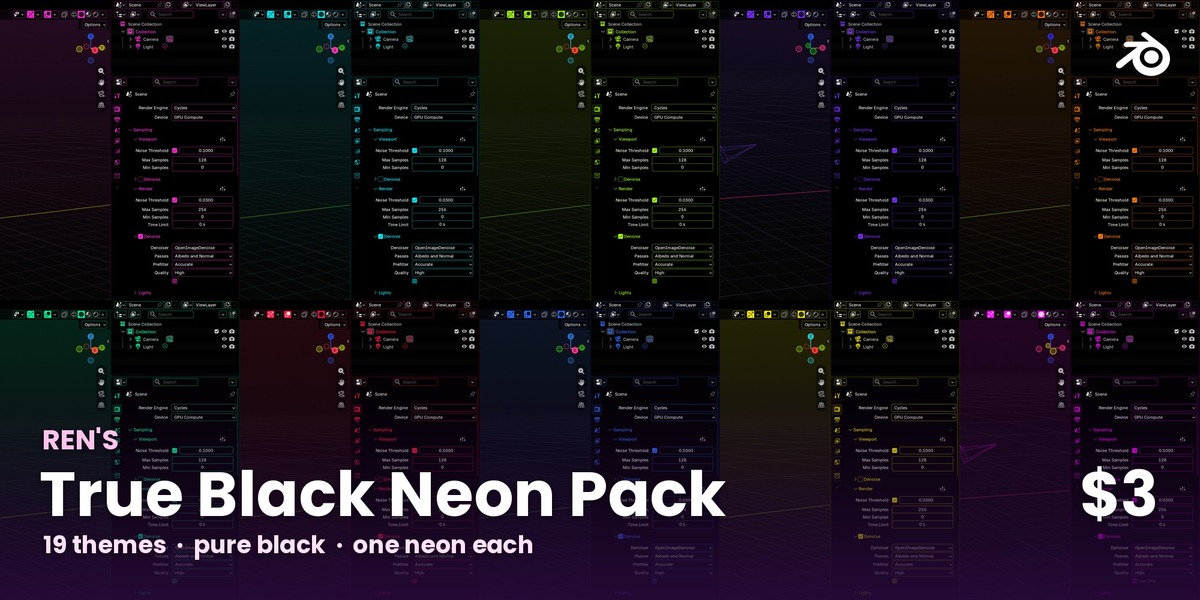
Ren's True Black Neon Pack
 Reneraki
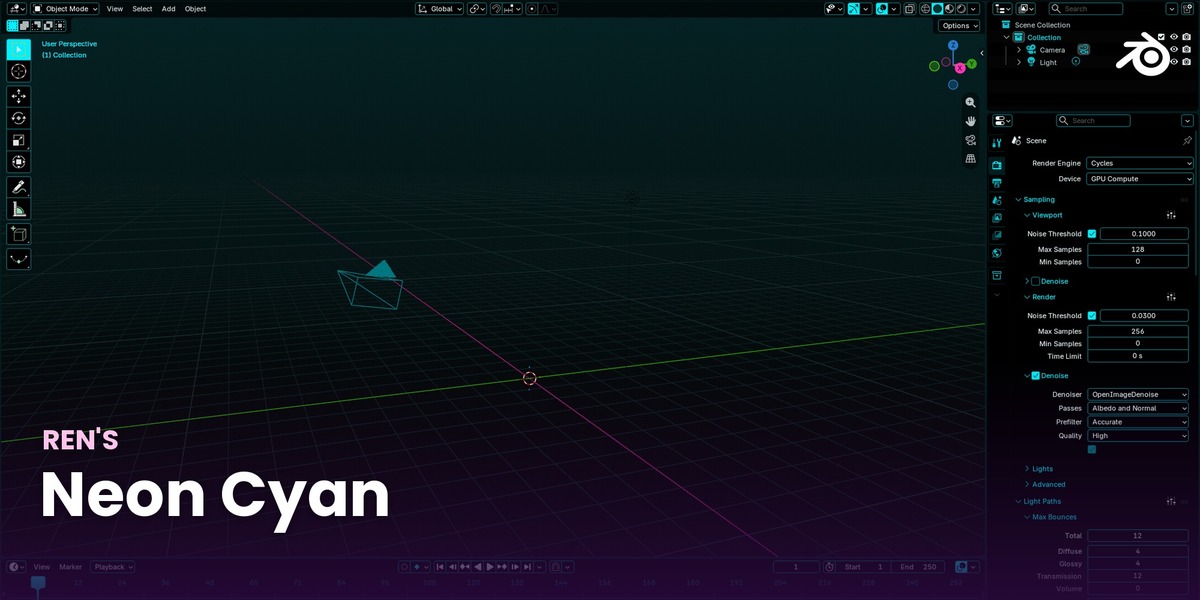
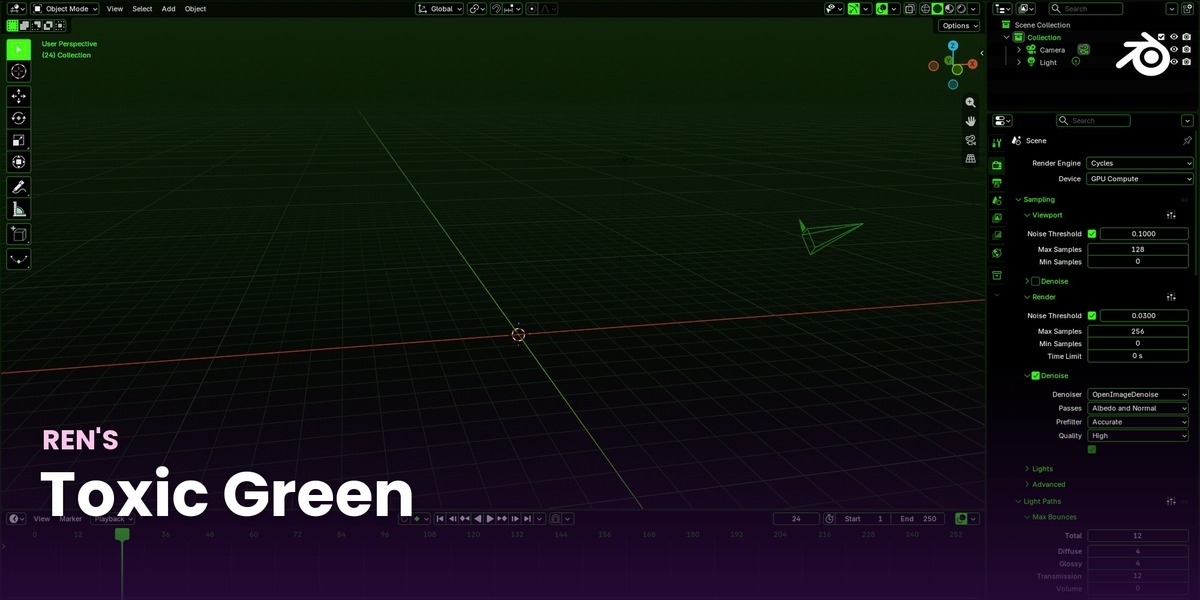

Install
- Unzip the download.
- In Blender go to Edit > Preferences > Themes.
- Click Install... at the top of the Themes page.
- Pick one of the .xml files from the themes folder and click Install Theme.
- Repeat for any other themes you want. They all stay in the theme menu so you can switch any time.
Go back to the default theme
Edit > Preferences > Themes > click Reset.
What's in the zip
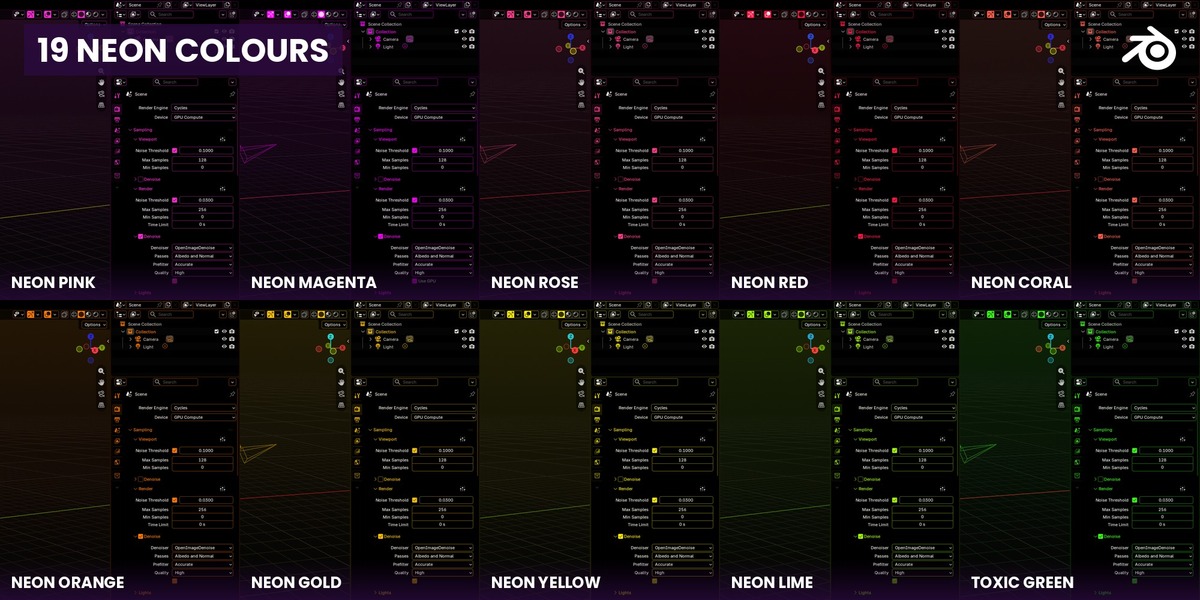
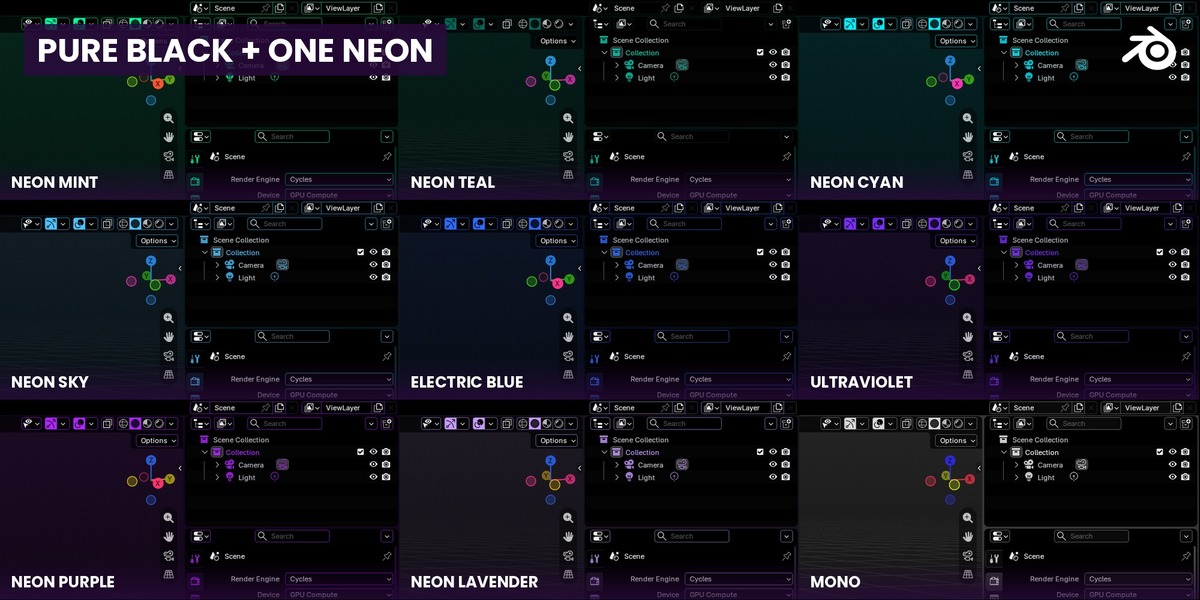
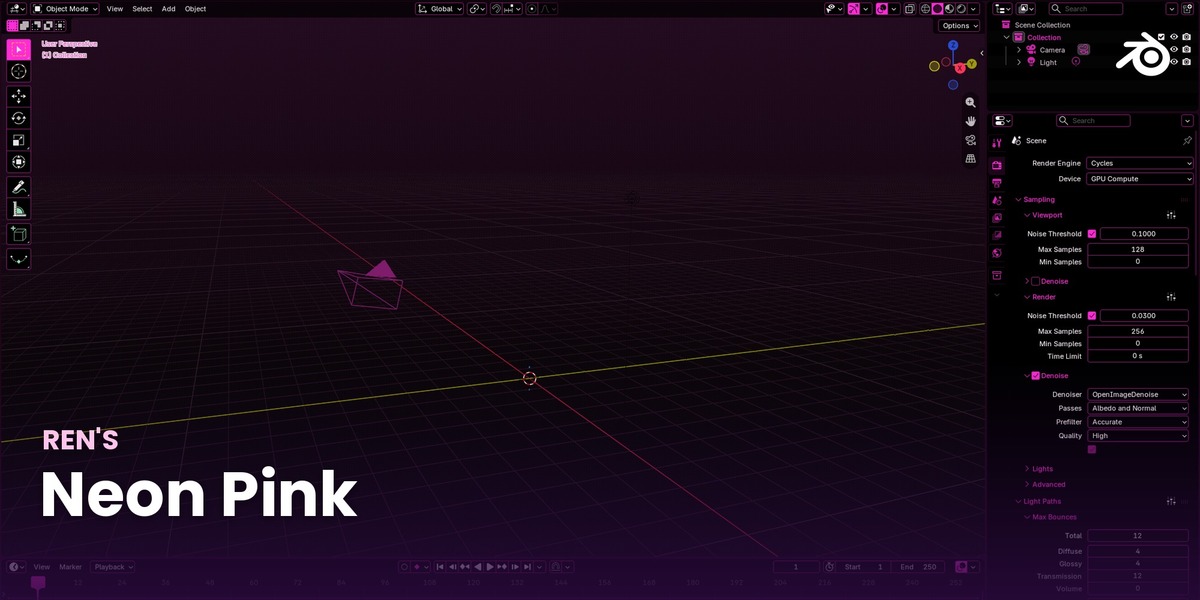
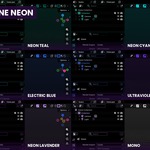
- themes folder: 19 theme files (.xml)
- README.txt: these steps
Made and tested in Blender 5.3.
Have questions about this product?
Login to message
| Published | about 3 hours ago |
| Blender Version | 5.0 - 5.3 |
| Extension Type | N/A |
| License | GPL |
Discover more products like this
theme interface colour ui theme Oled true black Black Theme minimal Dark Theme cyberpunk neon