 Creative Skipper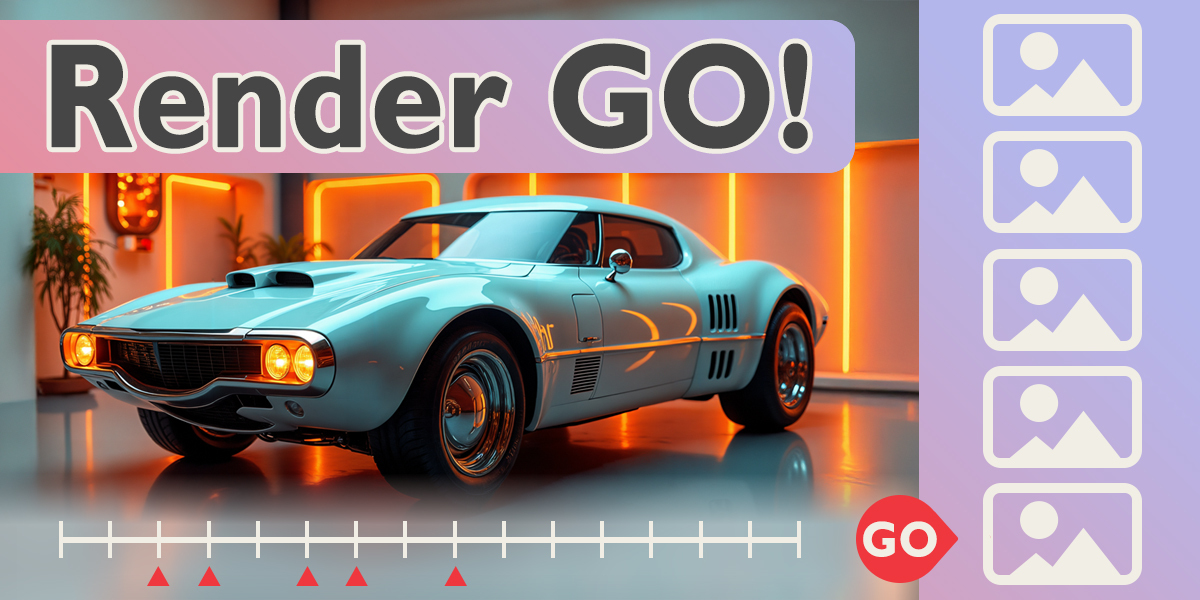


Render GO! — The Simplest Way to Render Frames in Blender
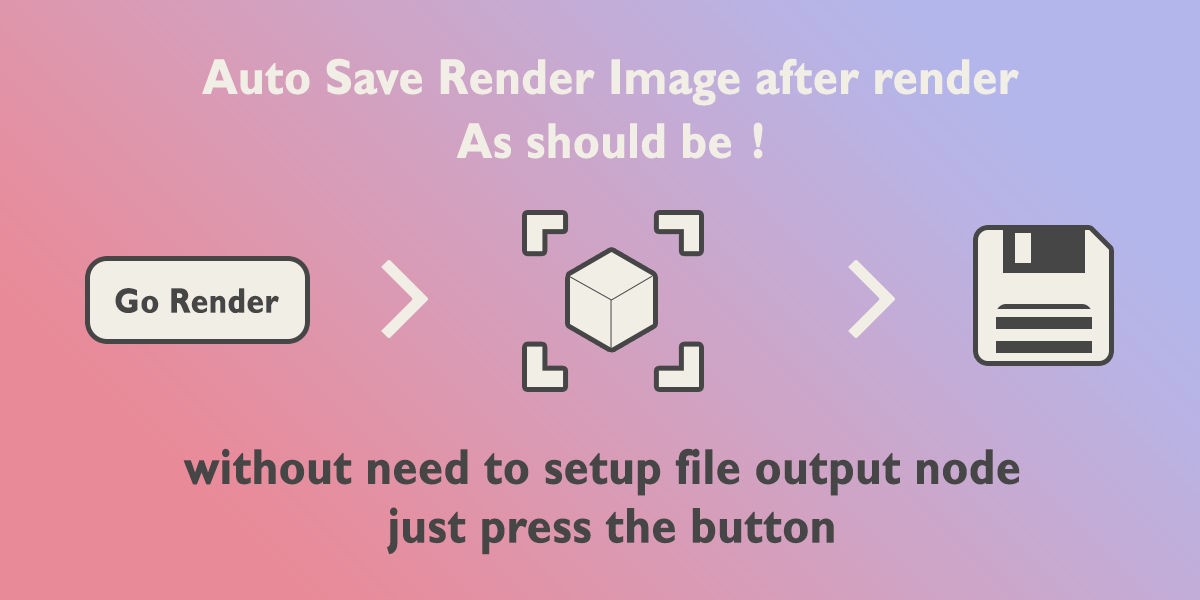
Add-on for Blender that lets you render frames with automatic saving, without any extra setup. It works with single frames, timeline markers, or full animations.
Update Render GO! v 1. 1 is here !
- progress bar
- File Output node support
- and more! See details in "Documentation & FAQ"
Key Features :
-
Automatic Render with Saving:
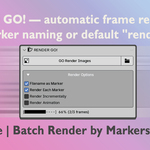
- Batch Render with renaming Files
- Render a frame and automatically save the image to disk.
-
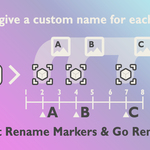
Marker-Based Naming System:
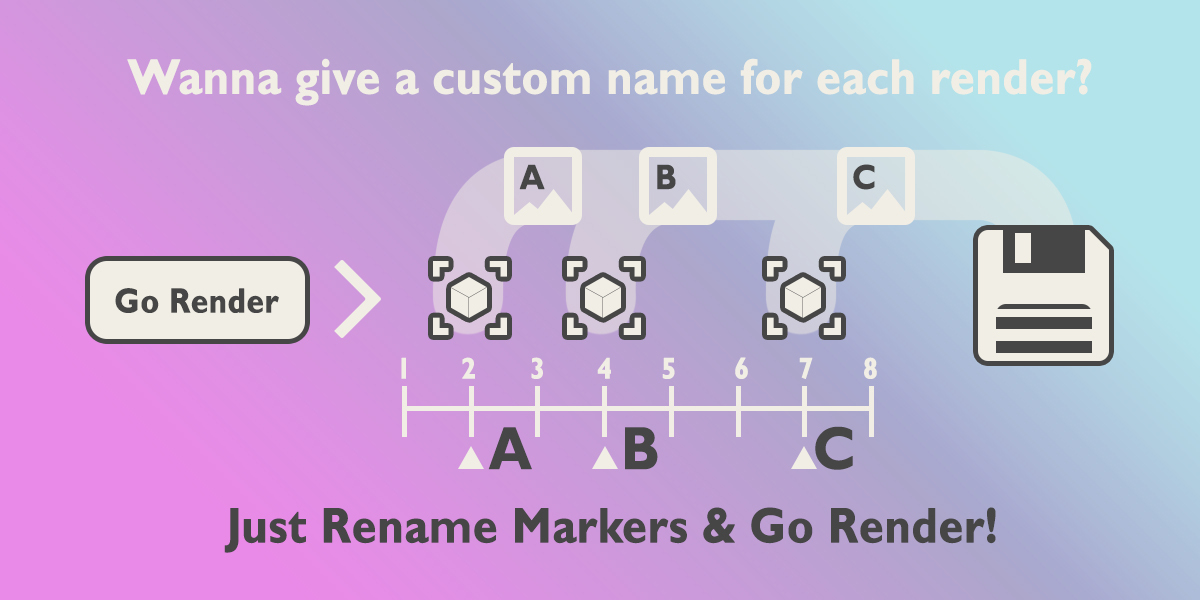
If a marker exists at the frame, the saved image will use the marker's name.
If no marker or naming is disabled, the default name "render" is used.
-
Three Working Modes:
Render and save the current frame.
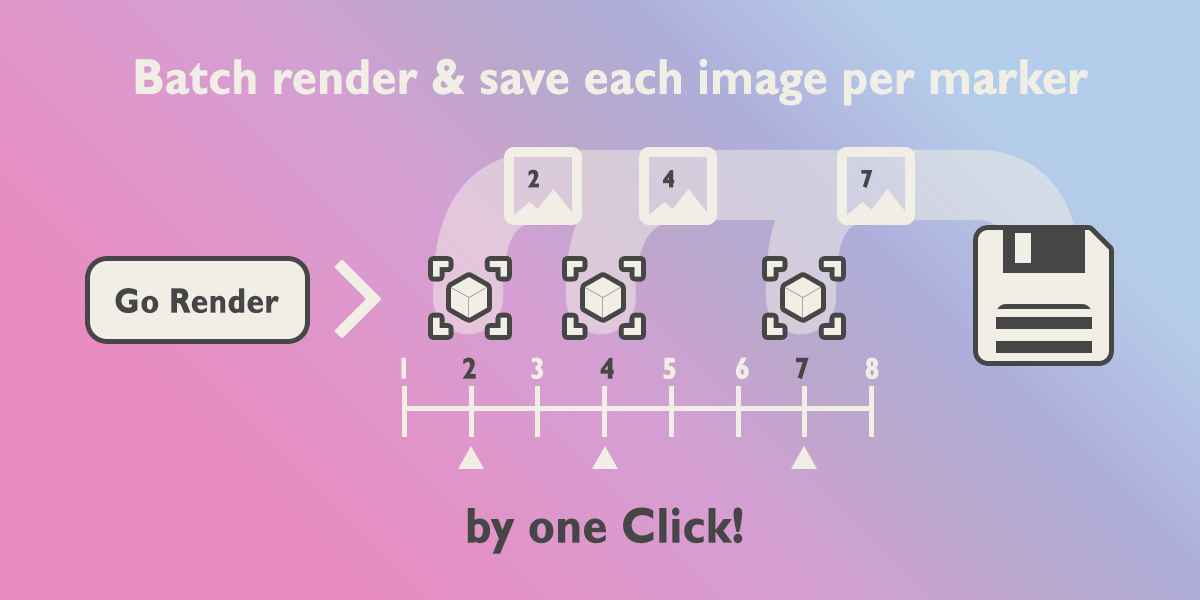
Render all frames with markers. Batch render all frames that have markers on the timeline.
Standard animation rendering without changing the frame range.
-
Additional Tools:
Dynamic progress bar shown during rendering
Render cancellation support (Esc key)
Optional file name increment to prevent overwriting existing renders
-
Quick access button to open the Output folder.
What problems does Render GO! solve?
Render GO! makes rendering in Blender as simple as one click. Forget manual file saving, renaming, or frame selection — it's all automated.
Re-render broken frames
Problem: You have a rendered sequence, but some frames need to be fixed.
Solution:
- Add markers to those frames
- Click "GO Render Image" — only those frames will be re-rendered and replaced
Multi-angle renders with auto-naming
Problem: You need renders from multiple angles and want each file named properly.
Solution:
- Add markers to each frame and name them
- Enable "Filename as Marker" + "Render Each Marker"
- Click "GO Render Image" — files will be named automatically
Save a single frame without extra steps
Problem: Blender doesn't auto-save renders — you have to manually save every time.
Solution:
- Click "GO Render Image" — it saves automatically
- Enable "Render Incrementally" to avoid overwriting — each render gets a unique name
Test renders while tweaking
Problem: You want to save test frames while adjusting lighting or composition.
Solution:
- Enable "Render Incrementally"
- Click "GO Render Image" as often as needed — each version is saved separately
Quick shot rendering
Problem: You need to export only a few keyframes from the timeline.
Solution:
- Add markers to those frames
- Enable "Render Each Marker"
- Click "GO Render Image" — only selected frames are rendered
Character pose library with names
Problem: You need to export character poses and name each image meaningfully.
Solution:
- Add markers to each pose
- Name each marker (e.g., "Idle", "Run", "Jump")
- Enable "Filename as Marker" + "Render Each Marker"
- Click "GO Render Image" — get a clean, named image library
Invite you to see my other cool products >