Render Negative Frames/Selected Cameras Bundle
 alexdepario
in Rendering
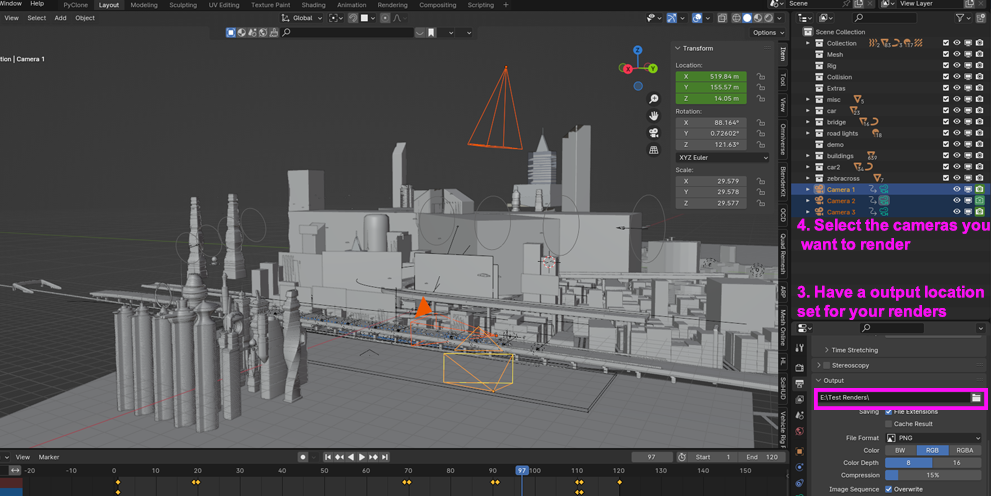
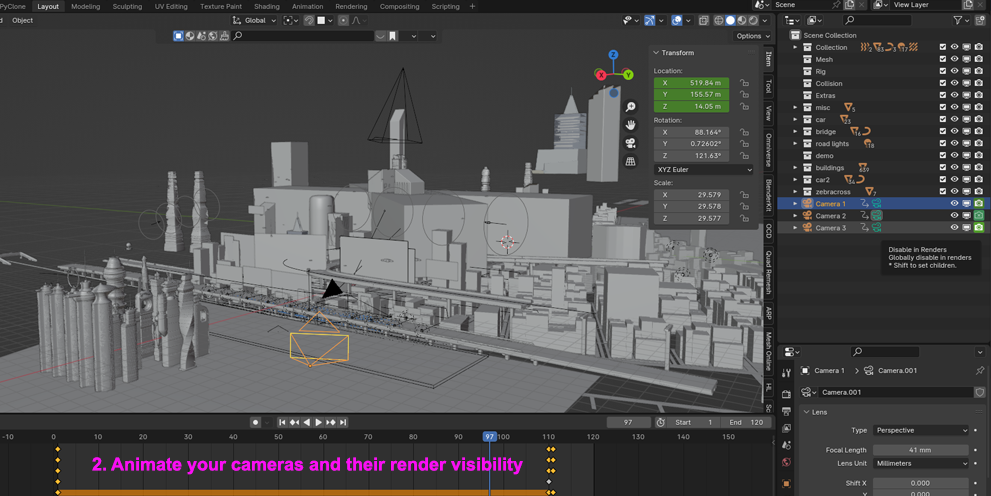
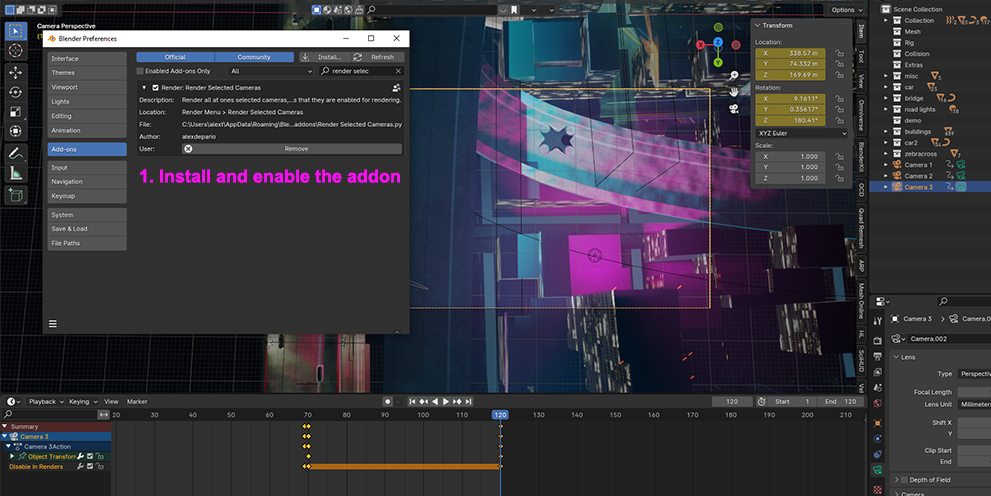
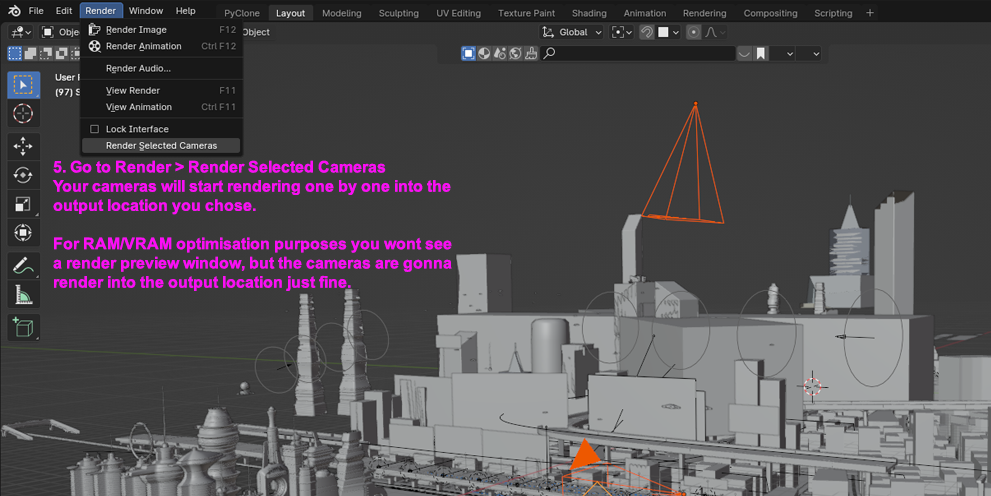
How does Render Selected Cameras work with multi-camera scenes?
Select the cameras you want to output in your scene and run Render Selected Cameras from the Render menu. The add-on automatically cycles through your selected cameras and renders each viewpoint sequentially in a single batch.
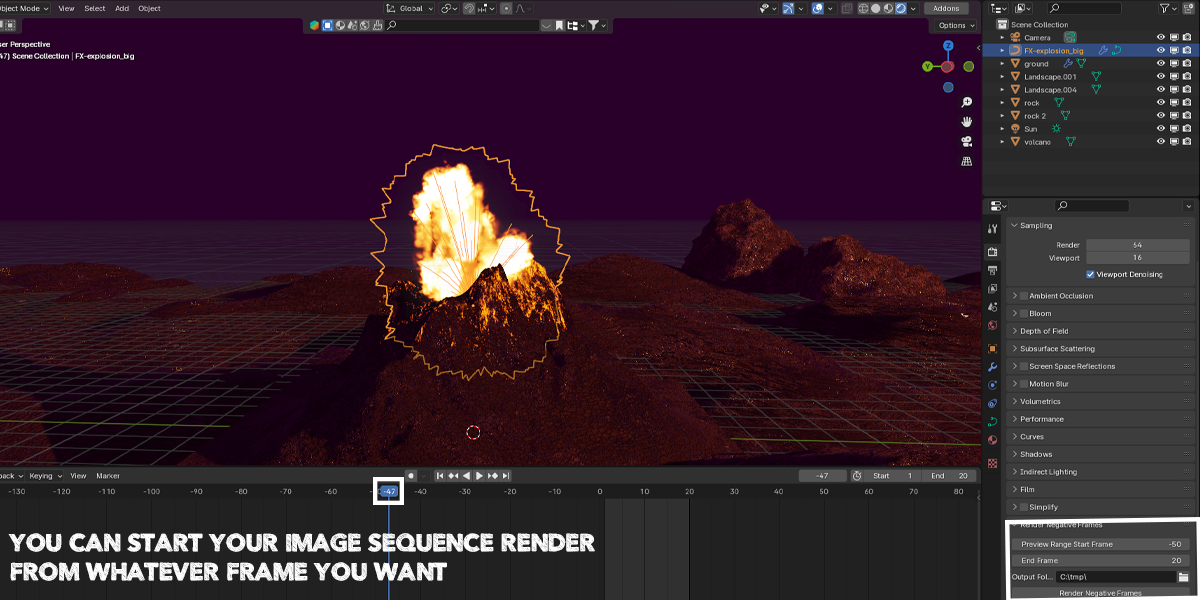
Why do I need Render Negative Frames if Blender already lets me scrub negative frames on the Timeline?
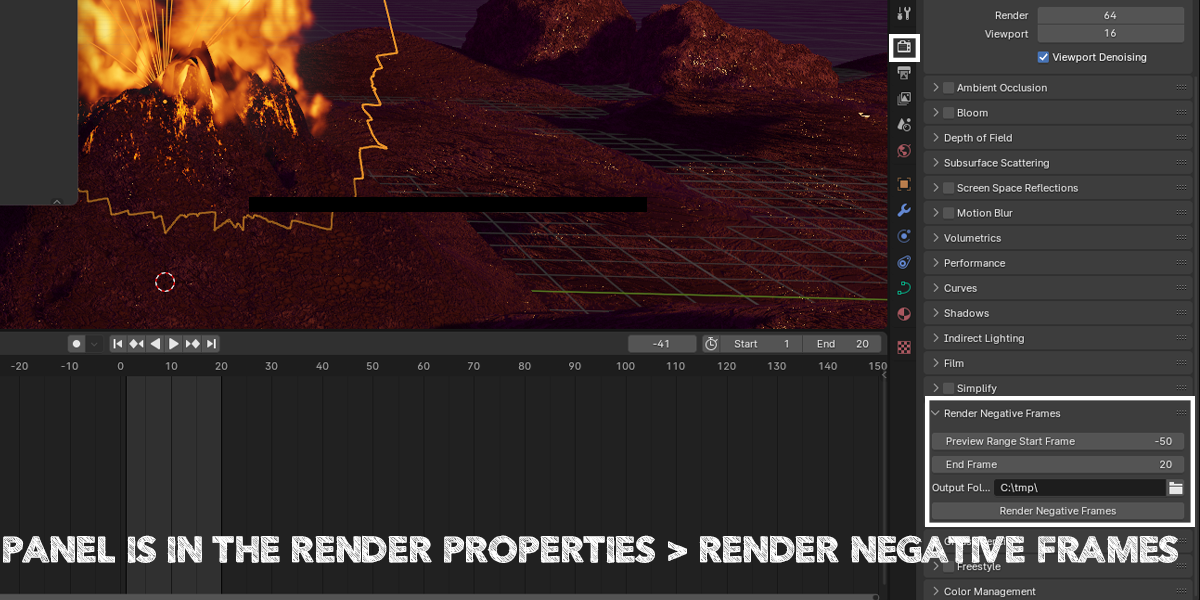
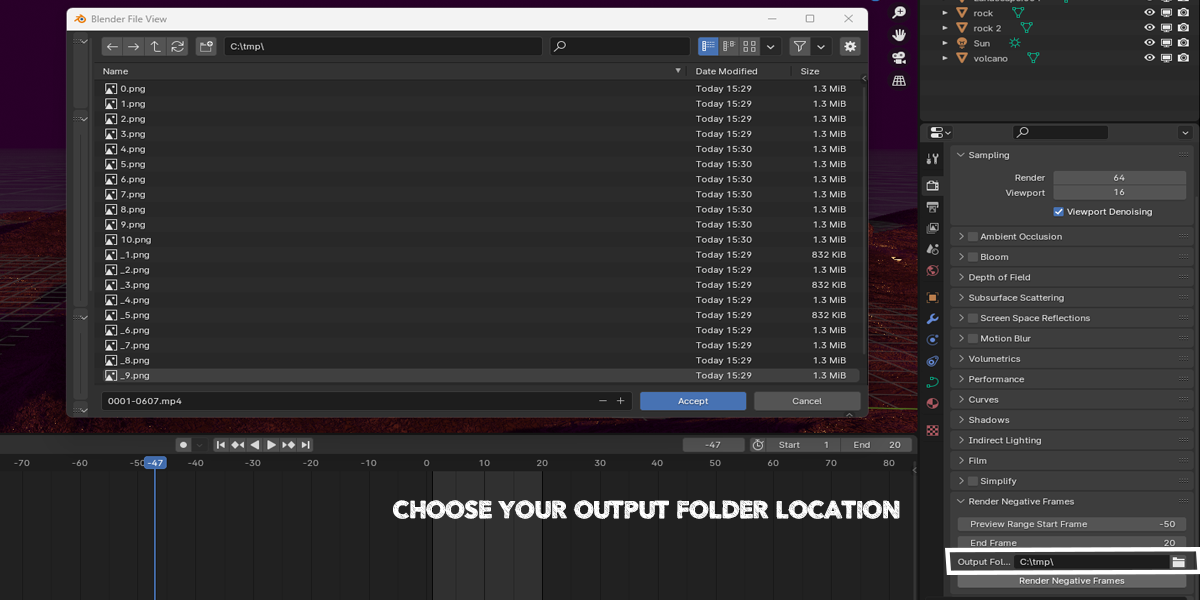
While Blender allows negative frame playback in the viewport when Allow Negative Frames is enabled in Preferences, its built-in animation renderer restricts sequence rendering to frame 0 and above. Render Negative Frames bypasses that limitation so you can render full image sequences starting from negative frame numbers (such as simulation pre-rolls or intro shots) without shifting your keyframes.
Are both add-ons compatible with Blender 4.2 and newer versions?
Yes. Both archives include a blender_manifest.toml extension manifest, making them natively compatible with Blender 4.2+ extension workflows.
Do I need to extract the .zip files before installing them in Blender?
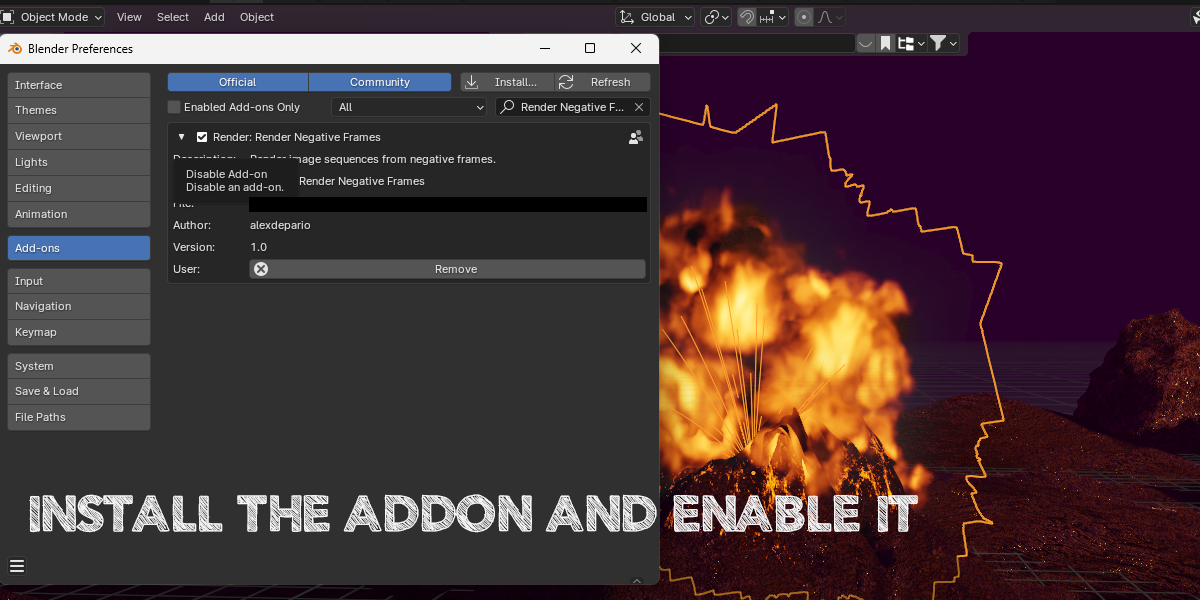
No. Keep both .zip archives compressed and install them directly in Blender via Edit > Preferences > Add-ons (or Get Extensions) using Install from Disk.
Can I install Render Negative Frames and Render Selected Cameras separately?
Yes. The bundle provides two separate .zip packages—one for Render Negative Frames and one for Render Selected Cameras—allowing you to install and enable either tool individually or use both together
Have questions about this product?
Login to message
| Dev Fund Contributor | |
| Published | over 2 years ago |
| Blender Version | 4.3, 4.2, 4.1, 4.0, 3.6, 3.5, 3.4, 3.3, 3.2, 3.1, 3.0 |
| License | GPL |

alexdepario
Discover more products like this
blender plugins negative frames animation Animation Rendering Frame Management Blender Workflow Render blender blender tools rendering Blender productivity camera control