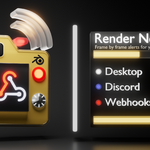
Render Notifications-Frame By Frame Alerts
 JimmyNoStar


Installation
- Download the latest version of the extension file.
- In Blender, go to Edit > Preferences > Get Extensions.
- Click Install from disk and select the
.zipfile. - Blender will then install the extension and a new Notifications section will appear in the Render Properties tab.
Configuration
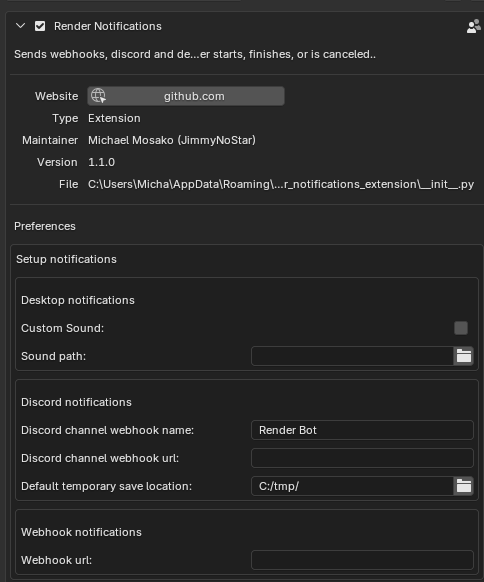
In Preferences:
-
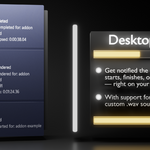
Desktop: Enable and optionally set a custom
.wavsound file -
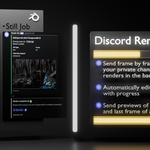
Discord: Set your webhook URL, customize the channel bot's name, and define a preview image save path.
- Note: Get the Discord webhook via your discord channel settings.
- The preview image save path can be set in both Preferences or Render Properties tab. If the path in Render Properties is invalid, the Preferences path will be used instead.
Preview images rely on output being saved as.pngFormats like.exrare not supported.
-
Webhooks: Add any URL endpoint to receive JSON notifications after each frame.
- Paste your custom webhook URL (e.g. for Home Assistant, IFTTT, mobile dashboards, or other automation tools).
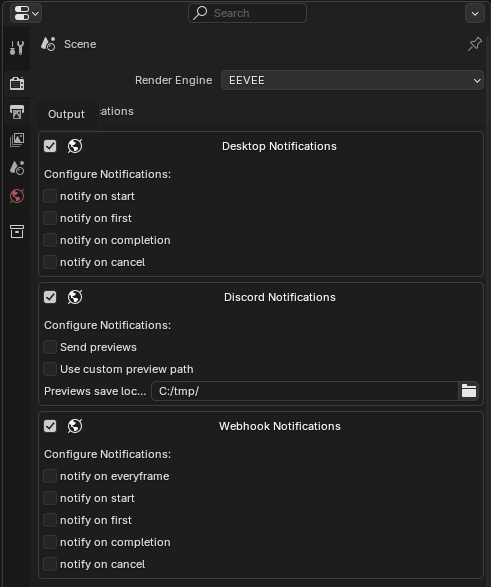
In Render Properties
Toggle and customize notification settings directly in the Render Properties tab for Desktop, Discord, and Webhook integrations.
Blender does not expose render progress or time directly to Python, so this add-on calculates the render time after each frame:
Discover more products like this
audio notification blender notification notification discord render-notification BlenderExtension addon blender-extension notifications Add-on discord notification webhooks