 MarkviciiStudio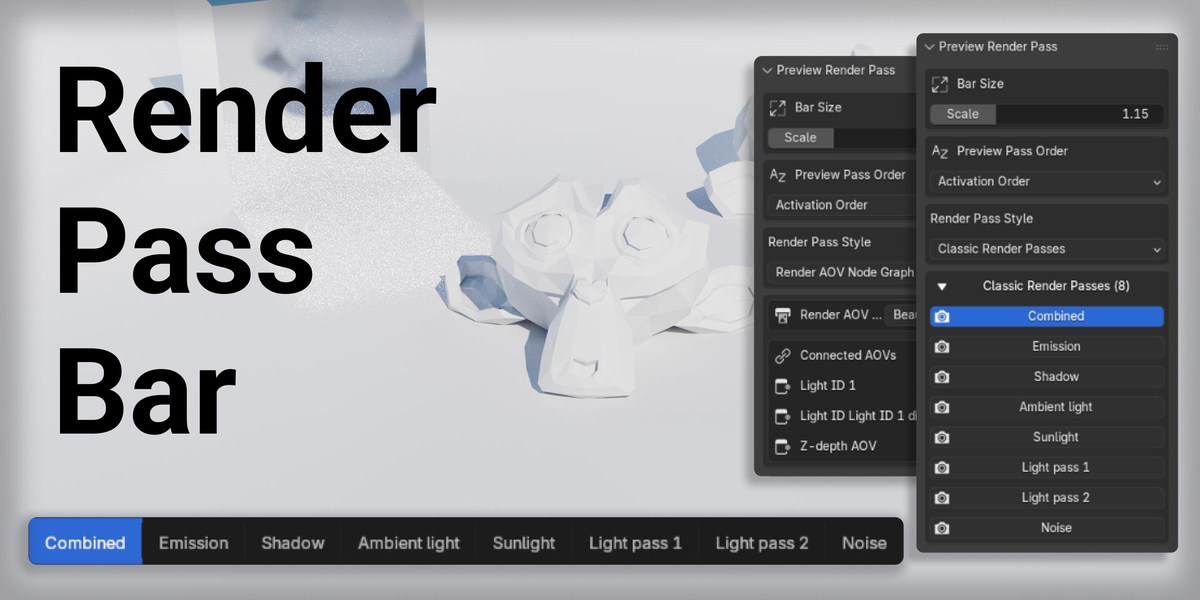
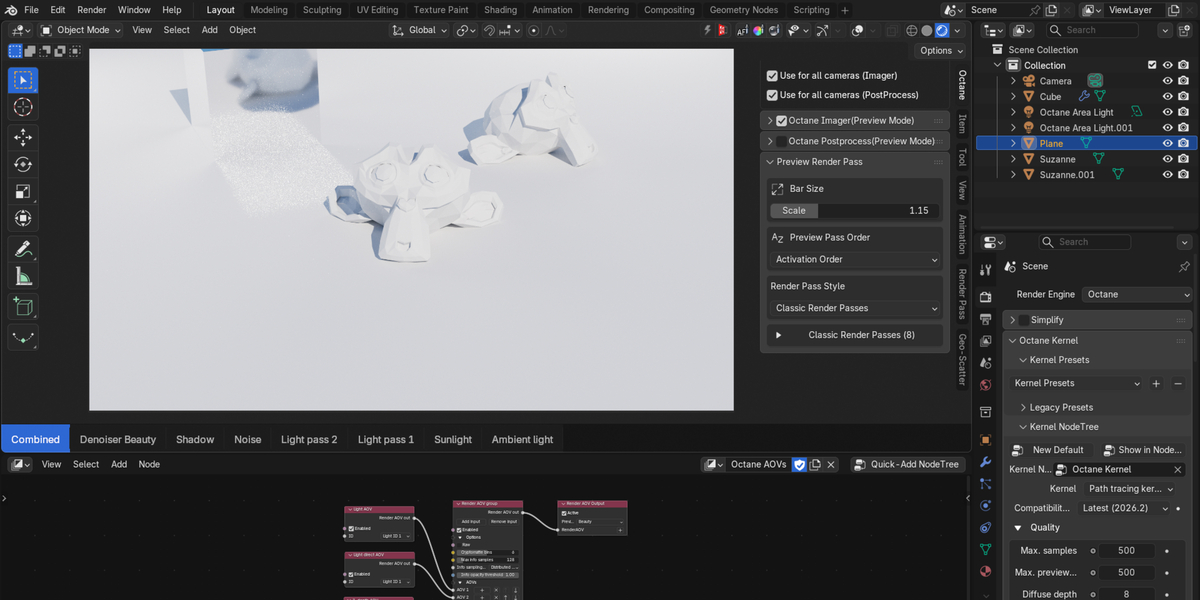
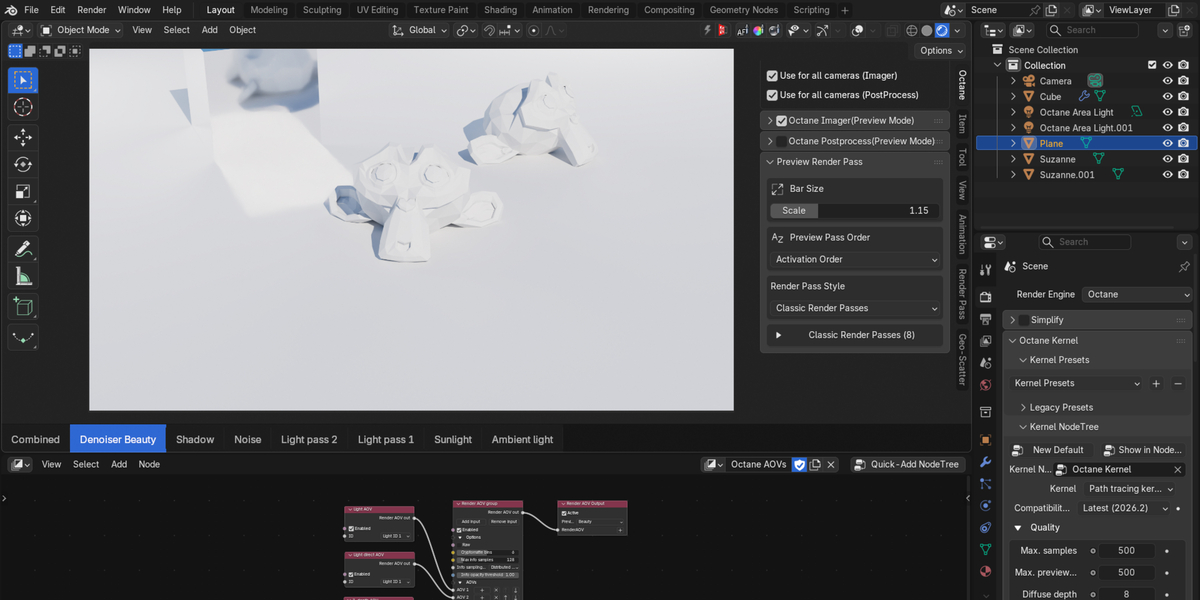
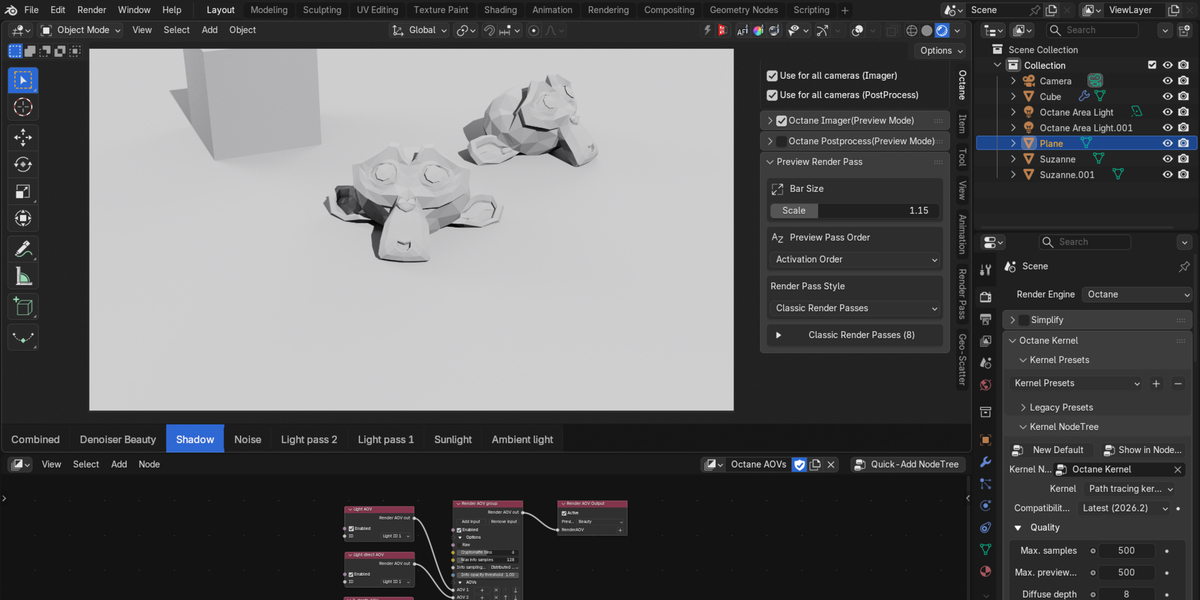
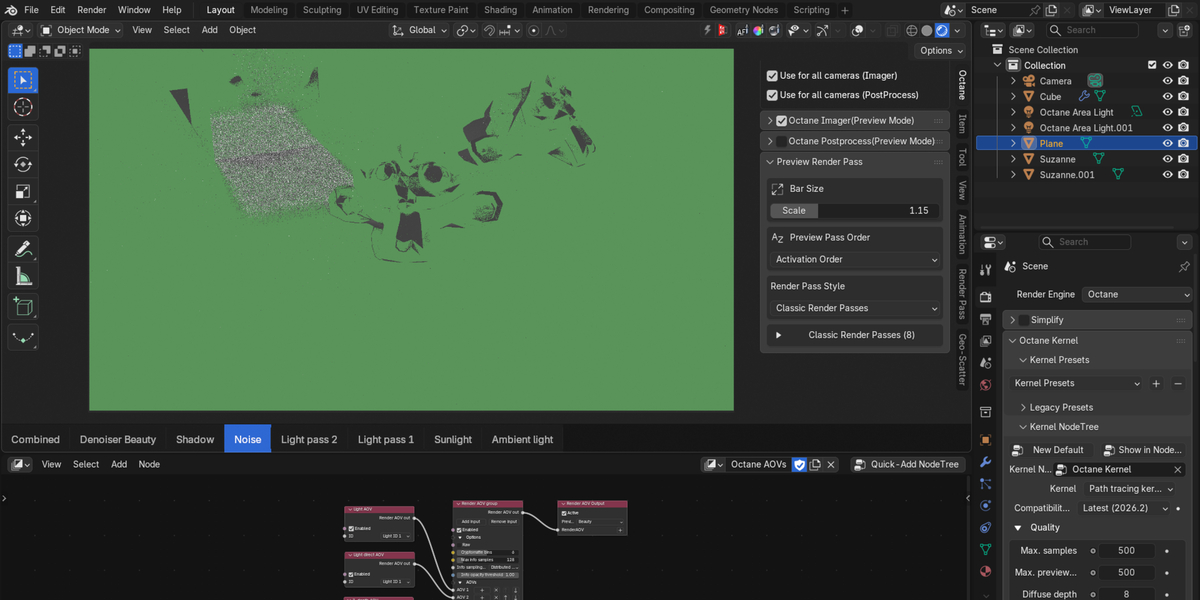
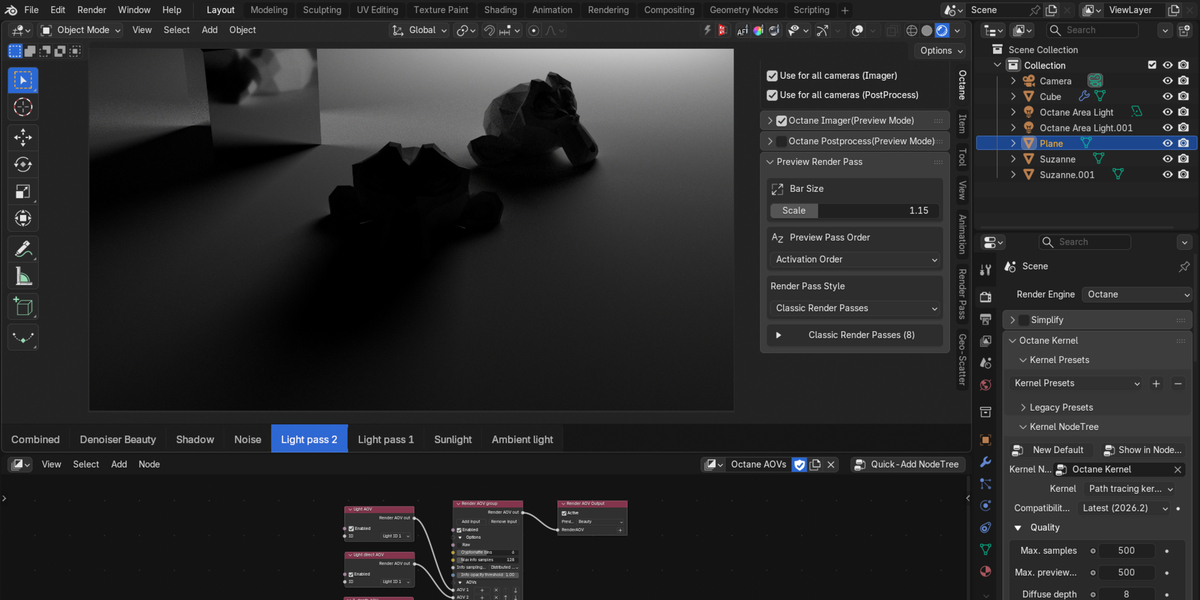
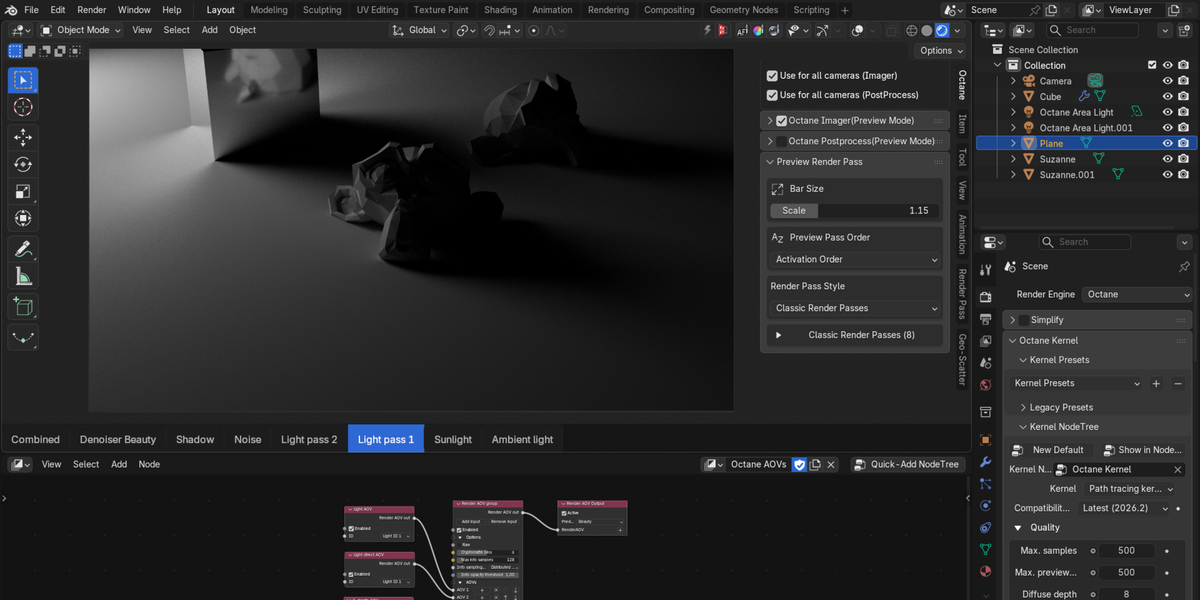
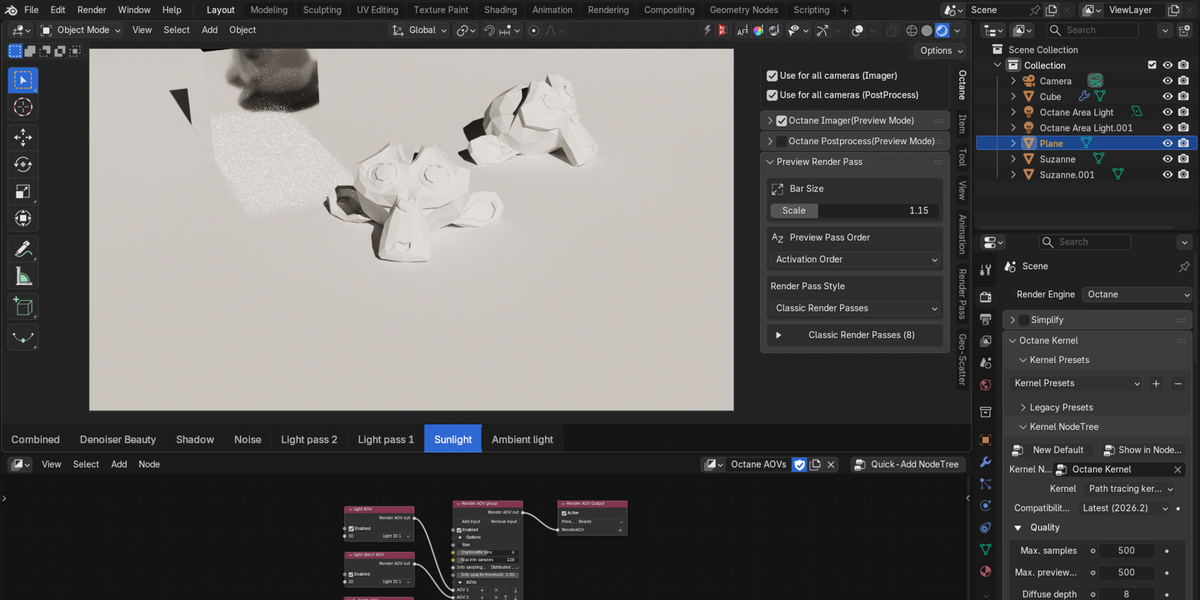
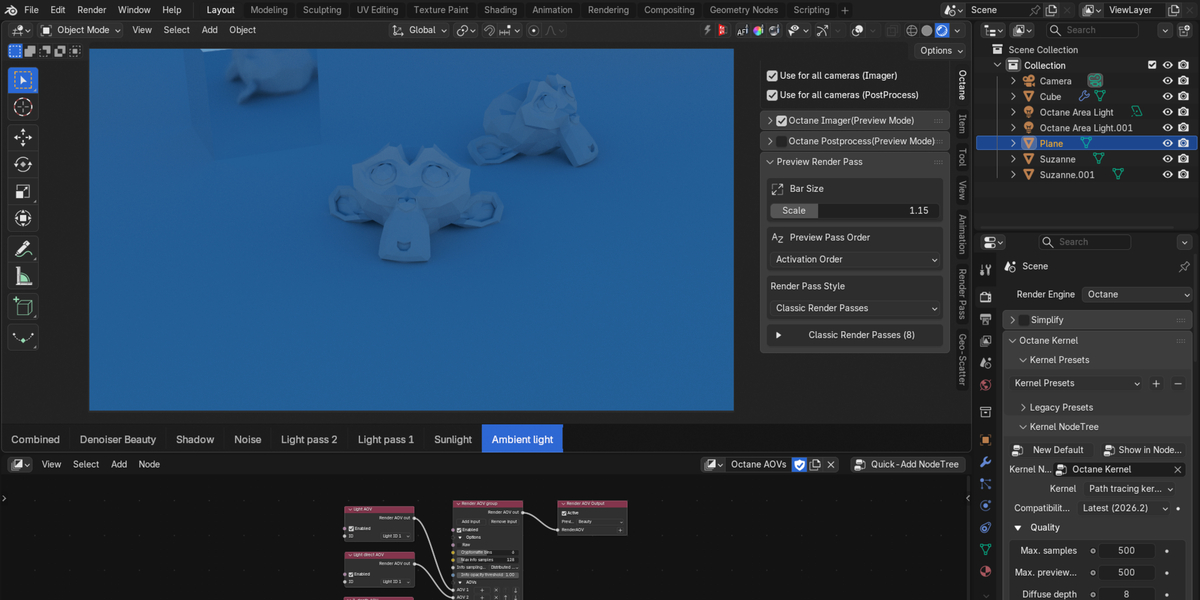
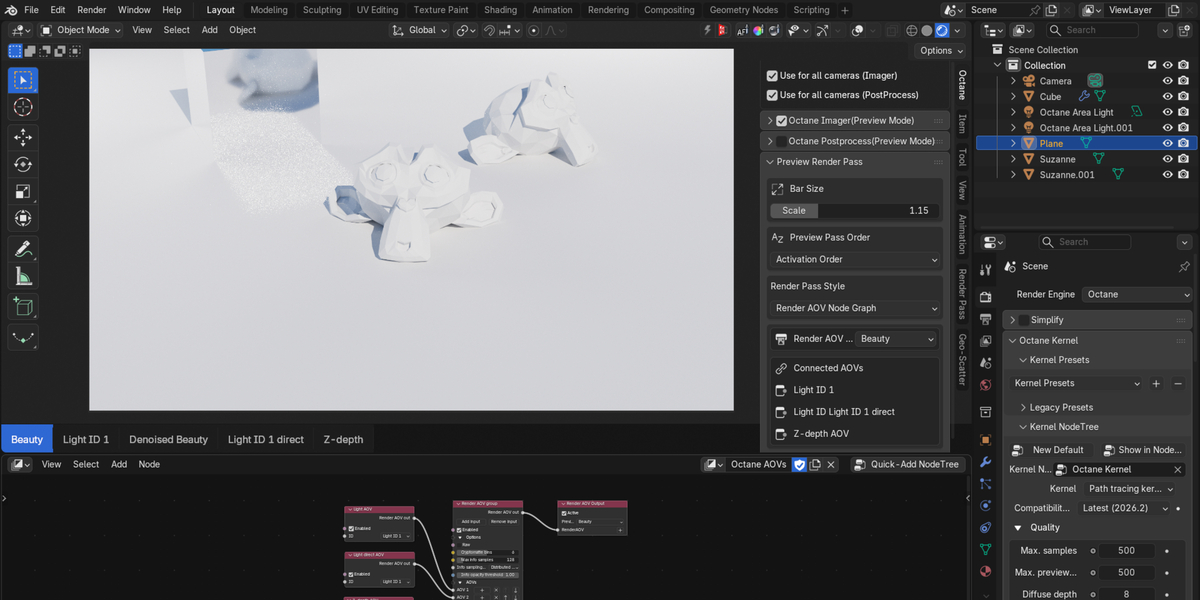
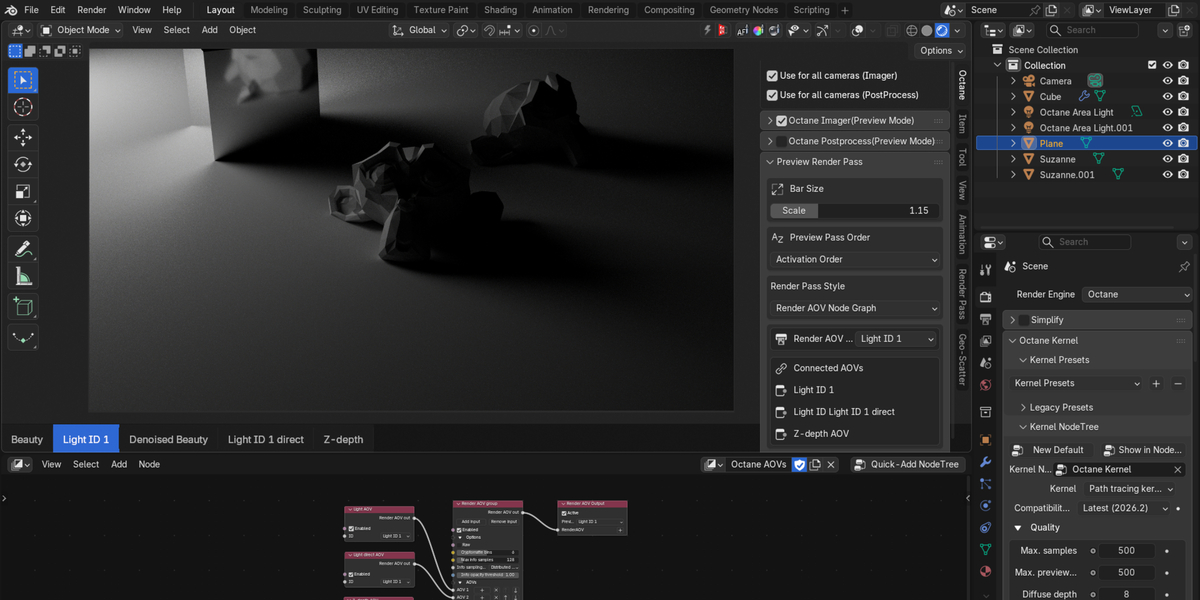
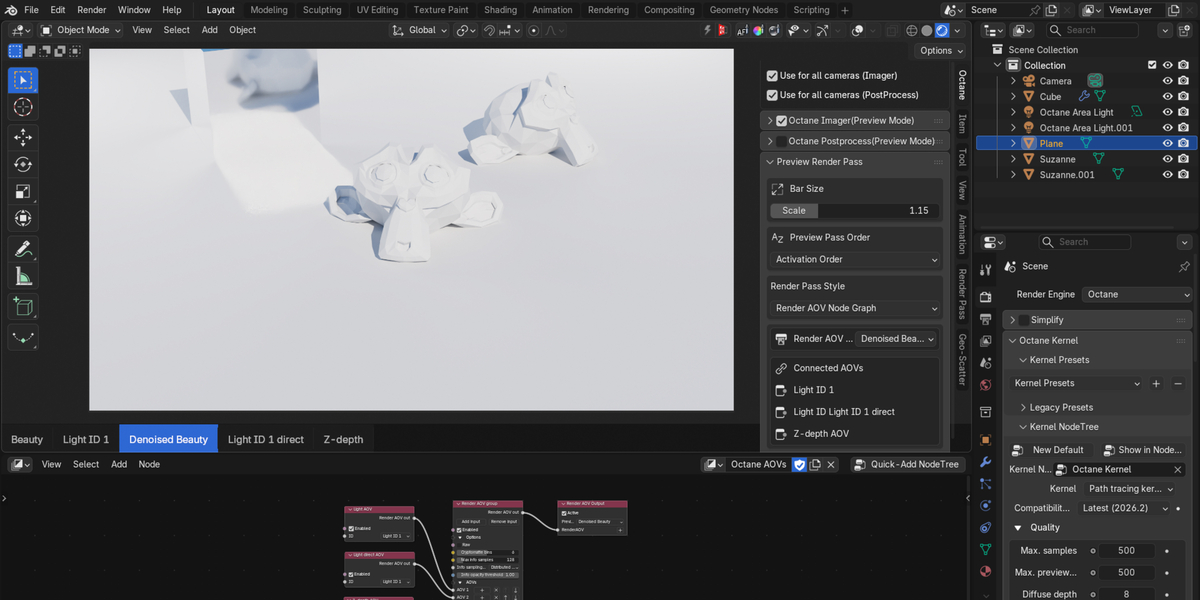
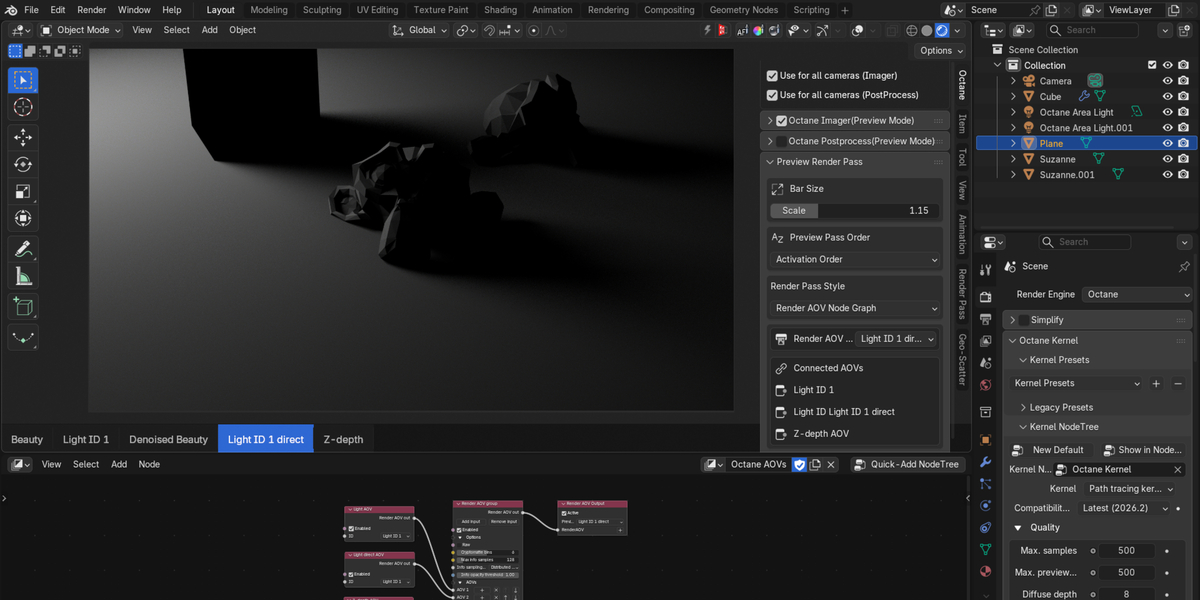
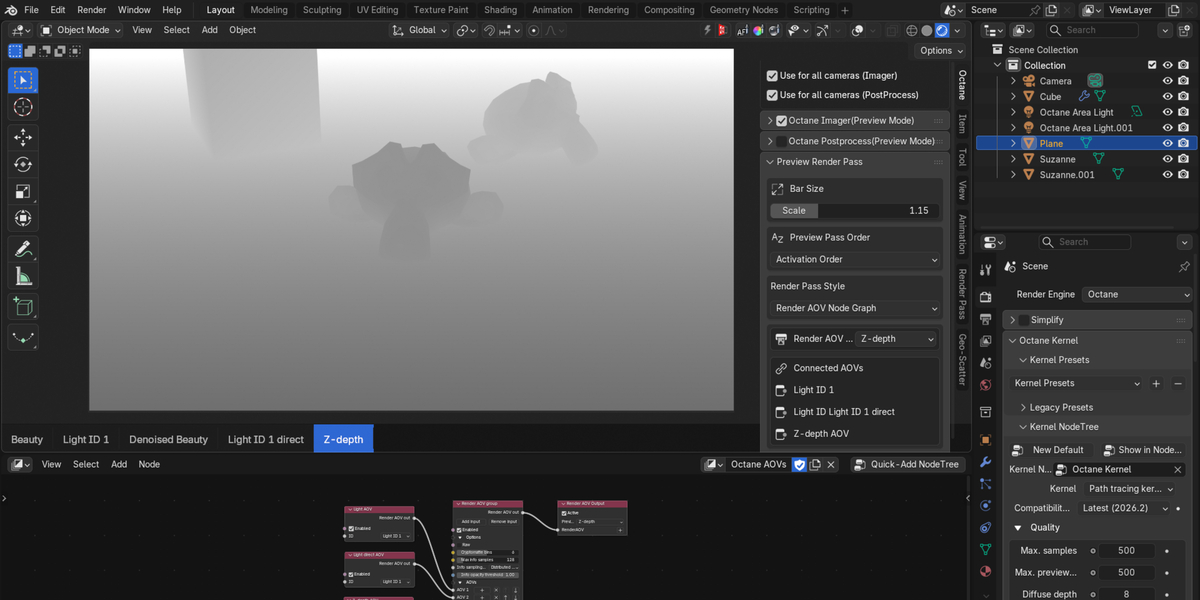
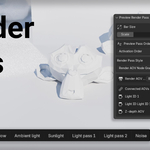
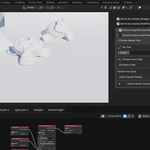
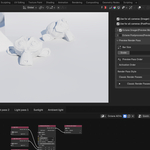
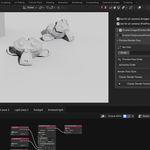
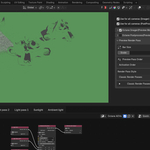
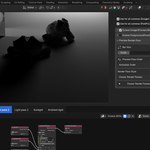
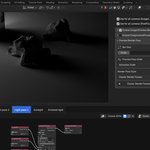
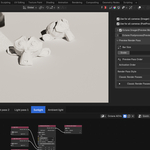
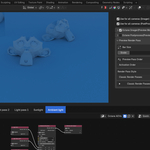
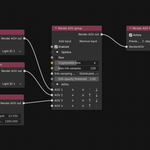
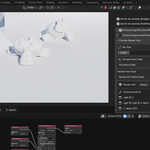
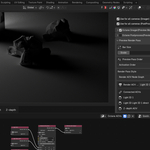
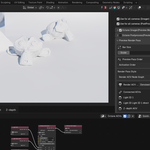
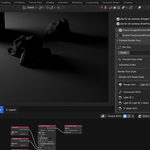
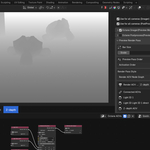
Adds a bottom bar to the 3D Viewport that lets you switch the active Octane - Cyles - Eevee render pass with a single click, without leaving the viewport or opening any menus.
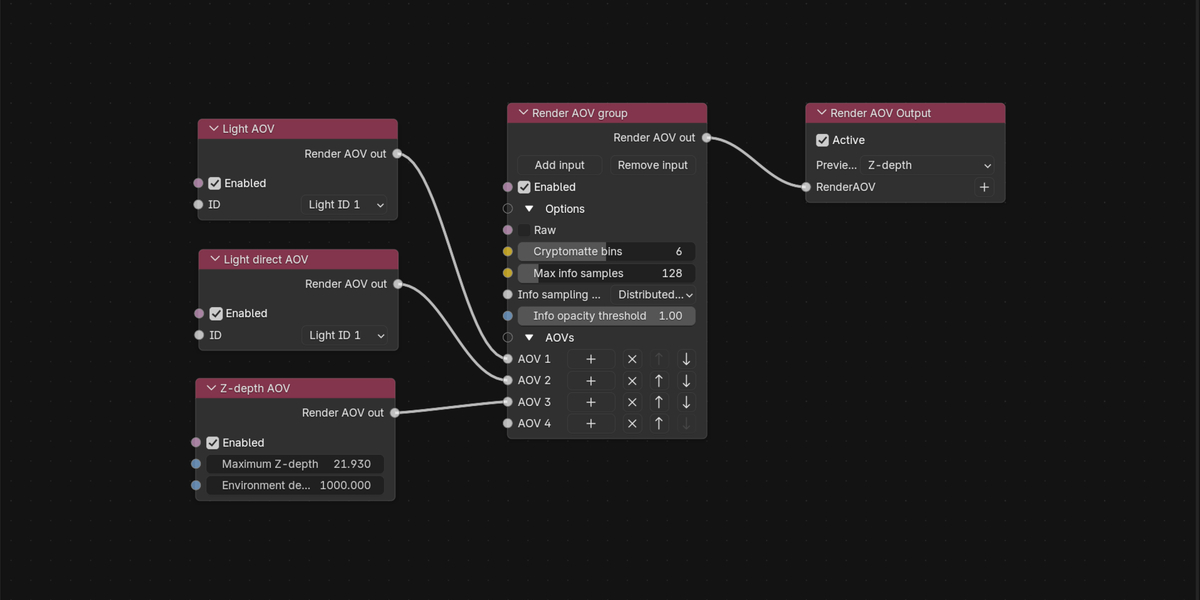
- [Only Octane]Combines two pass sources in one bar: Octane "Classic" render passes (Beauty, Denoised Beauty, etc.) and Render AOV Output passes (read directly from the AOV node graph).
- Click to switch: click any button on the bar to make that pass the active preview pass.
- Scrollable bar: if there are more passes than fit on screen, scroll left/right per viewport area.
- Two sort modes: sort passes by Activation Order (the order you turned them on) or Alphabetical (A–Z).
- Adjustable scale: resize the bar (height, text, buttons) from the N-panel.
- Auto-updates: the bar refreshes automatically as you enable/disable passes or AOVs in the scene.