 Jack150


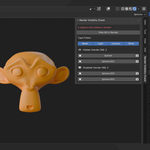
Installation
-
Download the
.zipfile from your Superhive Library. -
In Blender, go to Edit → Preferences → Add-ons → Install.
-
Select the downloaded
.zipfile and click Install Add-on. -
Enable Render Visibility Check from the add-on list.
Location
After installation, open the 3D Viewport, press N to open the Sidebar,
and look for the Render Visibility Check tab.
Usage
-
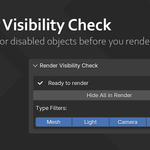
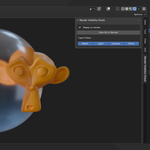
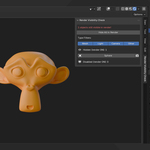
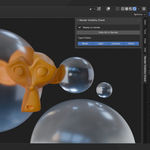
The panel lists all objects that are hidden or disabled in the viewport but still active for rendering.
-
You can select each object directly from the list or toggle its render visibility using the camera icon.
-
Use the Hide All in Render button to disable render visibility for all listed objects at once.
-
Optional filters let you show only Meshes, Lights, Cameras, or Other types.
Tips
-
Before rendering, open the add-on panel to ensure your scene is clean.
-
The add-on updates automatically when you hide or disable objects.
-
Works seamlessly with Cycles and Eevee.
Compatibility
-
Blender 3.0 → 5.0
-
License: GPL v3
-
Author: Jack150
Have questions about this product?
Login to message
| Blender Extension Compatible | Yes |
| Dev Fund Contributor | |
| Published | 11 months ago |
| Blender Version | 3.0 - 4.5 |
| Extension Type | Add-on |
| Render Engine Used | Cycles, Eevee |
| License | GPL |
Discover more products like this
Blender Render Workflow optimization Scene Management Render visibility hidden objects productivity tools