 P&G
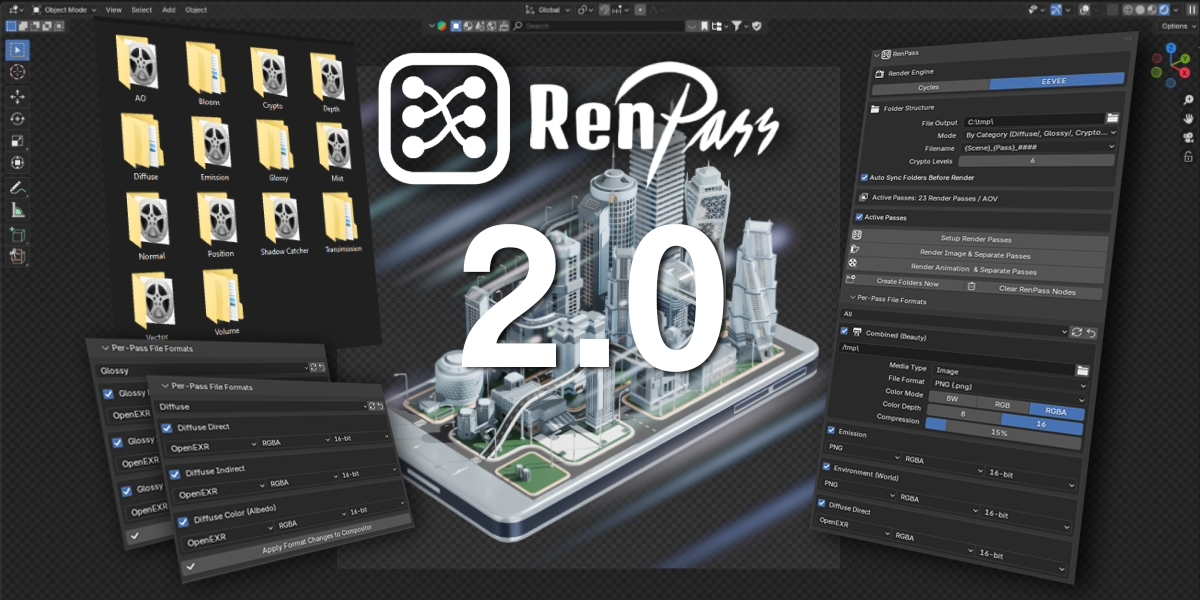
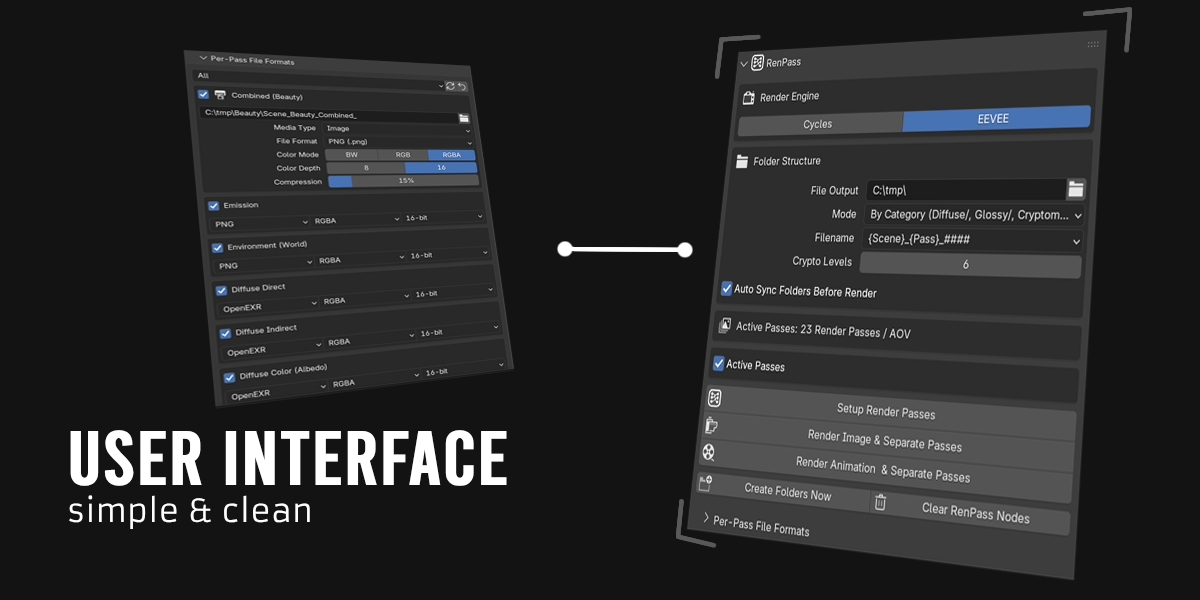
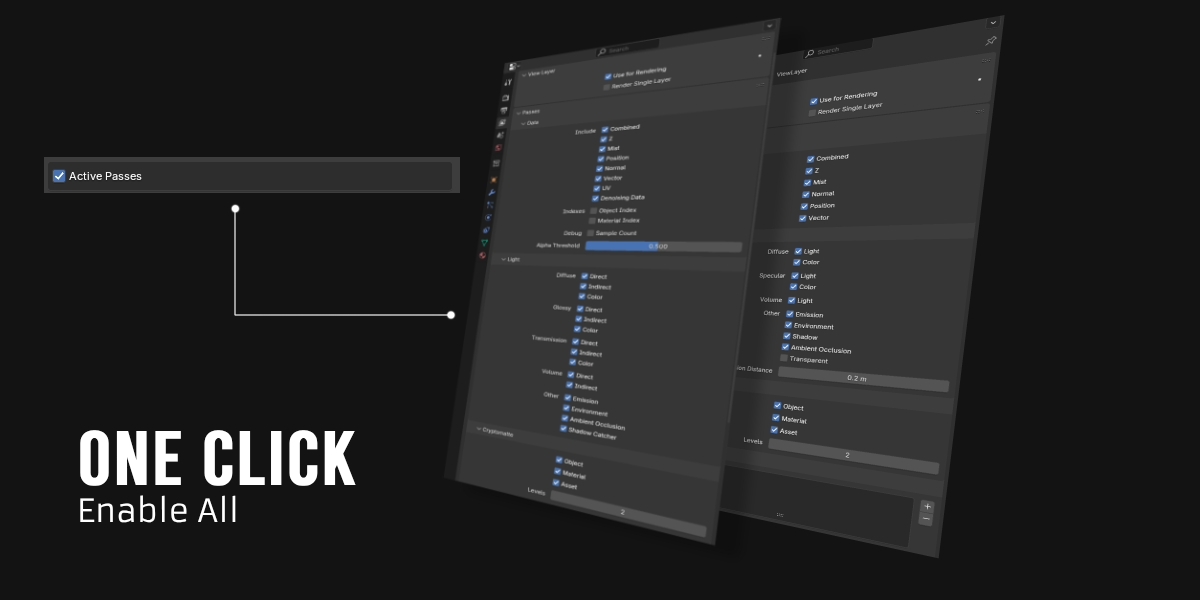
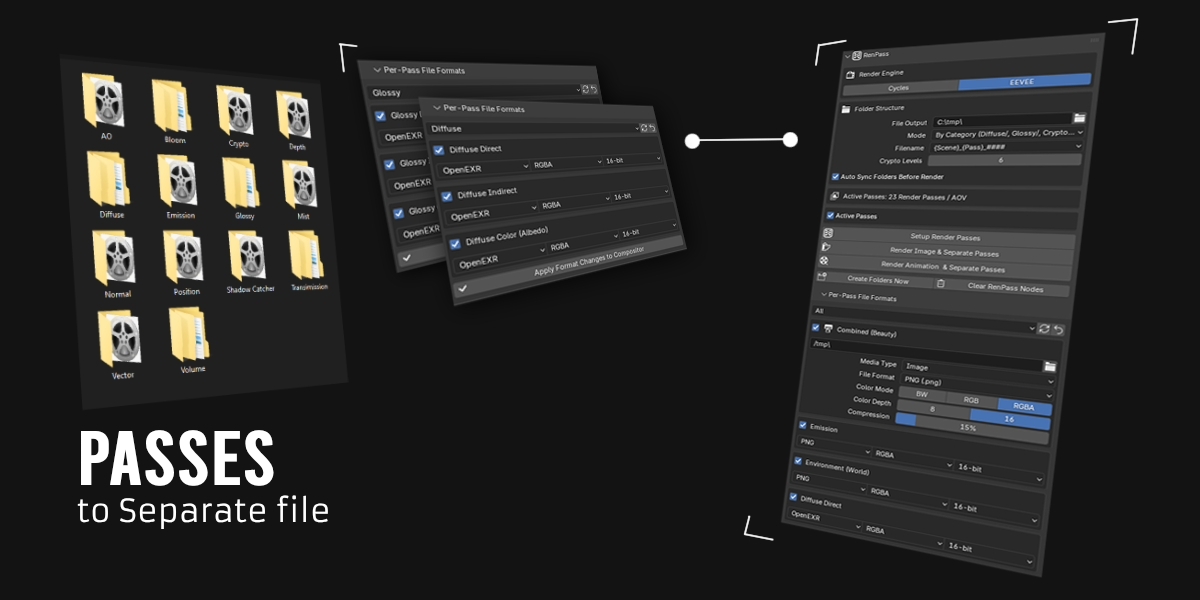


RenPass 2.0
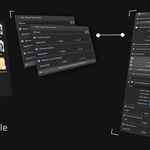
User Interface Preview and Walkthrough for RenPass 2.0
How to Install RenPass in Blender 5.0+
full compatibility with the Blender 5.0+ Extension System.
-
01.Open Blender 5.1+ Preferences
Go to Edit → Preferences → Get Extensions (or Add-ons), click the top-right dropdown arrow, and choose Install from Disk...
-
02.Select the RenPass ZIP Package
Select the downloaded
RenPass_2.0.0.ziparchive. Done !!. -
03.Configure Output & Per-Pass Formats in the AnySet Panel (3D Viewport)
Press N in the 3D Viewport and open the AnySet tab (or check Output Properties). Configure the Output block (File Output, File Format, Color, Color Depth, Compression) and expand Per-Pass File Formats to override formats on individual passes.
-
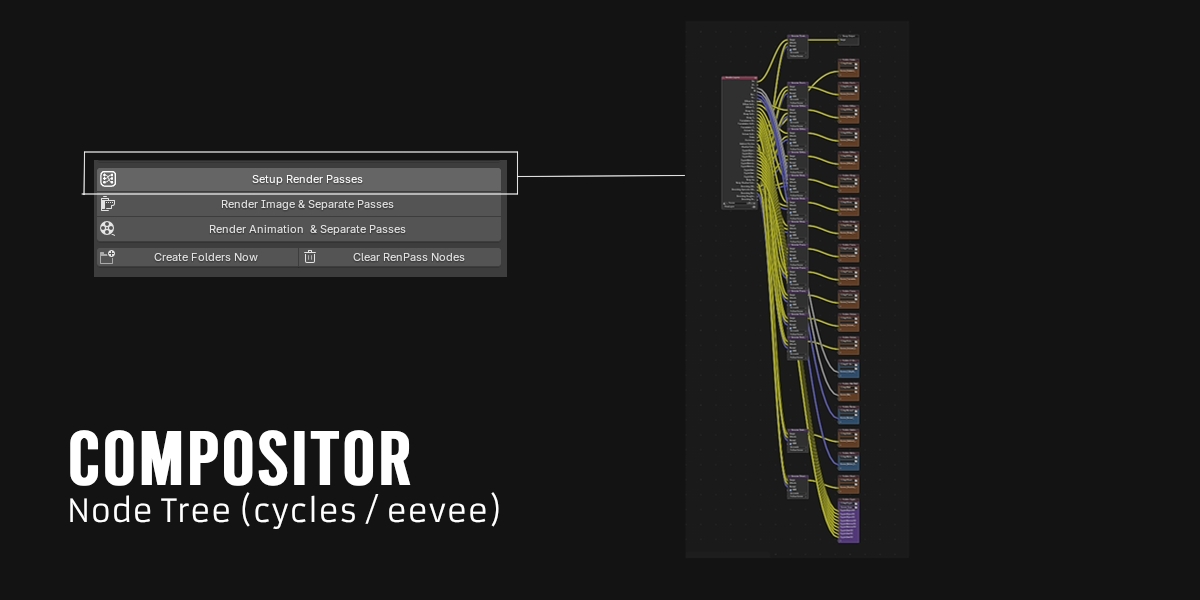
04.Run Setup Render Passes, then Render Still or Animation
RenPass enables all selected passes on the active View Layer, builds the Blender 5.0+
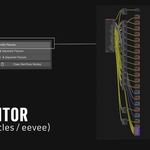
compositing_node_group(withNodeGroupOutput), links every output socket cleanly, and routes eachFile Outputnode to its folder. Use Render & Separate Passes (F12) or Render Animation (Ctrl+F12) directly from the panel.
RenPass 1.0
For Blender 3.8 - 4.5 Users, Extension System.
Have questions about this product?
Login to message
| Blender Extension Compatible | Yes |
| Published | almost 2 years ago |
| Blender Version | 3.4 - 5.3 |
| Extension Type | Add-on |
| Render Engine Used | Cycles, Eevee |
| License | GPL |