 Reneraki
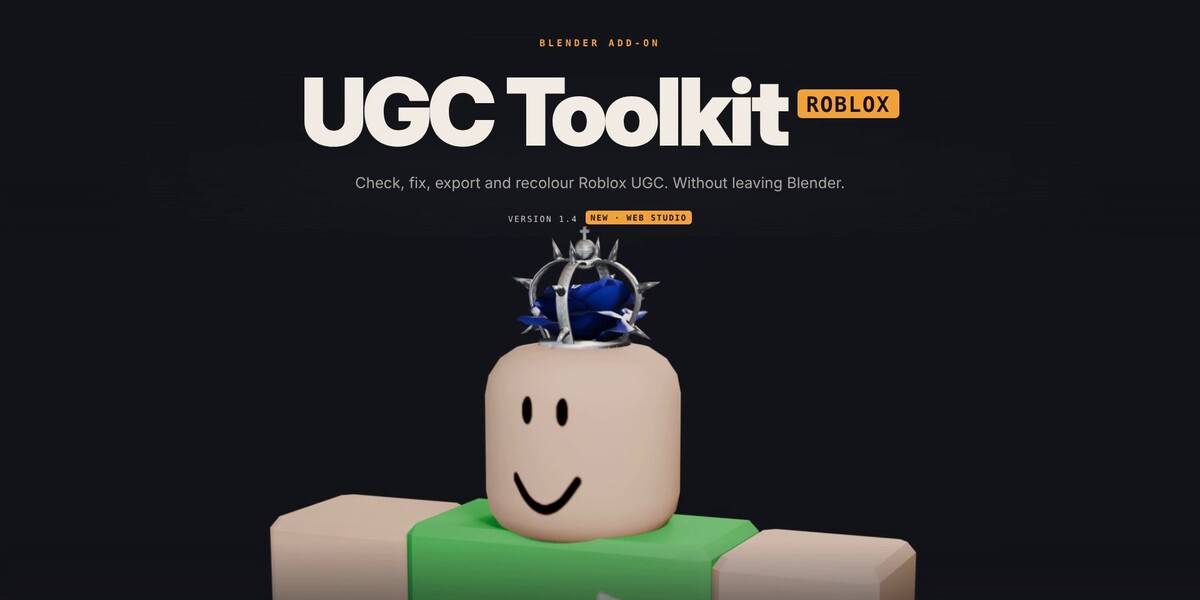
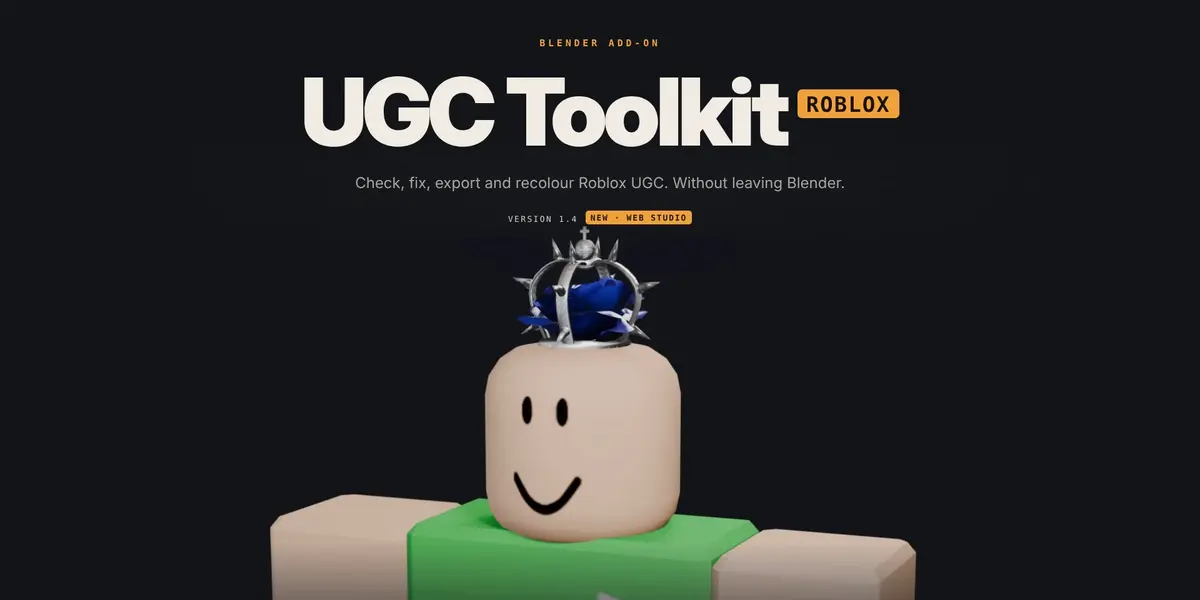
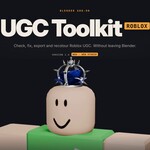
Two Blender add-ons for making Roblox UGC accessories and layered clothing. One checks and exports your item, the other makes colour variants from one texture.
New in 1.4
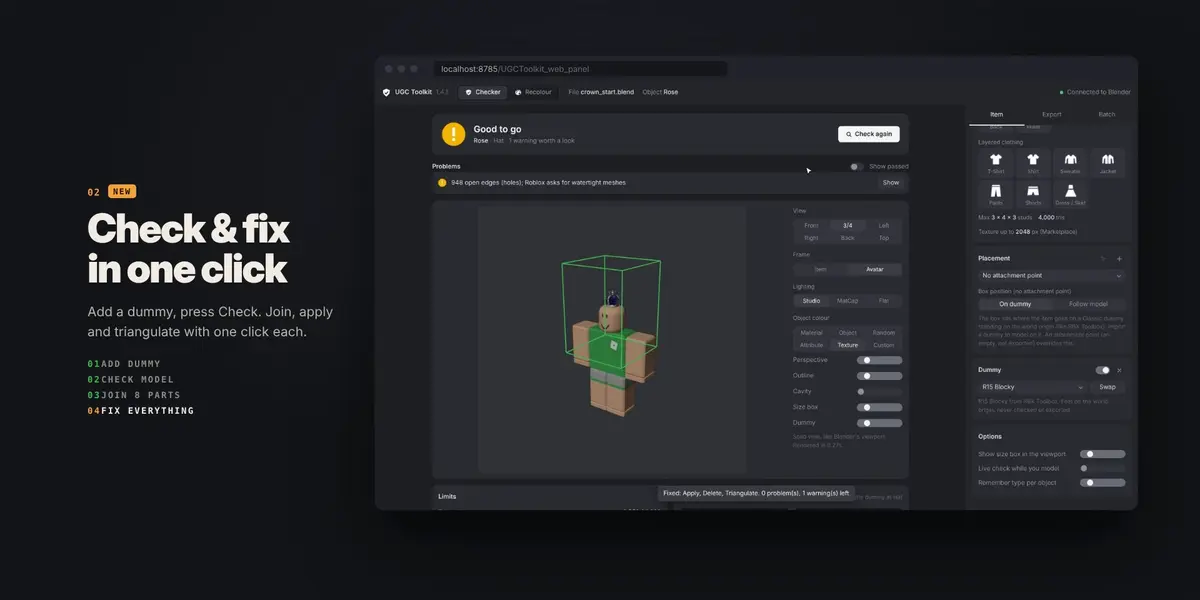
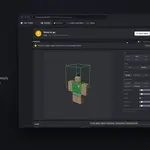
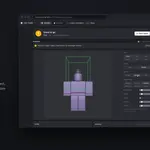
- Web Studio: a control page in your browser that talks to Blender live. Check, fix, export and recolour from one screen, with a live preview of your item.
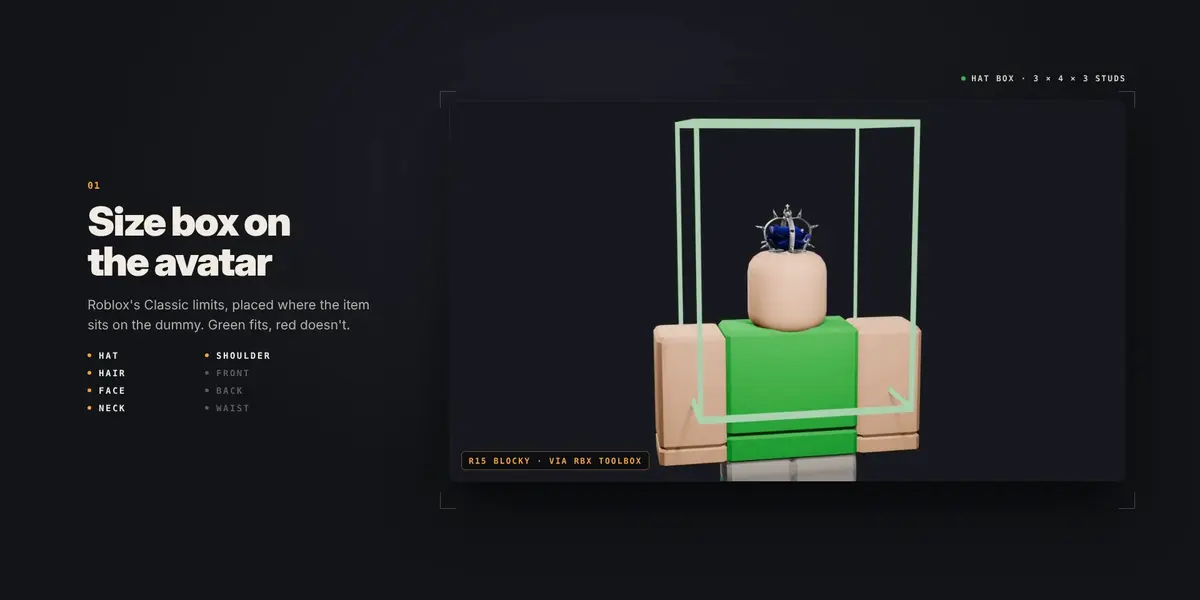
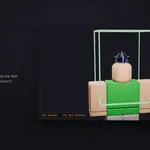
- Size box on the avatar: the Roblox box sits where the item really goes on a Classic avatar, standing on the world origin (the same way RBX Toolbox places it). You see straight away if your hat floats or clips.
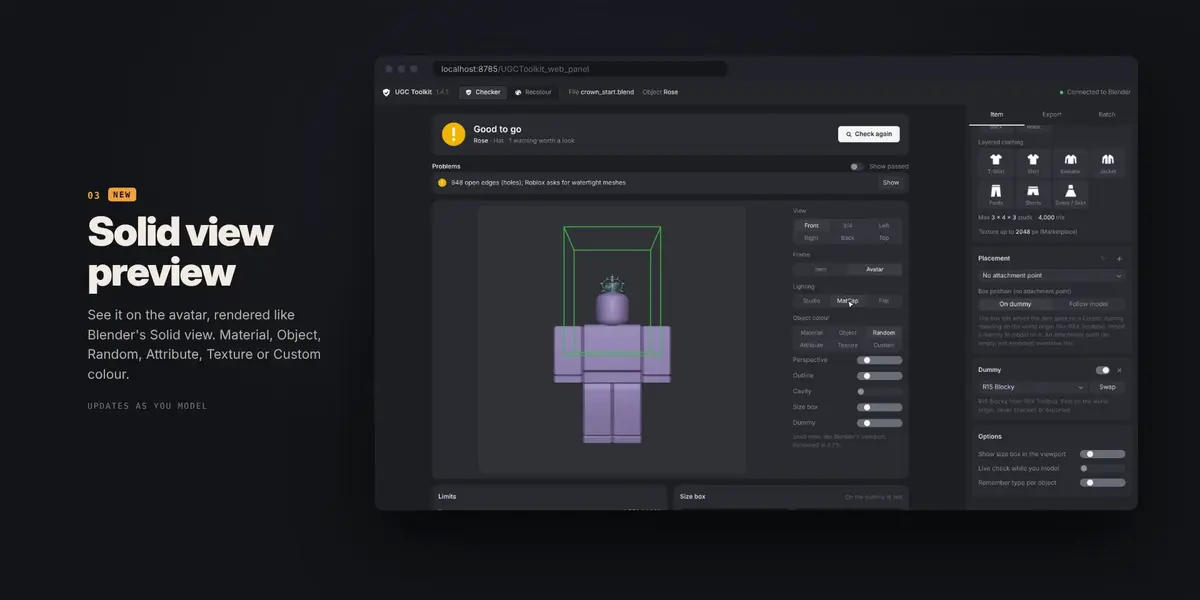
- Avatar dummies: load R15 Blocky and other Roblox dummies to model on. They come from the free RBX Toolbox add-on, so you need that installed. Dummies are never checked or exported.
- Solid view preview: see your item on the dummy like Blender's Solid view. Colour by Material, Object, Random, Attribute, Texture or Custom, with Studio, MatCap or Flat lighting.
- Fit in box: one button that scales and moves the item into the box.
- Icons that work on light and dark Blender themes.
- Files made with older versions open the same as before, with a short note about the new box position.
UGC Checker & Exporter
- Pick the item type: hat, hair, face, neck, shoulder, front, back, waist or layered clothing. The Roblox size box shows right in the viewport.
- Check Model tests your item against Roblox limits: 4,000 triangles, 2048 px texture (Marketplace limit), one mesh, size box, applied transforms, ngons, open edges, loose geometry, UVs, materials and textures.
- Layered clothing checks: inner and outer cages, armature, max 4 bone weights and the attachment point.
- Every problem has its own fix button, or press Fix Everything (join, decimate, apply transforms, delete loose geometry, fix ngons, auto UVs and more).
- Live Check: the box turns green or red while you model.
- Export for Roblox: FBX at the right scale (1 Blender unit = 1 stud) with textures embedded, plus an optional texture PNG resized to 2048.
- Batch: check and export many items at once.
UGC Recolour Batcher
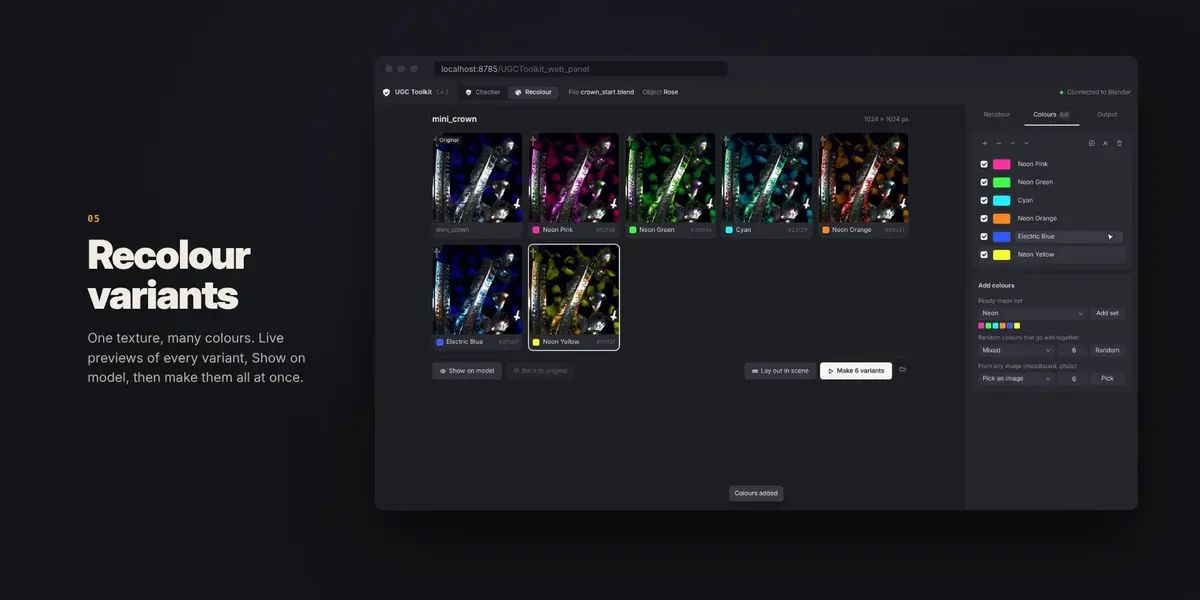
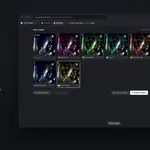
- Turn one texture into many colour variants. Three modes: Shade (keeps the shading), Hue and Colorize.
- Colour sets: Basic, Pastel, Goth, Neon, Metal, Halloween and Christmas, plus random palettes and colours picked from any image.
- Preview every colour live on your model before saving anything.
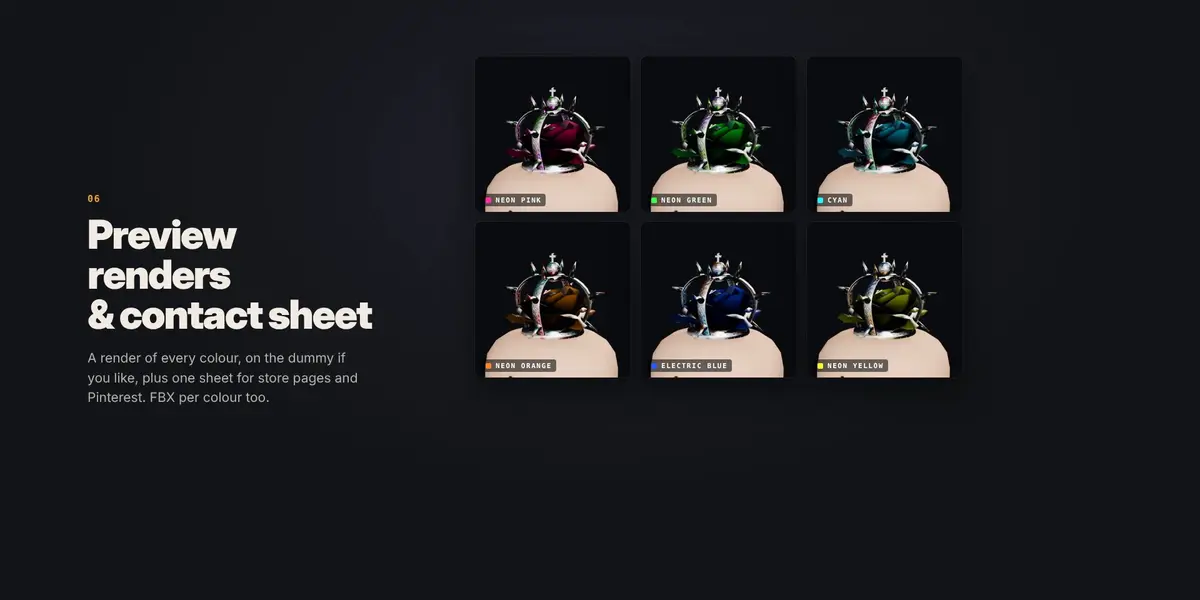
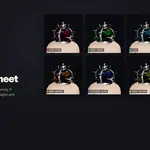
- Make Variants saves the recoloured textures (original size, 512, 1024 or 2048), preview renders, a labelled contact sheet for your store page, and an FBX per colour.
- Lay Out in Scene puts all colour variants side by side for thumbnails.
Requirements
- Blender 4.2 or newer (tested on Blender 5.2).
- Installs as two extensions: drag each zip into Blender. Both show up in the UGC tab of the sidebar (N panel).
- Optional: RBX Toolbox (free) for the avatar dummies.
- Web Studio runs only on your own computer (localhost), nothing goes online.