Ren's Ugc Toolkit for Roblox
 Rekanyx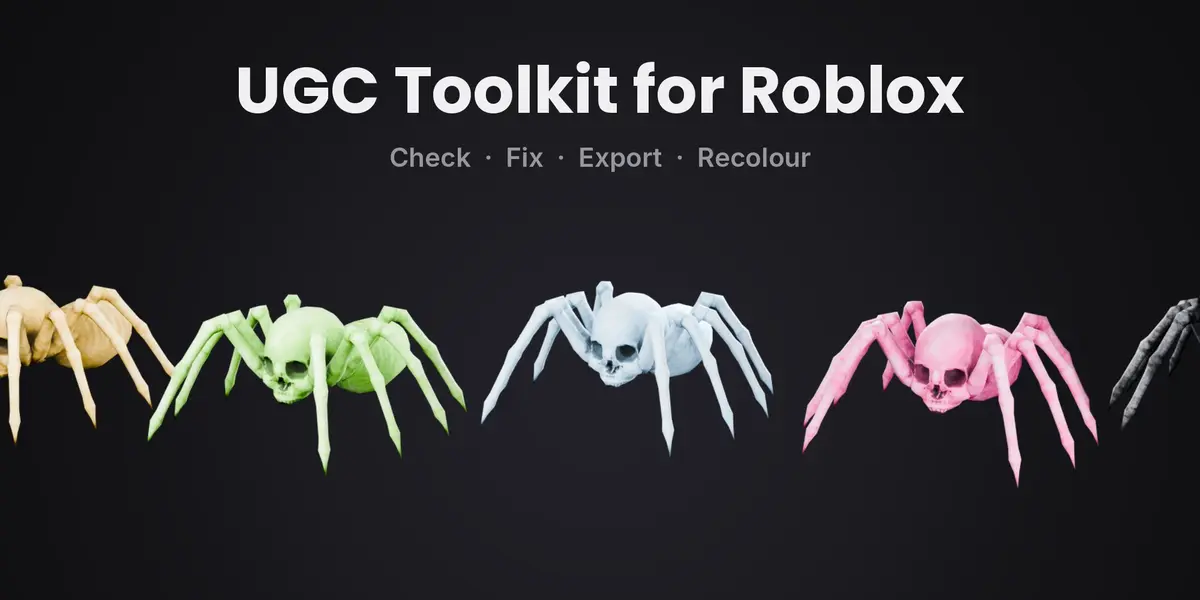
Install
- Download both zips. Don't unzip them.
- In Blender go to Edit > Preferences > Get Extensions, open the arrow menu in the top right and pick Install from Disk. Install ugc_checker-1.2.1.zip, then ugc_recolour-1.2.1.zip. You can also just drag each zip into the Blender window.
- In the 3D Viewport press N and open the UGC tab.
UGC Checker & Exporter
- Select your model.
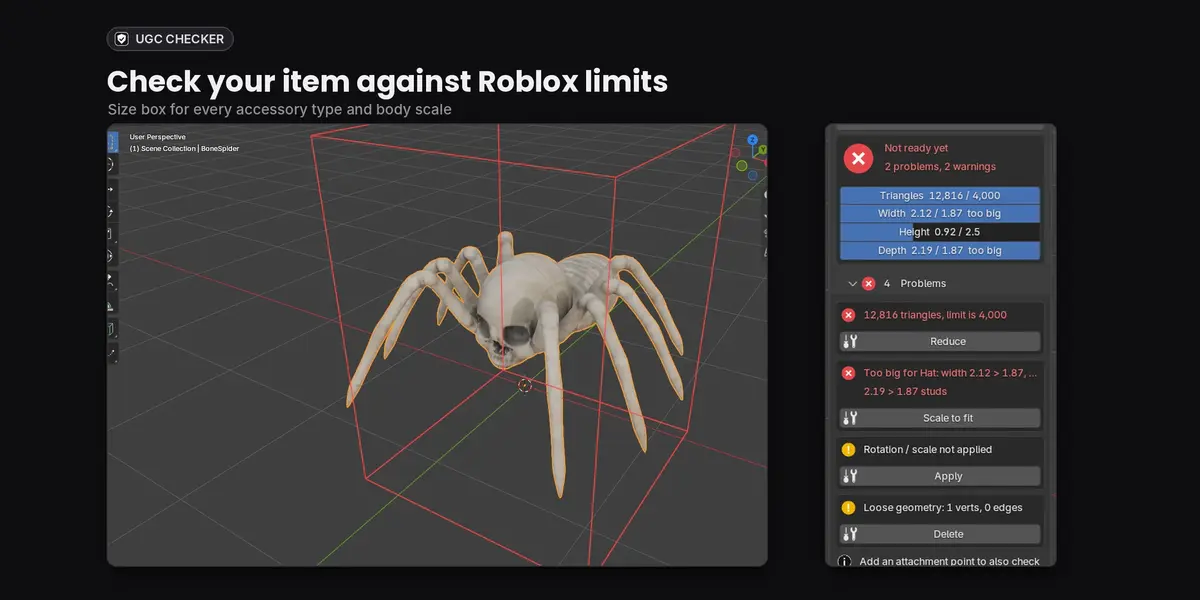
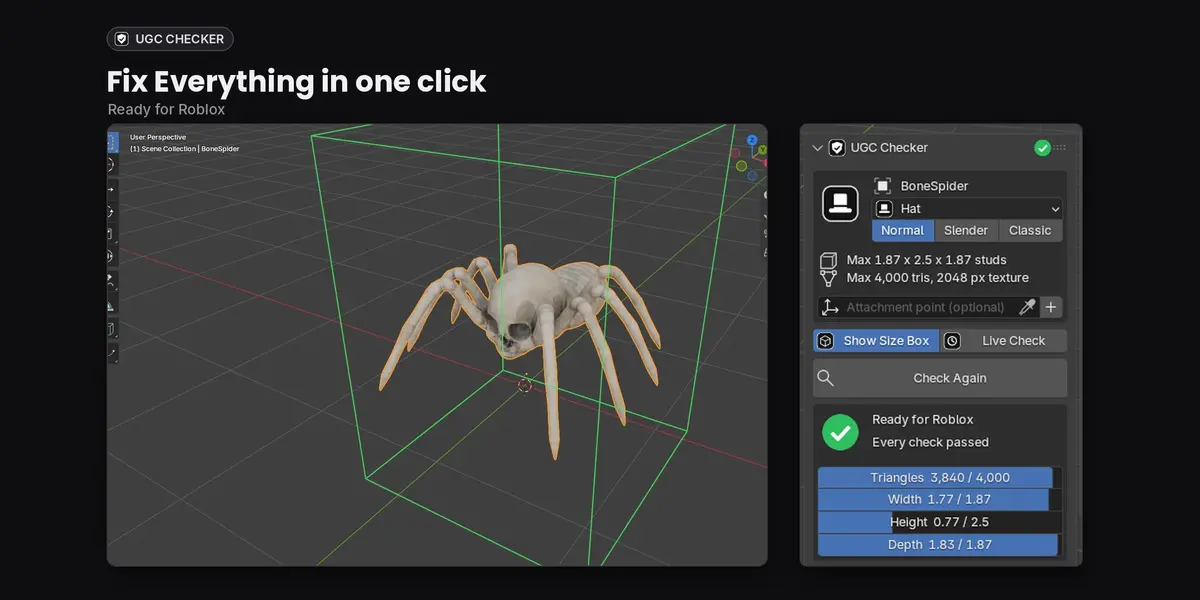
- Pick the item type and body scale (Normal, Slender or Classic). The size box shows in the viewport.
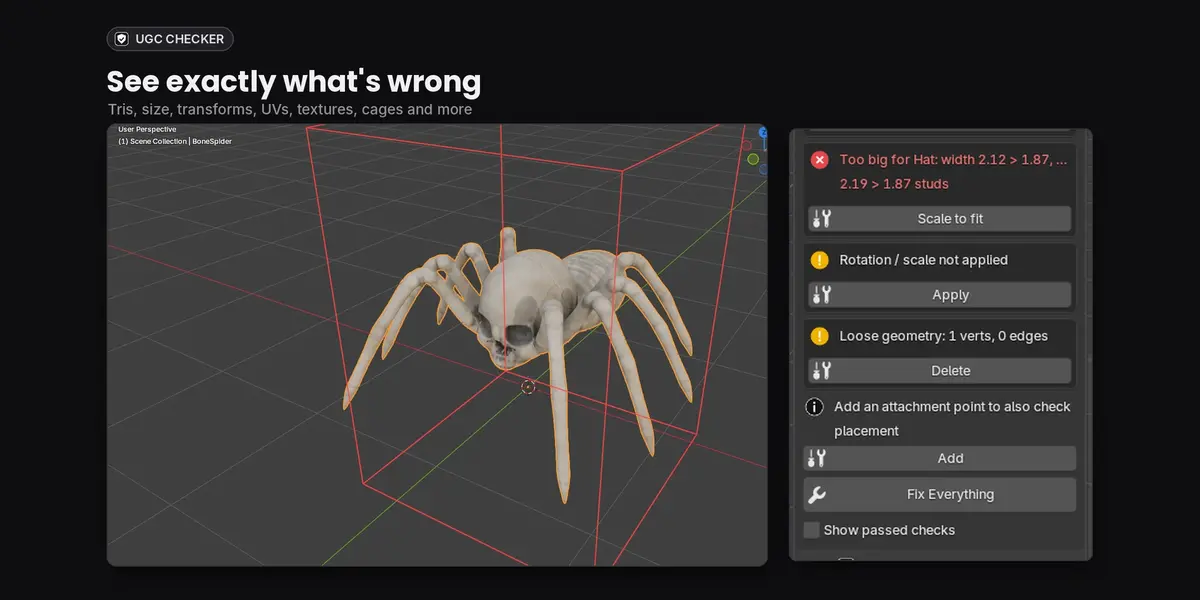
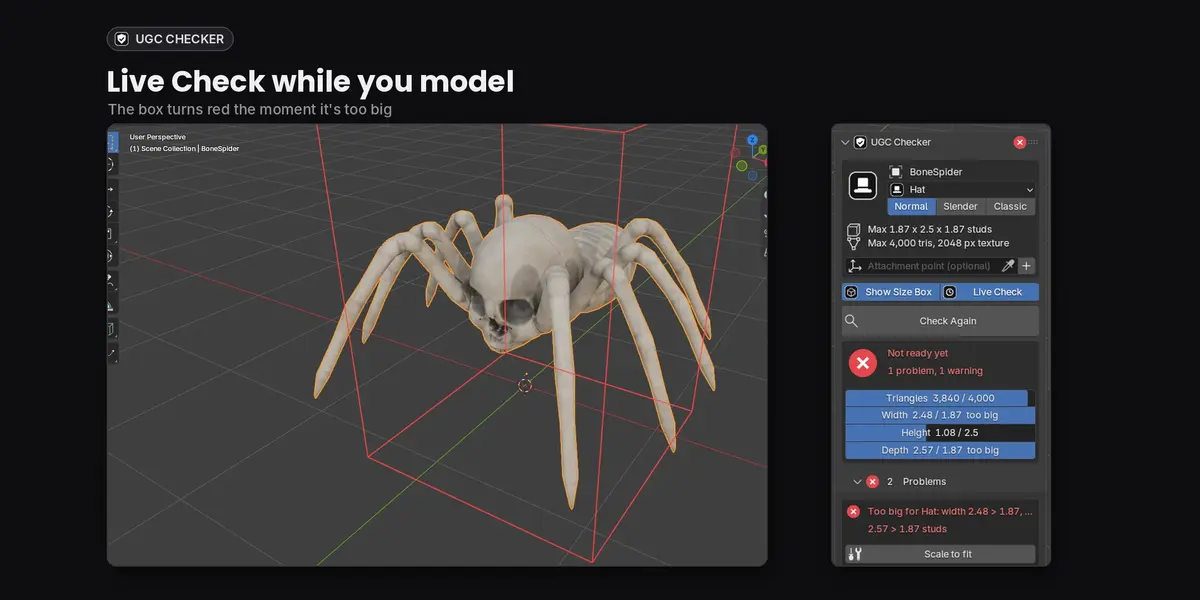
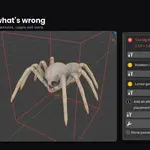
- Press Check Model. Problems show in red, warnings in yellow.
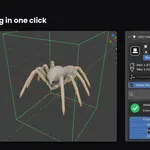
- Press the fix button under a problem, or Fix Everything.
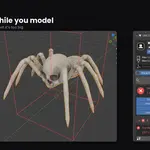
- Turn on Live Check if you want the box to update while you model.
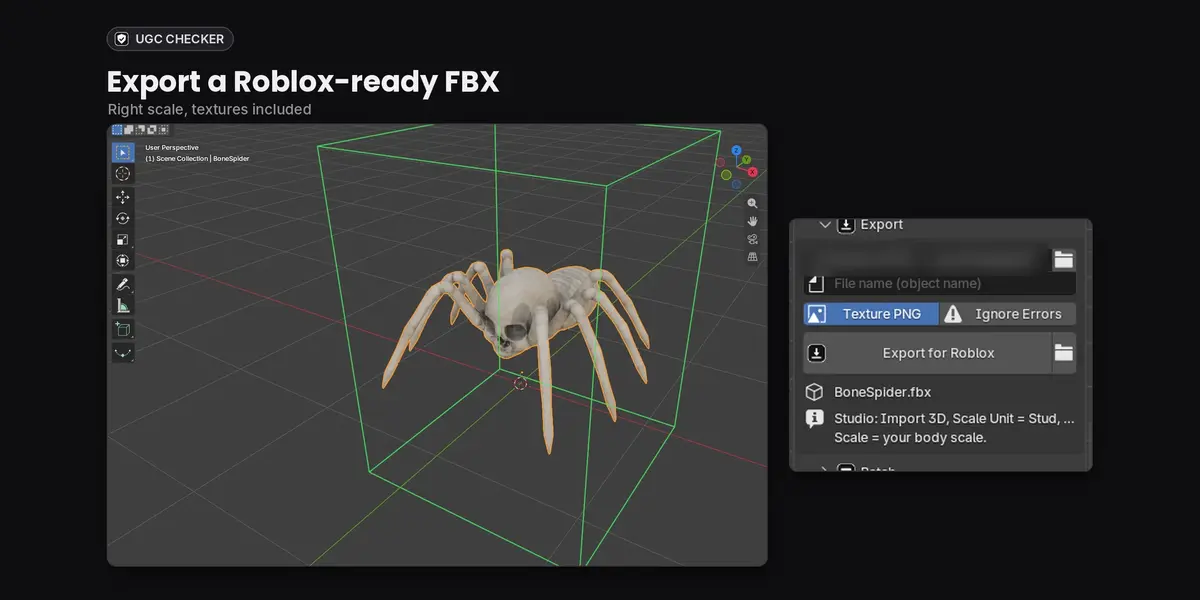
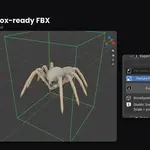
- In the Export section pick a folder and press Export for Roblox. Tick Texture PNG to also save the texture.
- In Roblox Studio import the FBX with the 3D Importer (scale unit: Stud).
For layered clothing, name your cages _InnerCage and _OuterCage and parent the mesh to an R15 armature.
UGC Recolour Batcher
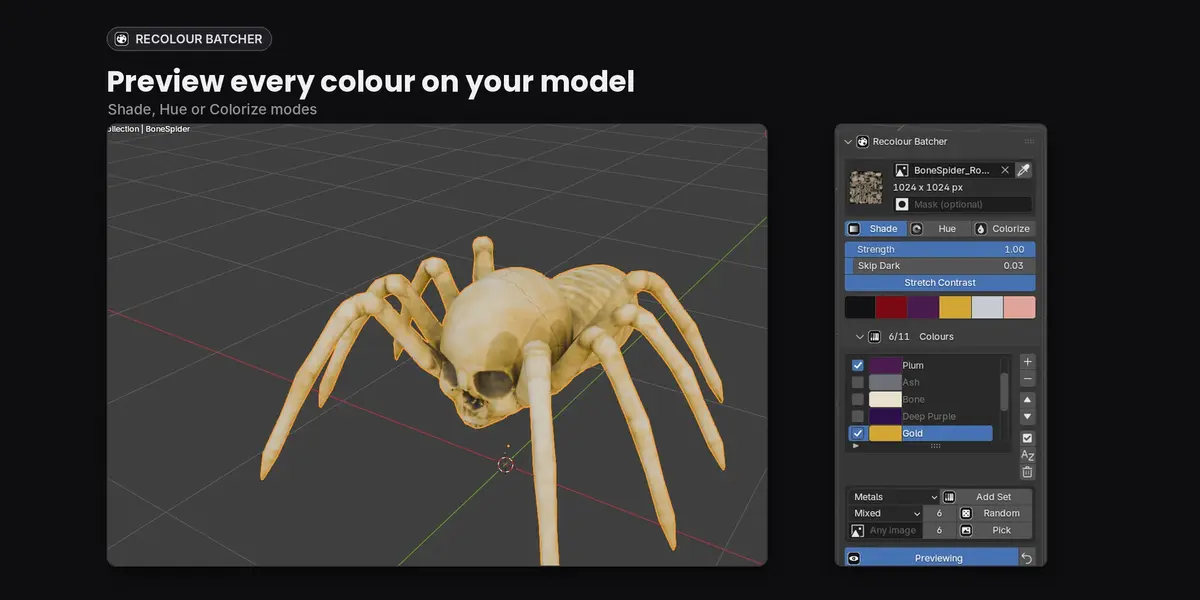
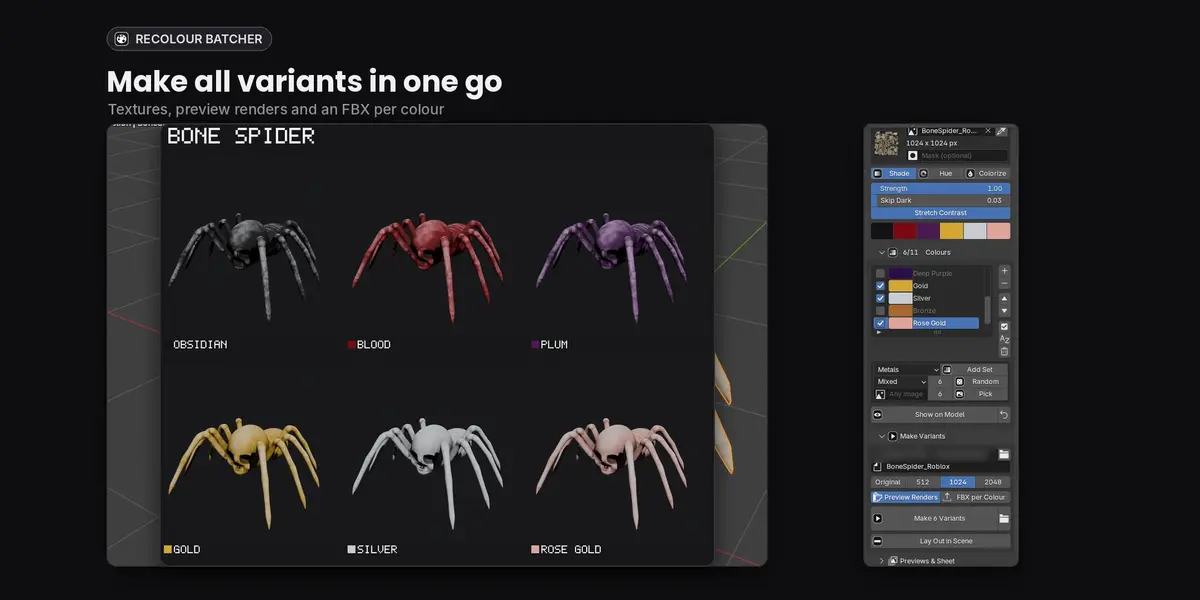
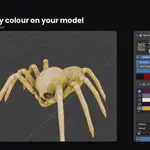
- Select your model and click the eyedropper to load its texture.
- Pick a mode: Shade, Hue or Colorize.
- Add colours: pick a colour set and press Add Set, press Random, or pick colours from any image.
- Press Show on Model and click colours in the list to preview them. Press the back arrow to go back to the original.
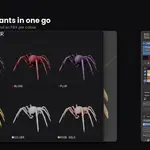
- Choose the output folder and texture size, then press Make Variants.
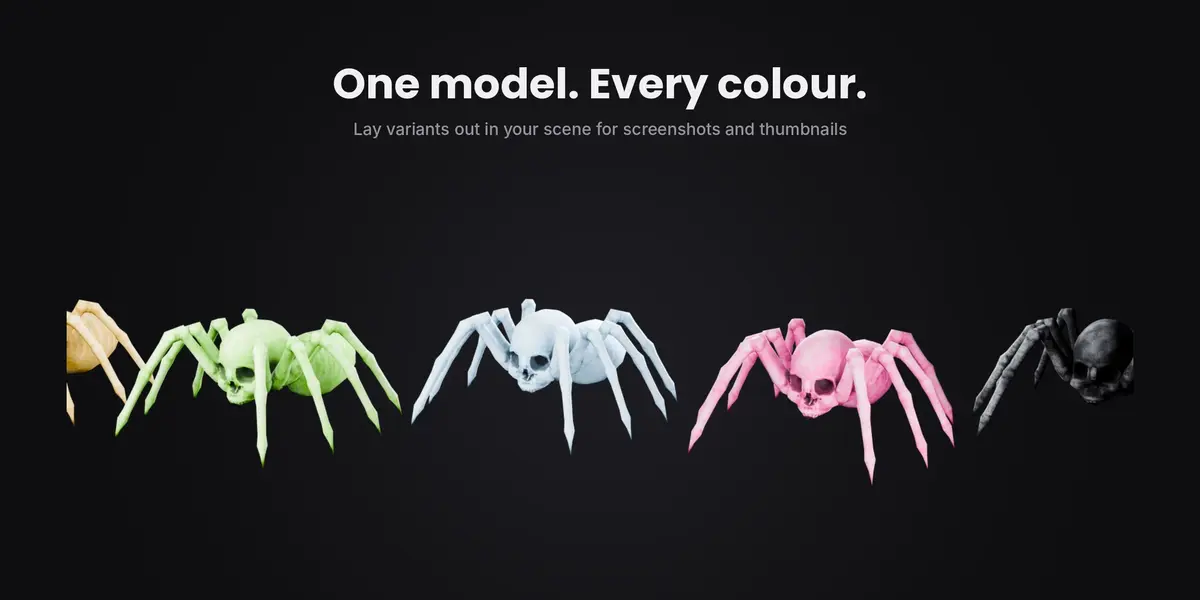
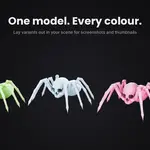
- Press Lay Out in Scene to put all colours side by side for thumbnails.
Have questions about this product?
Login to message
| Blender Extension Compatible | Yes |
| Published | 2 days ago |
| Blender Version | 4.2 - 5.2 |
| Extension Type | Add-on |
| Render Engine Used | Cycles, Eevee |
| License | GPL |
Discover more products like this
roblox ugc mesh checker ugc FBX Export layered clothing accessories color-variations texture variants recolor roblox avatar game ready