 Sporemind

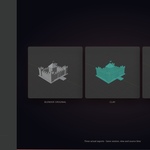
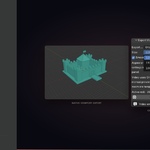
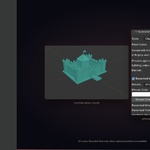
Blender 4.2+ Add-on
ReplayCam
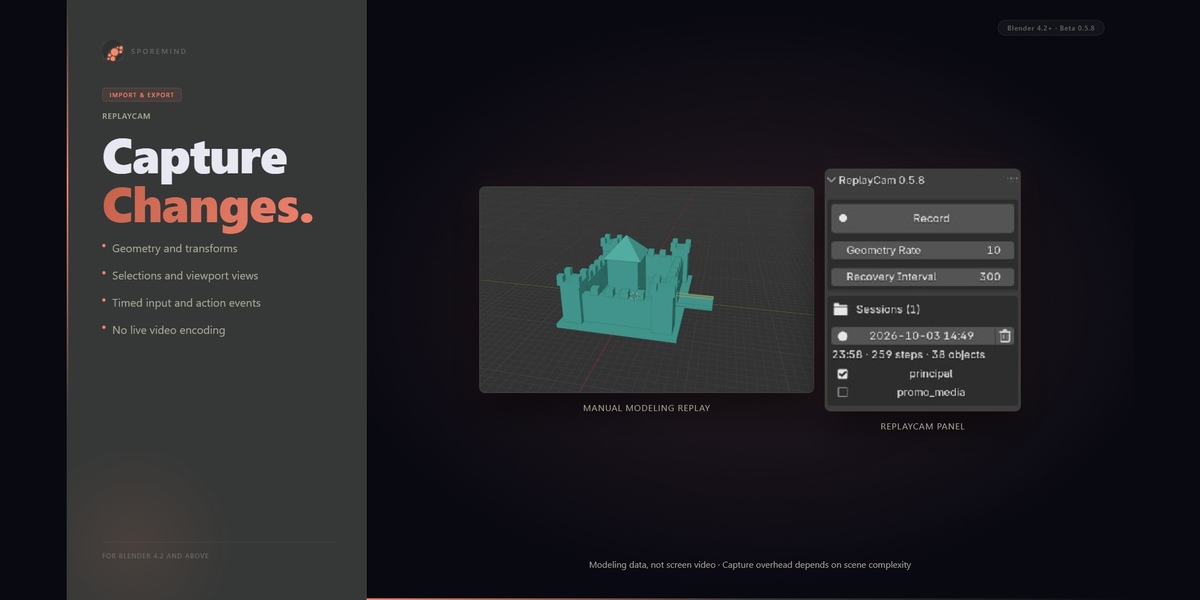
Turn your modeling process into an editable replay. Record once. Direct later.
How it works
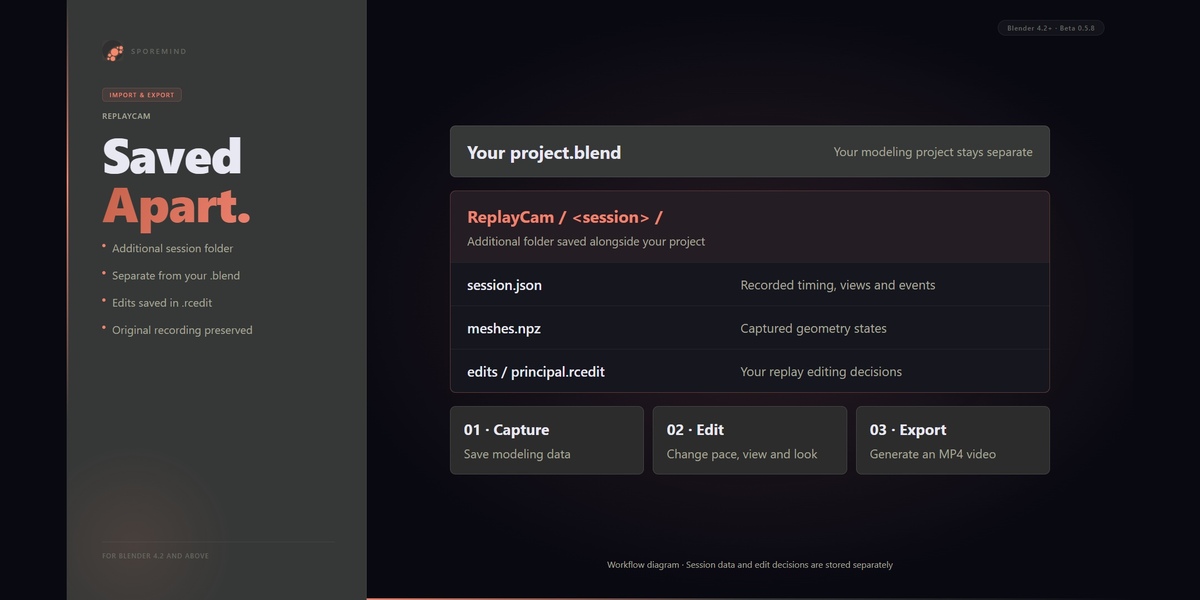
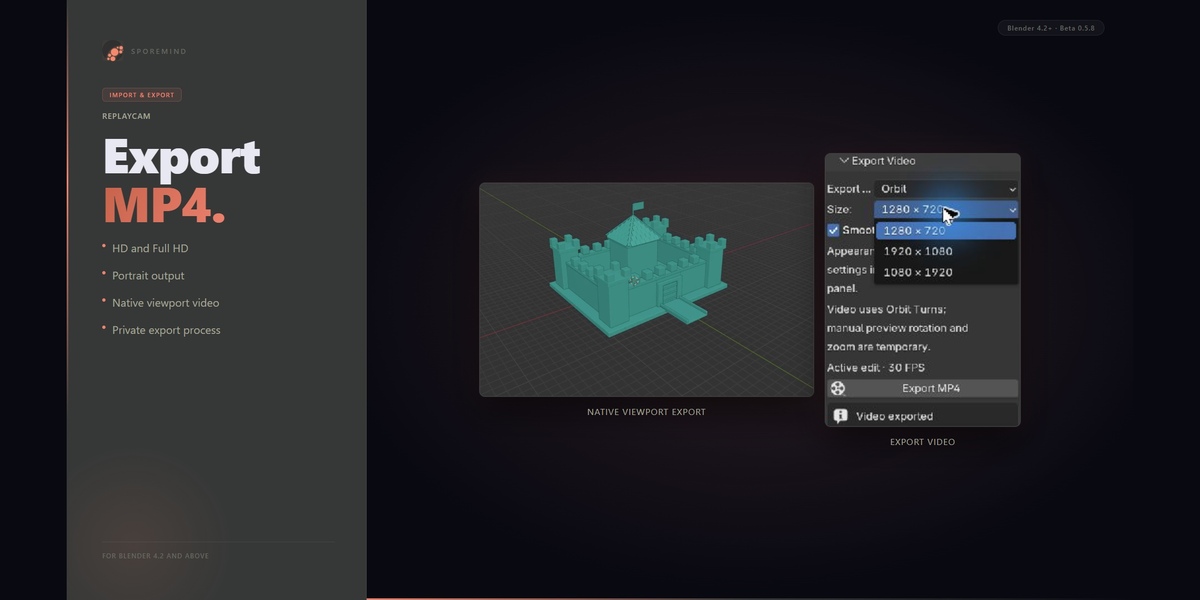
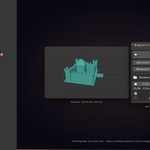
ReplayCam captures supported modeling changes as data, not screen video, and saves an additional session folder alongside your Blender project. Open Build Replay, hide steps or cut ranges, adjust the pace, choose Recorded View or Orbit and a viewport look, then export an MP4. Your .rcedit stores editing decisions separately, preserving the original recording and keeping ReplayCam data outside your .blend.
What you get
✓Supported Object/Edit mesh capture as data |
✓Additional session folder outside your .blend |
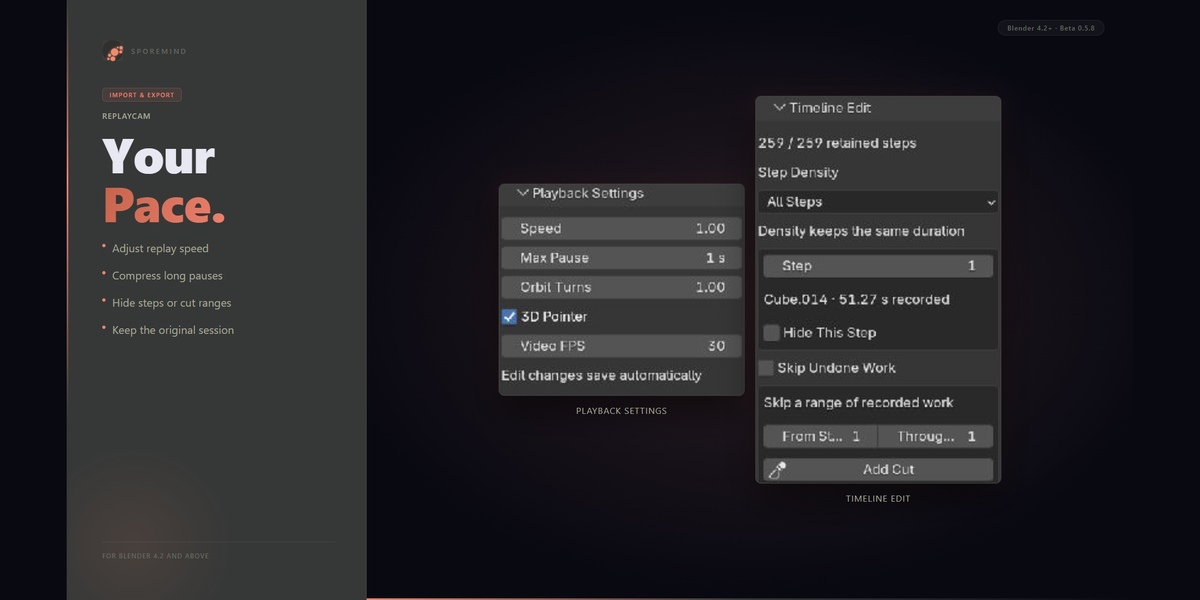
✓Hide steps, cut ranges and omit undone branches |
✓Playback speed and long-pause compression |
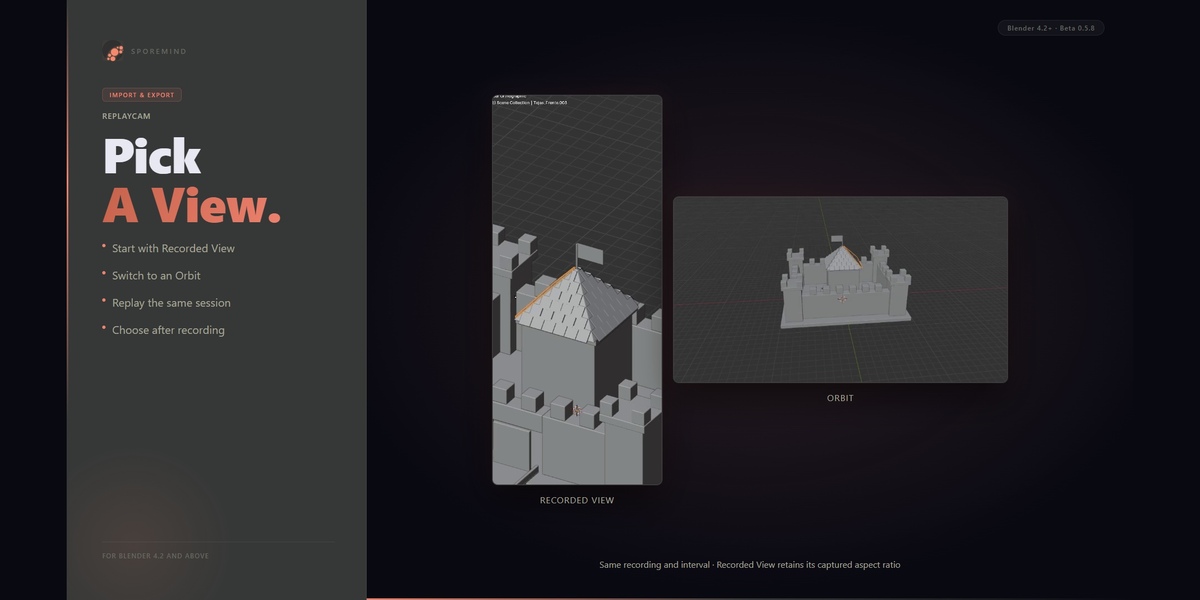
✓Recorded View and Orbit camera choices |
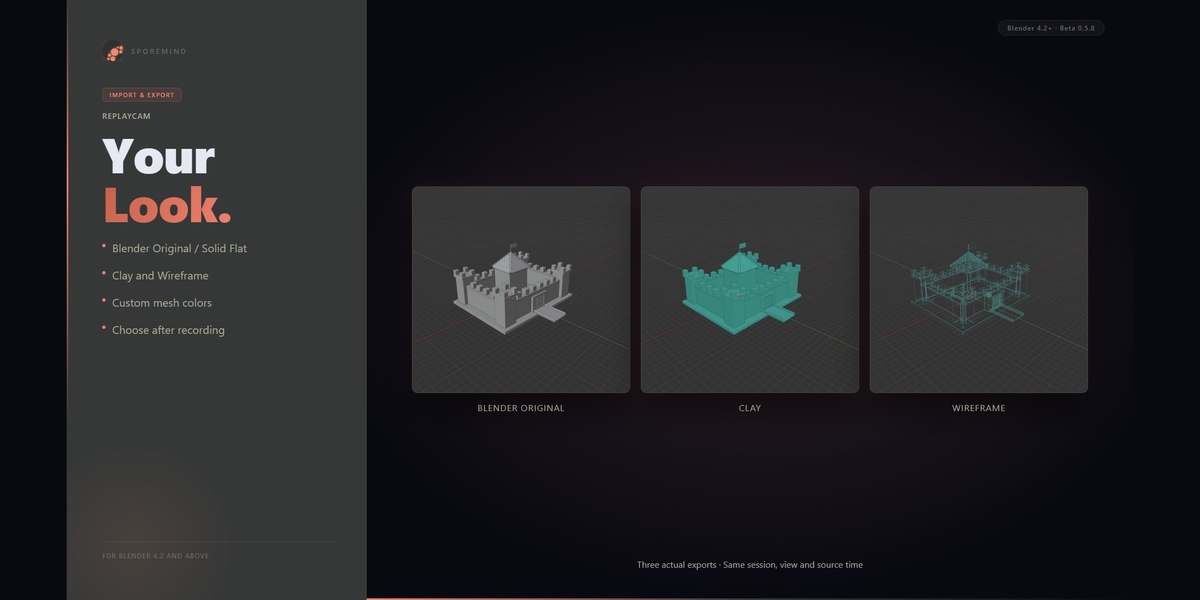
✓Blender Original, Solid Flat, Clay and Wireframe |
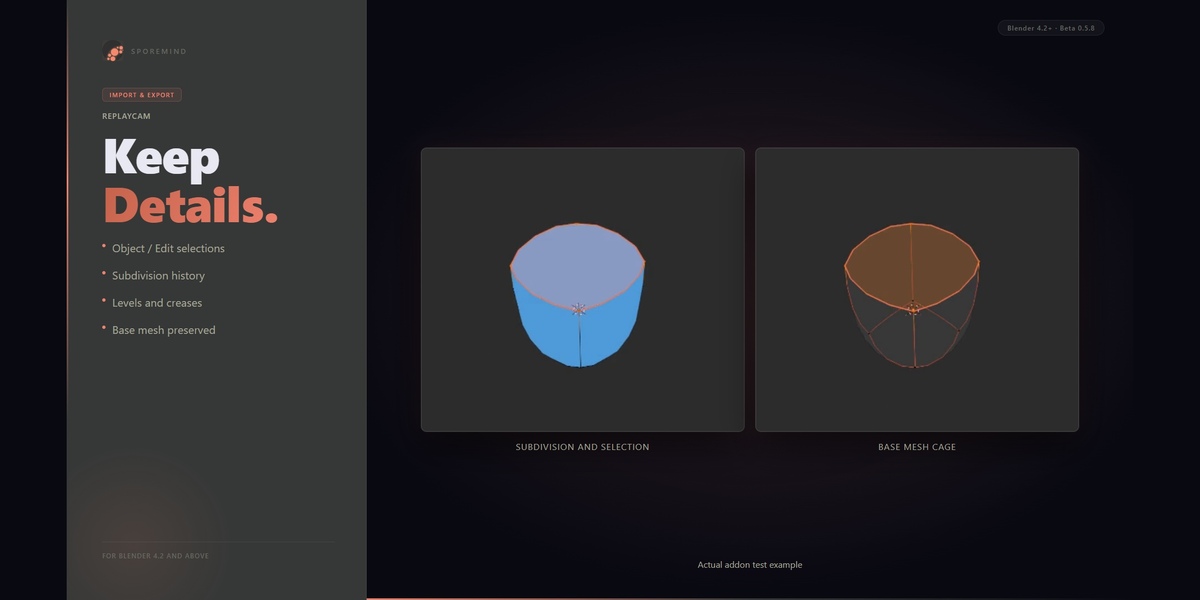
✓Recorded selections and Subdivision history |
✓MP4 export after editing the replay |
What gets saved
| File | Role | What it contains |
|---|---|---|
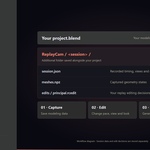
| Your project.blend | Your Blender project | ReplayCam session and edit data are kept outside this file. |
| session.json | Recording tracks | Timing, transforms, views, events and supported visual or modifier history. |
| meshes.npz | Captured geometry | Deduplicated base-mesh states used to rebuild the replay. |
| .rcedit | Replay edit | Timing, hidden steps, cuts, orbit parameters and appearance decisions. |
Choose the viewport look
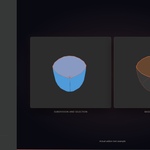
Choose the appearance after recording. These are viewport presentation modes, not material or photorealistic rendering modes.
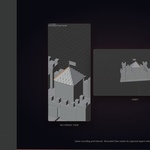
| BUILT-IN Blender Original Use supported recorded Solid or Wireframe appearance. Native video uses Blender’s viewport. | BUILT-IN Solid Flat Use solid shading with flat viewport lighting for a familiar modeling presentation. |
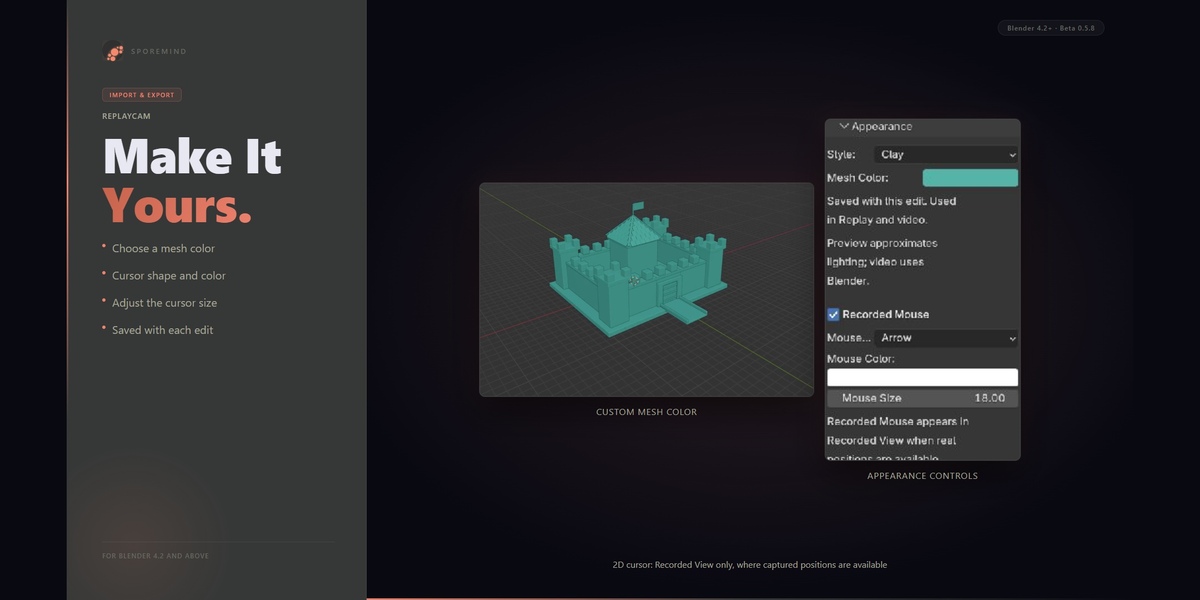
| BUILT-IN Clay Present the captured model with a chosen mesh color. Cursor customization is saved per edit. | BUILT-IN Wireframe Show the recorded structure in wireframe. Supported selections and visibility remain part of the replay. |
Who is this for?
| Modelers documenting supported mesh workflows in Object and Edit Mode |
| Tutorial creators who want to shorten pauses and skip unwanted steps |
| Artists presenting the same process through different views and looks |
| Creators exporting process videos for portfolios and social posts |
| Anyone who wants to model first and decide the presentation afterward |
Frequently asked questions
QDoes ReplayCam record my screen?
No. ReplayCam captures supported mesh states, transforms, selections, viewport views and timed events as modeling data. It rebuilds a replay from that data, rather than storing screen video or relying only on re-executing keyboard shortcuts.
QWhere is the recording saved? Does it change my .blend?
An additional ReplayCam session folder is saved alongside your Blender project. session.json stores timing and tracks; meshes.npz stores captured geometry. Editing decisions are stored separately in .rcedit files. ReplayCam does not add its replay objects, actions or session data to your project.
QCan I hide mistakes or shorten the process afterward?
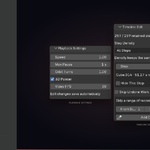
Yes. You can hide recorded steps, cut ranges, adjust playback speed and compress long pauses. These decisions affect the presentation and preserve the recording; they do not undo the operations in your model, and the resulting model state is kept. You can also omit undone branches. Step Density controls retained geometry steps and does not itself shorten the duration.
QCan I choose different cameras and visual styles after recording?
Yes. Choose Recorded View to follow a captured viewport or Orbit for an orbiting presentation. Choose Blender Original, Solid Flat, Clay or Wireframe, with mesh and cursor customization. Arbitrary scene cameras and material-texture or photorealistic render export are outside the current beta scope. New recordings preserve supported Object/Edit selections and historical Subdivision Surface settings, including levels and creases. Some preview combinations fall back to the base mesh with a warning; native export reconstructs supported Subdivision stacks. Other active modifier types and uncaptured custom normals can block export. Older recordings do not acquire missing historical data automatically.
QWhich Blender versions and operating systems have been tested?
The minimum declared Blender version is 4.2.0. The current beta was verified on Windows with Blender 4.2.23 and 5.0.x; the pure Python/bpy suites and native viewport exports are separate checks. macOS, Linux and other hardware have not yet been verified for this release. The listing does not promise every later Blender release. No. Video generation happens at export, so ReplayCam does not encode screen video while you model. Capture still uses CPU, memory and disk. Its cost depends on scene complexity, Geometry Rate, checkpoint saves and session length. Dense scenes can slow capture and use substantial storage.
