 zuzuGi Works


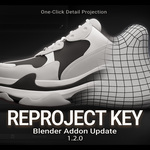
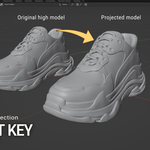
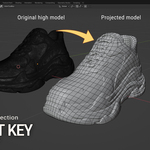
Reproject Key is a high-efficiency add-on purpose-built for Blender’s sculpting workflow and runs directly in Sculpt Mode.
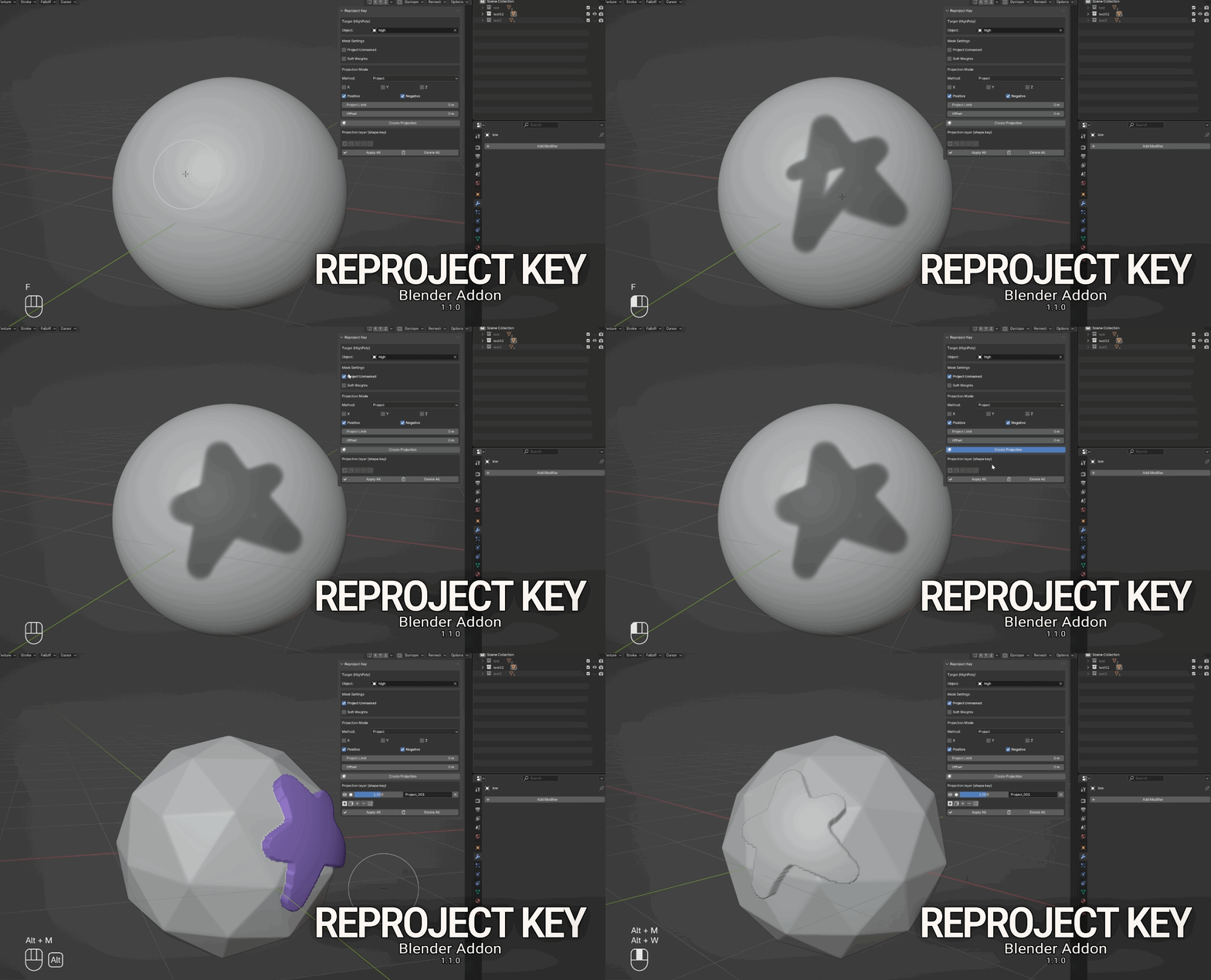
It supports one-click projection of the current mesh surface onto the underlying high-poly to inherit its details with no extra setup.
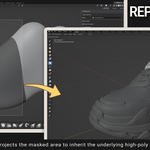
You can also project by mask range onto another mesh and automatically generate Shape Keys, so you can stay focused on sculpting.
_________________________________________________________________________________________________
Reproject Key V1.2.0 Update
1) Collection Support (HighPoly Target)
You can now set the HighPoly target as a Collection, not just a single object.
This is ideal for multi-object high-poly projection, reducing manual setup and making the workflow smoother.
2) Revert / Undo Button (Projection Rollback)
Added Revert Last Projection, allowing you to instantly return to the state before your last Create Projection.
3) New “Cull” Option
Added a Cull control (including Off) to better manage projection direction and occlusion behavior.
Key Features:
⭐ One-click High-poly ProjectionWith a single click, project the current mesh surface onto the underlying high-poly; use mask painting to select the exact areas to project.
⭐ Multiple Projection Modes
Supports Project / Target Normal Project / Nearest Surface Point / Nearest Vertex, covering different use cases.
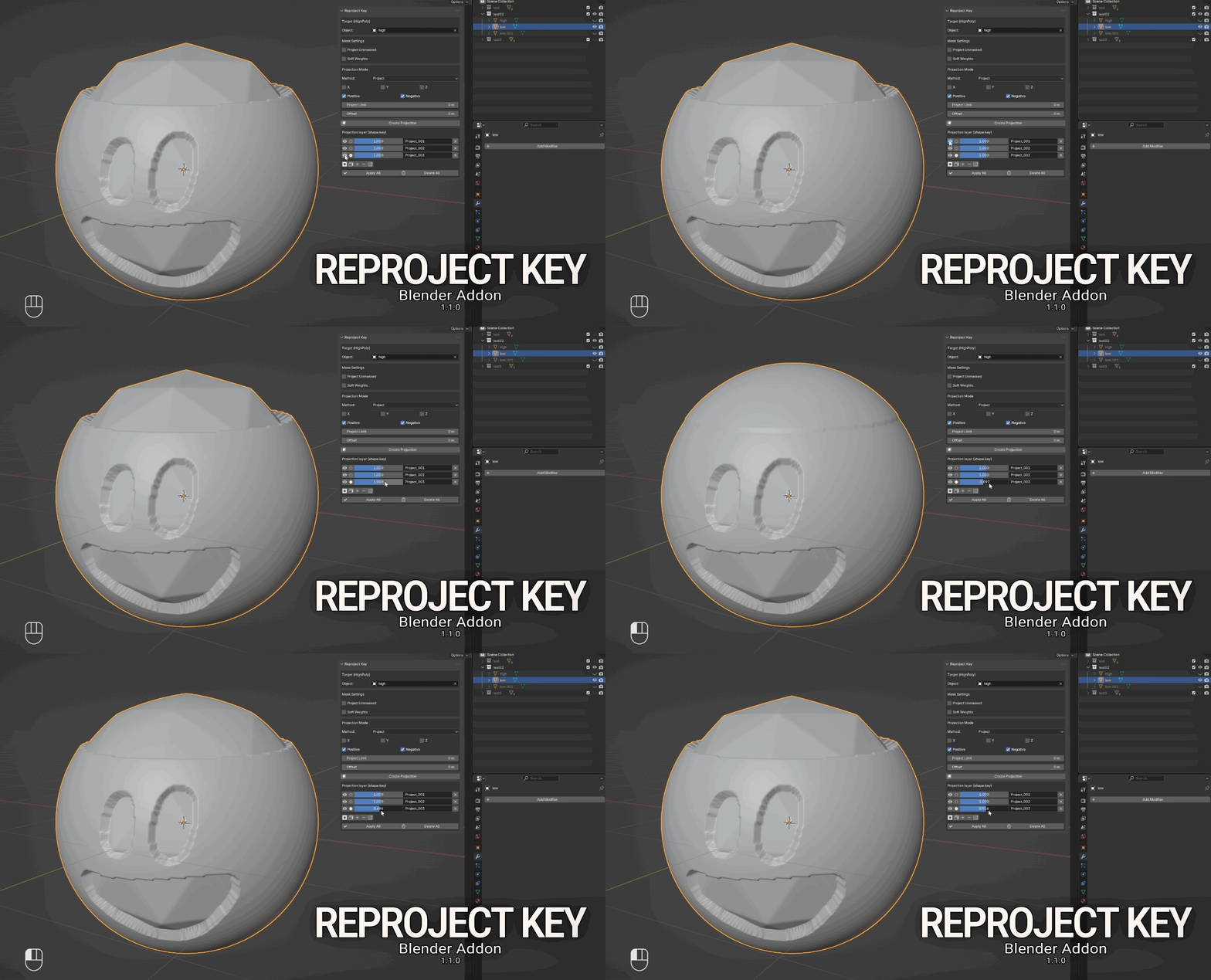
⭐ Auto Shape-Key Layer After Projection
Each projection creates an independent, editable Shape Key for easy mixing and fine-tuning.
(Note: Available only when the mesh does not have a Multires modifier. it's not recommended to use it together with Dyntopo or Remesh.)
⭐ Shape-Key Management in Sculpt Mode
With masks, perform add/subtract operations on Shape Keys; also supports mirroring the projection range, mask conversion, and face-set conversion.
⭐ Multires-Dedicated Mode
When the mesh has a Multires modifier and the sculpt level is greater than 0, you can one-click project and transfer details from the underlying high-poly for efficient detail transfer.
(*Meshes with a Multires modifier cannot generate Shape Keys layer*)
Compatibility
-
Blender 4.2 – 5.0
-
Windows / macOS
Installation & Activation
-
Blender → Edit → Preferences → Add-ons → Install
-
Select the downloaded .zip and install
-
In the 3D View, open the N-panel → Reproject Key to access all features
Who It’s For
-
Blender sculpting workflow users
-
Indie game artists: detail transfer and local polish for characters, props, and vehicles
-
Blender Sculpt Mode Multires workflow users
-
Shape-key-driven workflow authors: local fixes, comparison, and blending in Sculpt Mode with editable, reversible results
♥Buy now to lock in the current price—future price changes won’t affect you. You’ll also get early access to new features and continue receiving free updates♥