 Thomas Pasieka
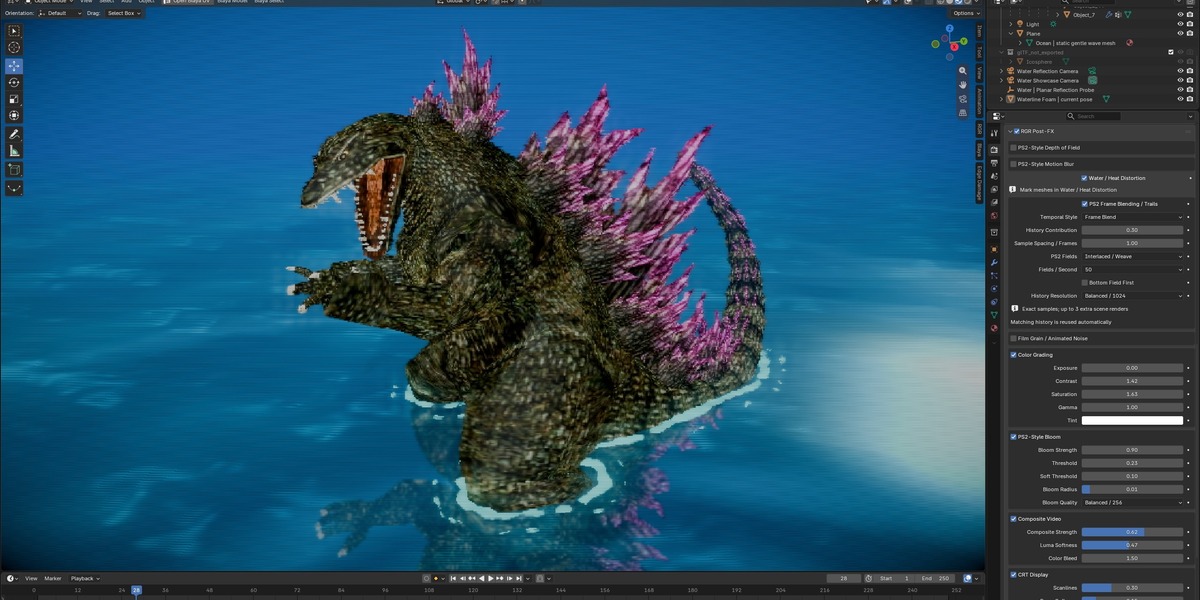
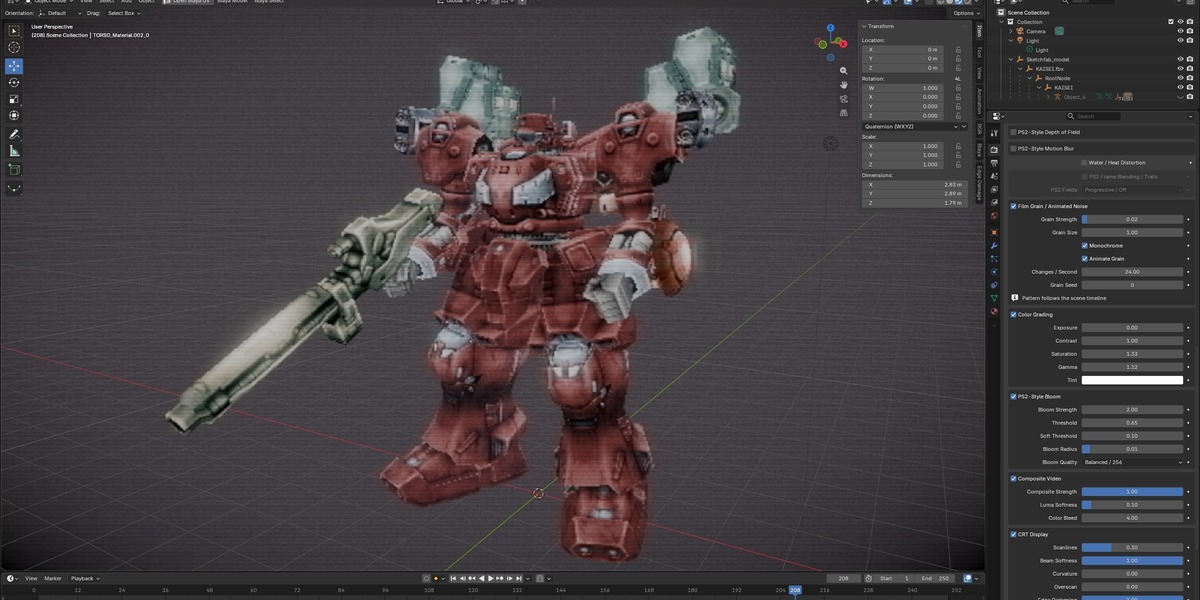
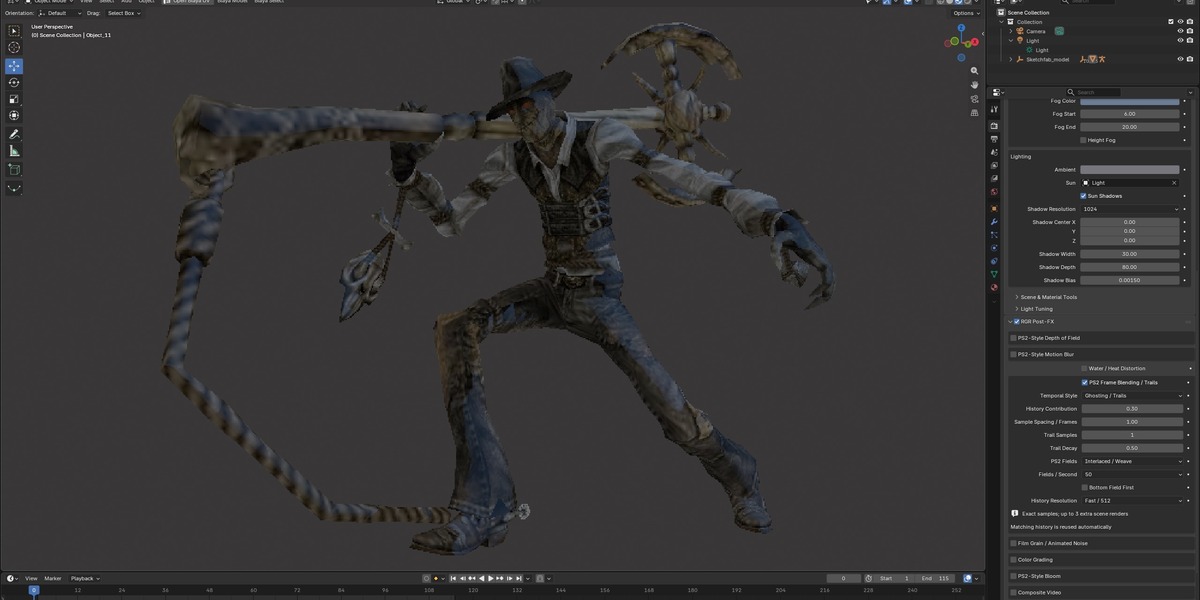
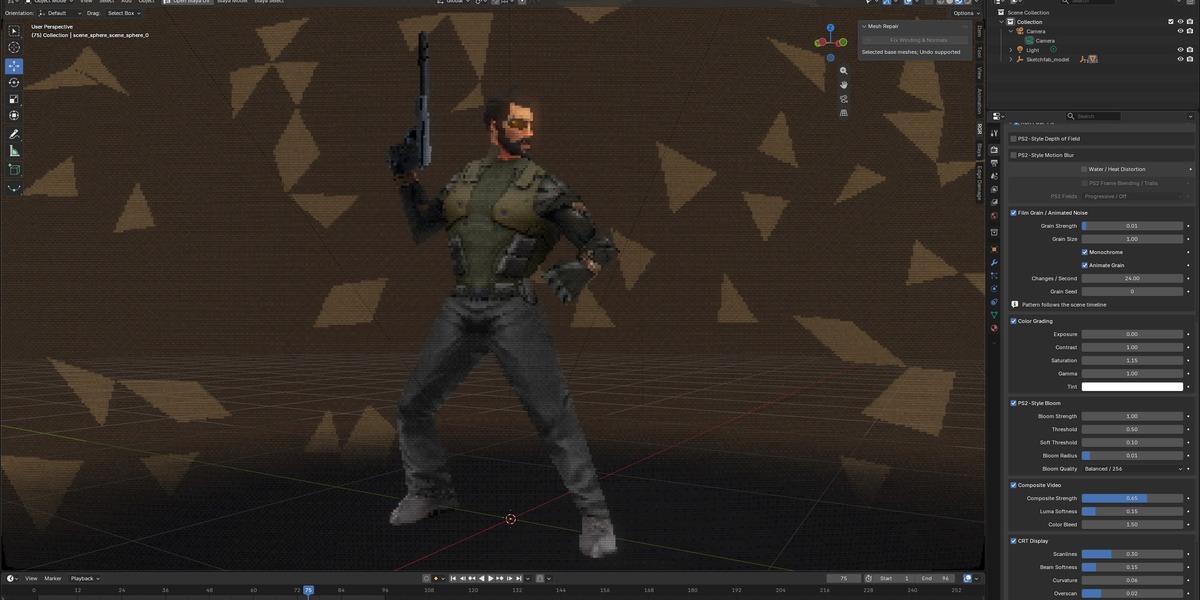
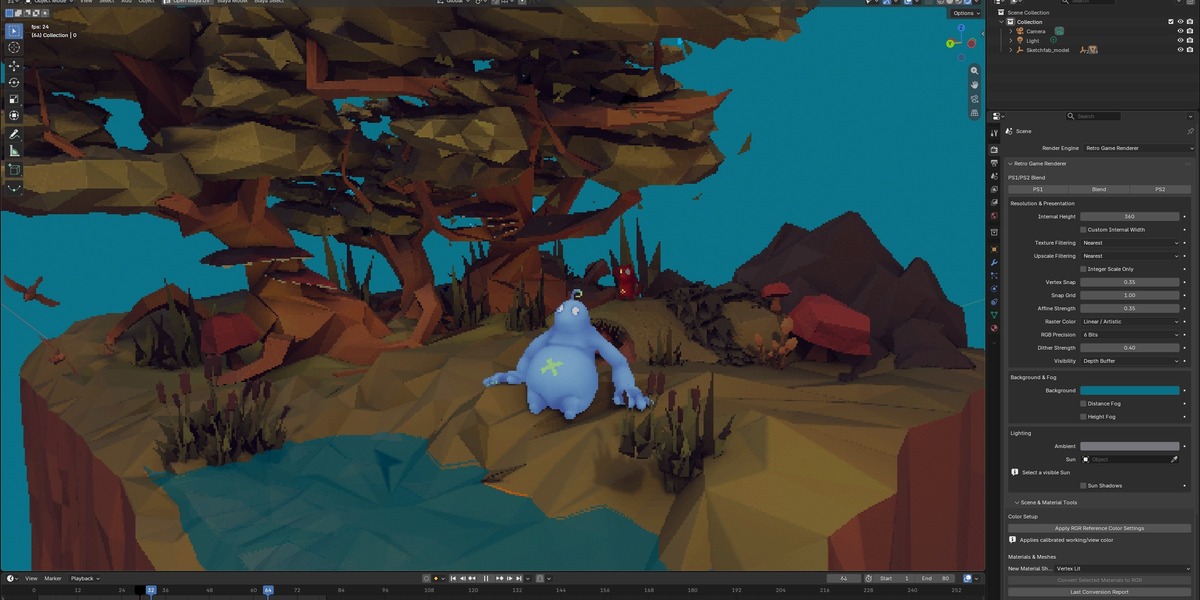
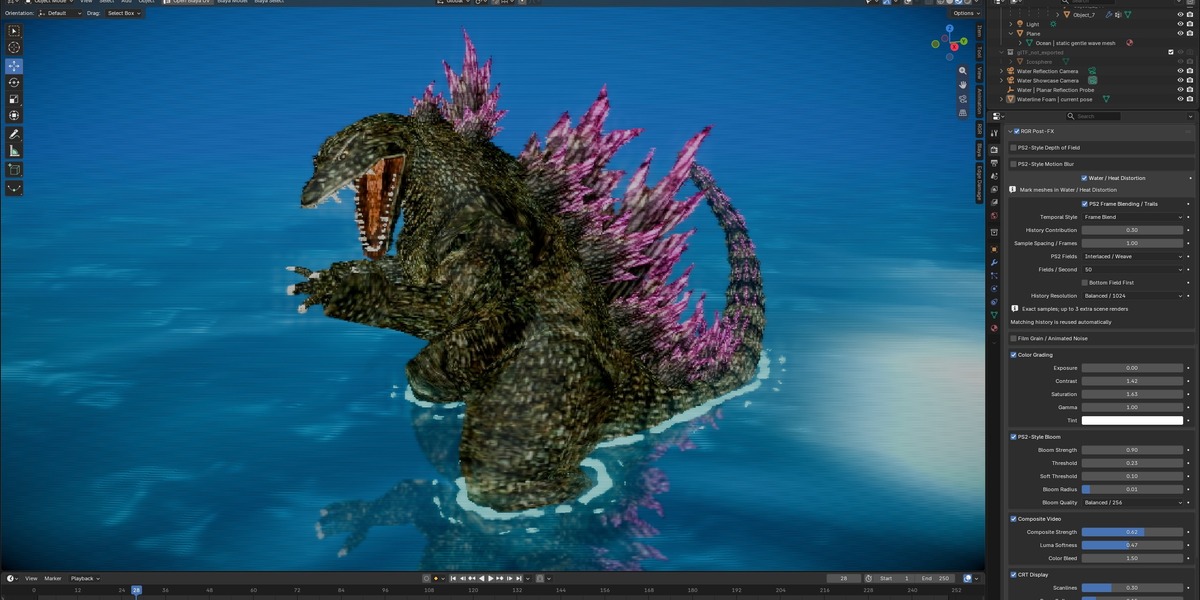
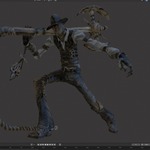
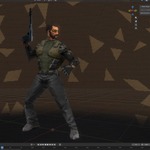
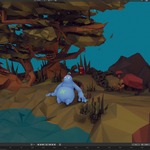
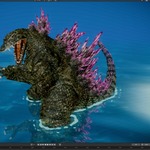
Retro Game Renderer (RGR) is a Blender rendering extension for creating PS1- and PS2-inspired artwork and animation. It adds its own GPU render engine, retro materials and post effects, with a shared rendering pipeline for the viewport, F12 stills and animation frames.
Use it to present characters, props, vehicles and environments with the visual character of early 3D games. Create portfolio turntables, stylized scene renders, animated loops and pre-rendered game imagery while working in Blender.
Build your PS1 or PS2 look
Choose a PS1, Blend or PS2 profile as your starting point. Tune the internal resolution, texture sampling, geometry projection, lighting and display treatment to suit the artwork.
- PS1 rendering controls: vertex snapping, affine texture warping, indexed palettes, reduced color precision, dithering, painter sorting and classic semi-transparency modes.
- PS2 texture controls: filtering, mipmapping and LOD controls, including flipbook mipmaps and cutout-preserving mips for foliage and fences.
- Three material shaders: Unlit, Vertex Lit and Classic Lit, with vertex colors, lightmaps, environment images, emission textures, opacity, cutouts and blended surfaces.
- Artist and Advanced controls: material presets and guided setup actions for everyday work, with deeper controls and editable GLSL for advanced users.
- Texture animation: UV scrolling, flipbooks and palette cycling for water, animated screens, energy effects and changing color patterns.
- Lighting and atmosphere: ambient, sun and point lighting, sun shadows, distance fog and height fog.
- Water, heat and reflections: masked scene distortion and planar reflection probes for water surfaces and mirrors.
- PS2-style camera and motion effects: depth of field using Blender camera focus controls, motion blur, frame blending, trails and interlaced field modes.
- Finishing effects: color grading, bloom, film grain, animated noise, composite color bleed, CRT scanlines, curvature, phosphor masks and halation.
Work with your existing assets
Rendering keeps your original meshes, UVs, textures and rigs intact. Supported armatures can use GPU skinning. Palette, mipmap and texture-animation effects use renderer-owned data rather than rewriting your source images.
Convert supported existing materials to RGR or start with its material presets. Conversion retains source node graphs and shared material assignments. RGR uses dedicated shaders; complex procedural Cycles/EEVEE graphs, transmission and other unsupported inputs require manual setup.
A familiar Blender workflow
- Install the extension ZIP and select Retro Game Renderer as the render engine.
- Choose a profile and set up or convert your materials.
- Adjust the look in the Rendered viewport.
- Render a still with F12 or an animation image sequence.
Made for game artists and retro creators
RGR is aimed at game artists, low-poly and pixel-texture artists, indie developers, animators and motion designers who create rendered images and animation with a consistent retro style.
Included with the extension
- Neon Relay: an original editable sci-fi outpost with six scenes covering console profiles, materials, animation and effects.
- Game-art example workbook: editable drones, terminals, foliage, conveyors and reflective docks.
- Offline PDF and HTML artist guides: illustrated examples, starter settings, feature walkthroughs and troubleshooting.
- Editable Python and GLSL source and the included original demo assets under GPL-3.0-or-later.
Compatibility
Recommended: Windows x64 with Blender 5.2.4 and OpenGL or Vulkan. Use Vulkan with Blender 5.3 on Windows. The shared ZIP also includes experimental Apple Silicon Mac (M1 or newer) and Linux x64 support.
RGR works offline in standard Blender without a companion add-on. Reflection, field and temporal effects add rendering work; performance depends on the scene, hardware and selected quality settings.
Character models shown in the promotional trailer are demonstration assets and are not included with the extension.
