RetroRender
 Brent Patterson


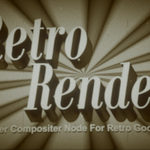
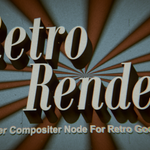
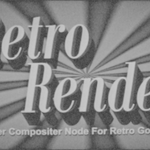
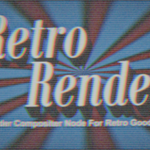

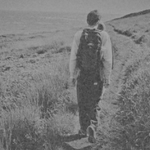
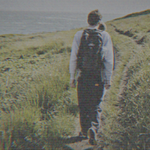
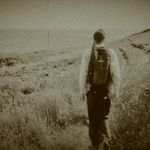
RetroRender 2.0 (Fall 2025) is a simple compositing node asset you can drop into your Blender project. RetroRender is not an addon and uses no python scripts. It is not installed, it is appended. Here’s how:
Step 1: In your Blender project, go to File > Append: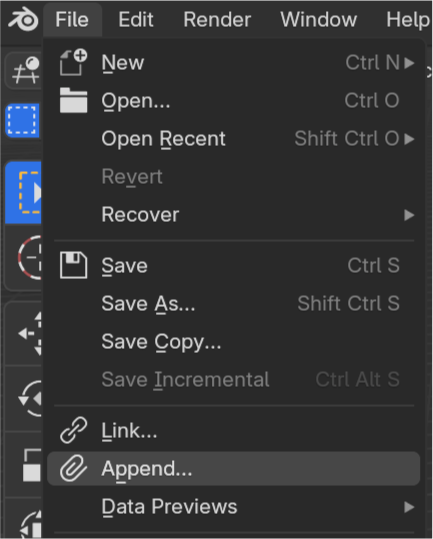
Step 2: Then navigate to where you unzipped the downloaded folder containing the RetroRender blend file. Double-click the RetroRender blender file.
Step 3: Double-click on NodeTree.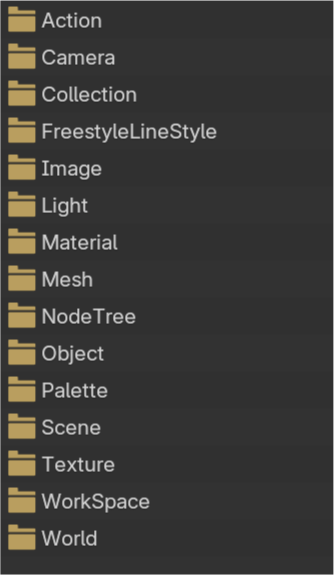
Step 4: Select all the RetroRender nodetrees.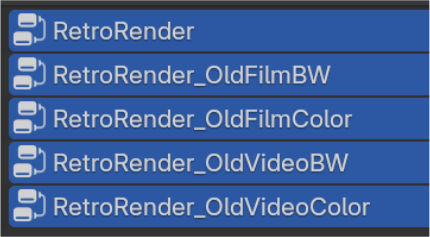
Step 5: Click Append.
Step 6: Open the Asset panel in your Blender Project. The RetroRender presets will now be in your Assets Panel. 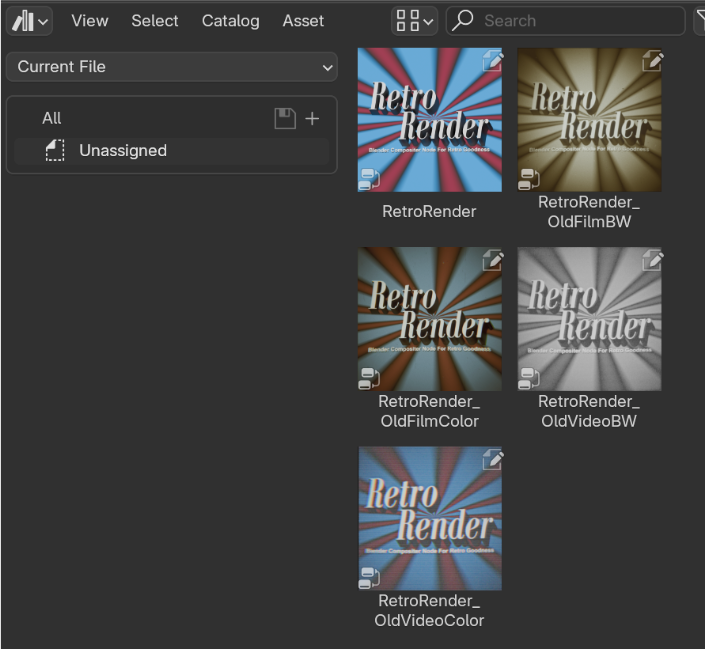
Step 7: Drag and drop one of the RetroRender assets into your compositing nodetree. Make sure UseNodes is activated.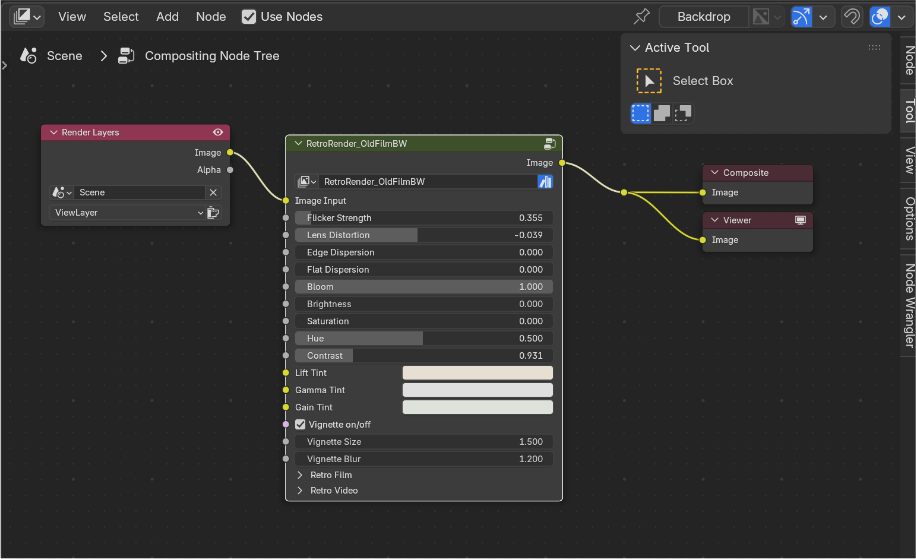
Step 8: In your Viewport, switch to rendered view and make sure the Compositor is activated in either the Camera or Always. You should see RetroRender’s effects now in the viewport.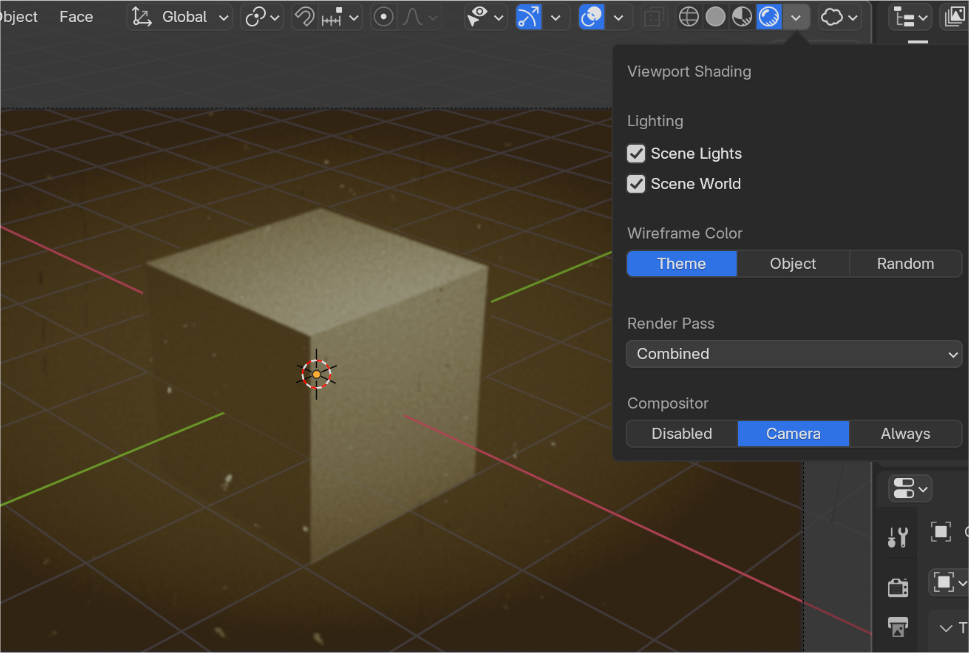
TIP
In the Compositor Panel, open the options tab on the side panel and switch from CPU to GPU. If you have a fast GPU, the compositor will render faster.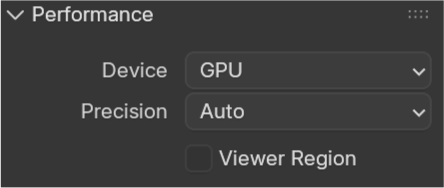
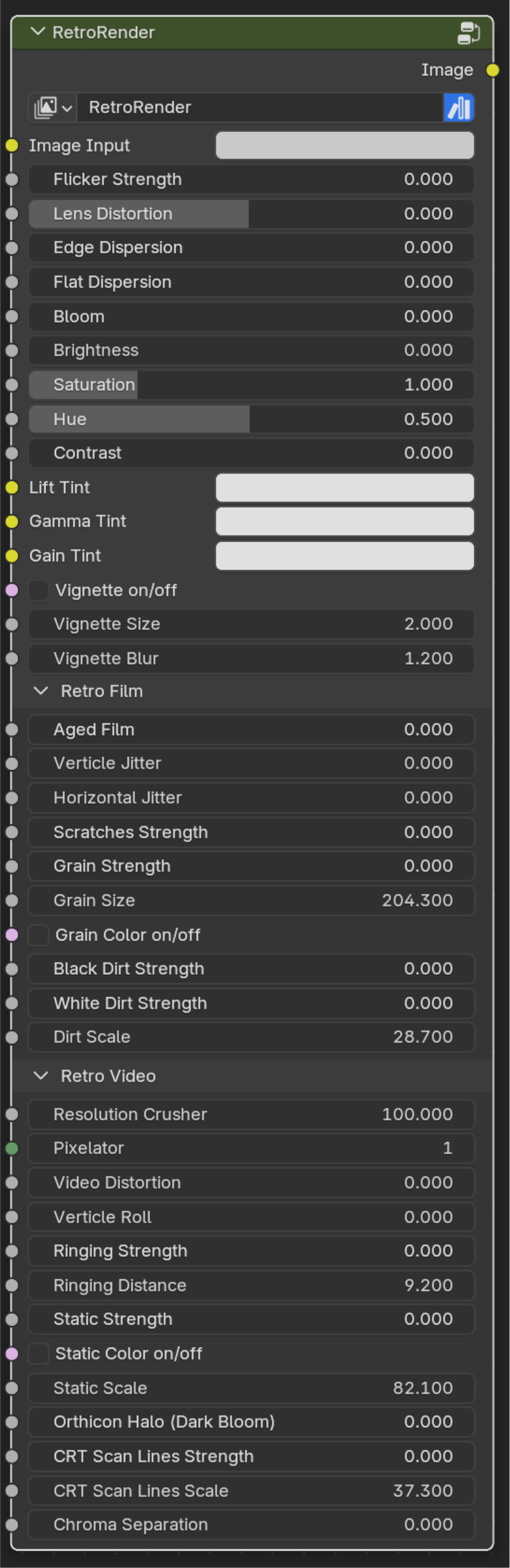 RetroRender Settings Descriptions
Image Input - Your Rendered layer input
Flicker Strength - The strength of a random brightness flicker
Lens Distortion - Concave and convex lens distortions
Edge Dispersion - Chromatic aberrations around frame edge
Flat Dispersions - Chromatic aberrations throughout frame
Bloom - Glare strength
Brightness - Brightness
Saturation - Color strength
Hue - Hue
Contrast - Contrast
Lift Tint, Gamma Tint, Gain Tint - color correction tools
Vignette on/off - Vignette toggle
Vignette Size - Controls size of vignette
Vignette Blur - Vignette blur size
Aged Film - Lifts shadows simulating aged film
Vertical Jitter - Random vertical shake strength
Horizontal Jitter - Random horizontal shake strength
Scratches Strength - Simulated vertical film scratches
Grain Strength - Simulated film grain strength
Grain Size - Size of grain (smaller numbers = larger granules)
Grain Color on/off - Grain color or black and white toggle
Black Dirt Strength - Simulated black film dirt strength
White Dirt Strength - Simulated white film dirt strength
Dirt Scale - Size of dirt simulations (smaller numbers = larger dirt)
Resolution Crusher - Lowers resolution
Pixelator - Pixelates the image
Video Distortion - Simulates video tearing and instability
Vertical Roll - Simulates vertical sync roll
Ringing Strength - Simulates old video processing errors
Ringing Distance - Expands ringing effect
Static Strength - Simulated video static
Static Color on/off - Color static on/off
Static Scale - Size of static noise (smaller numbers = larger static)
Orthicon Halo - Simulates artifacts of old video camera tubes
CRT Scan Lines Strength - Simulates horizontal scan lines
CRT Scan Lines Scale - Size of CRT scan lines
Chroma Separation - Simulates red, green, blue separation
RetroRender Future Features and To-Dos
• Future Presets: 80s VHS with optional tracking noise, mid-90s GIF, 70s local news Umatic
• More film scratch options
• Film unthreading effects
• Film curved edges crop
• Dirt with hair options
• Cigarette burns
Have questions about this product?
Login to message
| Sales | 10+ |
| Rating | 1 ratings |
| Dev Fund Contributor | |
| Published | about 1 year ago |
| Blender Version | 4.1 - 4.5 |
| Render Engine Used | Cycles, Eevee |
| License | Creative Commons |
