 ZEG
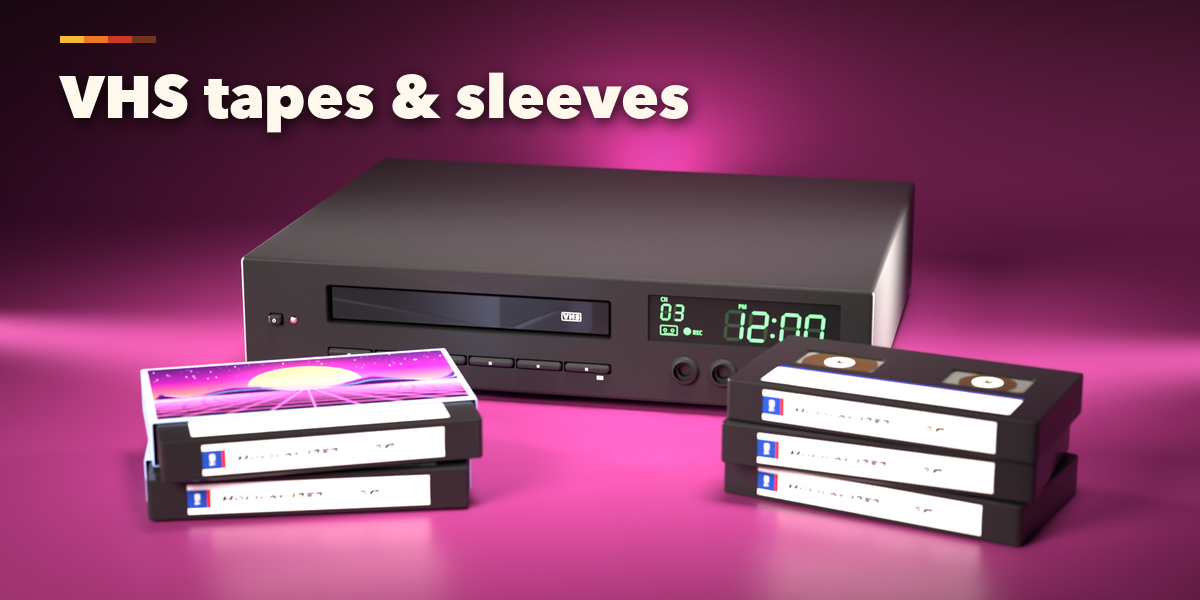
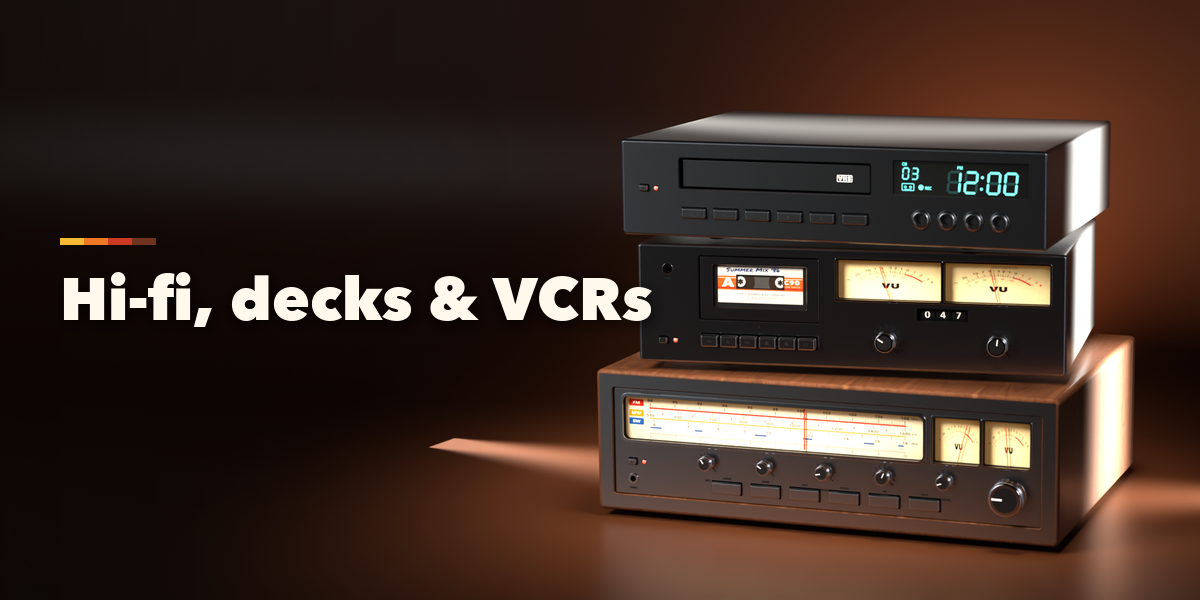
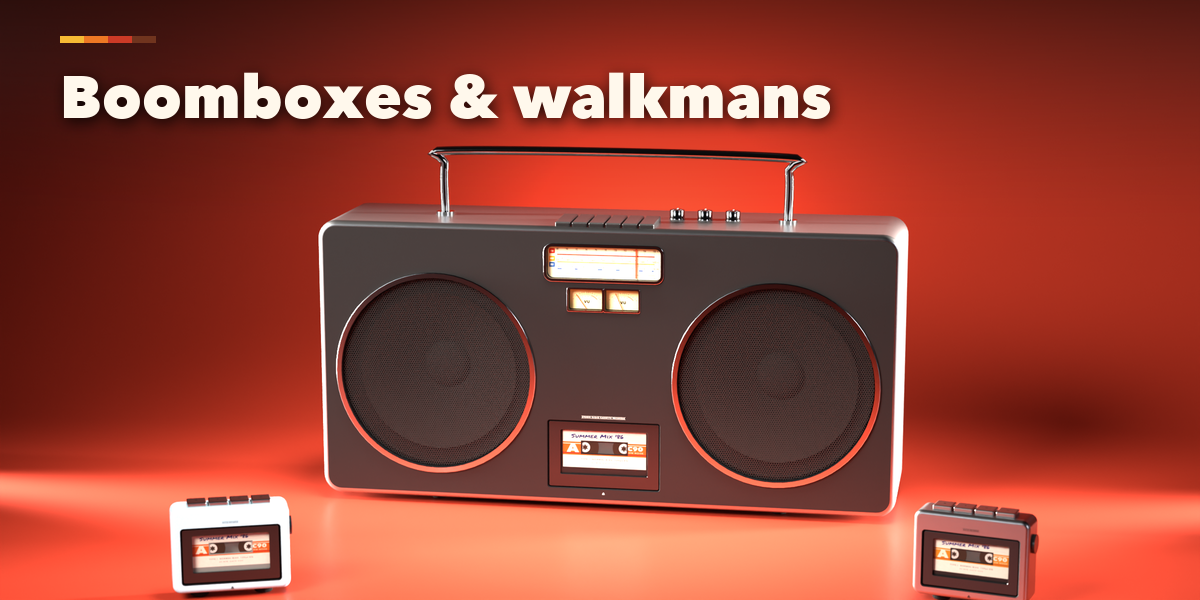
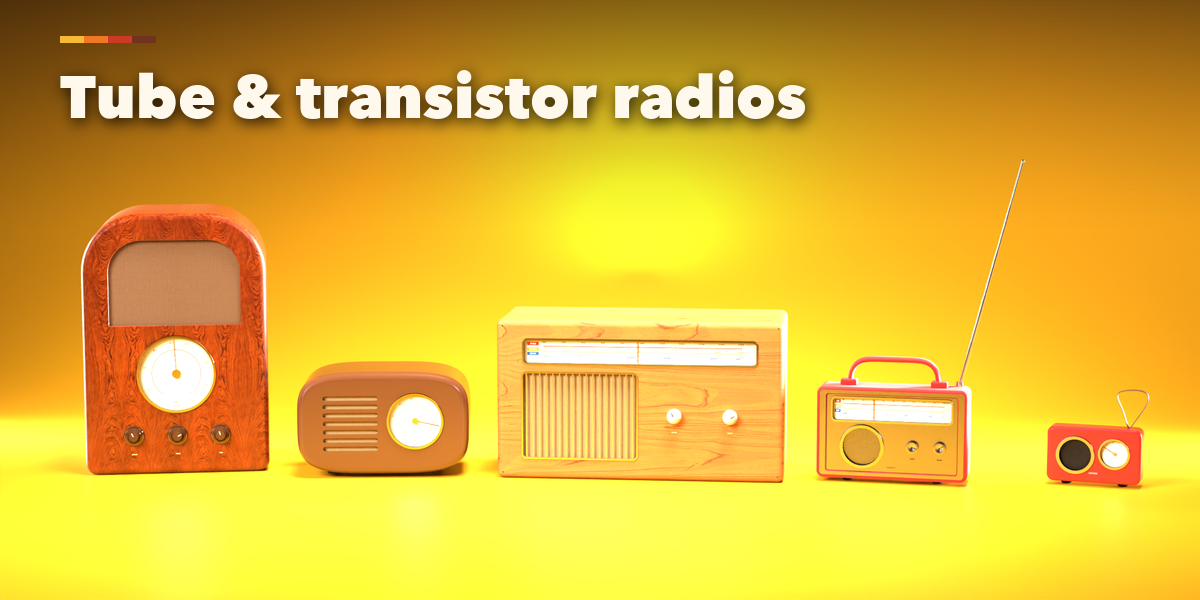
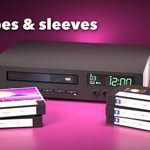
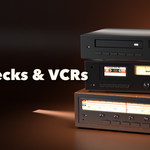
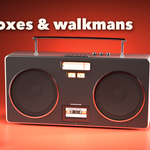
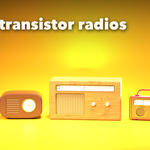
Installation
In Blender open Edit, Preferences, Get Extensions, then use Install from Disk and pick the retro_electronics_generator zip.
Usage
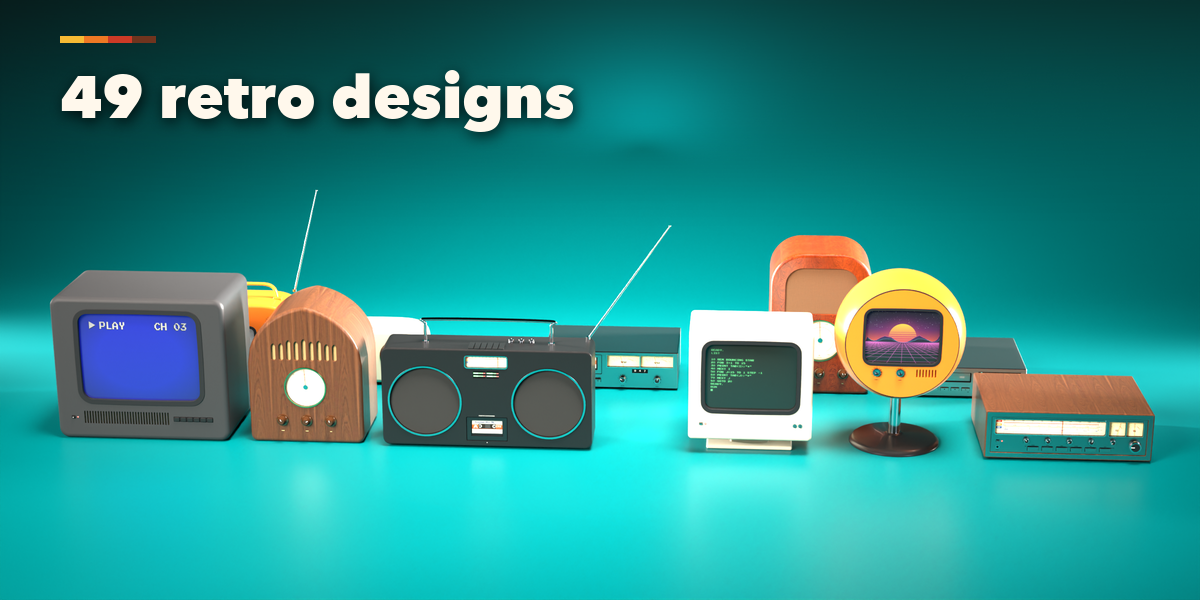
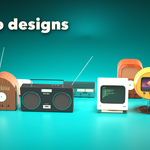
- Open the Retro tab in the 3D viewport sidebar (N). With nothing selected, click the picture to choose one of the 49 designs and add it at the 3D cursor, or press Surprise Me for a random device. You can also use Shift+A, Mesh, Retro Device.
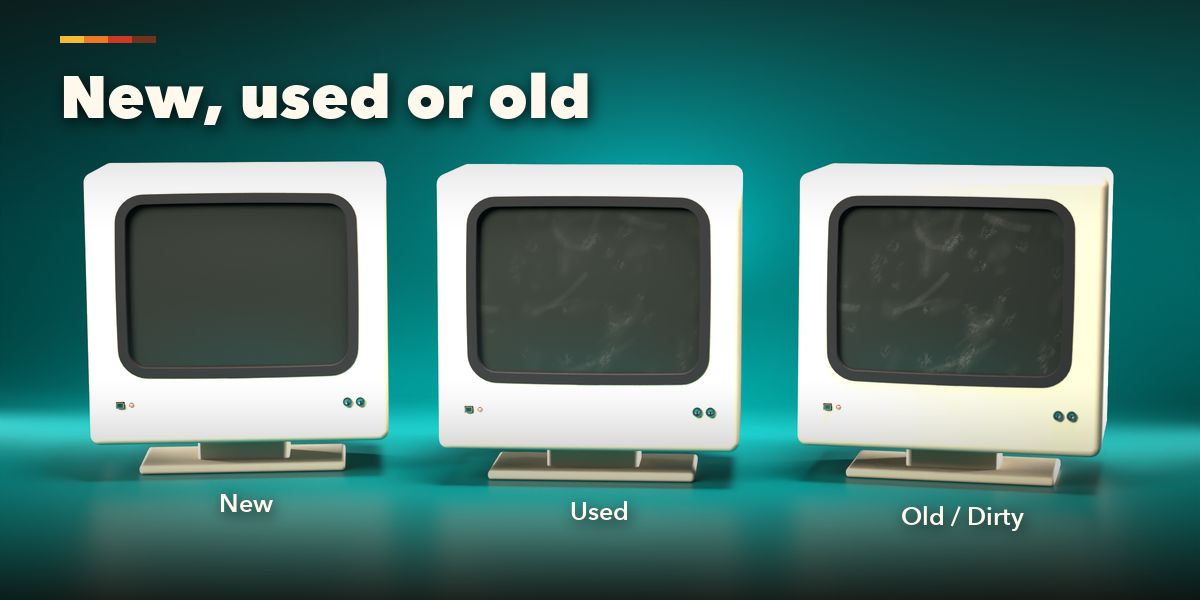
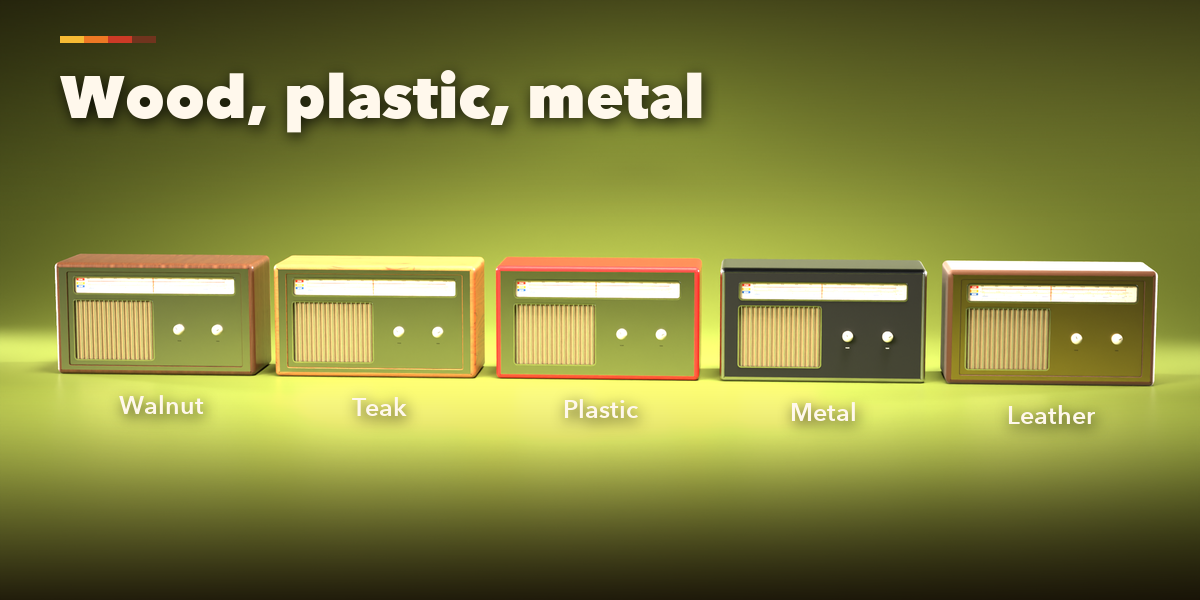
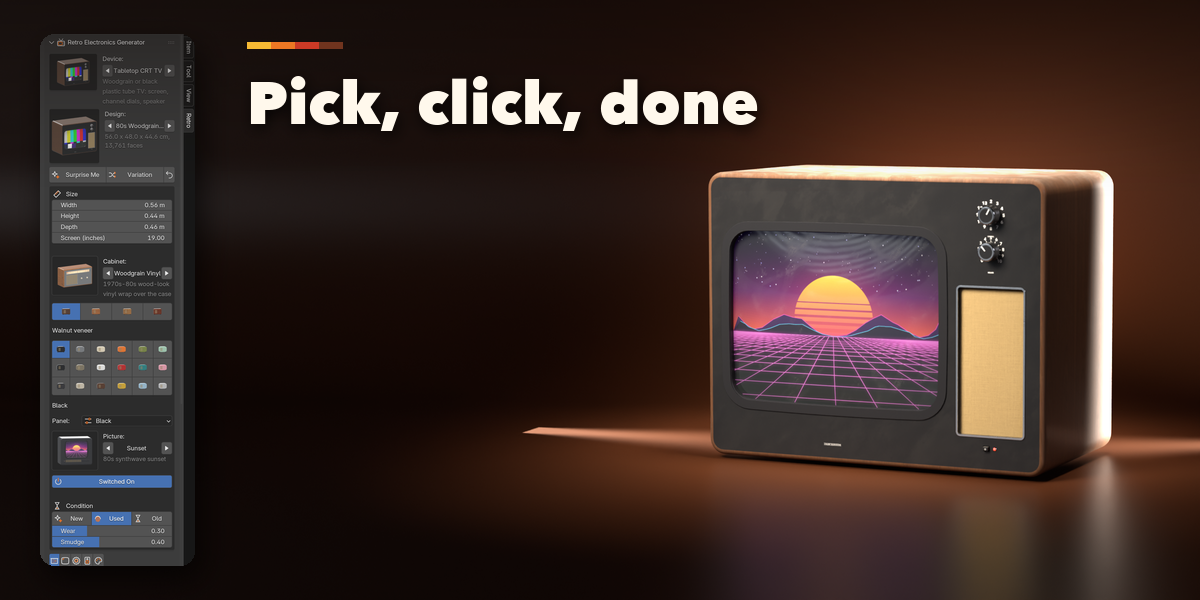
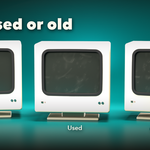
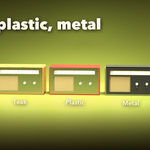
- Select a device to edit it. The first page holds the main choices: size and screen inches, cabinet, wood or color, front panel, screen picture or tape inside, power, and the condition: New, Used or Old buttons with Wear and Smudge sliders. Surprise makes a new random device, Variation changes the current one a little, and the arrow resets the design.
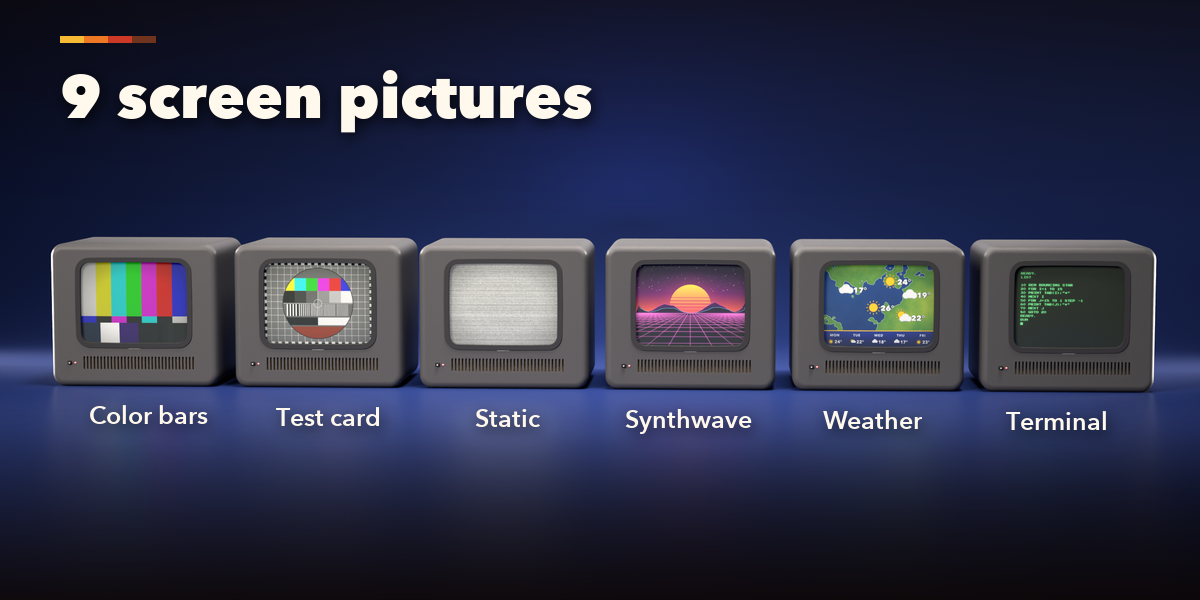
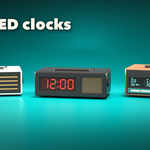
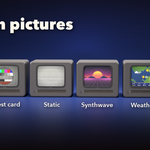
- The icon tabs hold every other setting: Cabinet (shape, size, legs, antenna, handle), Screen (picture, your own image, scanlines, glow), Controls (knobs, buttons, dials, meters, displays), Speaker & Tape (grilles and the tapes) and Finish (color, wood, front panel, trim).
- Click any picture to open a gallery of all its options, or step through them with the arrows.
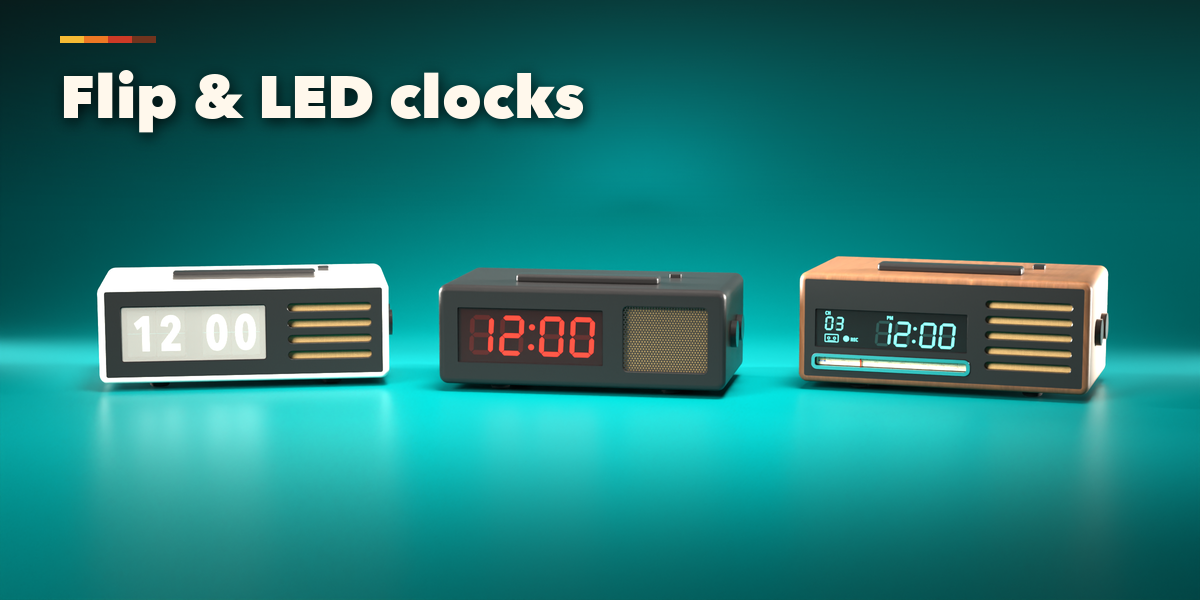
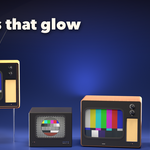
Play the animation to see the static move and the clock displays blink. Apply as Mesh turns the device into a plain mesh for editing or export.
Have questions about this product?
Login to message
| Blender Extension Compatible | Yes |
| Published | 1 day ago |
| Blender Version | 4.2 - 5.2 |
| Extension Type | Add-on |
| Render Engine Used | Cycles, Eevee |
| License | GPL |

Discover more products like this
boombox vhs walkman procedural cassette Generator retro radio CRT vintage television Electronics