 CGDive
 lukas allenbaugh

Todor (CGDive)
over 4 years ago
Thank you for the awesome review!
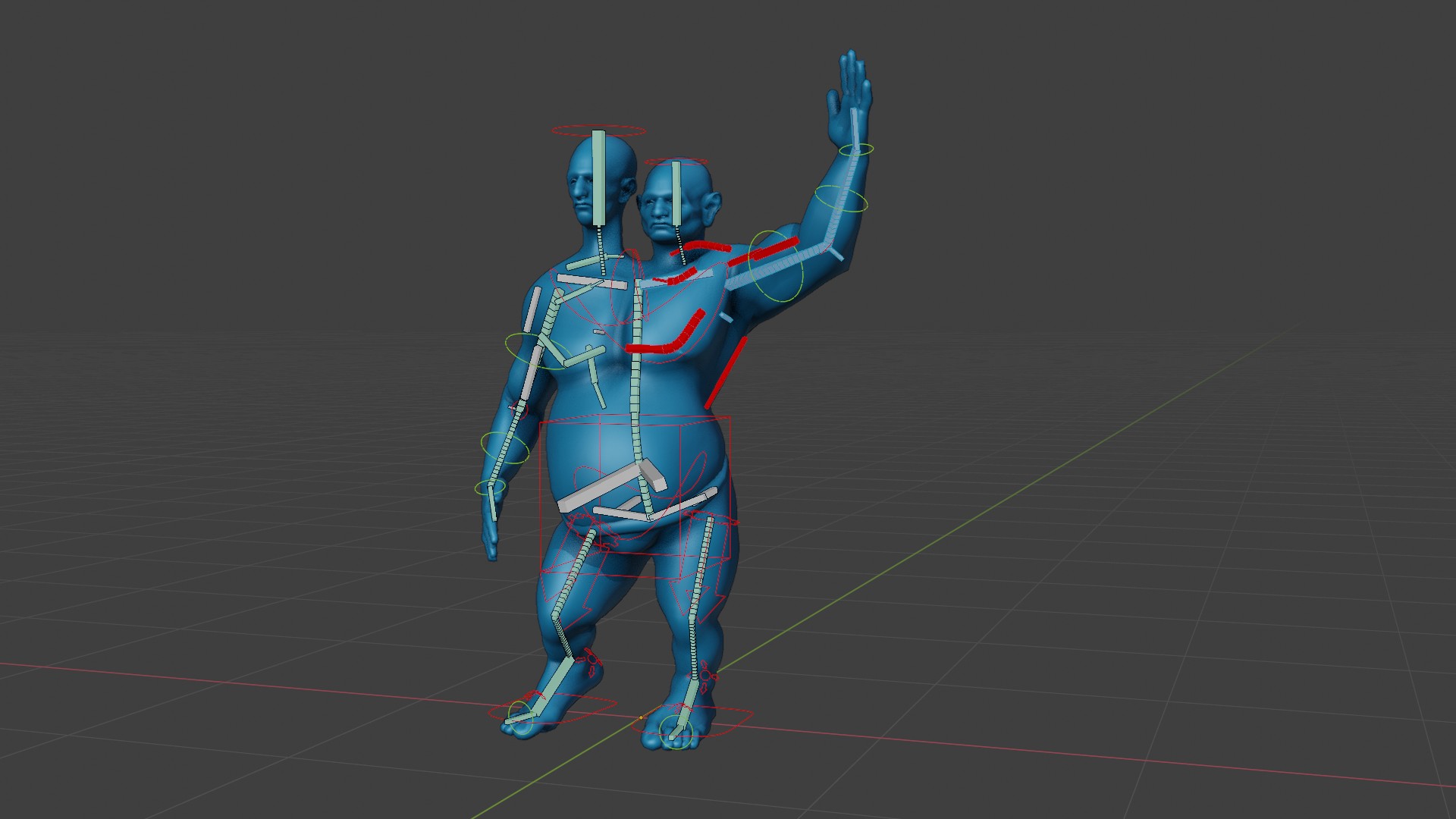
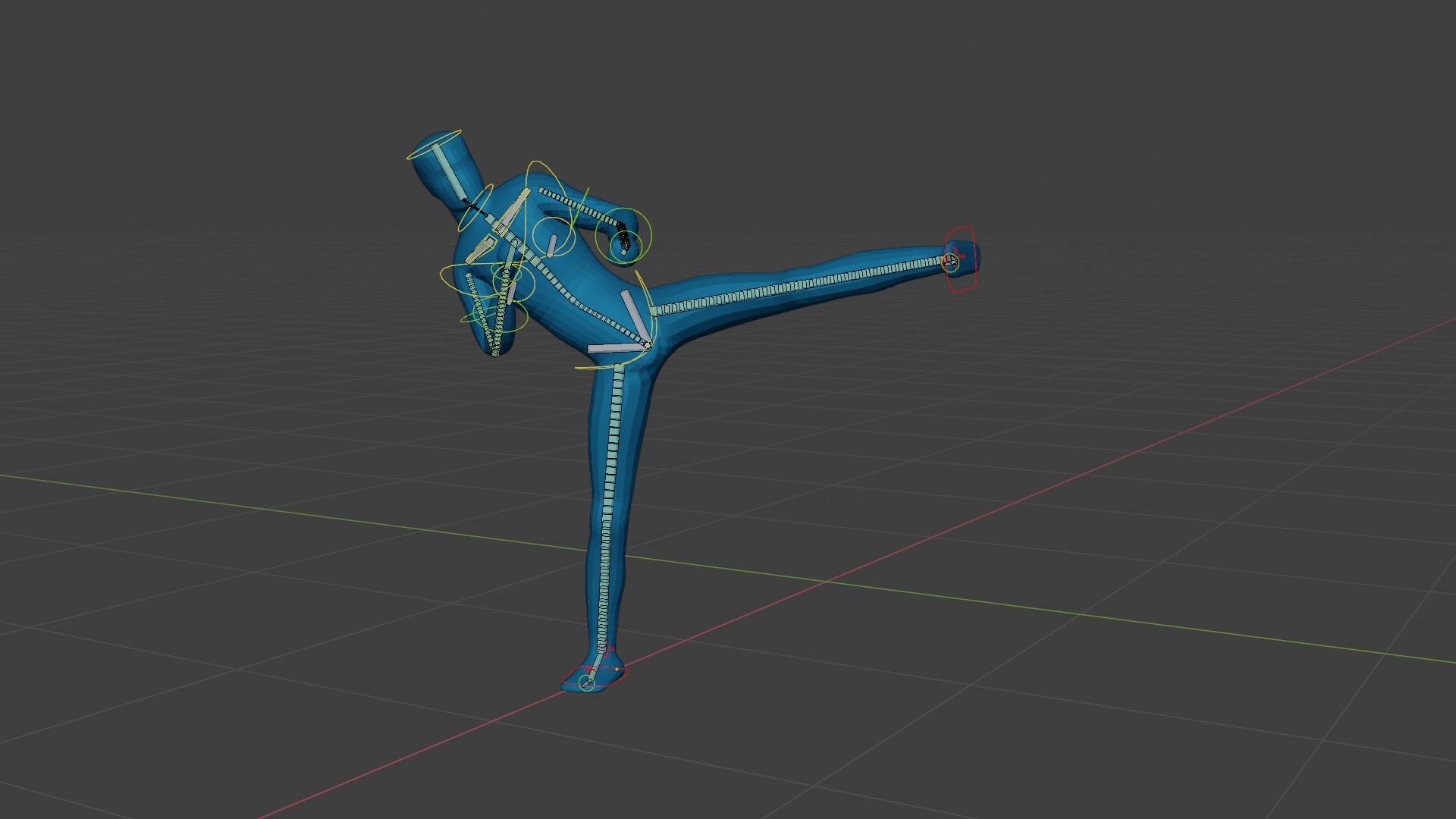
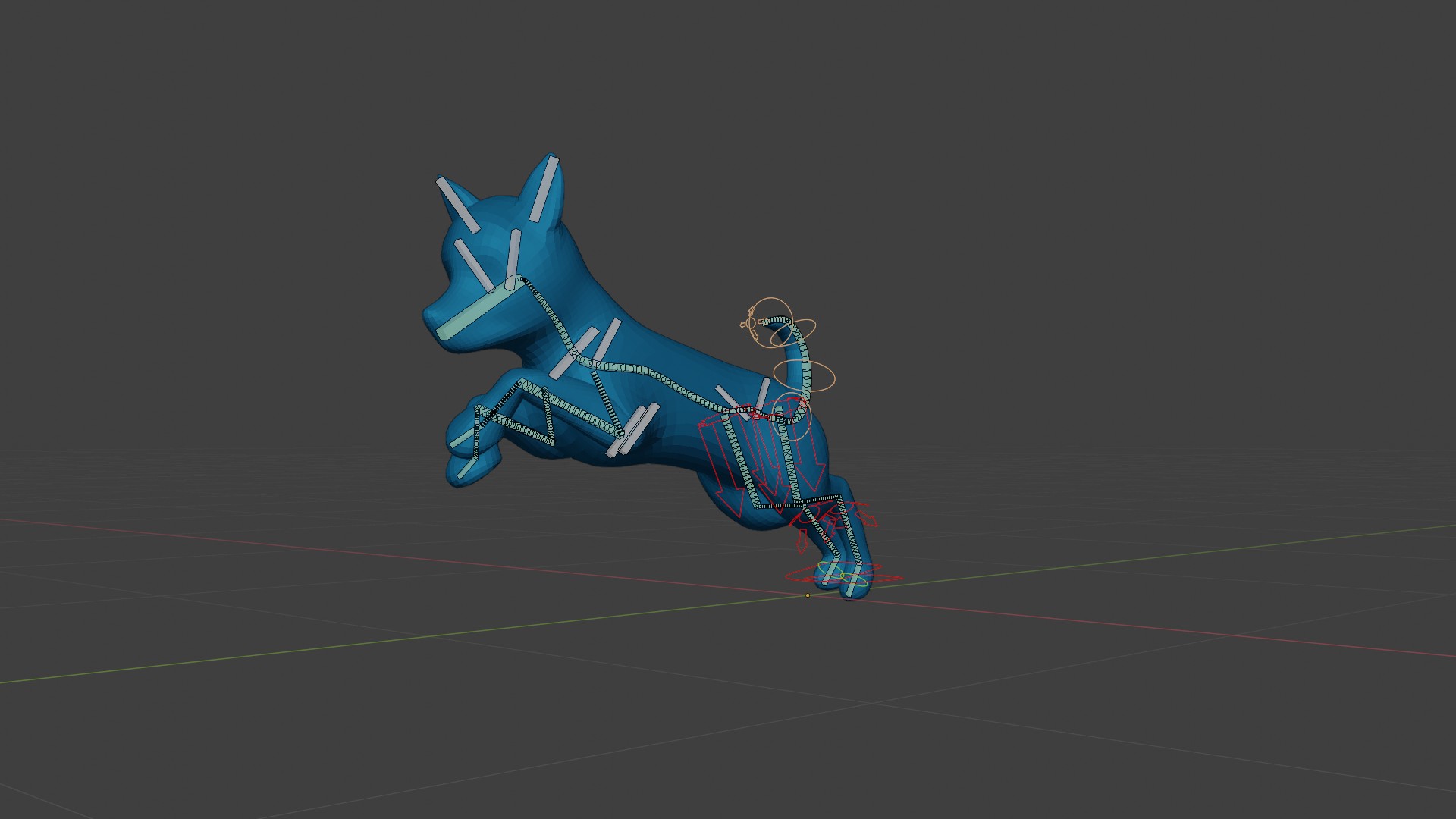
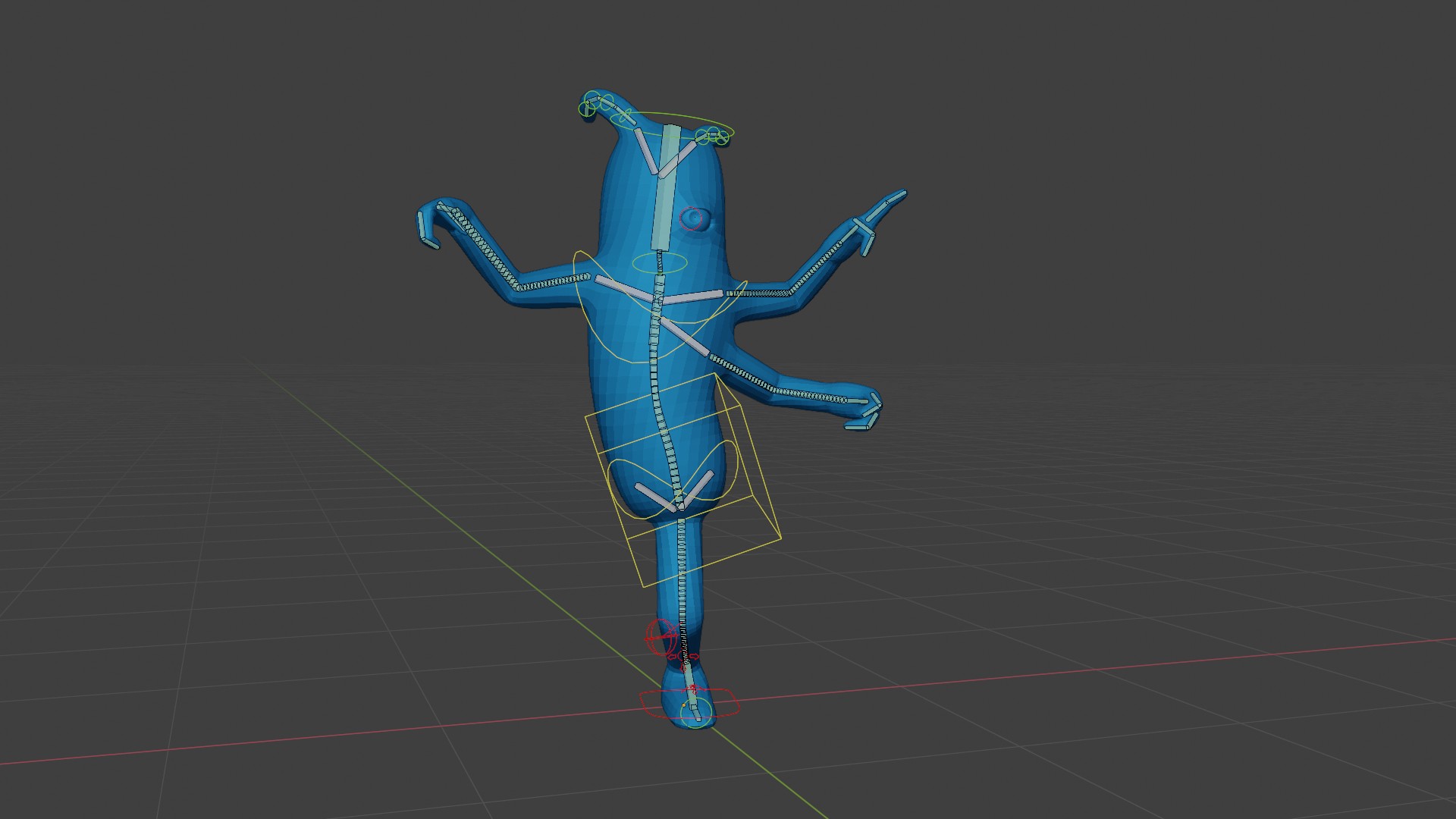
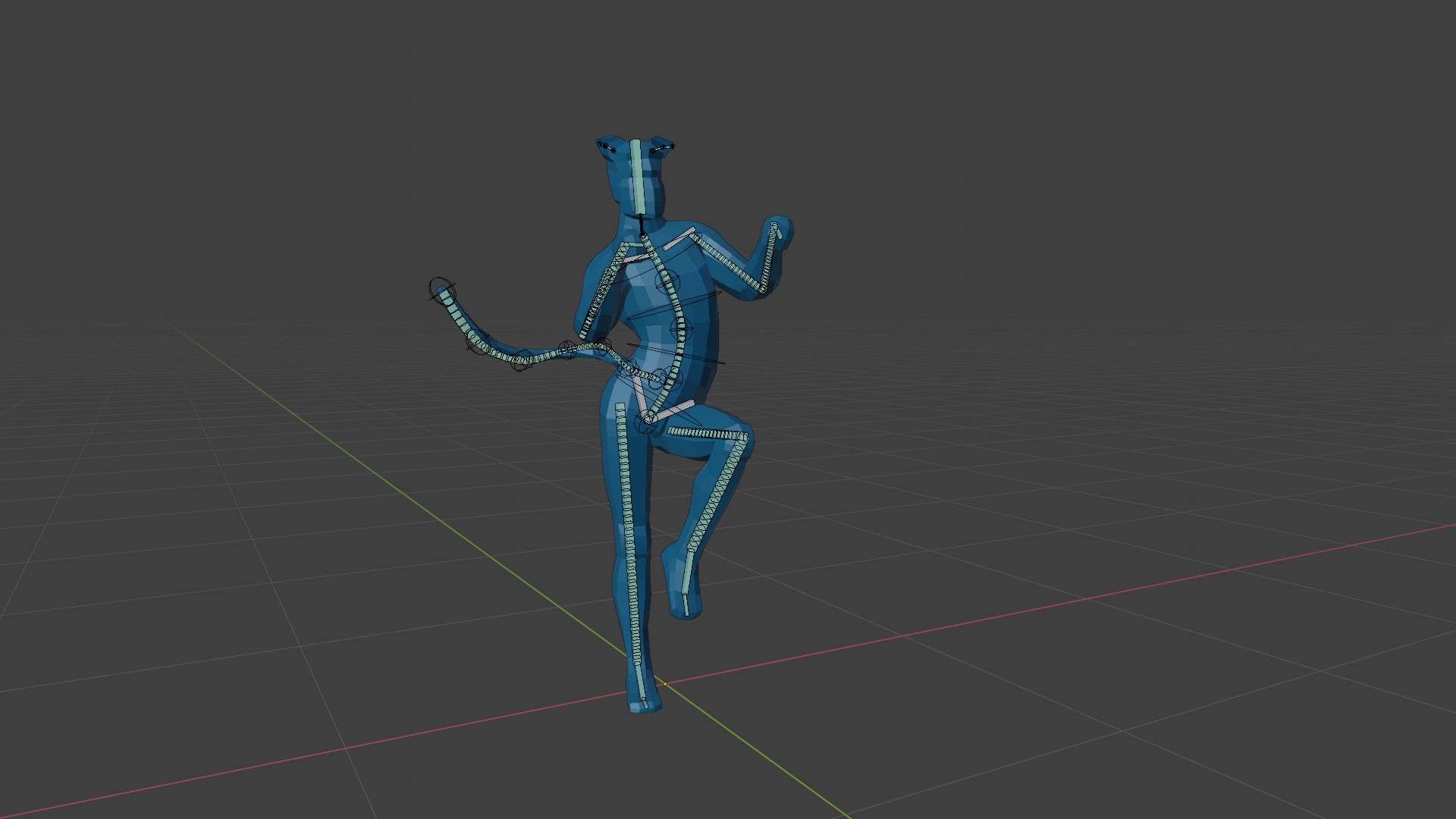
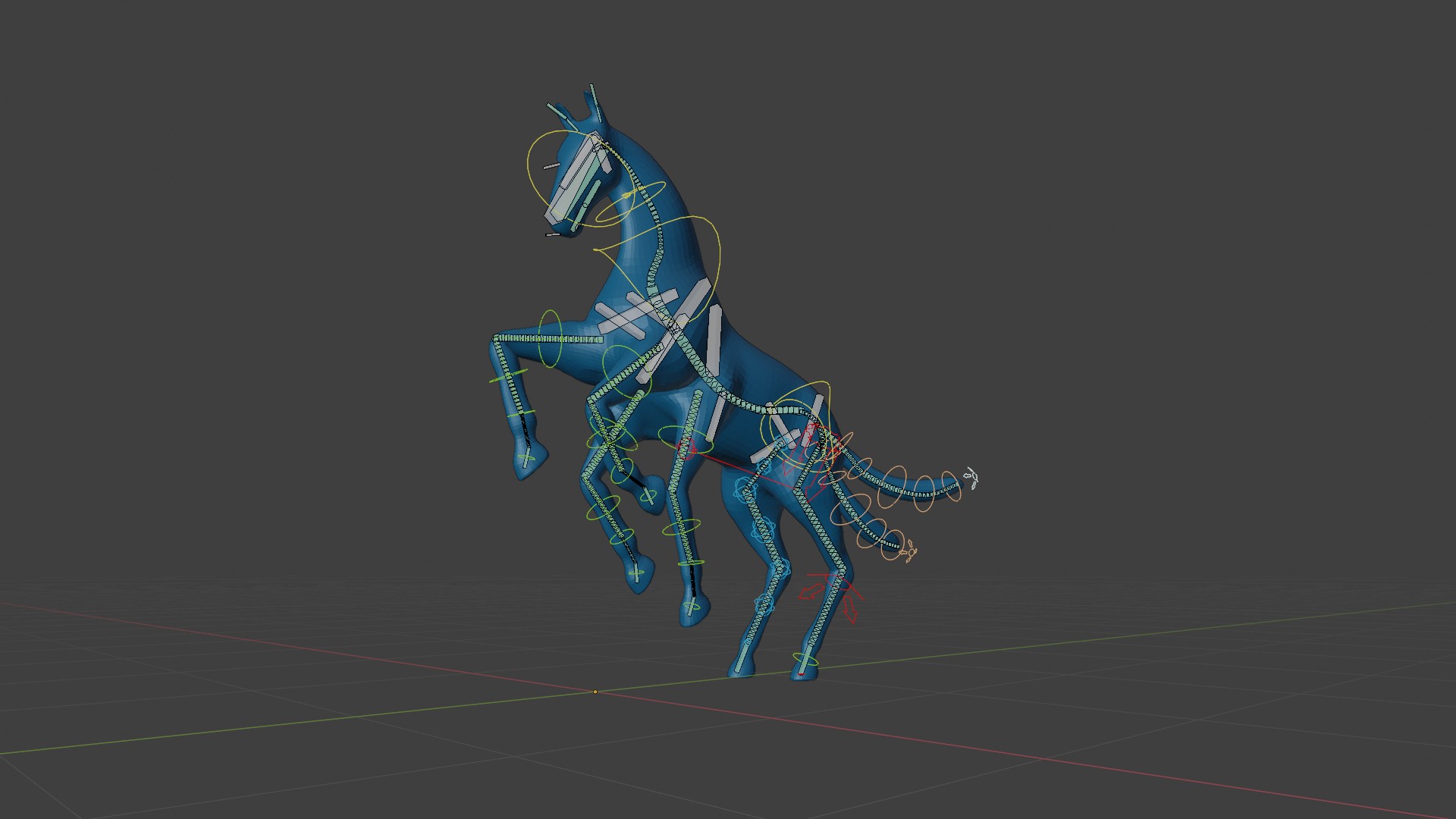


This item has an average rating of 5 from 12 ratings by the community.
Purchase this item to leave a review!
Todor (CGDive)
over 4 years ago
Thank you for the awesome review!
Todor (CGDive)
about 5 years ago
Thank you!
Todor (CGDive)
about 5 years ago
Thank you very much, Dave. Great to hear that the course gave you a good understanding of the Rigify workflow!
Todor (CGDive)
almost 6 years ago
Thanks for taking the time to write a review, Pete. Much appreciated!
Todor (CGDive)
almost 6 years ago
Thank you for the positive review, Matthew!
I am glad you found the course easy to consume. That was one of my priorities.
Todor (CGDive)
almost 6 years ago
Thank you very much, Oscar.
Glad to hear I opened your mind towards Rigify. I think it's a great help and makes rigging more manageable for people with less experience and less time to learn it at a high level.
Todor (CGDive)
almost 6 years ago
Hi Henk. Thank you for sharing what you liked about the course!
Todor (CGDive)
about 6 years ago
Thank you for the review, John!
Todor (CGDive)
over 6 years ago
Awesome! I was looking for one myself but I ended up making one instead :)
Thank you for your support!
Todor (CGDive)
over 6 years ago
Thank you for the positive review! My goal with the course was exactly that: to keep it concise and accessible.
Get access to all Modules: Basics, Dragon, Ogre, and Video Manual
Get access to Basics & the Ogre Rigging session
Get access to Basics & the Dragon Rigging session
Get access to Basics & Manual Modules
Have questions about this product?
Login to message
| Sales | 700+ |
| Rating | 12 ratings |
| Dev Fund Contributor | |
| Published | over 6 years ago |
| Blender Version | 4.1, 4.0, 3.6, 3.5, 3.4, 3.3, 3.2, 3.1, 3.0, 2.93, 2.92, 2.91, 2.9, 2.83, 2.82, 2.81, 2.8 |
| License | Creative Commons |
 Marc Volkers
 JaffaDave
 Pete Hanshaw
 Matthew Baker
 Oscar Franco
 Henk Kok
 John Klassen
 Eric Love
 blendthat
