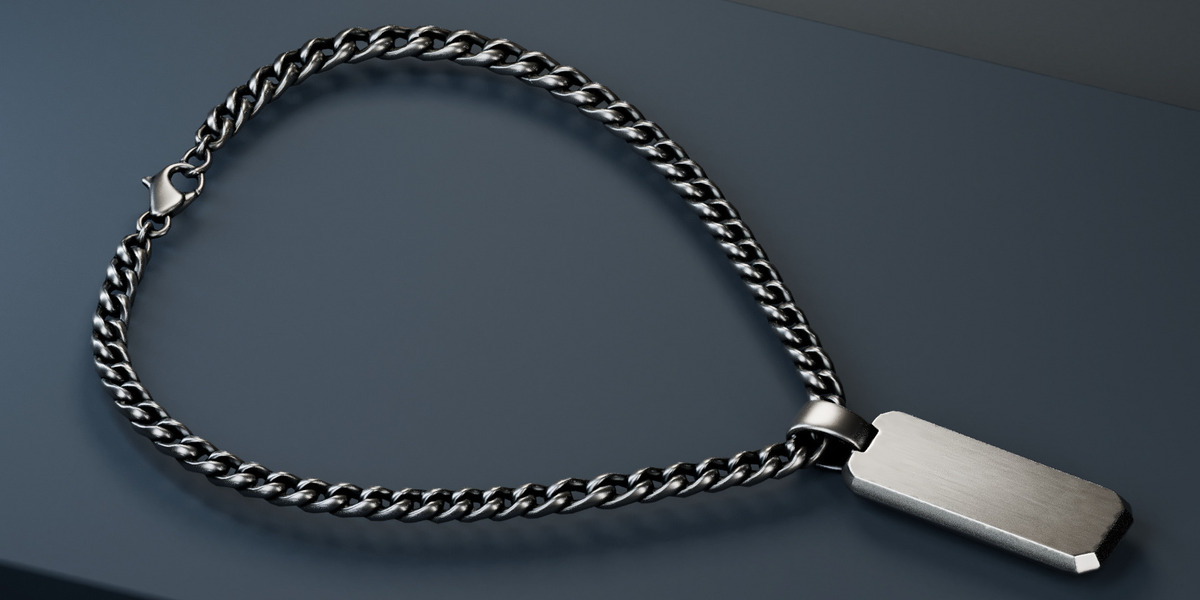
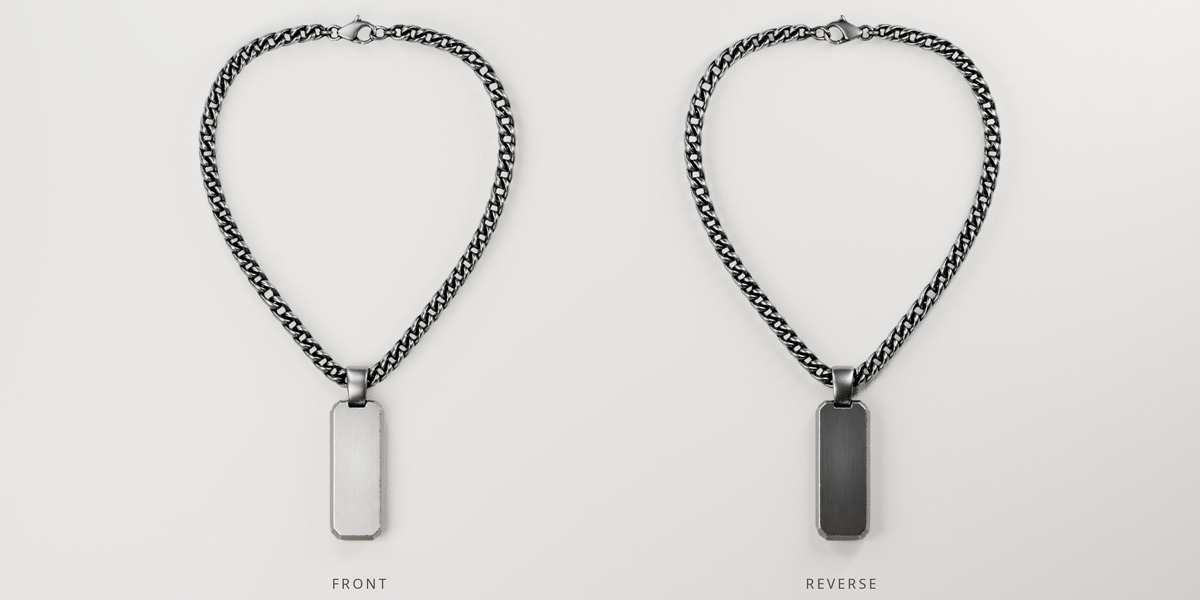
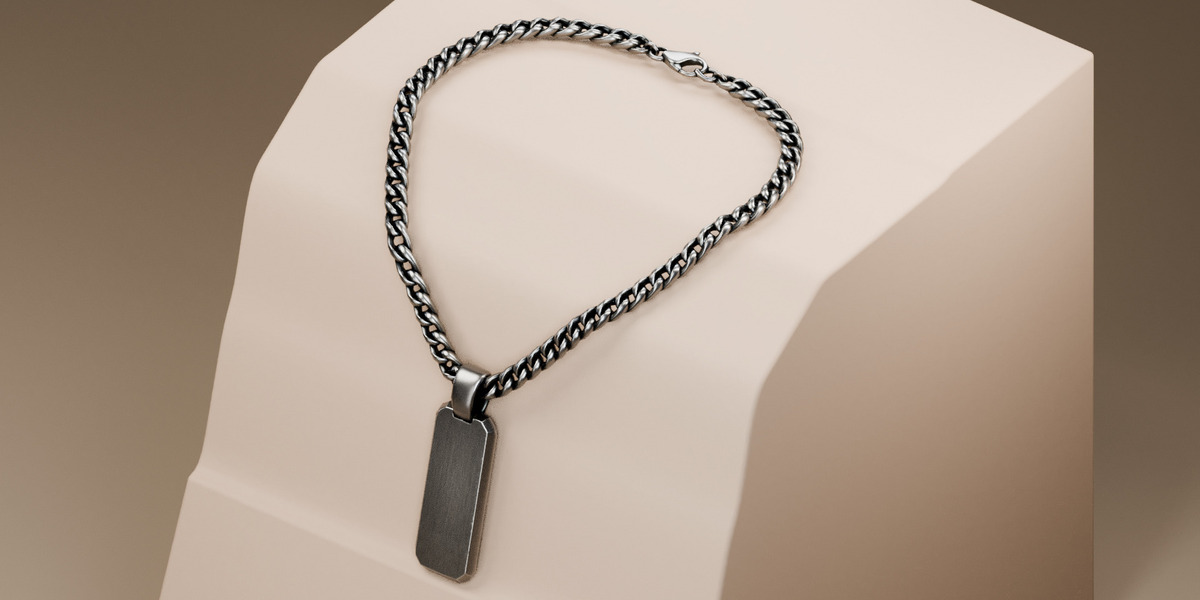
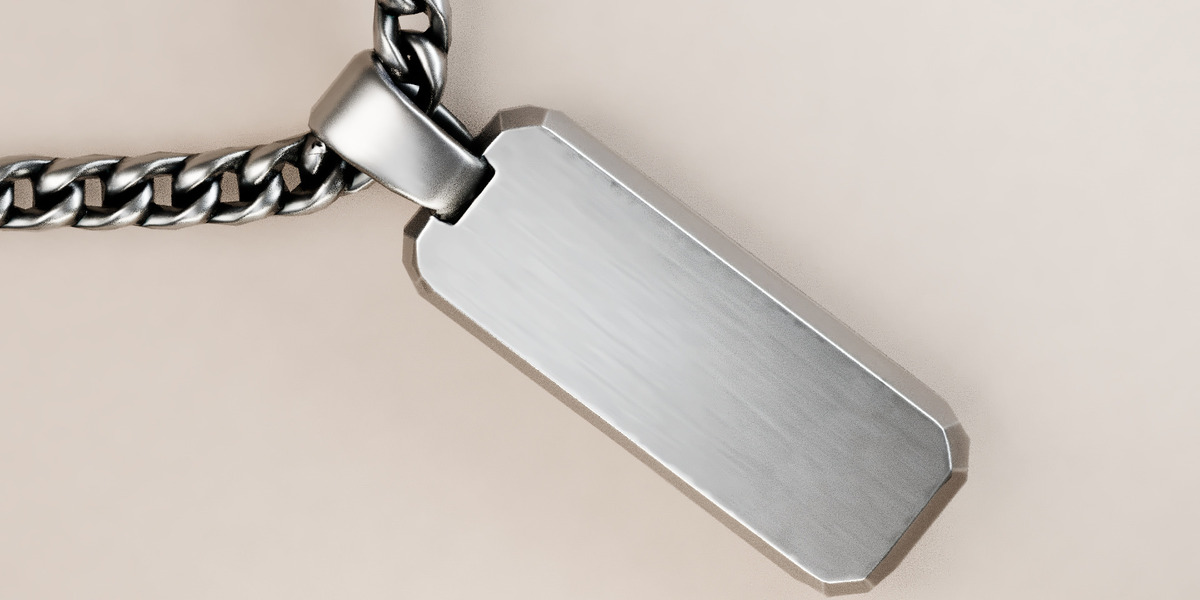
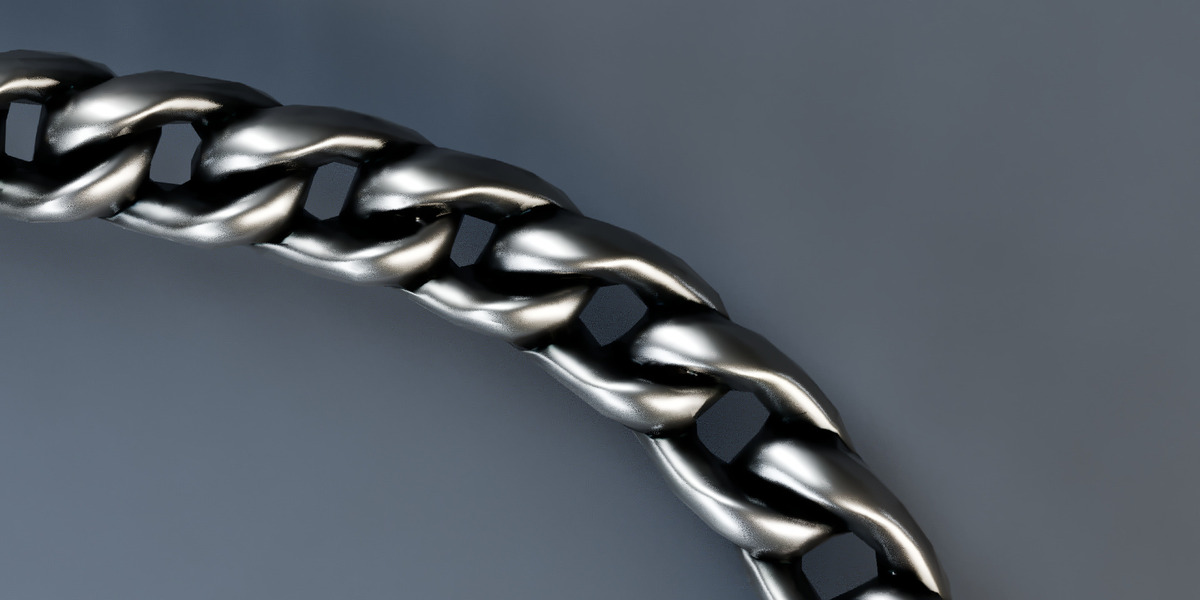
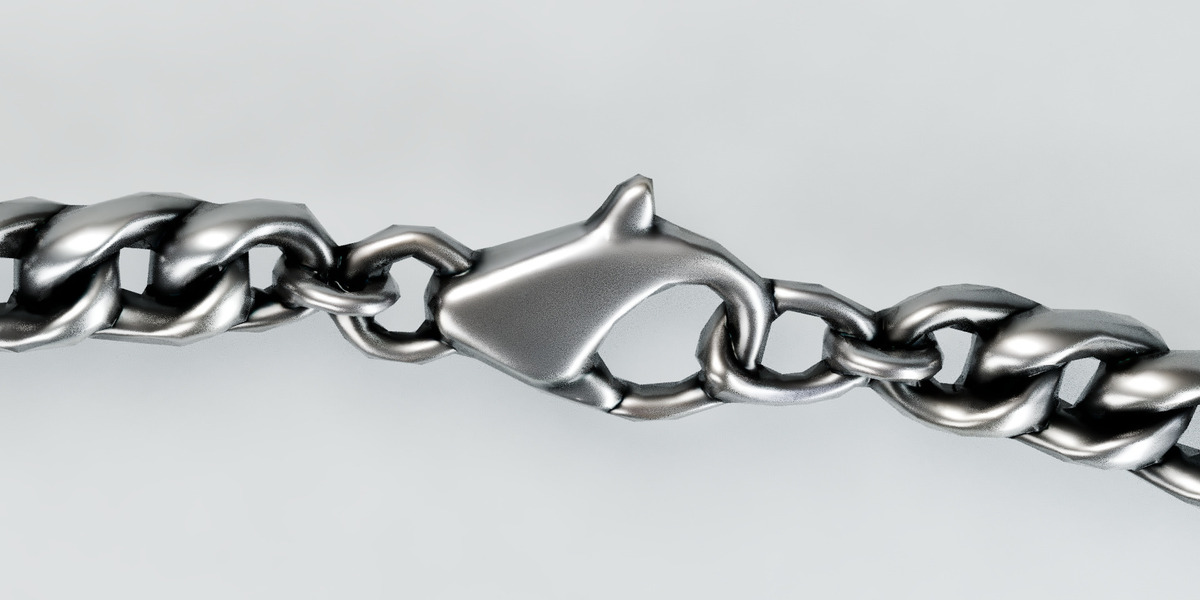
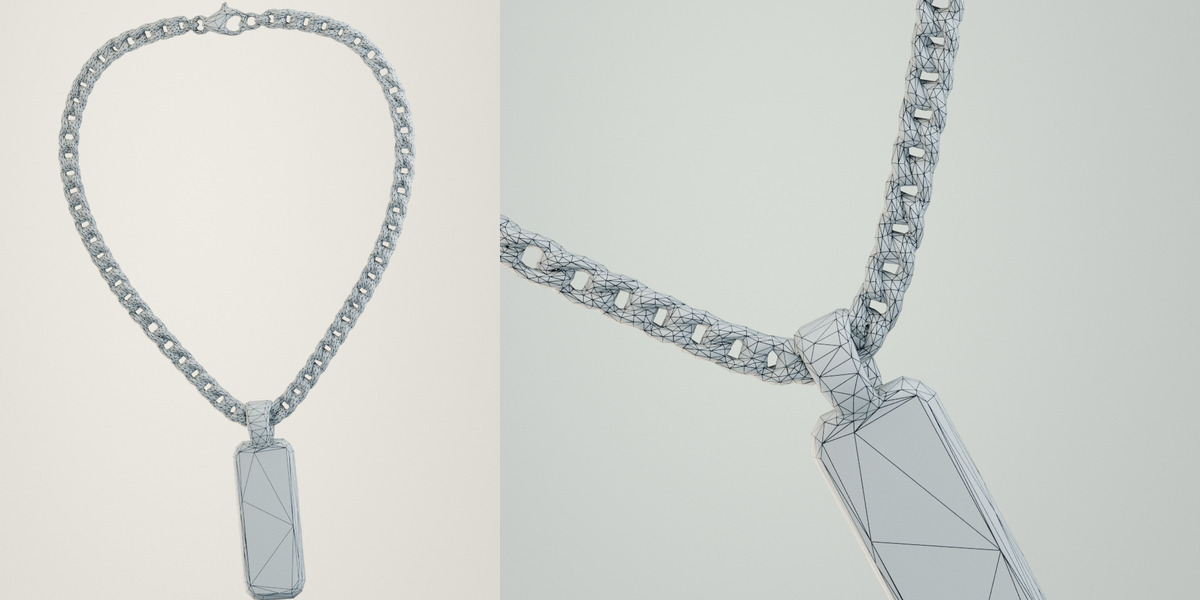
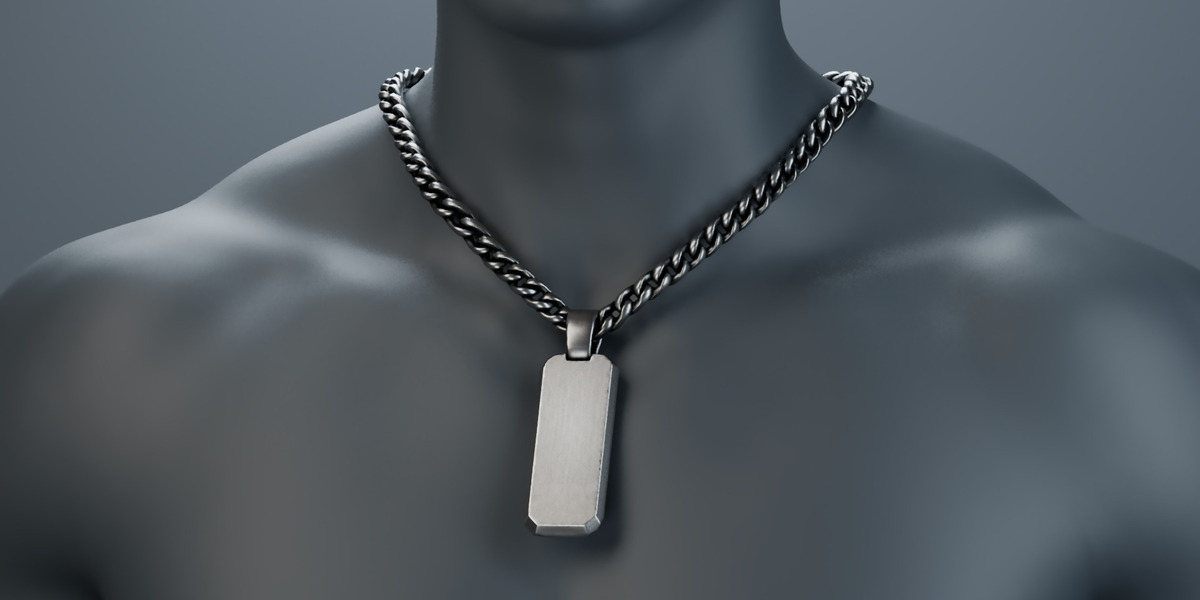
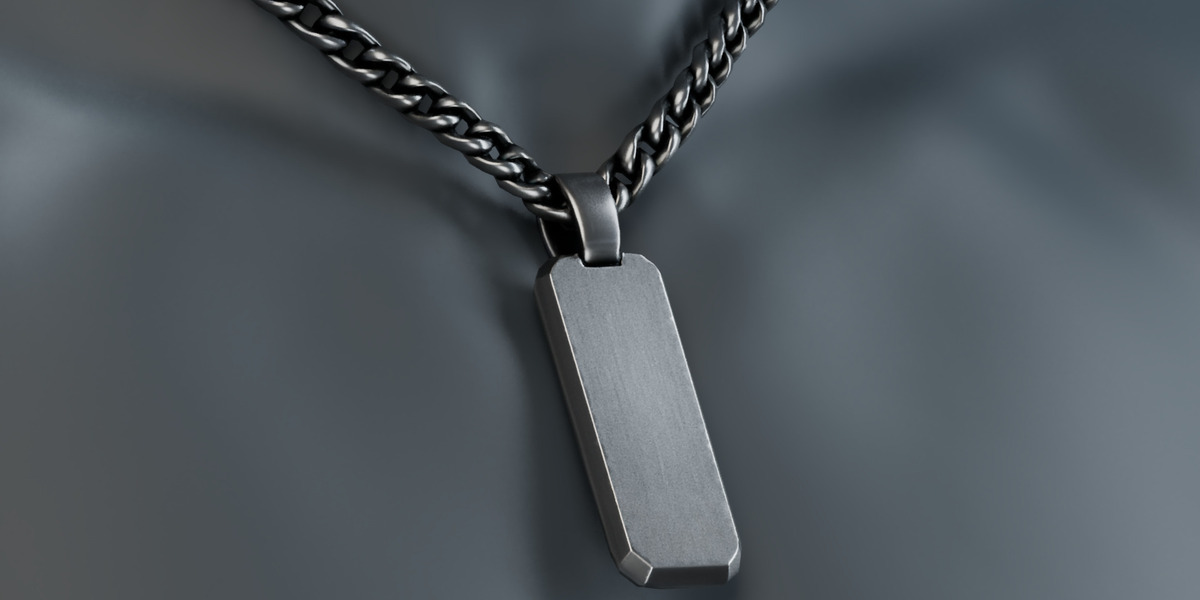
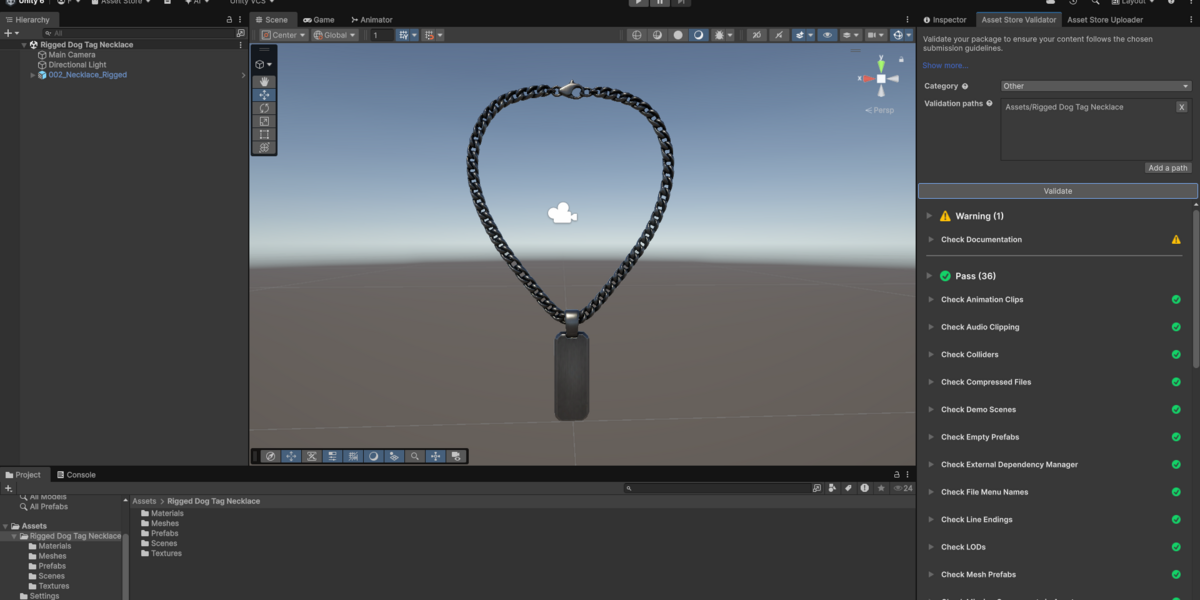
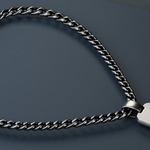
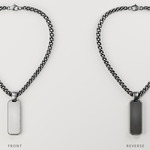
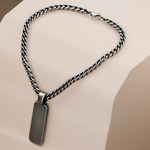
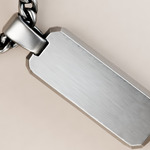
Rigged Dog Tag Necklace With Curb Chain Game-Ready 3D Model
 3D Skill Up
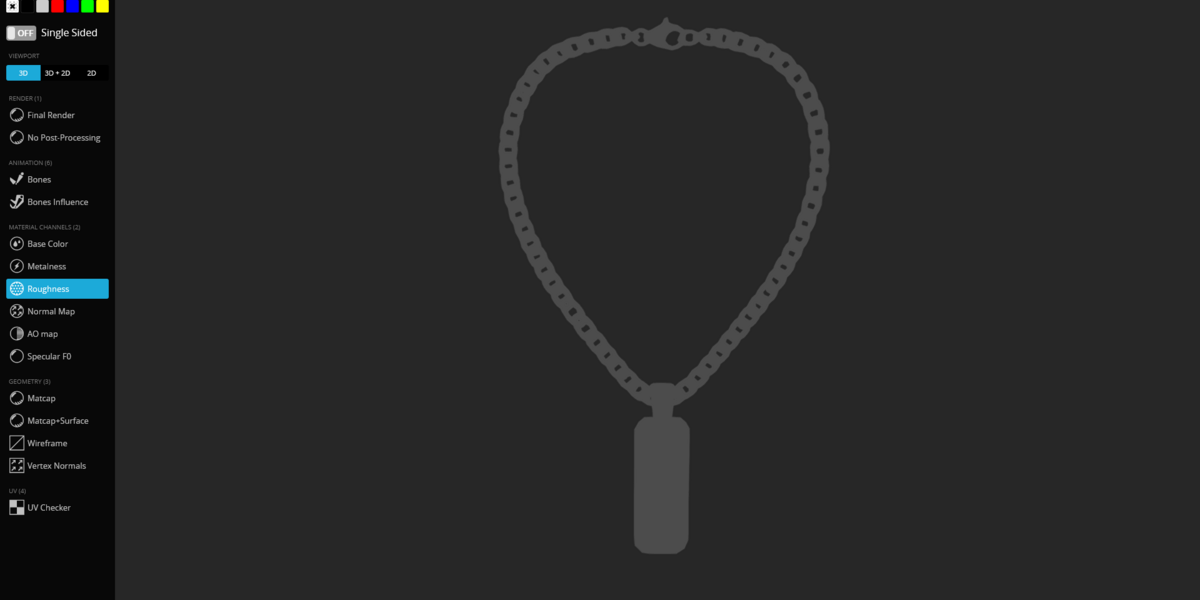
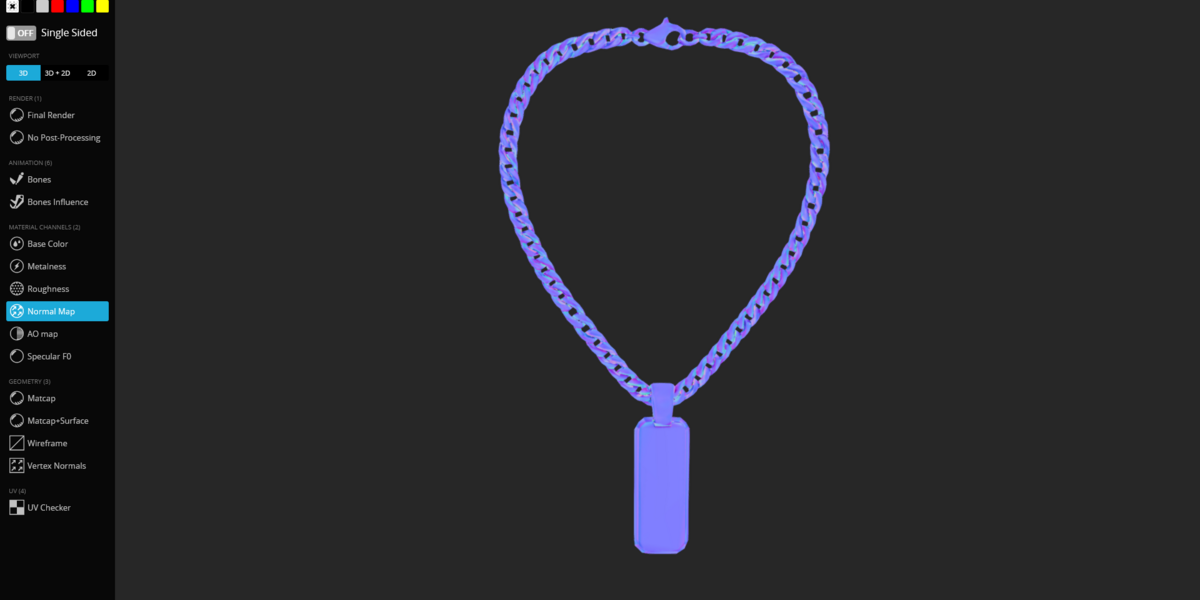
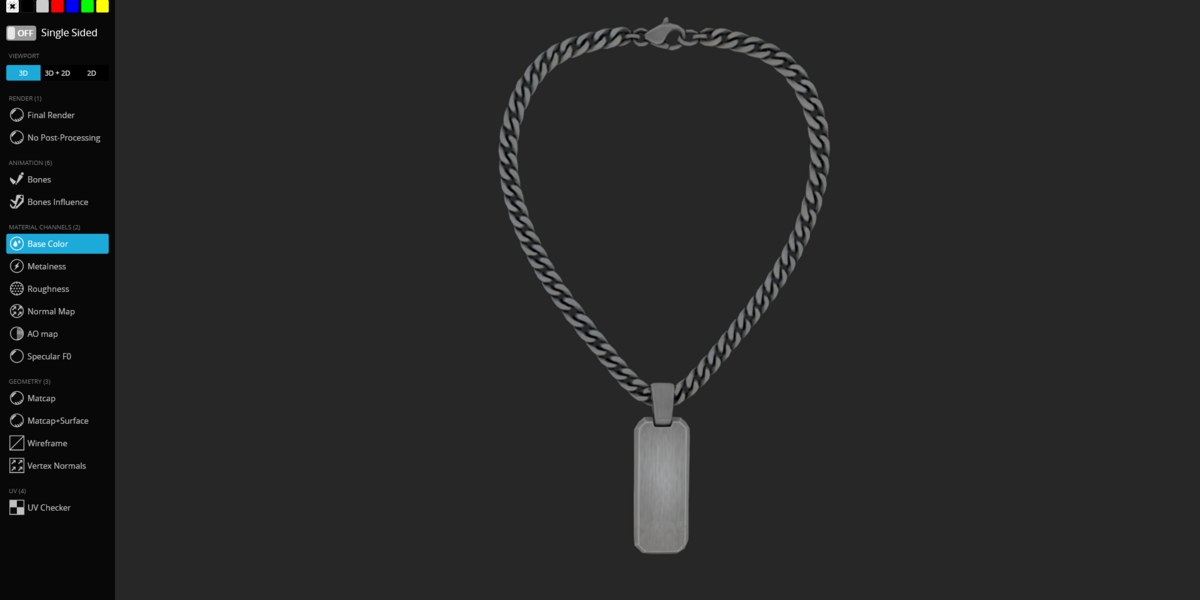
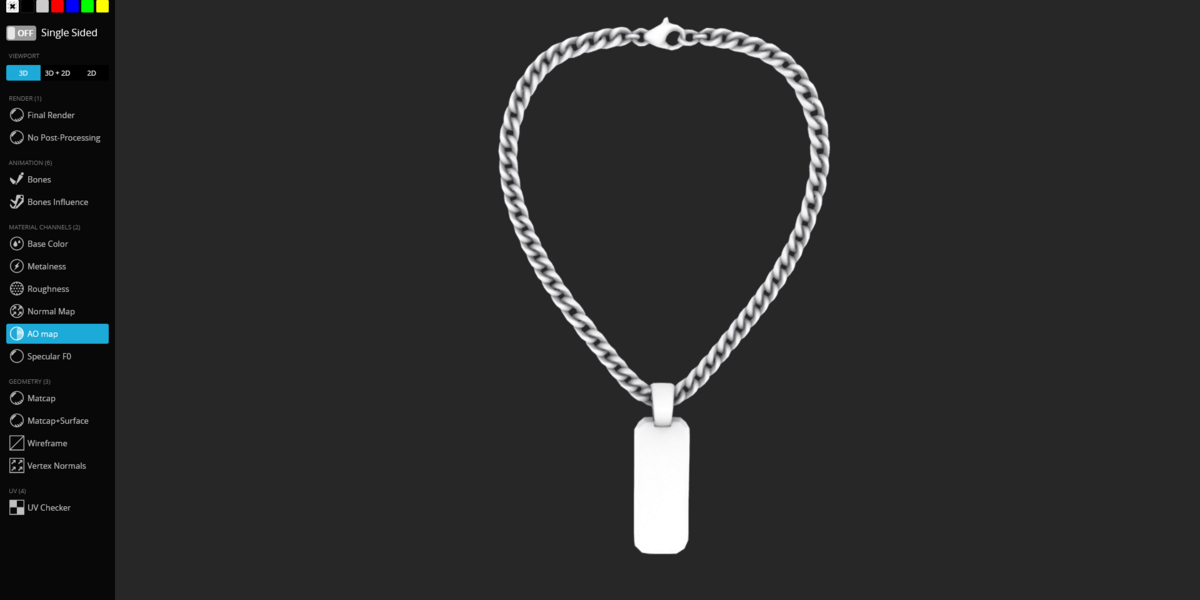
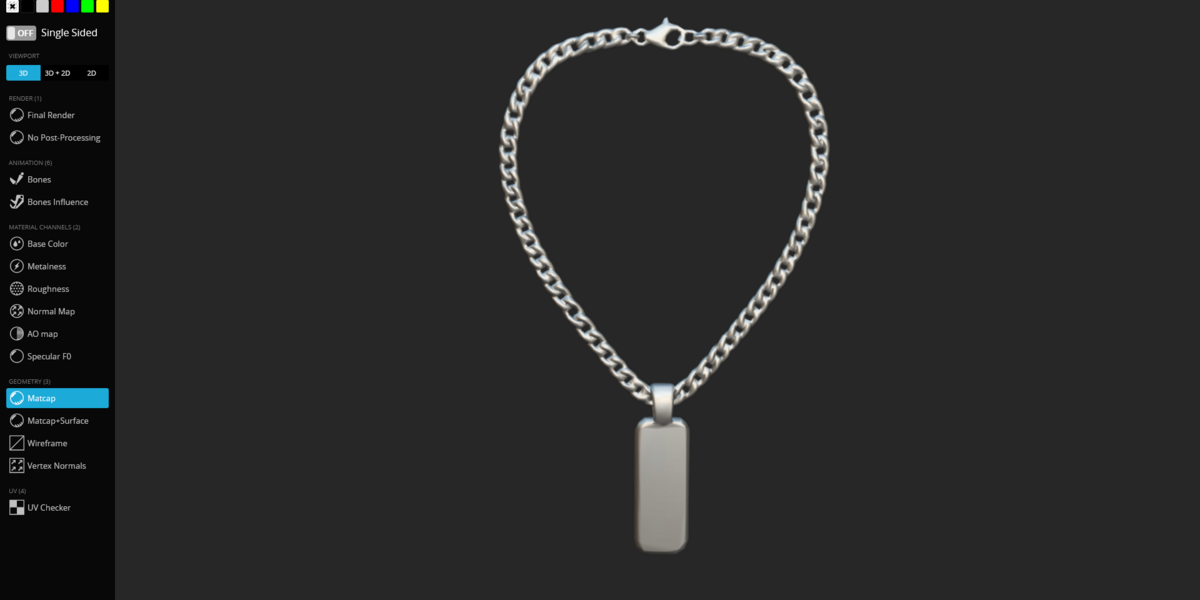
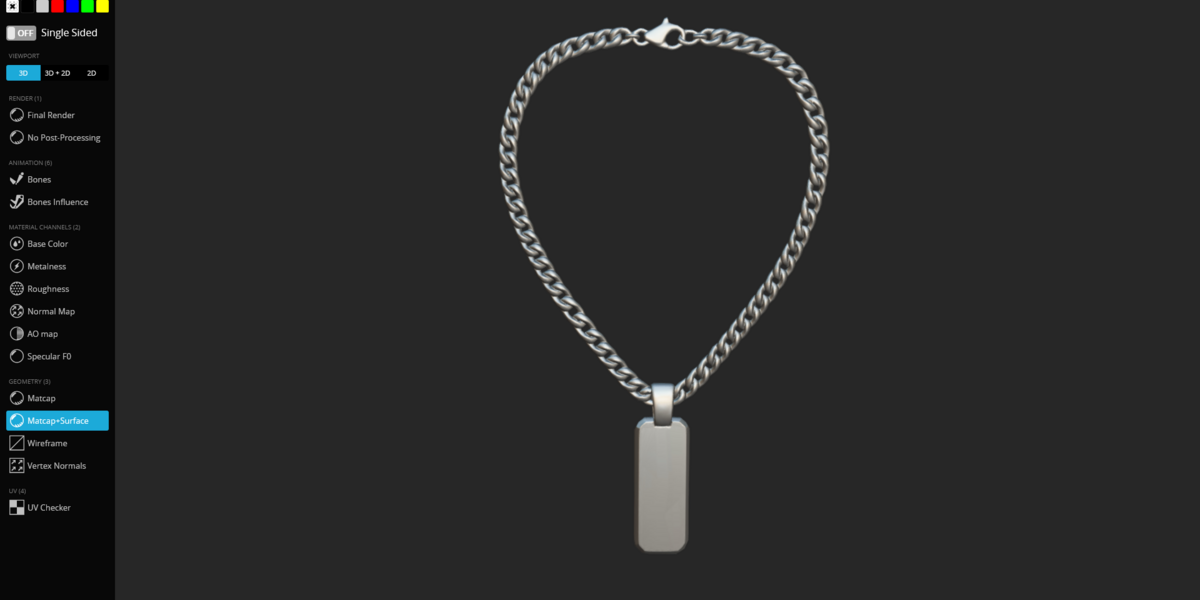
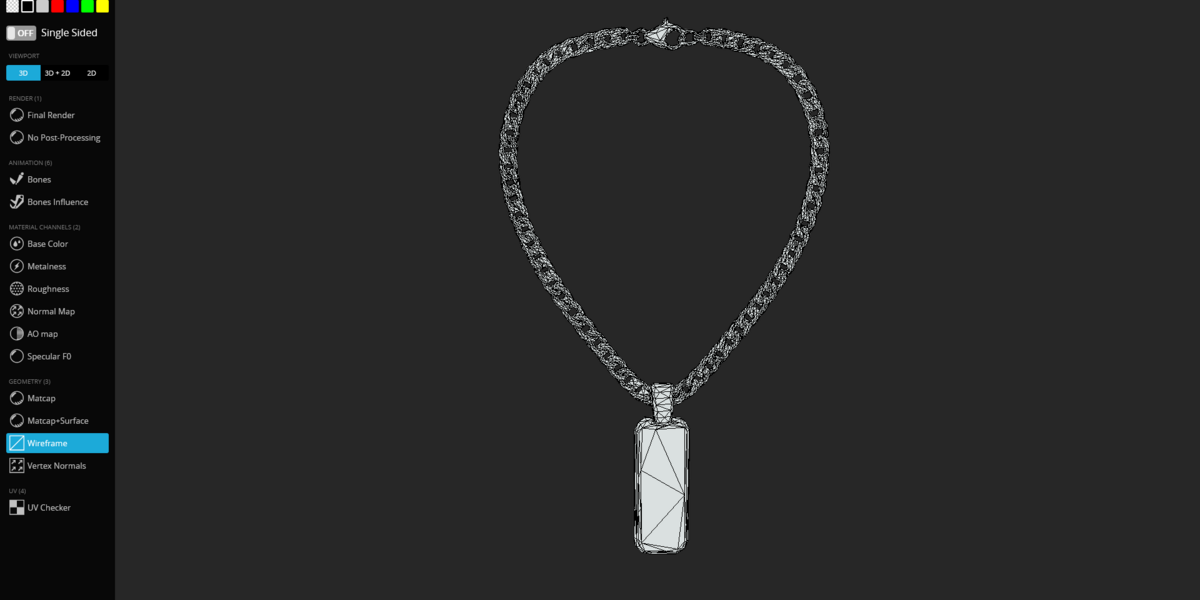
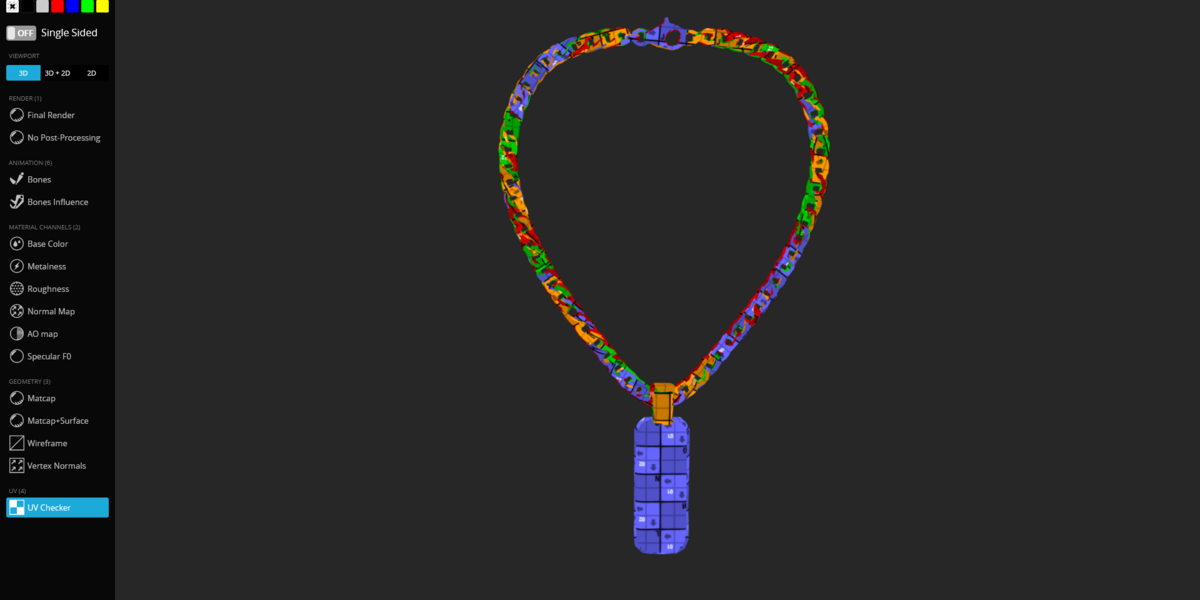
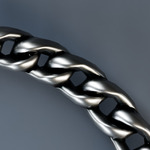
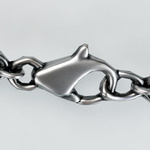
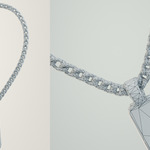
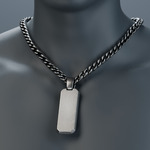
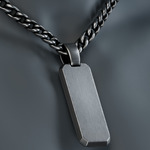
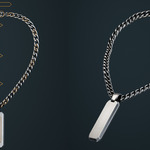
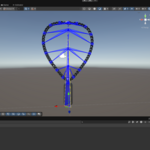
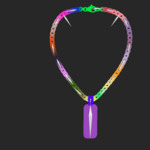
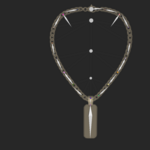
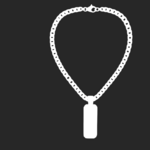
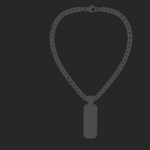
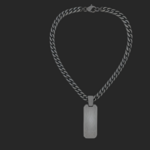
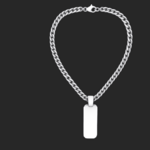
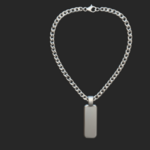
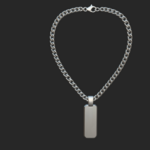
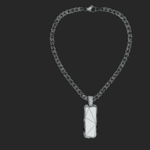
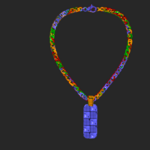
What is the difference between a rigged necklace and a static necklace?
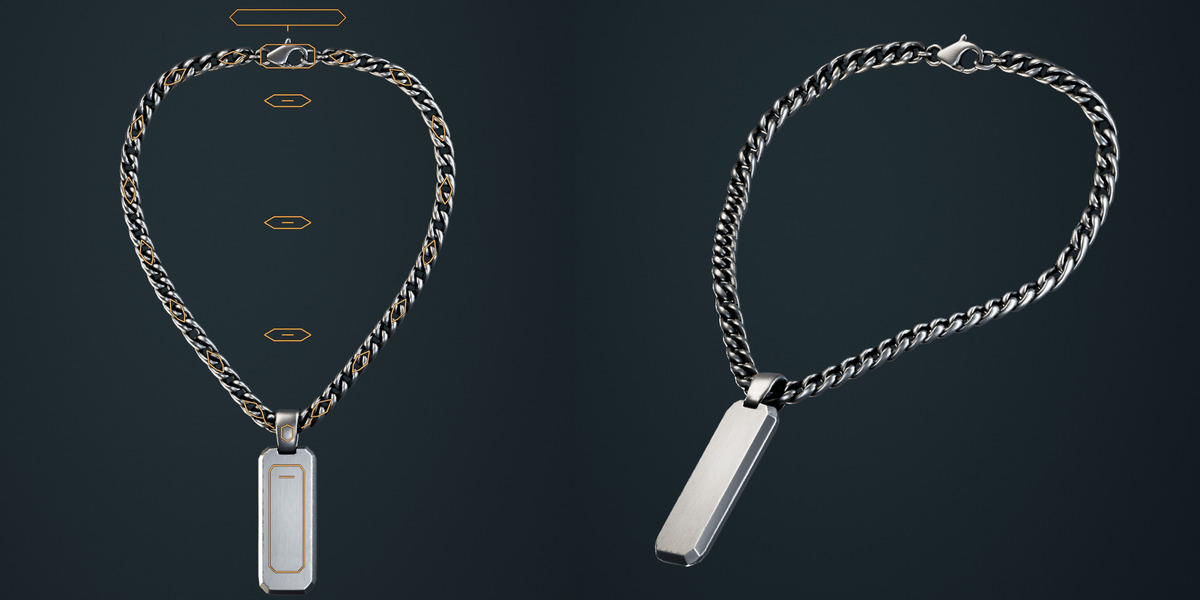
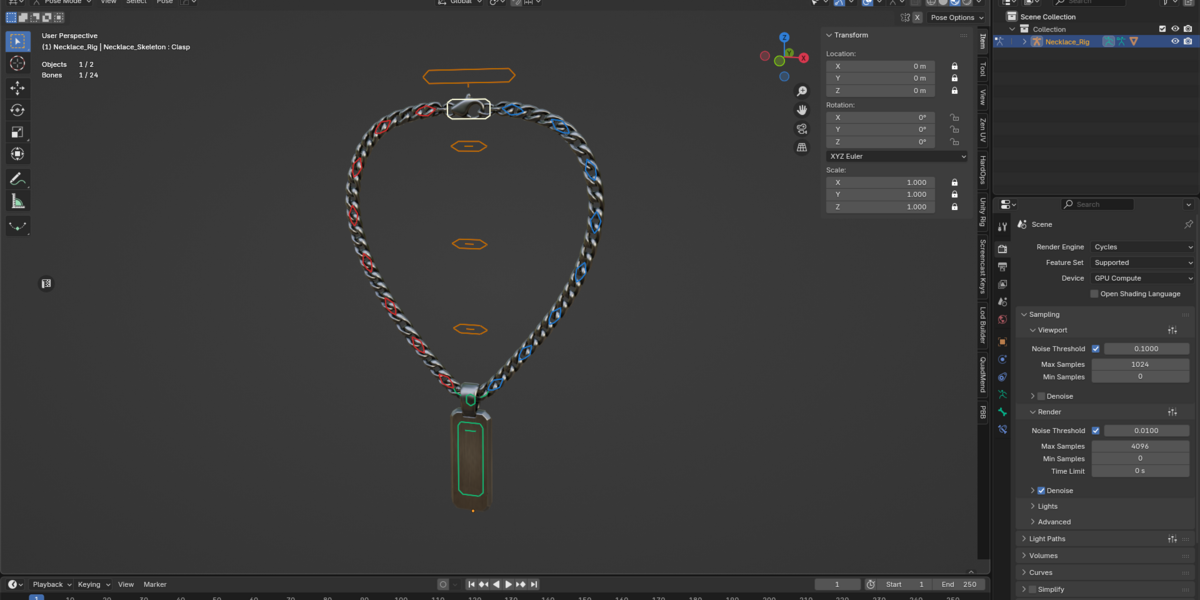
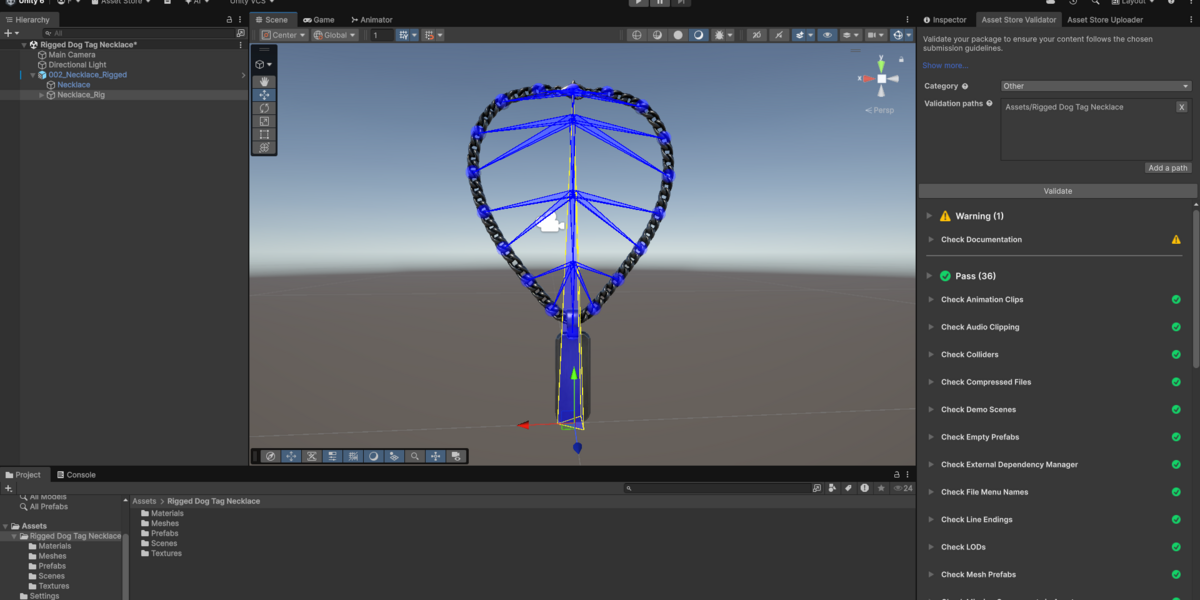
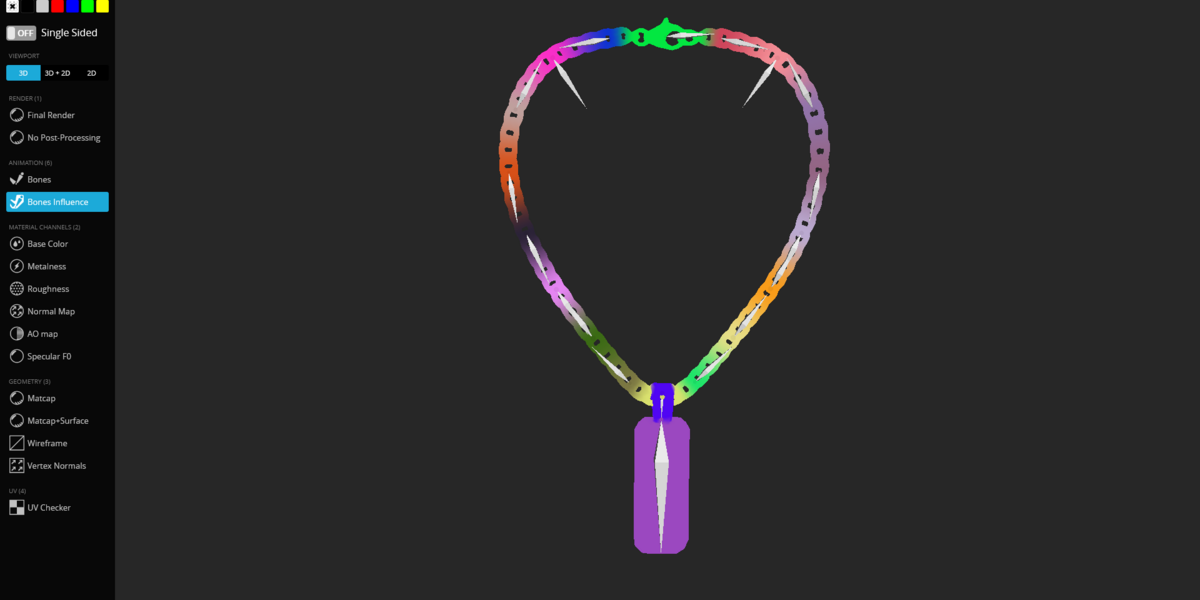
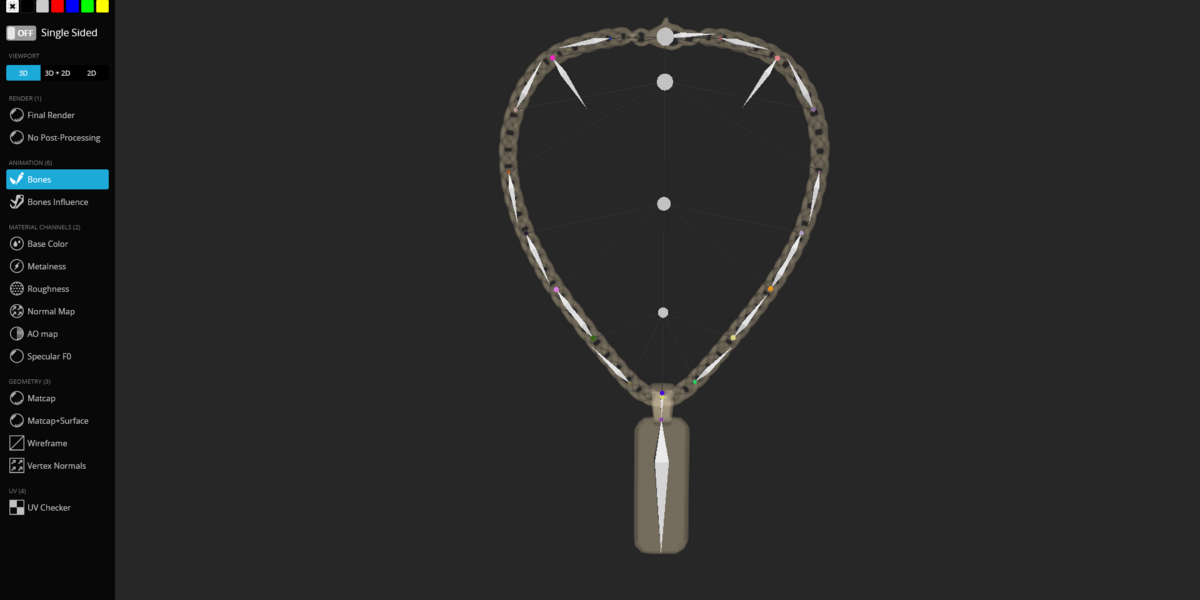
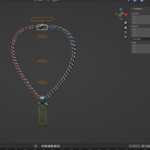
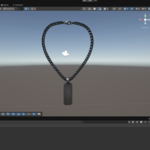
A rigged necklace has bones that let you pose the chain and animate individual parts. A static necklace keeps its shape when you move or rotate it as a whole. Use the rigged version for a character wearing the jewelry and the static version for an inventory preview or display case.
How do I fit the necklace to my character?
Position the necklace around the base of the neck, then adjust the chain controls along the collarbones and upper chest. Check the fit from the front and side while the character wears the intended outfit. A pose that fits bare shoulders may need more clearance over a shirt or jacket.
Can I attach the necklace to an existing character rig?
Yes. Parent the necklace’s root to an attachment point on the character, such as an upper-chest bone or socket. The necklace will follow the character while its own bones remain available for posing. Test a head turn and a shoulder raise to check the fit in motion.
Will the necklace swing automatically when the character moves?
Automatic swing requires a physics setup. You can also animate the necklace bones by hand. For example, when a character stops walking, let the chain or pendant continue forward slightly, then settle back against the chest.
Which texture resolution should I use for a necklace in a game?
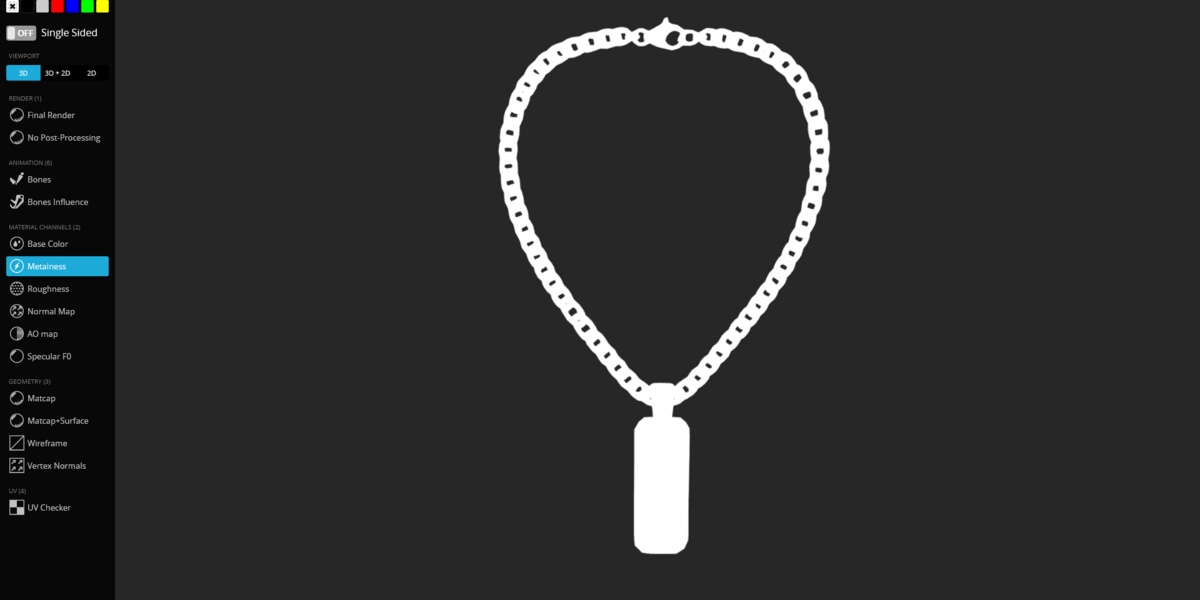
Choose based on how large the necklace appears on screen. As a starting point, use 1K for background characters, 2K for regular gameplay, and 4K for close-up portraits or jewelry inspection views. Check the result at your game’s target resolution before increasing texture size.
 Included
Includes 12 months of
- Support from 3D Skill Up
- Product updates
Extend this product’s Support Period +12 months: 25% of product price
Have questions before purchasing?
Login to message
| Dev Fund Contributor | |
| Published | about 2 hours ago |
| Blender Version | |
| Misc Data | Uvs-Unwrapped, Manifold-Mesh, Rigged, Low-High-Resolution, Normal-Mapped, Textured |
| License | Royalty Free |