Rigify Animation Library Addon V 2.0.0 Updated
 Blender house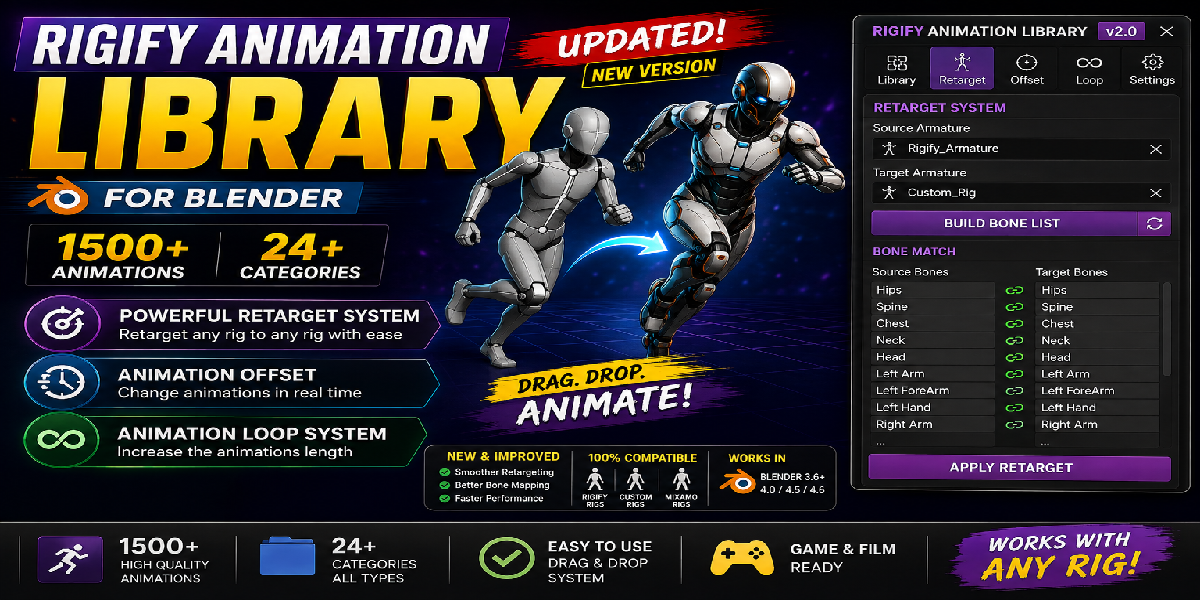





Note: This is a large animation library, so installation may take a little while. Please be patient and let the installation complete.
Rigify Animation Library Addon v 2.0.0
Installation
Download the addon ZIP file.
Open Blender.
Go to Edit → Preferences → Add-ons.
Click Install and select the downloaded ZIP file.
Enable the addon from the Add-ons list.
Save Preferences.
Requirements
Blender 4.x
Rigify Character Rig
Usage
Select your Rigify character.
Open the Rigify Animation Library panel.
Browse through the available animation categories.
Choose an animation from the library.
Apply the animation to your character.
Adjust timing and blending if needed.
Included Content
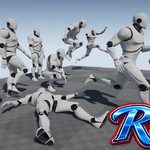
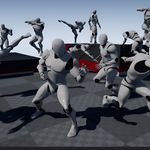
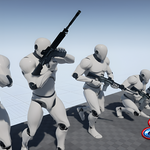
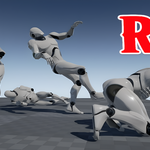
1500+ Animations
18 Organized Categories
Smooth Motion
No Foot Slip
Fast Animation Browsing
Easy-to-Use Interface
Categories
Communication, Dance, Exercise, Falling, Fight, Hanging & Climbing, Hero, Jump, Longbow, Love, Magic, Run, Skinning, Sport, Sword, Walk, Work, and Zombie.
Support
If you encounter any issues or have questions regarding installation or usage, please contact the creator through the marketplace support system.
Version
Current Version: 1.0.0
Discover more products like this
animations3D 35 rigify rig library 3000 ready to use animation Rigify Blender rigify rigging Auto-Rig Pro: Animation Library animation library rig