Ritu FX Pro & Studio - Weather, Wear and Life for Any Scene
 3D Nation





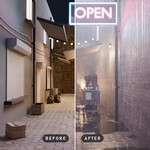
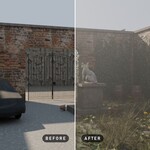



Install
- In Blender 4.5 or newer: Edit › Preferences › Get Extensions.
- From the ⌄ menu at the top right, choose Install from Disk… and pick ritu_fx-1.0.0.zip (Pro) or ritu_fx_studio-1.0.0.zip (Studio).
- In the 3D Viewport press N and open the Ritu FX tab.
If Ritu FX Lite is installed, disable it first, so there is one Ritu FX tab. Studio replaces Pro: install it over Pro and your scenes keep working.
Your first effect
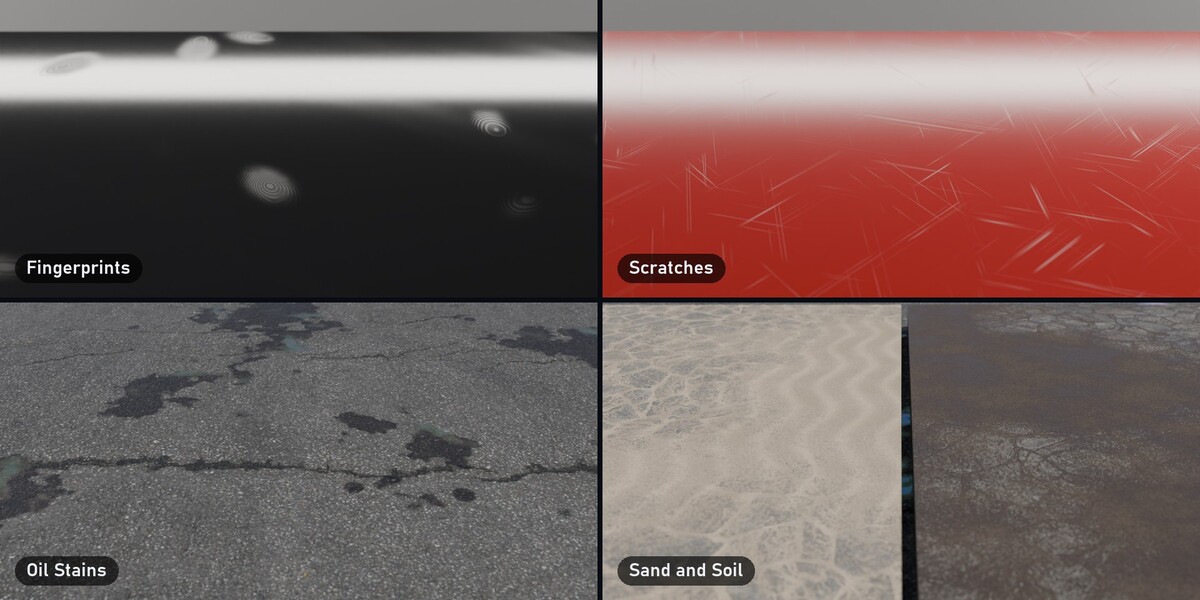
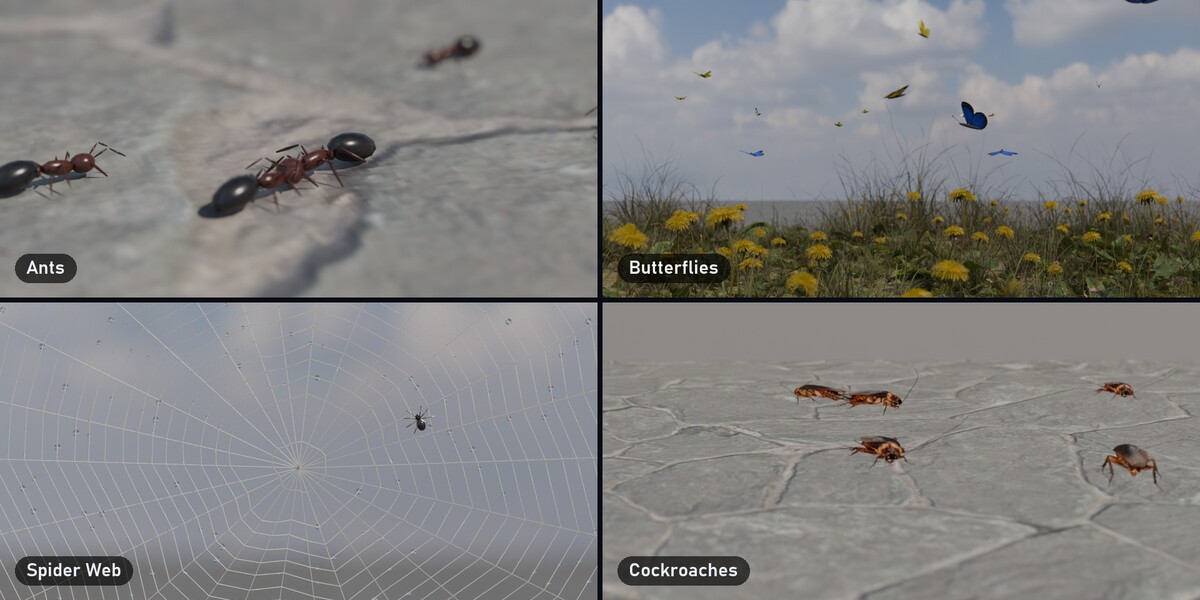
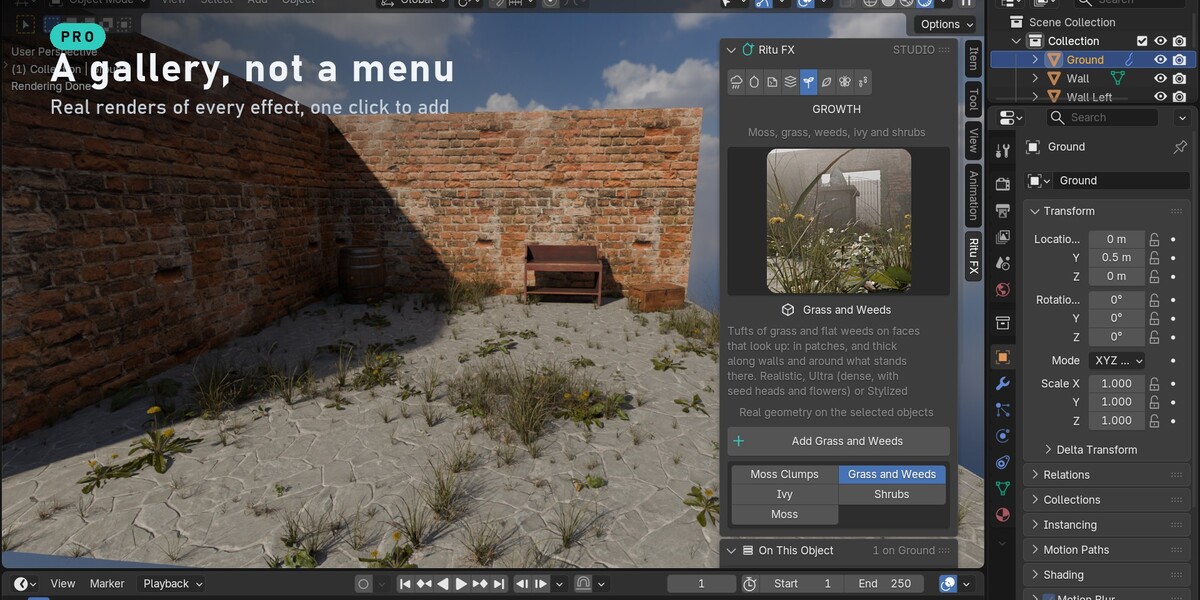
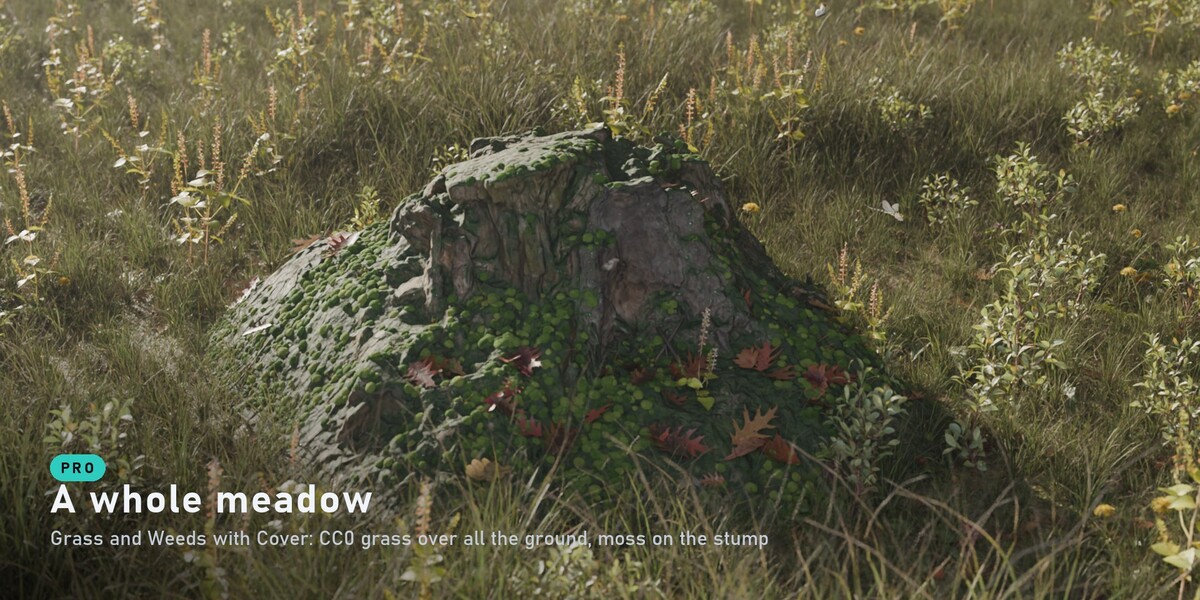
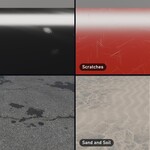
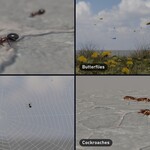
- Pick an effect from the gallery at the top of the panel. The icons along the top are the categories: Weather, Wetness, Wear, Cover, Growth, Litter, Marks, Life.
- Select the object it goes on and press Add. Material effects (wetness, dust, rust, moss…) become layers on top of your shader; geometry effects (grass, leaves, litter, rain…) become modifiers.
- Effects that start at a point (smoke, sparks, insects, birds) go where the 3D cursor is.
- Each layer has an eye to switch it off, and can be reordered or removed. Nothing is baked.
Weather System and Paint Where (Pro and Studio)
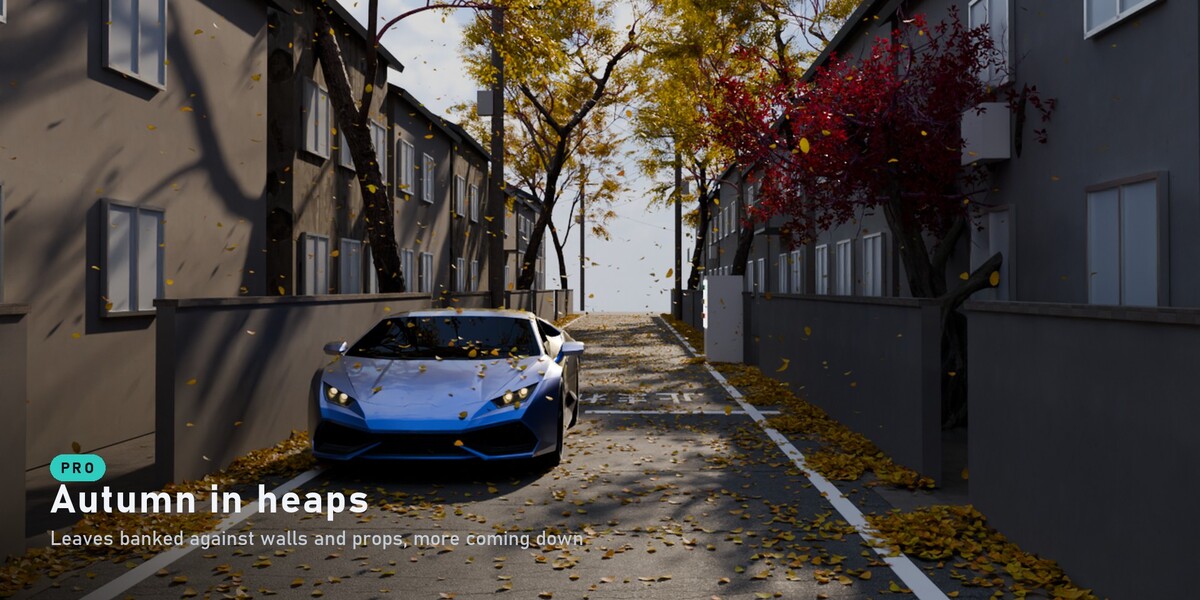
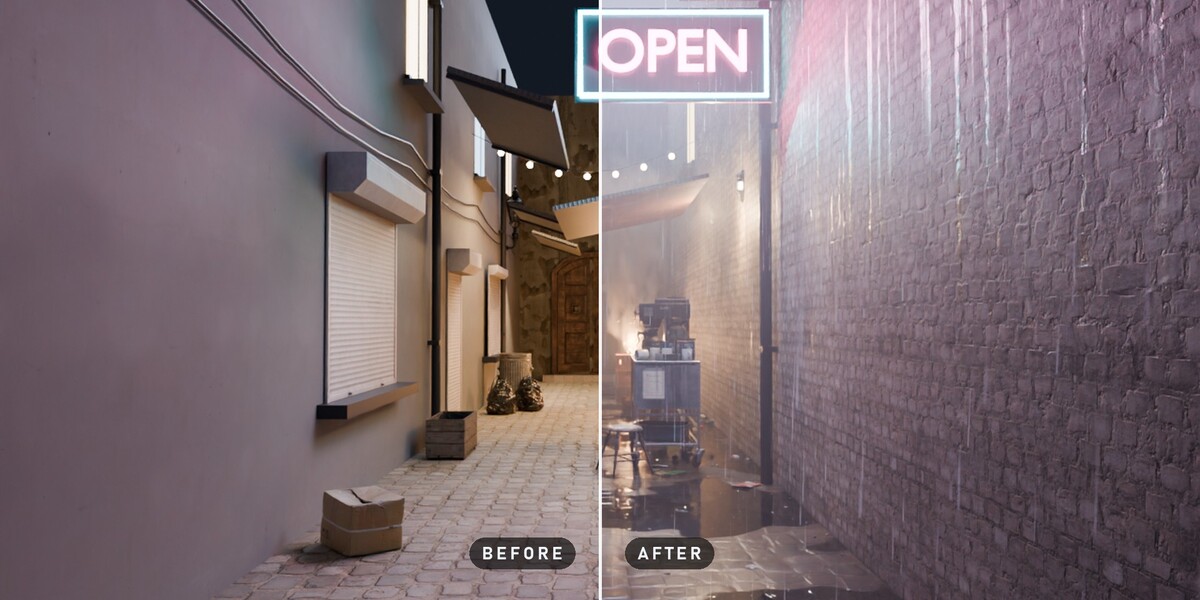
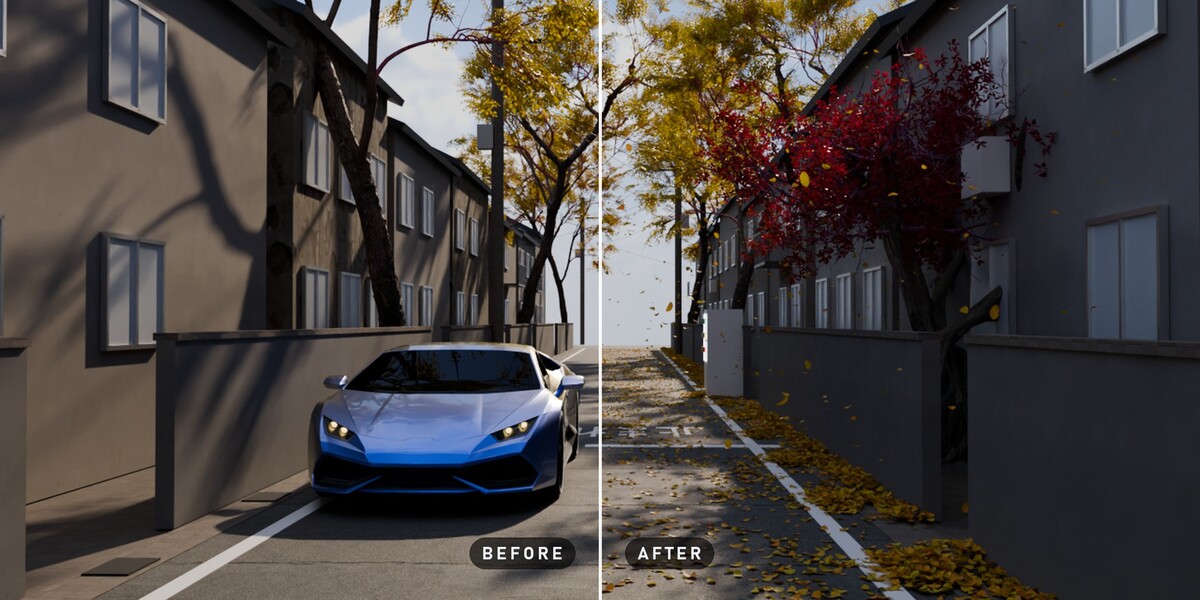
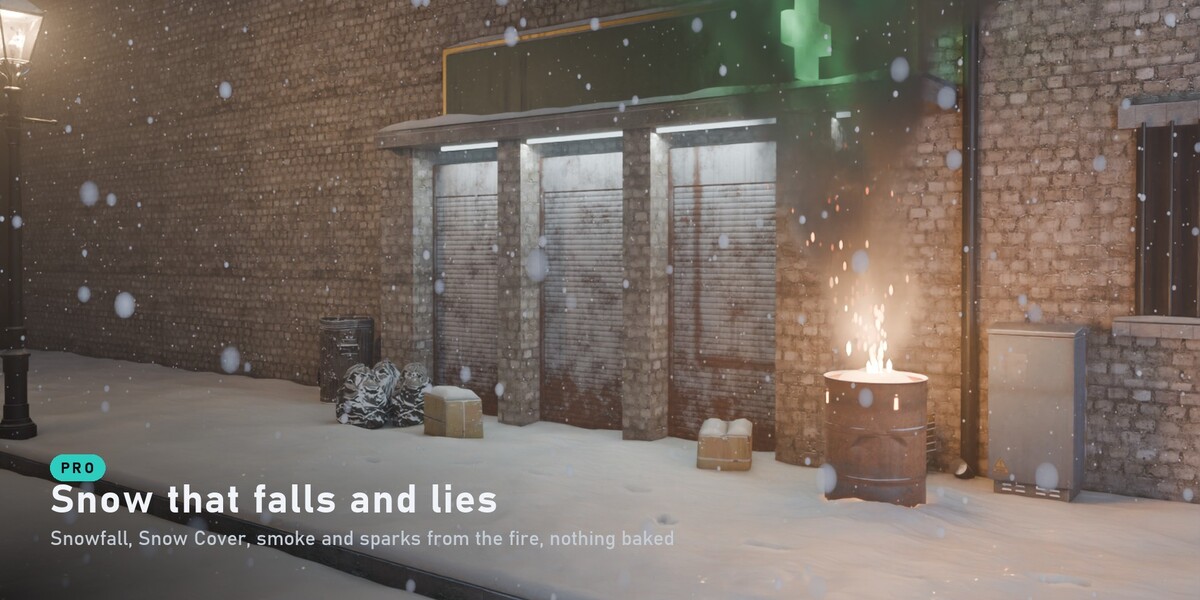
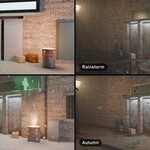
- Weather System: five sliders, Rain, Wind, Mist, Snow and Autumn. One Rain slider sets the rain, how wet every surface is, the puddles, the ripples and the drips.
- Paint Where: brush where an object's effects show. Every effect on the object follows the paint. Done leaves painting; Remove Paint throws the paint away.
Scene Looks (Studio)
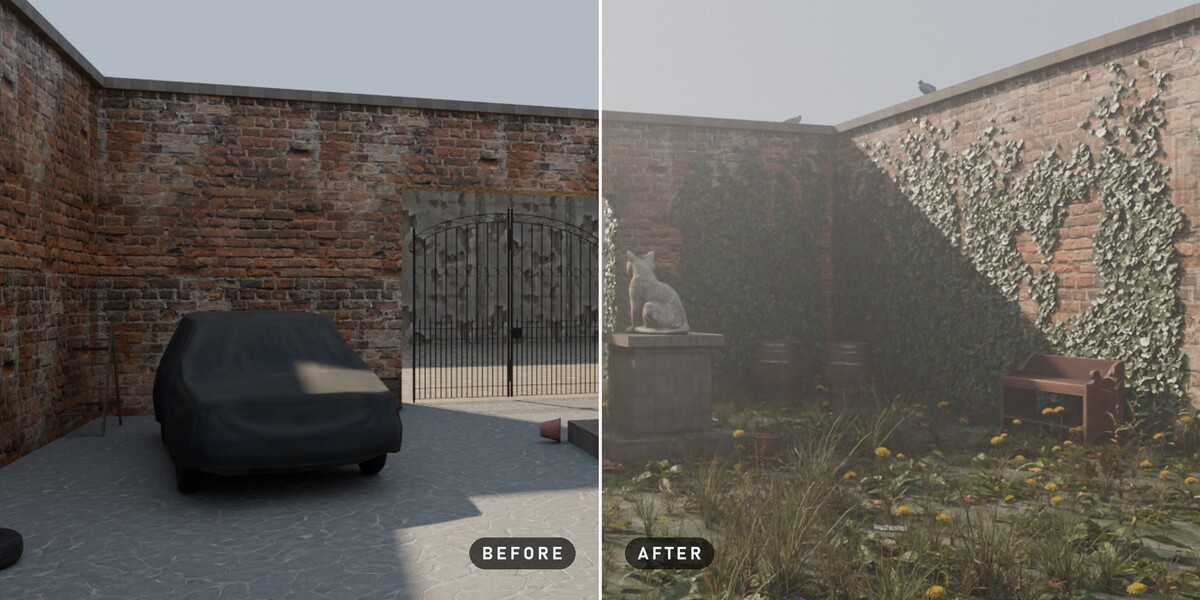
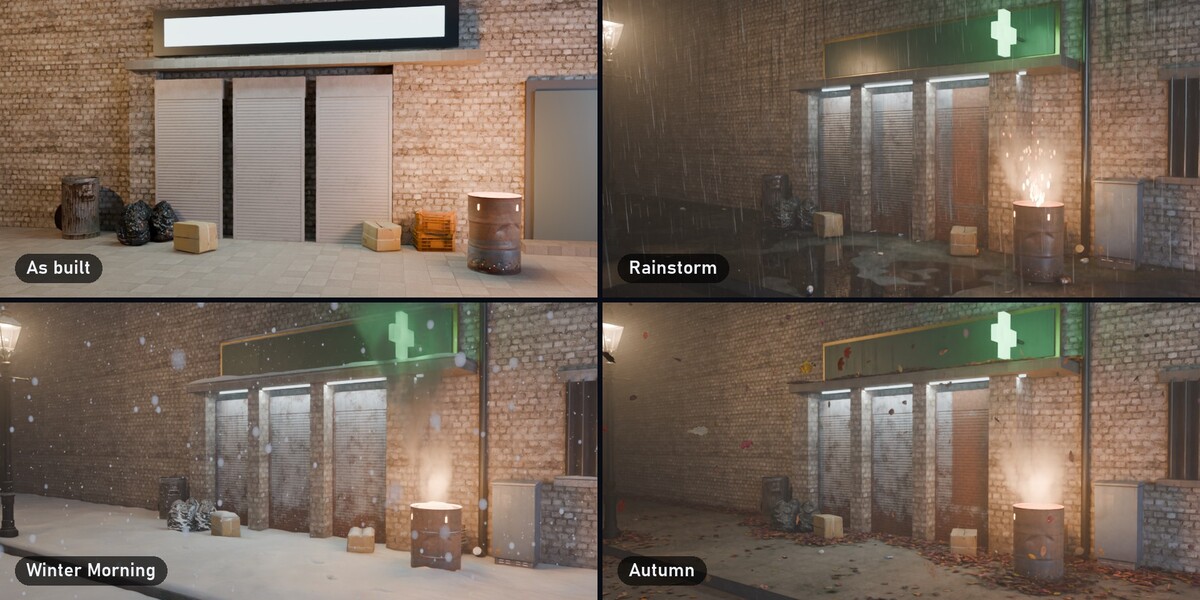
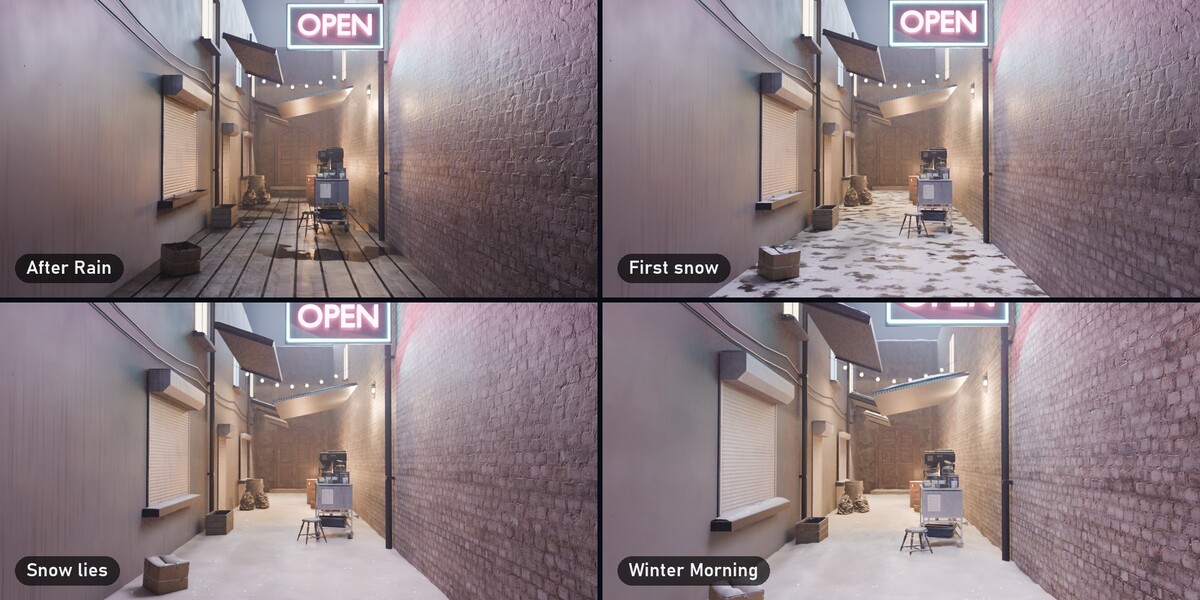
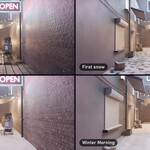
- After Rain, Rainstorm, Abandoned, Autumn and Winter Morning dress every visible mesh in one click. A look sorts the scene by itself: the ground, the walls, the props.
- Save Look keeps your own dressing, with every value, for any file.
- The clock button animates the scene from how it is now to a look, over the frames you choose.
Tips
- In Eevee, turn on Raytracing, so wet surfaces and bare metal reflect.
- In big scenes, lower an effect's Max Count to save memory.
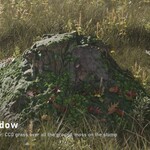
- Keep the Ultra style of plants and leaves for close-ups: it has more vertices.
- New Variation gives any effect a fresh pattern.
Video: the full tutorial (every feature, 11 minutes, with chapters) · promo
Have questions about this product?
Login to message
| Blender Extension Compatible | Yes |
| Published | about 1 hour ago |
| Blender Version | 4.5 - 5.3 |
| Extension Type | Add-on |
| Render Engine Used | Cycles, Eevee |
| License | GPL |
Discover more products like this
grass environment rain procedural geometry nodes puddles Rust scene-enhancer moss snow weather realism