 ZEG
Installation
In Blender open Edit, Preferences, Get Extensions, then use Install from Disk and pick the zip.
Usage
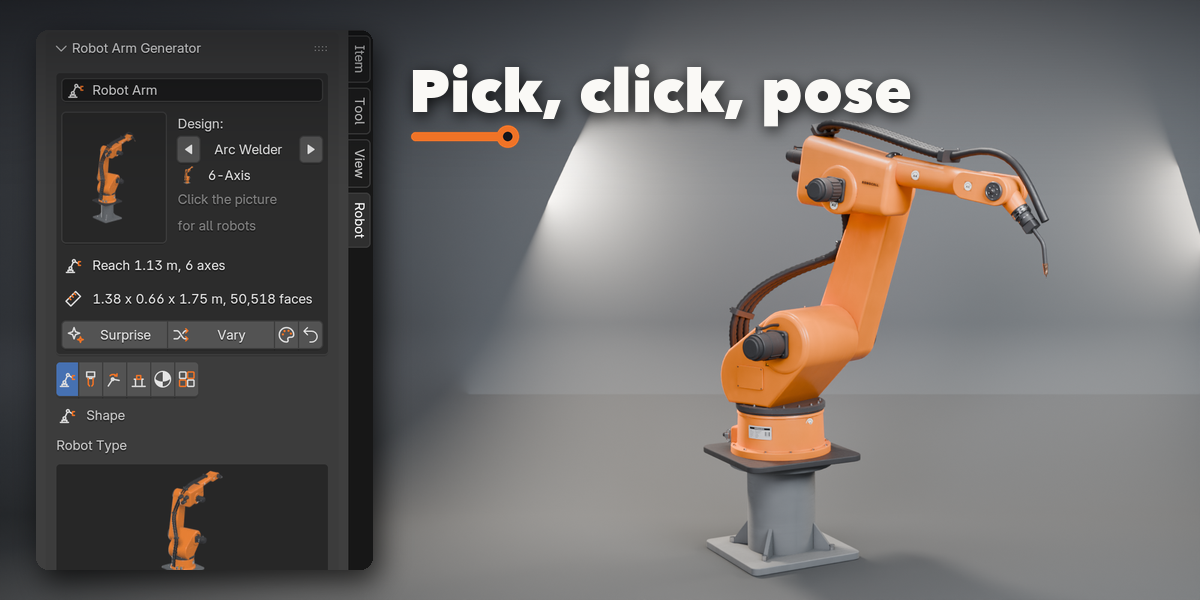
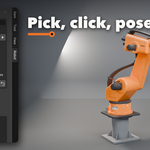
- Open the sidebar in the 3D Viewport (N) and pick the Robot tab, or use Shift+A, Robot Arm.
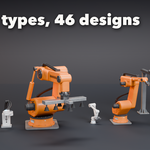
- Click the big picture to choose a design, then press Add Robot Arm.
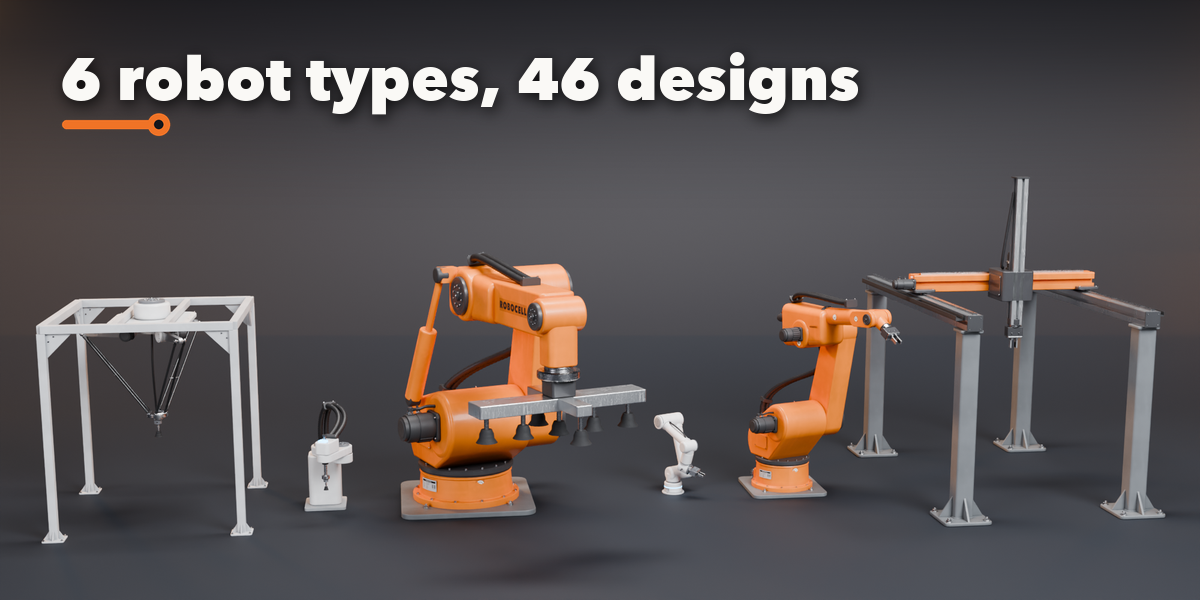
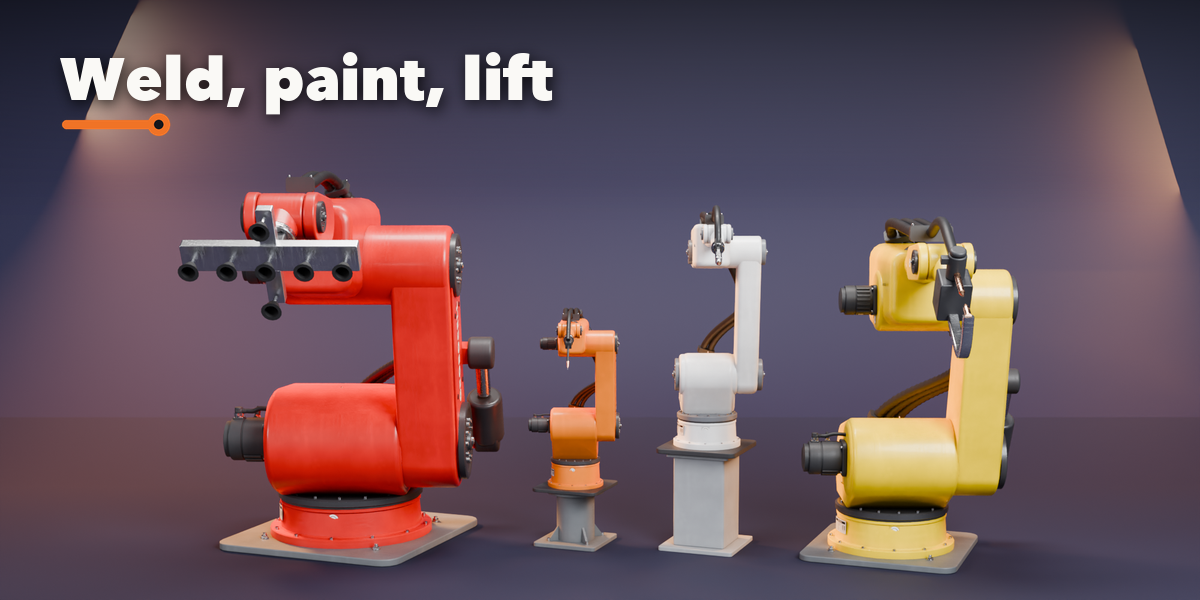
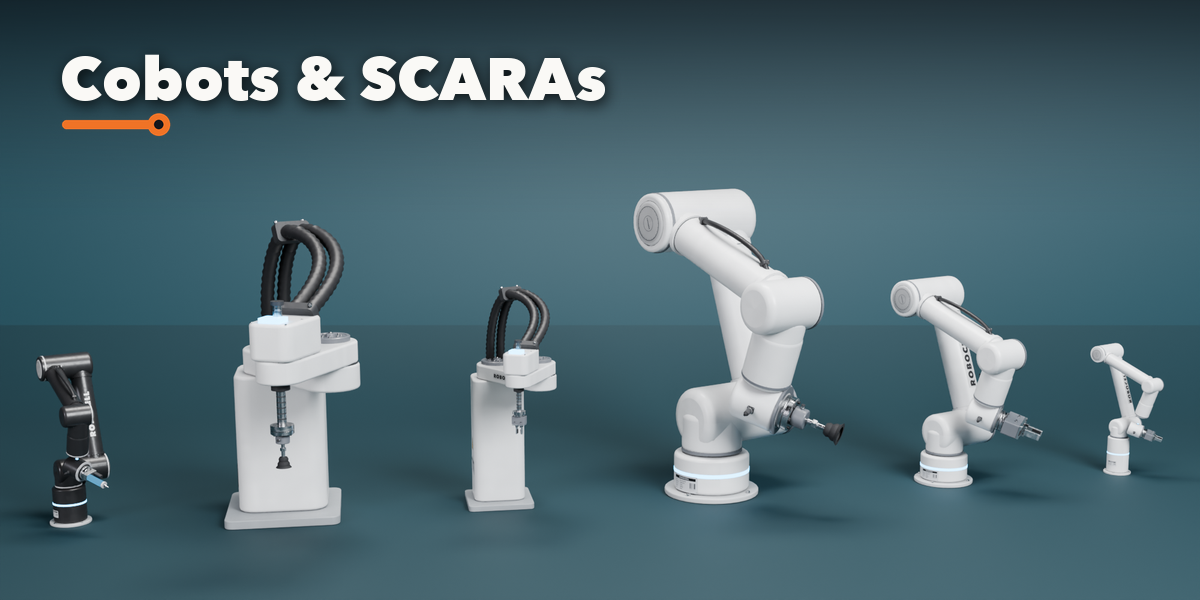
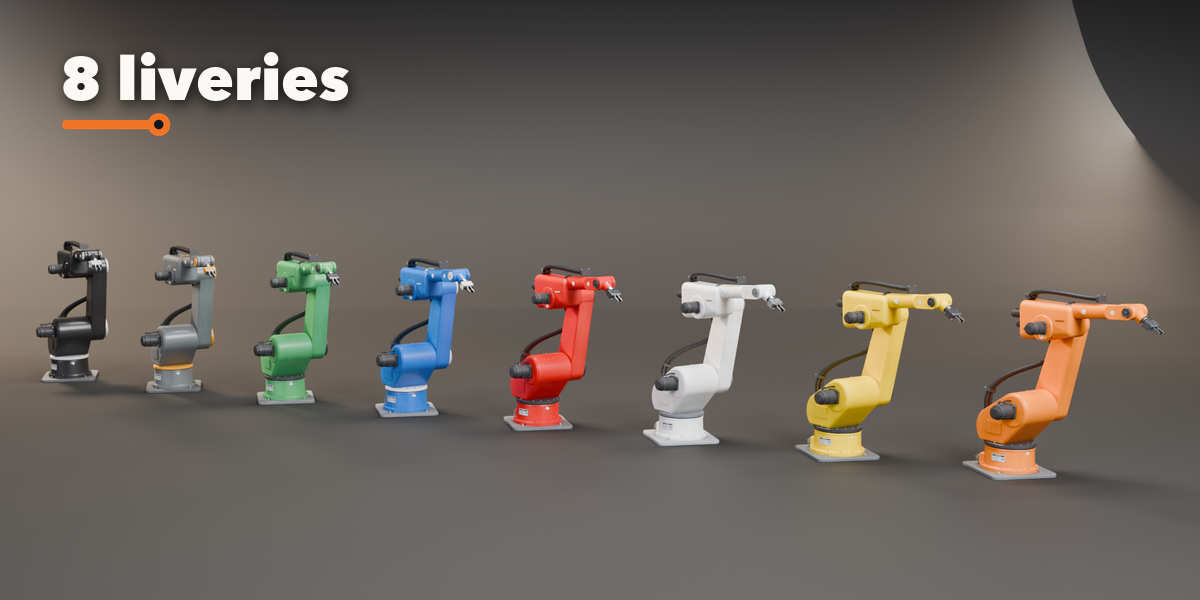
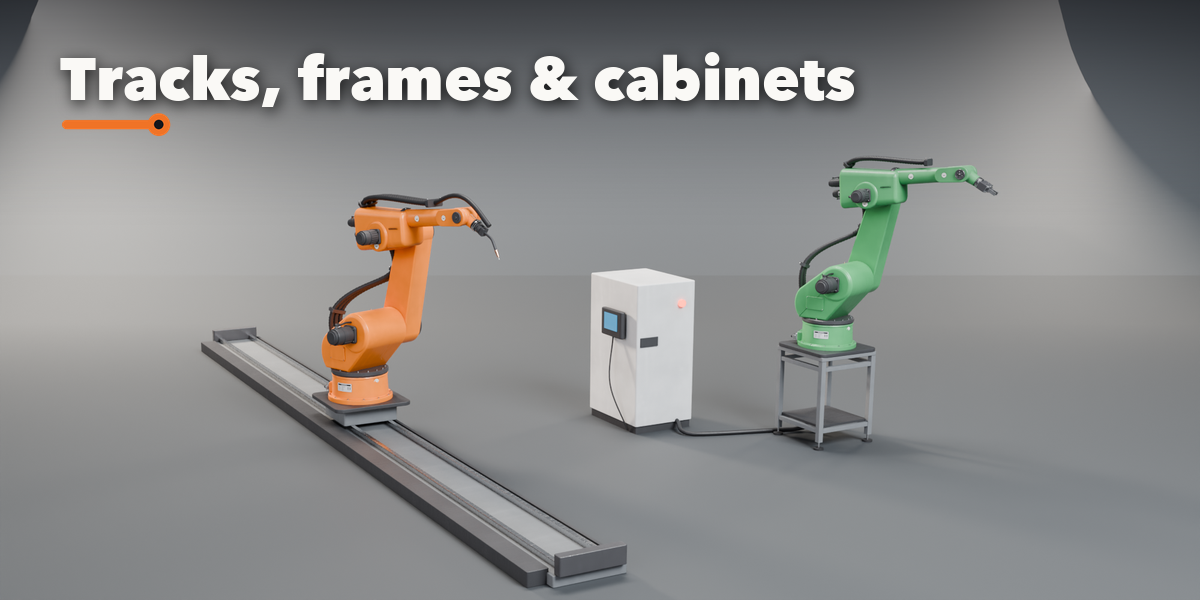
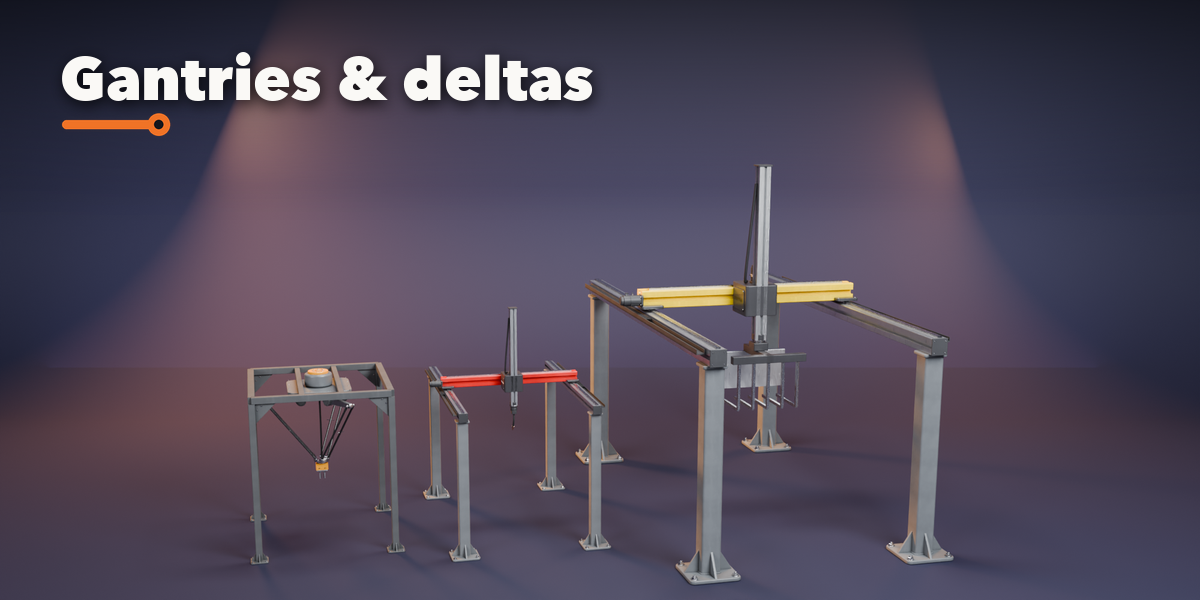
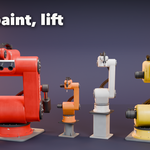
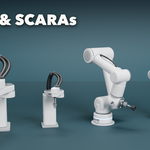
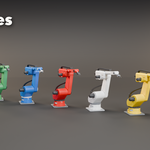
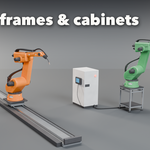
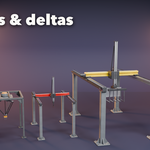
- Shape tab: robot type, housing style and arm lengths. Tool tab: pick an end effector. Base & Cables tab: mount, track, controller and hoses. Finish tab: livery, colors, gloss and wear.
- Pose tab: in IK Target mode press Select Target and move or rotate it; the arm follows inside its axis limits. In Joint Sliders mode set every axis by hand (the sliders can be animated).
- Animate with Blender's normal keyframes: key the IK target, or the joint sliders and Gripper Open (hover and press I). IK to Sliders copies the solved pose into the sliders.
Tips
Surprise makes a random robot, Vary changes the proportions a little, and the color button picks a random livery. Detail Low gives game-ready meshes.
Have questions about this product?
Login to message
| Blender Extension Compatible | Yes |
| Published | 39 minutes ago |
| Blender Version | 4.2 - 5.2 |
| Extension Type | Add-on |
| Render Engine Used | Cycles, Eevee |
| License | GPL |

Discover more products like this
IK Generator SCARA Industrial robot procedural robot arm factory Cobot automation gripper Rigged Robot