Rock Star: The Rock Maker
 Sahin Ersoz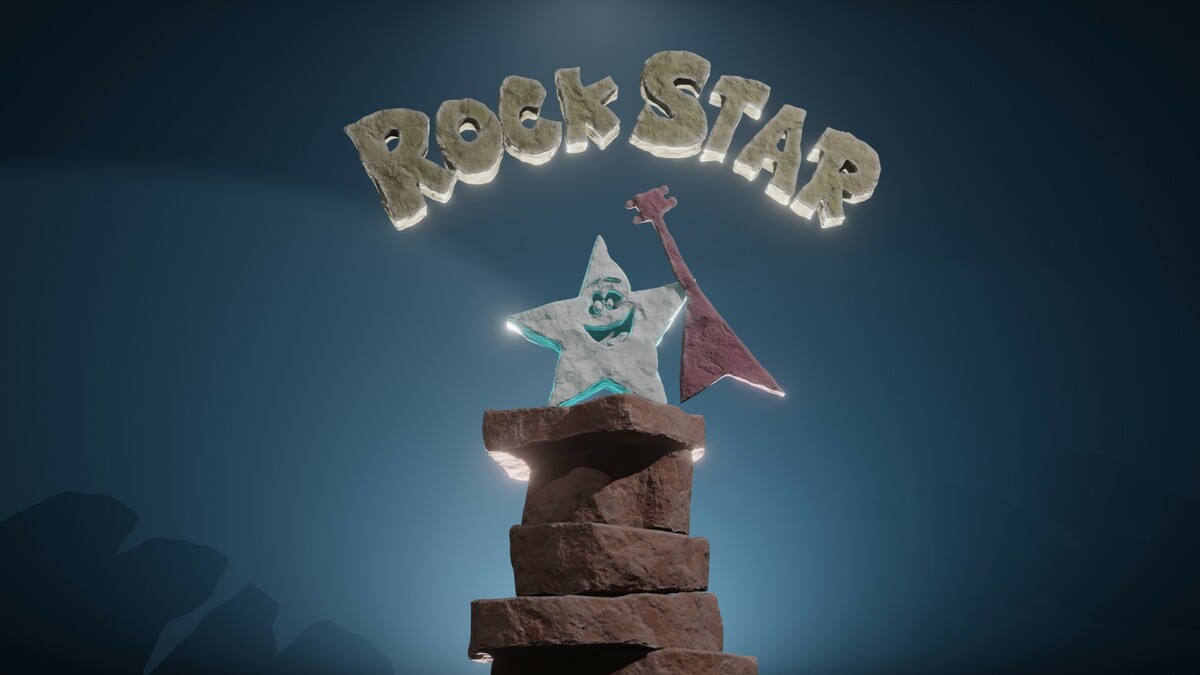


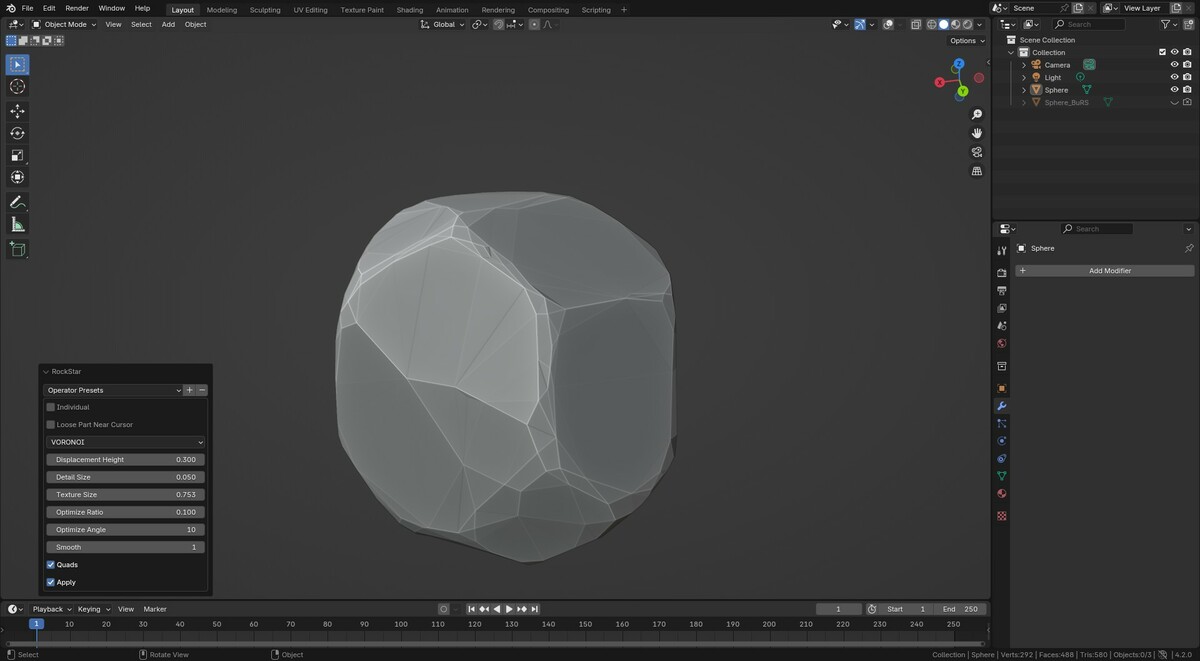
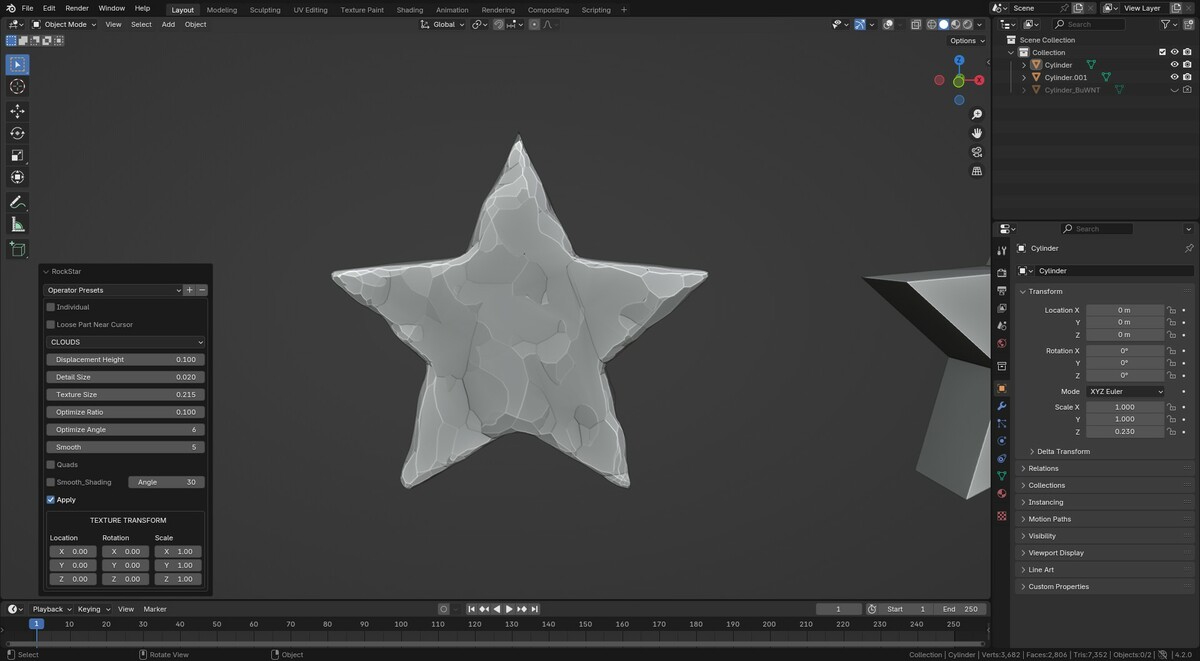
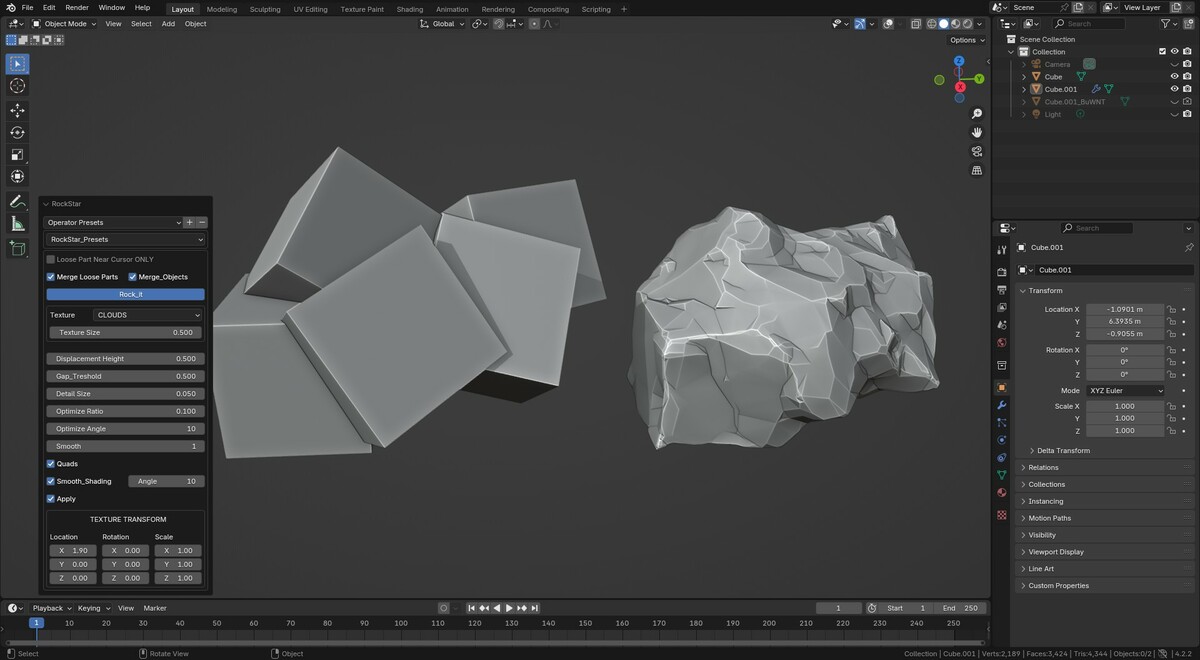


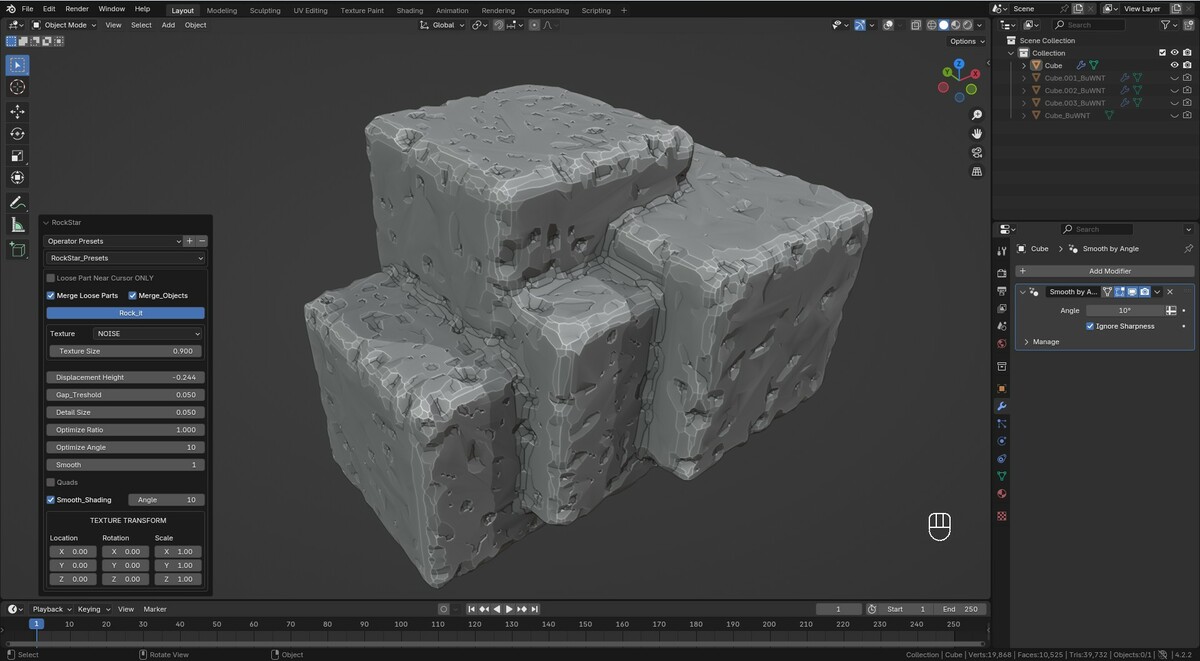
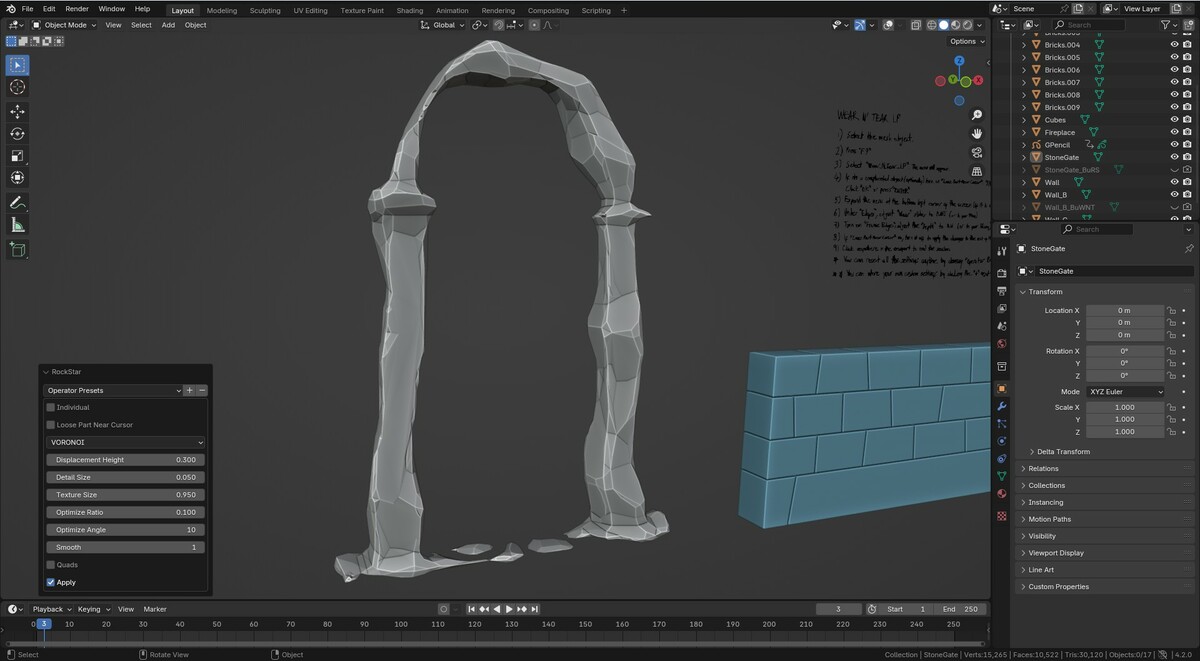


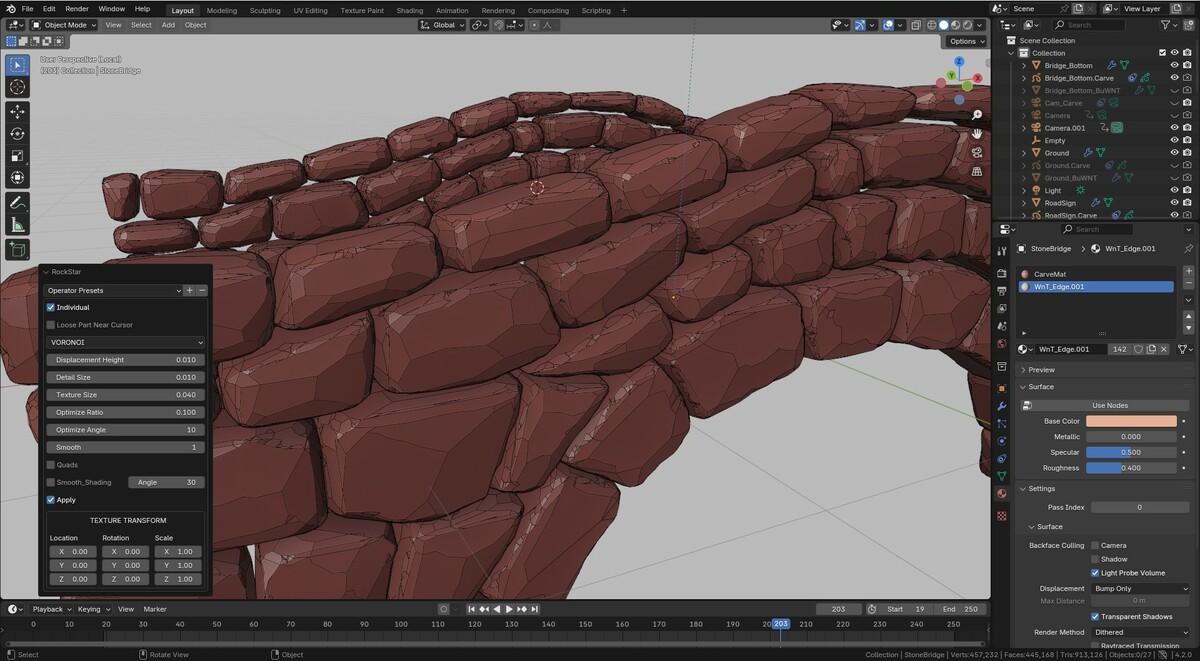
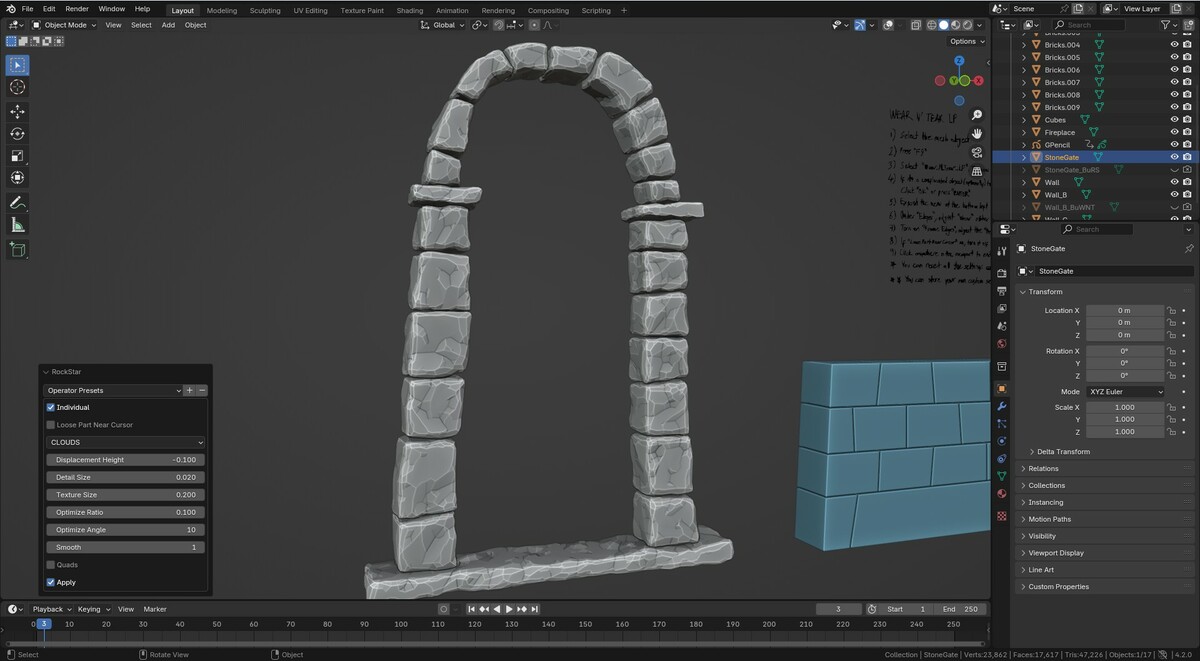

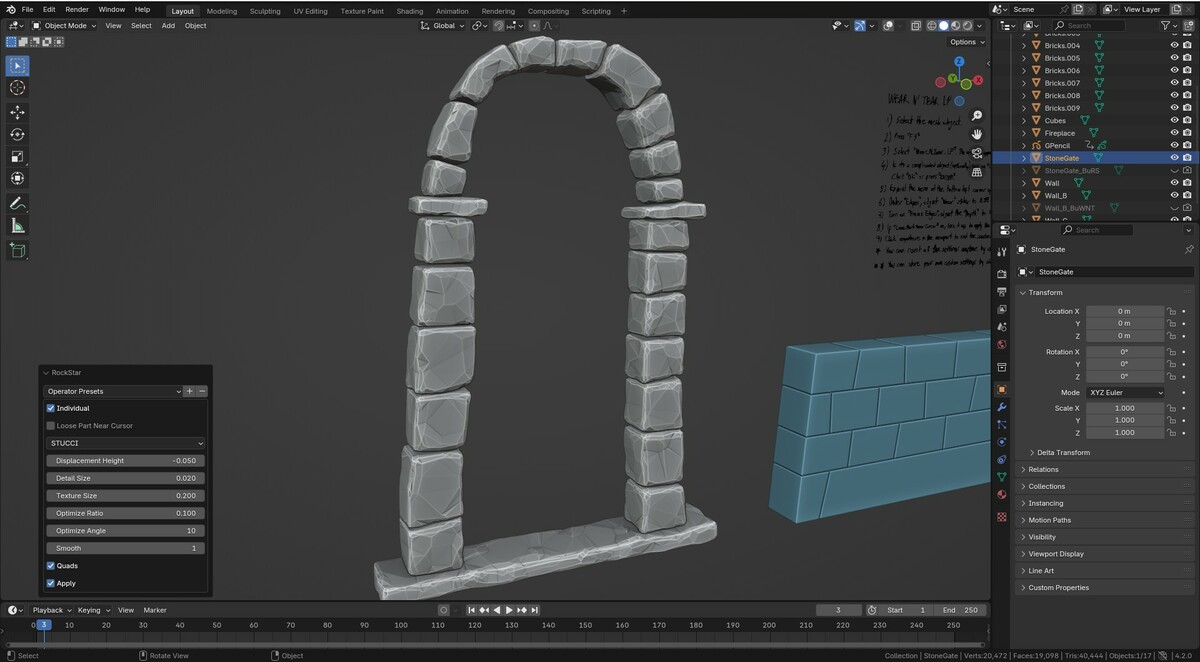
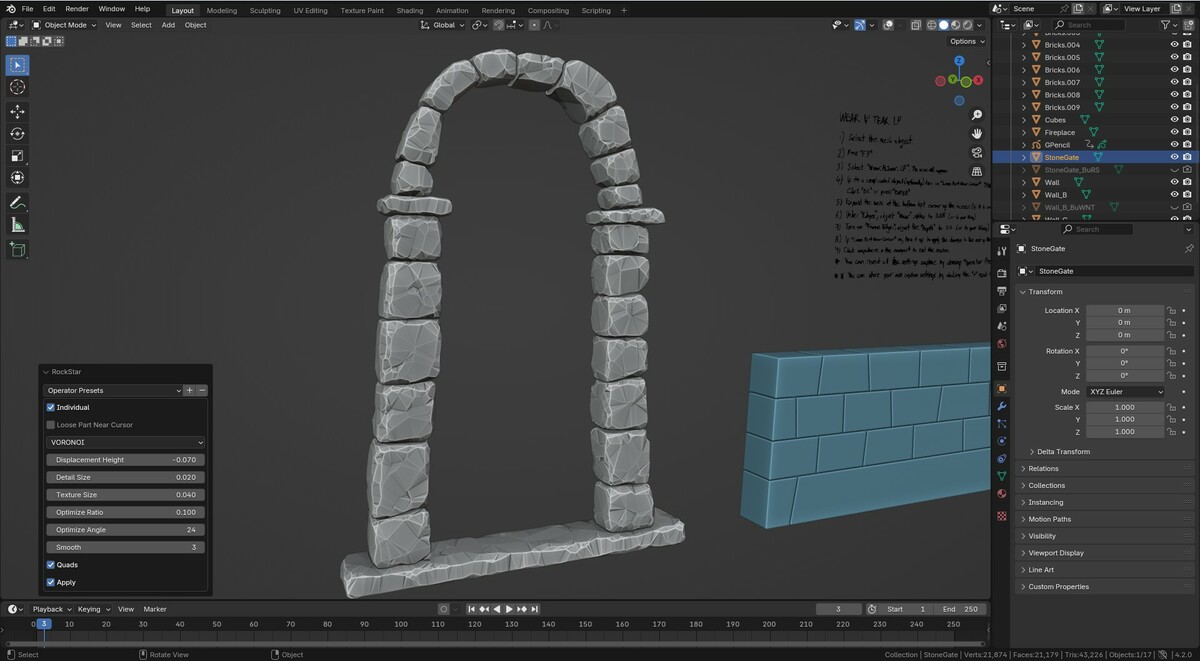
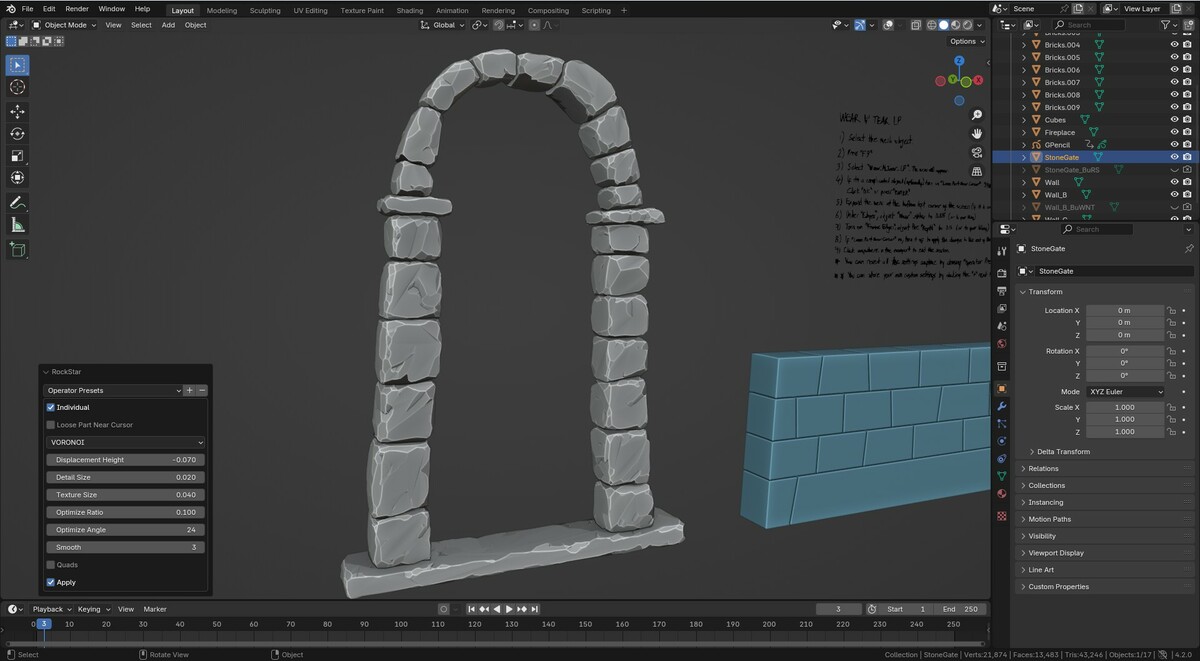

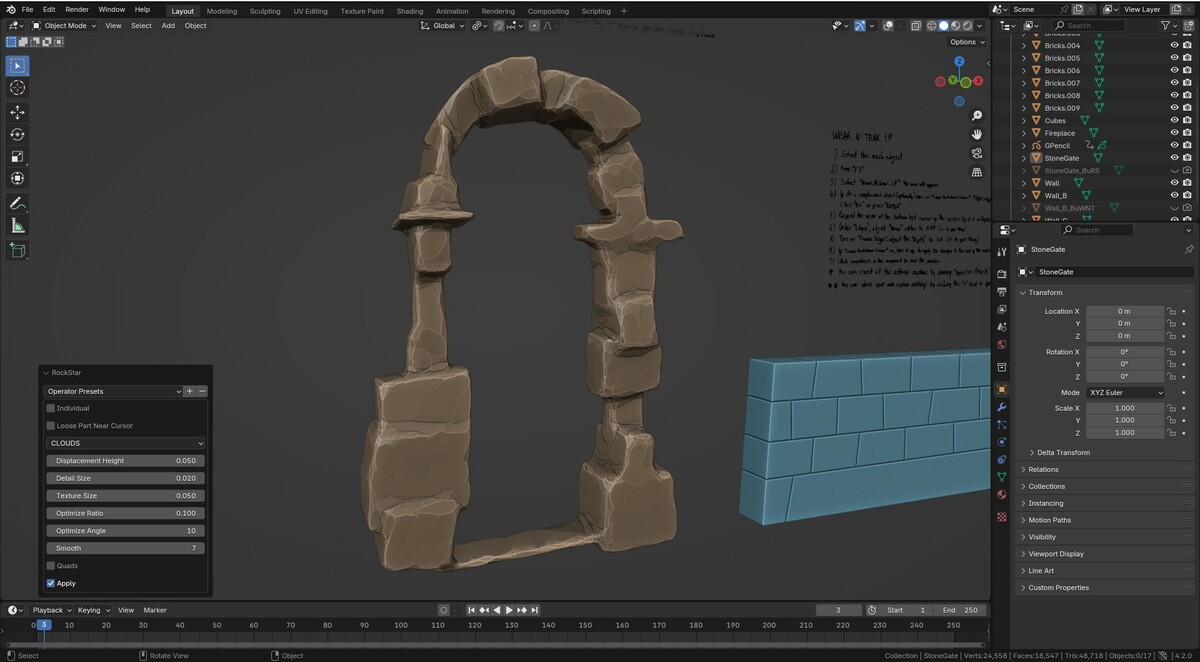

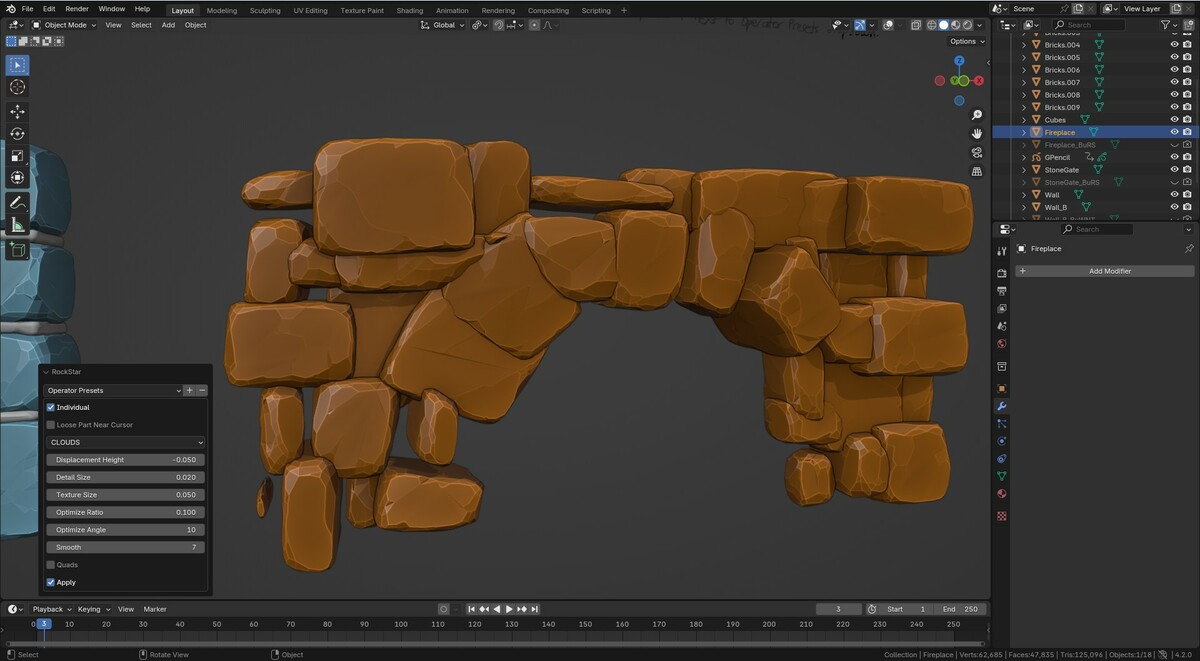

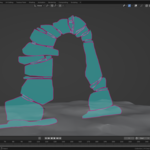
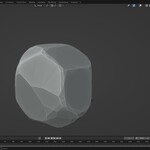
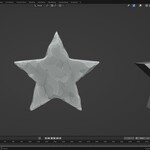
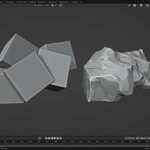
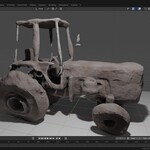
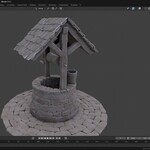
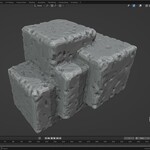
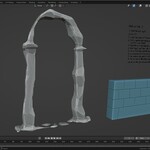
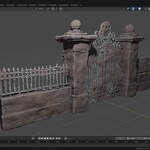
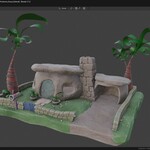
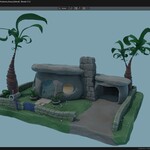
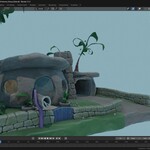
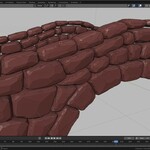
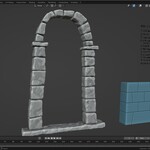
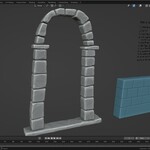
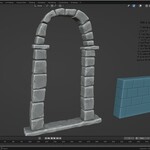
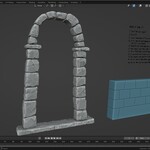
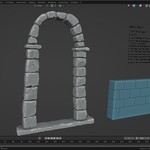
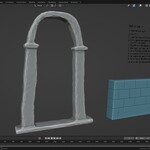
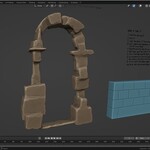
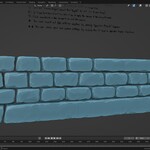
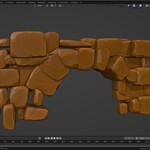
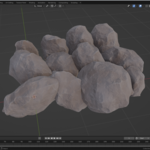

1> Select a mesh object or a group of mesh objects
2> Press "F7" and select "Rock Star"
3> That's it! The selected objects are converted to rocks.
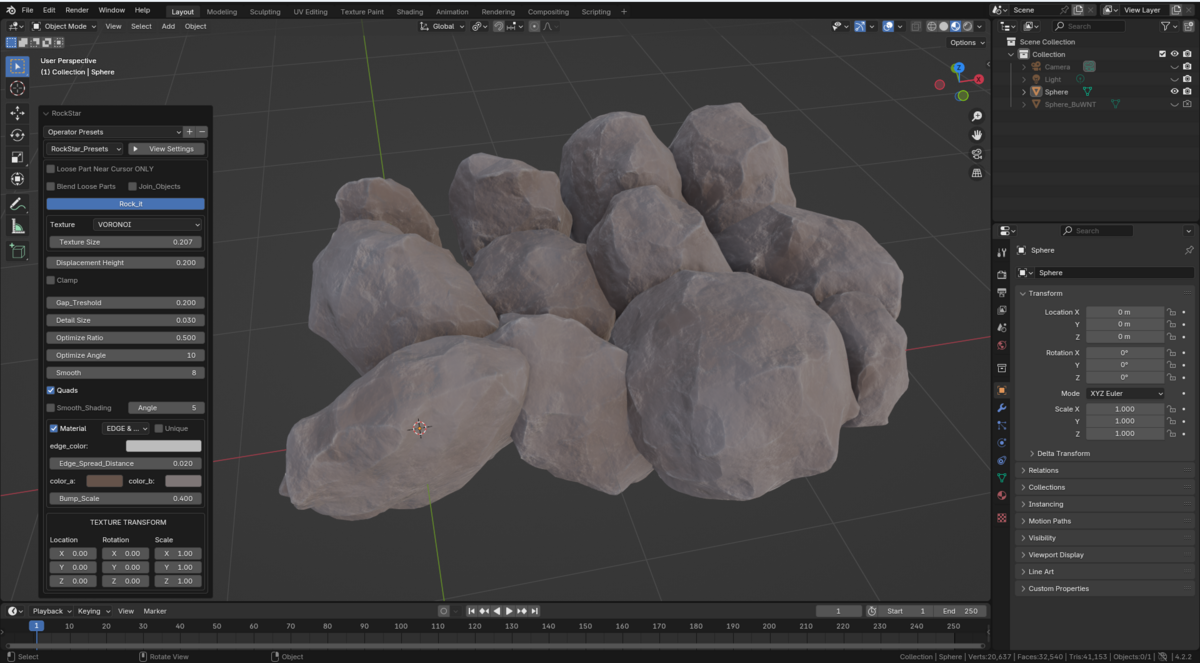
Expand the menu to tweak the settings.
For rapid interactions try the "Loose Part Near Cursor ONLY" option. This will limit the effect to the loose part, increasing the speed of interactions. When happy with the result turn it off to apply it to the entire object.
Enable the "Material" button to add a stylized material by selecting "Edges" or a realistic rock texture by selecting "Surface" option
Use "Texture Transform" to create unique deformations and patterns.
For quick results try starting with some of the "Presets" at the top of the Menu. If you'd like to save a setting you like you can do so by pressing the "+" button next to the Operator Settings.
-
$20
Convert any object into rock or stone
-
$26
Rock Star + Sketch N' Carve CORE for creating the objects to be made into rocks + SketchN Camera Controls
Have questions about this product?
Login to message
