 ZEG

Installation
In Blender open Edit, Preferences, Get Extensions, then use Install from Disk and pick the rocket_generator zip.
Usage
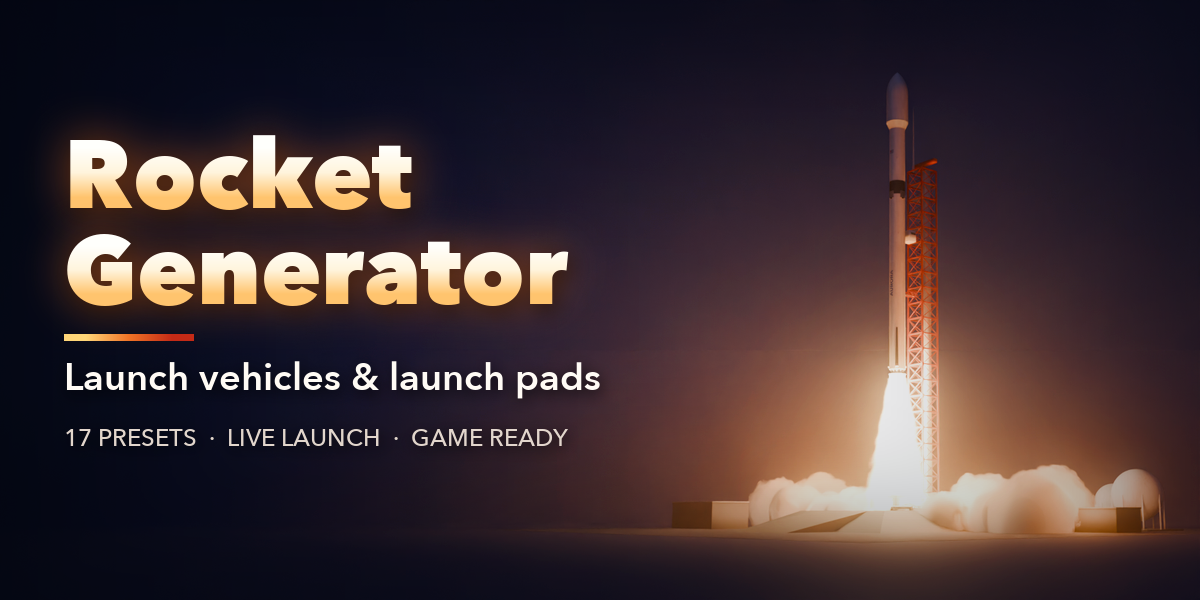
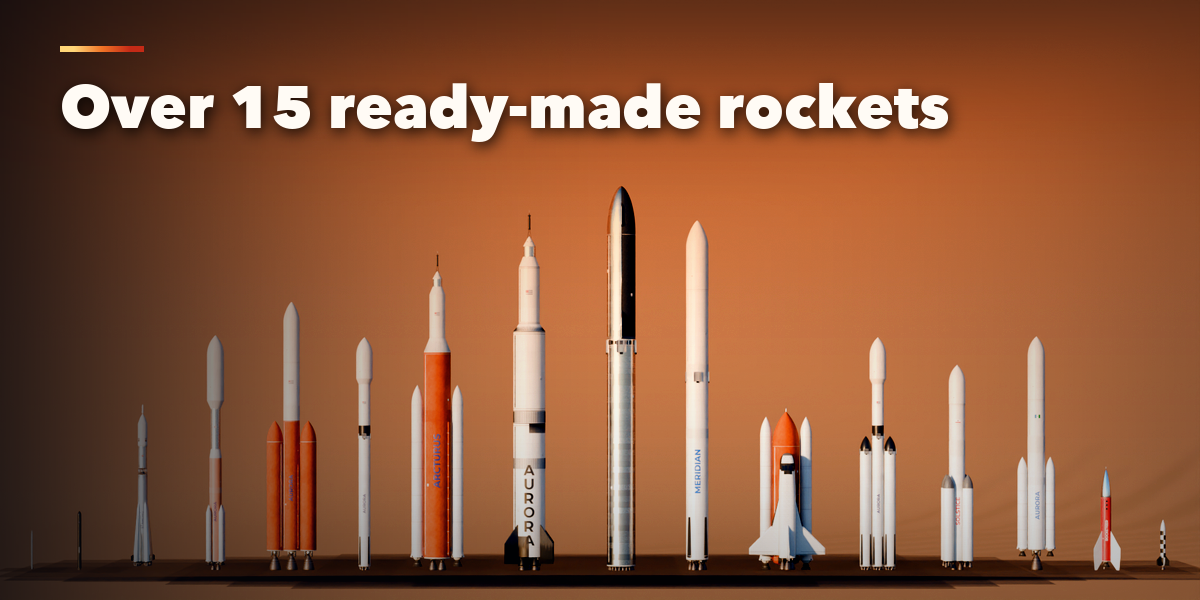
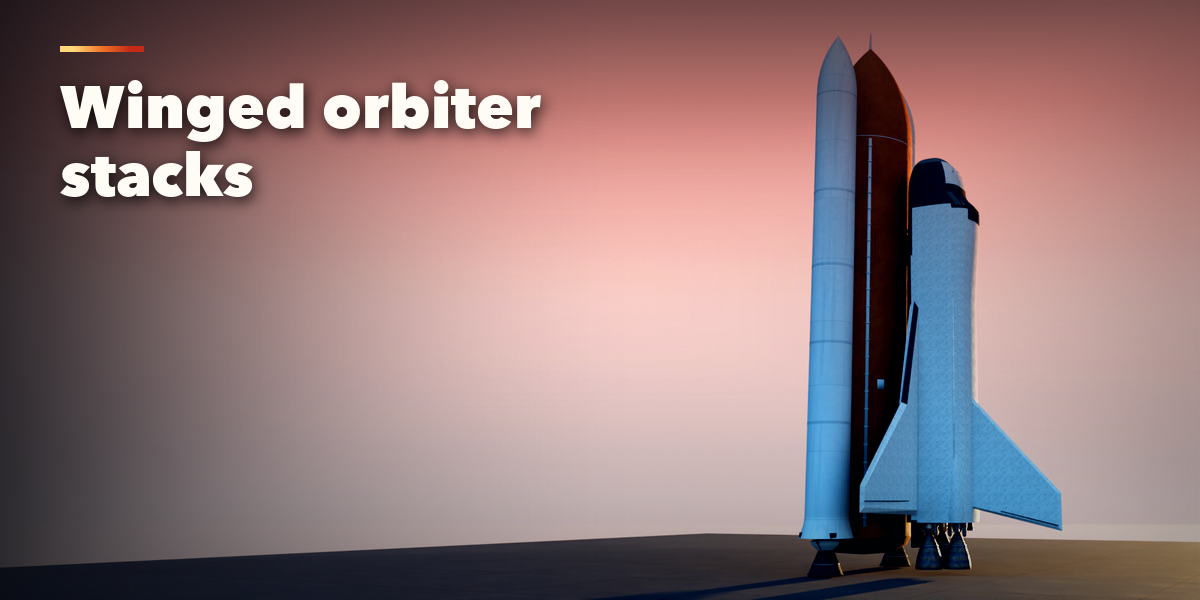
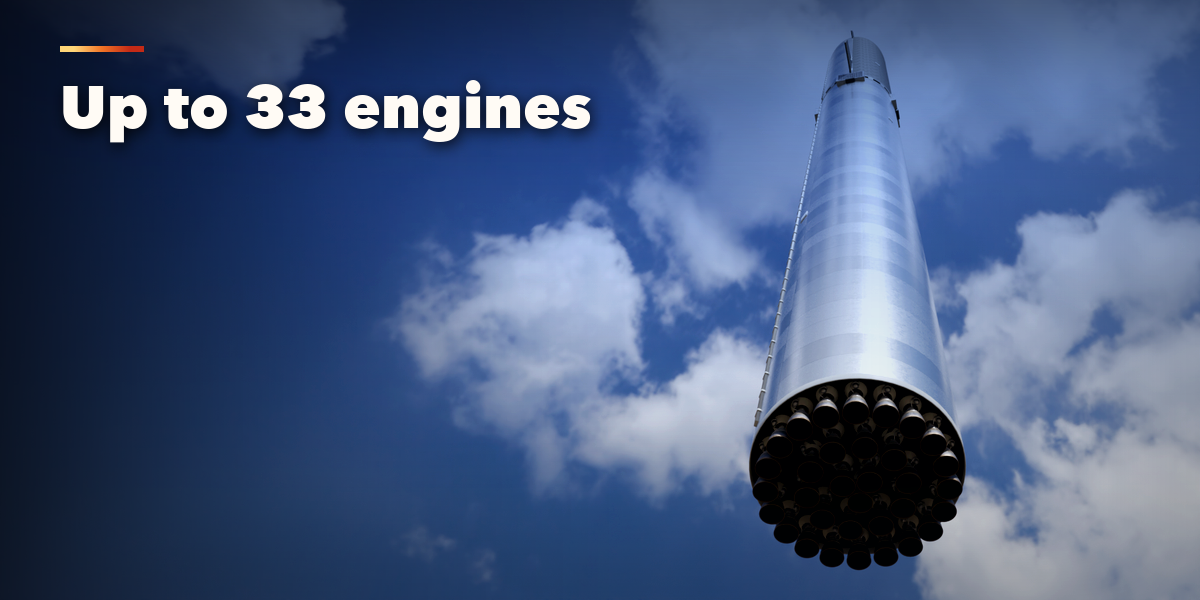
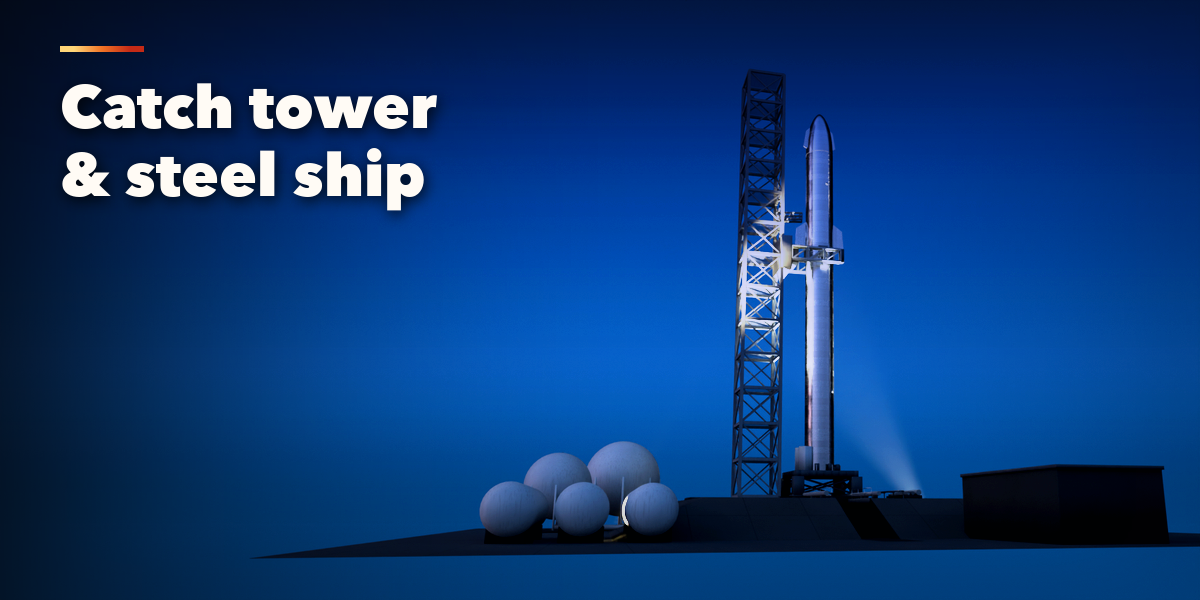
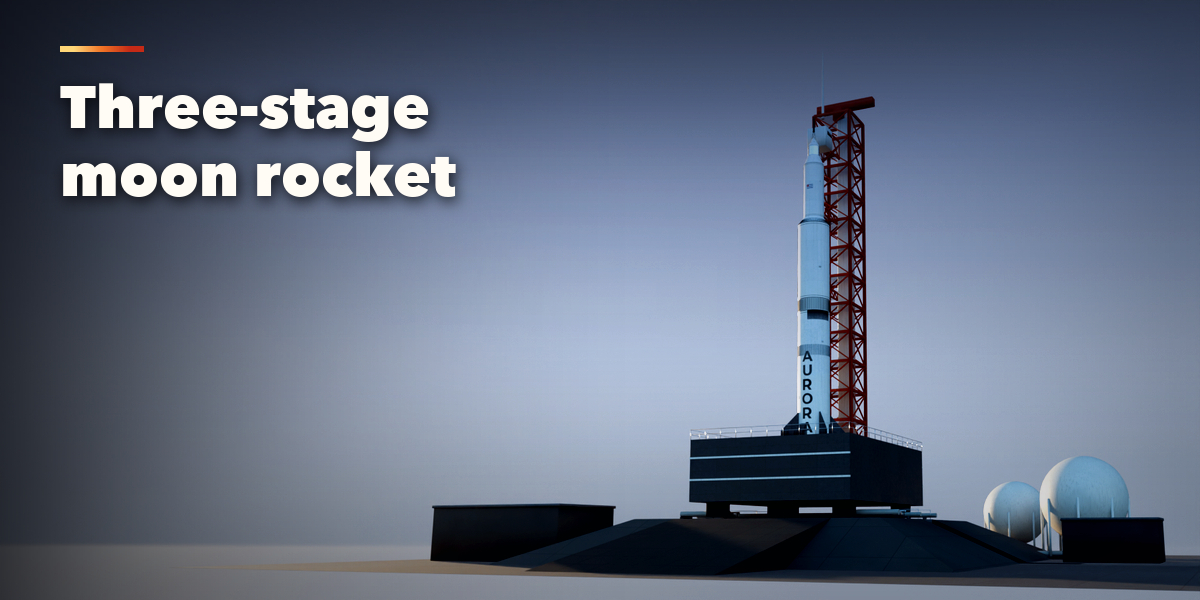
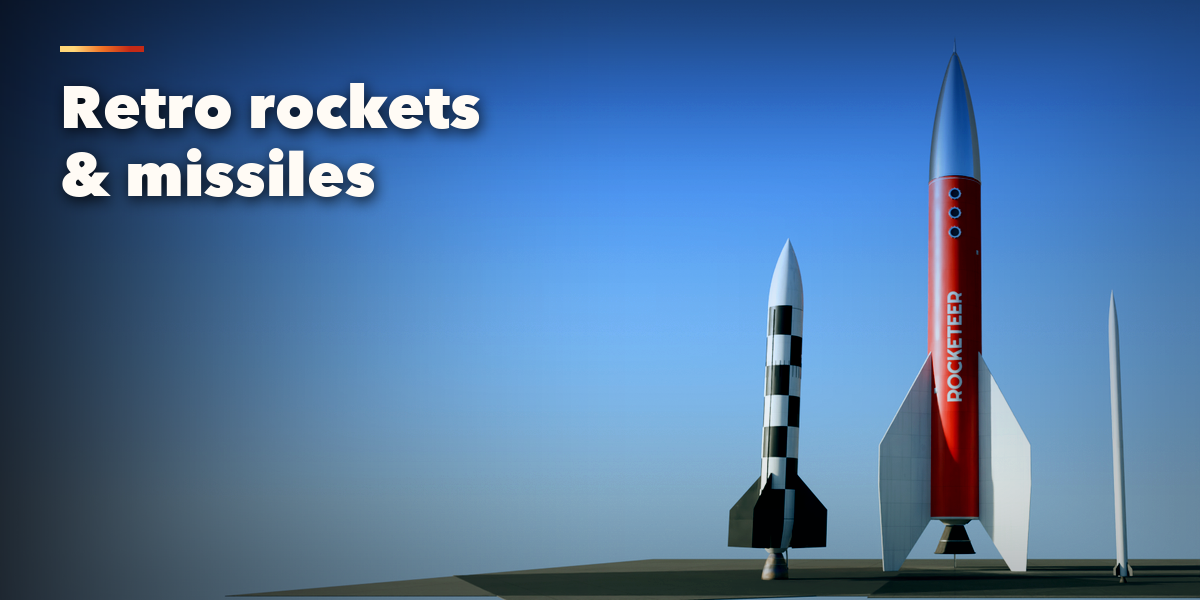
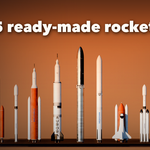
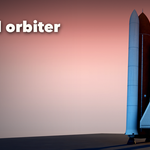
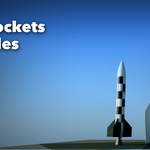
- Open the Rocket tab in the 3D viewport sidebar (N). With nothing selected, click the picture to pick one of the 17 rockets, then press Add. You can also use Shift+A, Mesh, Rocket.
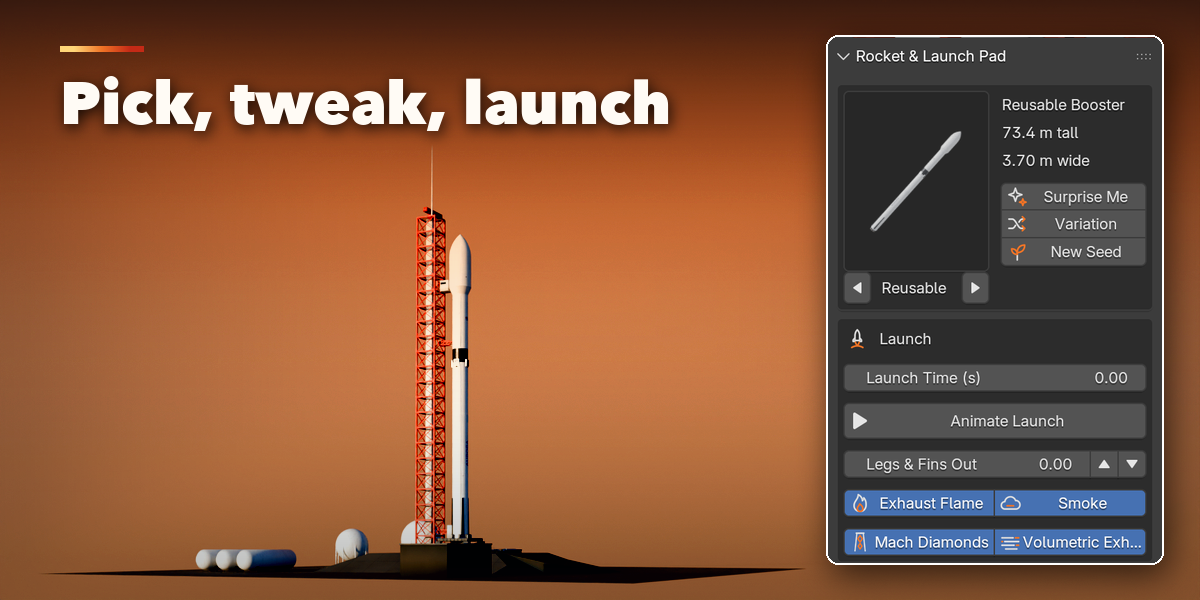
- The card at the top shows the rocket. Click its picture to switch to another preset. Surprise Me makes a random rocket, Variation changes the current one and New Seed reshuffles hatches and smoke.
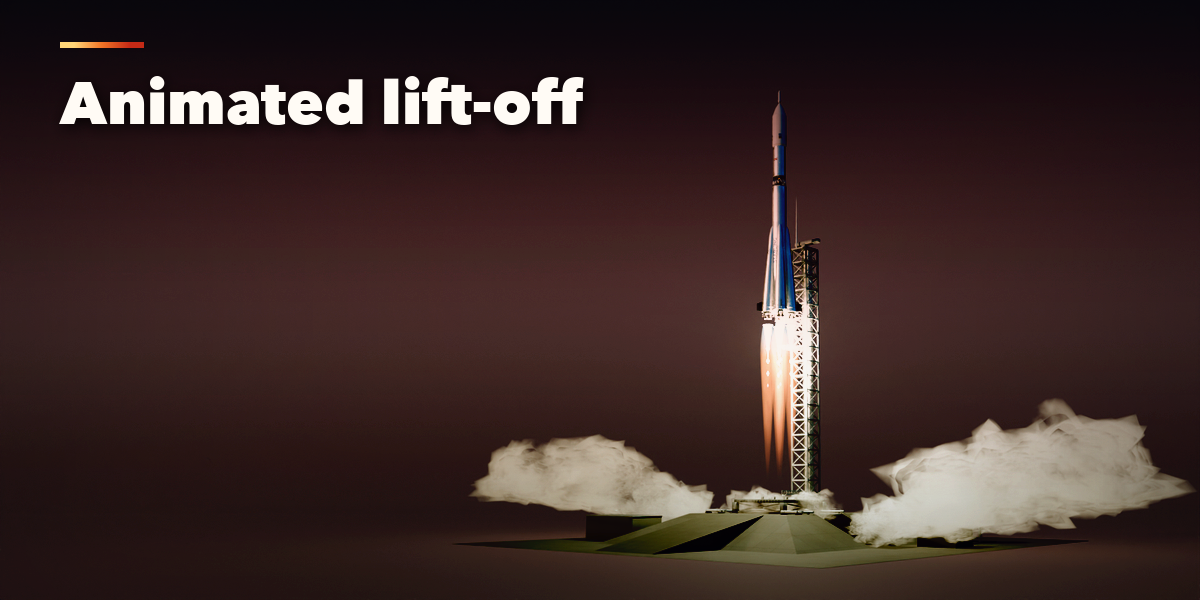
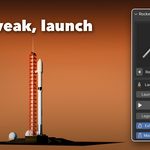
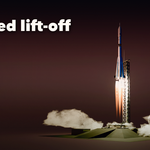
- The Launch box holds Launch Time, Animate Launch (keyframes ignition and the climb from the current frame), Legs & Fins Out and the flame and smoke switches.
- Name & Colors sets the lettering, its font, the three paint colors and the flag.
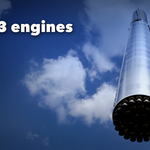
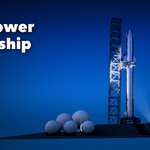
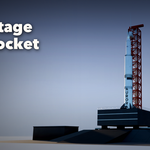
- The closed sections below hold the details: stages, engines, fairing and top, boosters, fins and recovery, surface and wear, launch pad and tower, and export.
- For game engines set Detail to Low and use Convert to Mesh; the meshes have UVs and plain Principled BSDF materials.
Have questions about this product?
Login to message
| Blender Extension Compatible | Yes |
| Published | 4 days ago |
| Blender Version | 4.2 - 5.2 |
| Extension Type | Add-on |
| Render Engine Used | Cycles, Eevee |
| License | GPL |

Discover more products like this
game ready Generator launch tower spacecraft space shuttle missile booster launch pad procedural sci fi space Rocket