 ezelar



💭What does Rotor do?
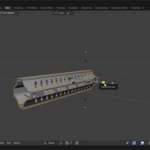
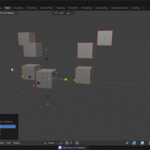
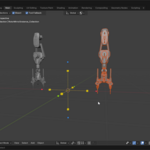
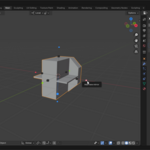
Rotor is a visual mirror tool for Blender. It lets you mirror objects and entire collections using a 3D gizmo directly in the viewport—no manual settings or guesswork.
💭How do I activate Rotor?
Use the shortcut Alt + X to turn Rotor on. Once active, hover over and click the gizmo with LMB to apply or toggle the mirror action.
Have questions about this product?
Login to message