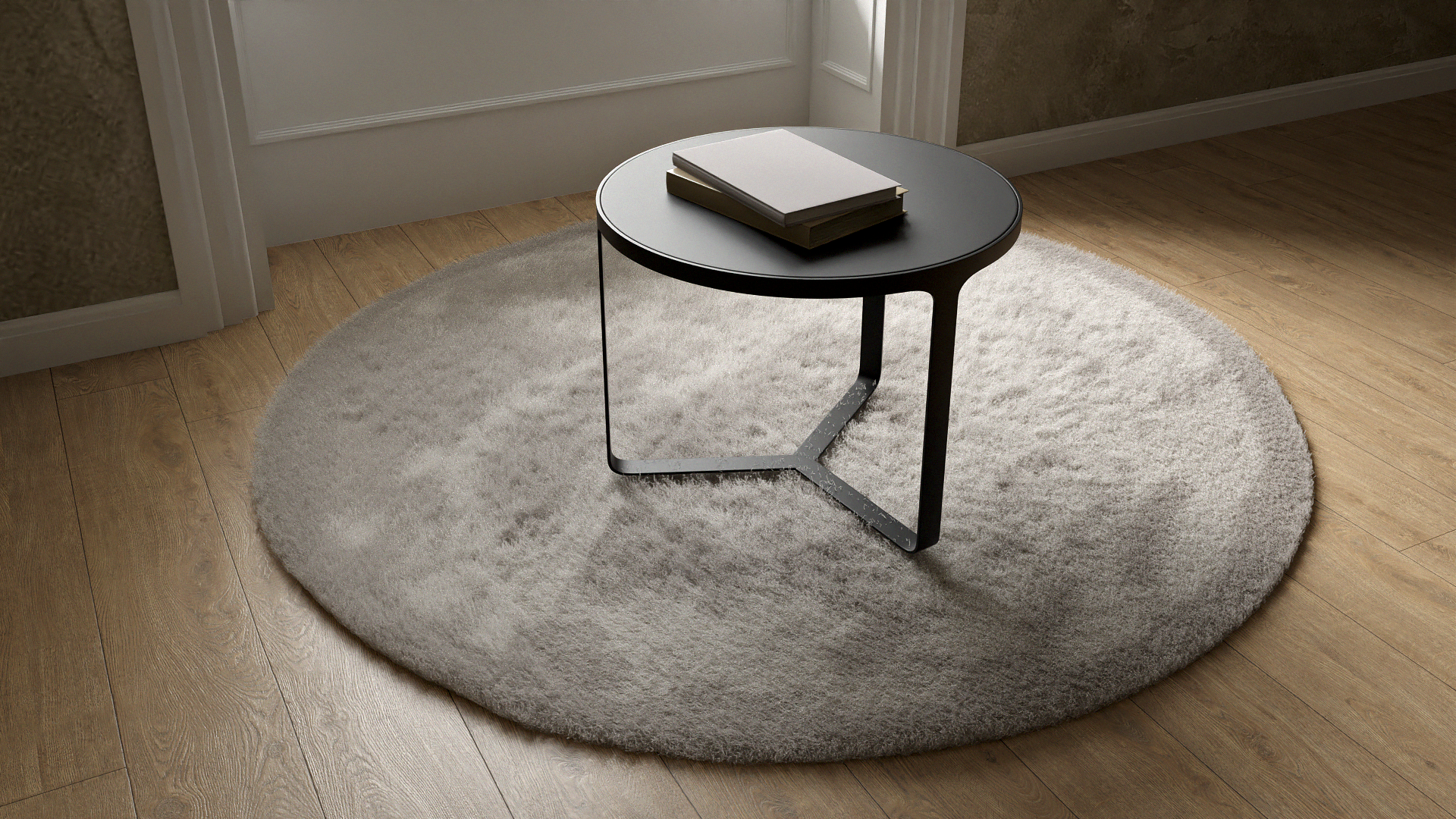
Round Grey Rug
 Pinnacle Studio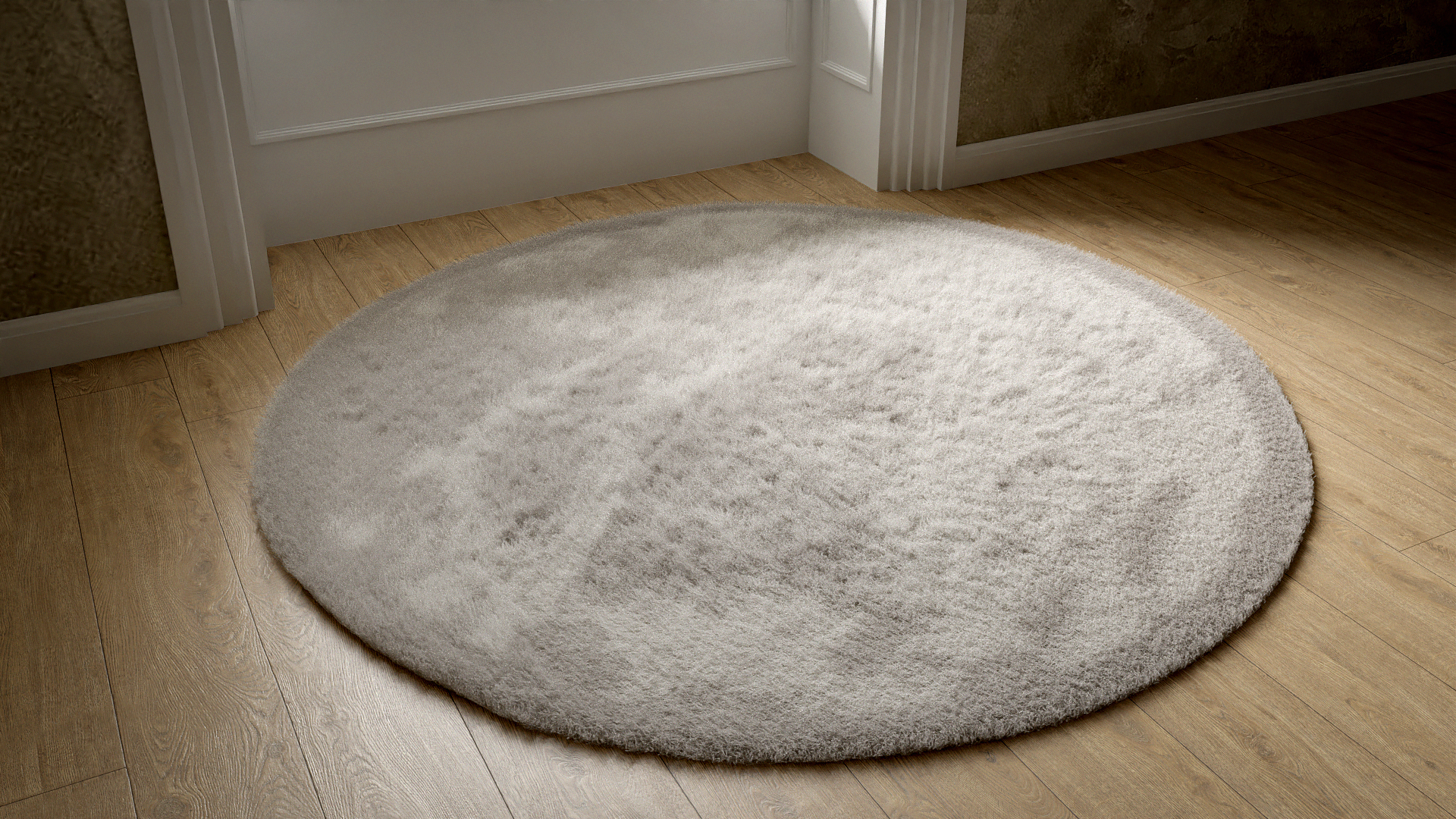


A. Yes, if you encounter any technical issues or have questions about using the 3D carpet model, feel free to reach out to our support team at the provided email address. We're here to help!
A. Previews were rendered in Blender using the Cycles Renderer, showcasing the interior scenes, props, and environment settings.
A. If you have any inquiries or feedback, please don't hesitate to contact us at [email protected]. We value your input and strive to assist you in any way we can.
A. Yes, along with this documentation, we offer a PDF quick guide and a sample video for further illustration and assistance.
A. For the best scene quality, we recommend switching to Cycles Render. This ensures lifelike textures and lighting in your interior scenes.
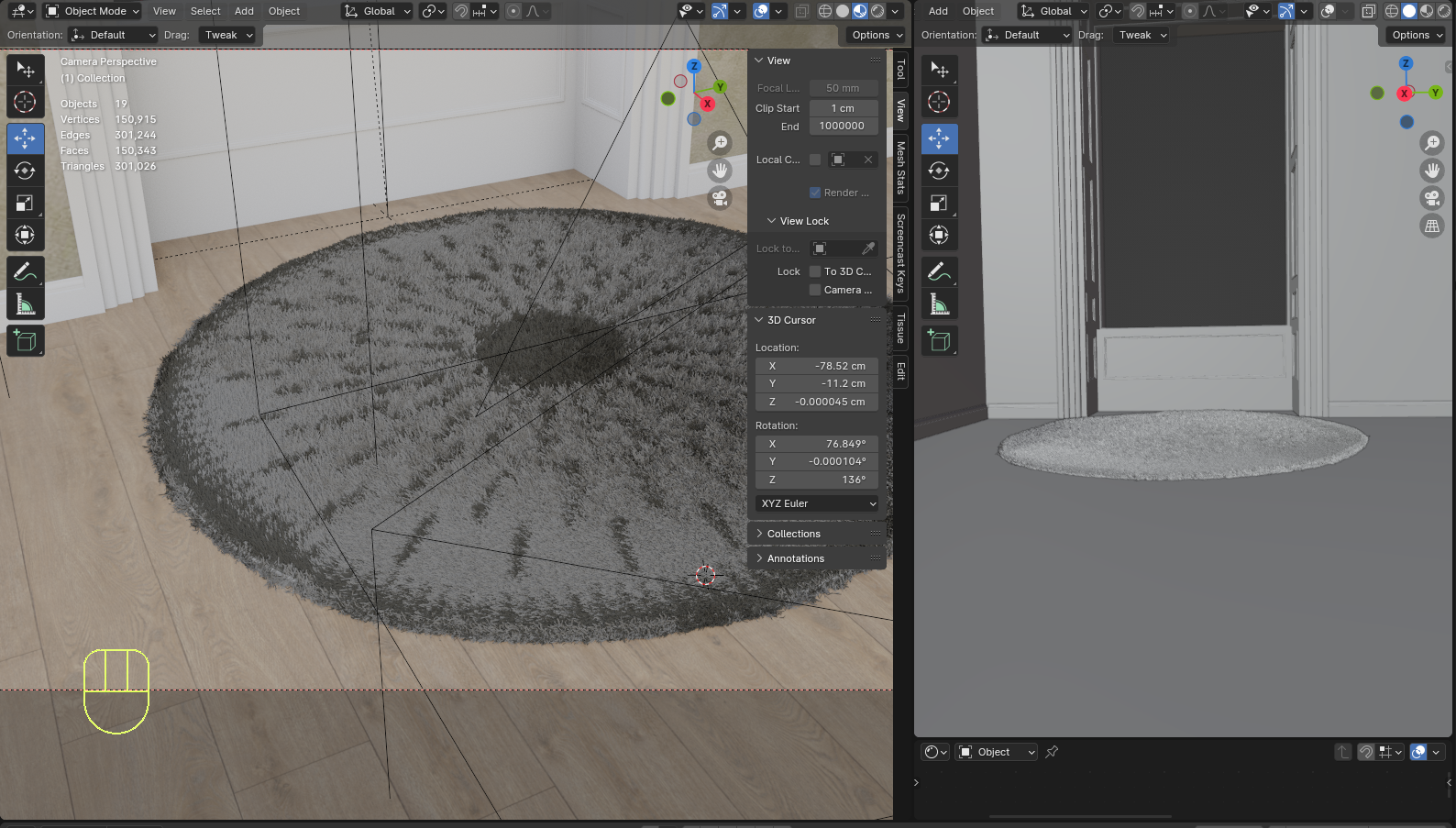
A. To scale the carpet for placement within your scene, it's recommended to do so in edit mode. This allows for faster adjustments and helps minimize unexpected crashes
A. For the best scene quality, we recommend switching to Cycles Render. This ensures lifelike textures and lighting in your interior scenes.
A. The threshold control allows you to adjust what will occupy the majority of the carpet, giving you flexibility in the appearance of the texture.
A. We provide a single version of the rug model.
A. At the moment, our 3D carpet model is available in Blender format. However, we are continuously exploring options to offer additional formats like FBX to accommodate different software and workflows. If you have specific format requests or inquiries, please feel free to reach out to us at [email protected]. We're here to assist you!
A. Yes, you can groom areas of the carpet that appear uniform or un-uniform using Blender's grooming tools. These tools allow you to manipulate the distribution and arrangement of hair strands, enabling you to achieve the desired look and texture for your carpet.
A. Yes, you can adjust various parameters of the carpet, including the density and length of the hair strands, through Blender's advanced particle system. This allows you to fine-tune the appearance of the carpet to your preference.
A. Yes, you can replace the existing image texture with your own preference. Simply access the material properties menu and select your desired carpet variant.
A. You can easily change the carpet color in the "Node Group shader" section. This allows you to customize the carpet to match your desired aesthetic.
A. The threshold control allows you to adjust what will occupy the majority of the carpet, giving you flexibility in the appearance of the texture.
Have questions about this product?
Login to message
| Sales | 10+ |
| Published | over 2 years ago |
| Blender Version | 2.79 - 5.0 |
| Render Engine Used | Cycles, Eevee |
| Misc Data | Uvs-Unwrapped, Textured |
| License | Royalty Free |

Discover more products like this
spring24 interior viz Photoreal light hair and fur Scenes rendering photoshop miscellaneous hairandfur Misc rectangle Pile Interior home house interior plant summer23 Household loveblender spring21 PBR House loveblender23 mats shaders spring23 long optimize living room summer21 nodes livingroom materials plugin Object GPU wool lounge white winter24 interior models interior scene other HighQualityModels rug summer22 gpu rendering rugs teal