 ZEG

Installation
In Blender open Edit, Preferences, Get Extensions, then use Install from Disk and pick the ruins_generator zip.
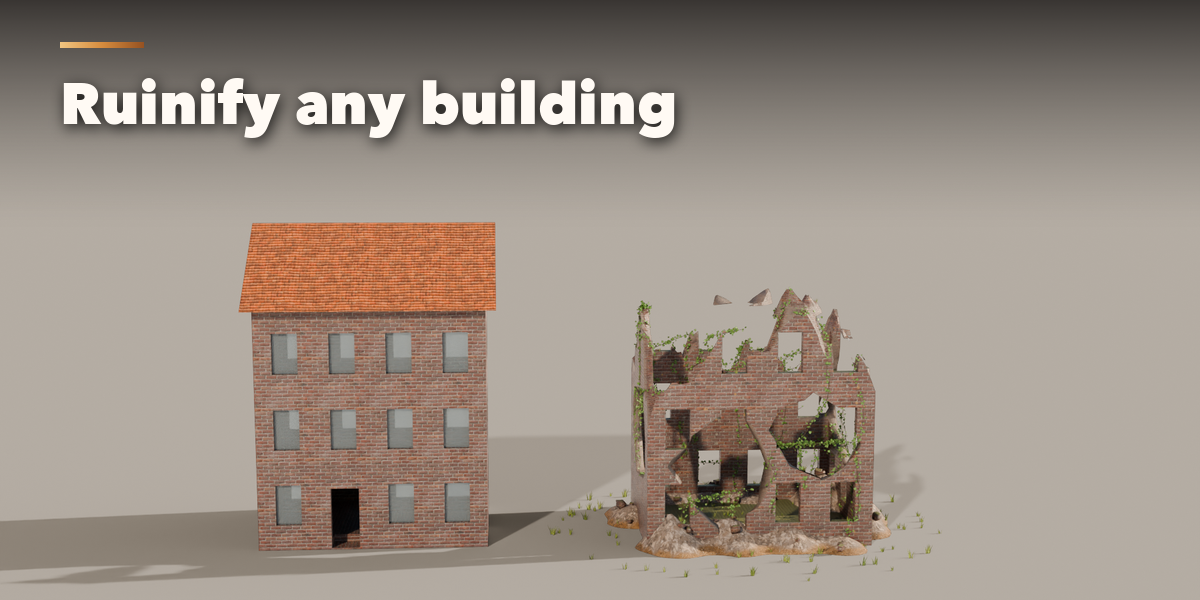
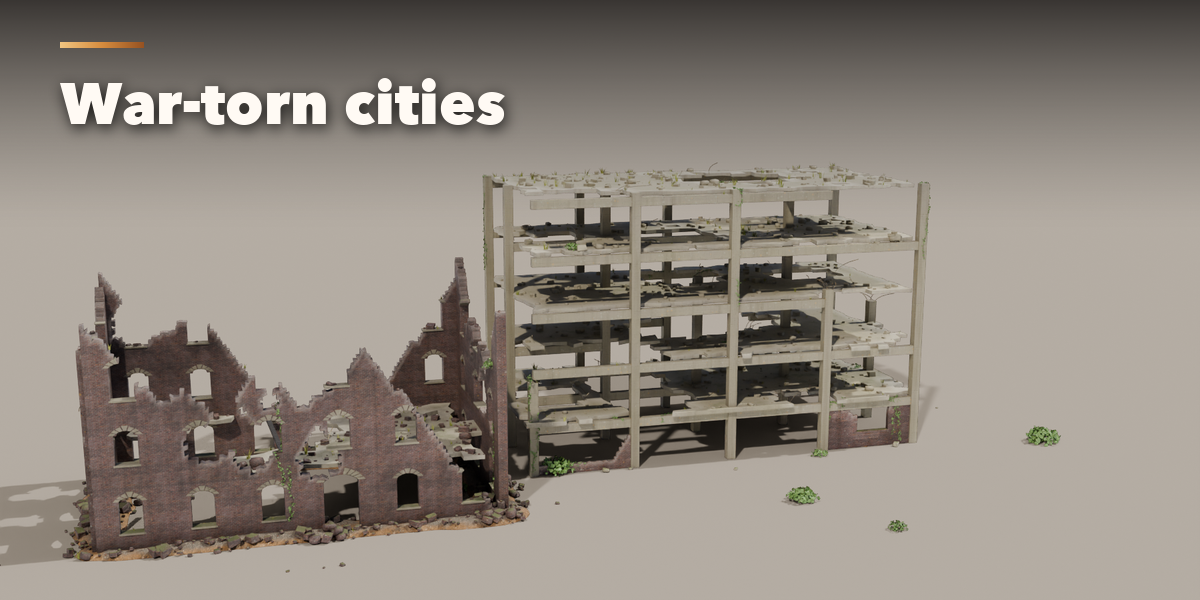
Ruinify a building
- Select your building (any mesh) and open the Ruins tab in the 3D viewport sidebar (N).
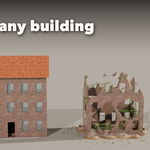
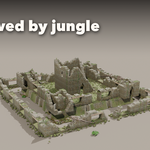
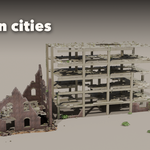
- Press Ruinify. The top breaks, holes open, the glass goes and rubble, moss and ivy appear.
- Change Decay, Holes, Rubble, Moss, Ivy and Grass, or press New Collapse for another seed. Everything updates live.
- Apply bakes the ruin into the mesh (rubble and plants stay as separate objects); Remove gives the original building back.
Build a ruin
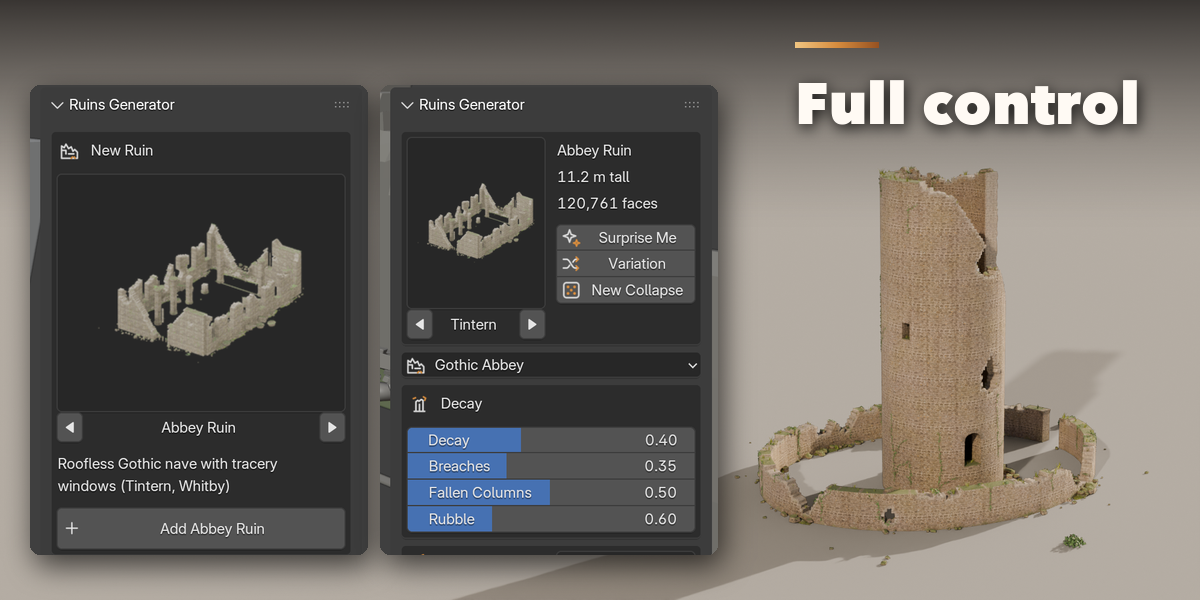
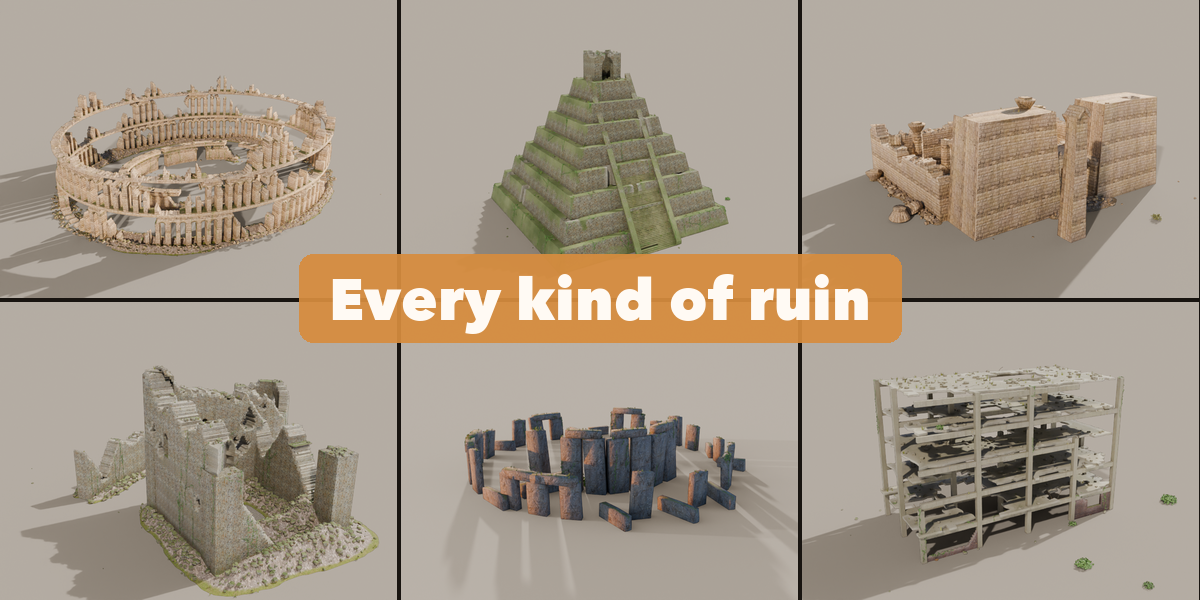
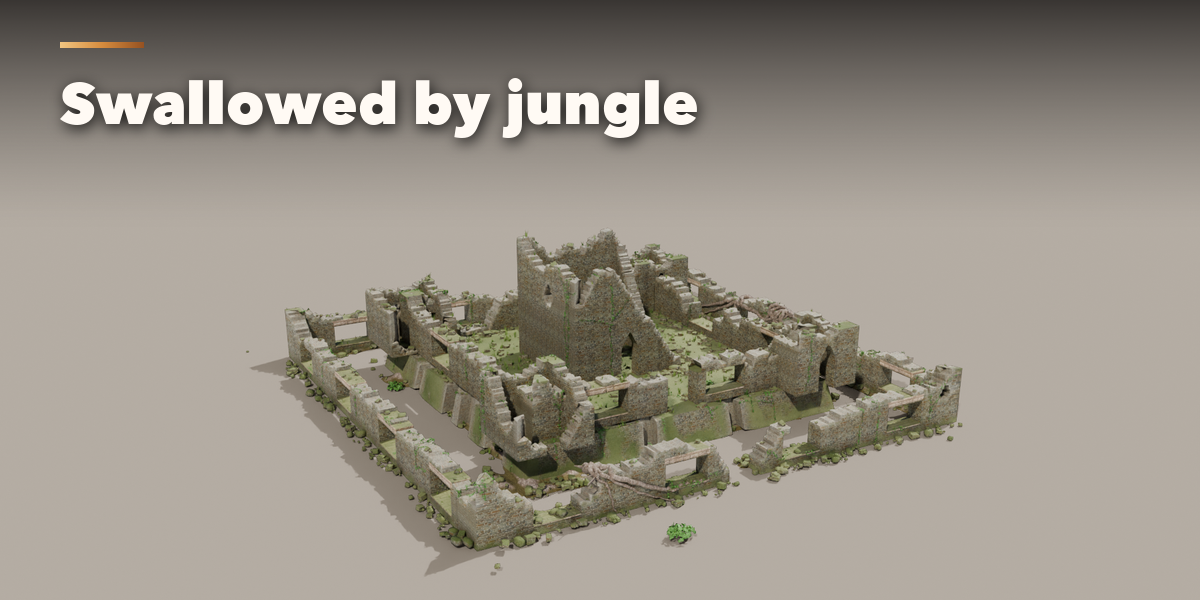
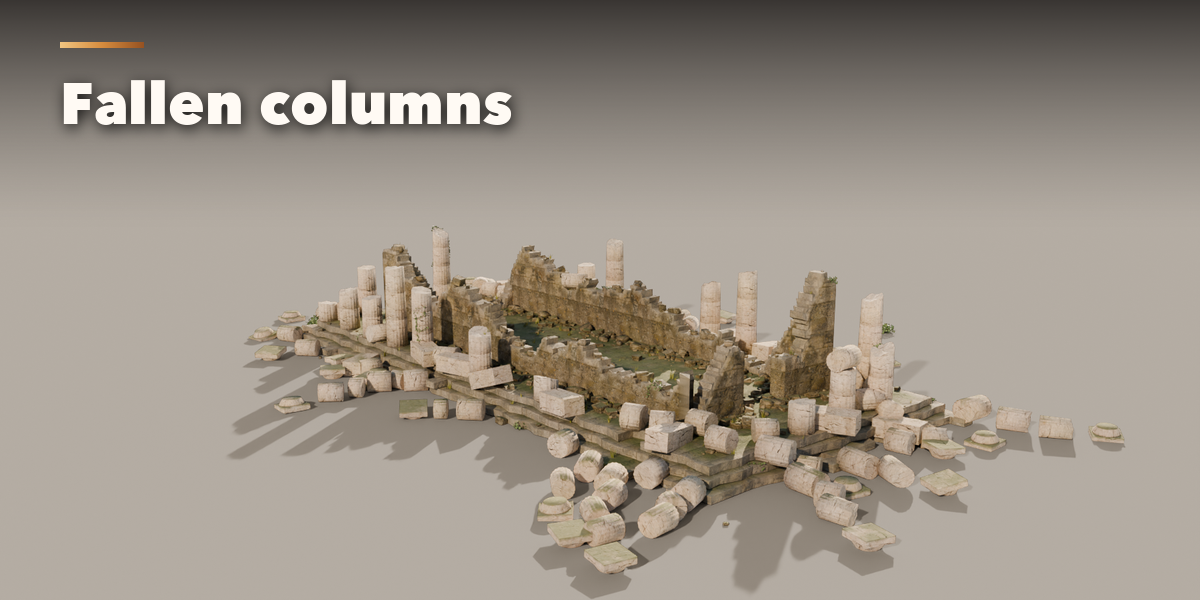
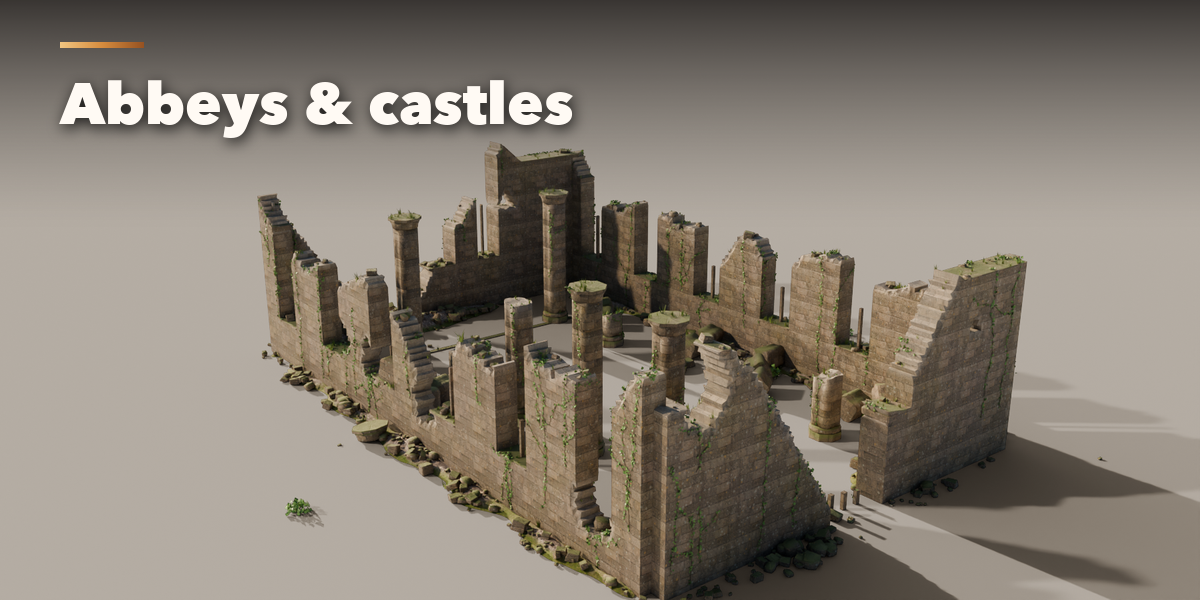
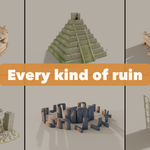
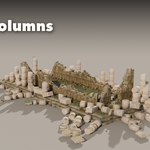
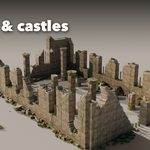
- With nothing selected, click the big picture in the Ruins tab to browse the 31 ruins, then press Add. You can also use Shift+A, Mesh, Ruins.
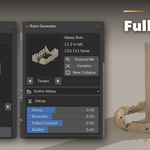
- With a ruin selected, its card shows the picture (click it to switch to another ruin), the height and the face count, plus Surprise Me, Variation and New Collapse.
- Decay and Nature hold the main sliders; Shape, More Damage, More Plants, Ground and Finish hold the rest (size, height, columns, arch style, block size, climate, roots, vines, stone and trim materials, tint and grime).
- Convert to Mesh turns the ruin into plain meshes for export; Delete removes it with all its parts.
All sizes are in meters. Use the Low detail level for distant views and games, High for close-ups.
Have questions about this product?
Login to message
| Blender Extension Compatible | Yes |
| Published | 3 days ago |
| Blender Version | 4.2 - 5.2 |
| Extension Type | Add-on |
| Render Engine Used | Cycles, Eevee |
| License | GPL |

Discover more products like this
ruinify ancient ivy destruction procedural environment ruins temple ruin-generator Rubble Castle overgrown