Rustfang Handmade Hunter's Blade AAA Game Ready 3D Asset & Full Tutorial
 reyhane_3d
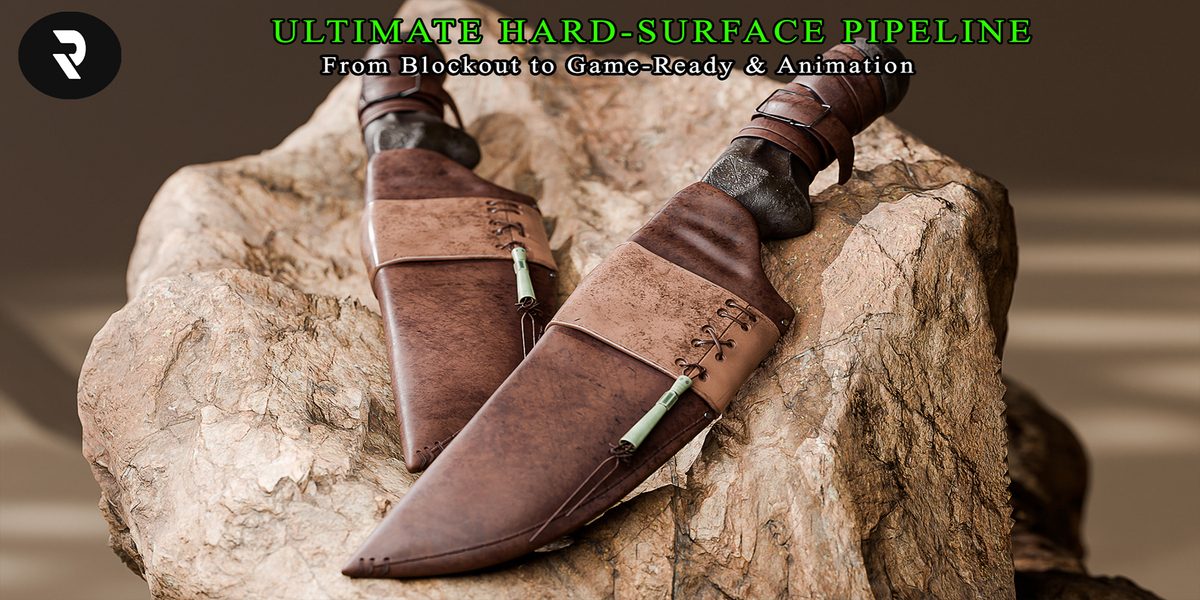
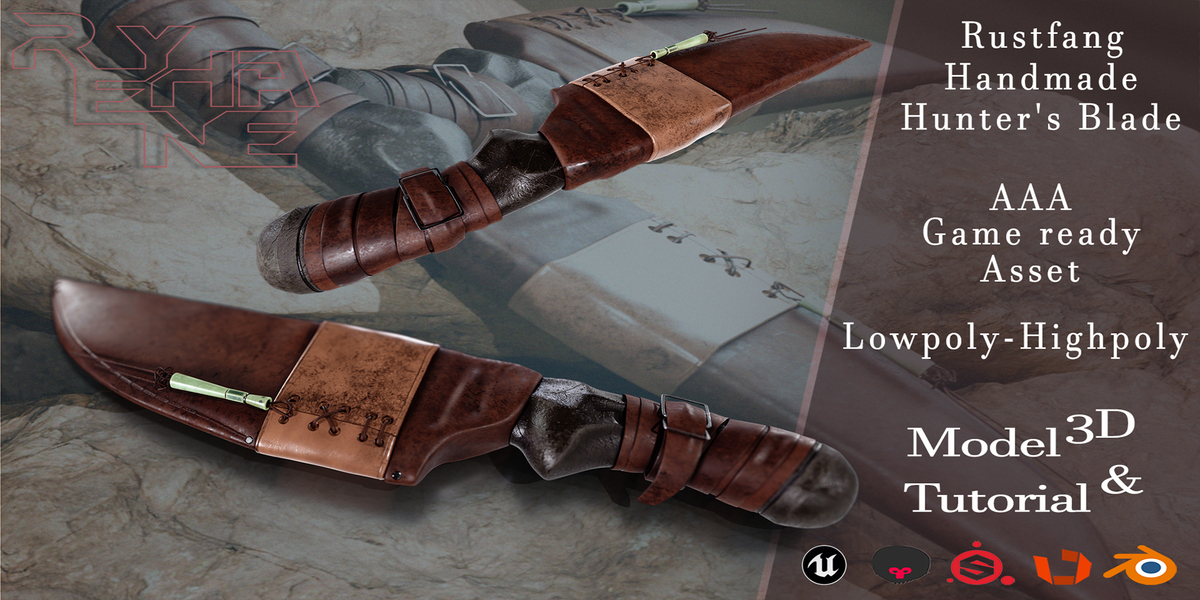
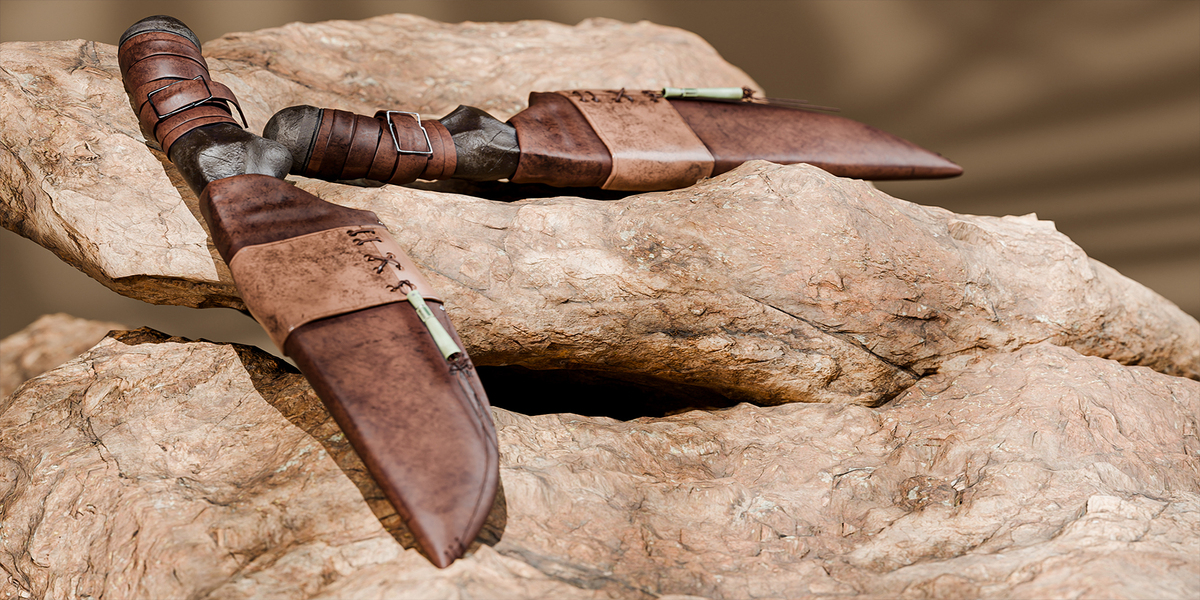
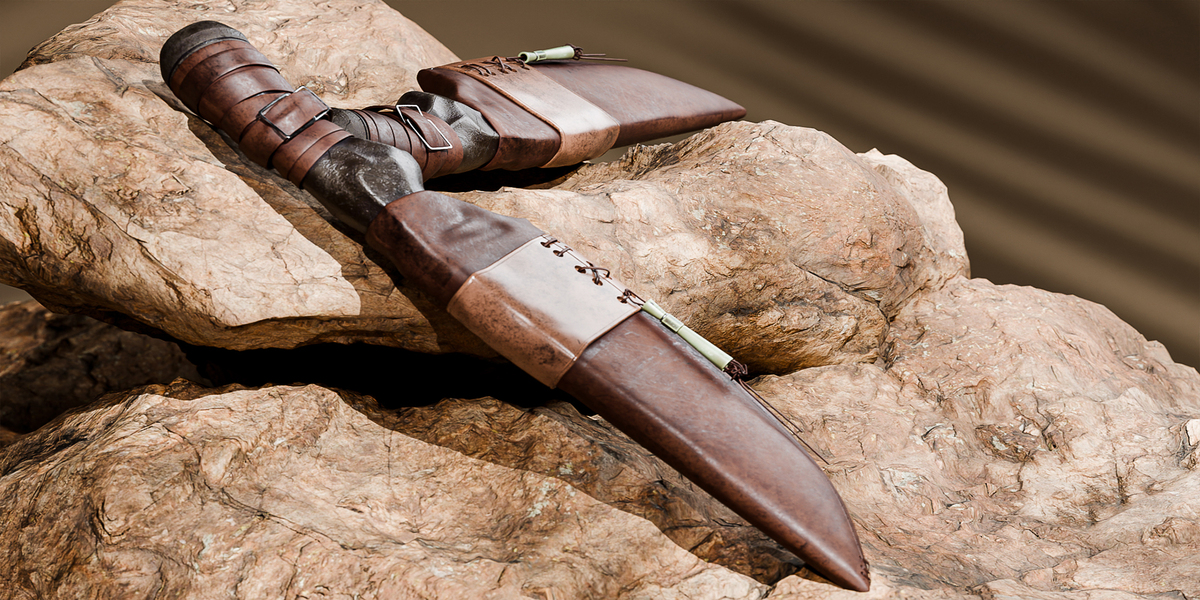
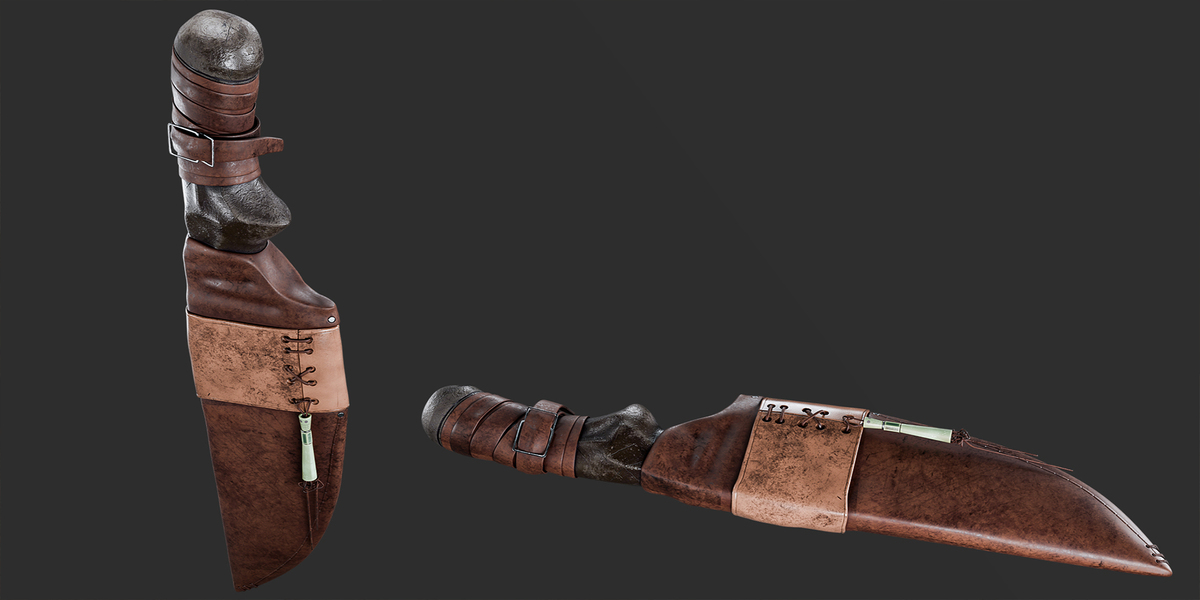
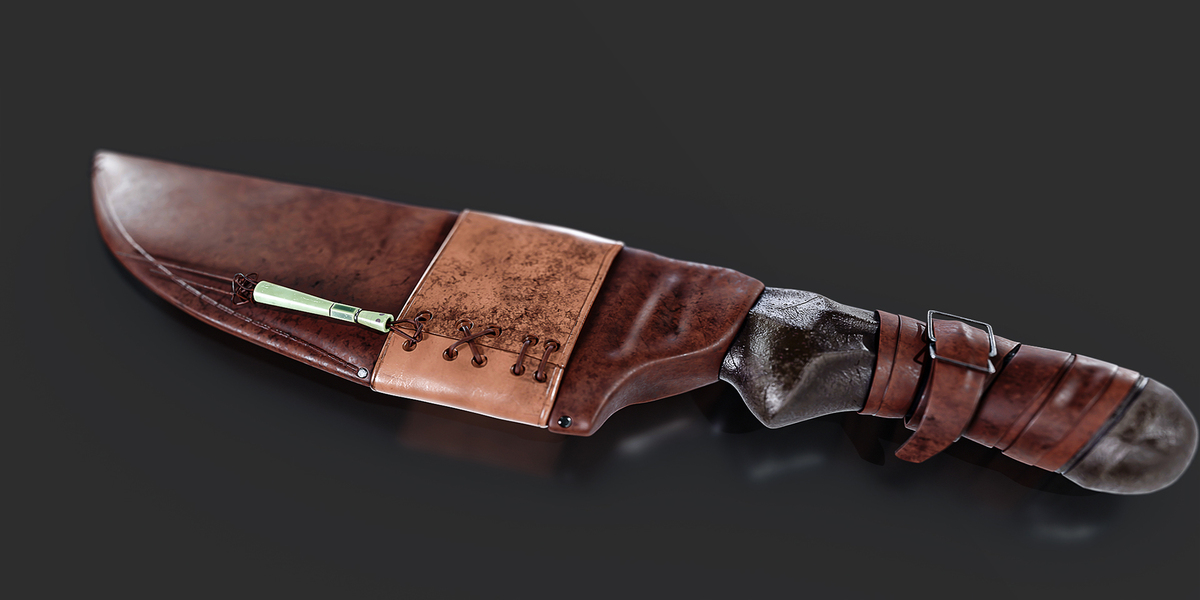
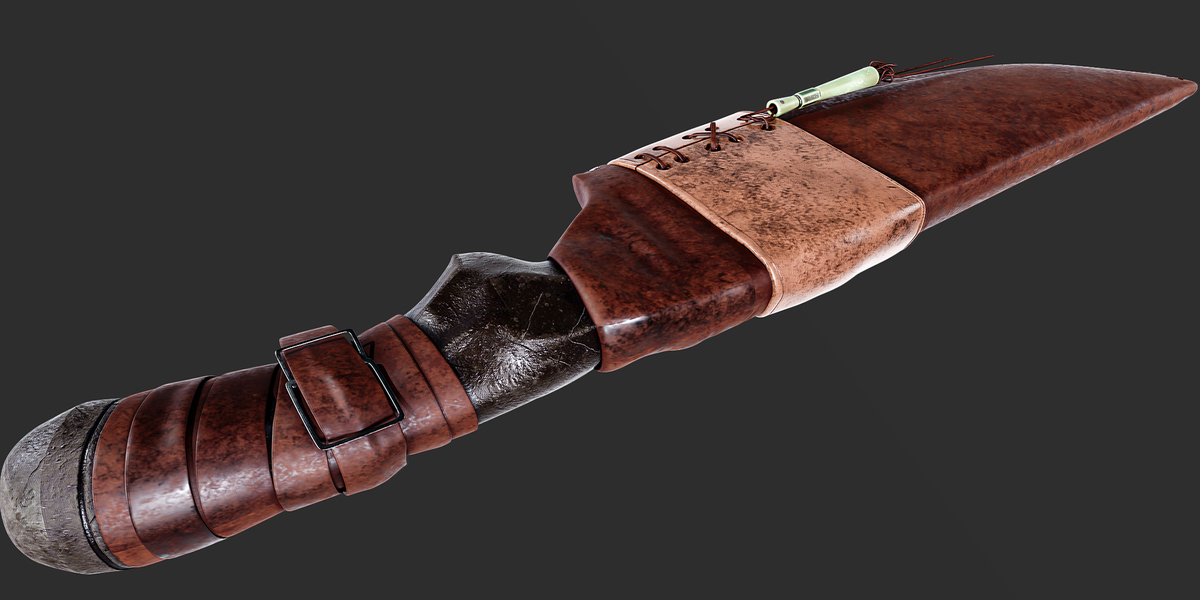
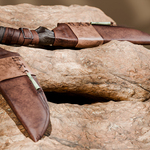
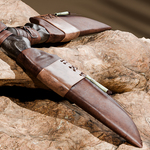
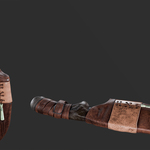
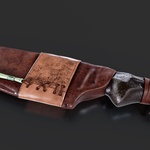
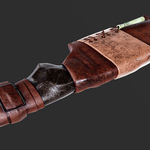
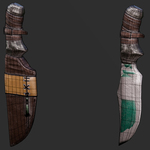
Rustfang – Handmade Hunter's Blade
Product Documentation & User Guide
AAA Game-Ready 3D Asset + Complete 7+ Hour Workflow Tutorial
Created by Reyhane3D
Thank you for choosing Rustfang – Handmade Hunter's Blade, a detailed collection of two handcrafted fantasy hunting knives with protective leather sheaths.
Designed for fantasy RPGs, survival games, medieval-inspired environments, and cinematic productions, Rustfang combines realistic leather and metal materials with optimized game-ready geometry.
This documentation covers package contents, technical specifications, installation, material setup, software compatibility, and the complete production tutorial.
1. Technical Specifications
| Property | Details |
|---|---|
| Asset Name | Rustfang – Handmade Hunter's Blade |
| Asset Type | Fantasy Hunting Knives / Game Props |
| High-Poly Geometry | 1,804,464 Triangles |
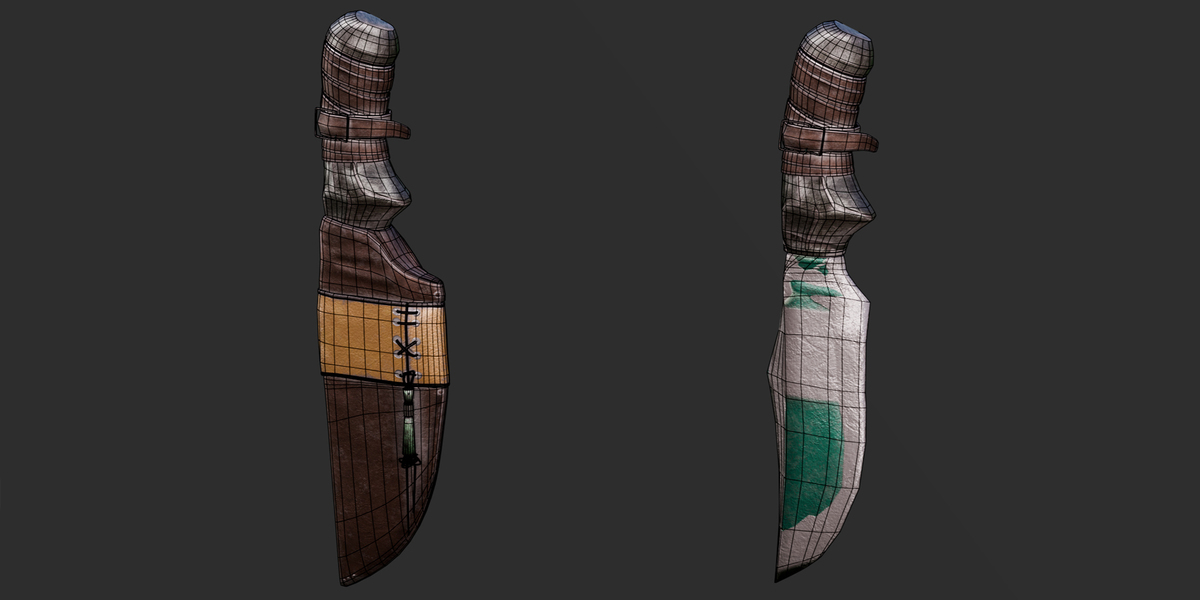
| Low-Poly Geometry | 19,095 Triangles |
| Texture Resolution | 4096 × 4096 (4K) |
| PBR Workflow | Metallic / Roughness |
| UV Mapping | UV Unwrapped |
| Model Formats | BLEND, FBX, OBJ |
| Engine Testing | Unreal Engine 5 |
| Tutorial Duration | 7+ Hours |
| Tutorial Format | Silent, Multi-Part Screen Recordings |
| Tutorial Audio | None |
2. Package Contents
Detailed High-Poly Models
Original high-resolution source geometry
Detailed knife blades, handles, leather sheaths, and accessories
Suitable for close-up rendering, customization, and further baking
Optimized Low-Poly Game Assets
19,095-triangle geometry
UV-mapped and textured models
Suitable for compatible real-time game projects
FBX and OBJ exports
4K PBR Texture Maps
Base Color
Roughness
Metallic
Normal
Ambient Occlusion
Editable Blender Project
Native
.blendproject filesEditable geometry and material setup
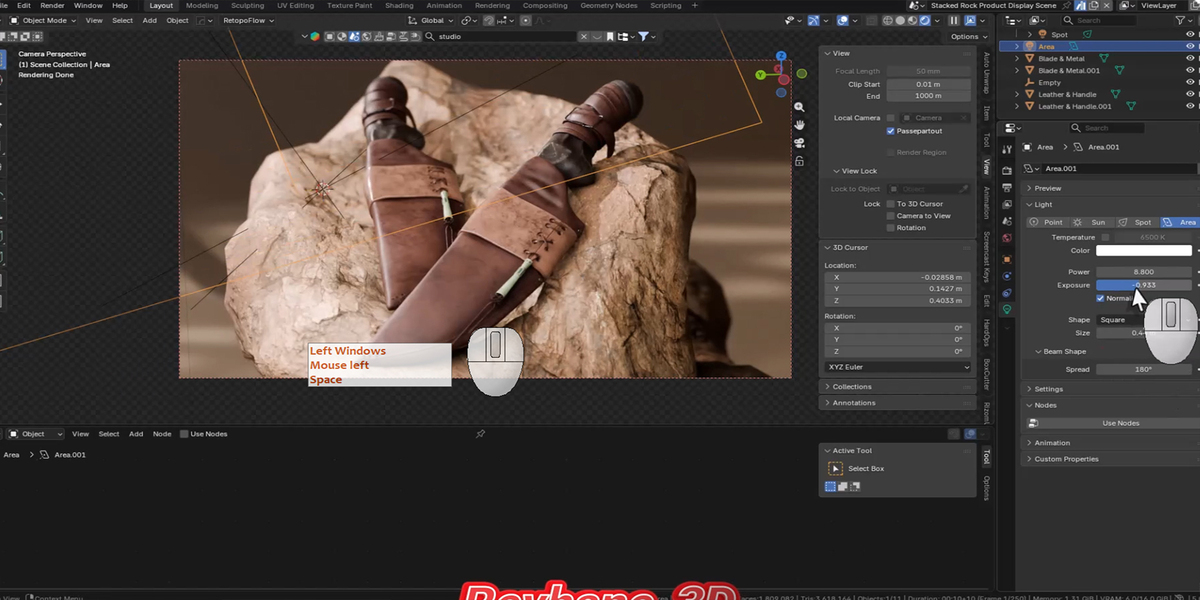
Rendering and presentation scene
Complete Workflow Tutorial
Over seven hours of production footage
Multi-part silent screen recordings
Visible mouse movements and click indicators
No narration, music, or other audio
3. Getting Started in Blender
Download and extract the complete product package.
Open the included
.blendproject in a compatible Blender version.Locate the required high-poly or low-poly assets.
Review the geometry, material assignments, and texture connections.
Relink any missing texture paths if necessary.
Adjust lighting and camera settings for your scene.
Recommendation: Use the optimized low-poly models for real-time projects and the detailed high-poly source for close-up rendering or additional baking work.
4. Importing into Unreal Engine 5
Rustfang has been tested and presented in Unreal Engine 5.
Recommended Workflow:
Import the included low-poly FBX model into Unreal Engine.
Check object scale, orientation, and mesh placement.
Import the included PBR textures.
Create or configure a material using the supplied maps.
Verify normal-map orientation and shading.
Assign the materials to the imported mesh.
Test lighting and material appearance in your environment.
Texture channels and material setup may require adjustment depending on the target engine and project configuration.
5. PBR Material Setup
The provided textures use a Metallic/Roughness workflow.
Base Color: Defines the visible colors of the blades, handles, leather sheaths, and accessories.
Roughness: Controls the appearance of metallic reflections and leather surface roughness.
Metallic: Defines metallic and nonmetallic material response.
Normal: Adds high-poly surface details to the optimized low-poly geometry.
Ambient Occlusion: Adds contact and cavity shading information.
For Blender's Principled BSDF shader:
Use sRGB for Base Color.
Use Non-Color for Roughness, Metallic, Normal, and AO.
Connect the Normal texture through a Normal Map node.
Verify material settings after importing the asset.
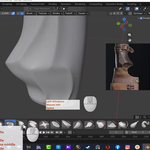
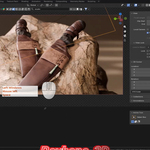
6. Complete 7+ Hour Production Tutorial
The included tutorials demonstrate Rustfang's development from initial modeling to final real-time presentation.
Covered Topics:
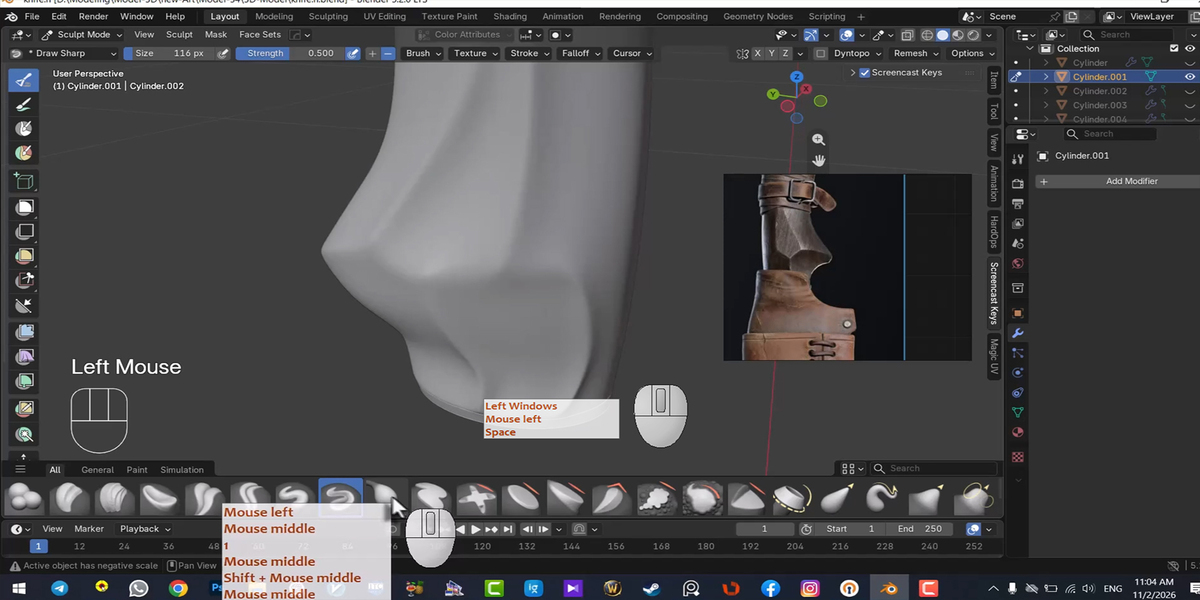
High-Poly Modeling in Blender
Knife Blade and Handle Construction
Leather Sheaths and Accessory Modeling
UV Unwrapping in RizomUV
PBR Texturing in Substance 3D Painter
Rendering in Marmoset Toolbag
Cinematic Rendering and Animation in Blender Cycles
Retopology and Low-Poly Optimization
Final UV Mapping and Texture Preparation
Wireframe Rendering in Blender
Unreal Engine 5 Import and Material Setup
Important Tutorial Information:
Total duration: 7+ hours
Format: Multi-part screen-recorded videos
Narration: None
Audio: None
Visible mouse movements and click indicators
The tutorial demonstrates the workflow visually without spoken instructions
7. Software Information
The following applications are used throughout the production workflow:
Blender
RizomUV
Adobe Substance 3D Painter
Marmoset Toolbag
Unreal Engine 5
Not every application listed above is necessary simply to use the exported FBX or OBJ models.
Additional software is relevant when following the corresponding stages of the tutorial.
8. Important Notes
Rustfang includes two handcrafted hunting knives with leather sheaths.
The listed 19,095-triangle count refers to the optimized low-poly asset geometry.
Material appearance may vary depending on the rendering engine.
The package includes demonstrations of cinematic animation, but a ready-to-use character rig is not guaranteed.
A complete Unreal Engine project file is not included unless explicitly provided in the downloads.
Game performance depends on the target platform and scene requirements.
Commercial use is subject to the selected product license.
9. Video Preview
Rustfang – Handmade Hunter's Blade | 3D Modeling Timelapse
Reyhane3D
Professional Hard-Surface 3D Assets for Games & Cinematics.
Have questions about this product?
Login to message
| Published | about 13 hours ago |
| Blender Version | 3.6 - 5.3 |
| Render Engine Used | Cycles |
| Misc Data | Uvs-Unwrapped, Low-High-Resolution, Normal-Mapped, Textured |
| License | Royalty Free |
Discover more products like this
pbr-textures weapon props Hunting Knife survival knife medieval weapon low poly hard surface 3d modeling tutorial game ready Leather Sheath blender Fantasy Dagger