 JB FX
JB FX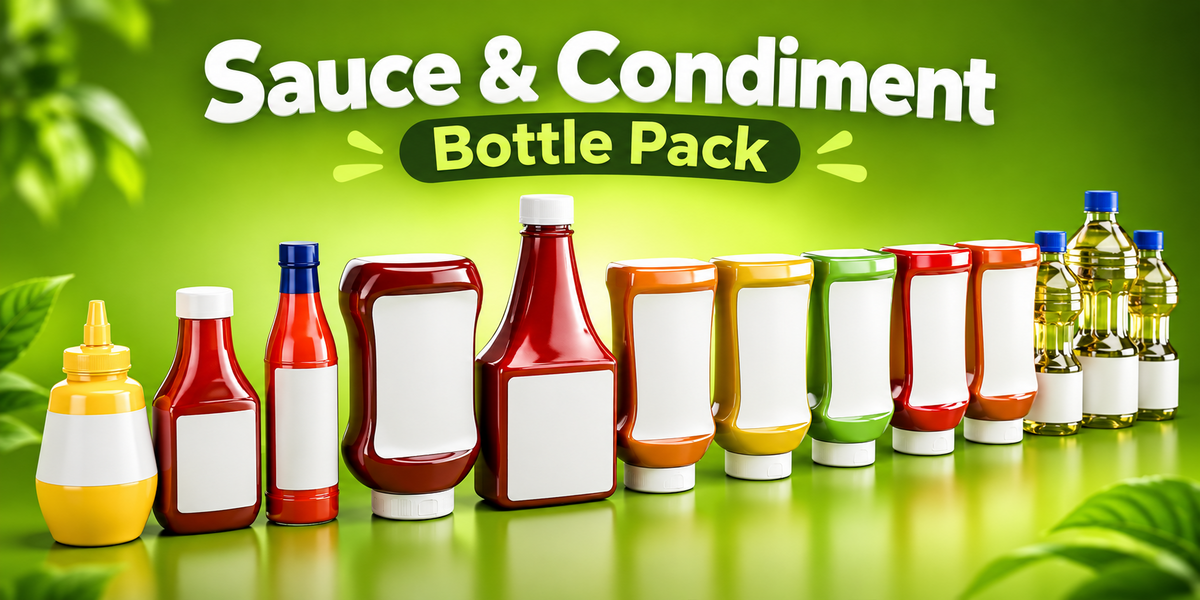
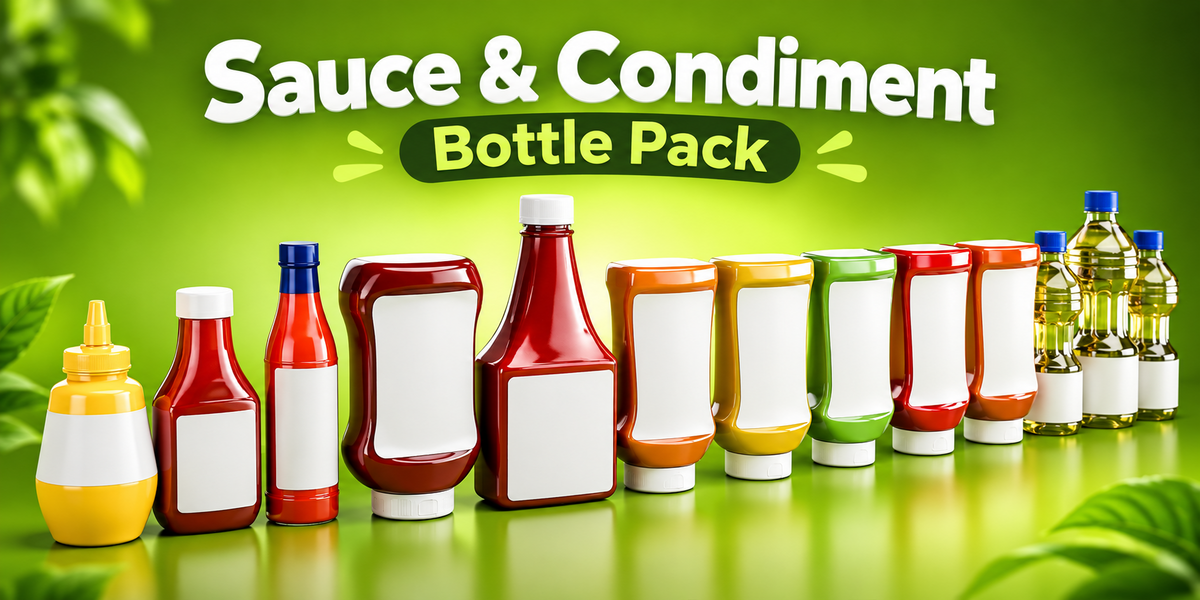
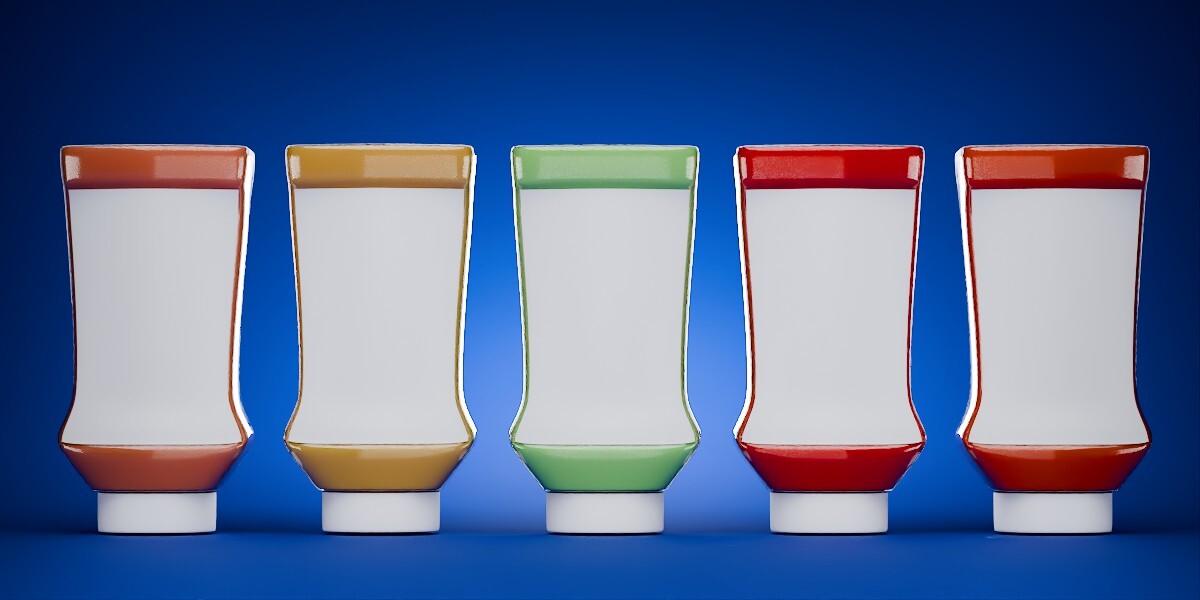
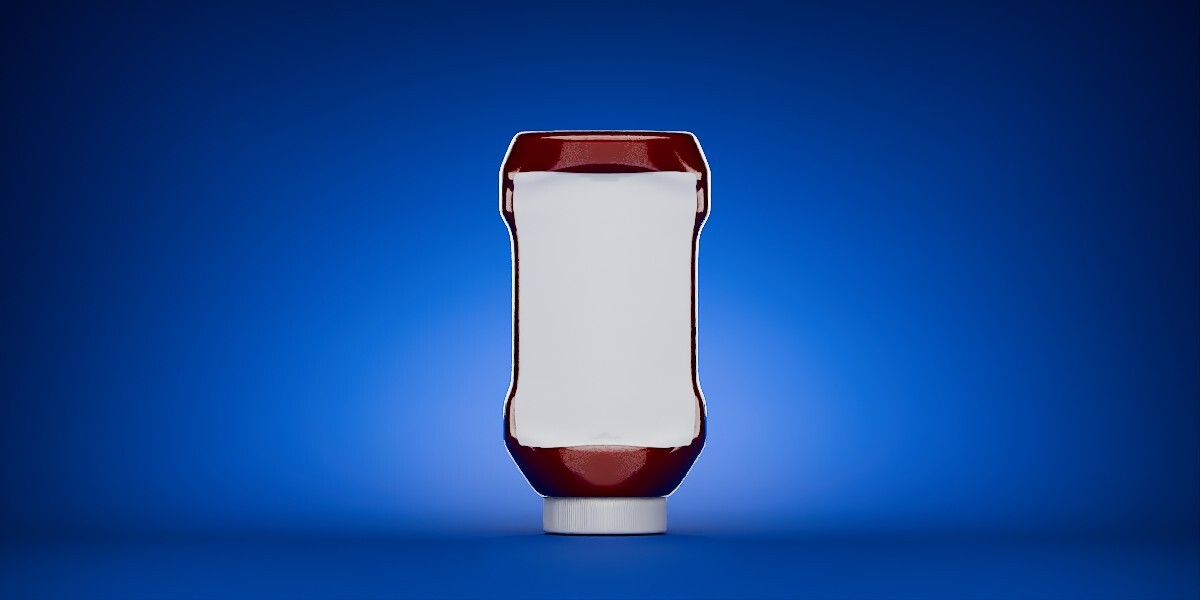
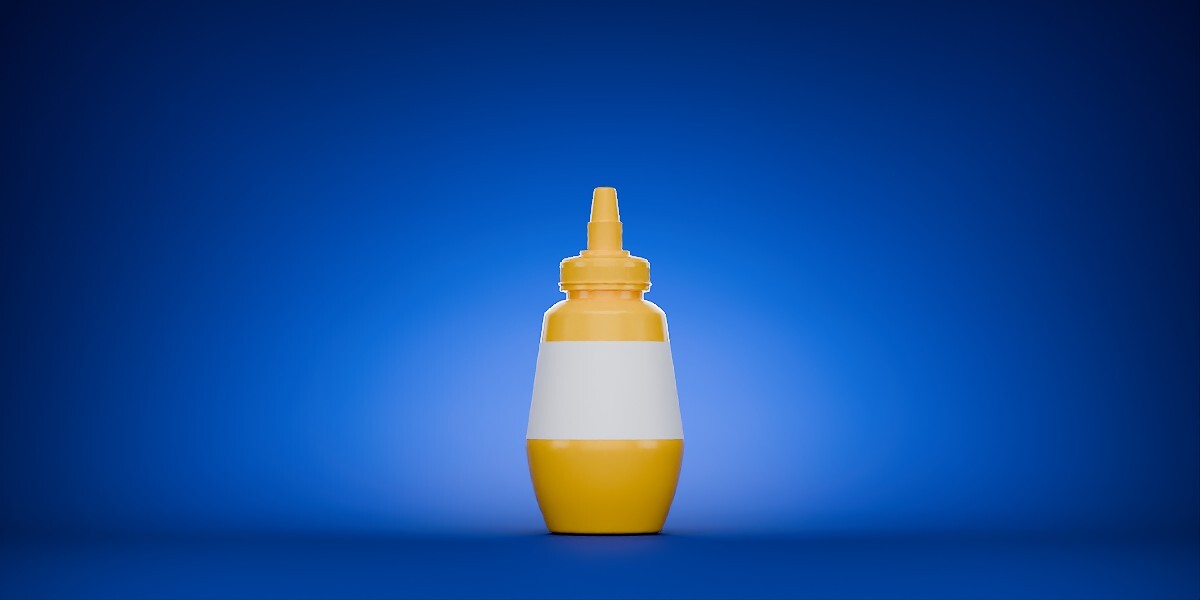
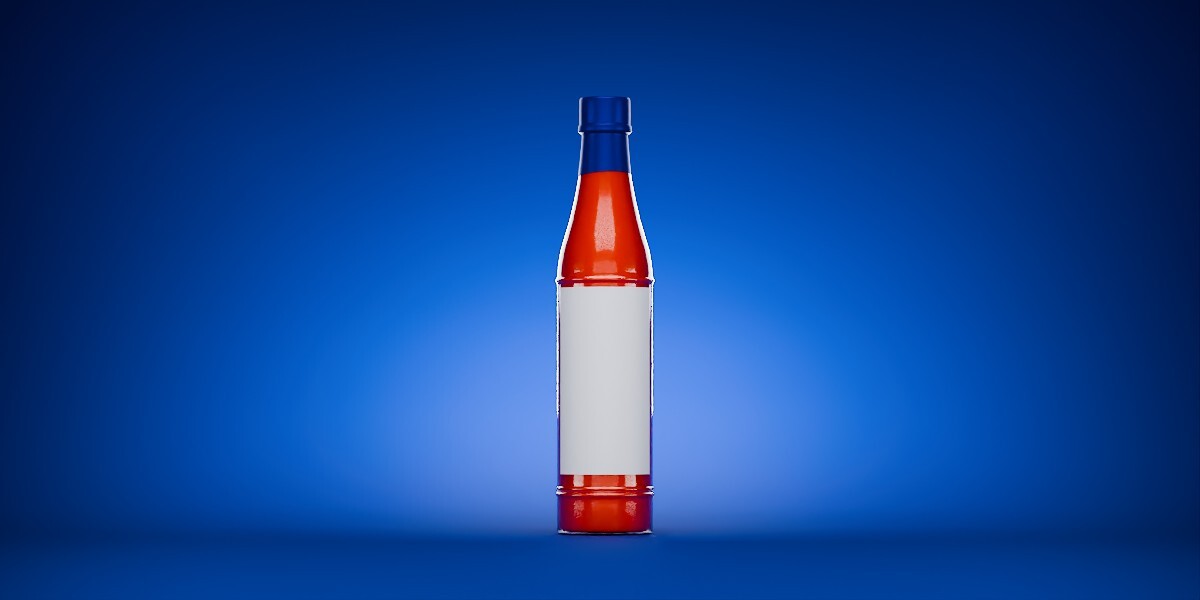
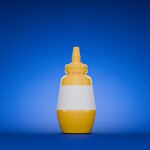
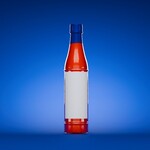
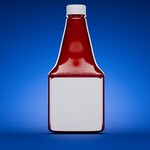
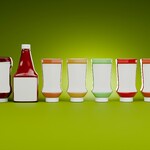
Sauce & Condiment Bottle Pack
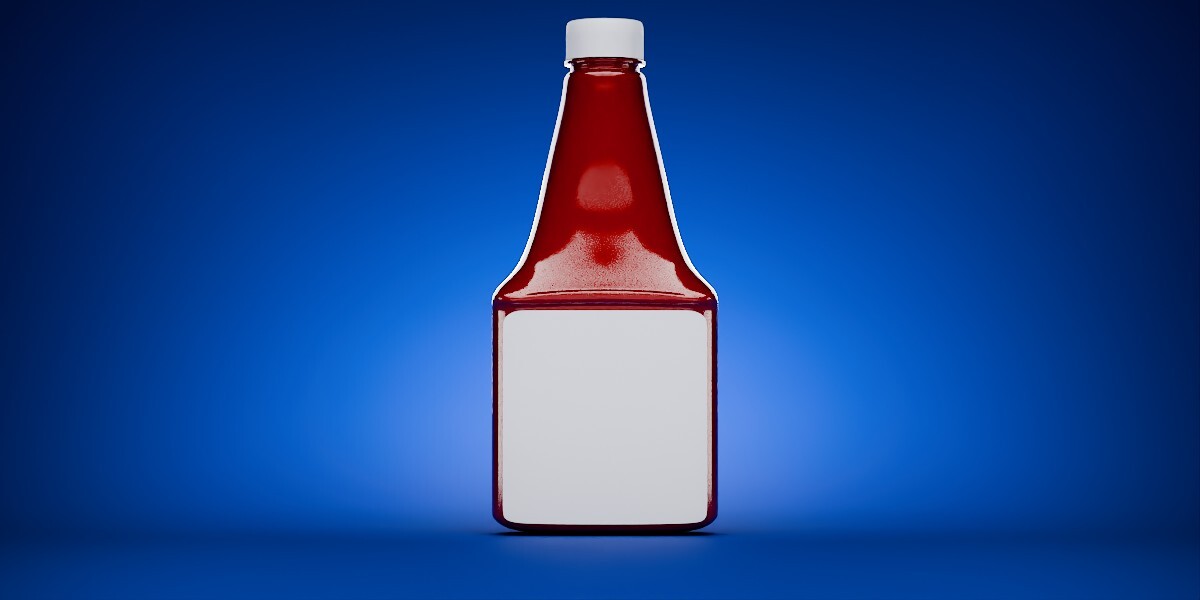
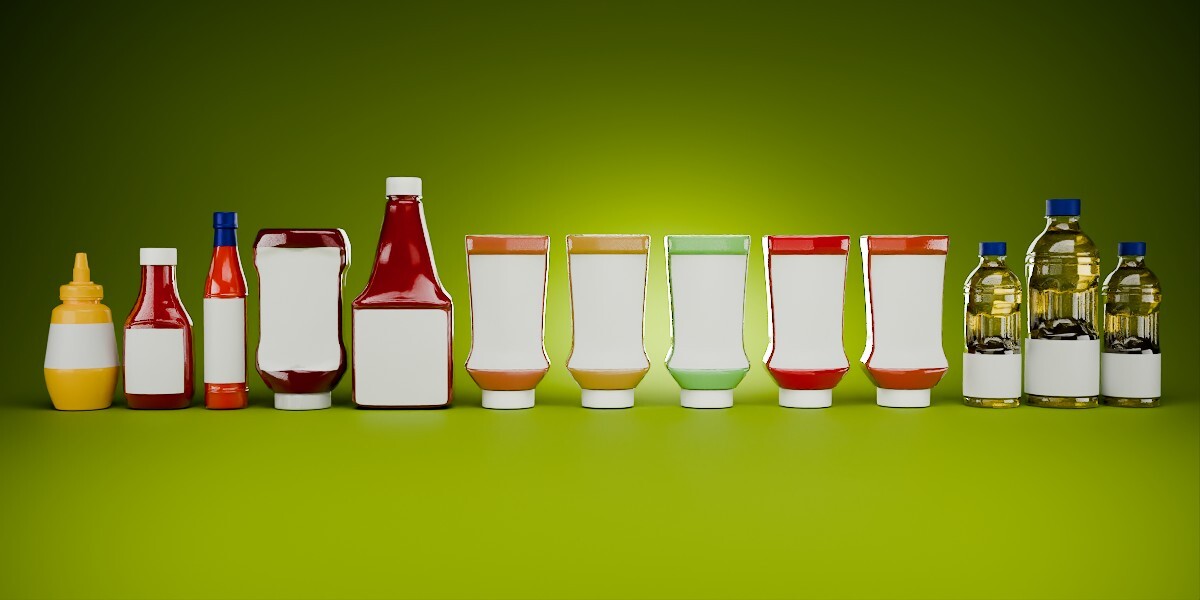
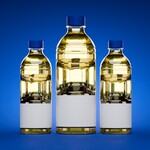
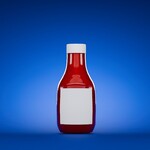
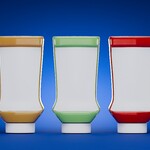
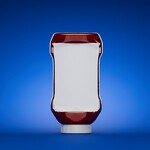
A collection of 13 reusable Blender bottle assets designed for product visualization, food advertising, packaging mockups, kitchens, supermarkets, restaurants and general environment dressing.
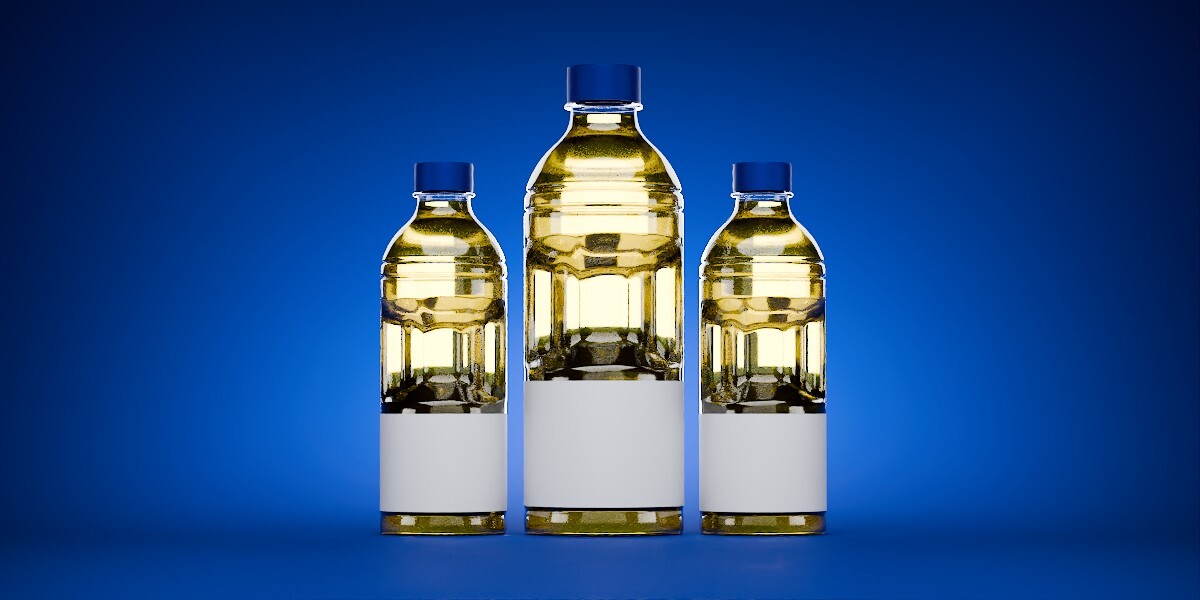
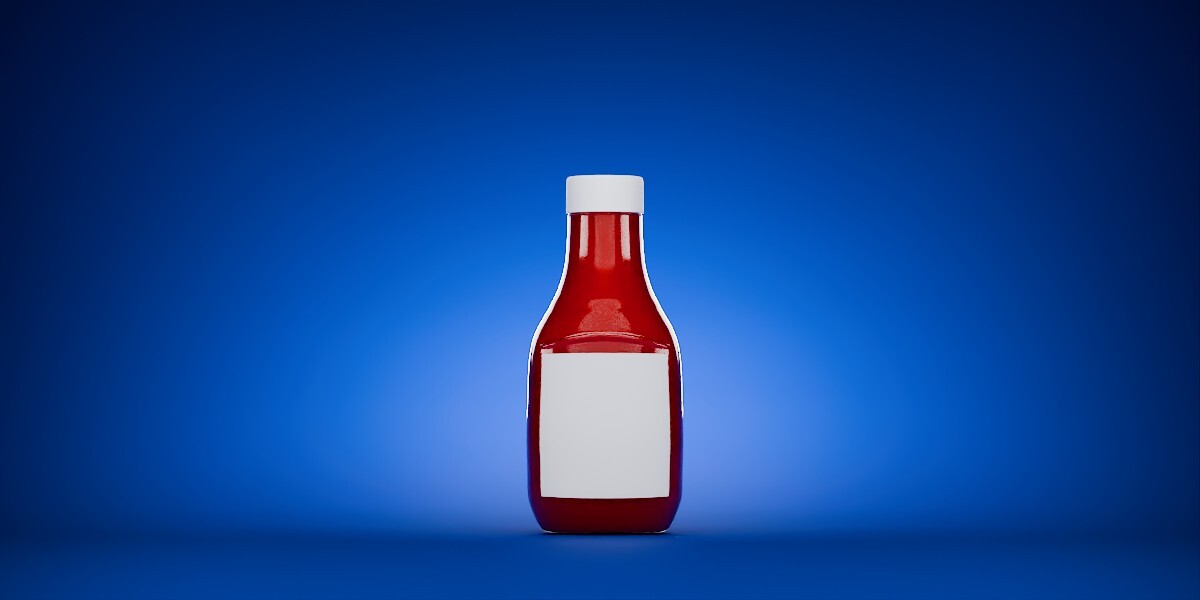
The models include sauce bottles, squeeze bottles, condiment containers and cooking-oil bottles with blank label areas ready for customization.
Installation
Using the Blender Asset Browser
If you install the pack as an Asset Library:
- Download and extract the supplied files.
- Open Blender.
- Go to Edit → Preferences → File Paths.
- Find Asset Libraries.
-
Click the
+button. -
Select the folder containing the supplied asset library
.blend. - Open the Asset Browser in Blender.
- Select the Sauce & Condiment Bottle library.
- Drag the bottle you want directly into your scene.
The individual models can then be positioned, duplicated and customized like normal Blender objects.
Using the Master Blender File
You can also open the supplied .blend file directly.
From another Blender project you can bring models in using:
File → Append
Navigate to the supplied .blend file and append the required bottle or collection.
What's Included
The collection contains 13 bottle models, including:
- Sauce bottles
- Ketchup-style bottles
- Hot sauce packaging
- Squeeze bottles
- Inverted condiment bottles
- Multiple bottle shapes and proportions
- Cooking-oil bottle variations
- Multiple container sizes
The different silhouettes are useful when building scenes where repeating the same bottle design would look unnatural.
Customizing the Labels
The models use simple blank label areas so they can easily be adapted to your own projects.
To customize a bottle:
- Select the label object or label material.
- Open the Shader Editor.
- Replace the existing label material or connect your own label image.
- Adjust the material and mapping as required.
You can use:
- Logos
- Product artwork
- Fictional brands
- Commercial packaging designs
- Different label colors
- Custom roughness or metallic properties
This allows the same bottle model to be reused across many different projects.
Changing Bottle or Sauce Colors
Select the appropriate material from the Material Properties panel.
You can adjust the Base Color to create different:
- Sauces
- Condiments
- Bottle plastics
- Caps
- Liquids
This makes it easy to create additional variations from the supplied models.
Scale
The assets are intended to work like ordinary Blender scene objects.
After adding an asset, you can freely:
- Move it
- Rotate it
- Scale it
- Duplicate it
- Modify its materials
- Add your own labels
For physically accurate scenes, check the dimensions against the particular product size you want to represent.
Materials
The models contain prepared materials for their respective bottle, liquid, cap and label components.
Materials can be edited through:
Material Properties
or:
Shader Editor
You are free to alter the materials to suit your render style.
Using the Models in Other Projects
The models are well suited for:
- Product commercials
- Product visualization
- Packaging presentations
- Supermarket shelves
- Kitchen scenes
- Restaurant environments
- Food advertisements
- Motion graphics
- Background props
- Brand concept presentations
Because the packaging is generic, the models can be adapted to many different fictional or real-world product designs.
Recommended Workflow
For product visualization:
Choose Bottle → Drag Into Scene → Replace Label → Adjust Materials → Light → Render
You don't need to rebuild the packaging every time you create a new product concept.
Have questions about this product?
Login to message
Includes an Asset Library
7 drag-and-drop assets for Blender’s Asset Browser.
Browse included assets| Published | 2 months ago |
| Blender Version | 4.2 - 5.2 |
| Render Engine Used | Cycles, Eevee |
| License | Royalty Free |

Discover more products like this
packaging kitchen Product packaging cooking oils bottles sauce ketchup 3d product visualization 3d-food-asset 3d bottles pack