Save Render Presets Add-On
 GhostVertex
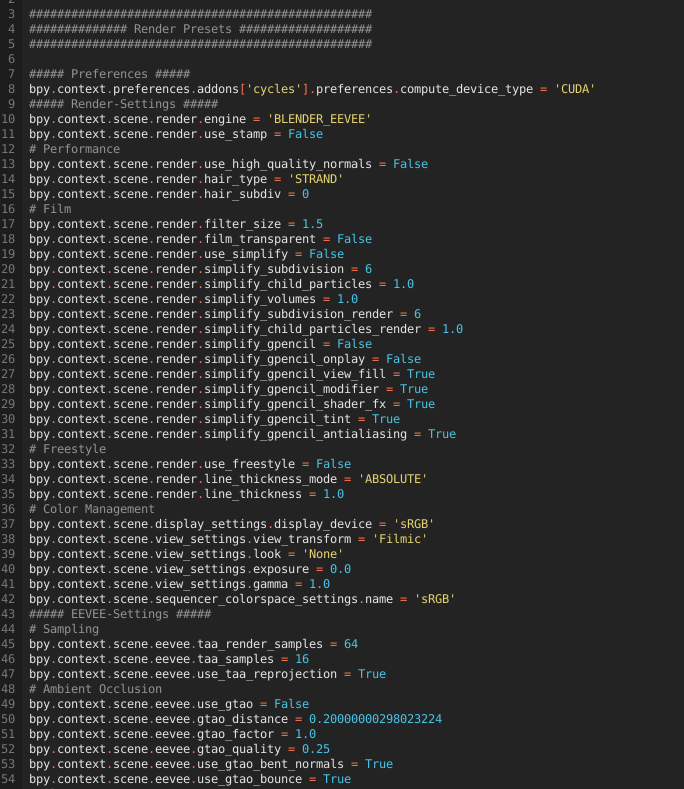
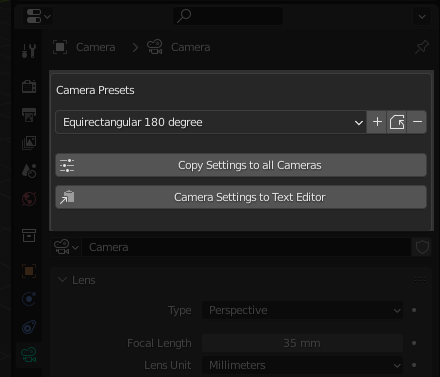
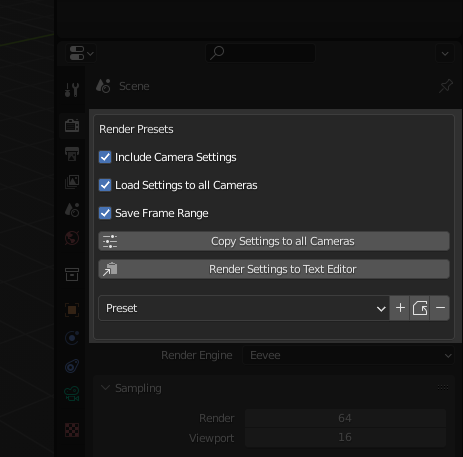
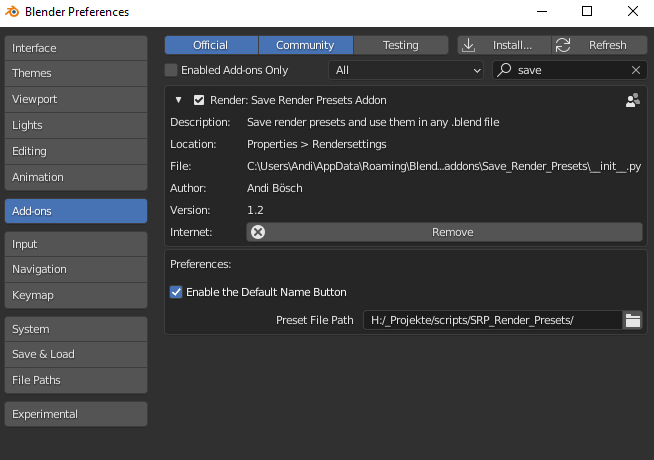
You can find the old presets here:
Linux~/.config/blender/2.81/scripts/presets/
Mac/Users/{user}/Library/Application/Support/Blender/2.81/scripts/presets/
Windows C:\Users\\AppData\Roaming\Blender Foundation\Blender\2.93\scripts\presets
Because the user can now enter a path himself, this problem is now a thing of the past.
And yes: the old presets are compatible. Note that some settings are not available in all blender versions. For example, blender 3.0 has different Cycles samples settings than blender 2.93. Logically, blender 3.0 cannot save the samples settings for 2.93 because they are not available.
The “Copy Render Settings” Add-on is only to copy settings between scenes and you need to checkmark, what settings you want to copy.
“Save Render Presets” makes your render presets available in every Blender file and it always saves all settings to avoid unwanted changes.
Yes,
you can. It's just important that the path you entered in the Save
Render Presets add-on settings is the same in all blender versions.
Also note that some settings are not available in all blender
versions. For example, blender 3.0 has different Cycles samples
settings than blender 2.93. Logically, blender 3.0 cannot save the
samples settings for 2.93 because they are not available.
-
$12.90
Thanks to you I can continue with programming, and my motivation increases a lot B-)
-
$18.90
For lovely people who want to give a little more :)
Have questions about this product?
Login to message
Discover more products like this
Render spring24 saverendersettings Cycles settings rendersettings preset bfcm23 save eevee summer23 presets spring23 loveblender